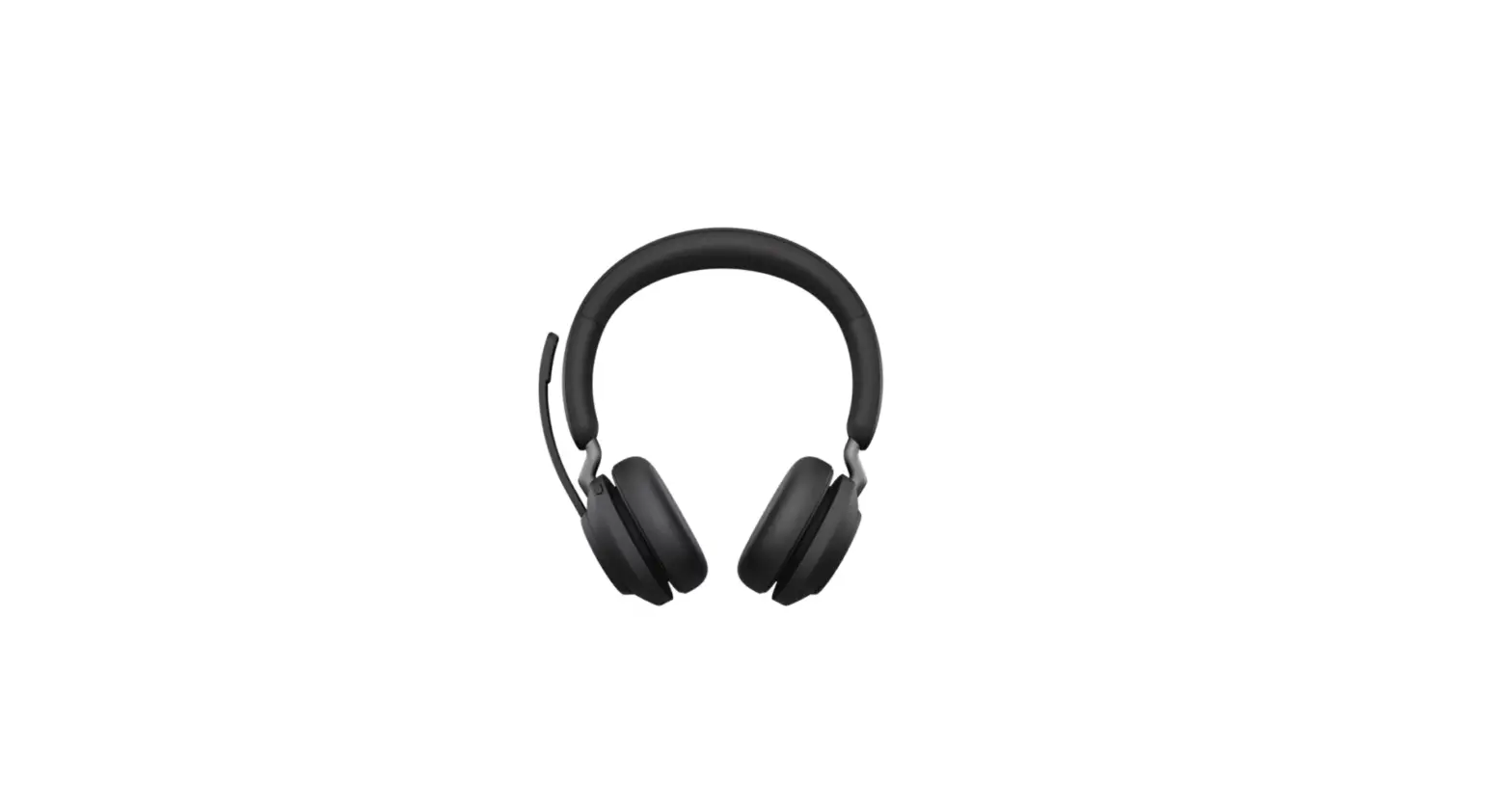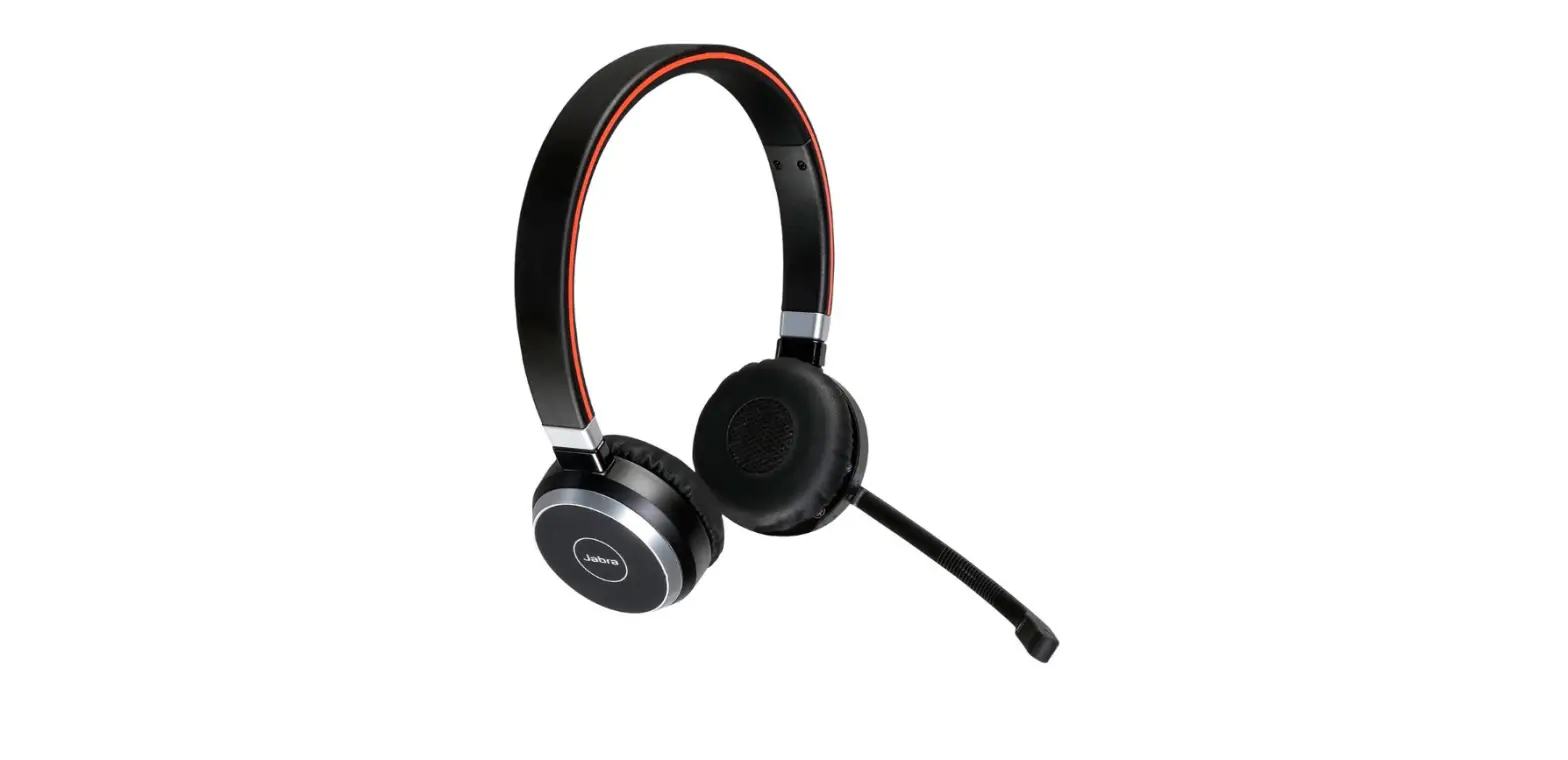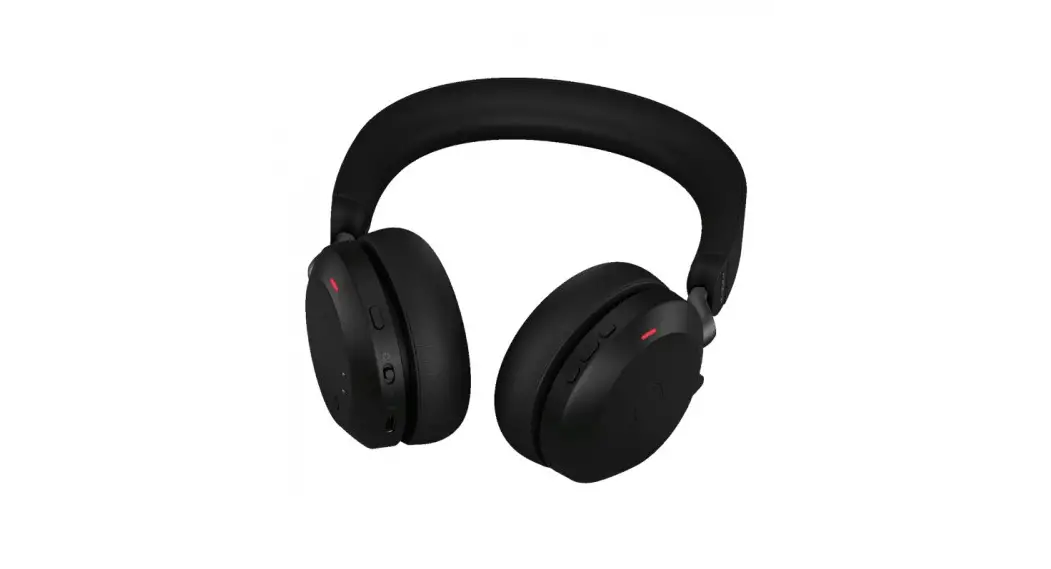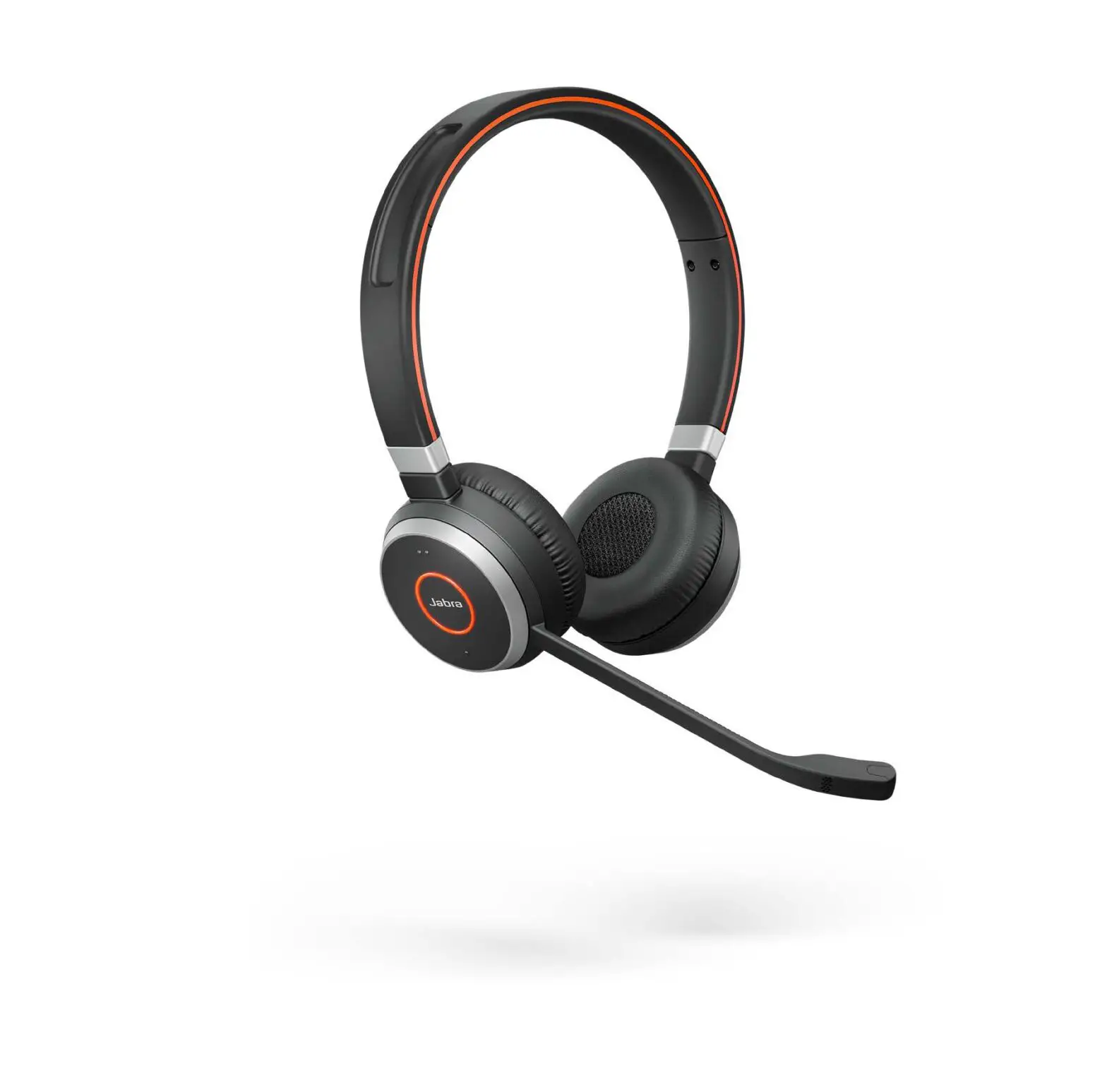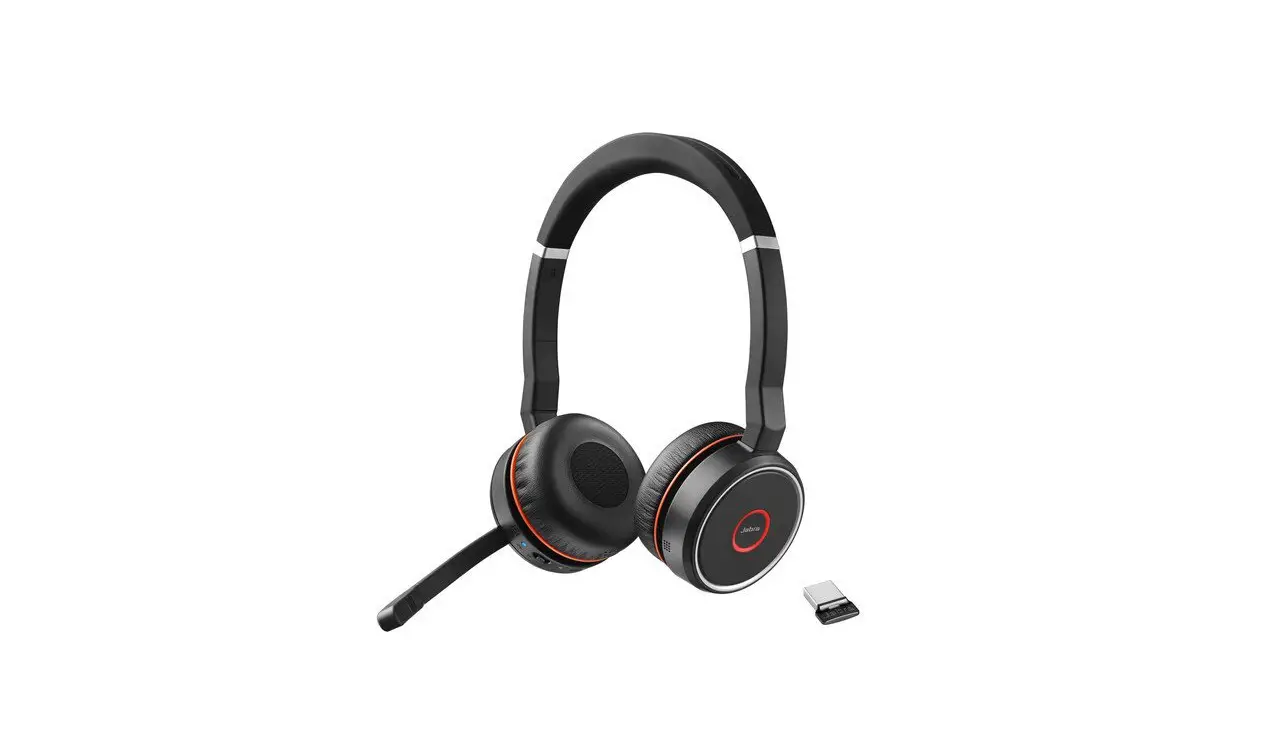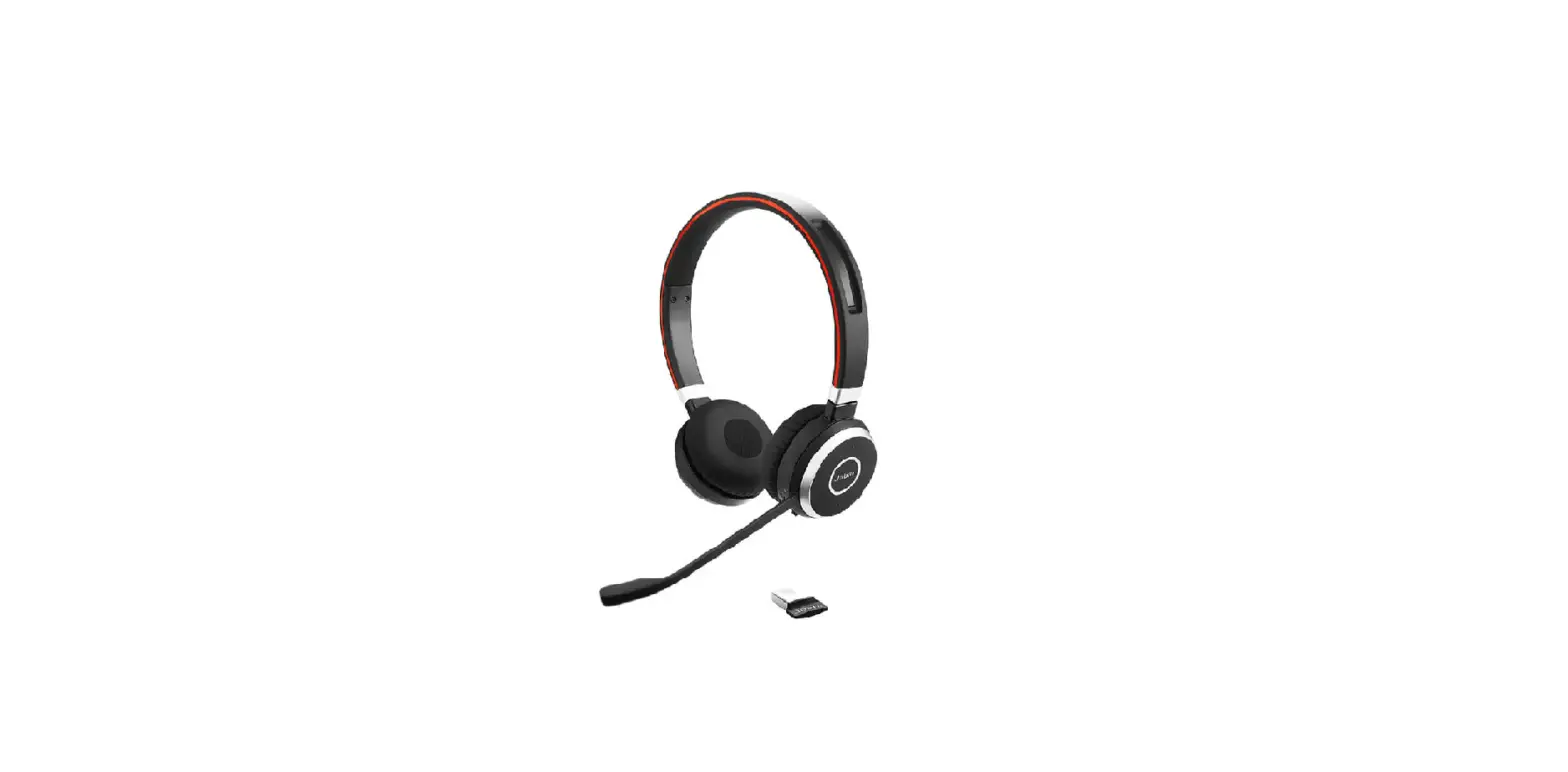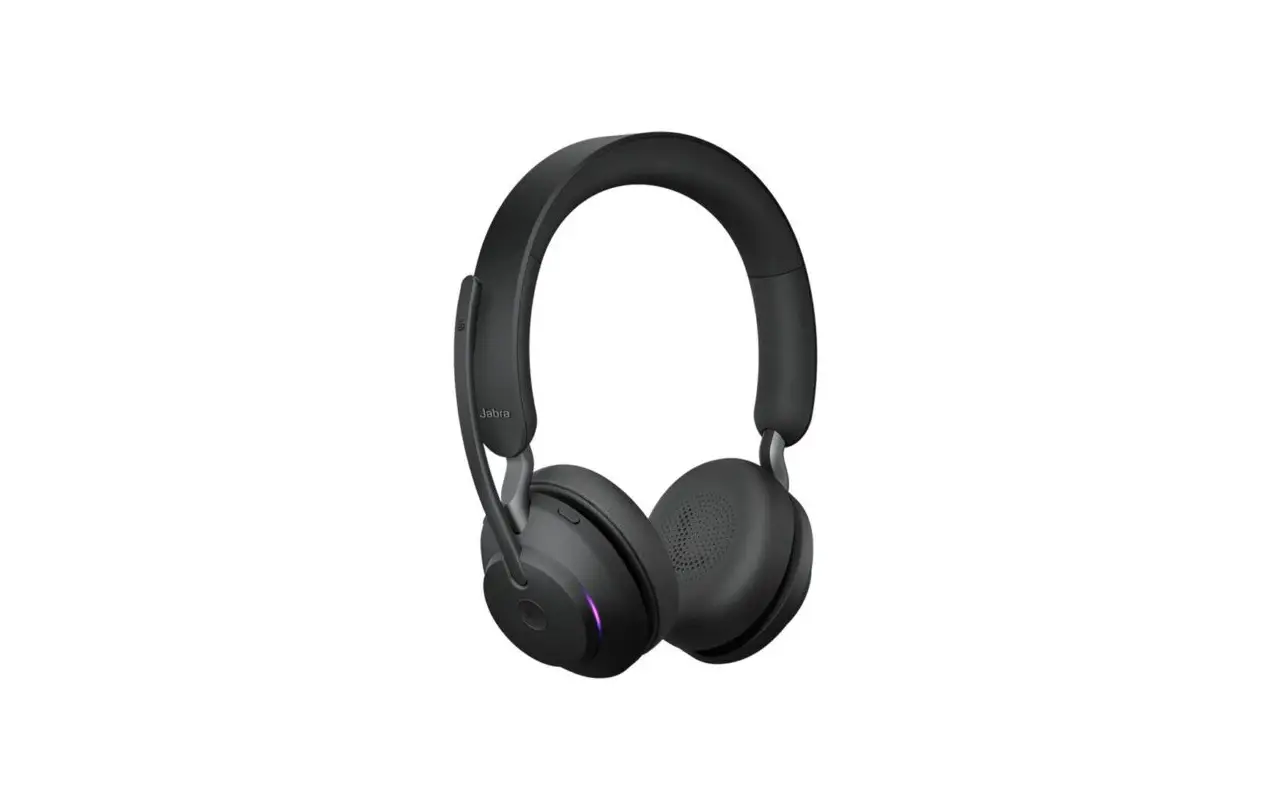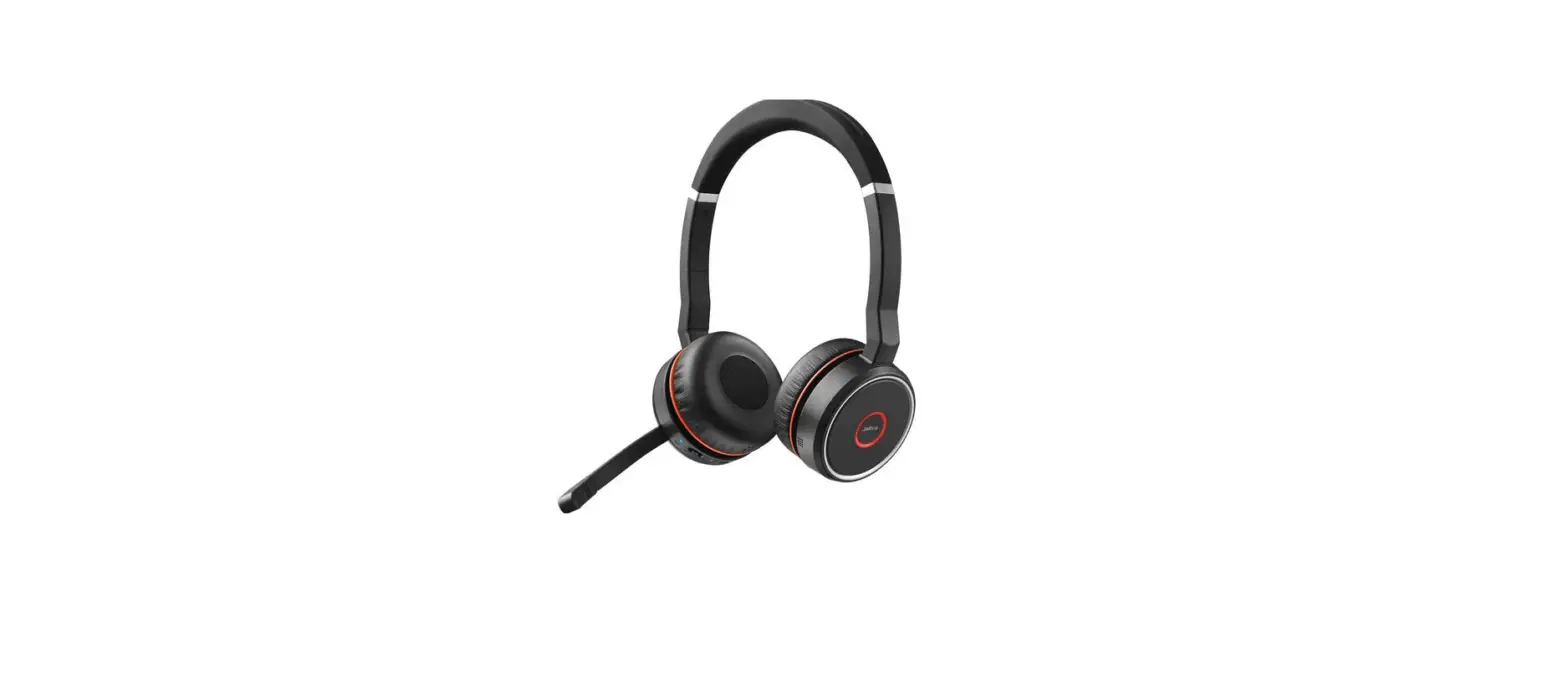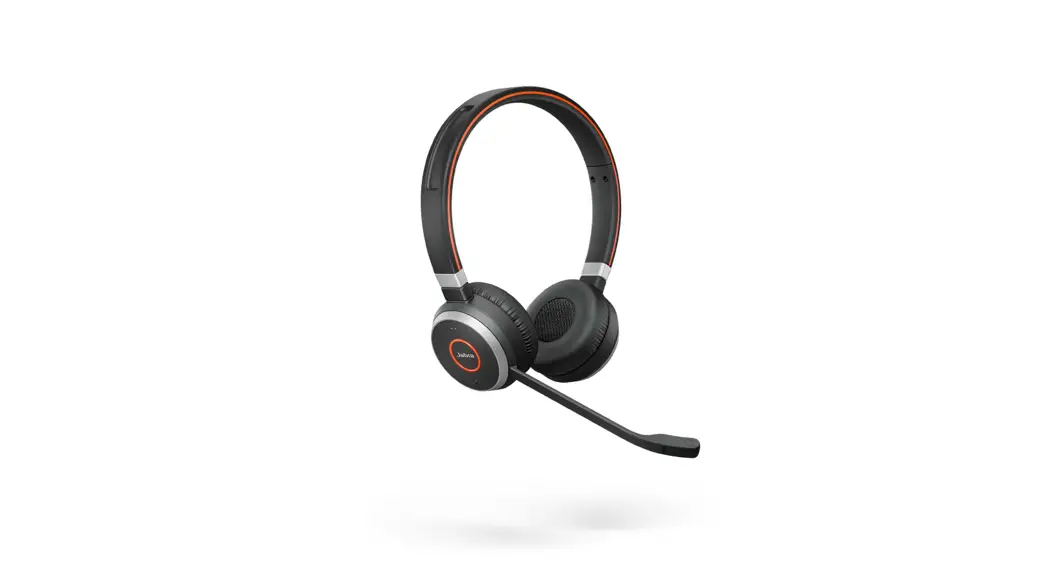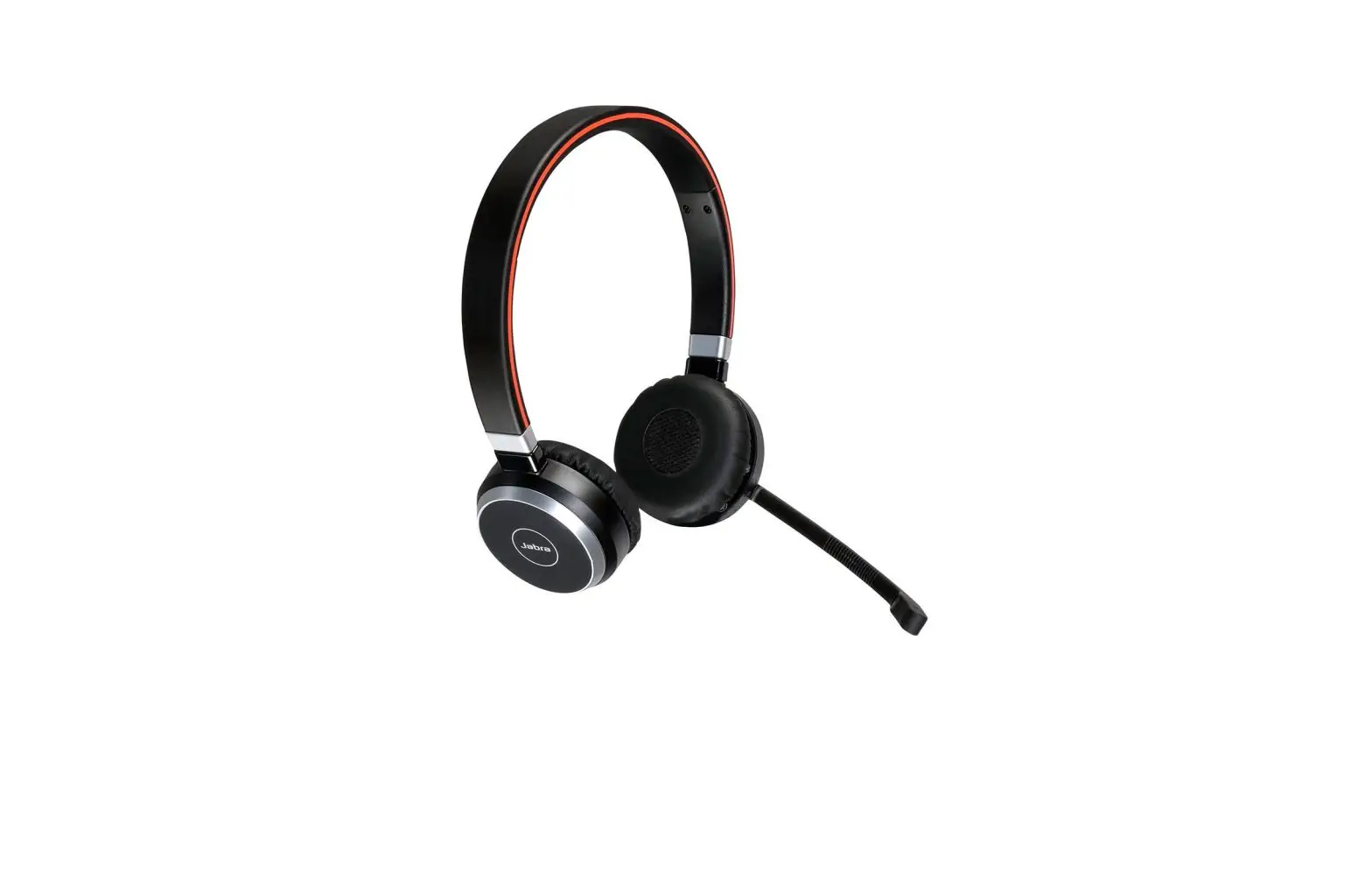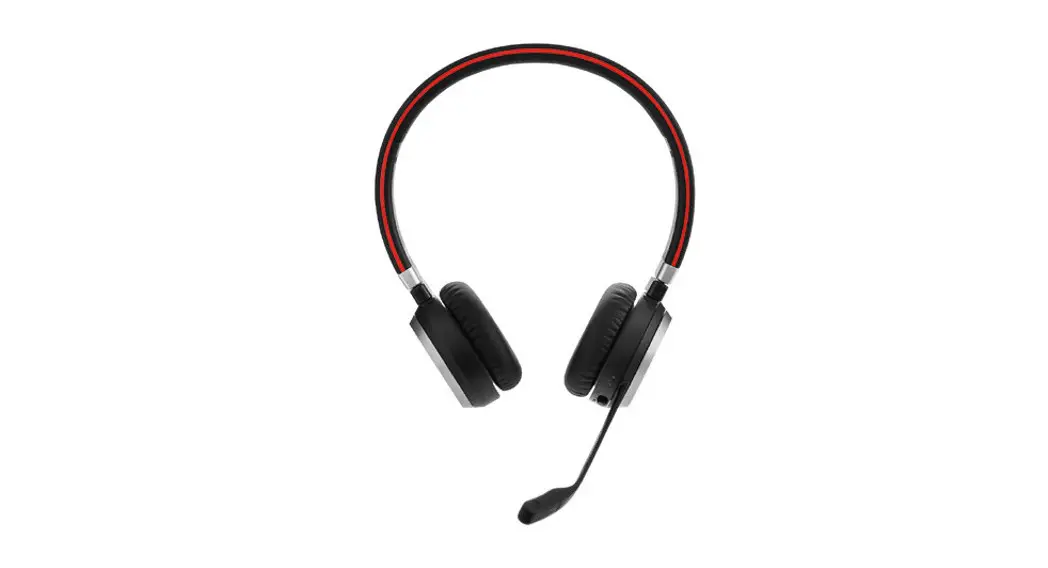


Jabra Evolve 65
Professional wireless headset with dual connectivity and amazing sound for calls and music
More than headsets, a workplace evolution
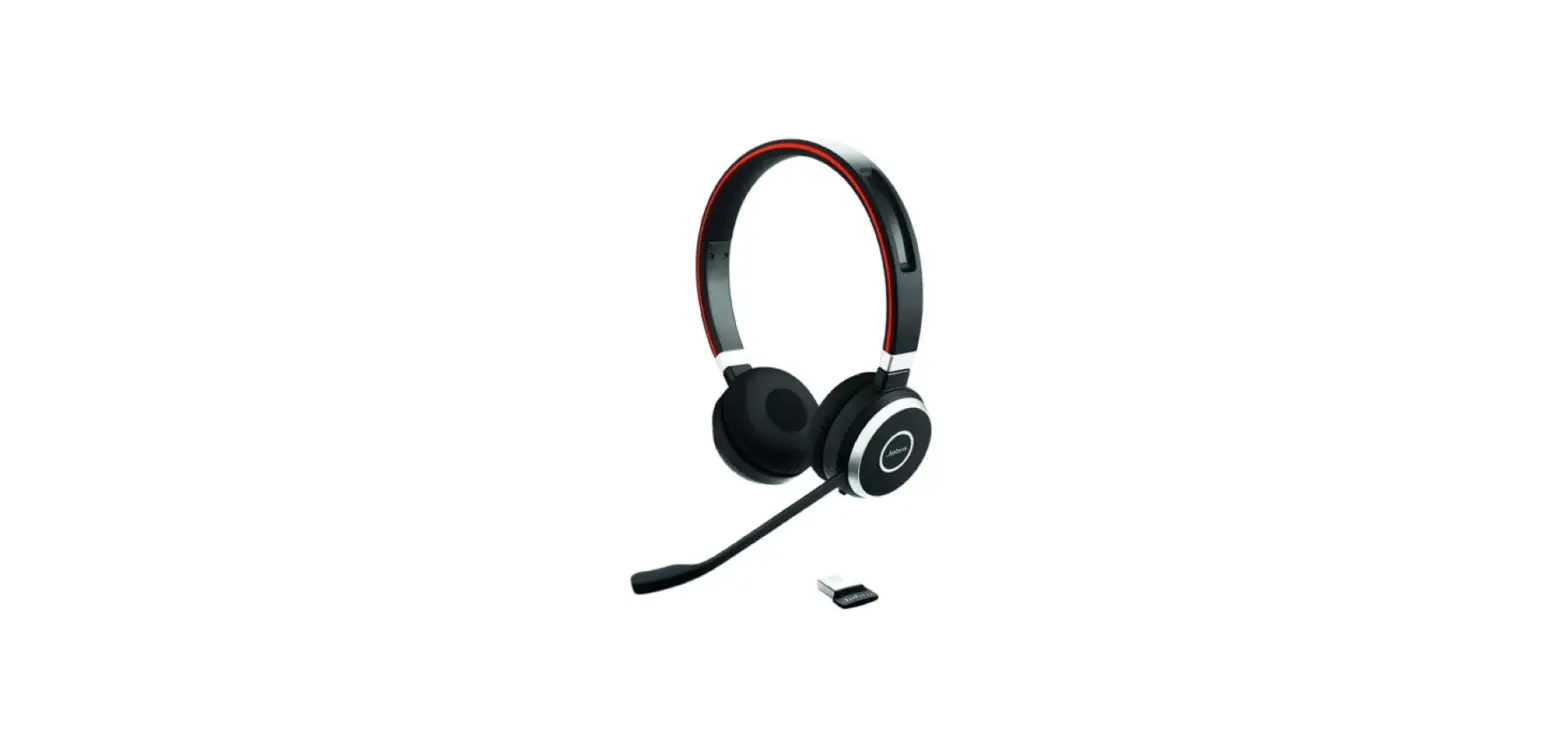
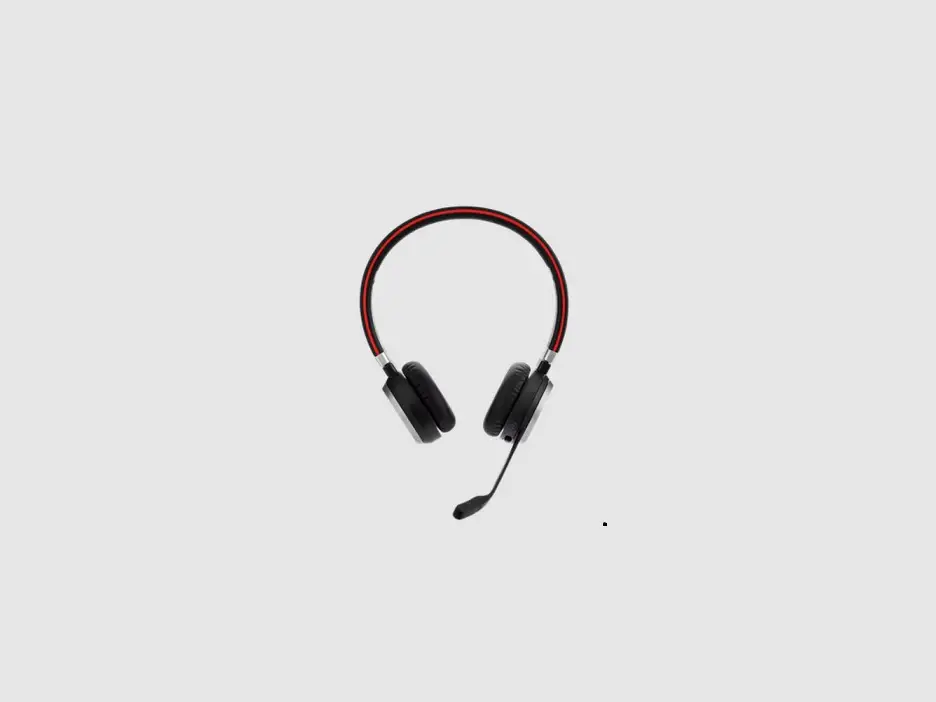
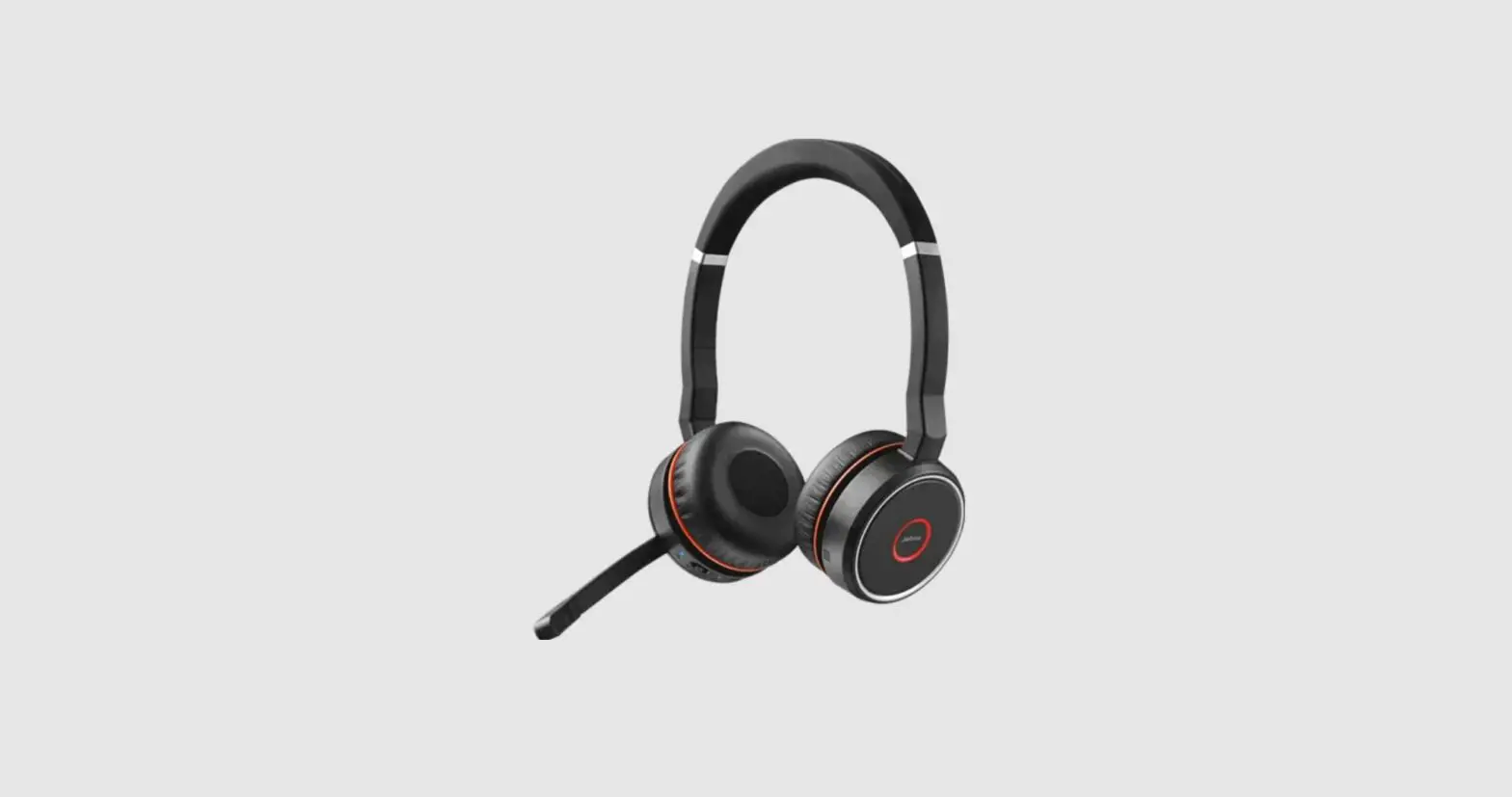
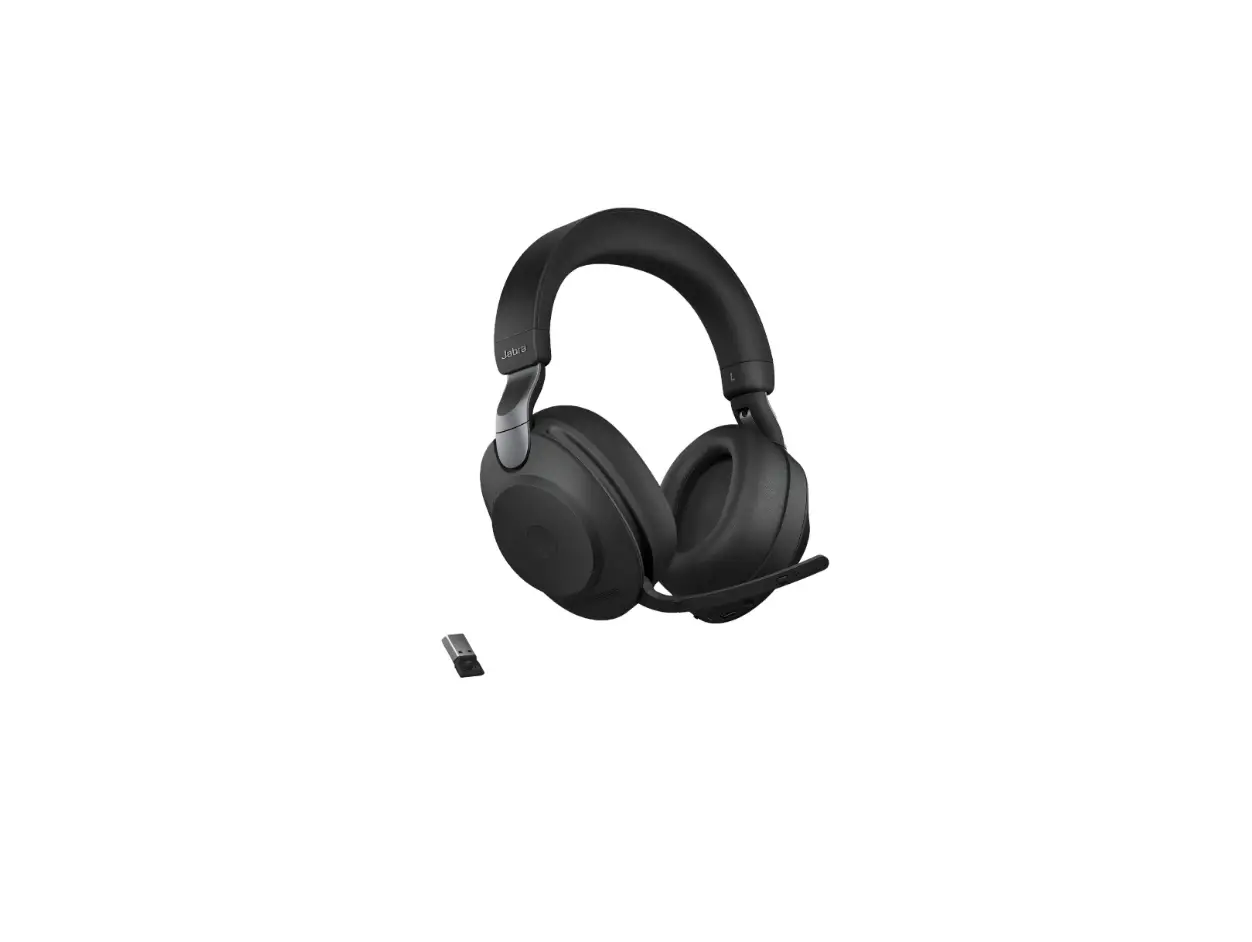
Jabra Evolve 65 is a professional wireless Bluetooth® headset that improves your conversations and helps you concentrate.
It comes with Jabra Link 370 USB adapter.
Freedom to multi-task
A wireless Bluetooth® connection provides the flexibility to move around freely while working (up to 30m/100 feet away from phone
device), take calls and listen to music wirelessly from mobile devices, and having no interfering cords when working at the pc.
Stay in the zone and avoid interruptions
The Jabra Busylight helps you to cope with the challenges of an open office environment and let people clearly know that you are on the phone. The indicator turns red when you are on a call and keeps you from being interrupted.
Always connected
Don’t miss a call and listen to music from your preferred device using the same headset. Connects simultaneously to two phone devices
via Bluetooth®, letting you stay connected to both your web browser-based phone and your mobile phone at the same time. Enabling you to play music or take calls from both devices, using the same headset.
Convenient charging and storage
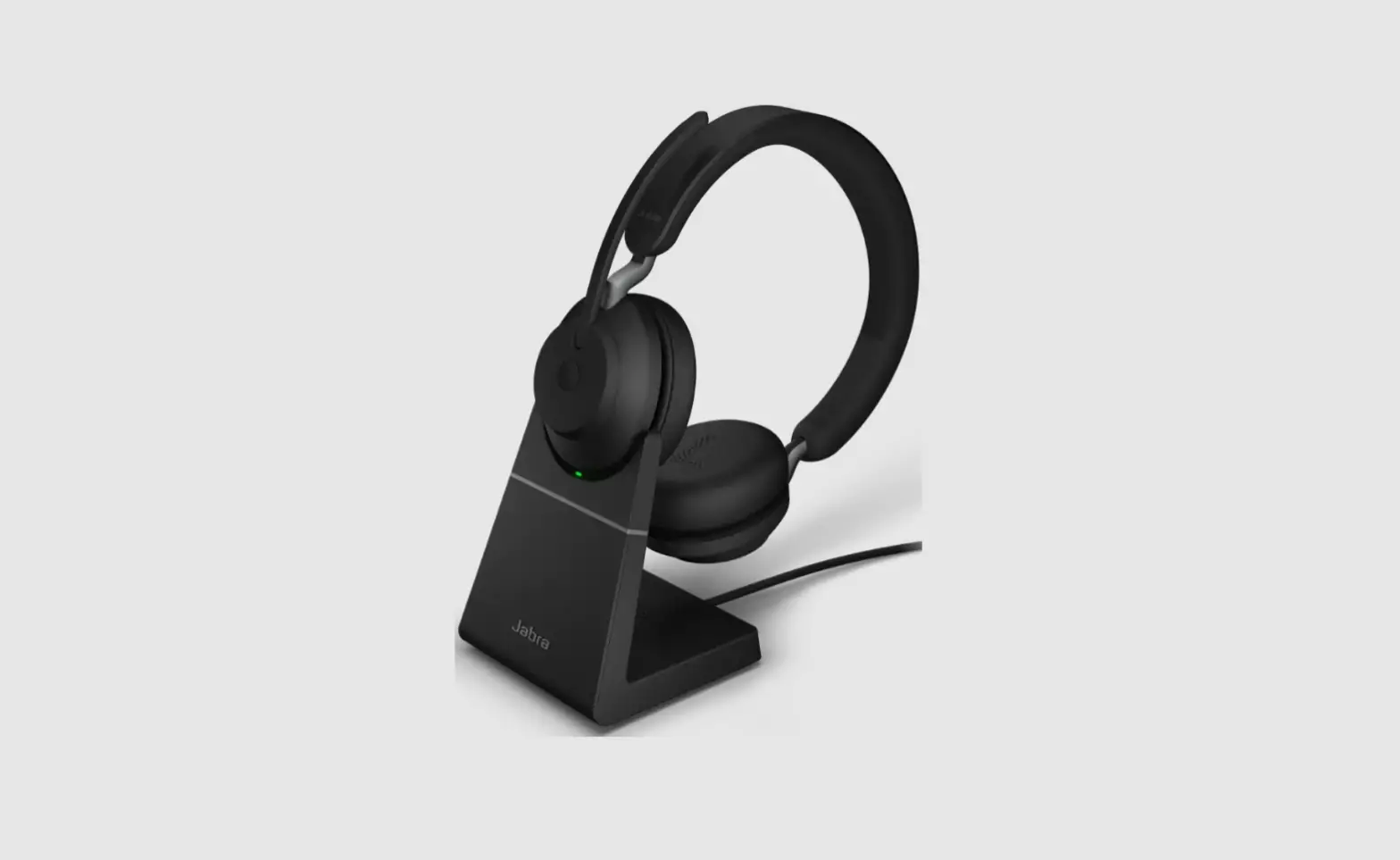
Comes optional with a charging stand, providing easy and convenient charging and storage.
Reasons to choose
Jabra Evolve 65
- Freedom to multi-task
- Stay in the zone and avoid interruptions
- Always connected
- Convenient charging and storage
- All-day comfort
- Works with all leading UC platforms
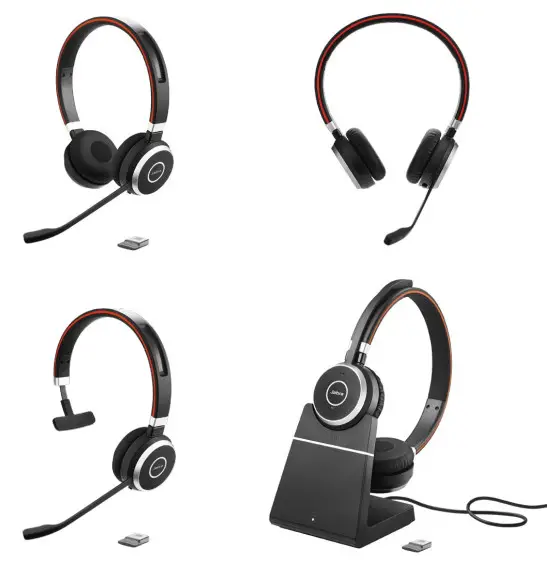
Jabra Evolve 65 – Quick Start Guide
How to connect
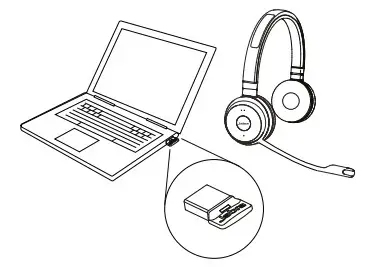
Connect to PC (using Jabra Link 370)
Plug the Jabra Link 370 dongle into a USB port on your PC. The headset and the Jabra Link 370 are already pre-paired.
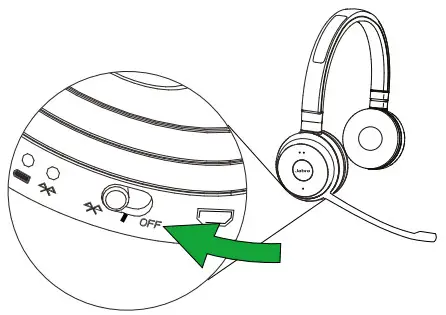
Connet to a mobile device (using Bluetooth® )
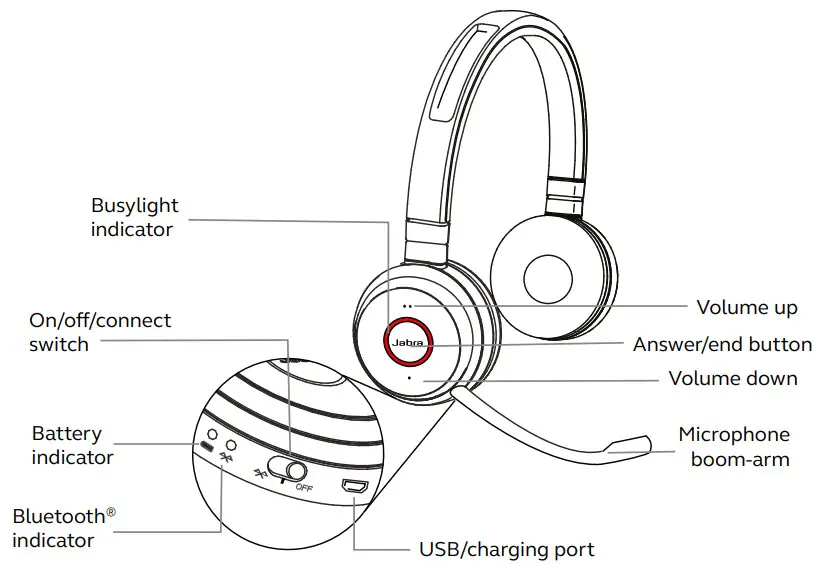
Wear the headset and hold (3 secs) the On/off/ connect switch in the connect position until you hear the voice-guided instructions. The
Bluetooth® the indicator will flash blue.
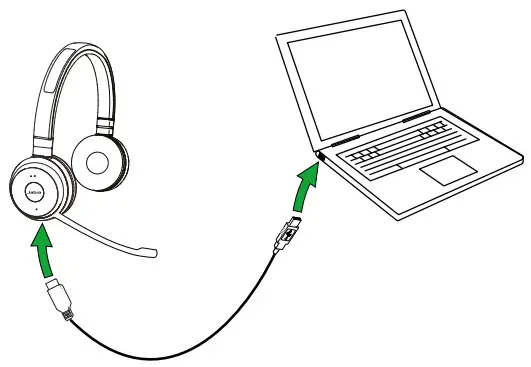
Connect to PC (using a USB cable)
Plug the headset into any USB port on the PC using the supplied USB cable, and ensure the a headset is switched on.
How to use
Did you know?
You can download the full user manual from jabra.com/evolve65
| FUNCTION | ACTION | |
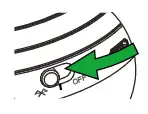 | Headset on/off | Slide the On/off/connect switch |
| Blutooth® connect | Hold (3 secs) the On/off/connect I switch in the connect position | |
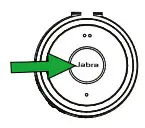 | Answer/end call | Tap the Answer/end button |
| Reject call | Double-tap the Answer/end button | |
 | Adjust speaker volume | Tap the Volume Up or Volume down button |
 | Busylight on/off | Simultaneously tap the Volume up and Volume down button |
 | Mute/unmute microphone | Press and hold (2 secs) the Volume down button |
Charging the headset
The headset will charge when connected to a PC, or when using any USB wall charger supplied with your mobile device.
It takes approx. 3 hours to charge.
| Features | Benefits | Jabra Evolve 65 | |
| Connectivity | Jabra Link 370 USB Adapter | Wireless range of up to 100 feet / 30 meters | • |
| Dual Bluetooth® integration for PC, Smartphone and Tablet | Dual Bluetooth® connectivity to two devices at the same time for calls and music | • | |
| USB cable | Plug-and-play connectivity to PC Softphone/UC systems | • | |
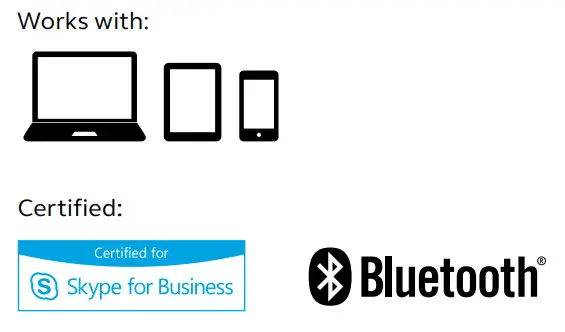
| Full compatibility with UC systems & VoIP clients | Seamless integration and call control with leading UC systems/PC softphones.Certified for Skype For Business, Cisco, and Avaya | • | |
| Audio | Noise-canceling microphone | State-of-the-art noise-canceling microphone eliminates background noise | • |
| Ease of use | Rechargeable battery | Up to 14 hours battery life | • |
| All-day comfort | Leather feel ear cushions, and a lightweight on-ear design for all-day use | • | |
| Busylight | Integrated Busylight acting as a do not disturb signal | • | |
| Music controls | Speaker volume up/down on the headset | • | |
| Discreet boom arm | The boom arm can be clipped into the headband when not on calls | • | |
| NFC | Simply tap a compatible smart device and Jabra Evolve 65 together to connect | • | |
| Accessories | Charging stand* | No battery concerns and convenient headset storage | • |
* Optional to purchase
 Bluetooth office headset with amazing sound | Jabra Evolve 65 MS/UC