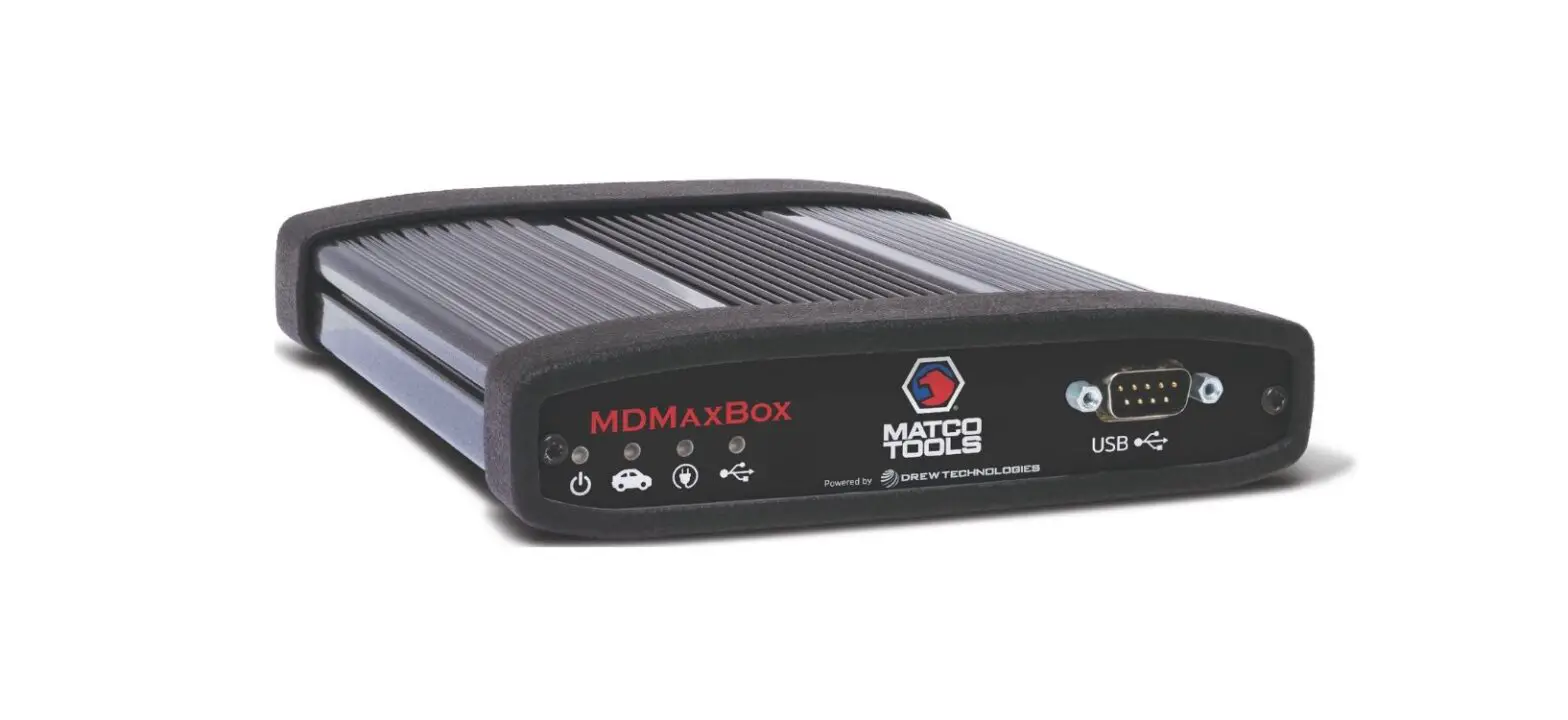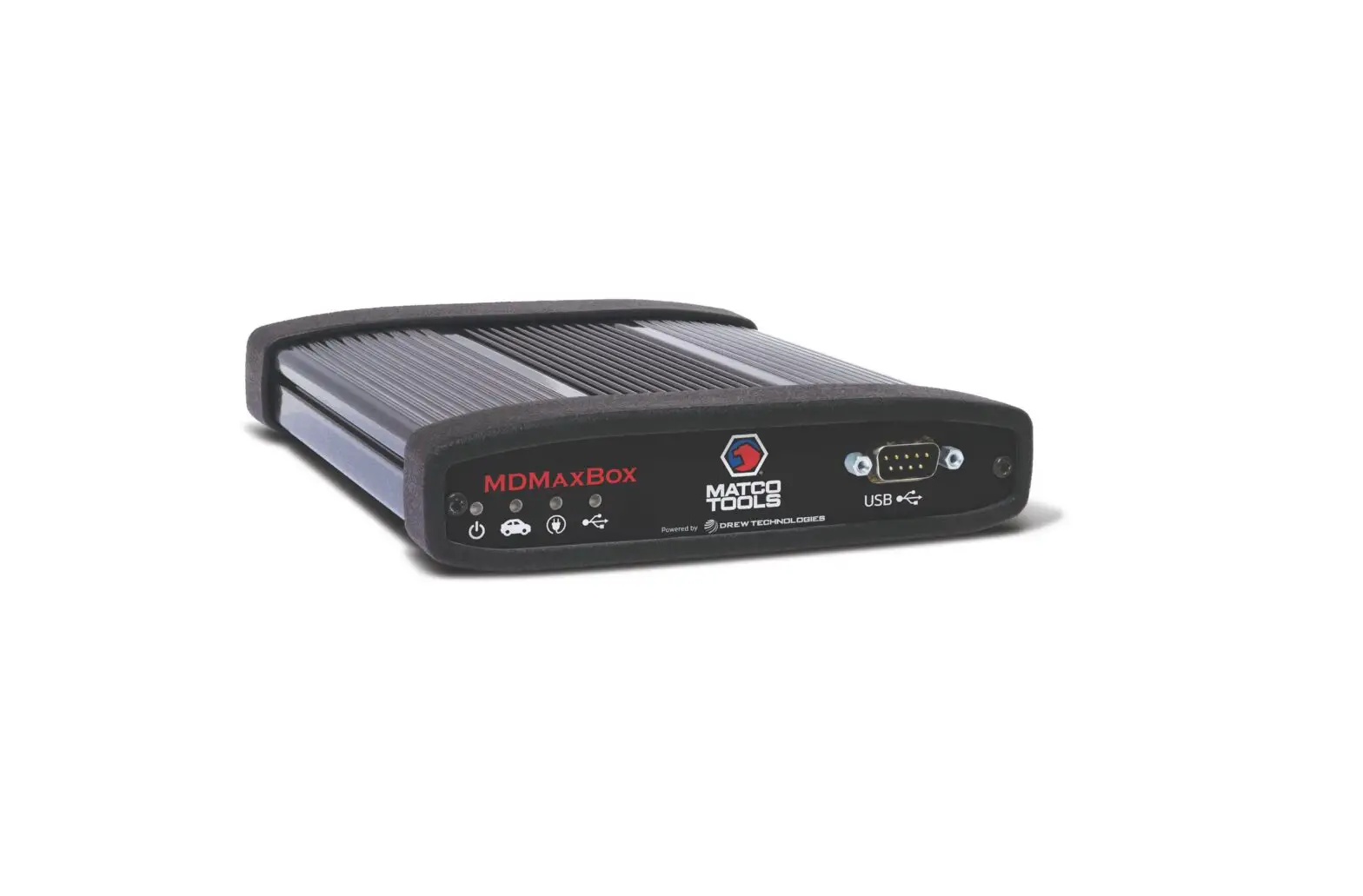
 MDMAX BOX
 MDMAX BOX
Quick Start Guide
- Connect PC to internet.
Activation required before use of device. - Go to https://www.opusivs.com/support/downloads/matco-tools to download and run application setup*.
- Connect device to PC first.
Then connect the OBDII Cable to the device. - Once Windows has finished installing the application, follow on-screen instructions to activate device.
Contact Opus IVS Support for J2534 and Device Support:
 (734) 222-5228 (Option 2, then 1)
 [email protected]
* Device has been tested on Windows 10 and newer operating systems.
Legacy operating systems may work, but are not supported.
INST-MATCO-1
 Matco Tools Downloads