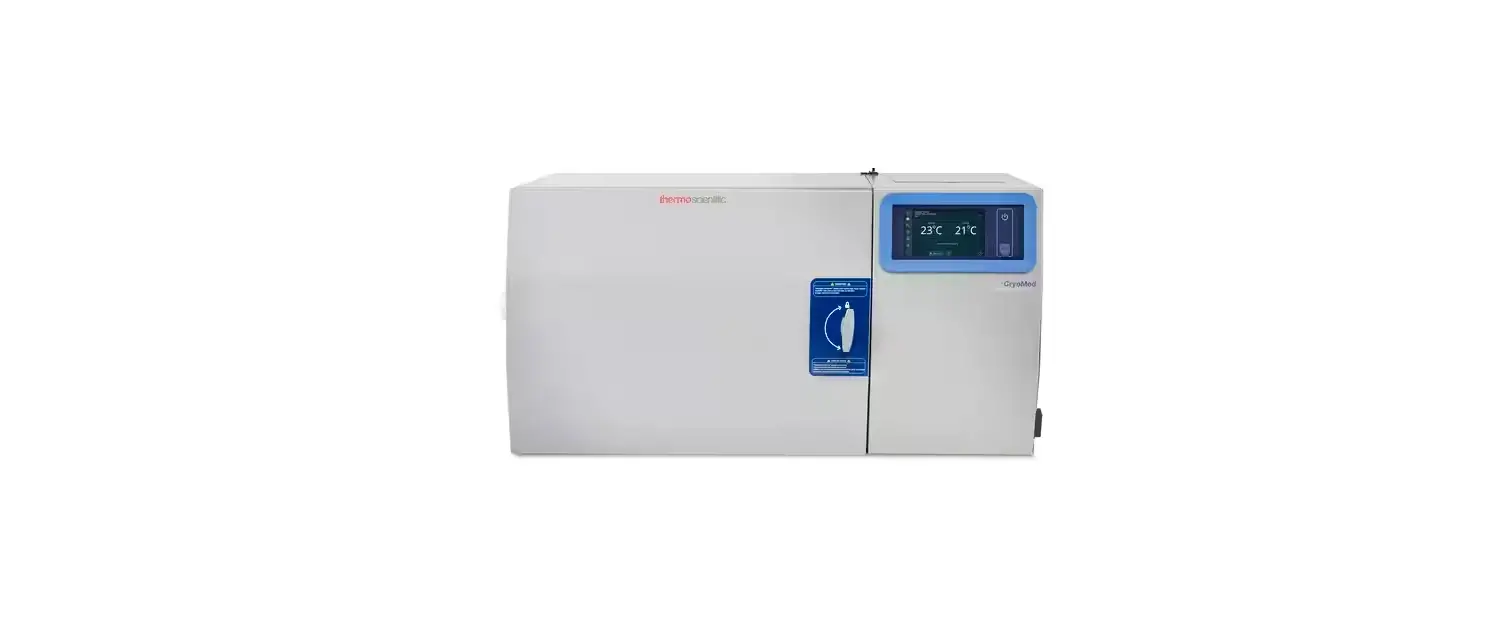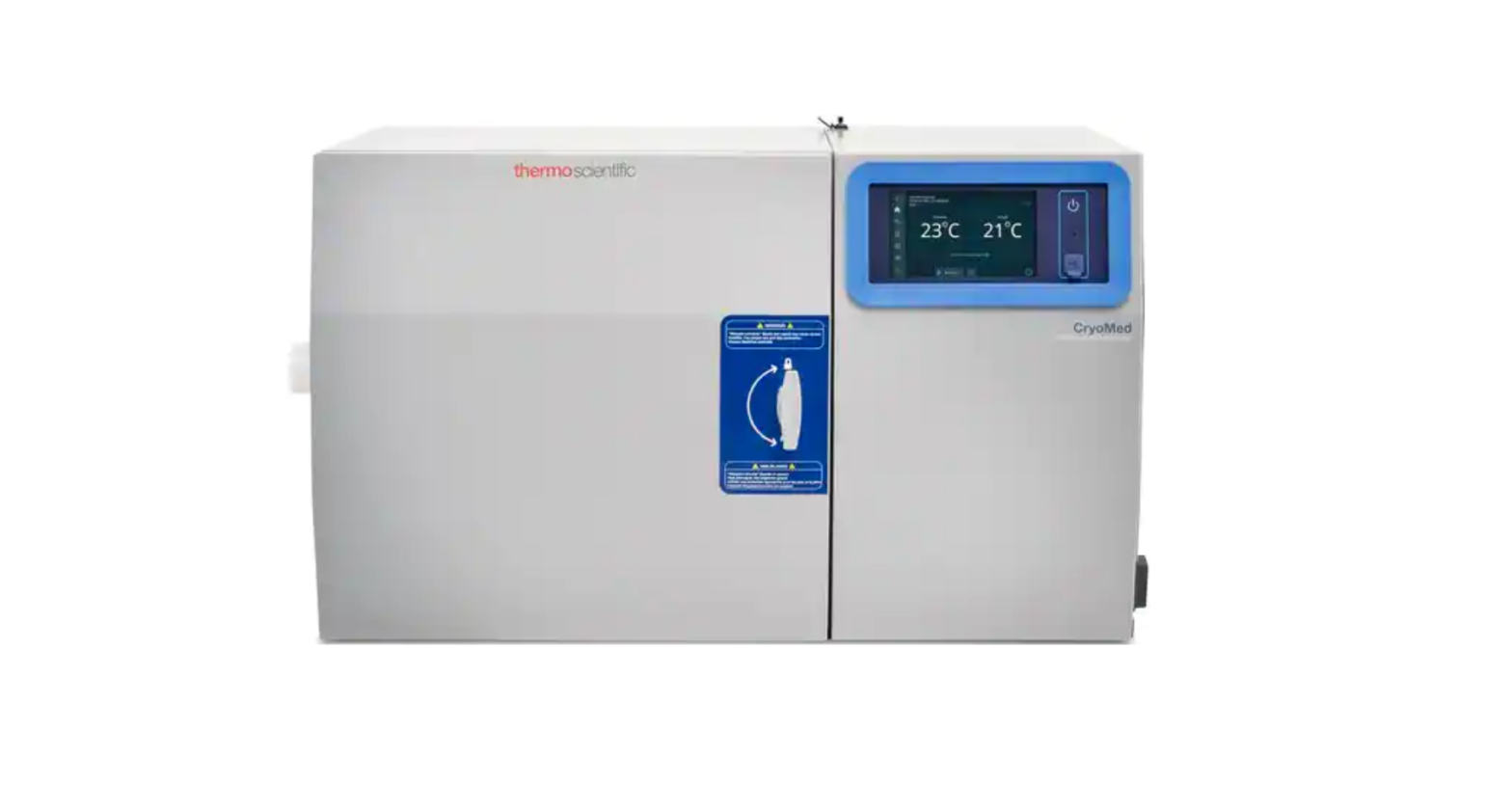
Unity Lab Services TSCM17MA Controlled Rate Freezers Instructions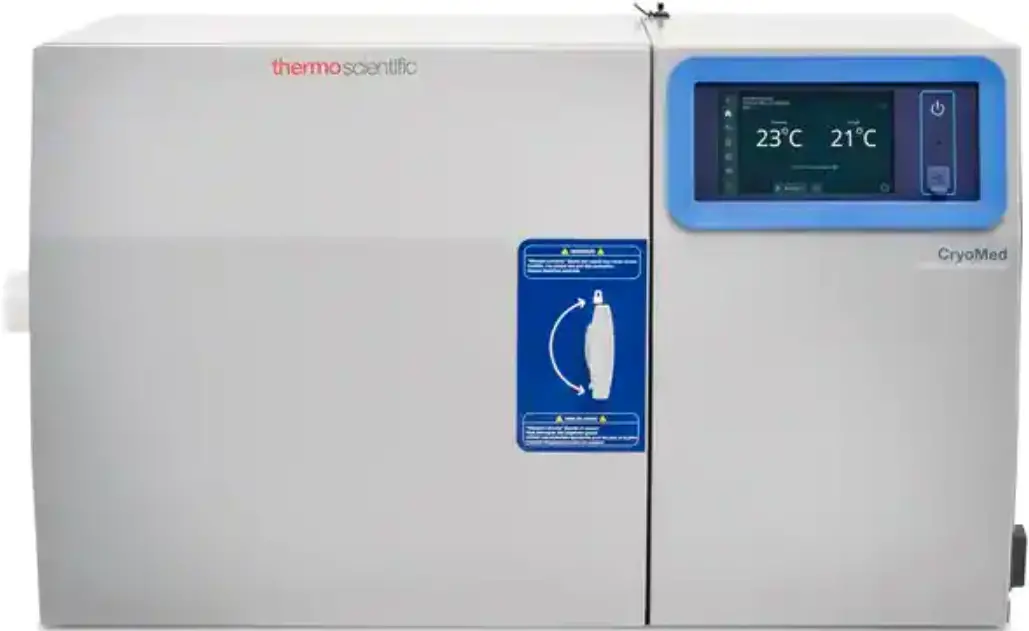
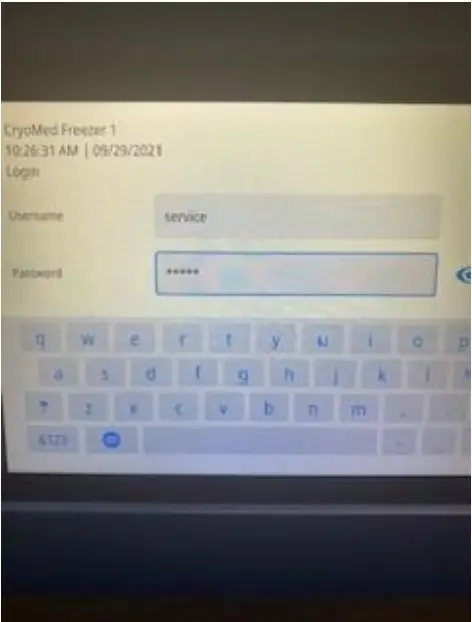
- Log into Service Mode of UI
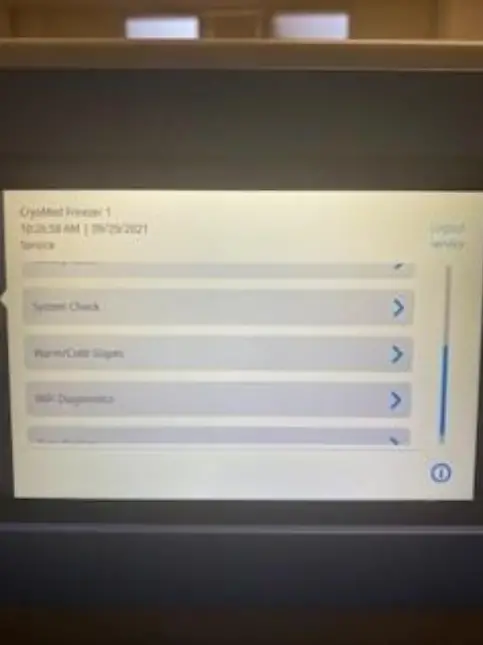
- Once in the Service mode scroll down to “System Check” and select it
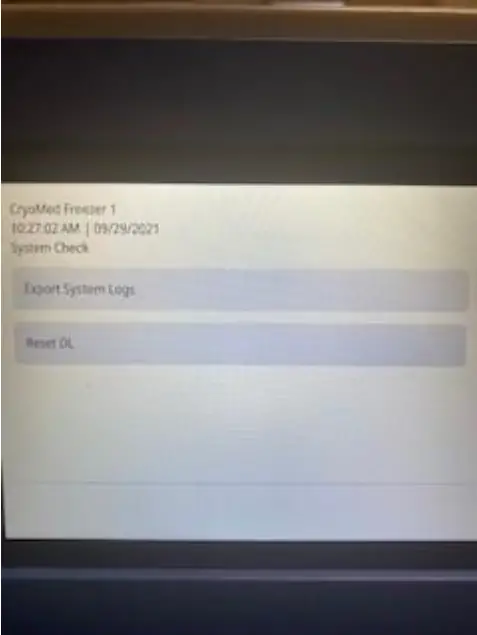
- Next select “Export System Logs”
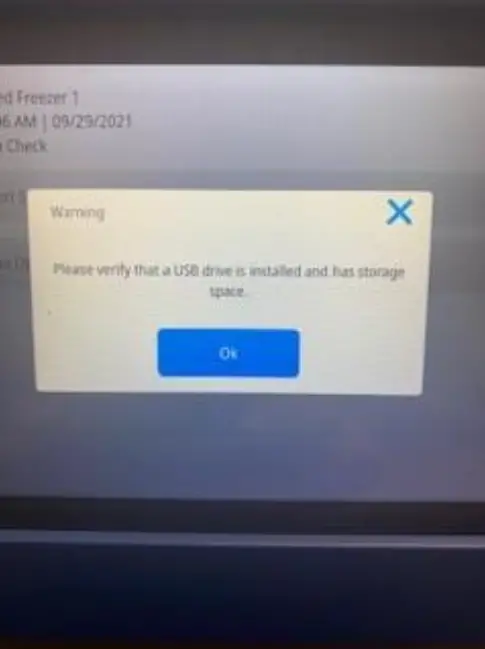
- You will be prompted to insert a USB… “Please verify that a USB has been installed and has storage space”. Insert an empty USB (8GB should be plenty of space) and click ok.
- Remove the USB once competed
Models covered
- TSCM17MA
- TSCM17MV
- TSCM17ML
- TSCM34MA
- TSCM34MV
- TSCM34ML
- TSCM48MA
- TSCM48MV
- TSCM48ML
- TSCM17EA
- TSCM17EV
- TSCM17EL
- TSCM34EA
- TSCM34EV
- TSCM34EL
- TSCM48EA
- TSCM48EV
- TSCM48EL
 Contact Us