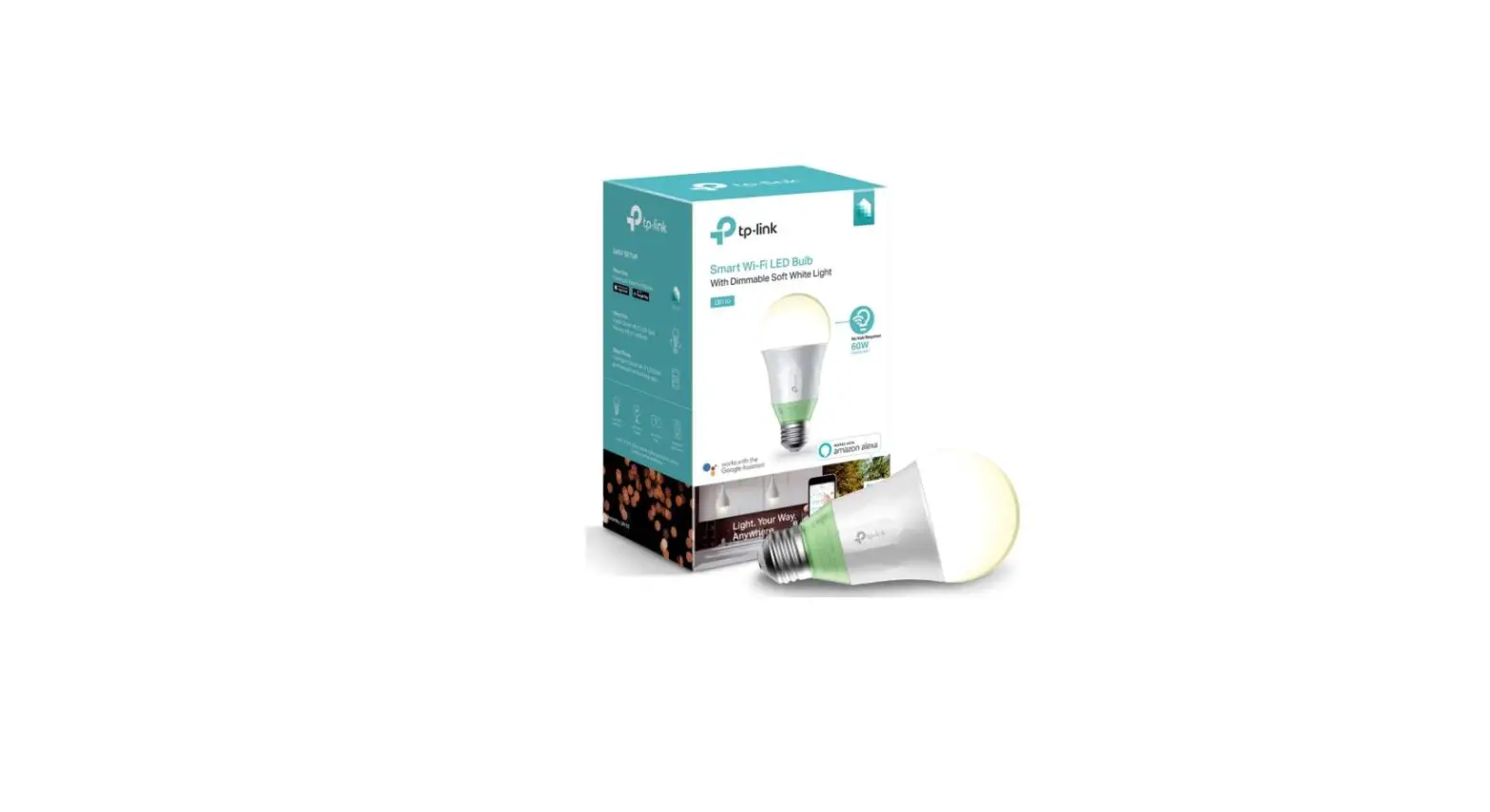
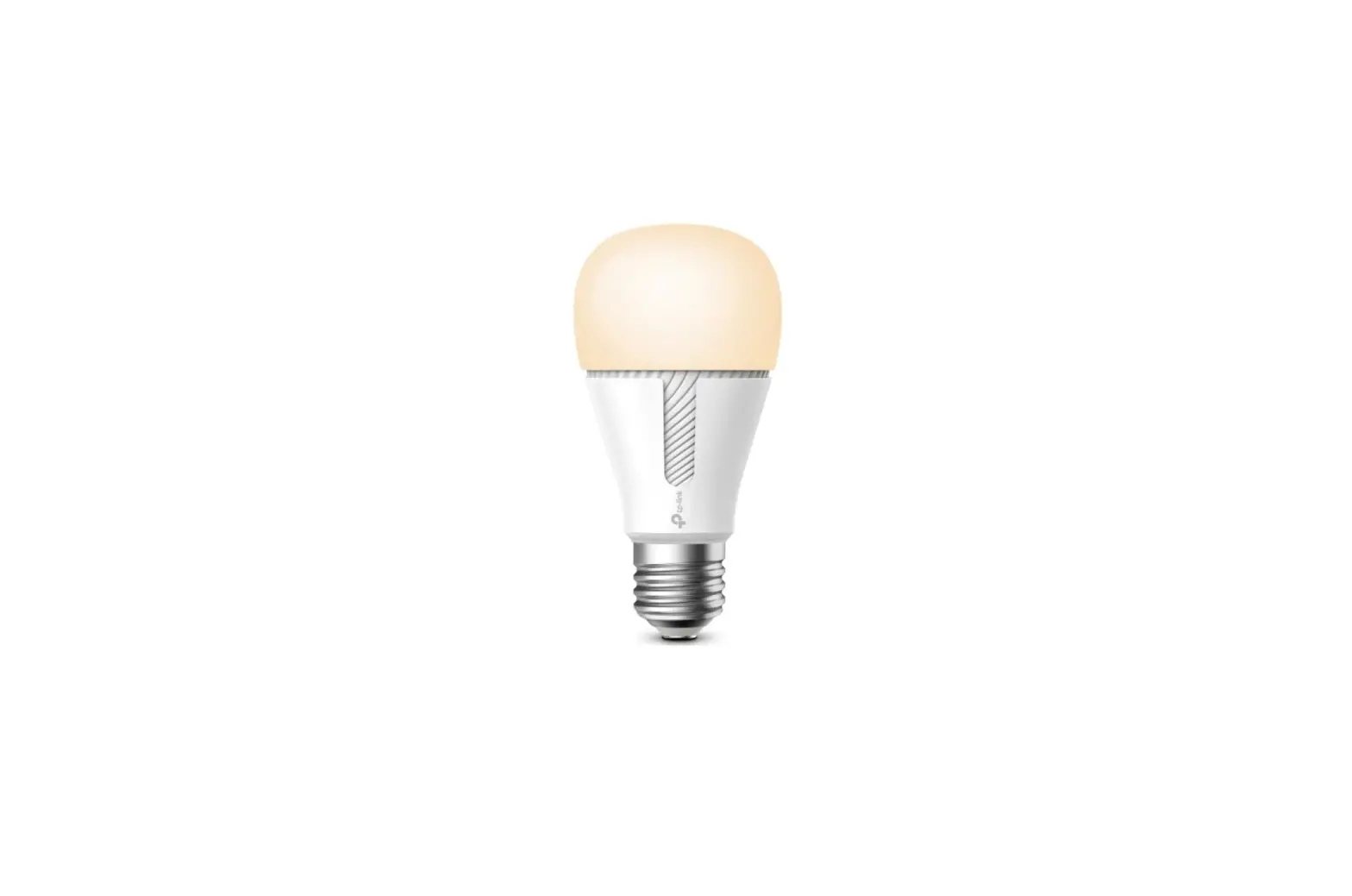
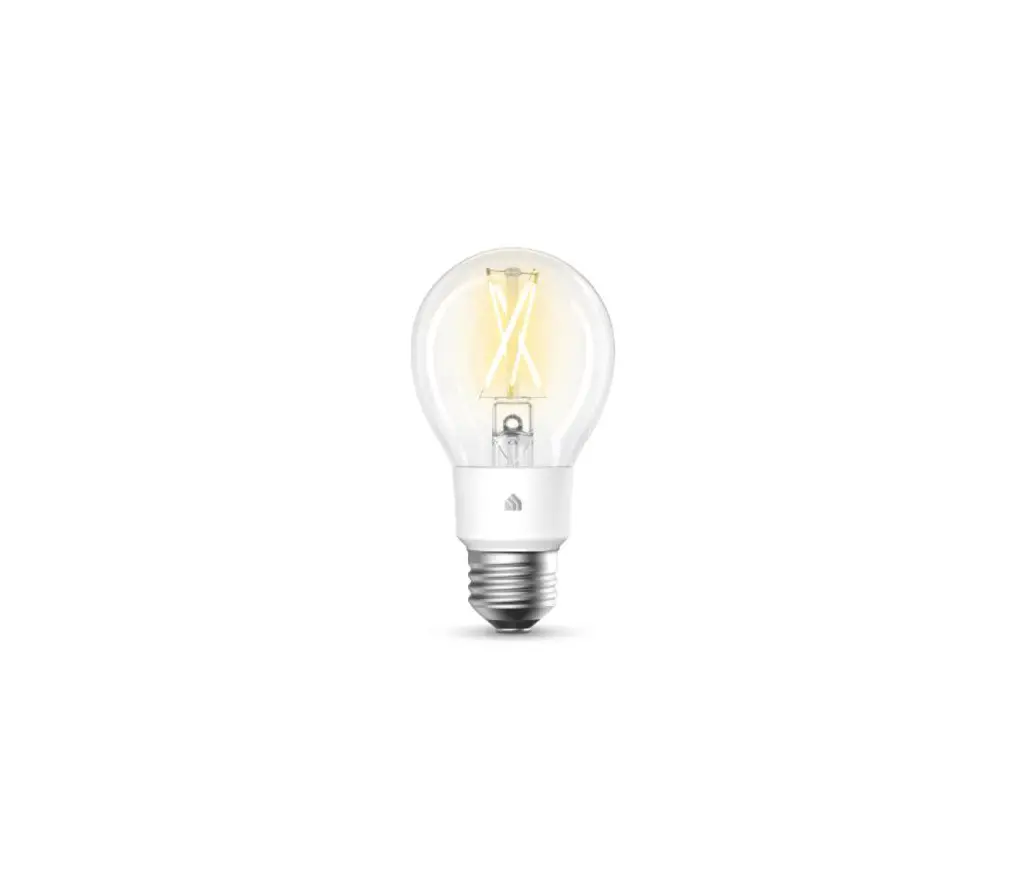
KL130 Kasa Smart Wi-Fi Light Bulb
Product Information
Kasa Smart Wi-Fi Light Bulb KL130
Multicolor
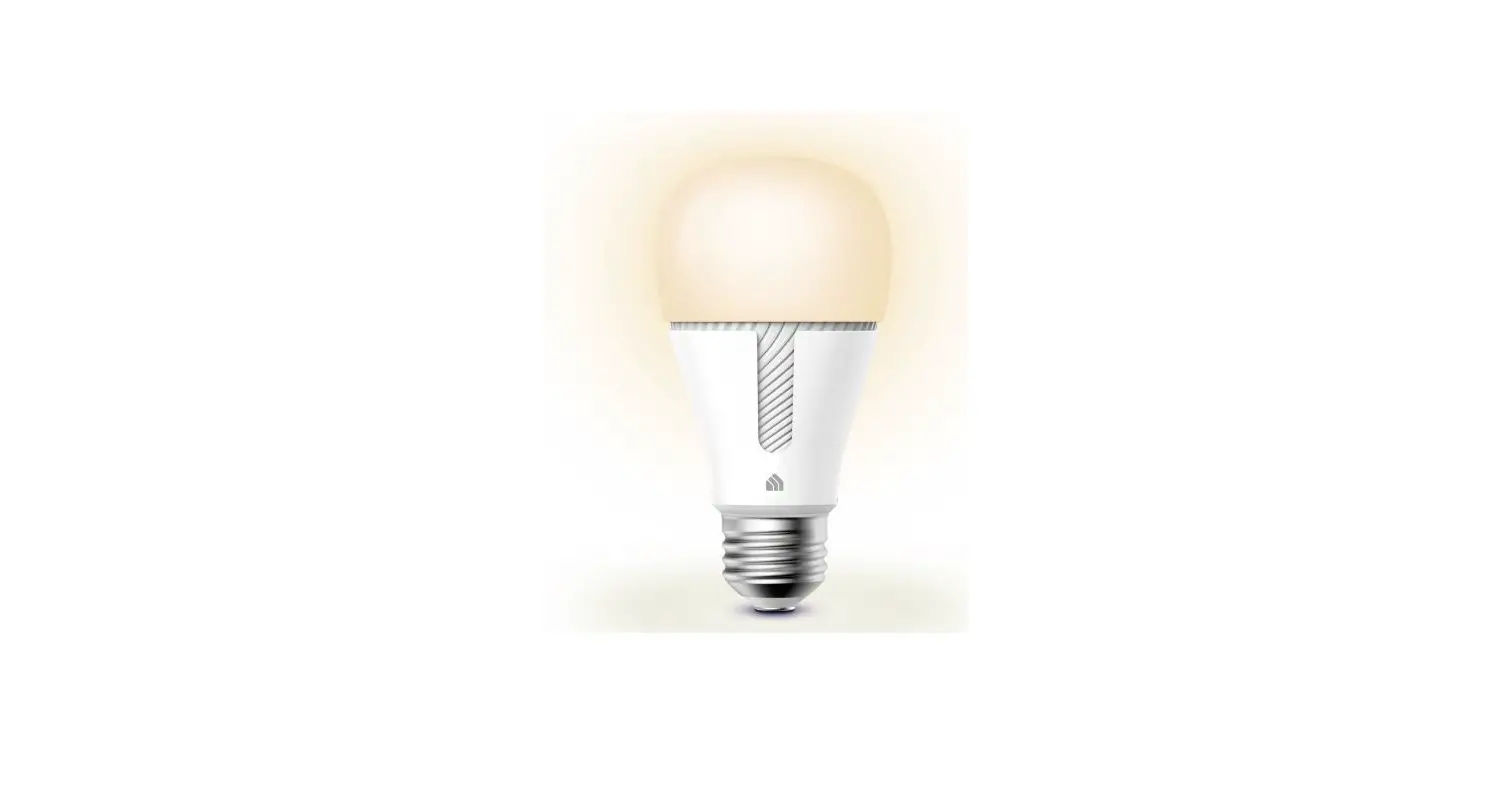
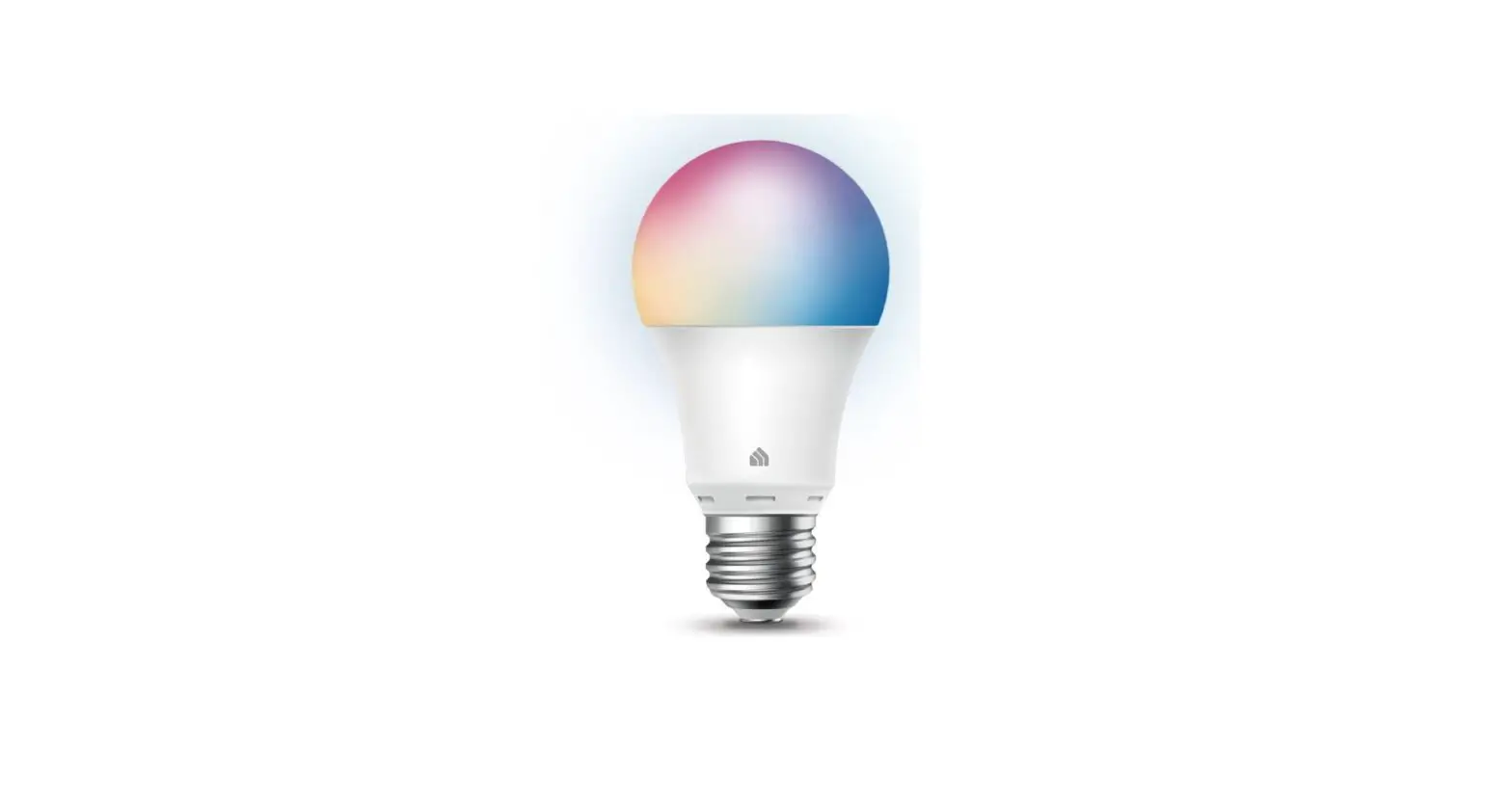
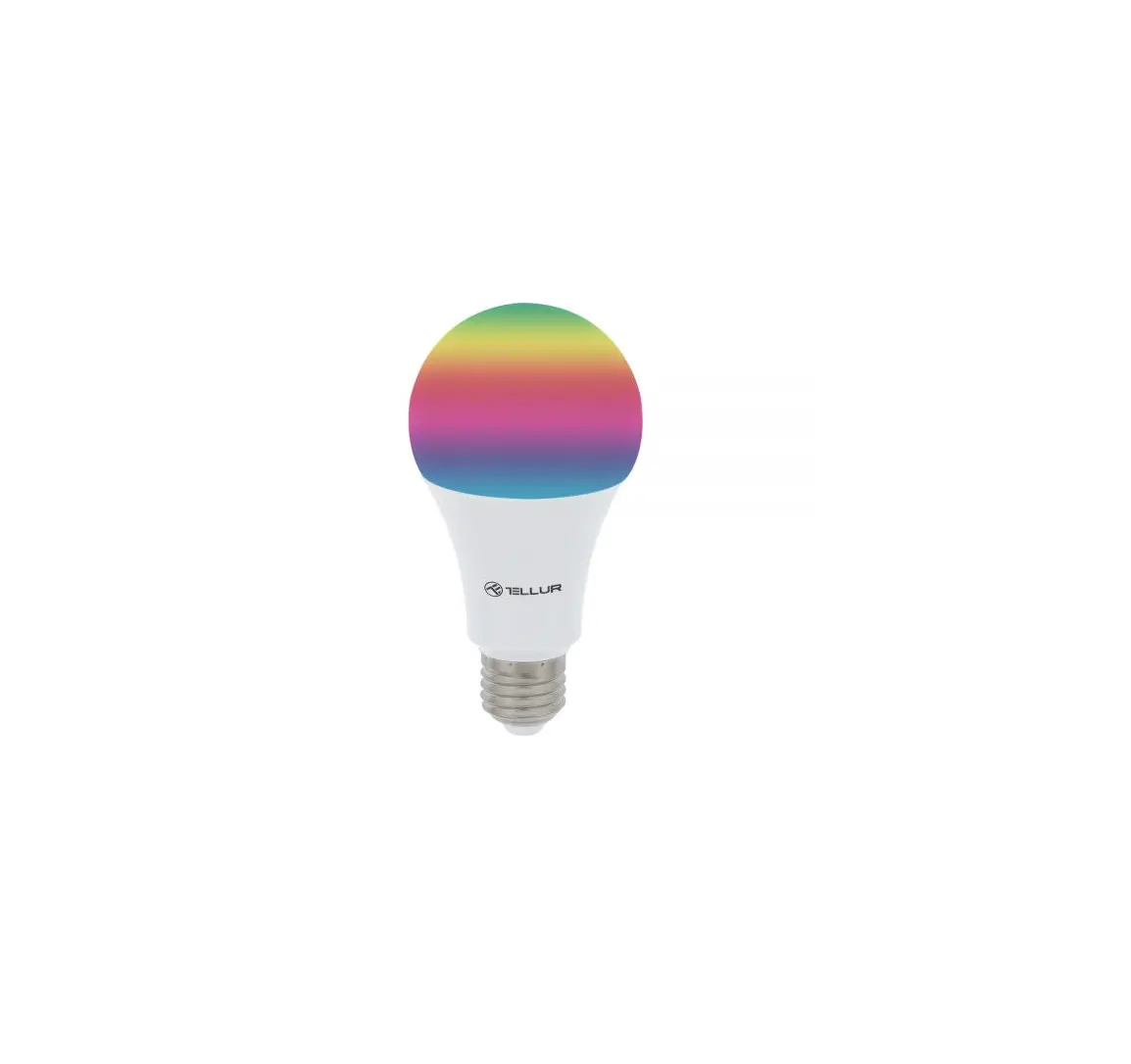
The Kasa Smart Wi-Fi Light Bulb KL130 is a multicolor light bulb
that offers a wide range of colors and dimming capabilities. It can
be controlled remotely using the Kasa Smart app or with voice
commands via Google Assistant, Alexa, or SmartThings. With its
multicolor feature, you can create various lighting scenes for
different occasions.
No Hub Required
The KL130 light bulb does not require a hub to function. It can
connect directly to your Wi-Fi network, allowing you to control it
from anywhere using your smartphone or voice commands.
Control From Anywhere
With the Kasa Smart app, you can control the KL130 light bulb
from anywhere. Whether you’re at home or away, you can easily turn
the lights on or off, change colors, and adjust brightness
levels.
Voice Control
The KL130 light bulb is compatible with popular voice assistants
such as Google Assistant, Alexa, and SmartThings. You can use
simple voice commands to control the lights without needing to use
your smartphone.
Auto White
The KL130 light bulb has an auto white feature that allows it to
automatically adjust its color temperature based on the time of
day. This ensures that you always have the right lighting for any
situation.
Multi-scene
You can create multiple scenes with different lighting settings
for various occasions. Whether it’s a theater scene, party scene,
or sleeping scene, you can easily switch between them to set the
perfect ambiance.
Specifications:
- Working Status: Indoor use only
- Network: Wi-Fi
- Compatibility: Google Assistant, Alexa, SmartThings
- Lighting: Multicolor, dimmable
- Power: 60W equivalent
Features:
- Ease of Use
- Compatibility with popular voice assistants
- Multi-scene capability
- Auto white feature
- Scheduling function
- Integration with other Kasa Smart devices
For more information, visit KasaSmart.com
Product Usage Instructions
Schedule Lighting
1. Download and install the Kasa Smart app on your
smartphone.
2. Connect the KL130 light bulb to your Wi-Fi network following
the instructions in the app.
3. Open the Kasa Smart app and navigate to the “Schedules”
section.
4. Create a new schedule by selecting the KL130 light bulb and
setting the desired on/off times.
5. Save the schedule and the light bulb will automatically turn
on and off according to the set times.
Voice Control
1. Set up your KL130 light bulb and connect it to your Wi-Fi
network.
2. Open the Kasa Smart app and enable voice control by linking
your Google Assistant, Alexa, or SmartThings account.
3. Use the respective voice assistant’s wake word followed by a
command to control the light bulb. For example, say “Hey Google,
turn on the living room light.”
Create Multi-scenes
1. Open the Kasa Smart app on your smartphone.
2. Go to the “Scenes” section and tap on “Create Scene”.
3. Choose the KL130 light bulb and set the desired color,
brightness, and other settings for the scene.
4. Save the scene and give it a name.
5. To activate a scene, go back to the “Scenes” section and tap
on the scene’s name.
Auto White Feature
The KL130 light bulb has an auto white feature that
automatically adjusts its color temperature based on the time of
day. This feature does not require any additional setup and will
work automatically once the light bulb is connected to your Wi-Fi
network.
For Indoor Use Only
The KL130 light bulb is designed for indoor use only. Do not use
it outdoors or in wet conditions to avoid electrical hazards.
Kasa Smart Wi-Fi Light Bulb
Multicolor
KL130
Multicolor
No Hub Required
Control From Anywhere
Voice Control
Auto White
Highlights
Multicolor
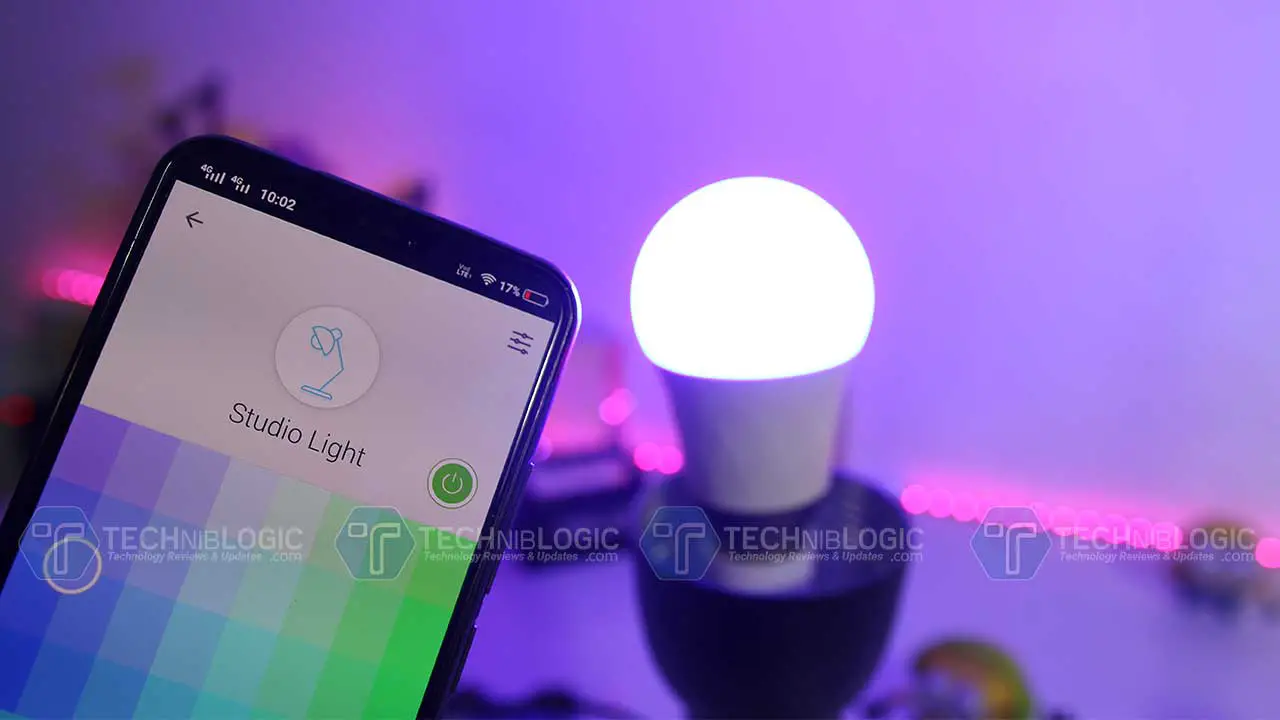
Kasa Smart’s Multicolour light bulb offers endless lighting possibilities to create the perfect ambiance from anywhere with a wide range of colours and dimming capabilities. Schedule your lights to change to your favourite teams’ colours on game night or dim them to subtle reds and purples for a romantic dinner. Control your lights from anywhere using the Kasa Smart app or with simple voice commands via Google Assistant, Alexa or SmartThings.
Multi-scene
Create multiple scenes like theater scene, party scene or sleeping scene with different settings for various occasions, and tap yours when you want the light your way.
*The app screen depicted is for visual reference only and does not necessarily represent actual product operation or app appearance.
*Alexa, Google Assistant, and SmartThings are not available in all languages and countries.
TP-Link Kasa Smart Wi-Fi Light Bulb KL130
Highlights
Schedules
Use your Kasa Smart app to schedule your light bulb to automatically switch on and off when you’re home or away.
Your Home. One App.
Turn your home into a true smart home with Kasa Smart. Automate your lights and appliances with smart plugs, bulbs, and switches. Secure your home with Kasa Cameras. Control it all from the Kasa Smart app.
Security Cameras
Smart Lighting
Smart Switches
Learn more at KasaSmart.com
Smart Plugs
TP-Link Kasa Smart Wi-Fi Light Bulb KL130
Features
Ease of Use
Compatibility
Lighting
· No Hub Required Connect to your home’s secure Wi-Fi network. No need for a hub or extra equipment
· Remote Control Control your smart light bulb from anywhere with your smartphone using the free Kasa app
· Scheduling Set schedules to turn on/off the smart bulbs at any chosen time for your convenience
· Works with Vocie Assistants Control smart bulbs using the leading voice assistants such as Amazon Alexa, Google Assistant or SmartThings
· Compatible with Android, iOS The free Kasa app lets you run smart bulbs from any Android or iOS devices
· Multi-scene Save your light settings as different scenes to enjoy instant access to them
· Smart Actions With Smart Actions, your Kasa devices can work together to create a smarter smart home
· Grouping – Use Grouping to combine your Kasa devices with other Kasa Smart devices for seamless control with one single tap on your smartphone
· Multicolor Choose a different color for any occasion
· Auto White Set your bulb to automatically adjust its colour temperature to match natural light patterns from dawn to dusk
· Durable Bulb Provide you stable and customized lighting for up to 22.8 years**
*60W equivalent **Based on 3hrs/day
TP-Link Kasa Smart Wi-Fi Light Bulb KL130
Specifications
Working Status
· Typical Lumen Output: 850 lumens (60 W equivalent) · Input Power (Actual power draw in Watts): 8.8 W · Color Temperature: 2500 K ~ 9000 K (adjustable via app and cloud) · Rated Input Voltage: 120 V~, 60 Hz · Beam Angle: 220 degrees typical · Switching Cycles: 15000 · Color Rendering Index: CRI 88 · Dimmable: Yes (via app and cloud only) · Tunable: Yes (via app and cloud only) · Color Changing: Yes (via app and cloud only) · Lifetime: 25000 H
Network
· Wi-Fi Protocol: IEEE 802.11 b/g/n · Wi-Fi Frequency: 2.4 GHz · Secured home Wi-Fi connection required · Free Kasa Smart app and account required
General
· Package Contents: Kasa Smart Light Bulb Quick Start Guide
· Lamp Base: A19 bulb, E26 fitting · Weight: 0.27 lb (123g) · Dimensions: 2.36 x 4.65 in (60 x 118 mm) · Certifications: FCC, UL, DoE, California Energy Commission (CEC),Title 20 Compliant · Operating Temperature: -15 ºC~ 40 ºC (5 °F ~ 104 °F ) · Operating Humidity: 10%~90% RH, Non-condensing
FOR INDOOR USE ONLY
Others
· Compatible with regular light switches. Do not use with standard dimmers. · Not compatible with photosensors, motion sensors, or timers. · Not for use in totally enclosed or recessed luminaires. · Suitable for damp locations. · NOT FOR EMERGENCY LIGHTING
Please do not use in damp environments or outdoors. All brands and product names are trademarks or registered trademarks of their respective holders. Specifications are subject to change without notice. ©2022 TP-Link
TP-Link Kasa Smart Wi-Fi Light Bulb KL130
 Creating a true Smart Home experience all in one App | Kasa Smart