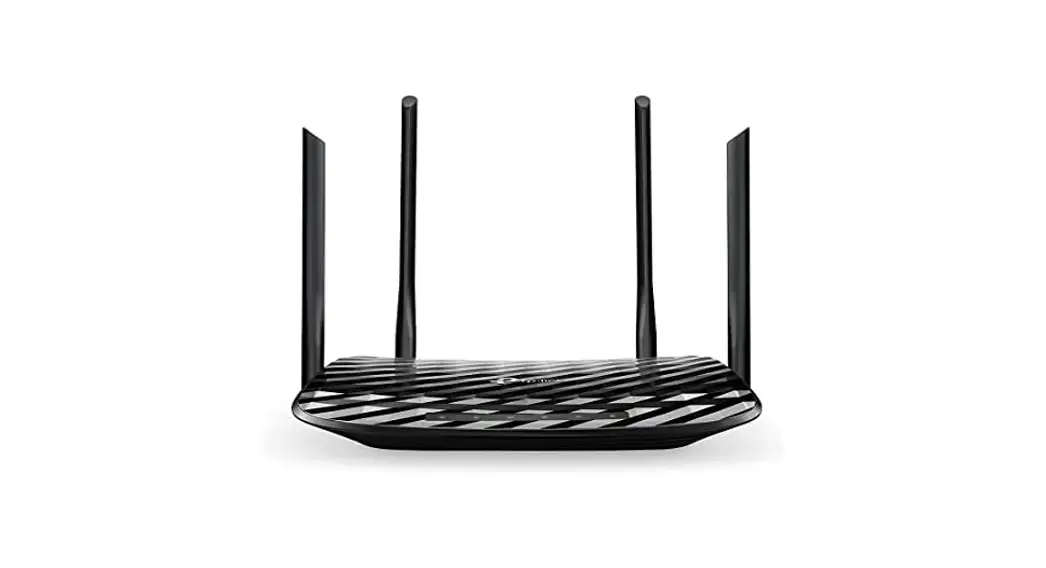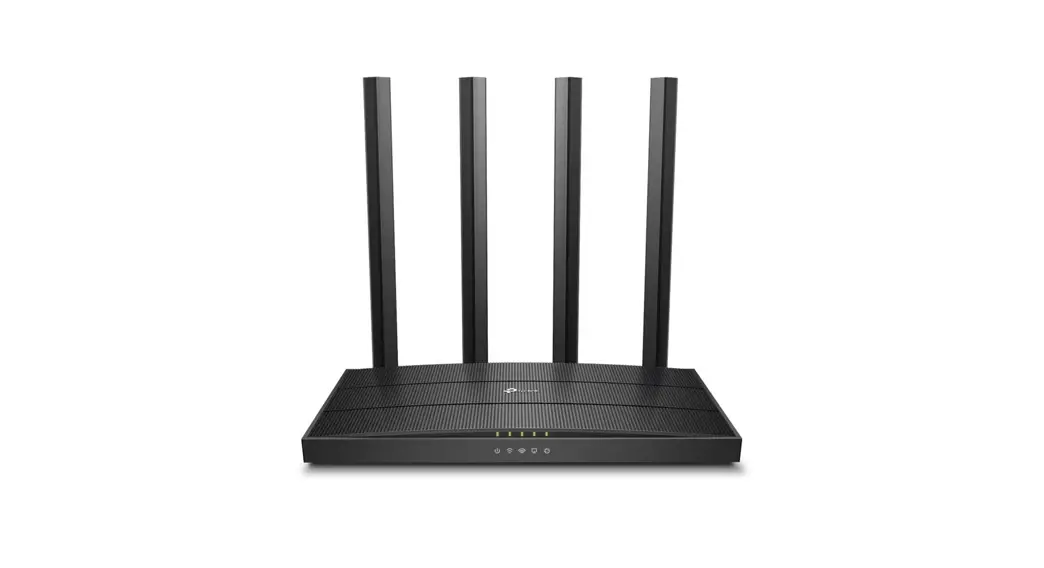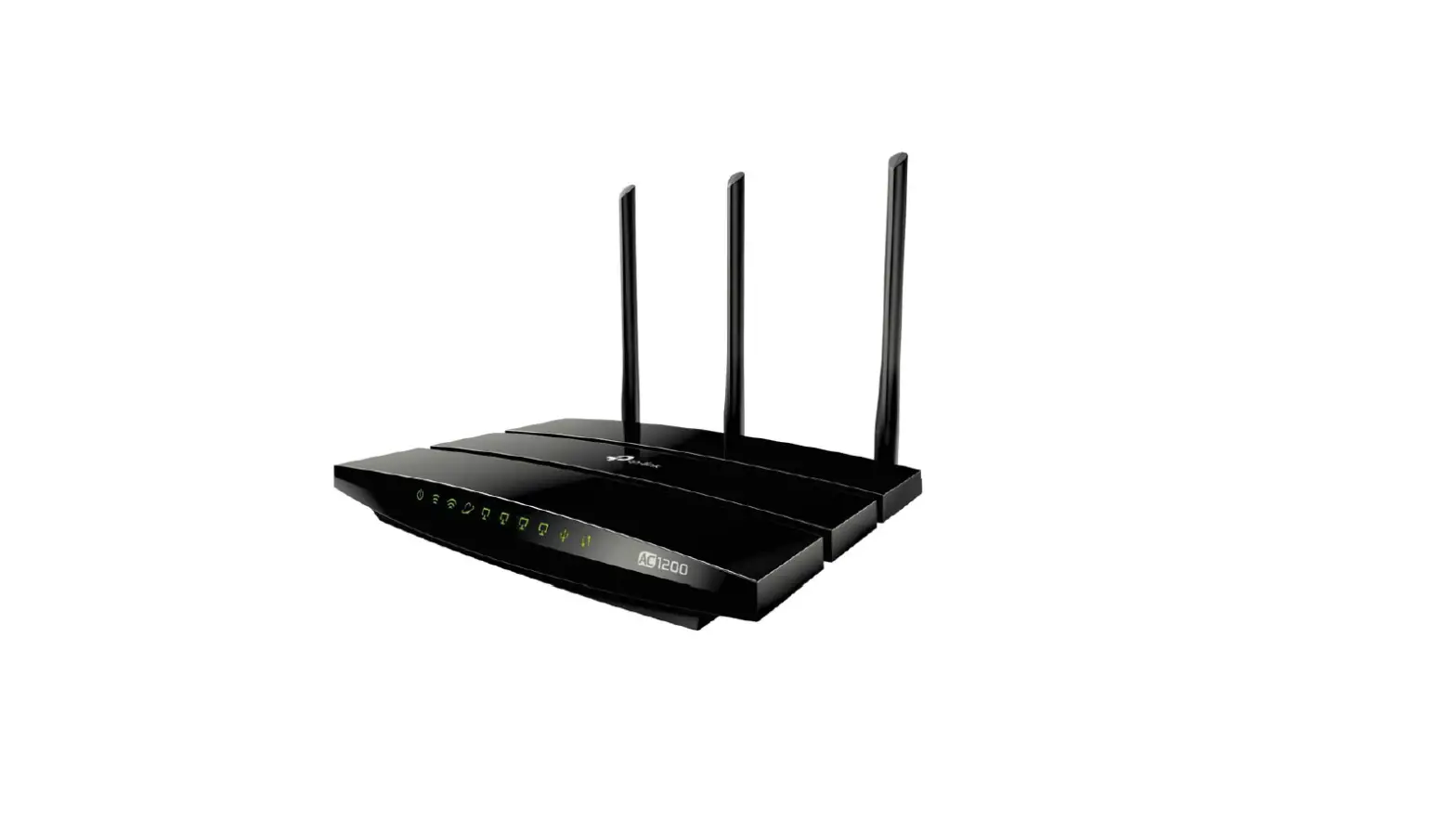

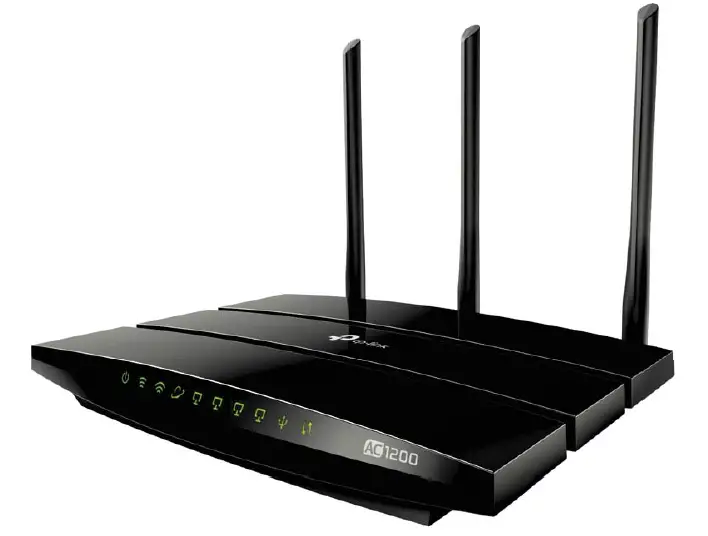
tp-link AC1200 Wireless Dual Band
Highlights
Household Wi-Fi at Streaming Speeds
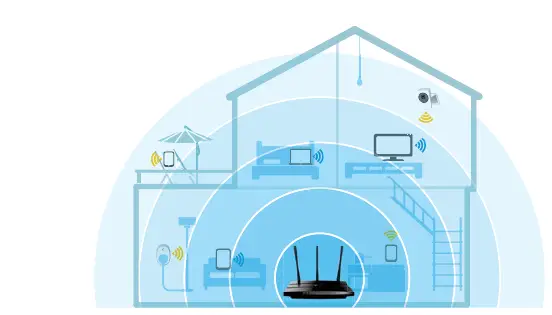
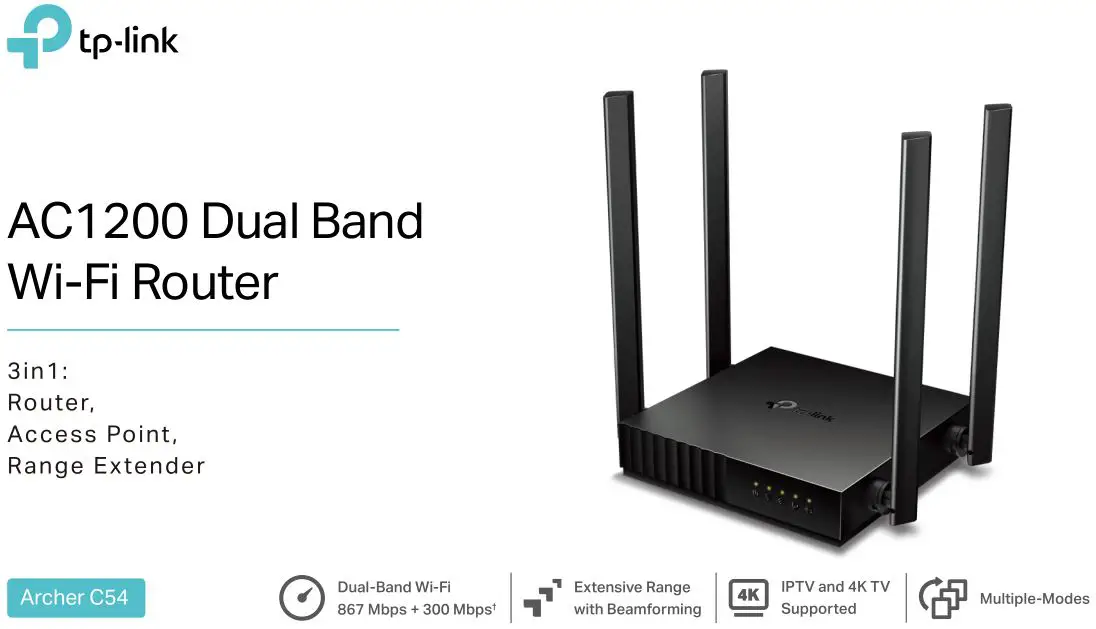
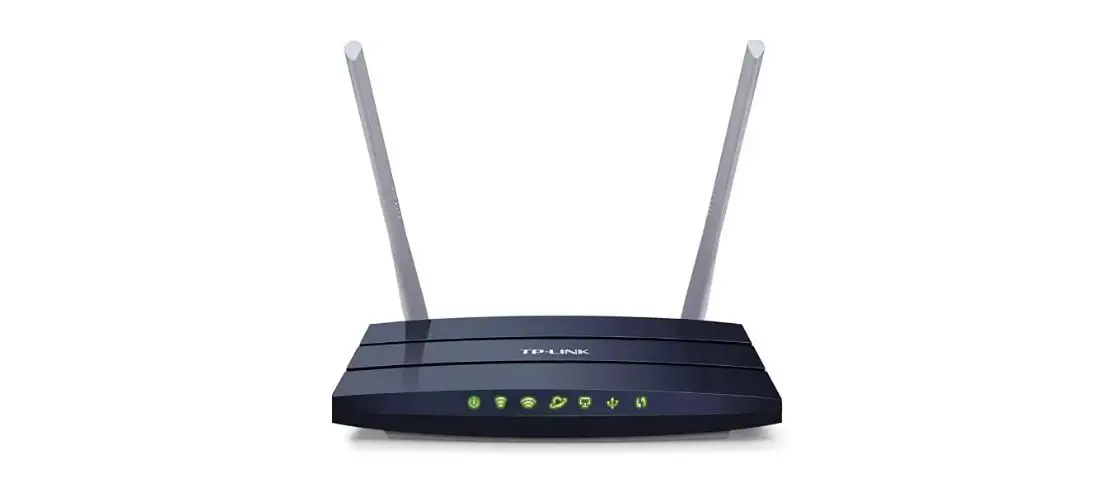
Press play and forget about buffering with the Archer C1200. The Wireless AC router creates high-speed AC1200 Wi-Fi so you can game online and watch movies in HD at the same time. The strong 2.4GHz (300Mbps) Wi-Fi band is perfect for sending emails, browsing the web, and listening to music. The crystal clear 5GHz Wi-Fi band reaches 867Mbps SO you can game online and stream in HD simultaneously

- 2.4GHz 300Mbps
- 5GHz 867Mbps
Optimum Wired Versatility
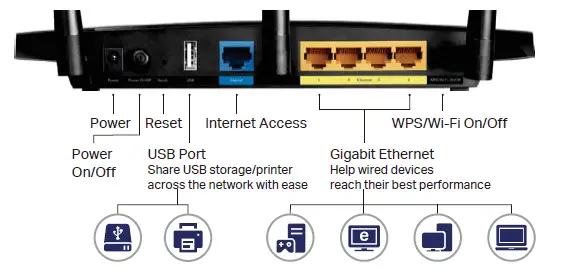
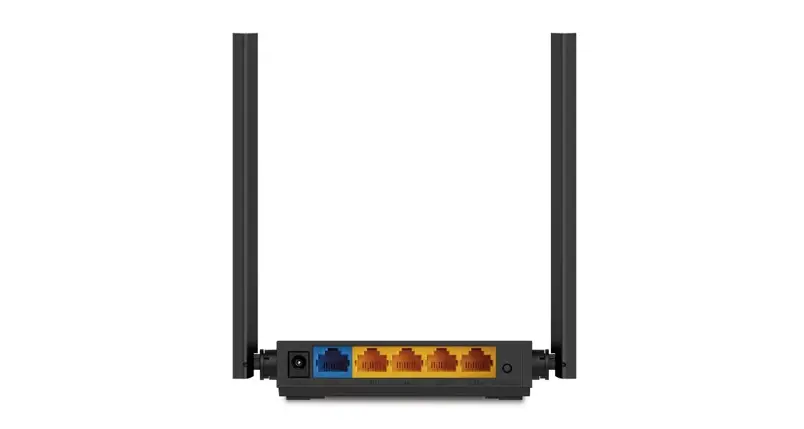
The Archer C1200’s multiple Gigabit LAN ports provide your PCs, game Consoles and more with ultra-fast and stable wired networks. You can also share a printer, files and media with numerous devices on your local network or via FTP server from anywhere in the world using the fast USB port.
Beamforming for Better Coverage
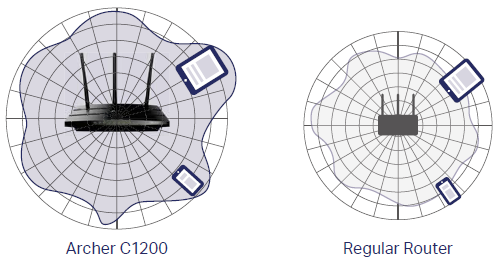
Beamforming technology detects the location of your connected devices and concentrates the Archer C1200’s Wi-Fi towards them to create stronger overall connections.
Easy Setup and Use
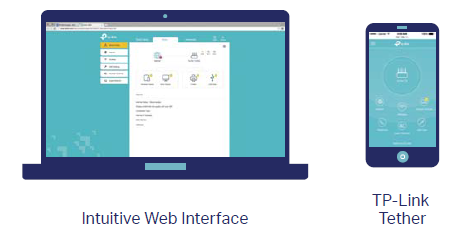
- Installation is simple, thanks to an intuitive web interface and the powerful TP-Link app, Tether.
Features
Speed

- Ultimate Wireless Speed – Combined wireless speeds up to 300Mbps (over 2.4GHz) and 867Mbps (over 5GHz)
- Support 802.11 ac – Provides a data transfer rate 3 times faster than 802.11n for each stream
Wi-Fi Range
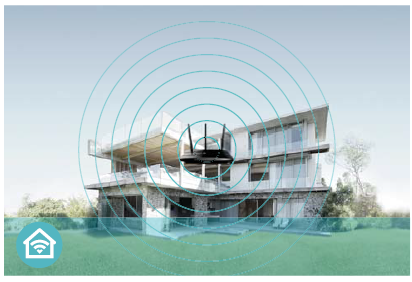
- Ultimate Range Wi-Fi -3 high-performance antennas with a high-powered amplifier ensure widespread Wi-Fi coverage and a stable connection
- Wi-Fi with Beamforming- Beamforming technology locates the connected devices and further improves the Archer C1200’s range and the signal strength to each mobile device, delivering a more reliable and efficient wireless connection.
Reliability

- Simultaneous Dual Band – Separate Wi-Fi bands enable more devices to be connected to your network without a drop in performance
- Easy Bandwidth Management – Advanced QoS makes it easier for you to manage the bandwidth of connected devices.
Ease of Use

- Intuitive Web Ul – Ensures quick and simple Installation without hassle
- Fast Encryption- One-touch WPA wireless security encryption with the WPS button
- Wi-Fi On/Off – Turn on/off wireless radio as needed using the Wi-Fi On/Off button
- Power On/Off – Conveniently power on or off your router as required
Hassle-free Management with Tether App – Network management is made easy with the TP-Link Tether App, available on any Android and iOS device - Online Upgrade – Keeps you informed of the latest firmware updates, ensuring your router stays at its best.
Security

- Guest Network- Keep your main network secure by creating a separate network for friends and visitors
- Access Control- Establish a whitelist or blacklist to allow or restrict certain devices to access the internet
- Parental Controls – Restrict internet access time and contents for children devices
- VPN Server- PPTP VPN and OpenVPN are supported, making it easy to set up a secure connection between your private network and the internet
- Encryptions for Secure Network- WPA-PSK and WPA2-PSK encryptions provide active protection against security threats
Easy Sharing

- USB Port for Fast Sharing – With the USB port, you can access and share a printer as well as your files and media locally. Through the router’s FTP server, you can also access your files and media from network devices remotely
- Built-in Print Server- Allows wireless printing from multiple computers (works in conjunction with a USB printer)
- Built-in Media server- Allows you to play music, watch videos and view photos from any device on your network
Specifications
Hardware
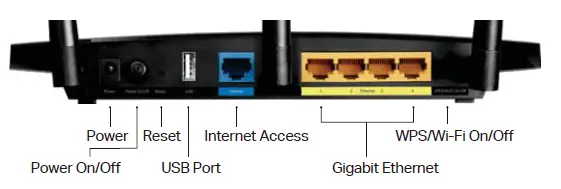
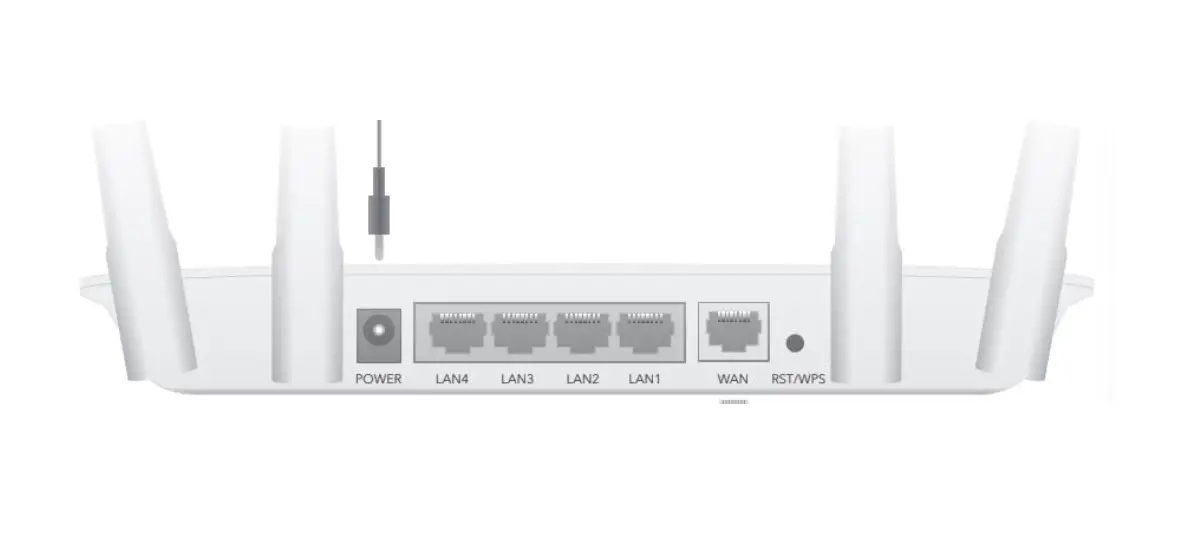
- Ethernet Ports: 4 1O/100/100OMbps LAN Ports, 1 10/100/100OMbps WAN Port
- USB Ports: 1 USB 2.0 Port
- Buttons: WPS/Wi-Fi On/Off Button, Power On/Off Button, Reset Button
- Antennas: 3 External Antennas
- External Power Supply
- 12VDC/1A (Hardware V2, EU Version)
- 12VDC/1.5A (Hardware V2, US Version)
- 12VDC/1A (Hardware V3, US Version)
- Dimensions (W x D x H): 9.6 x 6.4 x 1.3 in (243x 168 x 33 mm)
Wireless
- Wireless Standards: IEEE 802.11ac/n/a 5GHz, IEEE 802.11b/g/n 2.4GHz
- Frequency: 2.4GHz and 5GHzZ
- Signal Rate: 867Mbps at 5GHz, 300Mbps at 2.4GHz
- Transmit Power
- CE (Hardware V2): <16.5dBm (2.4GH2), <17.5dBm (5GHz)
- FCC (Hardware V2) <26.5 dBm (2.4GHz), <27dBm (5GHz)
- FCC (Hardware V3): <20dBm (2.4GHz), <18dBm (5GH)
- Reception Sensitivity: 5GHz
- 11a 6Mbps: -92dBm, 11a 54Mbps: -75dBm
- 11ac HT20: -70dBm, 11ac HT40: -64dBm, 1 1ac HT80: -62dBm 2.4GHz:
- 11g 6Mbp: -91dBm, 11g 54Mbps: -75dBm
- 11n HT20: -73dBm, 11n HT40:-70dBm
- Wireless Function: Enable/Disable Wireless Radio, WMM, Wireless Statistics
- Wireless Security: Enable/Disable SSID Broadcast, 64/128-bit WEP, WPAWPA2, WPA-PSK/WPA-PSK2 encryptions, QSS, Wireless MAC Filter
Software
- Quality of Service: WMM, Bandwidth Control
- WAN Type: Dynamic IP, Static IP, PPPoE, PPTP(Dual Access), L2TPDual Access), Bigpond
- Management: Access Control, Local Management, Remote Management
- DHCP: Server, DHCP Client List, Address Reservation
- Port Forwarding: Virtual Server, Port Triggering, UPnP, DMZ
- Dynamic DNS: DynDns, NO-IP, TP-Link
- VPN Server: PPTP, Open VPN
- Access Control: Parental Controls, Local Management Control, Blacklist, Whitelist
- Firewall Security: DoS, SPI Firewall, IP and MAC Address Binding
- Protocols: IPv4, IPv6
- USB Sharing: Supports Samba(Storage), FTP Server, Media Server, Printer Server
- Guest Network: 2.4GHz guest network x 1, 5GHz guest network x 1
Others
- Certification
- CE, FCC, RoHS
- System Requirements
- Microsoft Windows 98SE/NT/2000/XP/Vista™/7/8/8.1/10, MAC OS,
- NetWare, UNIX or Linux
- Internet Explorer 11, Firefox 12.0, Chrome 20.0, Safari 4.0, or other
- Java-enabled browser
- Cable or DSL Modem
- Subscription with an internet service provider (for internet access)
- Environment
- Operating Temperature: 0℃~40℃ (32℉ ~104℉)
- Storage Temperature: -40℃~70℃ (-40℉ ~158℉)
- Operating Humidity: 10%~90% non-condensing
- Storage Humidity: 5%~90% non-condensing
- Package Contents
- AC1200 Wireless Dual Band Gigabit Router Archer C1200
- Power Adapter
- RJ45 Ethernet Cable
- Quick Installation Guide
For more information, please visit: http://www.tp-link.com/en/products/details/Archer-C1200.html
or scan the QR code left

Attention: This device may only be used indoors in all Eu member states and EFIA countries.
Specifications are subject to change without notice. P-LInk is a registered trademark or TP-Link Technologies Co., Ltd. Other brands and product names are trademarks or registered trademarks of their respective holders.
Copyright ©2017 TP-Link Tech nobles Co. Ltd. All rights reserved.
TP-Link Technologies Co., Ltd.
- Building 24 (floors 1, 3, 4, 5) and 28 (floors 1-4) Central Science and Technology Park, Shennan Rd, Nanshan, Shenzhen, China
- www.tp-link.com
TP-Link AC1200 Wireless Dual Band Gigabit Router Archer C1200