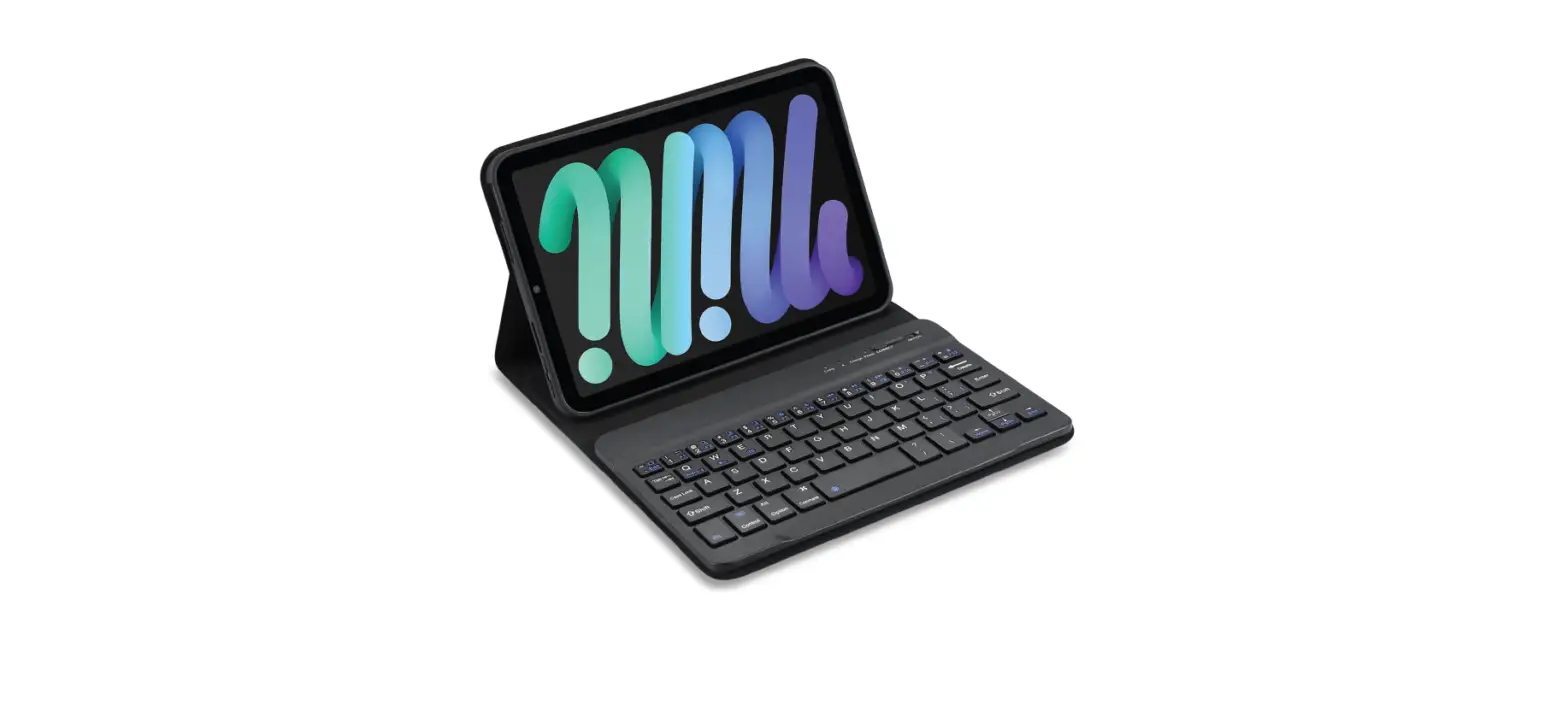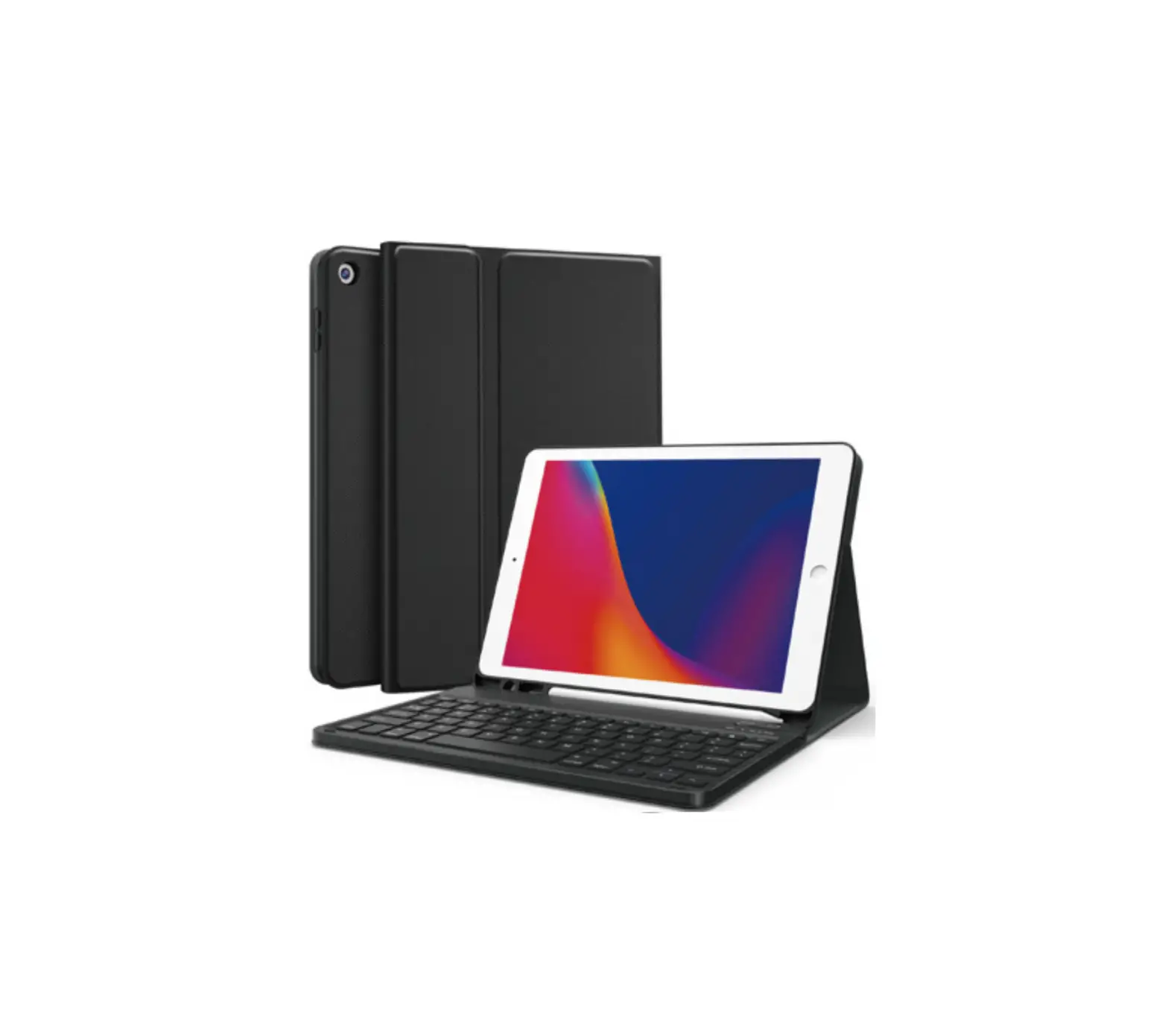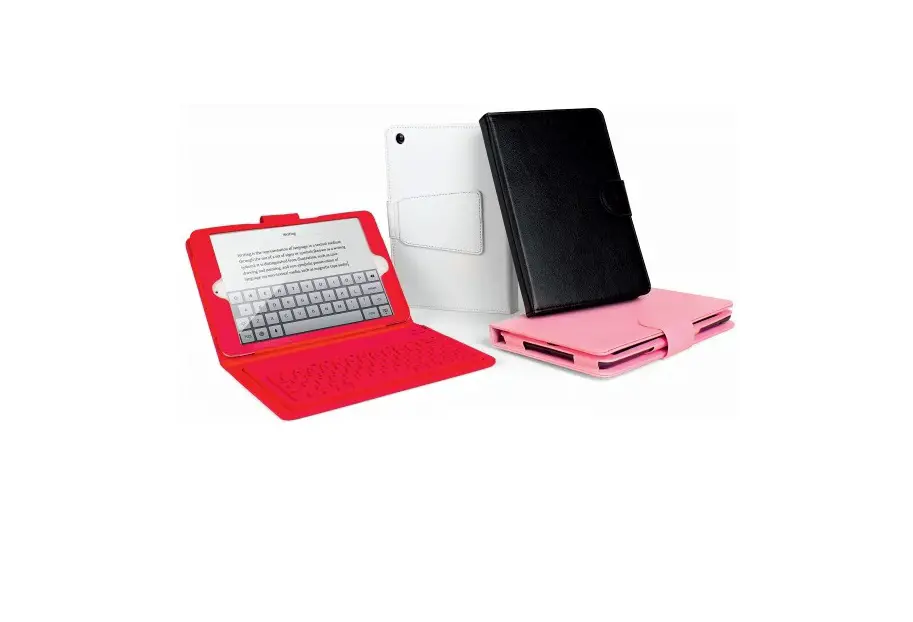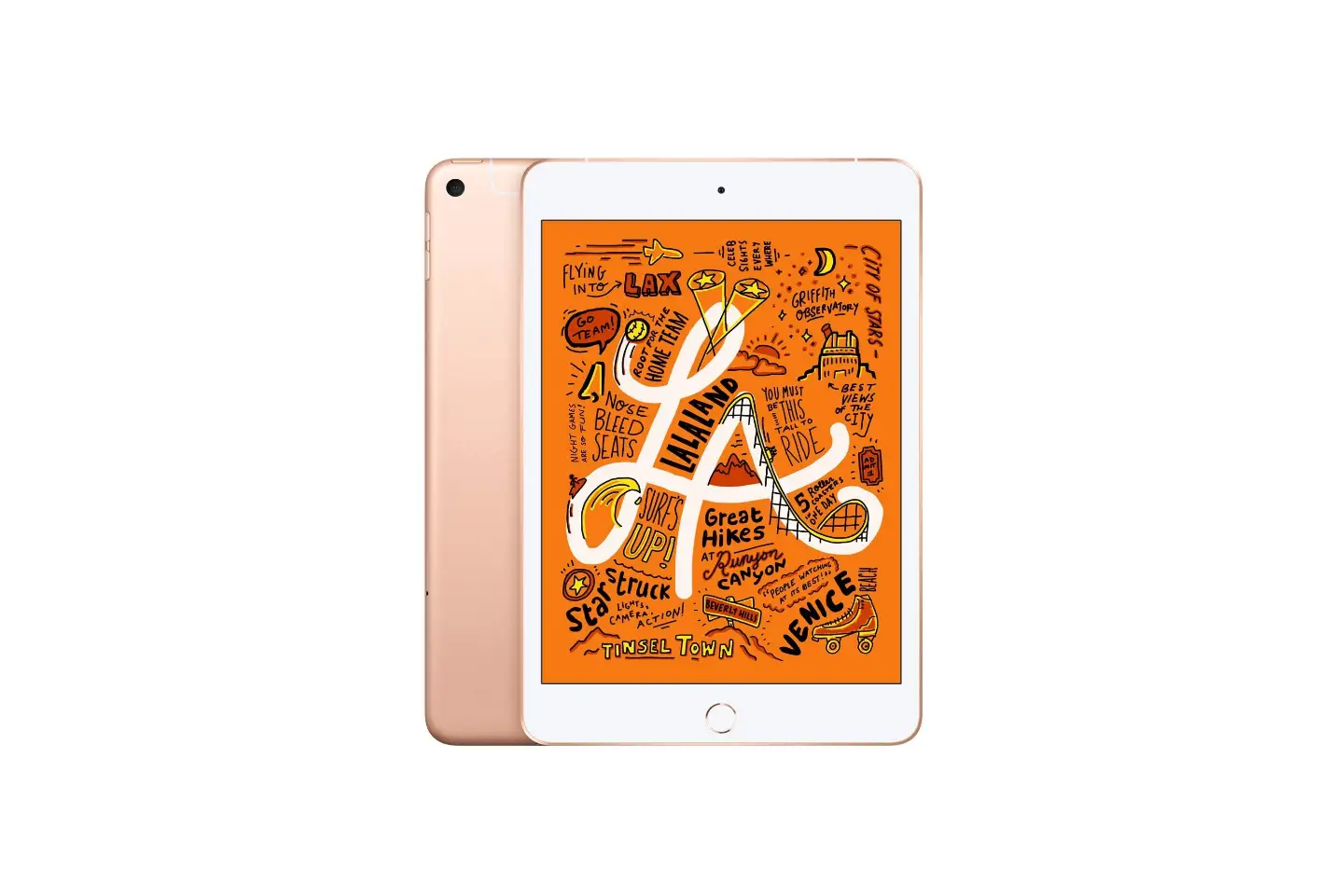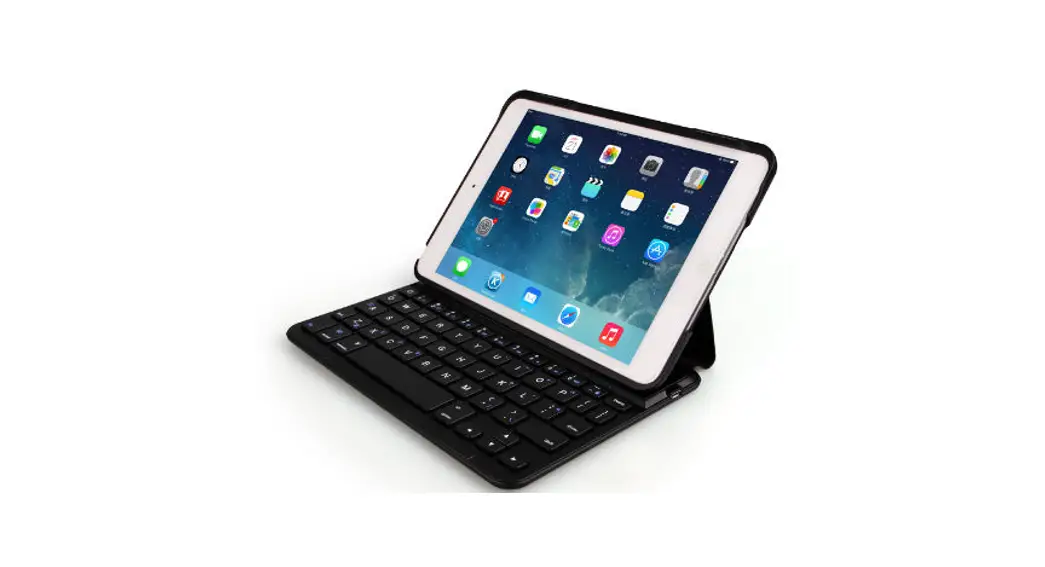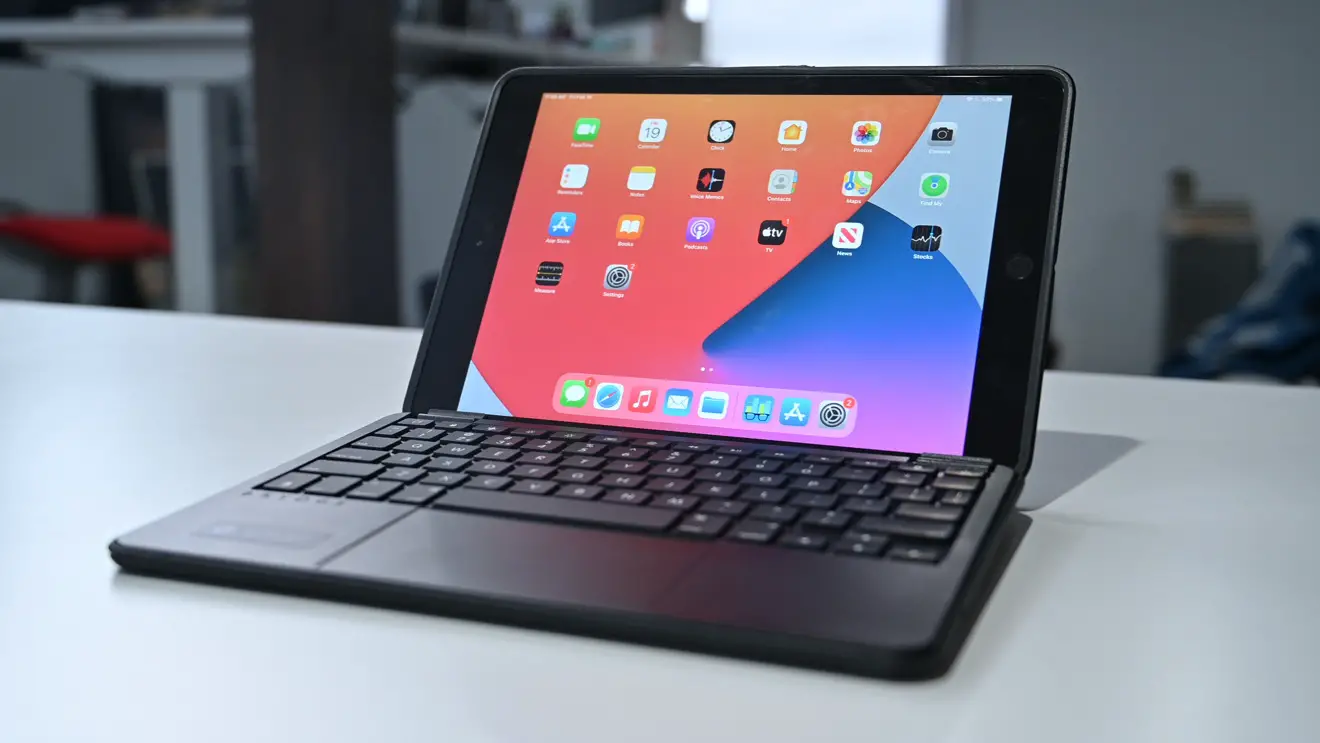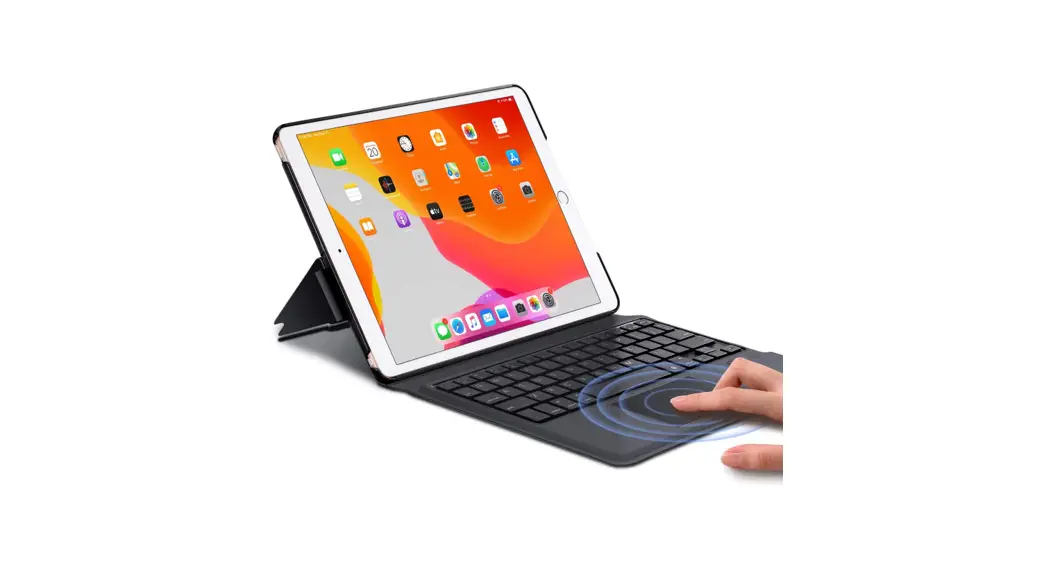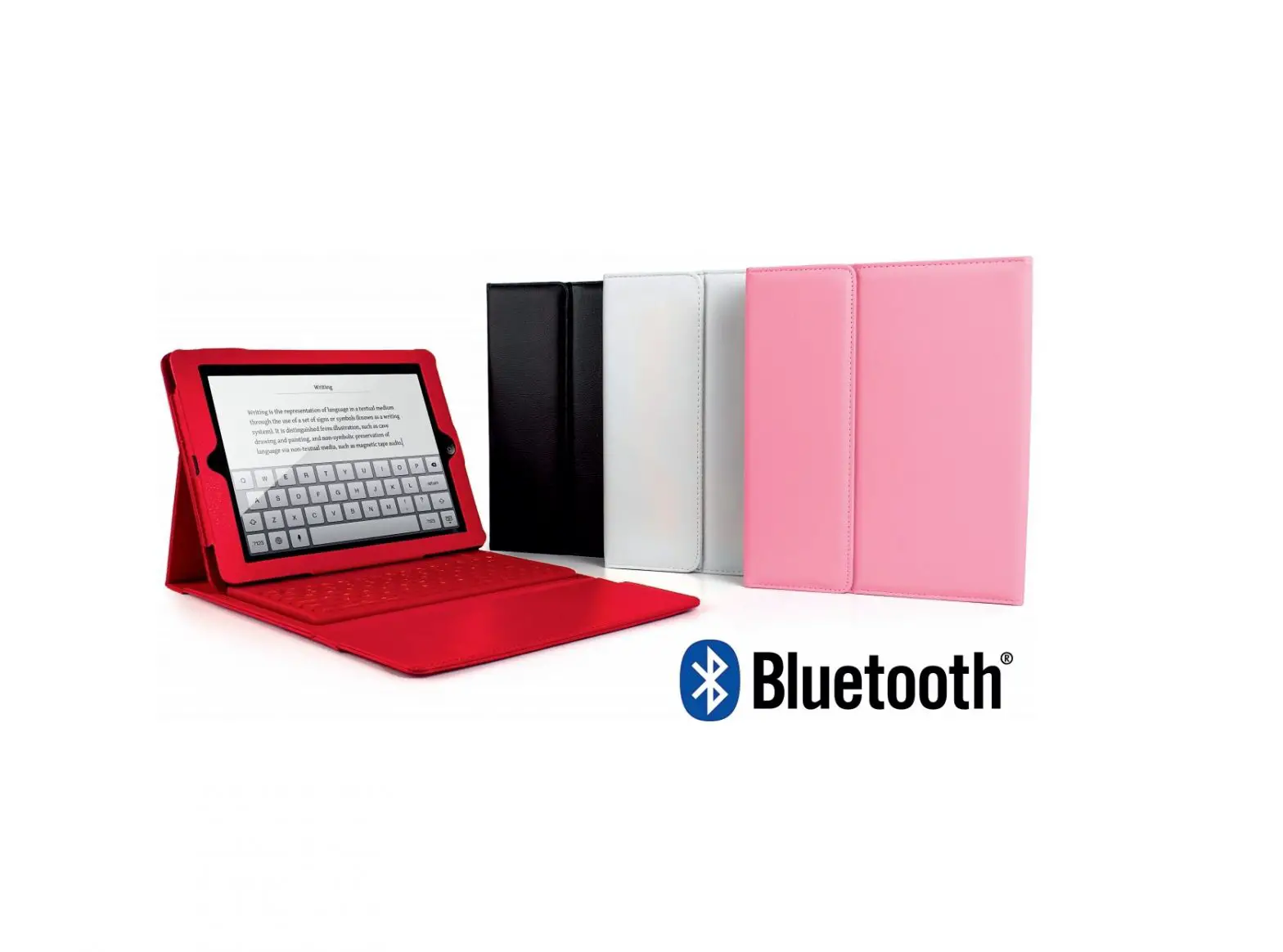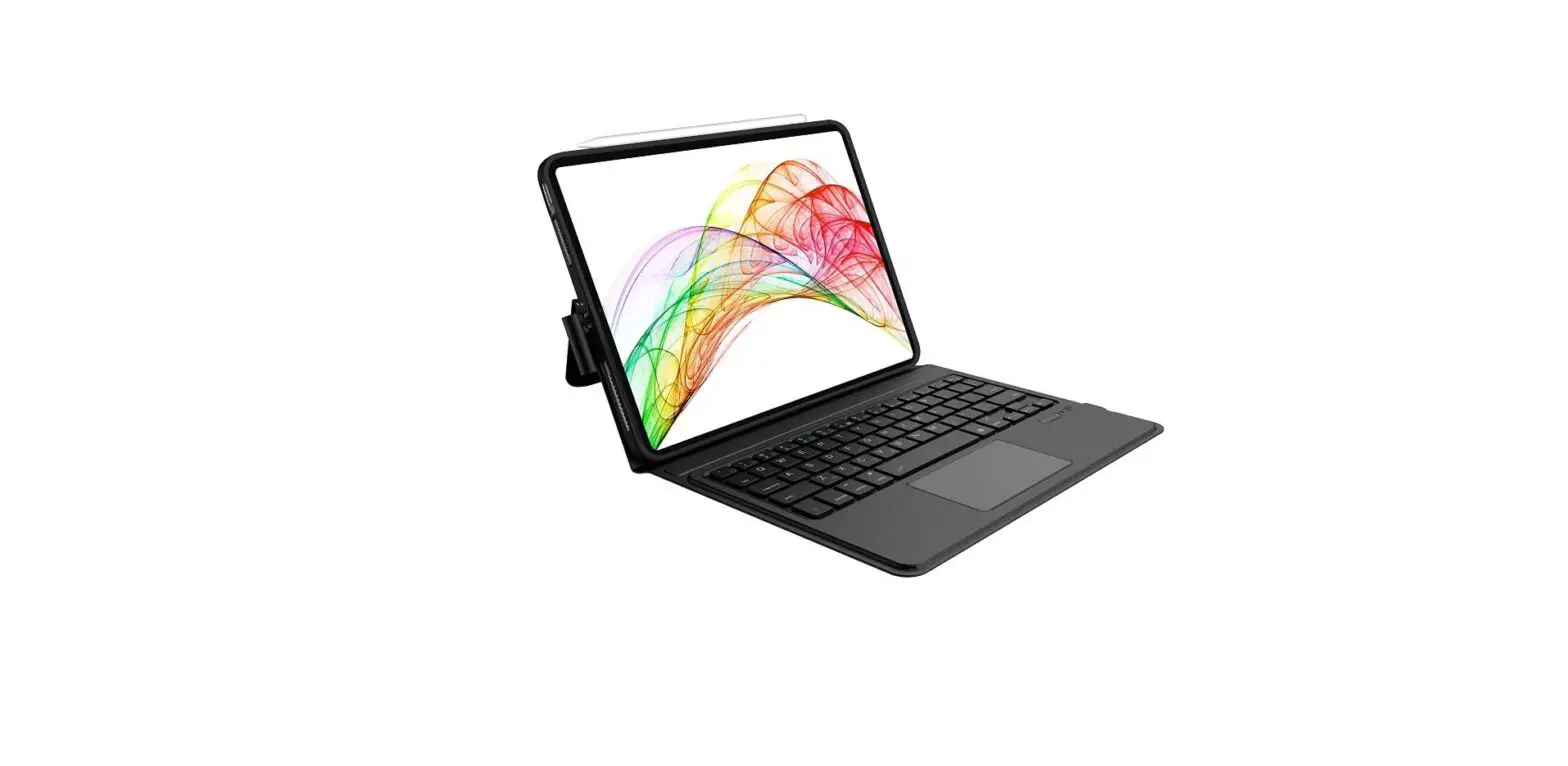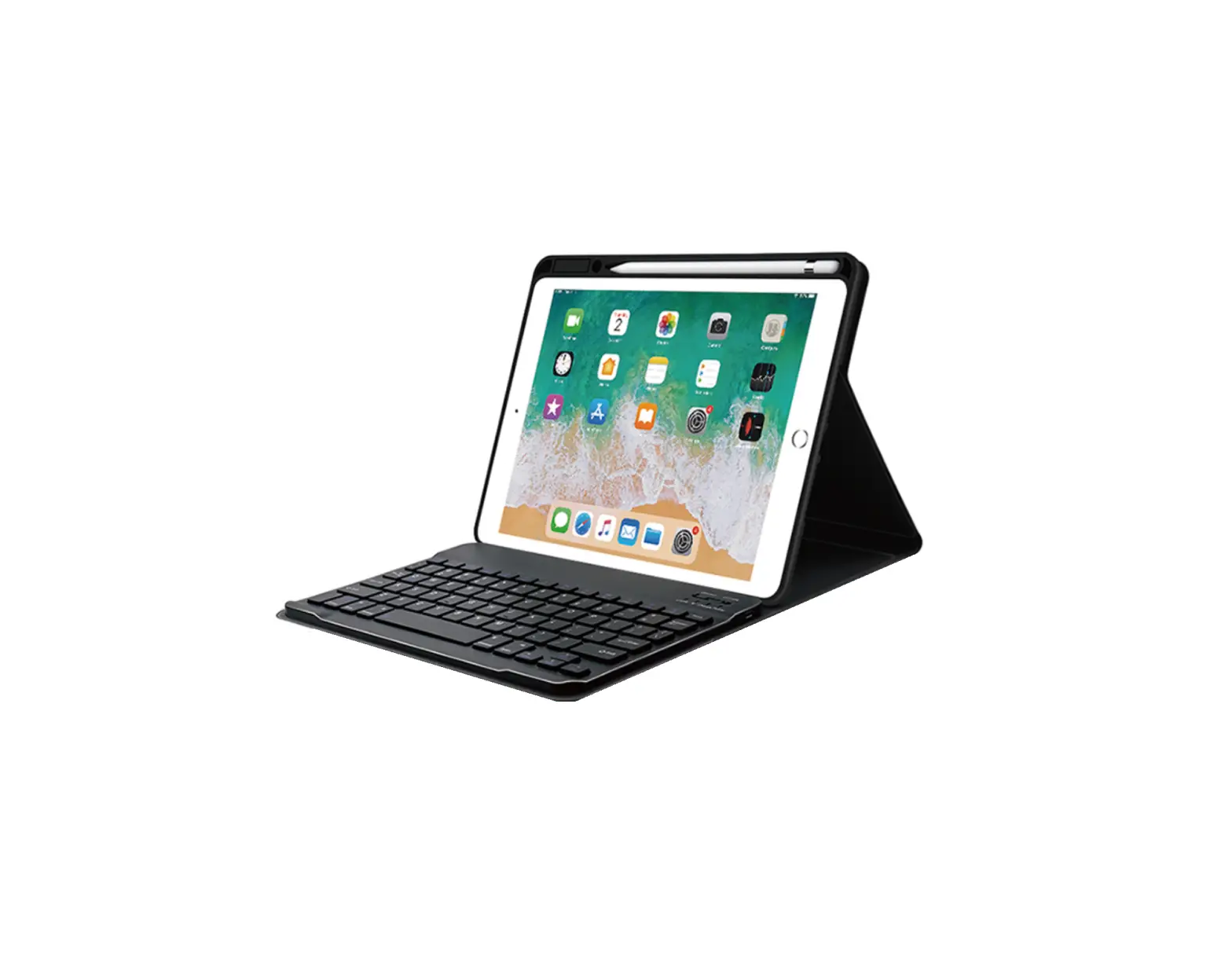
earto iPad Mini 5 Keyboard Case iPad Mini 4 Keyboard Case User Manual
Load/Upload Your iPad
- Removing back protective piece: hold iPad on both sides and use thumbs to gently push off the back cover (see photo.) Cover is held in place by two tabs.

- Proceed to “peel” cover away from iPad.
- Take iPad out.
- Take iPad out upwards.




Pairing Steps
- Power on keyboard, then press
 keys, the keyboard will stay on searching state within 3 minutes
.
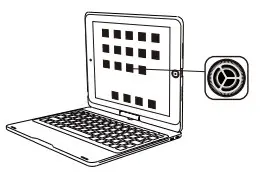
- On your iPad, Select ” Setting – Bluetooth – On “.

- Open your Bluetooth signal, keep the Bluetooth showing “on” search state.

- Select “iPad Keyboard” on the iPad, the indicator will be off after connection is successful.

 keys, the keyboard will stay on searching state within 3 minutes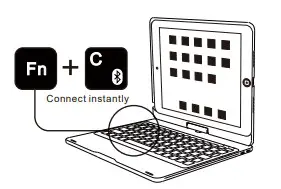
Note:
- No any button pressed within 10 seconds, the backlight will go out.
- No any button pressed within 10 minute, the keyboard will enter sleep mode. In this case, you just need to press any key and wait for 3 seconds to reconnect.
- If the connection fails, delete all pairing records from your device and try the above steps again.
- When the battery is below 20%, Bluetooth will be unstable.
WARNING: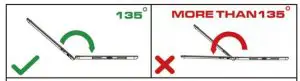
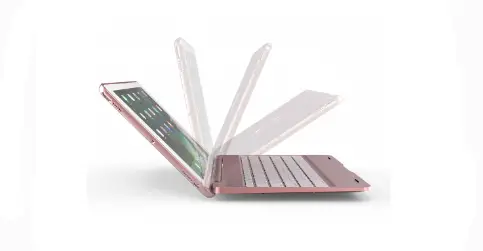
Please do not unfold the case more than 135 degree angle, or else the spiale easyto be broken.
Keyboard Overview
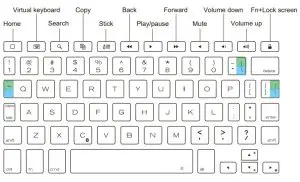
| 1 | 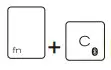 | Bluetooth connection |
| 2 | 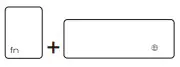 | Switch input language |
| 3 | 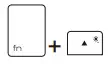 | Brighter Press once to turn on the back lit |
| 4 | 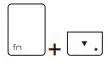 | Darker The fourth time will turn off the back lit) |
| 5 | 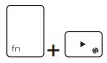 | Switch back light color |
| 6 |  | Caps Lock &tabulator key |
| 7 | 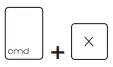 | Cut |
| 8 | 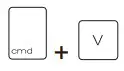 | Paste |
| 9 | 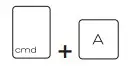 | Select All |
| 10 | | Copy |
| 11 | 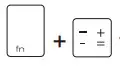 | Type the words in cyan area, Like”=” |
| 12 | 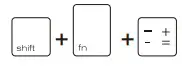 | Type the words in green area, Like”+” |
Specification
Operating Distance: | <10 meter | Modulation System: | GFSK |
| Working voltage: | 3.0-4. 2v | Working Current: | 0.7-4 mA |
| Sleep Current: | <60μA | Charging Current: | 7160 mA |
| Standby Time: | 150 days | Charging Current: | 108H(without backlight |
| Charging Time: | <2 hours | Lithium battery capacity: | 270mAh |
| Lithium battery Life: | 3 years | Key life: | 5 million strokes |
| Operating temperature: | -10±55 °C | ||
Light Indication
| Power indicator | Three indicator lights will flash 3 seconds |
| Bluetooth indicator | Press “fn + C” keys to enter pairing mode |
| Caps lock indicator | White light is on. |
| Charging indicator | Stably on in red color. Fully Charged – turns green. Low battery indicator – Flash in red color to remind you to charge it. |
Trouble Shooting
If the keyboard fails to work, please check if:
- The battery is too low. Fully charge the keyboard (no less than 2 hours) for the first time to extend battery life.
- The keyboard is located within 33 feet from your iPad.
- The Bluetooth function on the iPad is enabled.
I can’t get my Bluetooth Connected:
Step 1: Switch ON/OFF to ON.
Step 2: Press “fn + C” ( Note: Paring indicator light will begin blinking)
Step 3: Toggle Bluetooth On in the Settings app on your iPad.
Step 4: Tap ” iPad Keyboard ” under “MY DEVICES” in the Settings.
For the coming use, you just need to open the keyboard and tablet power, press any key on the keyboard.Then it will automatically connect. ( No need to click “fn + C” and pair it. Otherwise, it will show not connected.)
Can pair before but failed to pair this time:
Step 1: Delete all the Bluetooth devices on the iPad. (include our keyboard)
Step 2: Switch off the Bluetooth function and reboot the iPad.
Step 3: Switch the keyboard off and on.
Step 4: Reconnect the keyboard. (Repeat the above “Pairing Steps” ) ([email protected])
Caution
If you have problems with keyboard usage or improvement suggestions, please do not hesitate to contact us by email. We will help you solve the problem. Thank you!!
Contact Us
Email: [email protected]
Web: www.earto.net
 Earto – earto