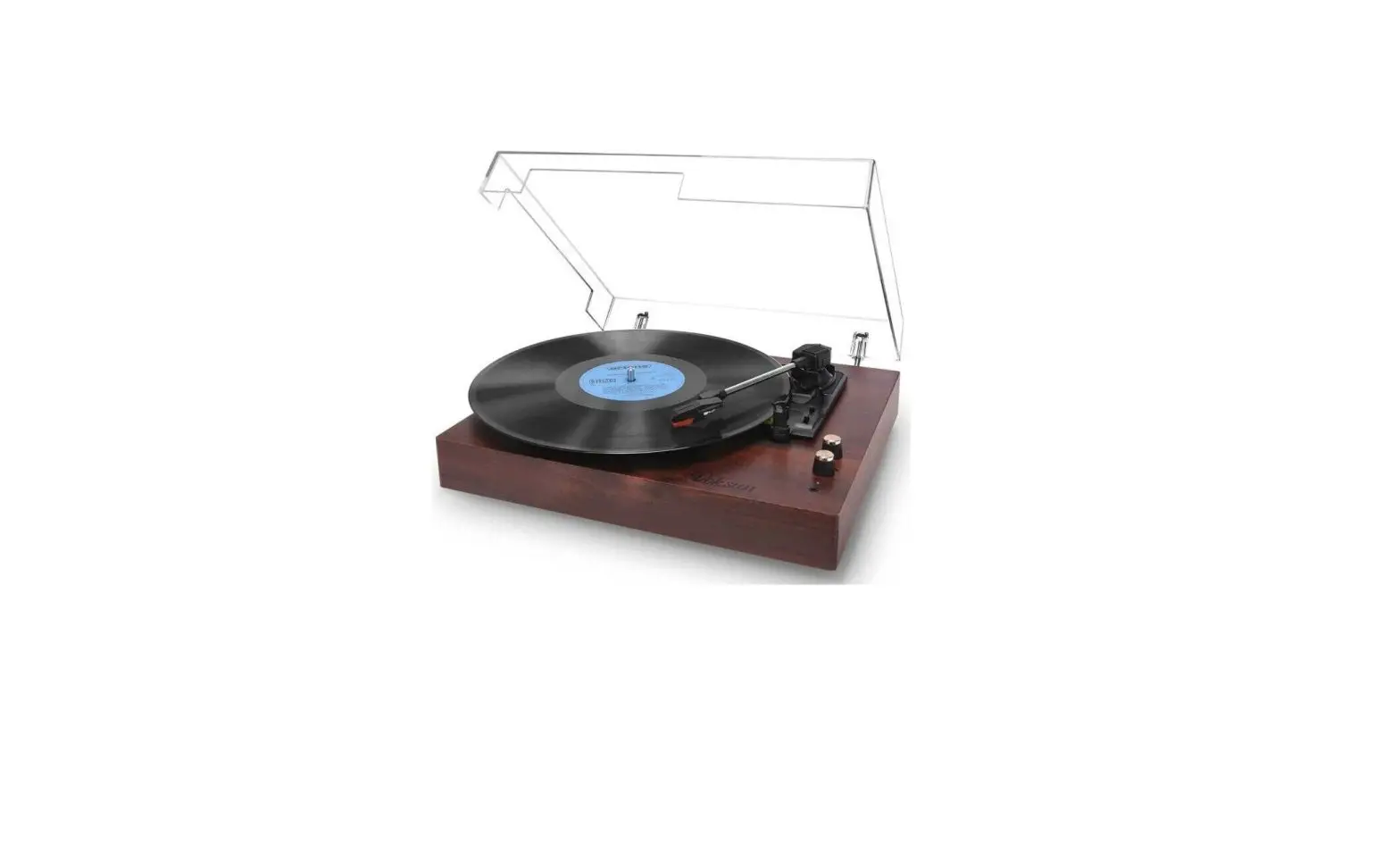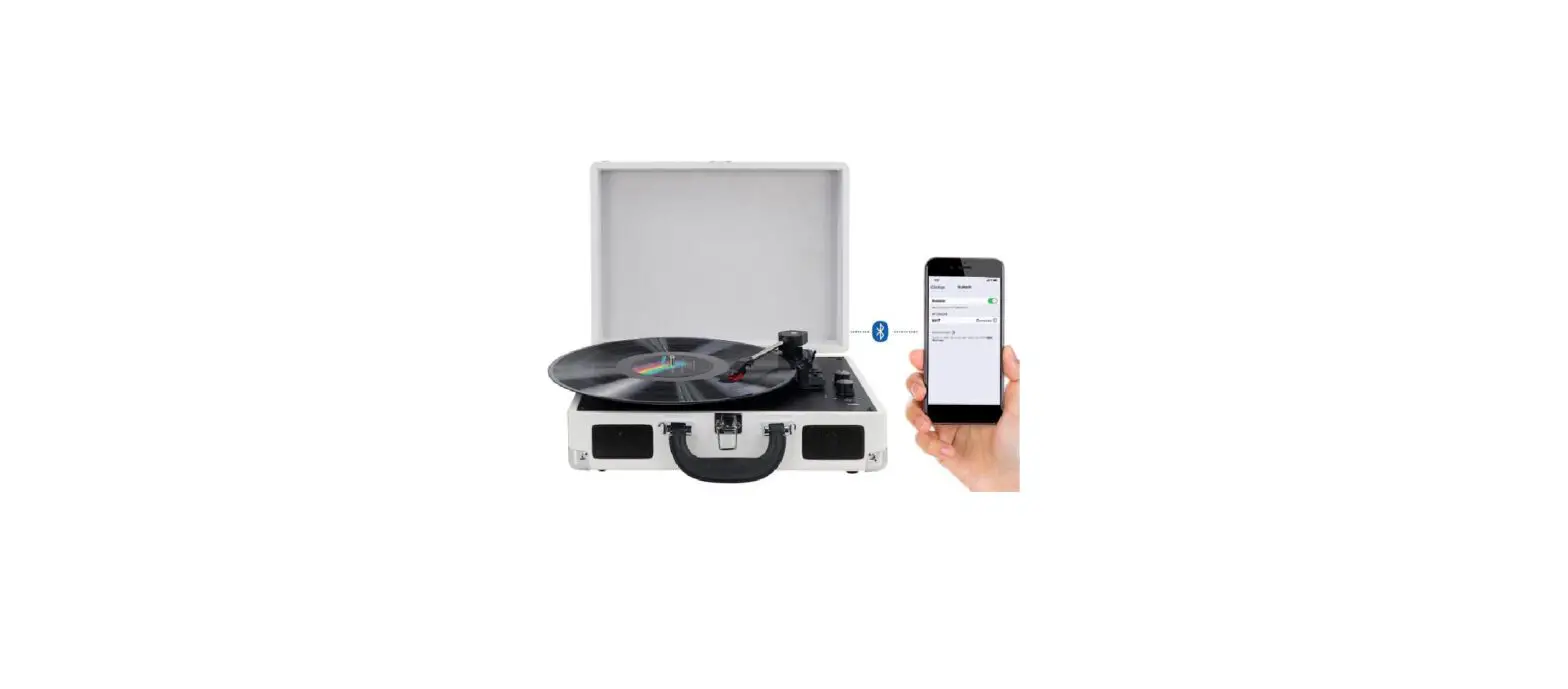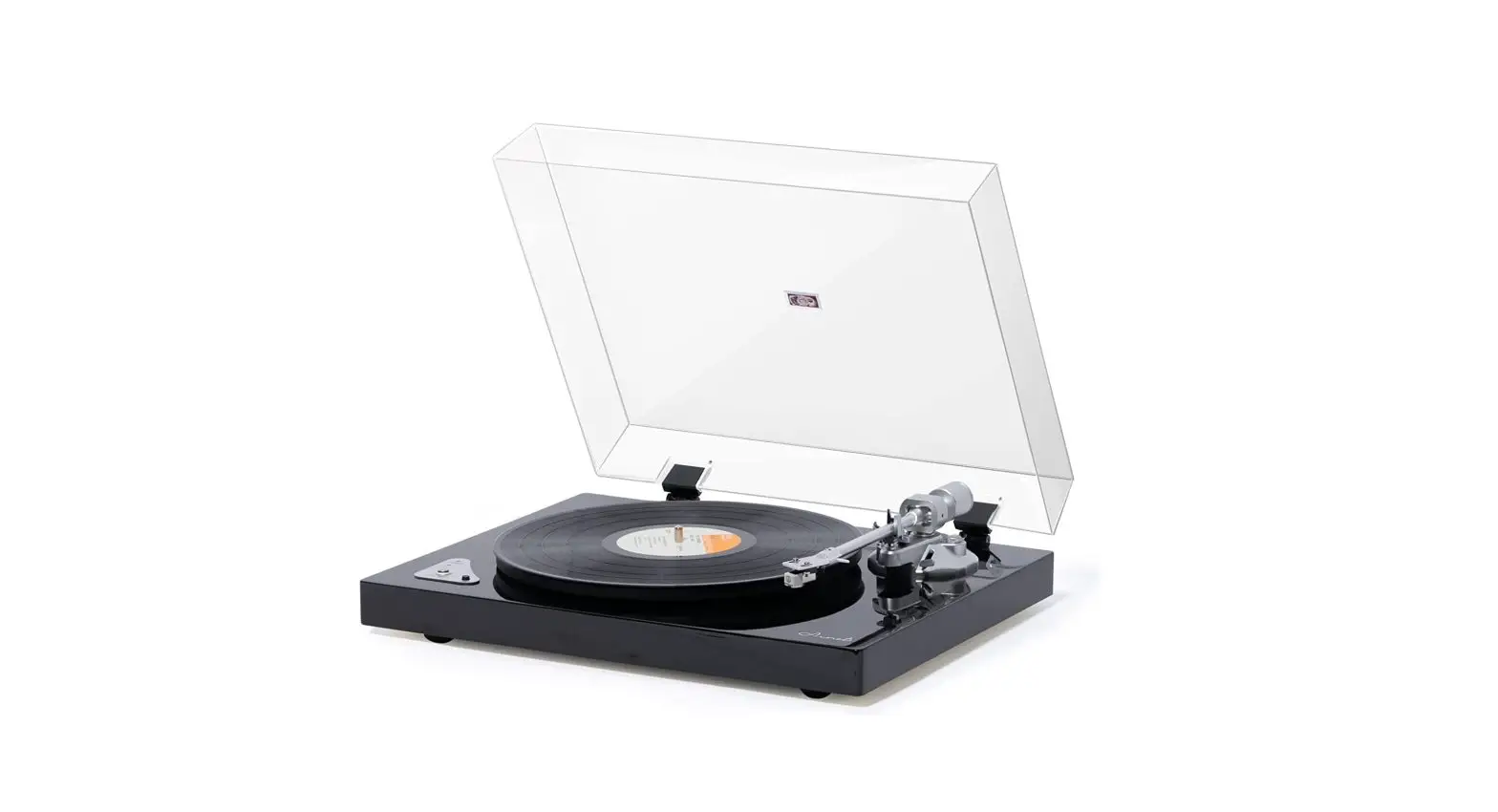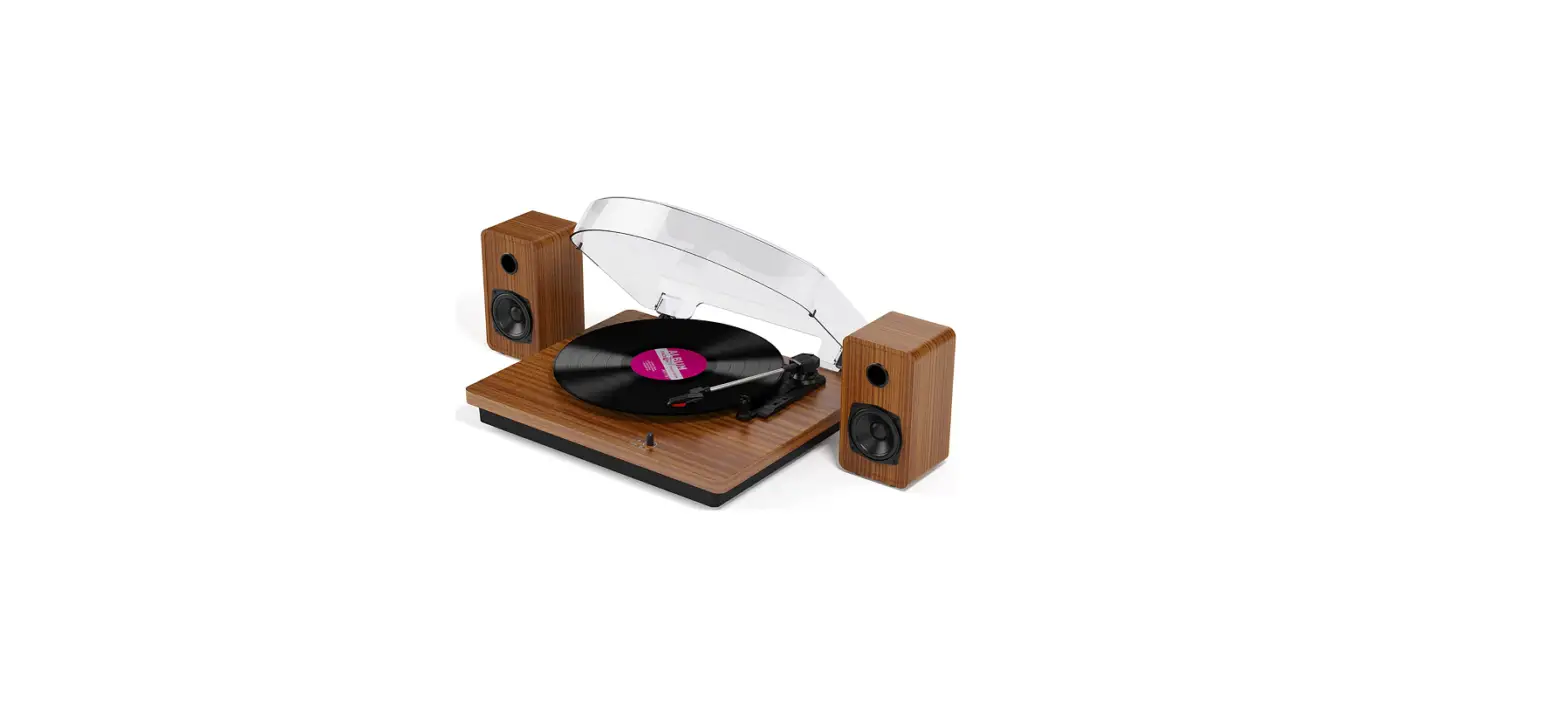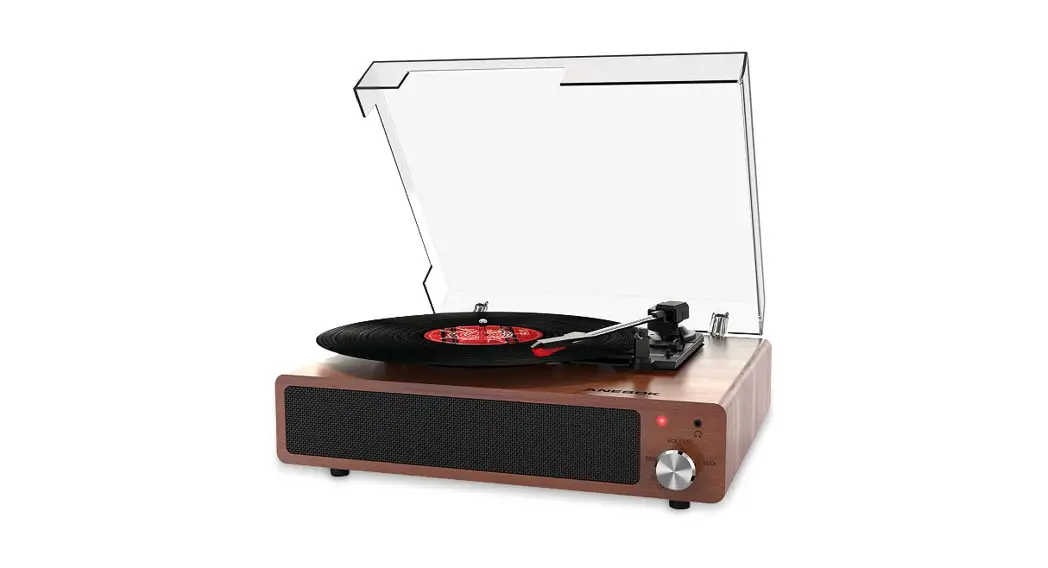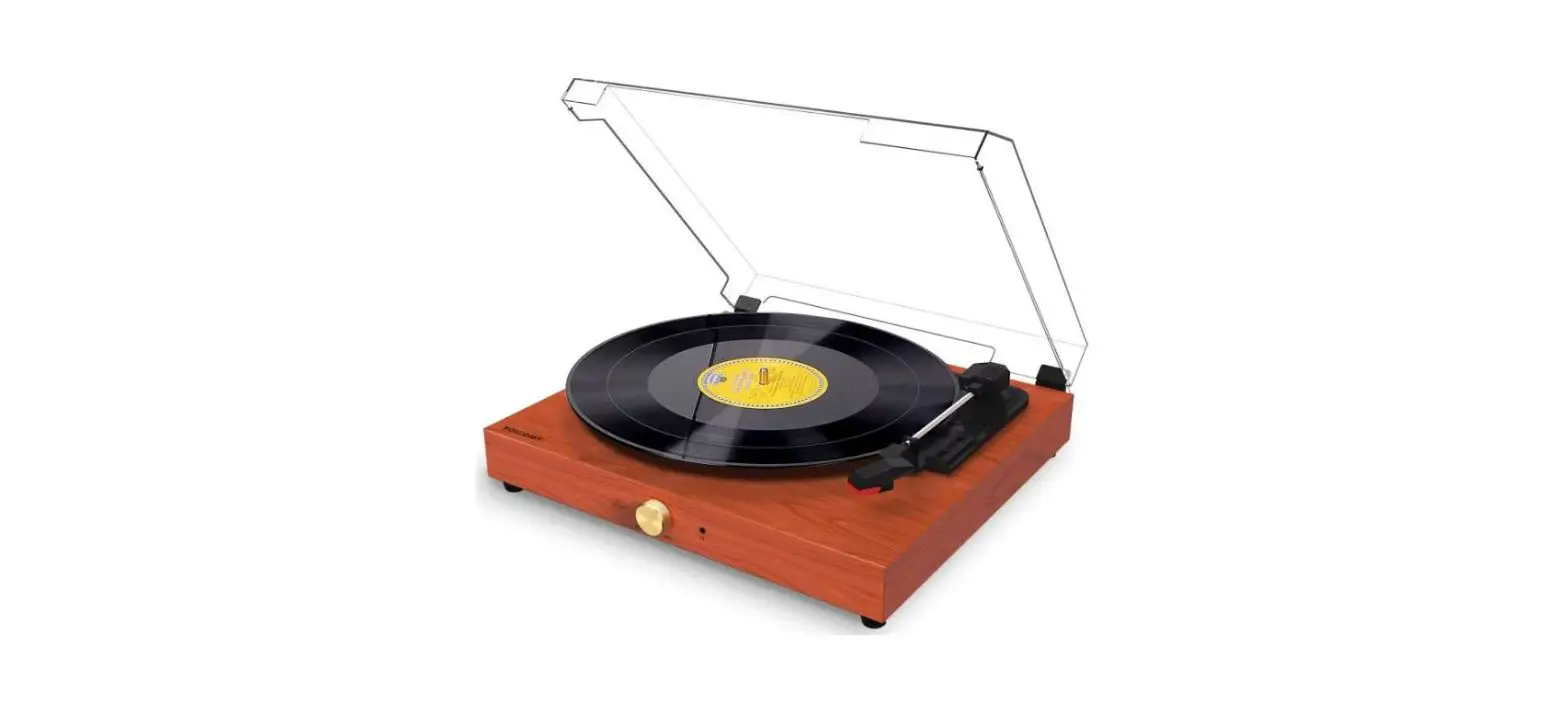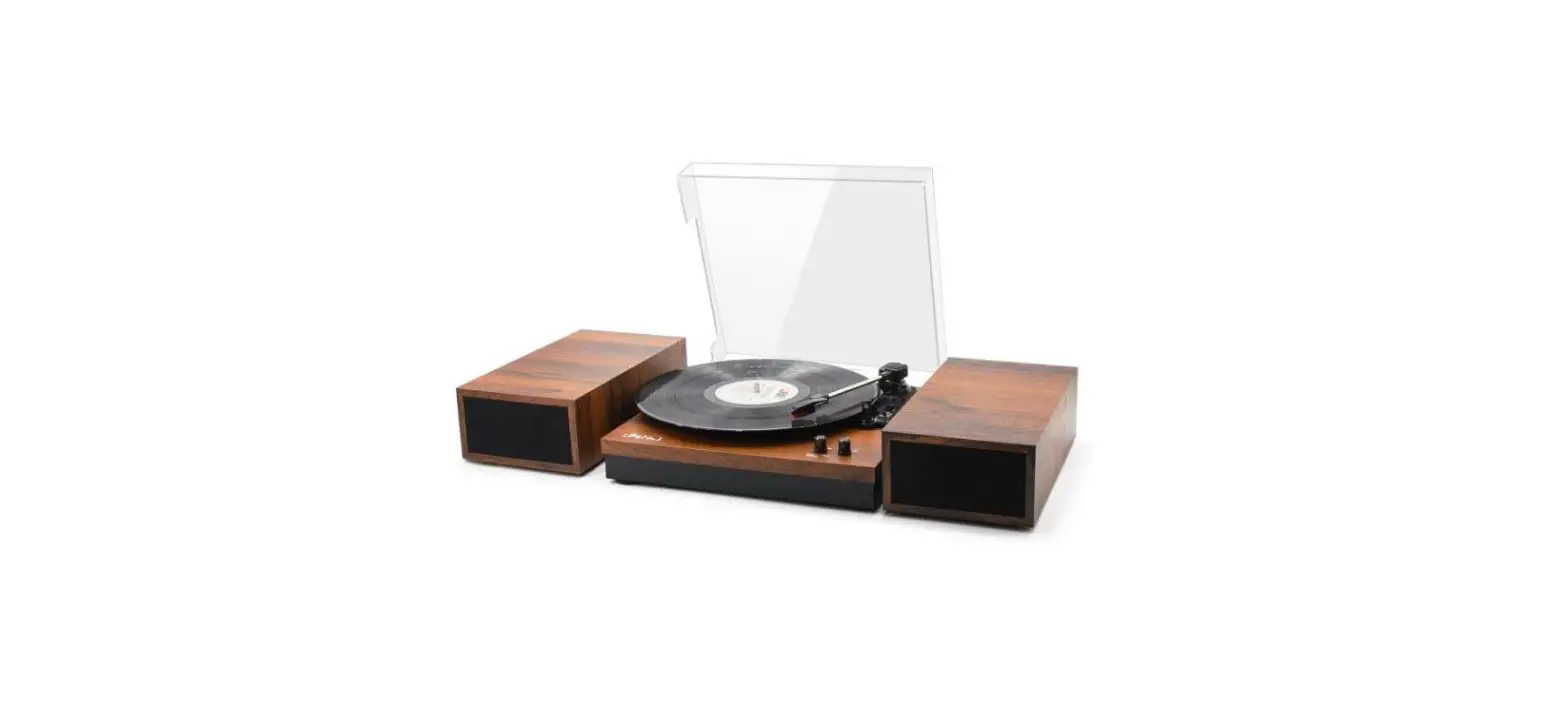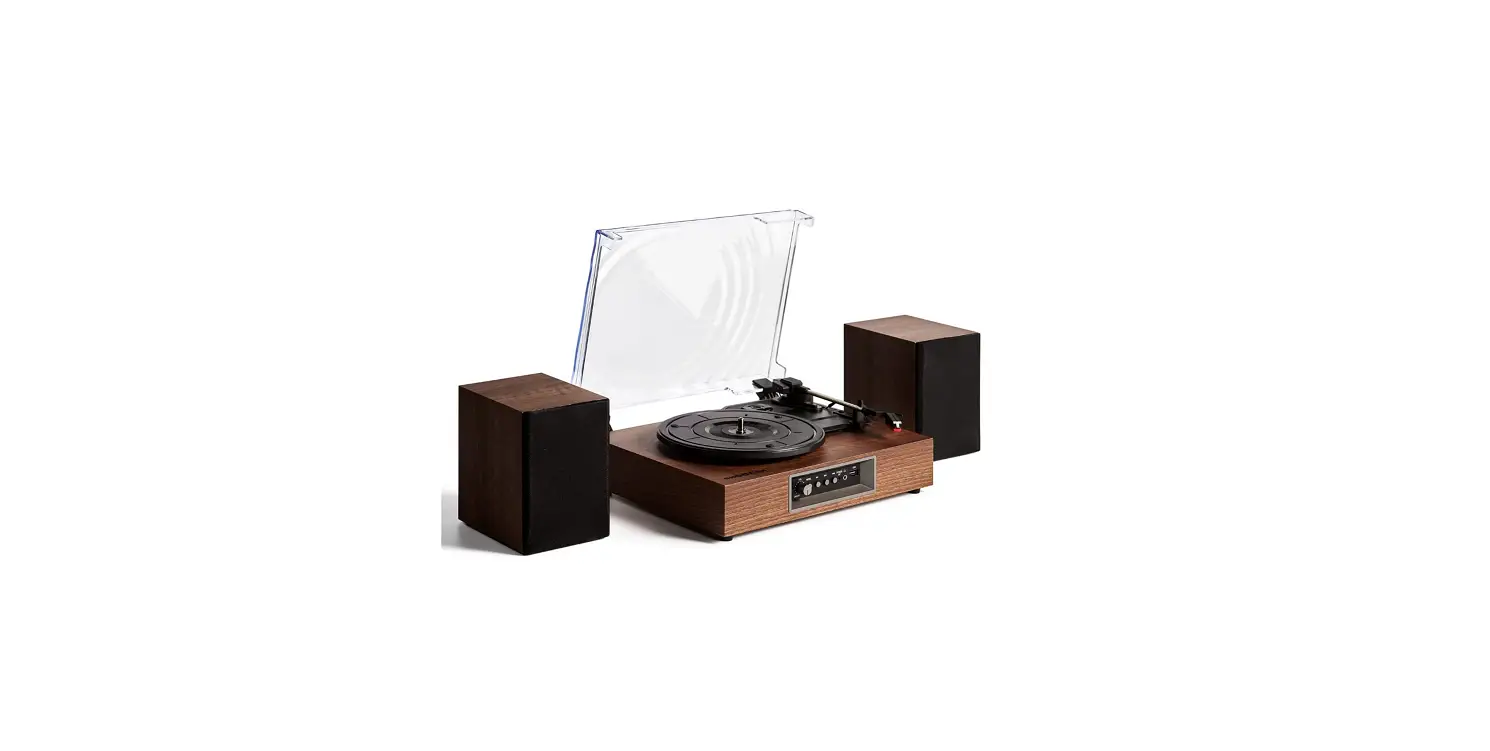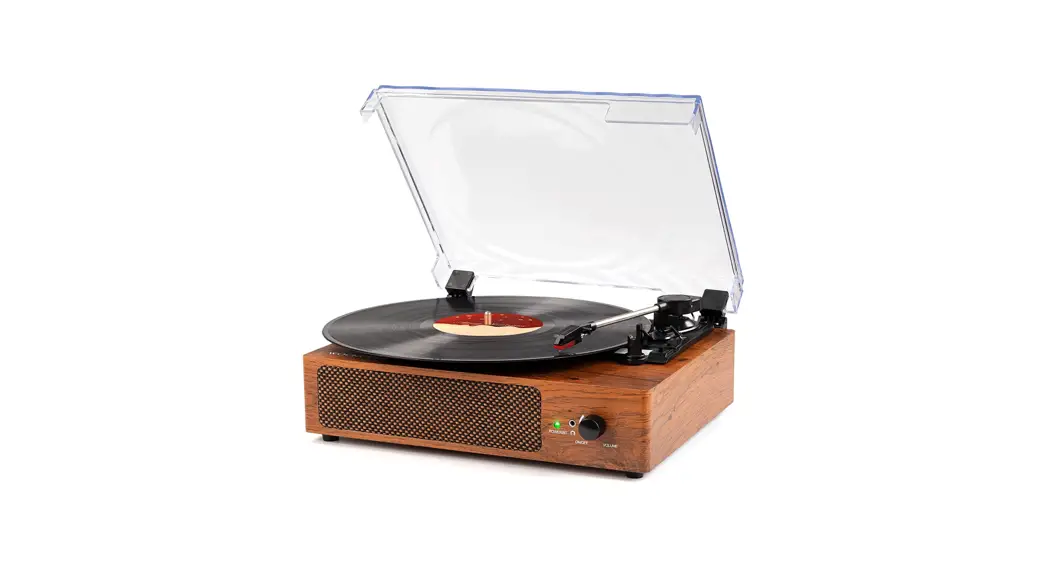

Vinyl Record Player
USER MANUAL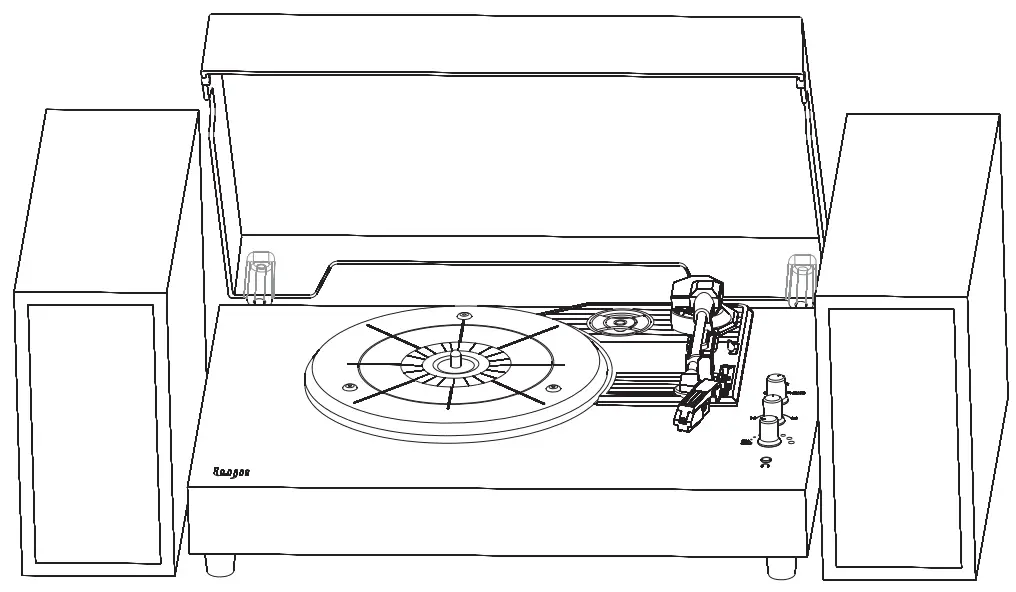
Model: JQ-001 
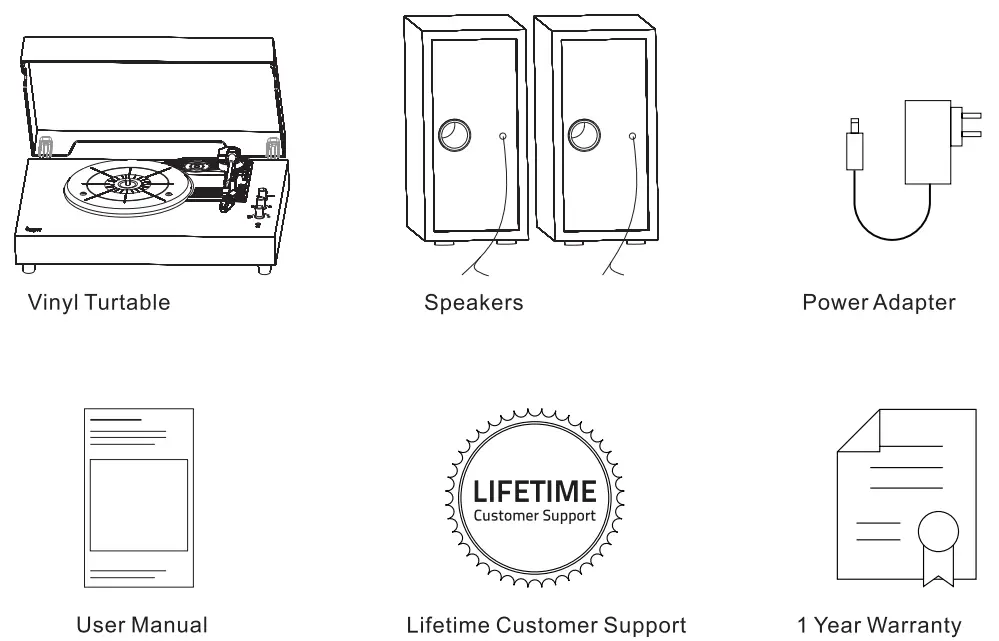
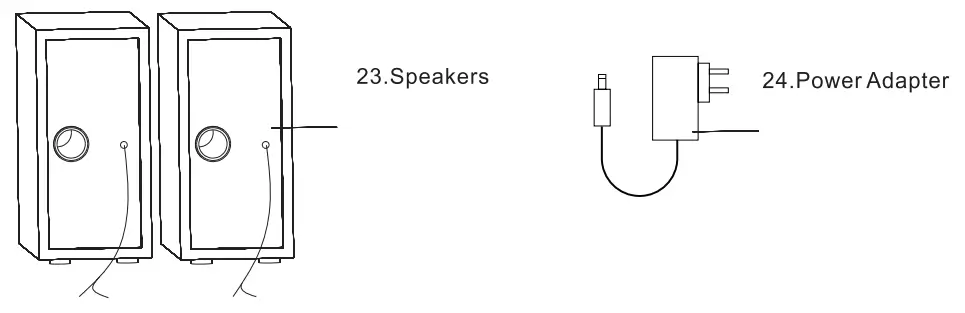
What’s Included
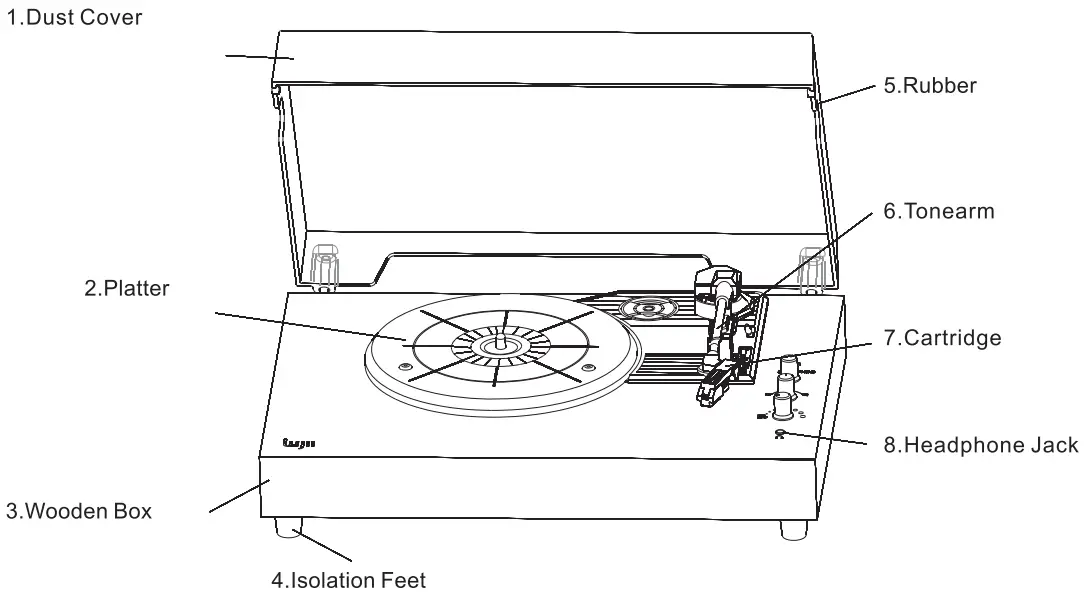
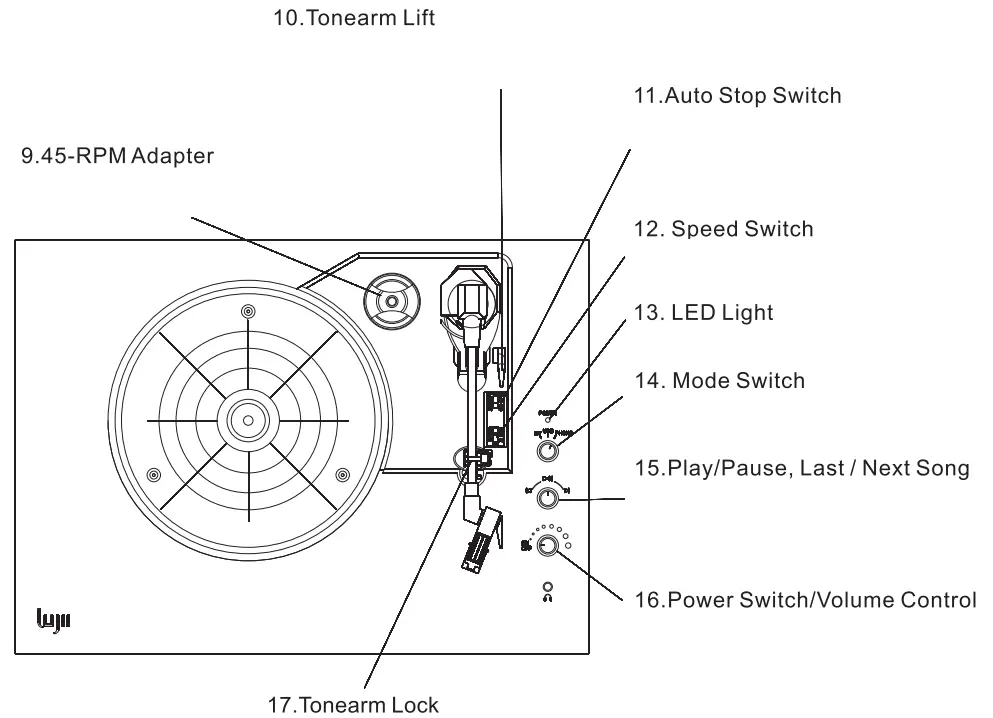
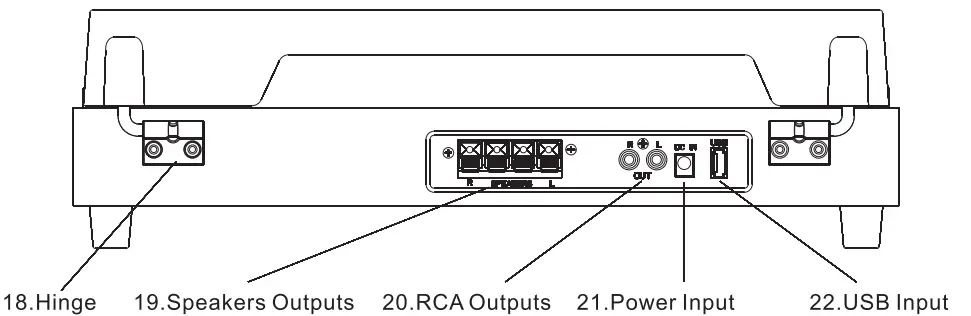
Part Names
First Time Setup
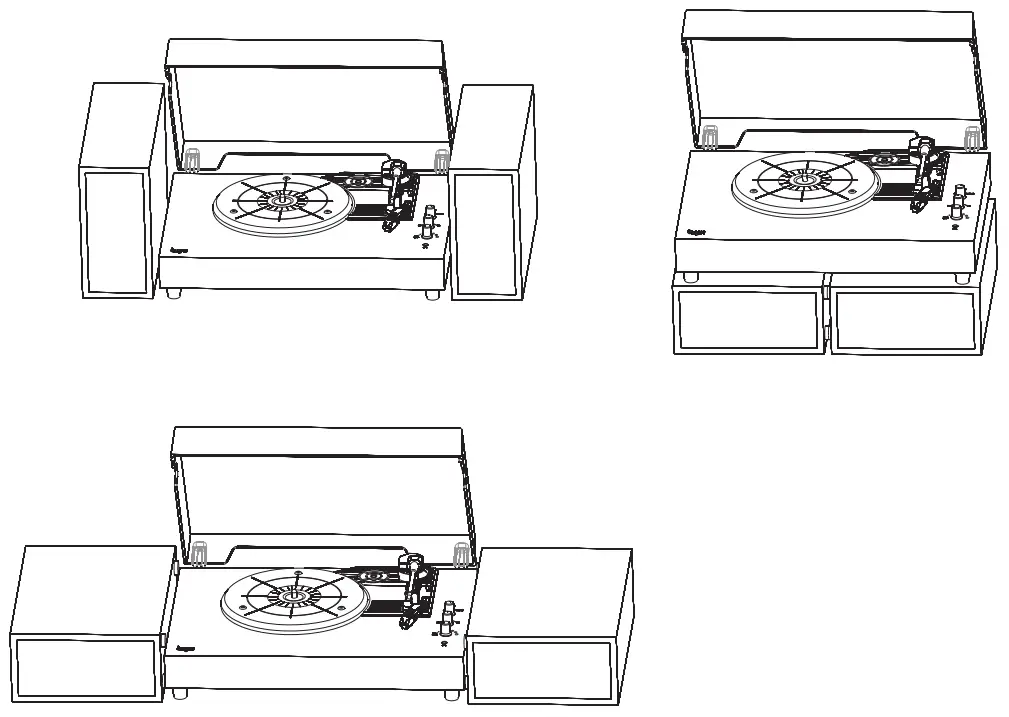
- Installing the Speakers
 ATTENTION!
The COPPER wire should be connected to the RED port.
The SILVER wire should be connected to the BLACK port.
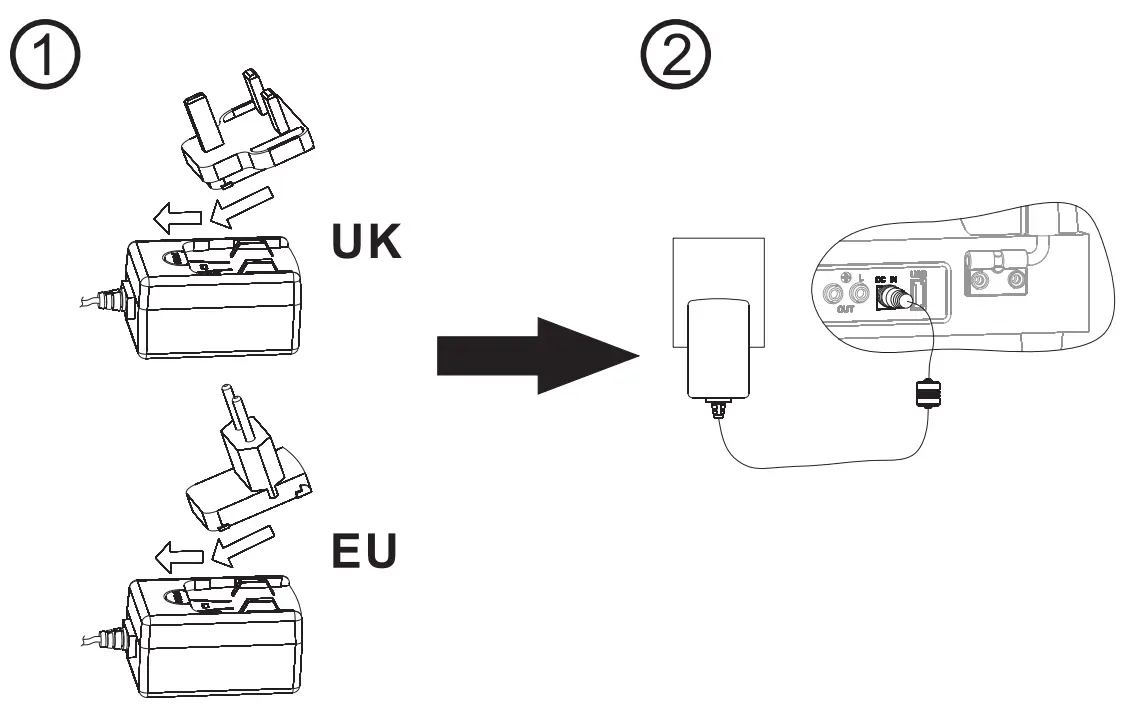
- Connecting the Power

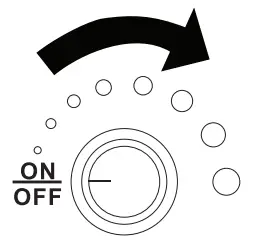
- Turn on/Adjust the Volume

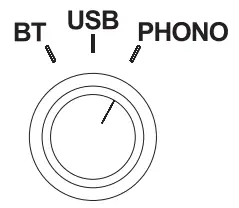
- Select Mode

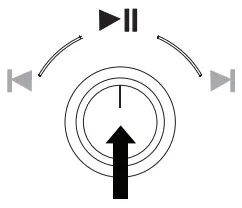
- Press to Play/Pause

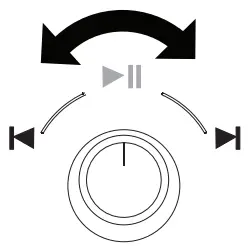
- Rotate to Play Last/Next Song

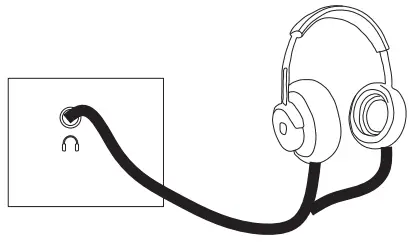
- Connecting Headphones

- Connecting to an Amplifier

 ATTENTION!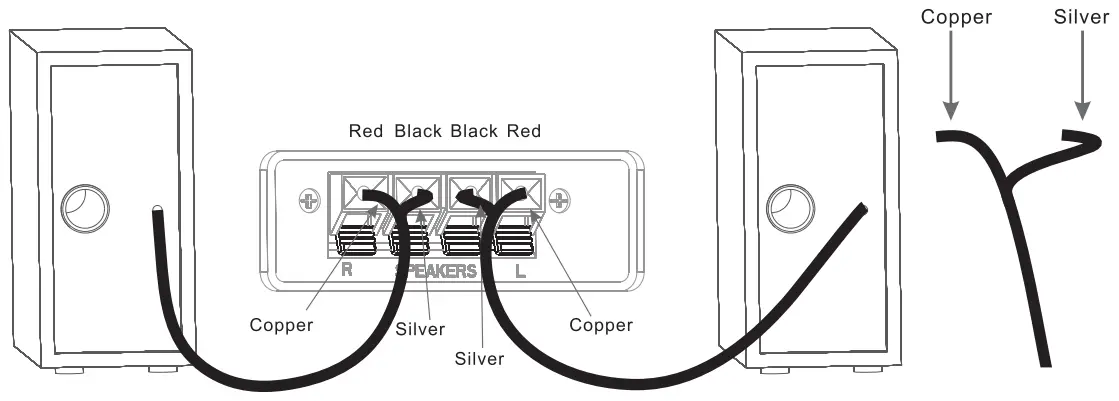
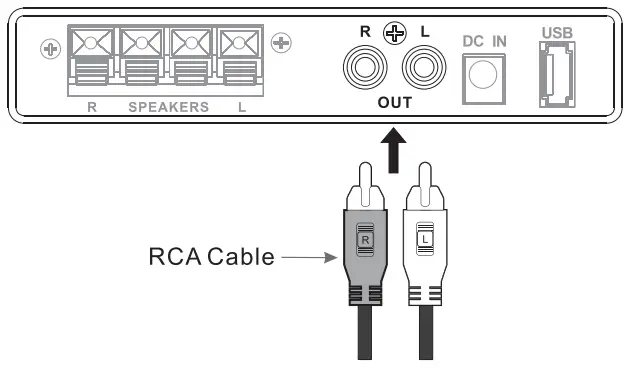
Playing a Vinyl Record
- Lift the Dust Cover

- Place the Record

- Select PHONIC Mode

- Remove the Stylus Cap

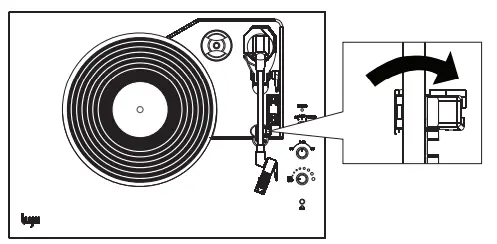
- Unlock the Tonearm Lock

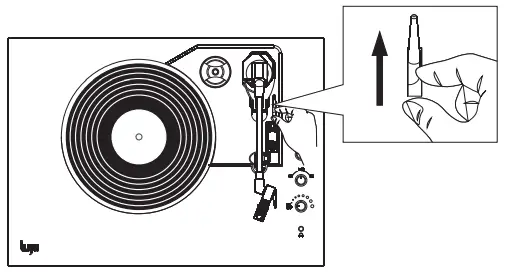
- Lift the Tonearm Lift

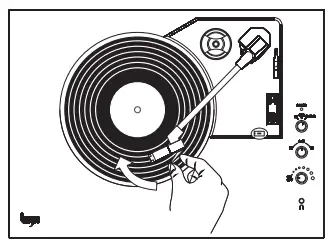
- Position the Tonearm

- Lower the Tonearm Lift

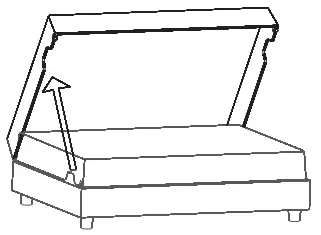
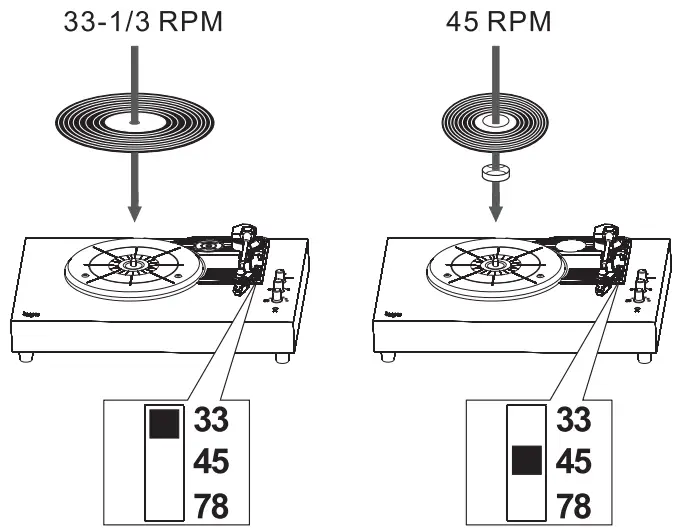
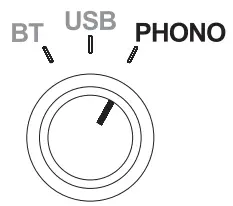
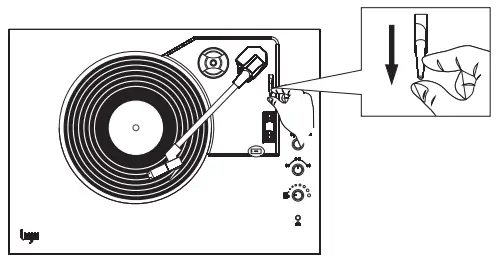
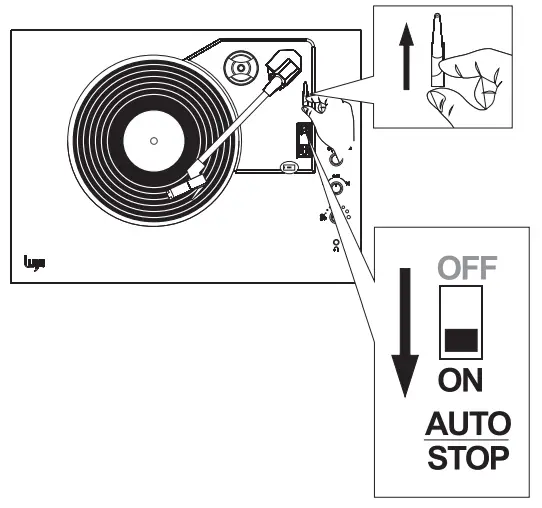
Pausing a Record
- Lift the Tonearm Lift

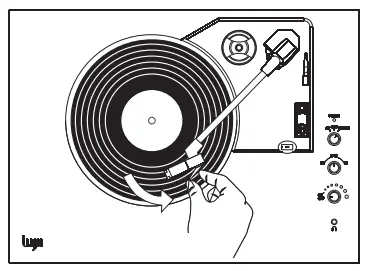
- Return the Tonearm

Playing from a Bluetooth Device
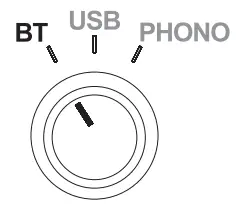
- Select BT Mode

- A Blue Light Blinks

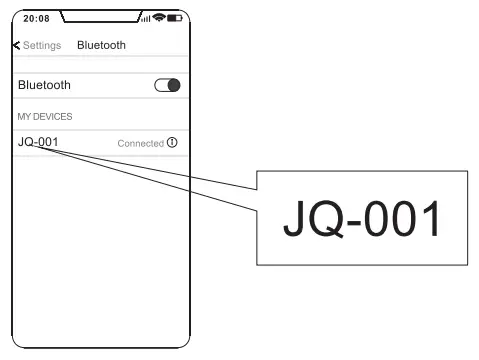
- Pair with “JQ-001”

- When connection Is successful, you’ll hear a Dl sound

Playing from USB
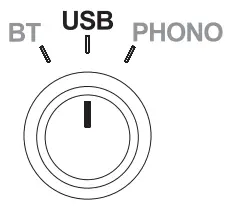
- Select USB Mode

- A Blue Light Blinks
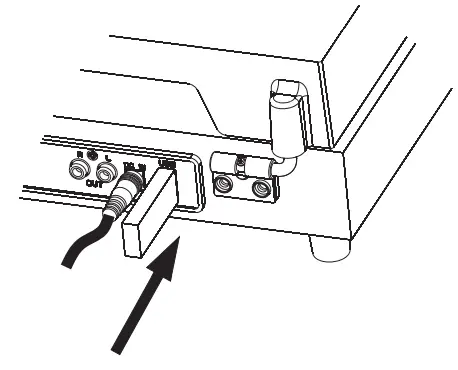
- Insert USB Drive

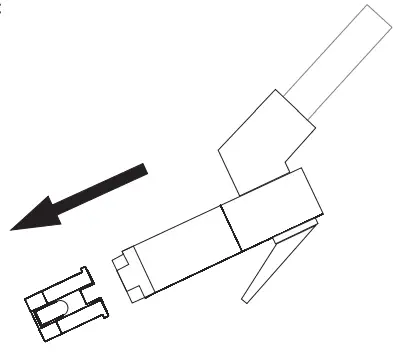
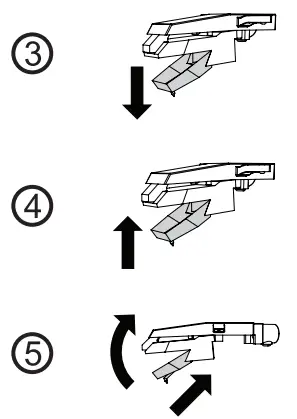
Replacing the Stylus
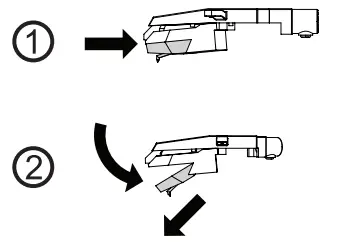
- Removing the Stylus

- Installing a New Stylus

Specifications
| Specifications | |
| Brand name | FUJII |
| Model | JC1-001 |
| Input | 100-240V 50/60Hz 0.6A Max. |
| Output | 12V, 2A |
| Consumption | 24W |
| Speaker | 3″, 40, 20W (2) |
| Speed | 331/3, 45, 78 RPM |
| Auto-stop function | Yes |
| Unit Dimension (LxWxH) | 493.266’355mm |
| Unit Weight | 7kg |
How to Contact Us
- For Amazon customers, please contact us via Your Orders.
- Email Address: [email protected]

Manufacturer & Seller:
Address: Name: Prolinx Global LTD
Address: 27 Old Gloucester Street London, WON 3AX UK
Tel: 0044 20 39661193 Name: Prolinx GmbH
Address: Brehmstr.56, 40239 Duesseldorf, Germany
Tel: +4921131054698
This device complies with Part 15 of the FCC Rules. Operation is subject to the following two conditions: (1) this device may not cause harmful interference, and (2) this device must accept any interference received, including interference that may cause undesired operation
NOTE: This equipment has been tested and found to comply with the limits for a Class B digital device, pursuant to Part 15 of the FCC Rules. These limits are designed to provide reasonable protection against harmful interference in a residential installation. This equipment generates, uses, and can radiate radio frequency energy and, if not installed and used in accordance with the instructions, may cause harmful interference to radio communications. However, there is no guarantee that interference will not occur in a particular installation. If this equipment does cause harmful interference to radio or television reception, which can be determined by turning the equipment off and on, the user is encouraged to try to correct the interference by one or more of the following measures:
- Reorient or relocate the receiving antenna.
- Increase the separation between the equipment and receiver.
- Connect the equipment into an outlet on a circuit different from that to which the receiver is connected.
- Consult the dealer or an experienced radio/TV technician for help.
Warning: Changes or modifications not expressly approved by the party responsible for compliance could void the user’s authority to operate the equipment.