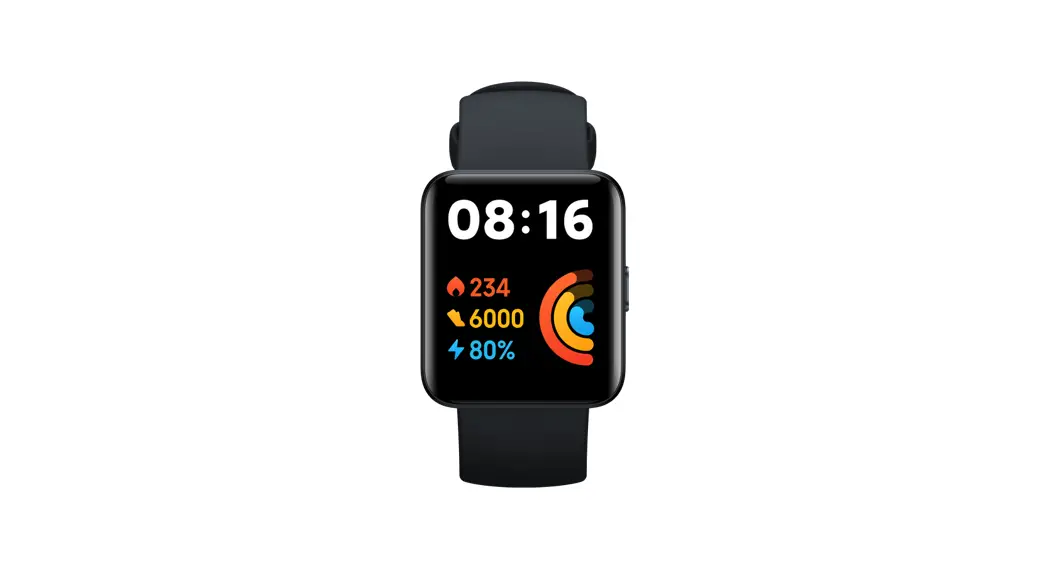
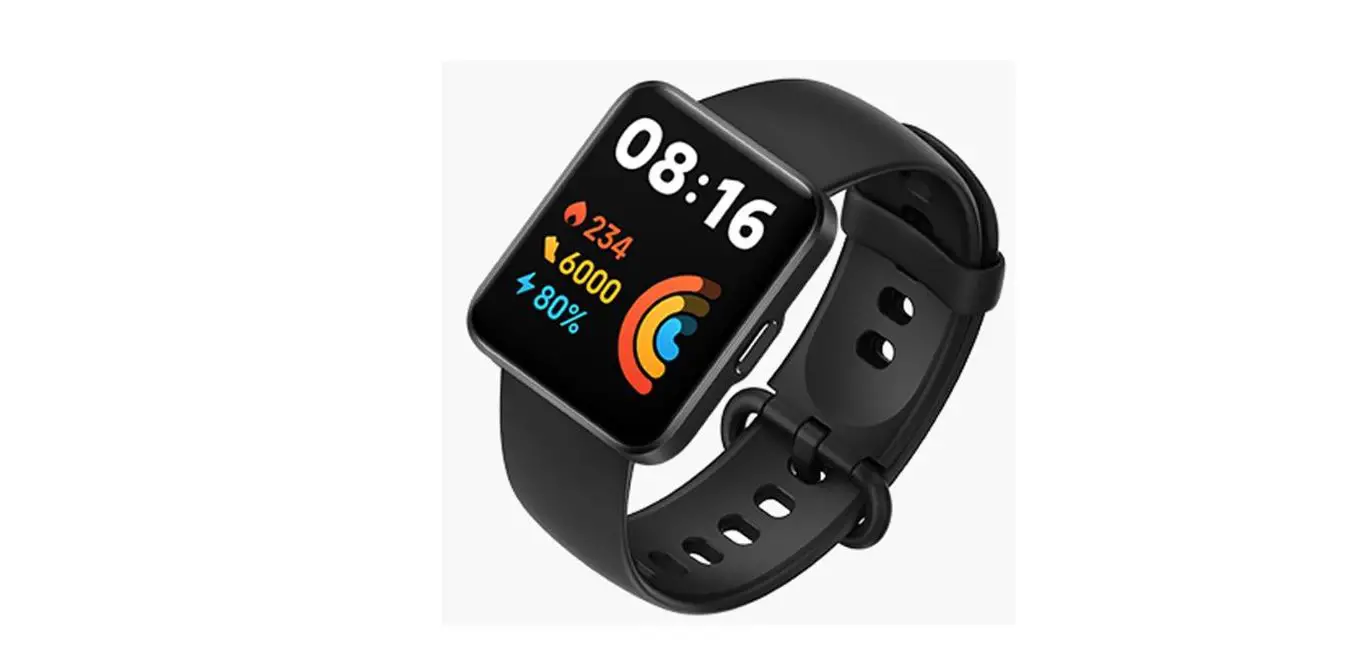
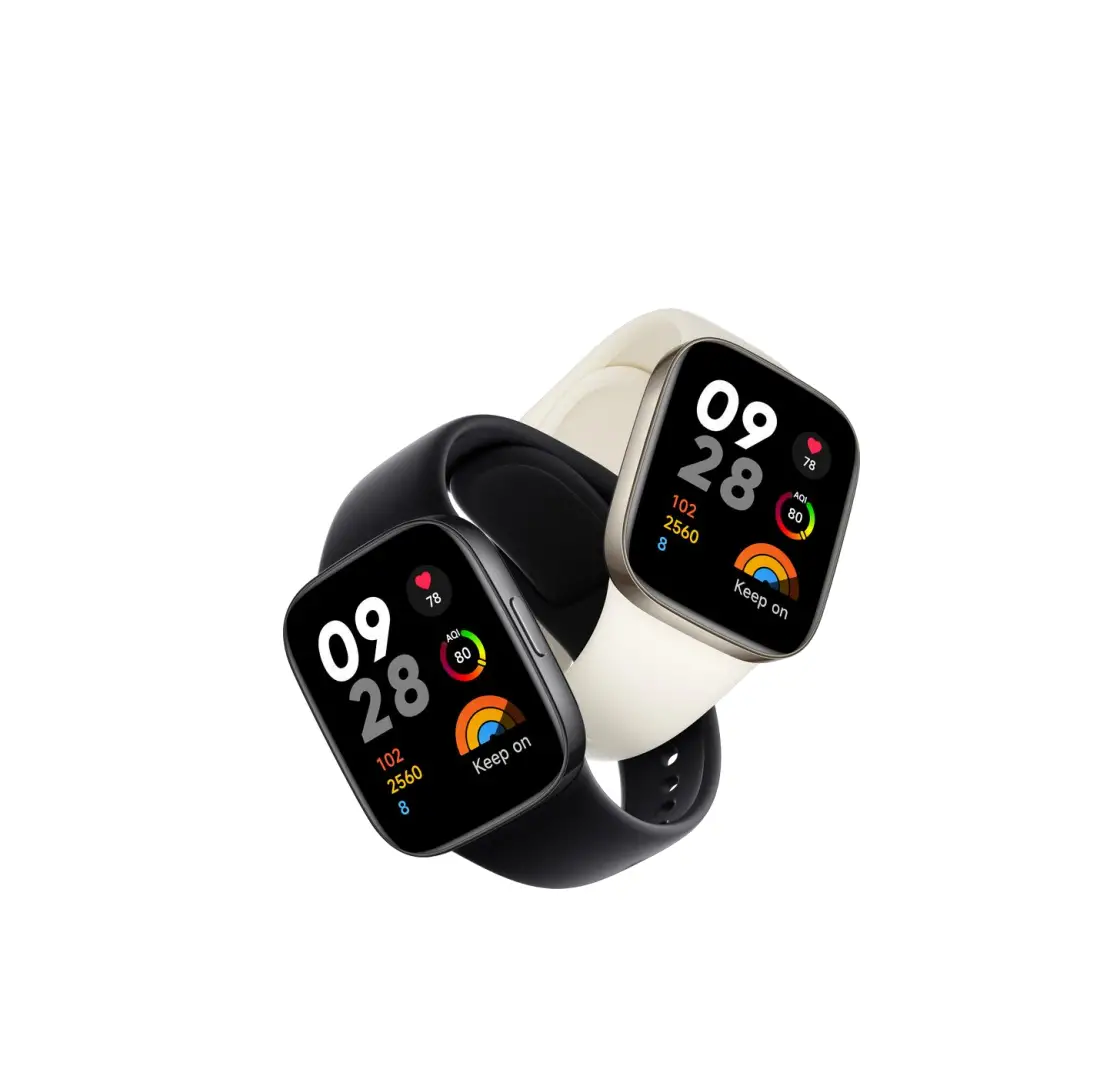
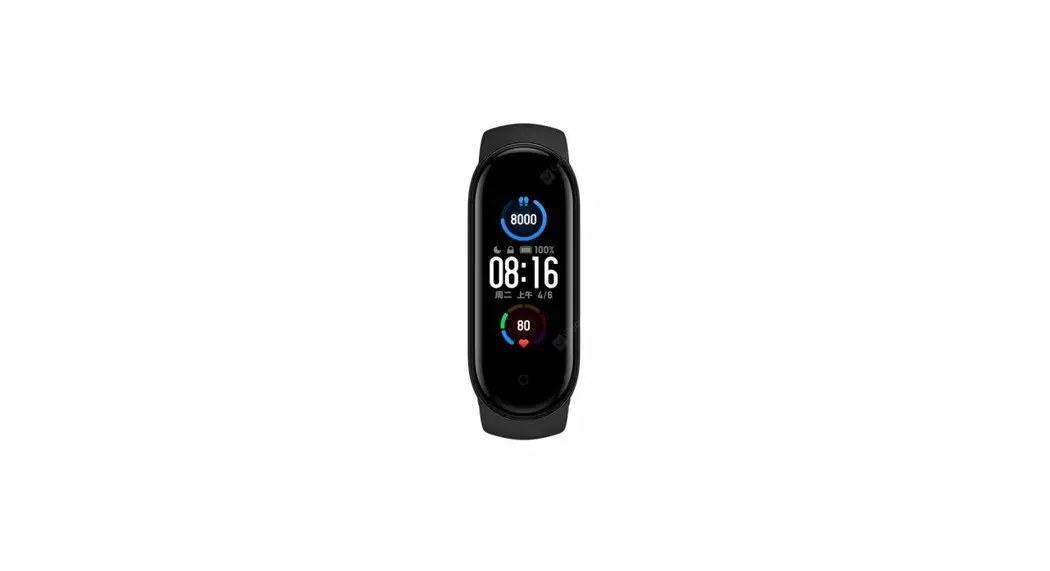
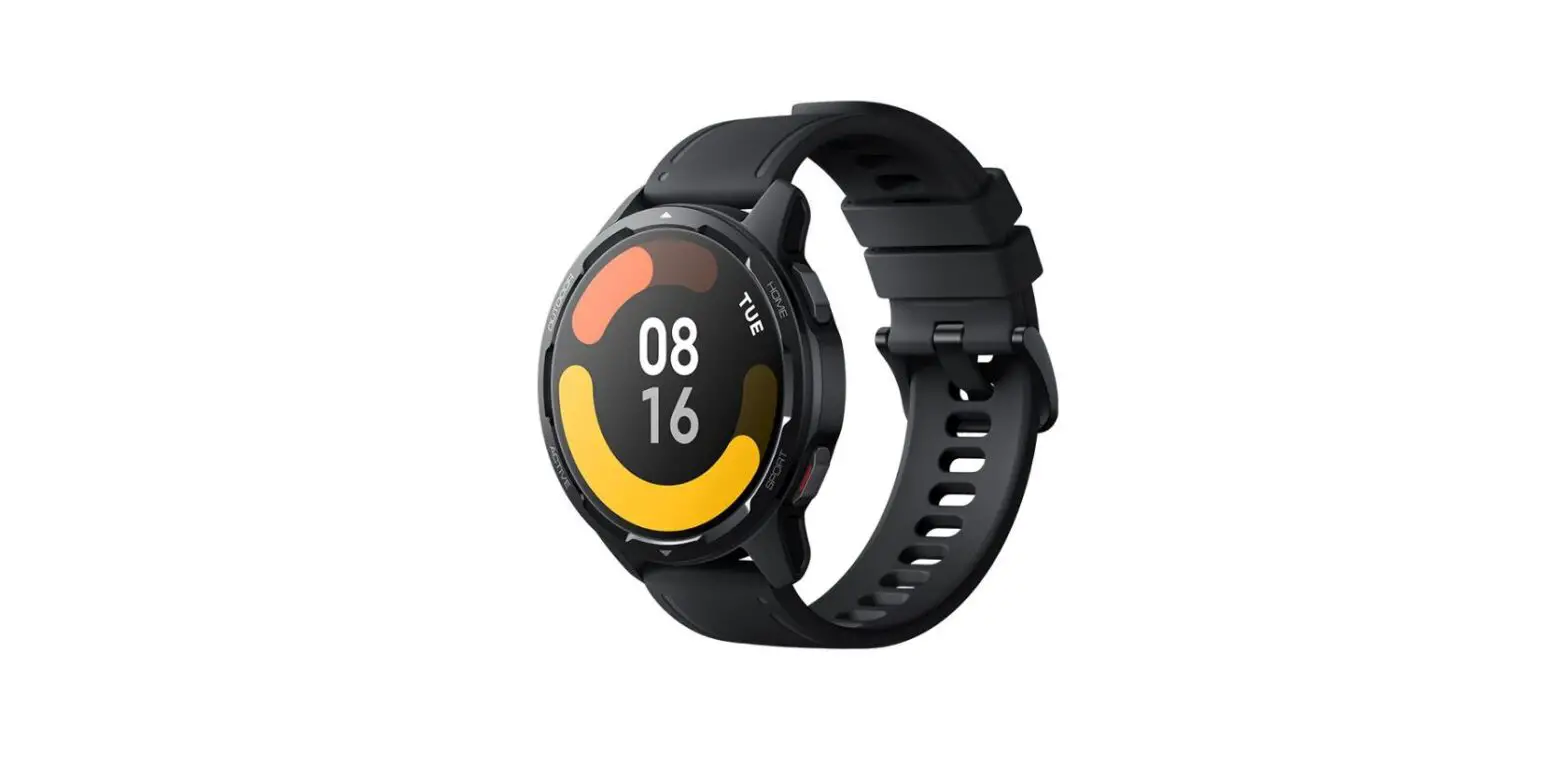
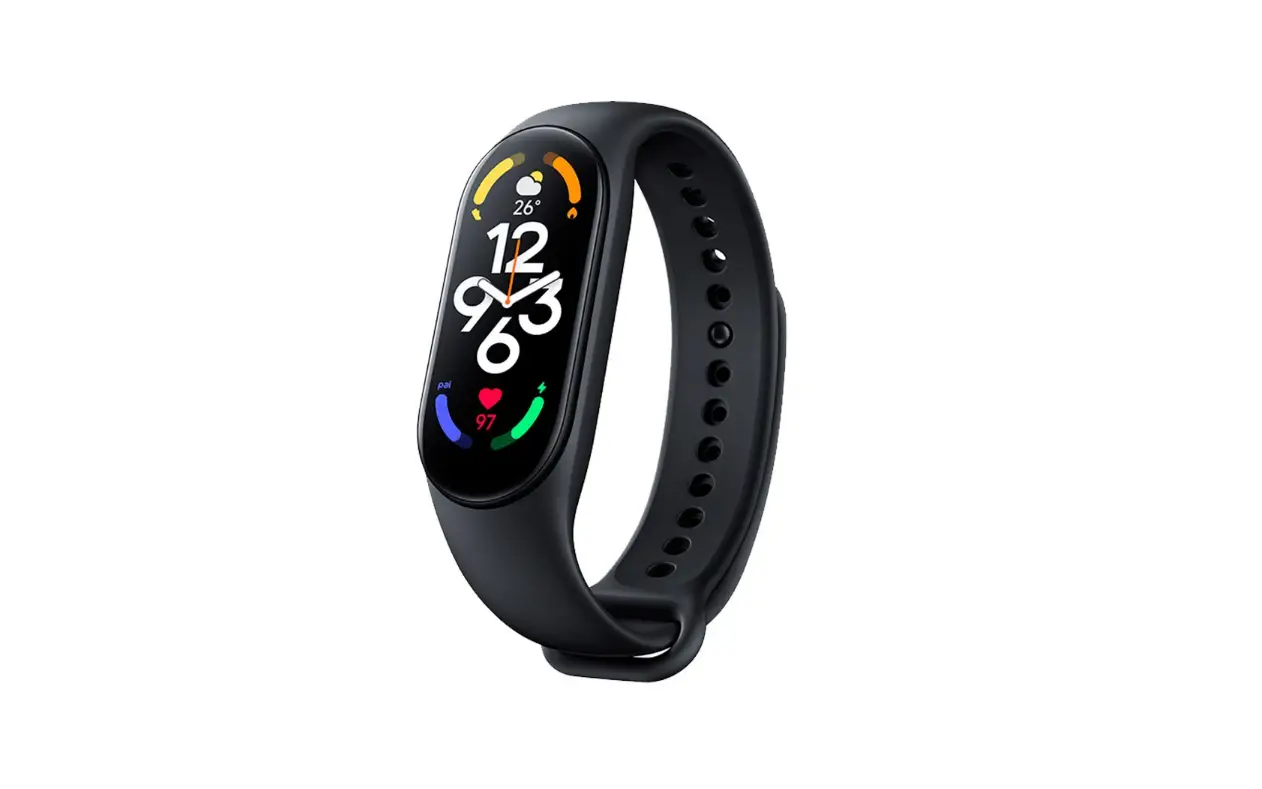
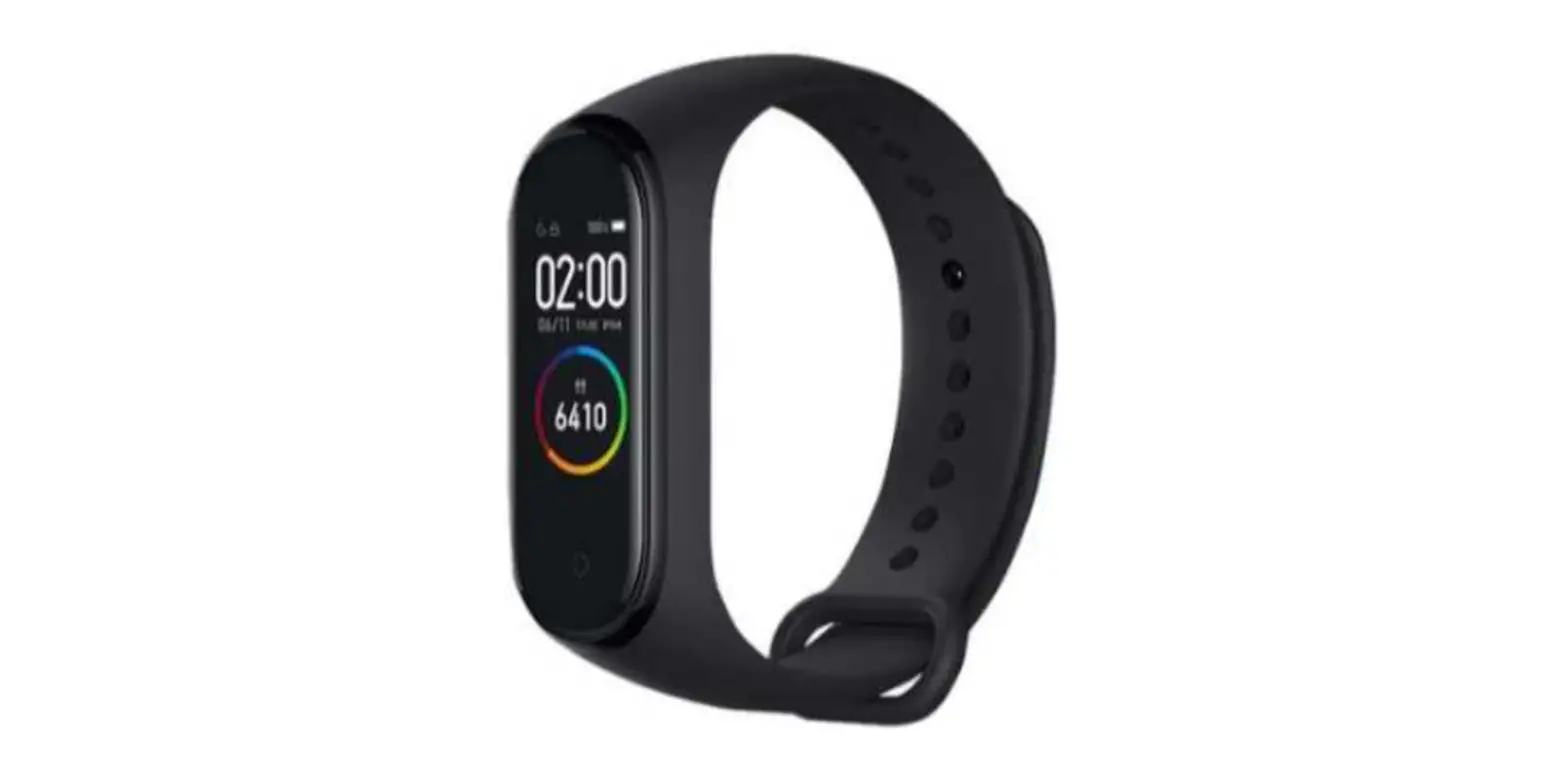
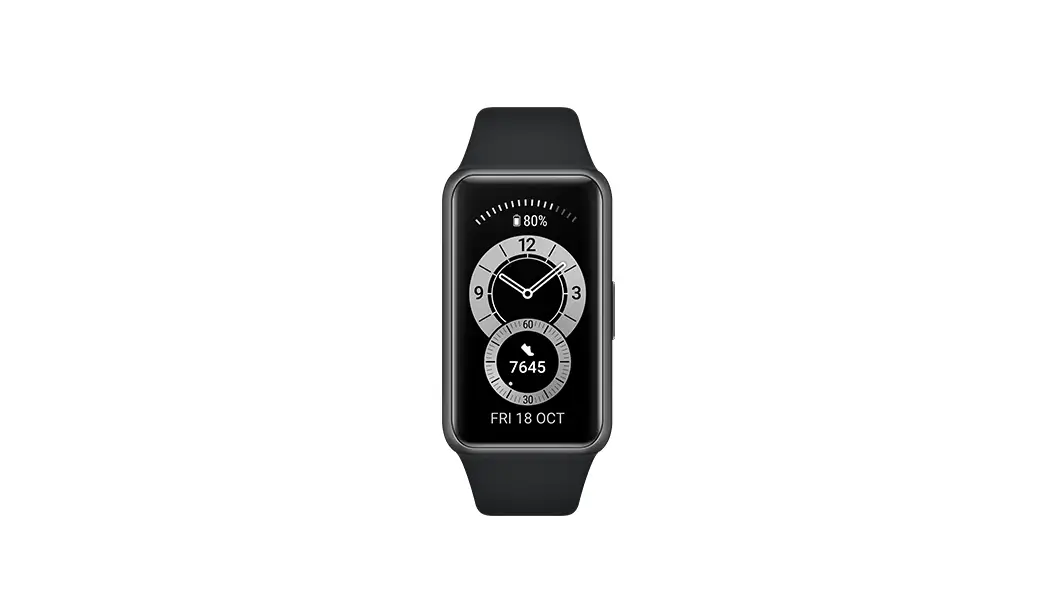
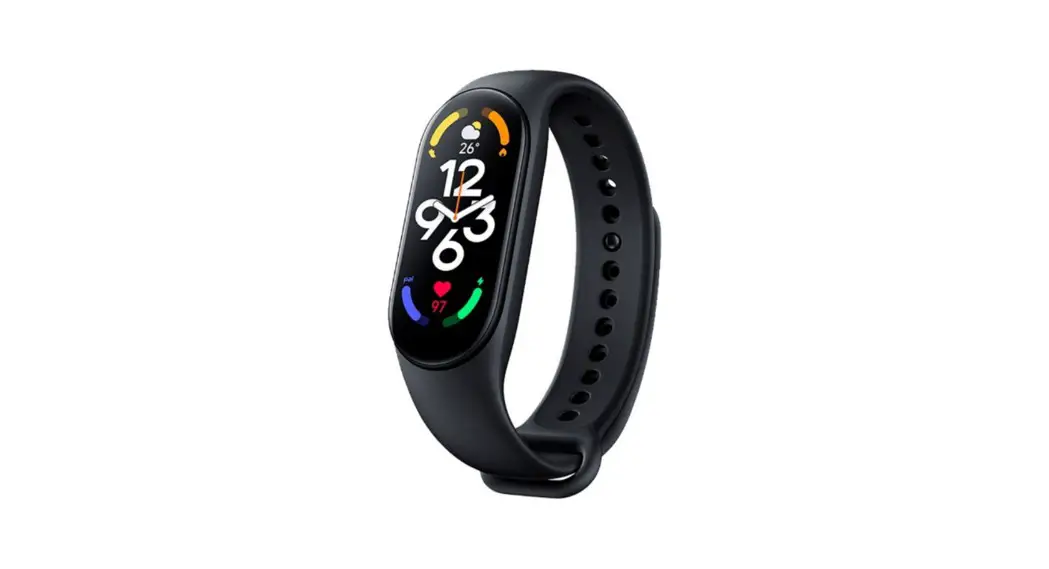
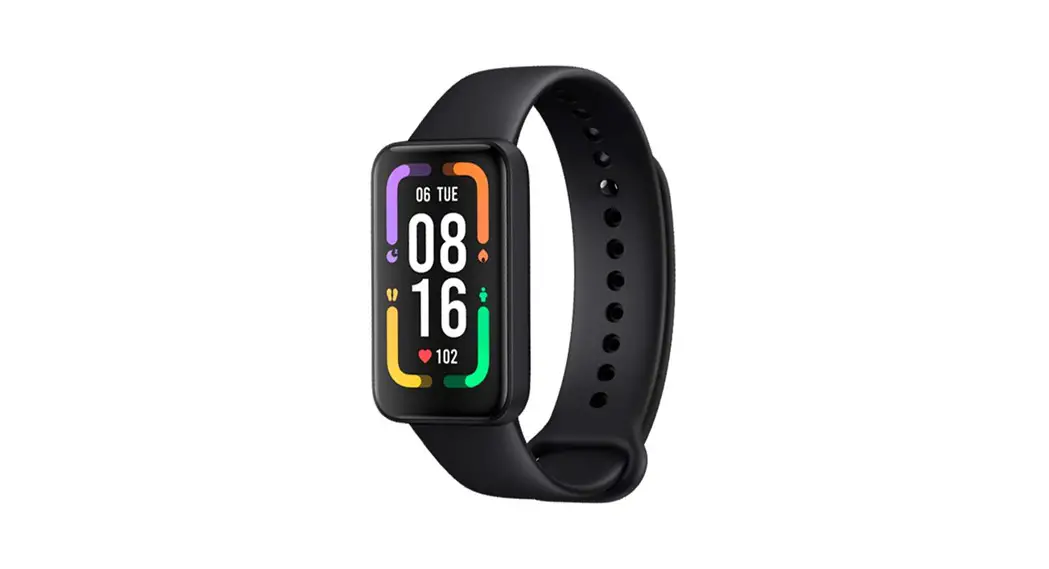
Redmi Smart Band Pro SportsWatch
Product Overview
Before using the product, it is important to read and comply
with the safety precautions in the user manual. The band has a
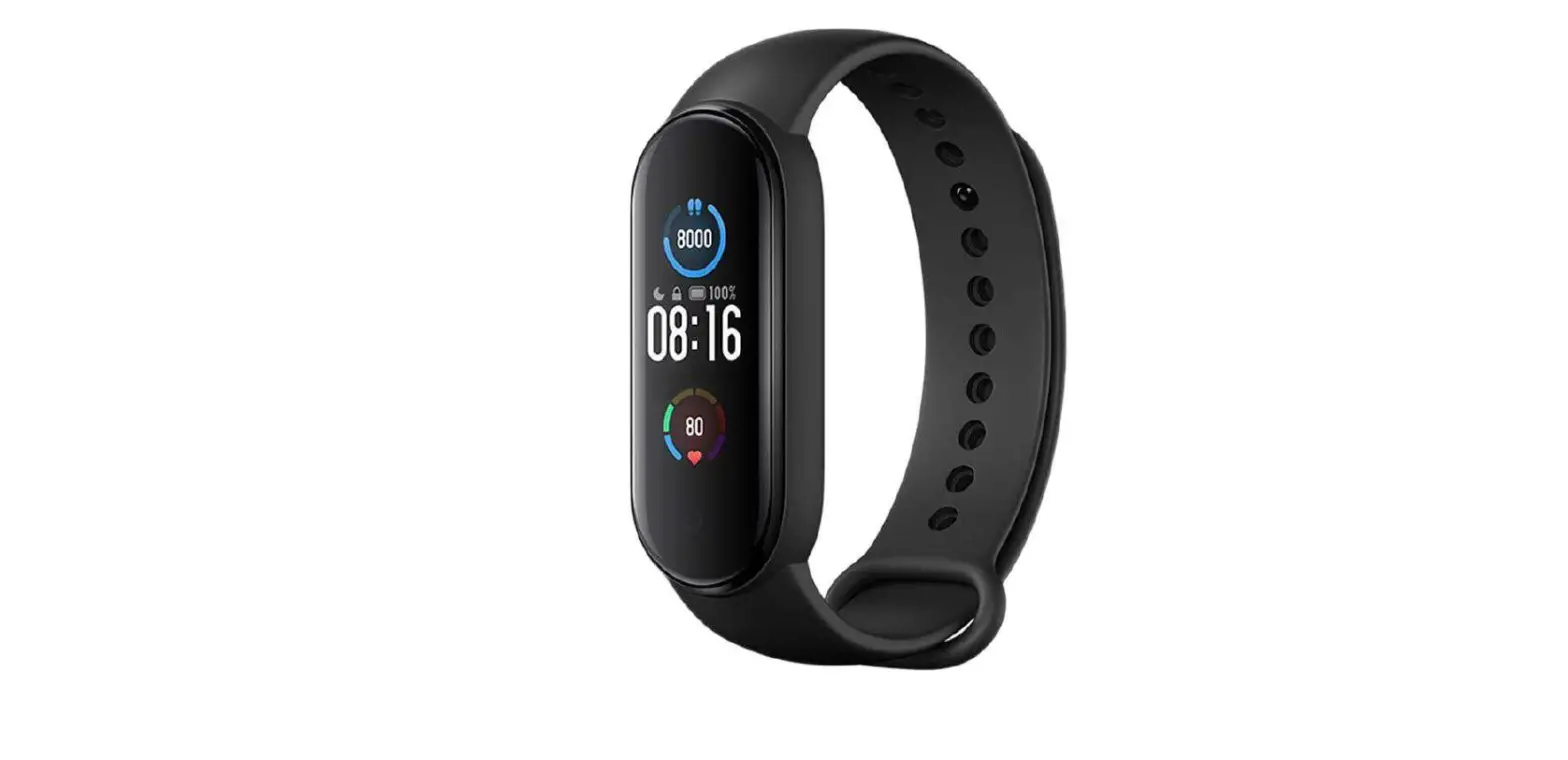
display, strap, quick-release button, and heart rate sensor area.
The charging cable has a USB connector and contact point for
charging.
Note: The illustrations in the user manual are for reference
only and the actual product and functions may vary due to product
enhancements.
Product Usage Instructions
Charging the Band
Charge the band before using it for the first time. The band
will automatically turn on when charging.
- Hold the charging connector close to the contact points on the
back of the band, and then the charging connector will magnetically
attach to the contact points of the band. - Connect the USB connector of the charging cable to a standard
adapter purchased from a qualified manufacturer at an output
voltage of 5 V or higher. - The screen of the band will light up and show the charging
icon.
Notes:
- If the band is not used for a long period of time, the battery
will be depleted. Charge the band for about one minute, and then
the charging icon will be displayed. - Wipe the band’s contact points clean before charging so as to
avoid residual sweat or moisture.
Redmi Smart Band Pro User Manual · 01 Manual de usuario de Redmi Smart Band Pro · 13 Manuale utente Redmi Smart Band Pro · 24 Redmi Smart-Armband Pro Benutzerhandbuch · 35 Manuel d’utilisation de Redmi Smart Band Pro · 46 – Redmi Smart Band Pro · 57 – Redmi Pro · 68 Opaska Redmi Smart Band Pro Instrukcja obslugi · 79 Gebruikershandleiding Redmi Smartband Pro · 90 Redmi Pro · 101 Manual de utilizador da Pulseira de atividade Redmi Smart Band Pro · 111 Redmi Akilli Bileklik Pro Kullanim Kilavuzu · 122 Manual de utilizare pentru Brara inteligent Redmi Pro · 133 Redmi Pro · 144 Chytrý náramek Redmi Pro Uzivatelská pírucka · 156 Redmi Pro · 167
Redmi Pro · 176
Product Overview
Before use, please read and comply with the safety precautions in this user manual. Read this manual carefully before use, and retain it for future reference.
Band Display Strap Quick-release Button Heart Rate Sensor Area
Charging Cable Contact Point USB Connector Charging Connector
Note: Illustrations of product, accessories, and user interface in the user manual are for reference purposes only. Actual product and functions may vary due to product enhancements.
01
Charging the Band
Charge the band before using it for the first time. The band will automatically turn on when charging. 1. Hold the charging connector close to the contact points on the back of the band, and
then the charging connector will magnetically attach to the contact points of the band. 2. Connect the USB connector of the charging cable to a standard adapter purchased
from a qualified manufacturer at an output voltage of 5 V or higher. 3. The screen of the band will light up and show the charging icon. Notes: z If the band is not used for a long period of time, the battery will be depleted. Charge the band for
about one minute, and then the charging icon will be displayed. z Wipe the band’s contact points clean before charging so as to avoid residual sweat or moisture.
02
Obsah je uzamcen
Dokoncete, prosím, proces objednávky. Následn budete mít pístup k celému dokumentu.
Proc je dokument uzamcen? Nahnvat Vás rozhodn nechceme. Jsou k tomu dva hlavní dvody: 1) Vytvoit a udrzovat obsáhlou databázi návod stojí nejen spoustu úsilí a casu, ale i financní prostedky.
Dlali byste to Vy zadarmo? Ne*. Zakoupením této sluzby obdrzíte úplný návod a podpoíte provoz a rozvoj nasich stránek. Teba se Vám to bude jest nkdy hodit. *) Mozná zpocátku ano. Ale vzte, ze dotovat to dlouhodob nelze. A rozhodn na tom nezbohatneme. 2) Pak jsou tady ,,roboti”, kteí se pizivují na nasí práci a ,,vysávají” výsledky naseho úsilí pro svj prospch. Tímto krokem se jim to snazíme pekazit. A pokud nemáte zájem, respektujeme to. Urgujte svého prodejce. A kdyz neuspjete, rádi Vás uvidíme!