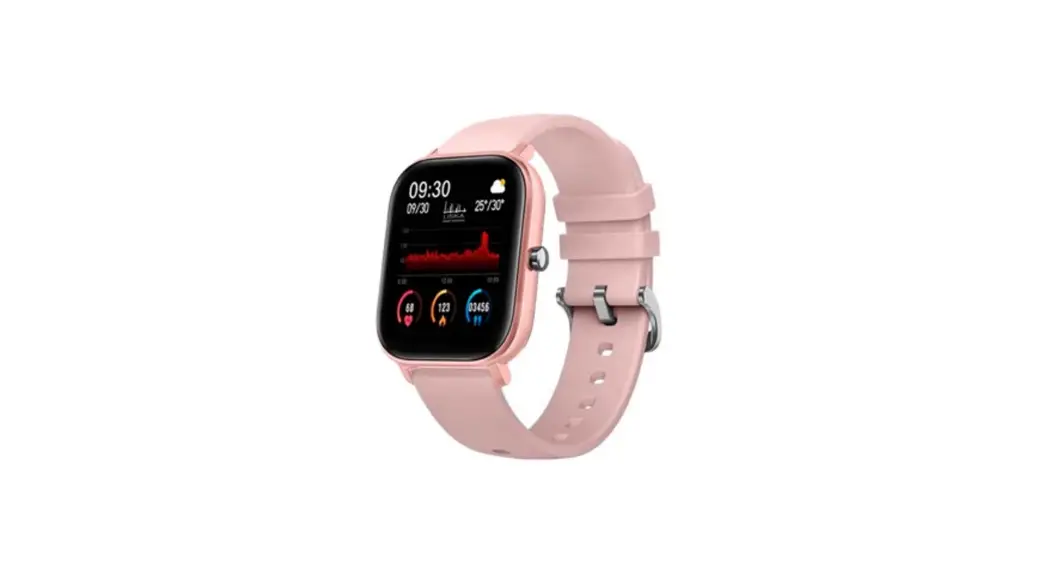
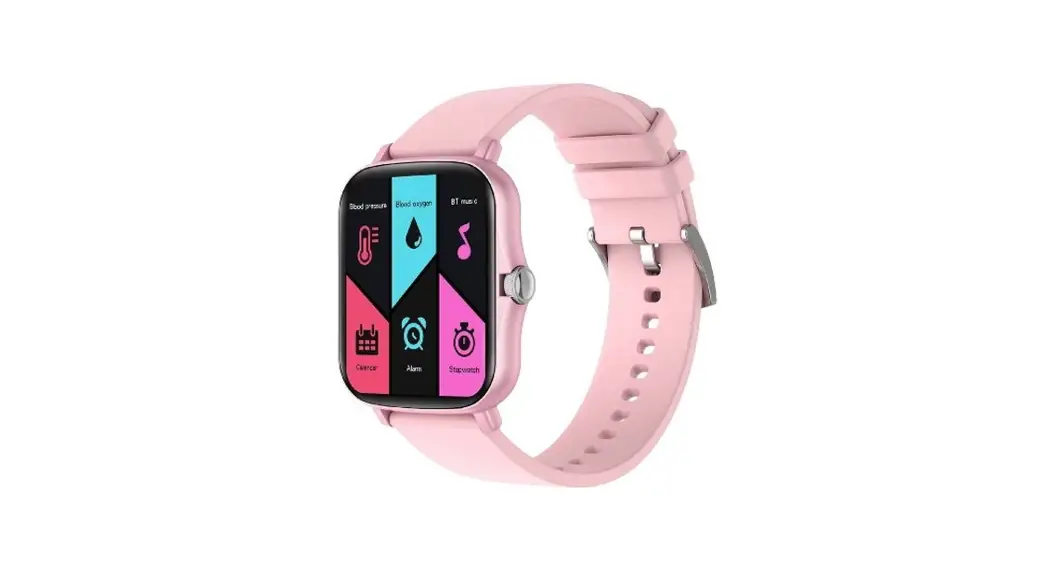
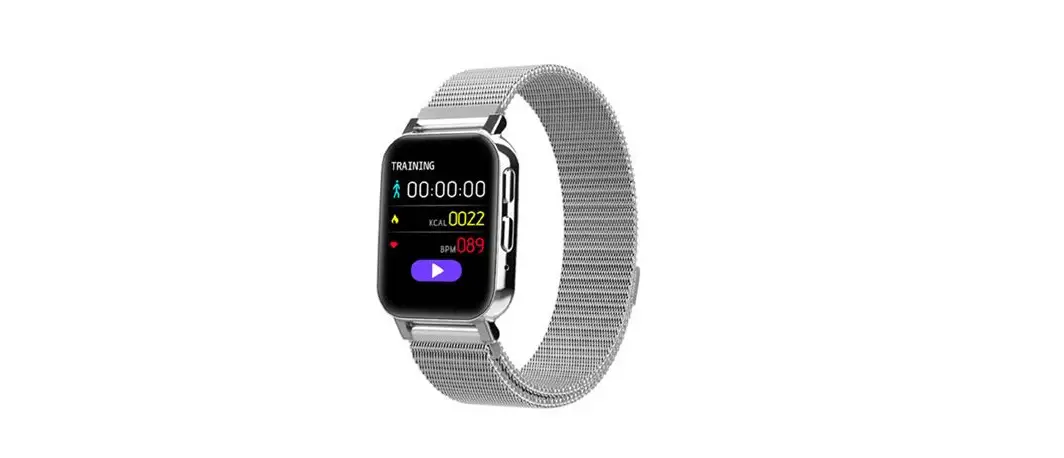
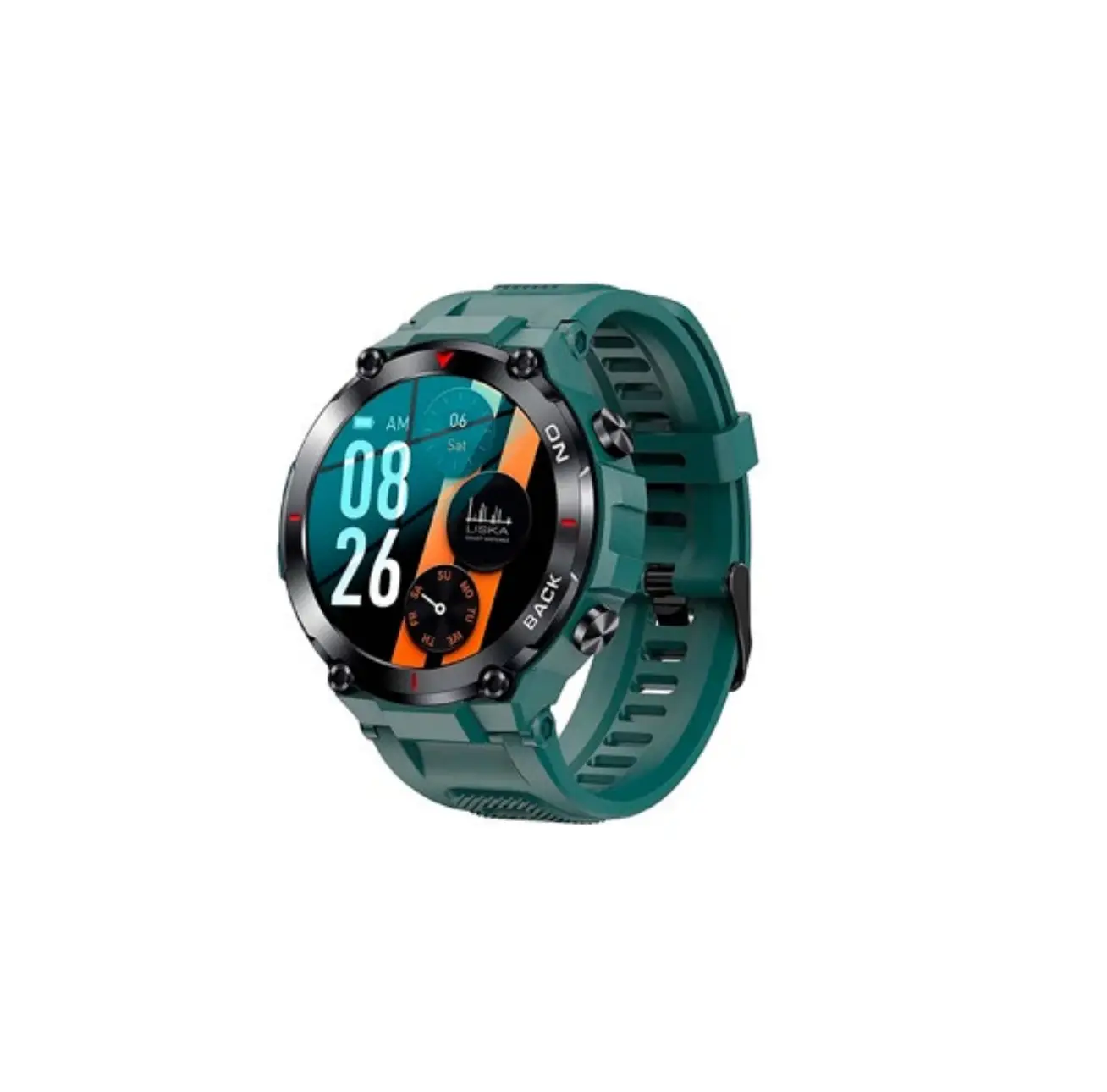
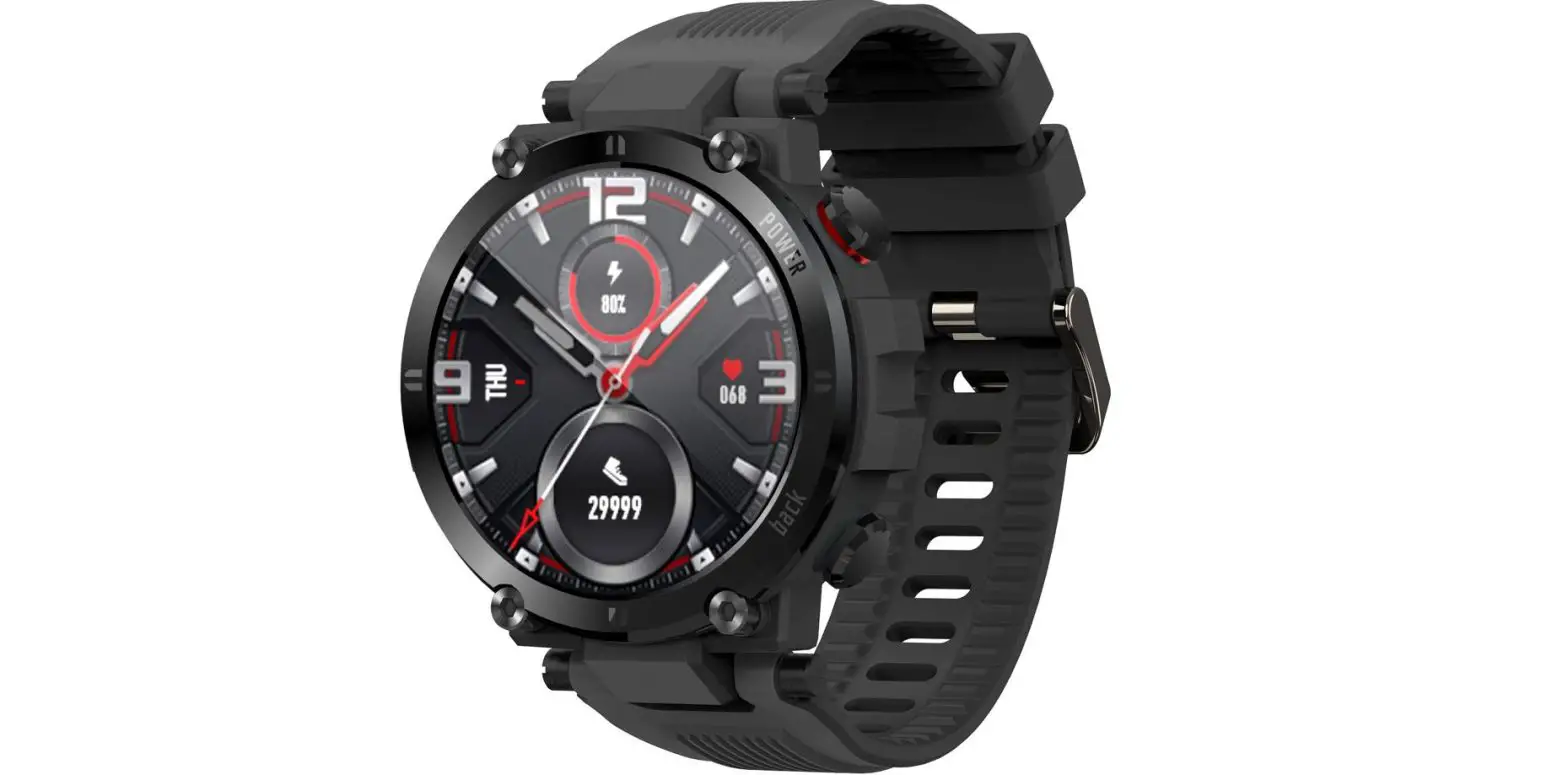
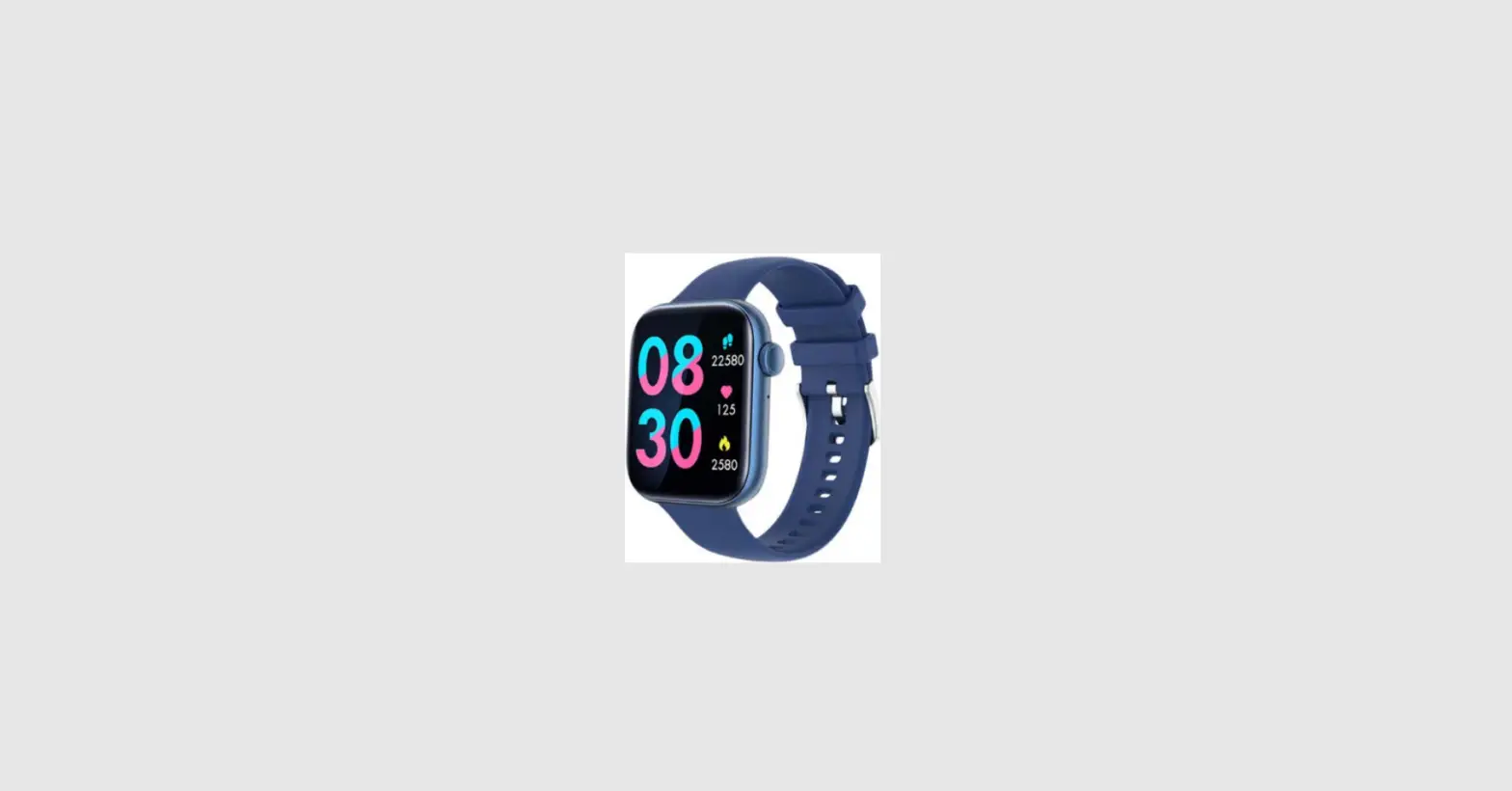
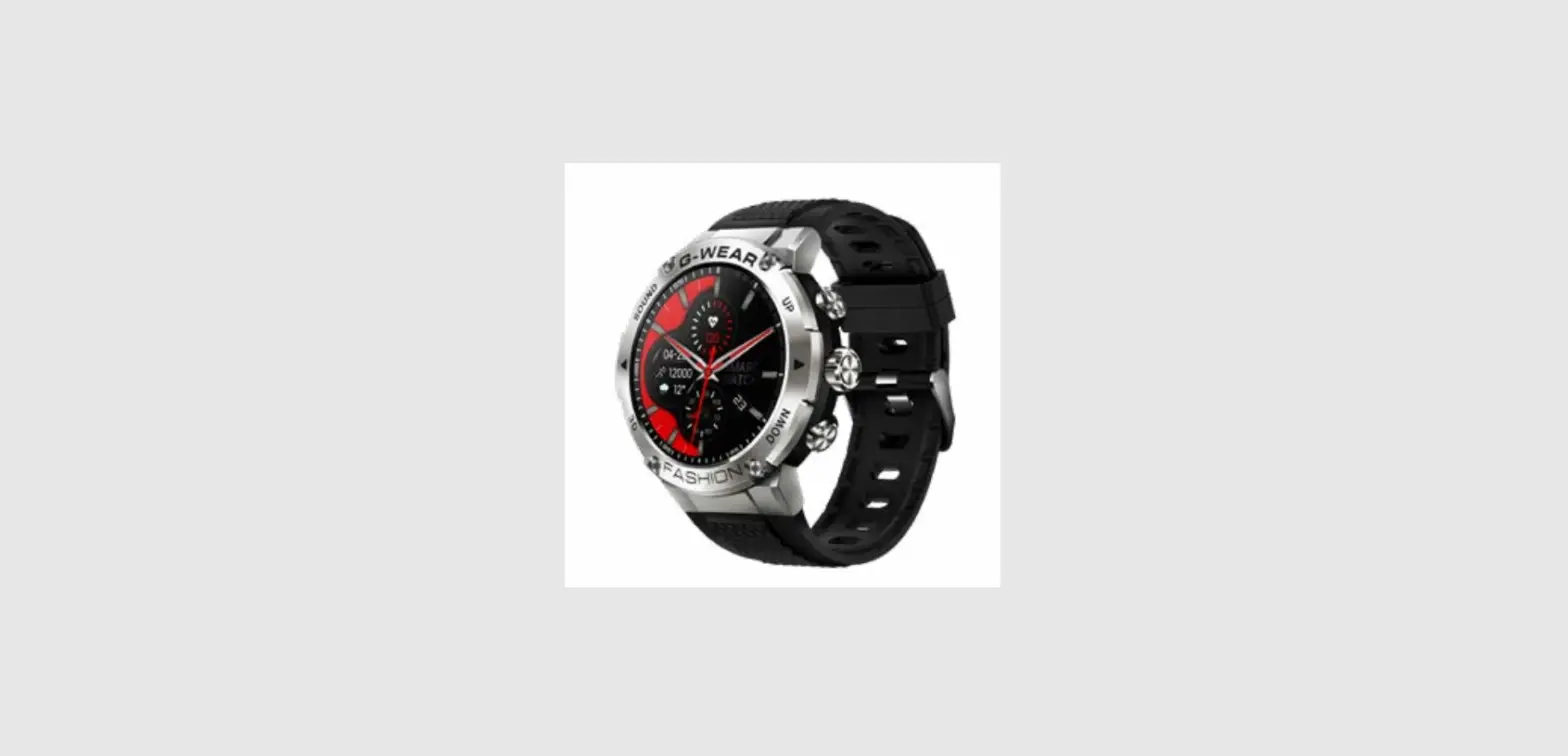
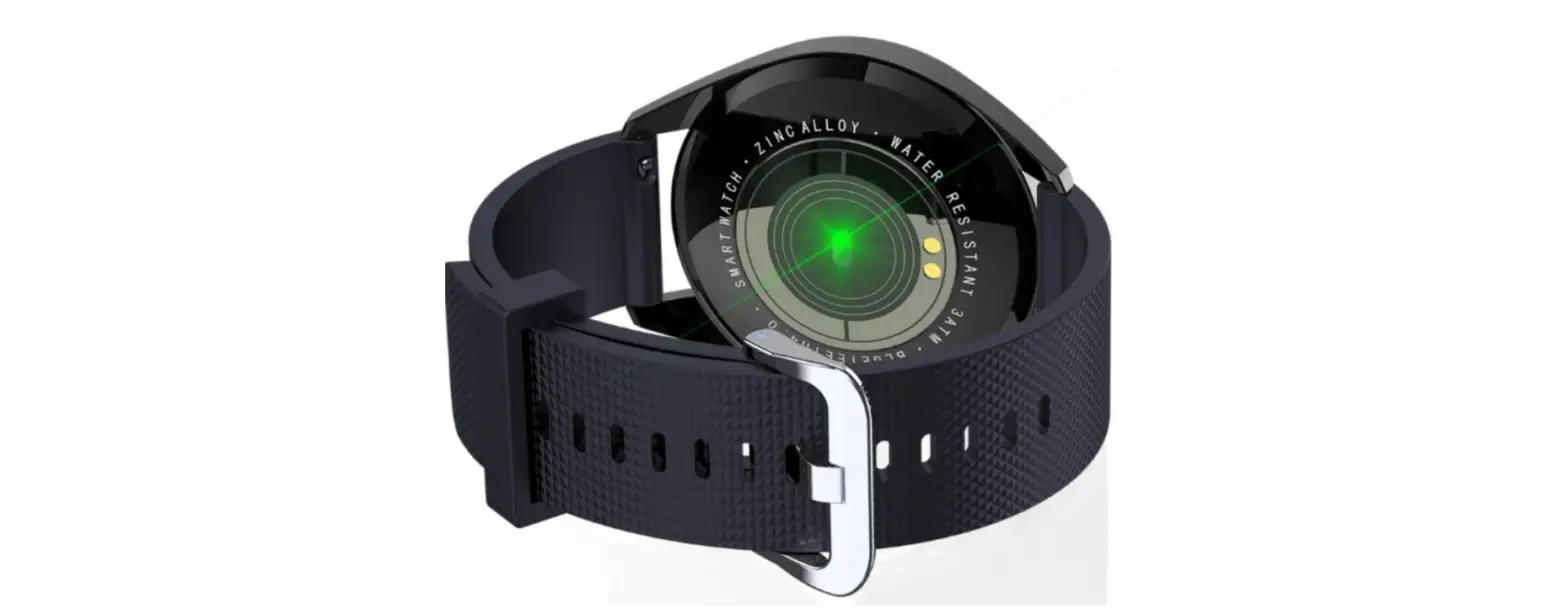
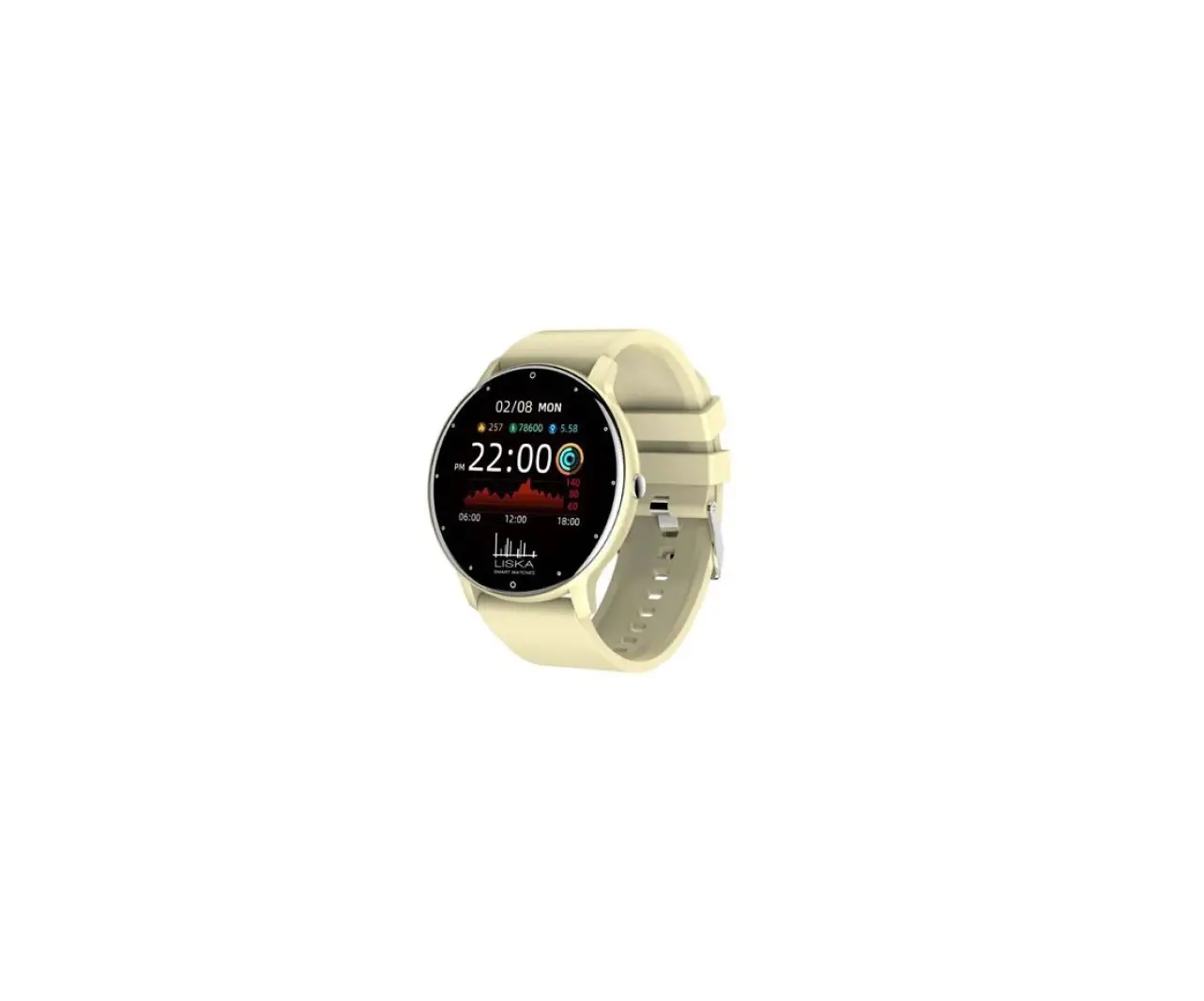
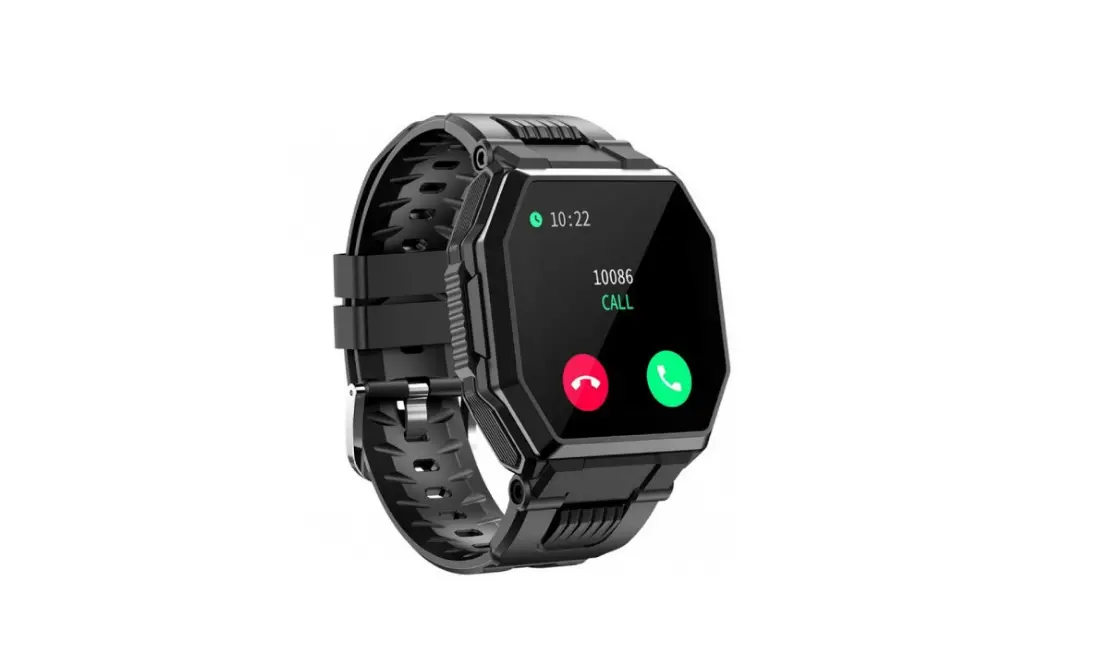
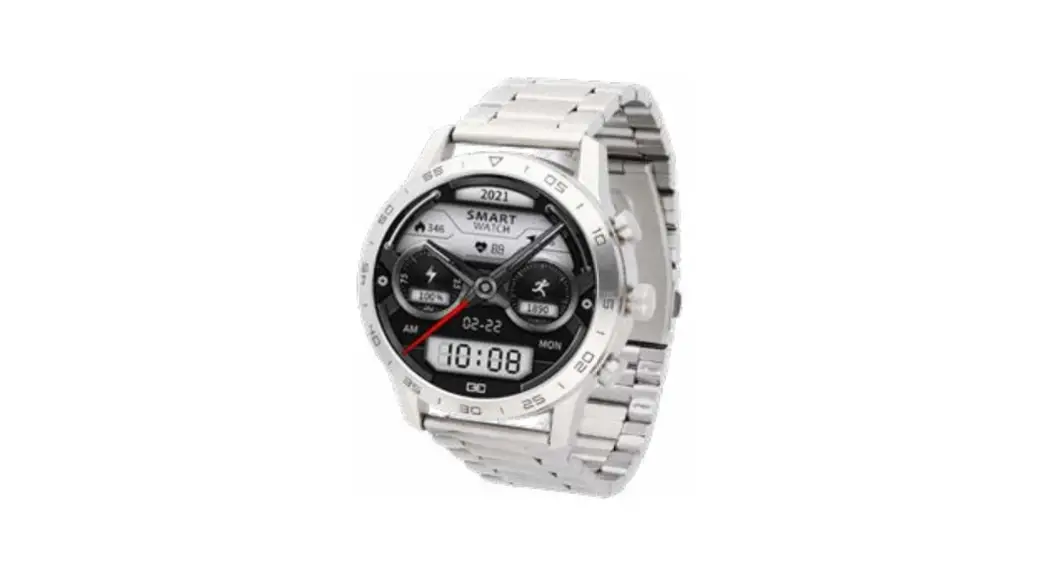
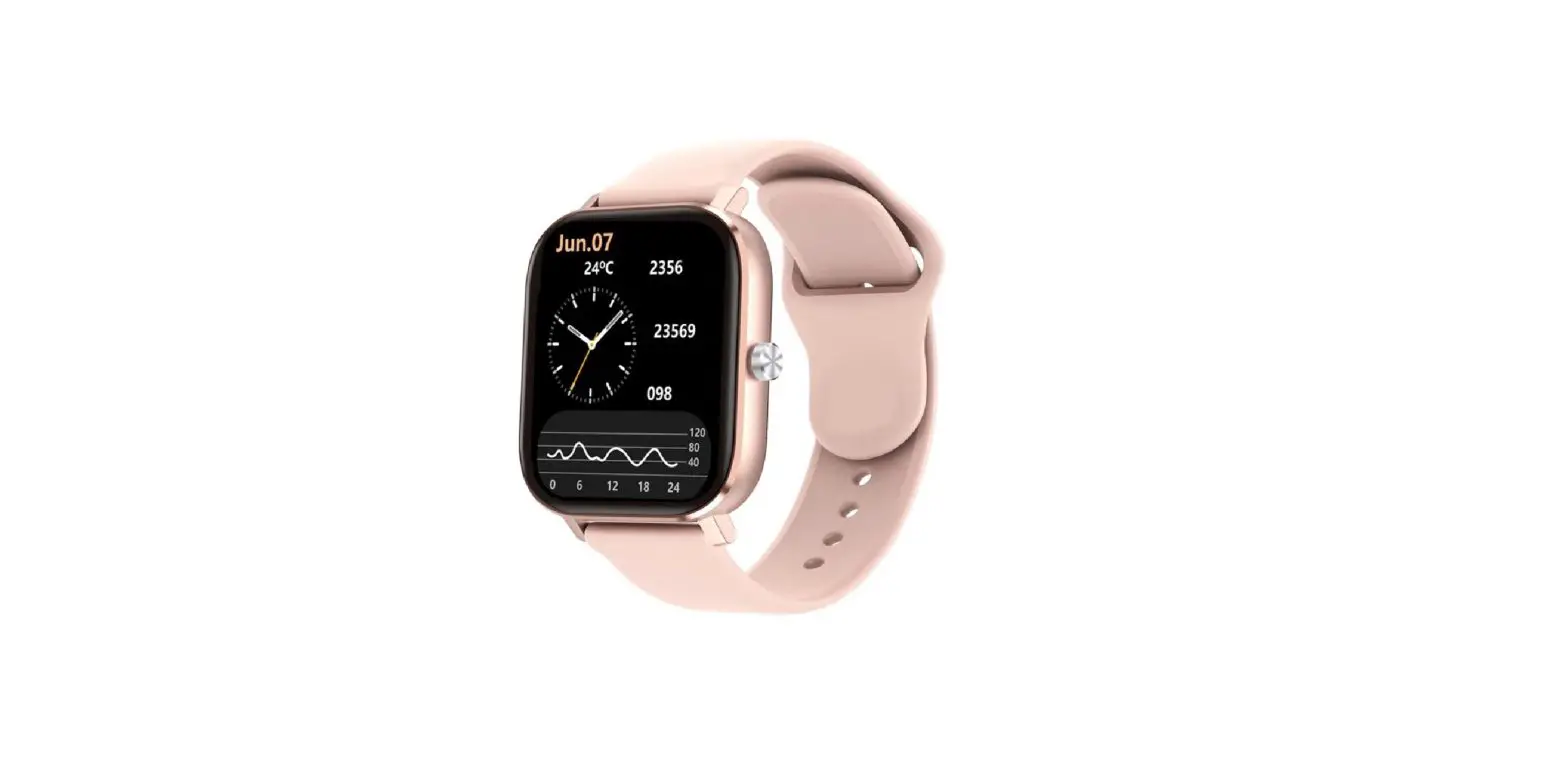
SV-41DF Smartwatch
Product Information
The SV-41DF is a smartwatch that allows users to connect it to
their mobile phone. It has various features such as controlling
mobile phone calls, weather information, Sp02 measurement, camera
control, message reminders, music player control, stopwatch, silent
alarms, reminder to move, theater mode, remind to drink, and quick
view. The device has a touch screen and can be charged to become
active. It is recommended not to immerse the watch in water and
avoid sudden temperature changes.
Product Usage Instructions
- Download the App by scanning the QR code and downloading
it. - Charge the smartwatch and activate it.
- Pair the watch with your mobile phone by opening the App and
setting up your profile. Choose your device and click “add a
device.” Select your device on the scanning list and finish. The
MAC address on the Setting-About page can help identify your device
on the scanning list. - Use the touch screen to navigate through the features.
- To control mobile phone calls, ensure that the watch is
connected to the mobile phone. Dial the watch to control the mobile
phone to make a call. Answer calls from mobile phones on your
watch. Check call record information on your watch. Ensure that the
connection state between the watch and the mobile phone is stable
when using the call function. - To view weather information, go to the weather page. The
weather info of current and tomorrow will be displayed. Weather
info is synced after connecting with the App and will not be
updated after a long disconnected. - To measure Sp02, tap the Sp02 page to start measuring. On the
Sp02 page, it can show the Sp02 measured data of the last
times. - To control the camera on your phone, connect the device and use
the remote shutter feature. - The device can sync incoming notifications from Twitter,
Facebook, Whatsapp, Instagram, etc. Recently 5 messages can be
stored. You can switch off/on incoming notifications in the
App. - Other features include mute on/off, brightness about factory
reset and power off. - To control the music player on your phone, connect the device
and use the player feature. - To use the stopwatch, tap the start button on the stopwatch
page to start timing and tap the stop button to stop timing. - To set up silent alarms, set up the alarm on the App and the
device will vibrate to remind on time. - The device will vibrate to remind you to relax after 1 hour of
sitting. You can switch on/off the feature in the App. - The device will turn off the vibration and turn down the
brightness when the theater mode is turned on. You can turn on/off
the theater mode in the control center. - The smartwatch will remind you to drink water at the planned
drinking time. You can set up this feature in the App. - Use Quick View to check the time or message from your phone on
your Smart Bracelet without tapping. Just turn your wrist towards
you, and the time screen will appear for a few seconds.
Instructions SV-41DF
Downloading the App
Sean the followíng QR code, download and install the App.
Sean QR Code and Download
Charging and Active
Charging the device to active before the first time using; To charge your devíce, plug the charging cable into the adapter or USB port on your computer.
Pairing
Open the App and set up your profile —> Choose your device – Click add a devide —> Chose your device on the scanning list —> Finish The MAC address on the “Setting”-“About” page could help you identify your device on the scanning list.
Use the touch screen
Smart watch features
When the watch is connected to the mobile phone, you can dial the watch to control the mobile phone to make a call; You can also answer calls from mobile phones on your watch. At the same time, you can also check the call record information on your watch. When using the call function, when using the call function, Make sure the connection state between the watch and the mobile phone is stable.
Sleep: If you keep wearing Smart Watch in your sleep, it can provide the hours slept and quality of sleep stats on both the screen and the APP. NOTE: Sleep stats reset to zero at 8:00 pm. Heart Rate Test: The Smart Watch could record your heart rate all day. You also could tap on the page to start measuring heart rate. Sports: Smart Watch automatically tracks Steps taken on the screen. NOTE: Your movement stats reset to zero at midnight. Training: Tap the training icon on the menu to start a new training measure recording, there are 8 sport modes to be chosen. The last training recording will be shown on the training page.
Weather: It could show the weather info of current and tomorrow on the weather page. Weather info is synced after connecting with the APP, it will not be updated after a long disconneted.
Sp02 Test Tap the Sp02 page to start measuring your Sp02. On the Sp02 page, It can show the Sp02 measured data of the last times.
Remate Shutter After connecting the device, you can remete control the camera on your phone.
Messages Reminder The device can sync incoming notifications from Twitter, Facebook, Whatsapp, Instagram etc. Recently 5 messages can be stored. Note: You can switch of / off the incoming notification in the APP.
Other Features Other features include mute on/off, brightness about factory resetand power off.
Player After connecting the device, you can remote contral the music player on your phone.
Stop Watch Tap the start button on stopwatch page to start timing, and tap the stop button to stop timing.
Silent Alarms Set up the alarm on the APP, the device will vibrate to remind on time.
Remind to Move The device will vibrate to remind you to make a relax after 1 hour sittiing. Note: You can switch on/off the feature in the APP.
Theater Mode The device will turn off the vibration and trun down the brightness when the theater mode is truned on. Note: You can trun on/off the theater mode in the control center.
Remind to Drink The smart watch will remind you “Time to Drink Sorne Water” at the planned drinking time. Note : You can set the feature in tht APP.
Using Quick View With Quick View you can check the time or the message form your phone on your Smart Bracelet without taping.Just turn your wrist towards you and the time screen will appear for a few seconds.
Warranty:
We do not advise immersion of watches and we do not accept their return as a guarantee, since we consider them only IMPERMEABLE. We also do not recommend having a shower with it, as the hot water vapor can affect both the battery and the clock module. Also avoid sudden changes in temperature.