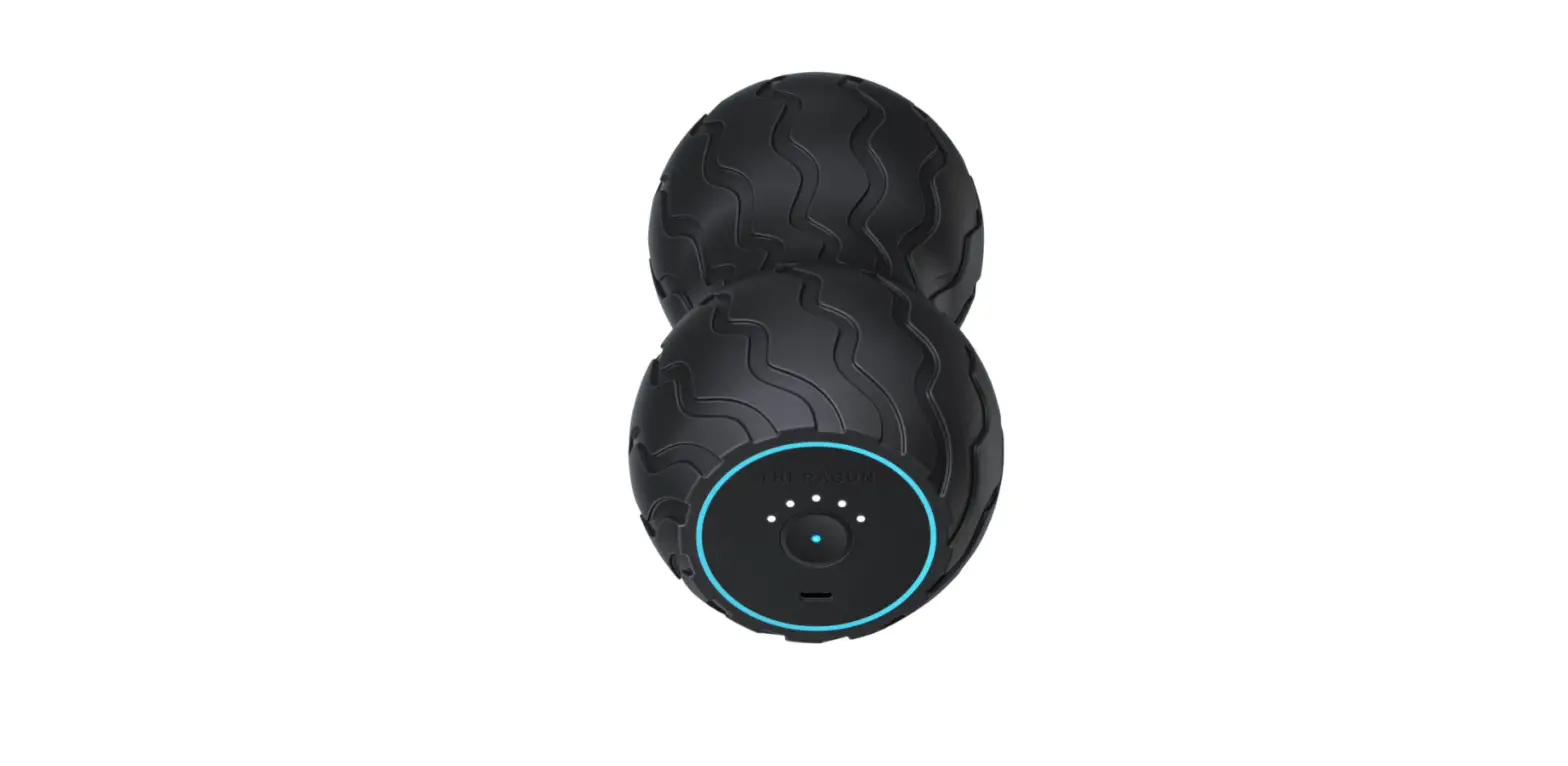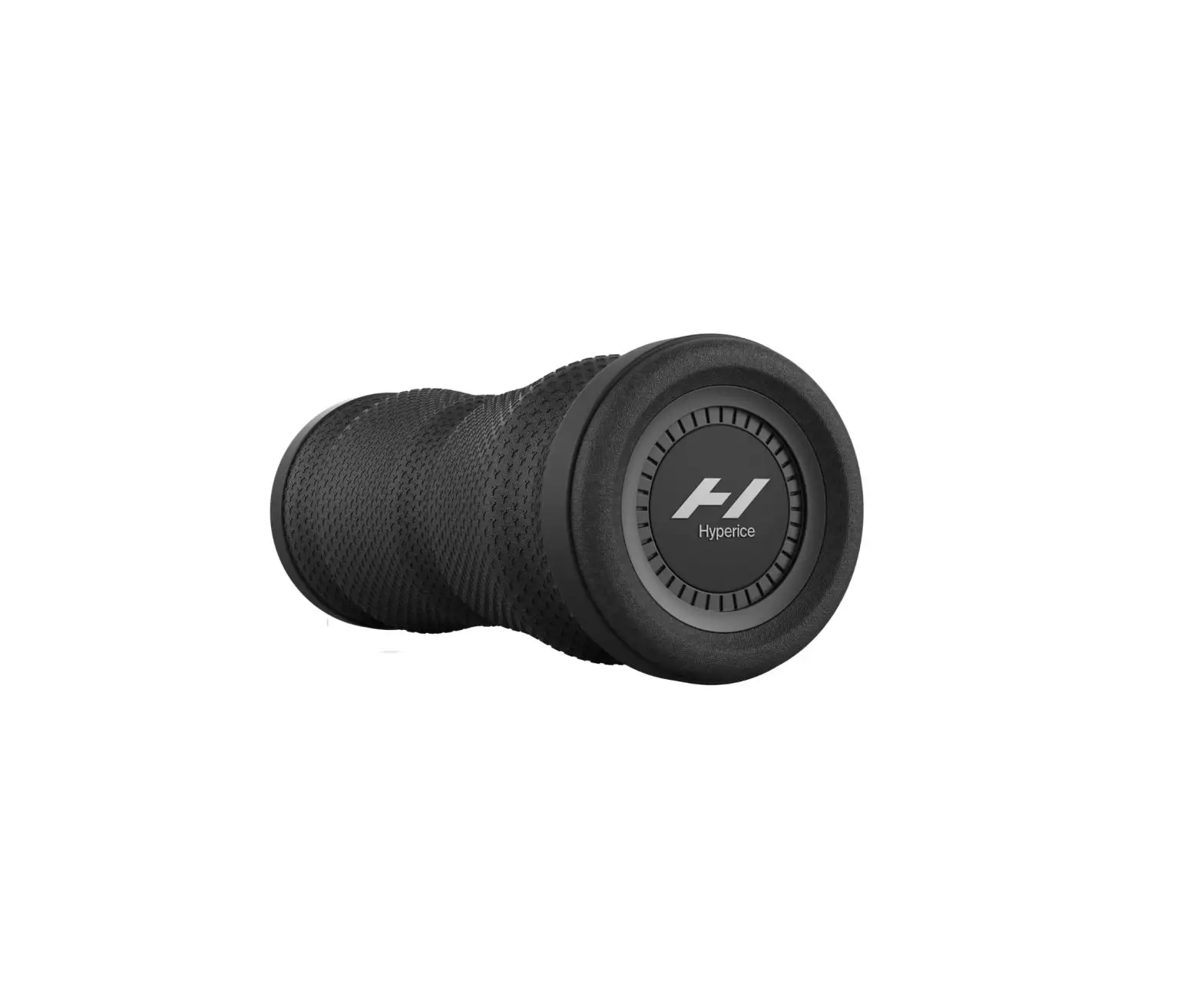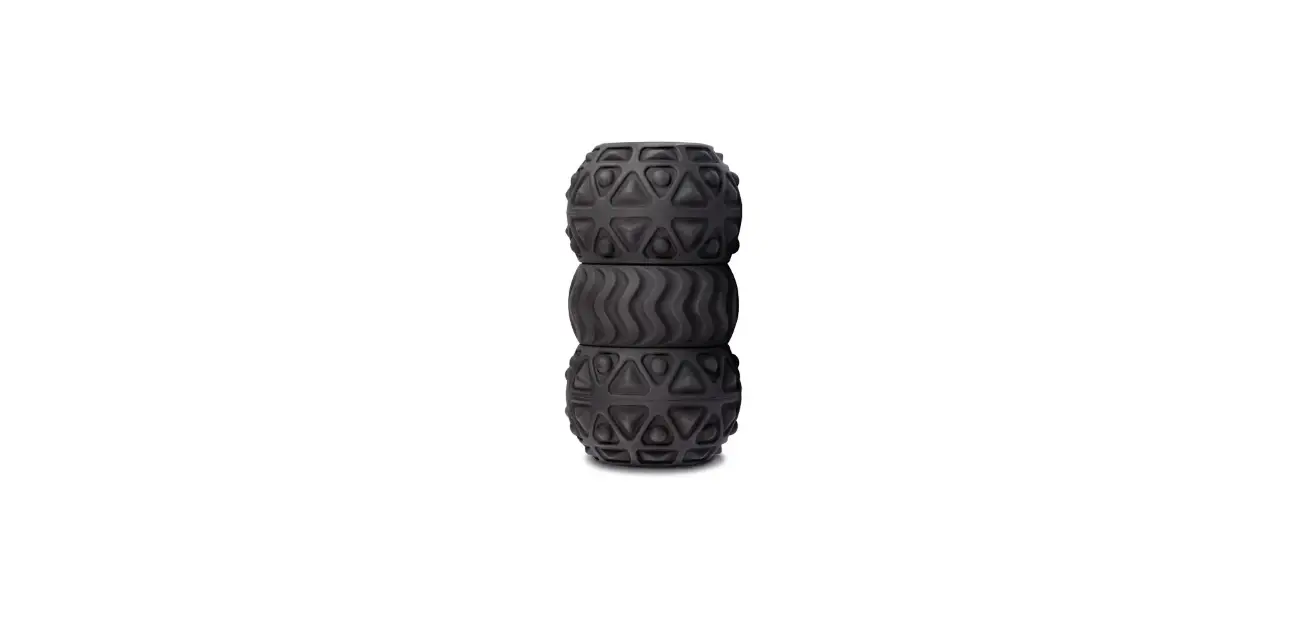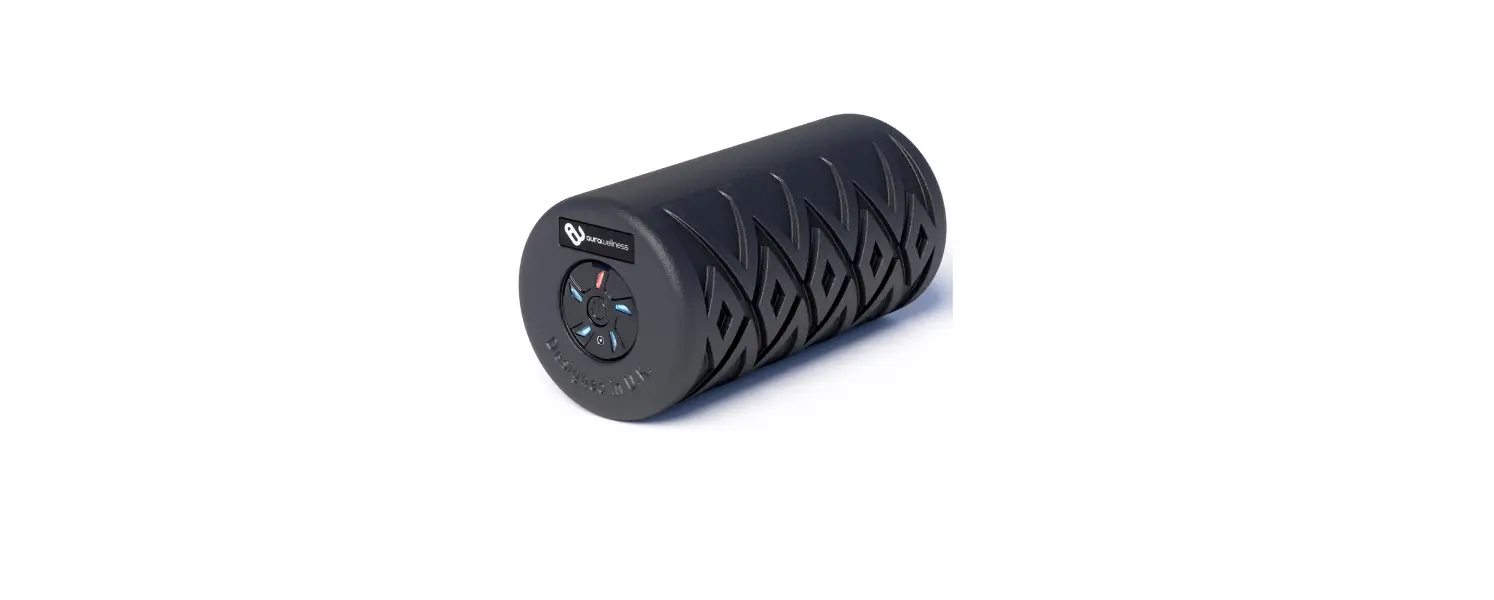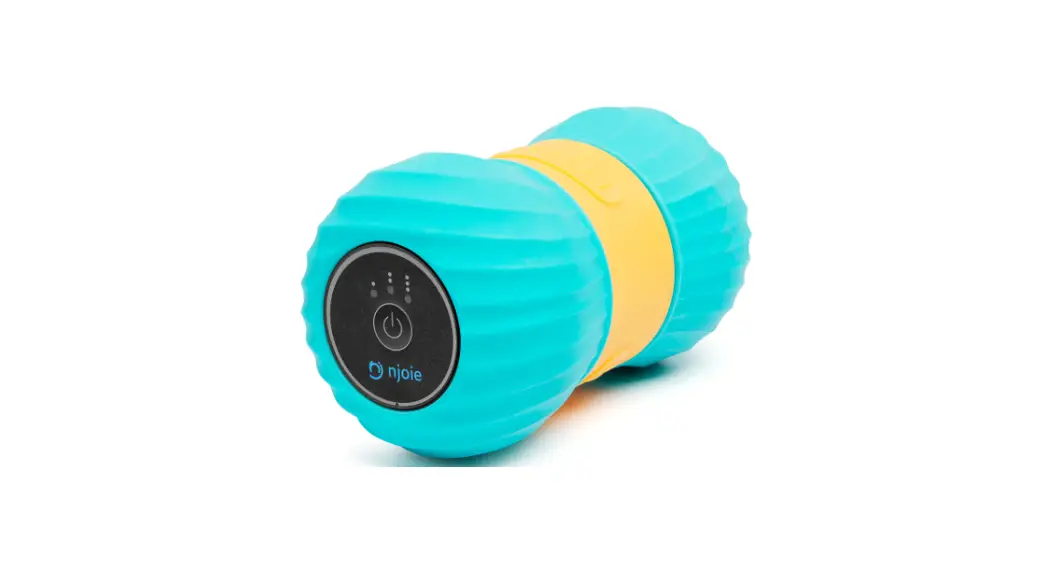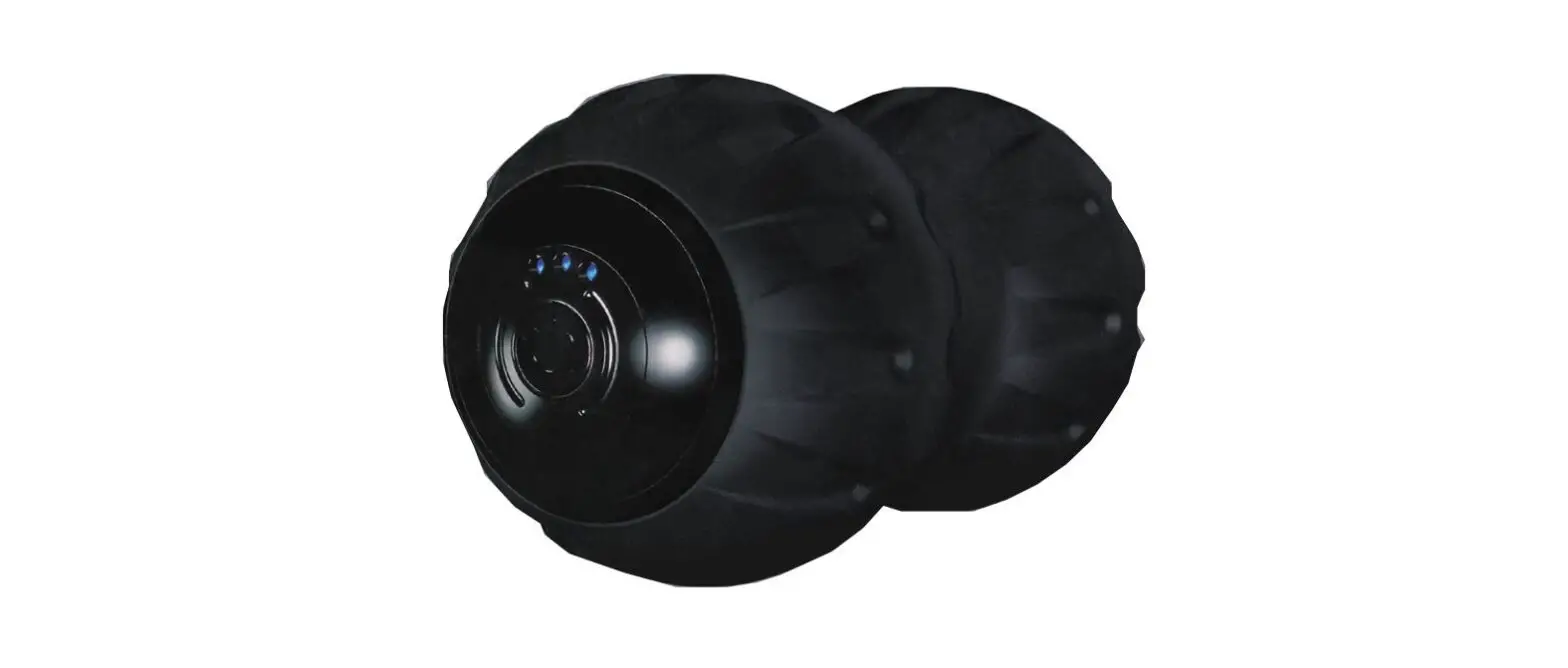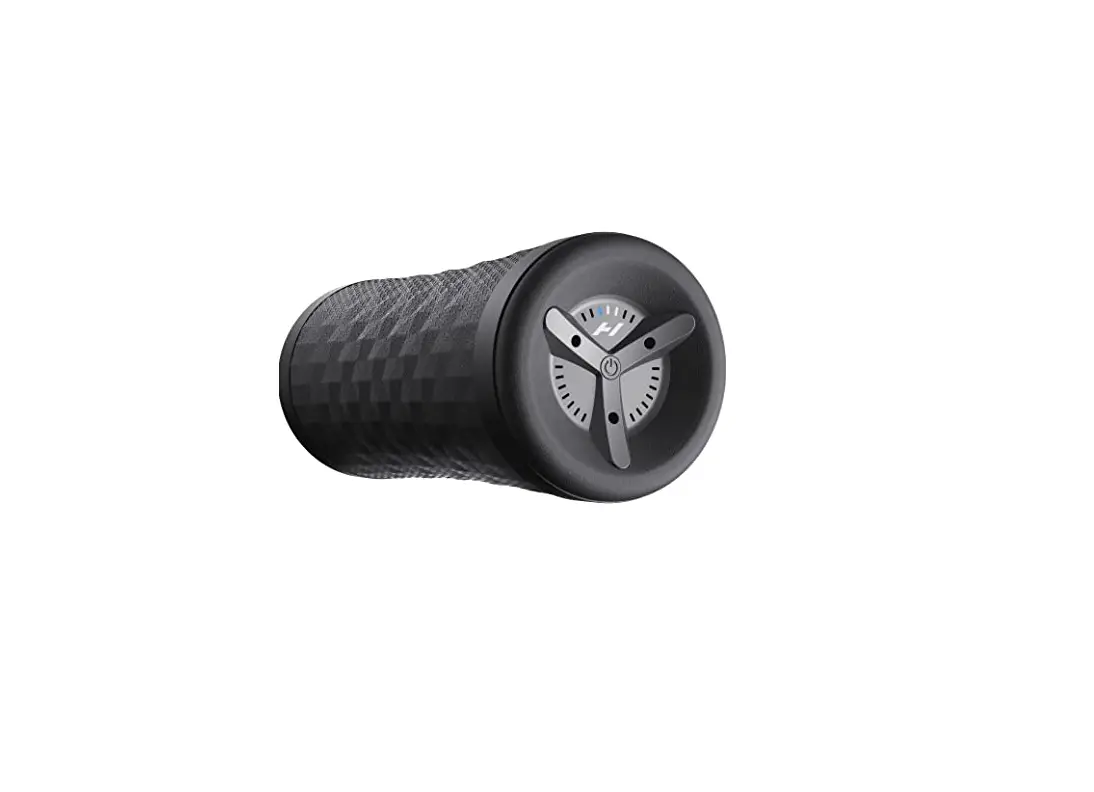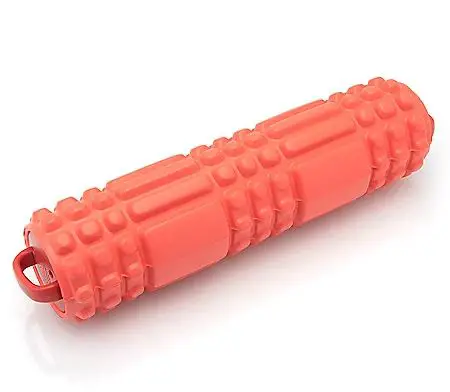
LIVEFIT Vibrating Roller
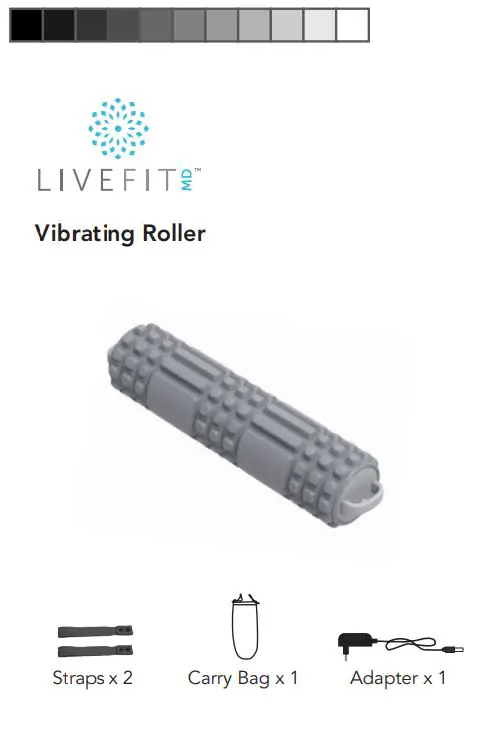
Product Overview
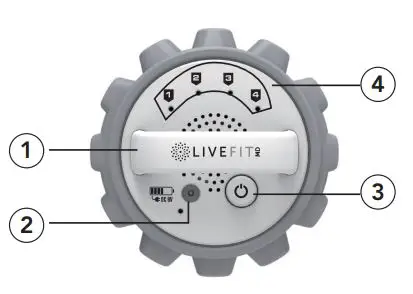
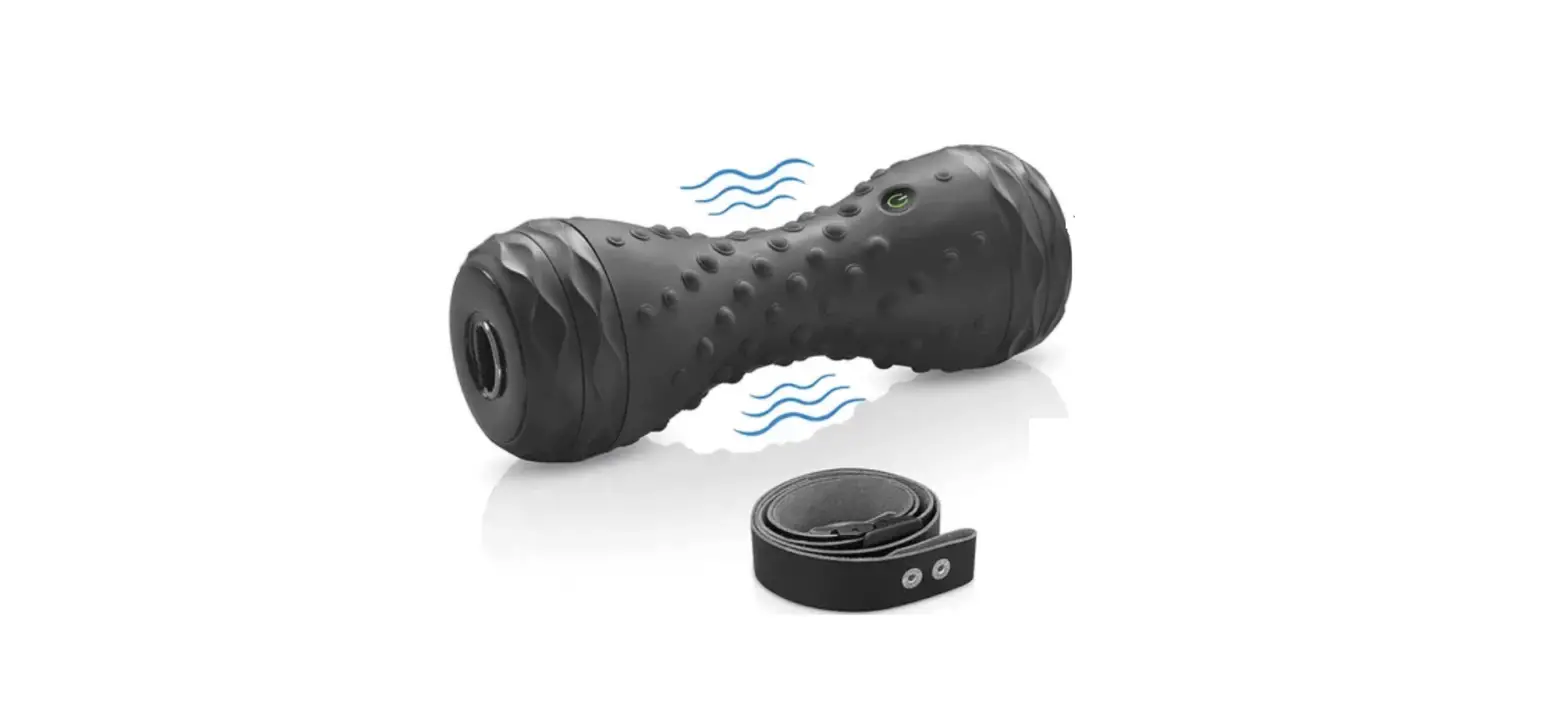
1. Strap Handle
2. Charge Port
3. Power ON/OFF/SPEED Button
· Long press for ~3s to turn on/off power
· Quick-press to switch speed modes
4. Speed Modes indicators
· Quick-press power button to switch modes
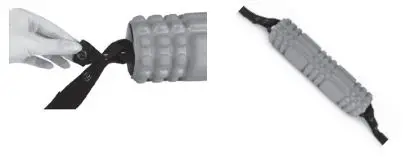
Connect Straps
Attach two straps at both ends of the vibrating roller for certain postures use.
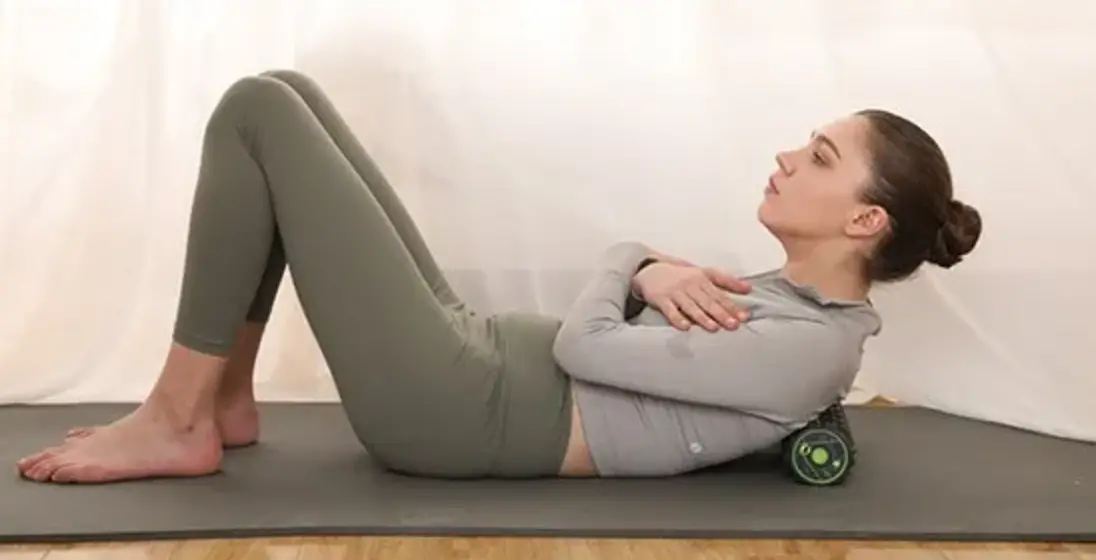
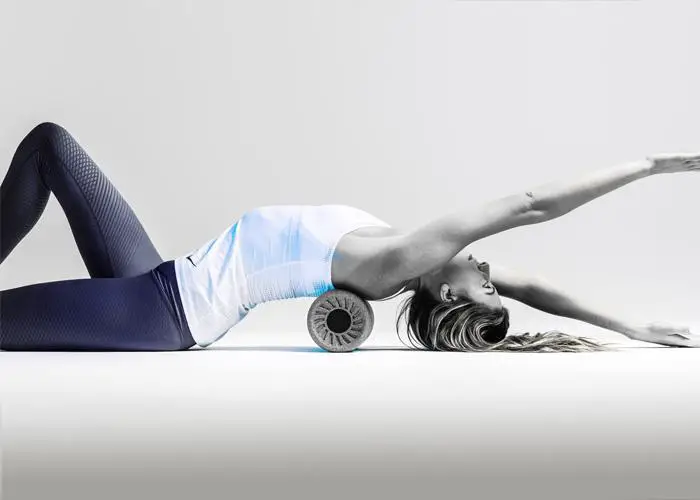
 Use of Postures
 Use of Postures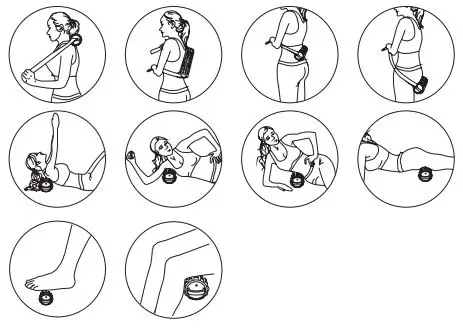
Use the Product
- Make sure the product is turned off before charging
- Plug the charger into a wall outlet (100V-240V), then plug the other end into the charging port
- Allow ~2.5 hours’ time for charging. The indicator light on the product will turn red during charging and then turn green once charging is complete
- Long press the power button ON/OFF for ~3s to turn on the massager. It will start to work at mode 1 by default
- Quick-press to cycle between speed modes (1-4). The 4 modes vibrating strength: 2000/2500/3000/3500 RPM
- Long press the power button ON/OFF for ~3s to turn off the product
 · The vibrating roller will automatically power off after 15 minutes of continuous use.
 · The vibrating roller will automatically power off after 15 minutes of continuous use.