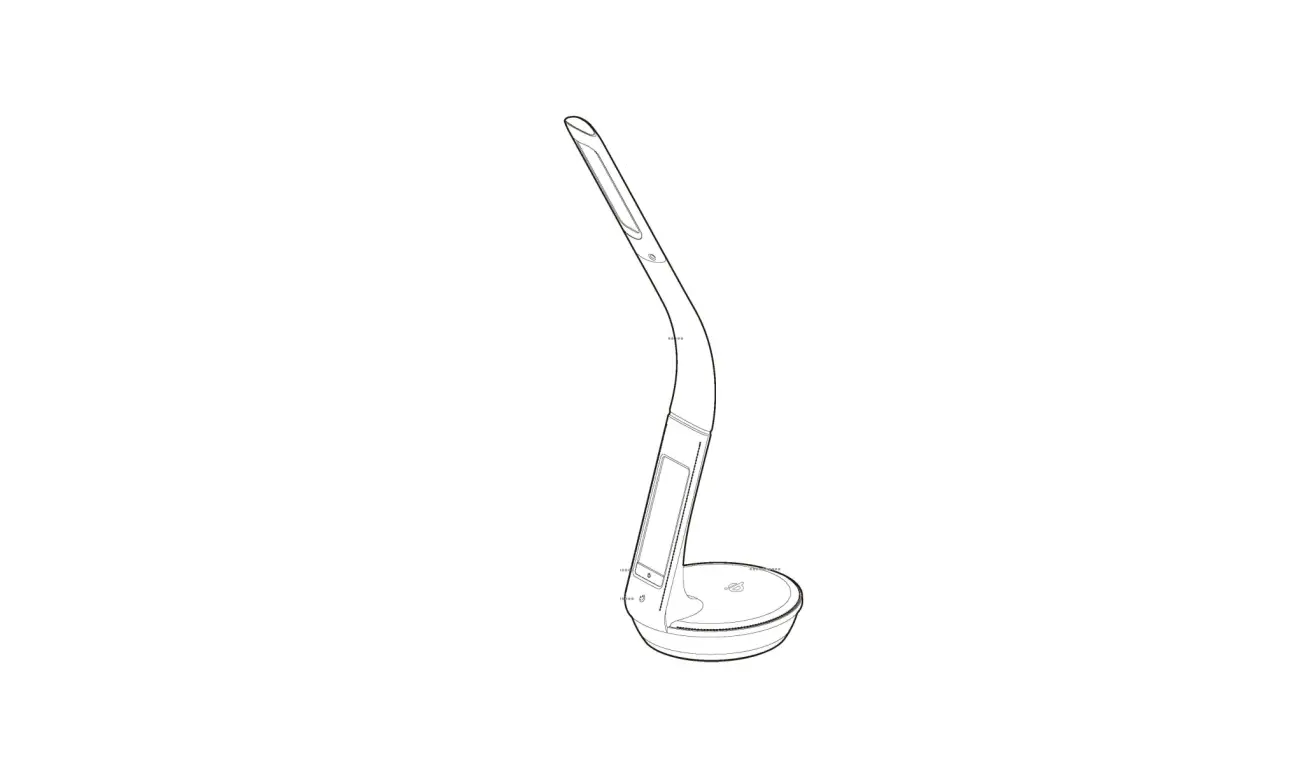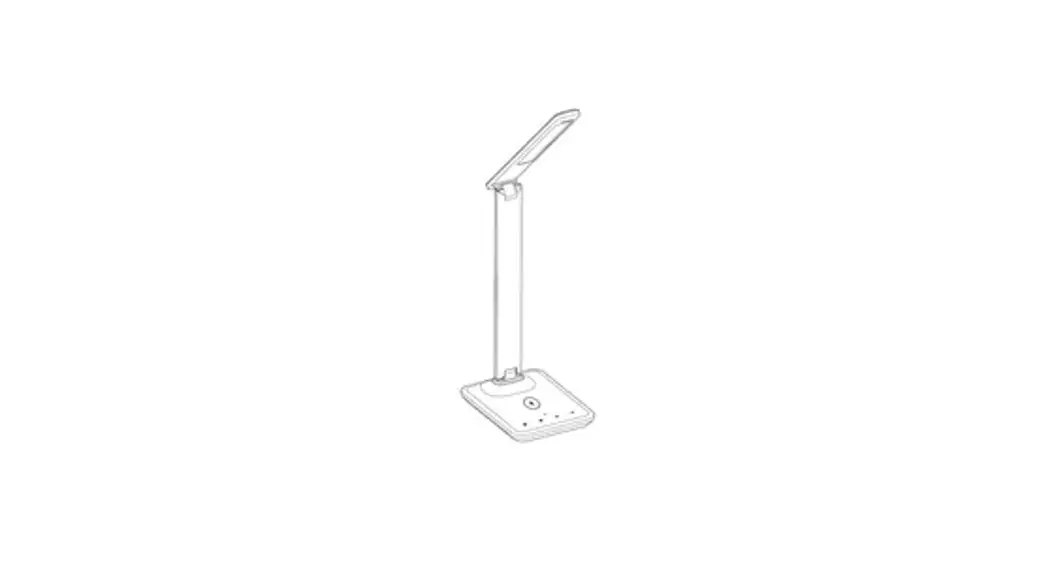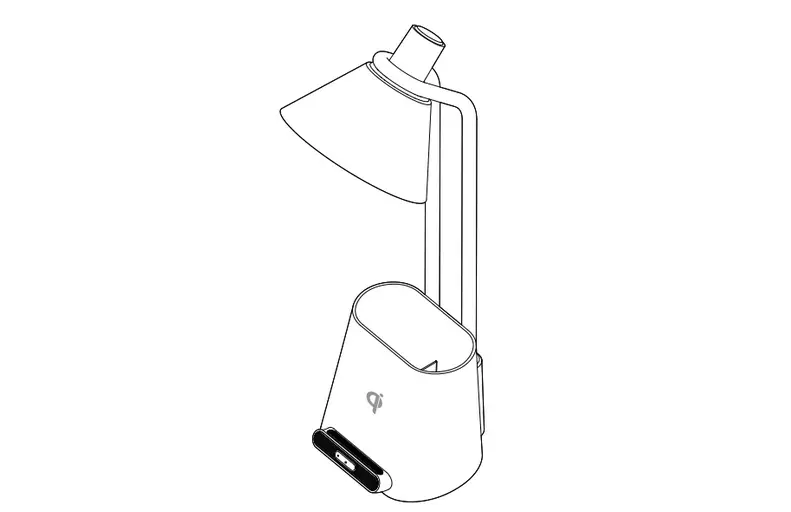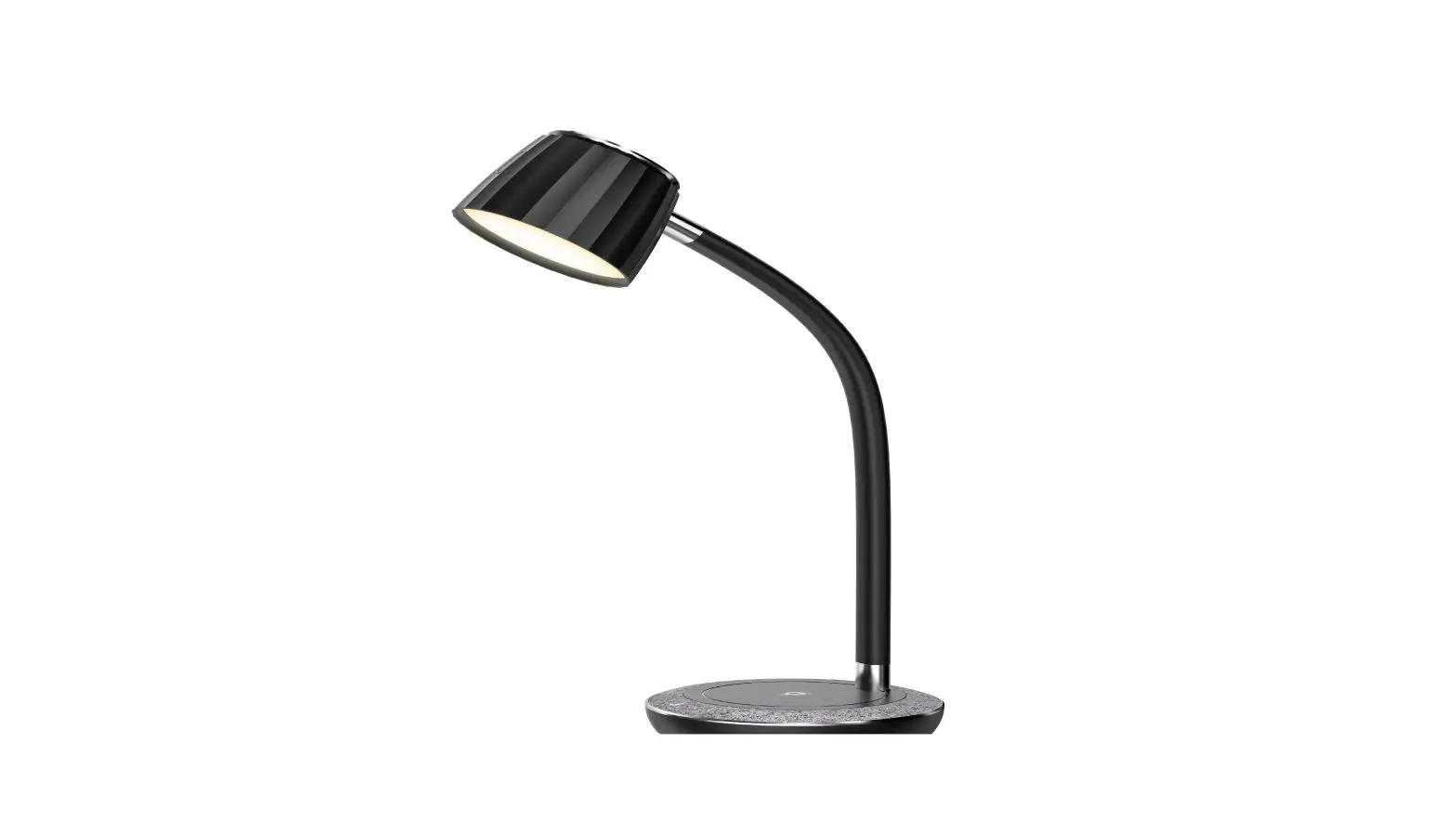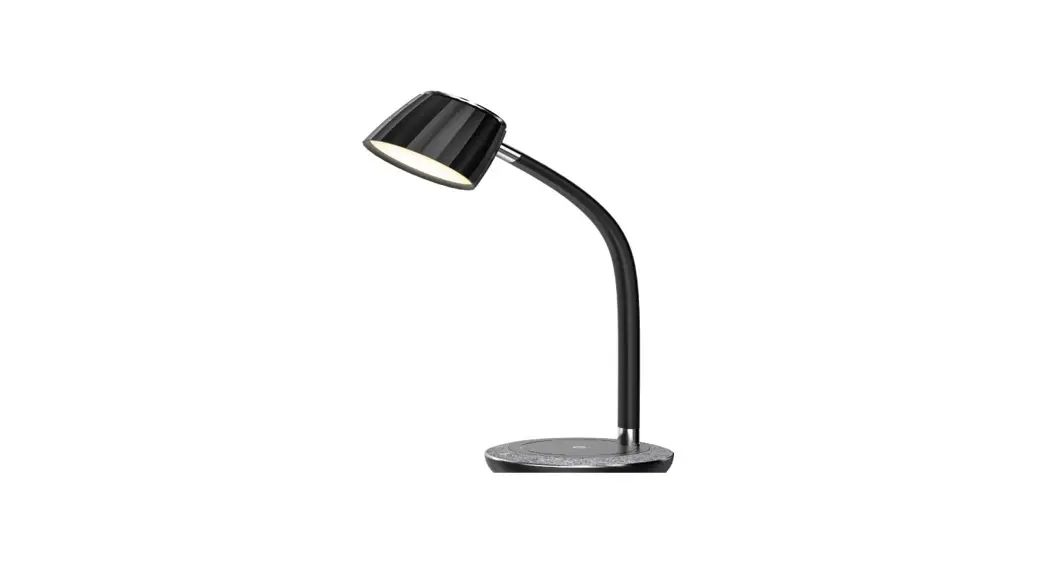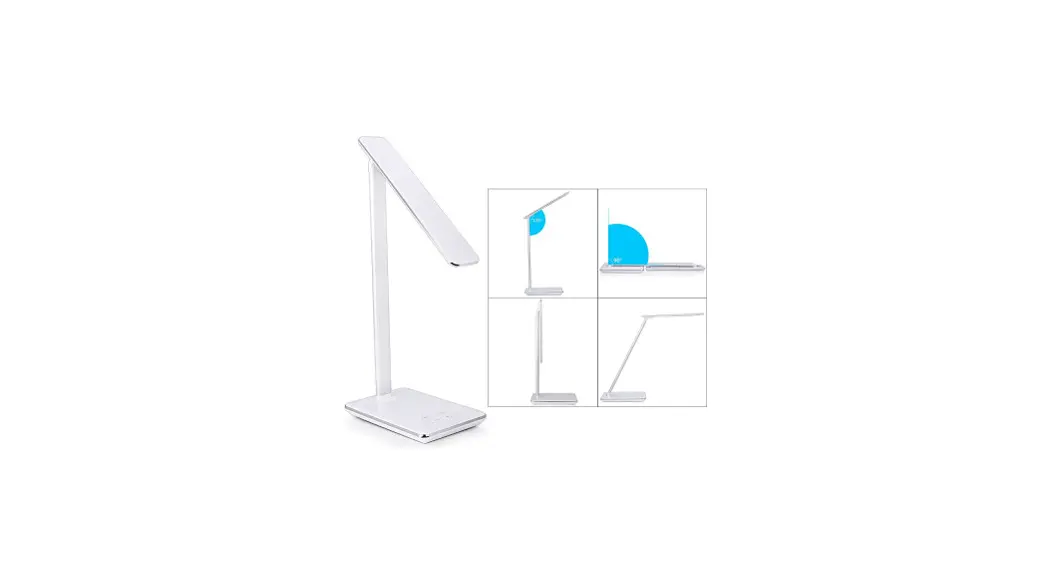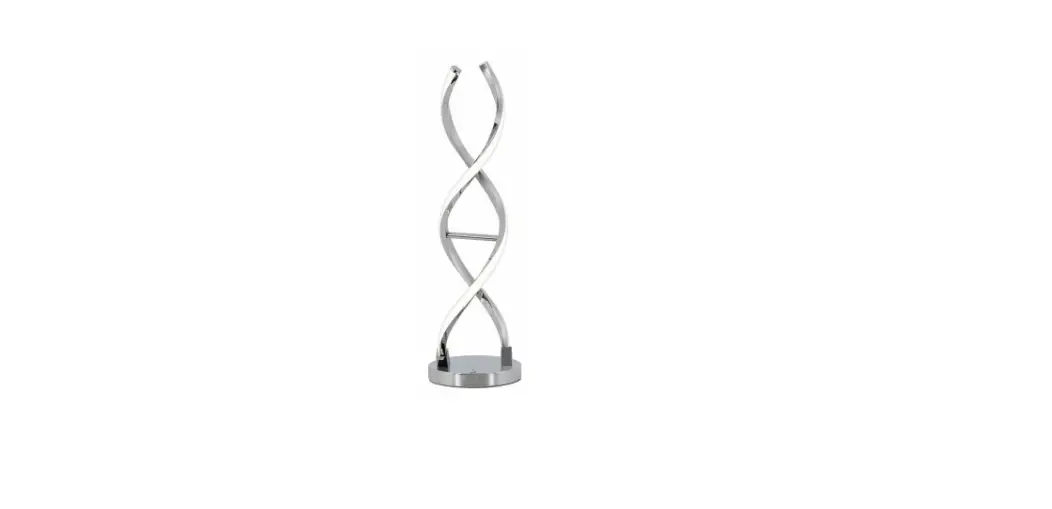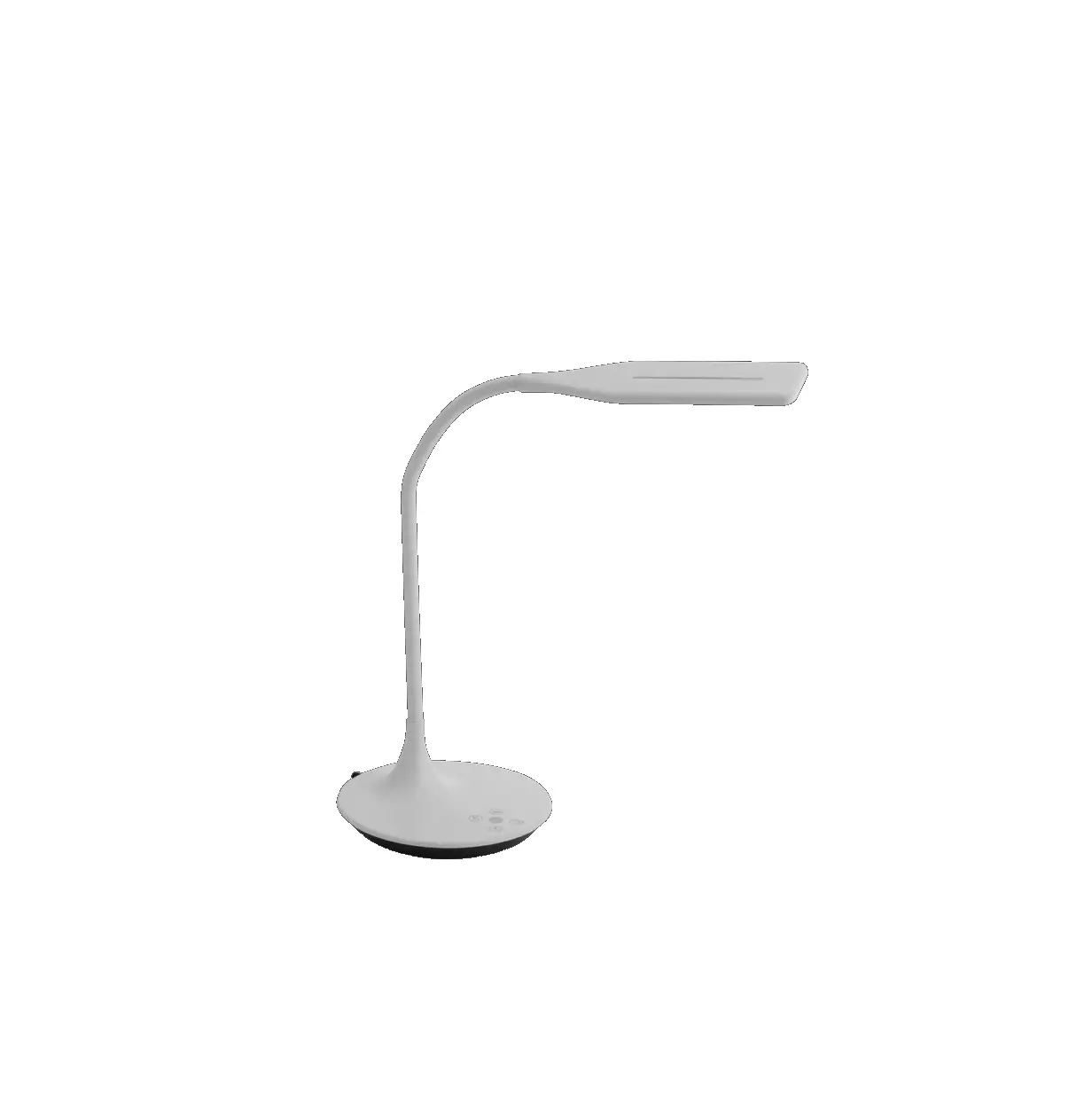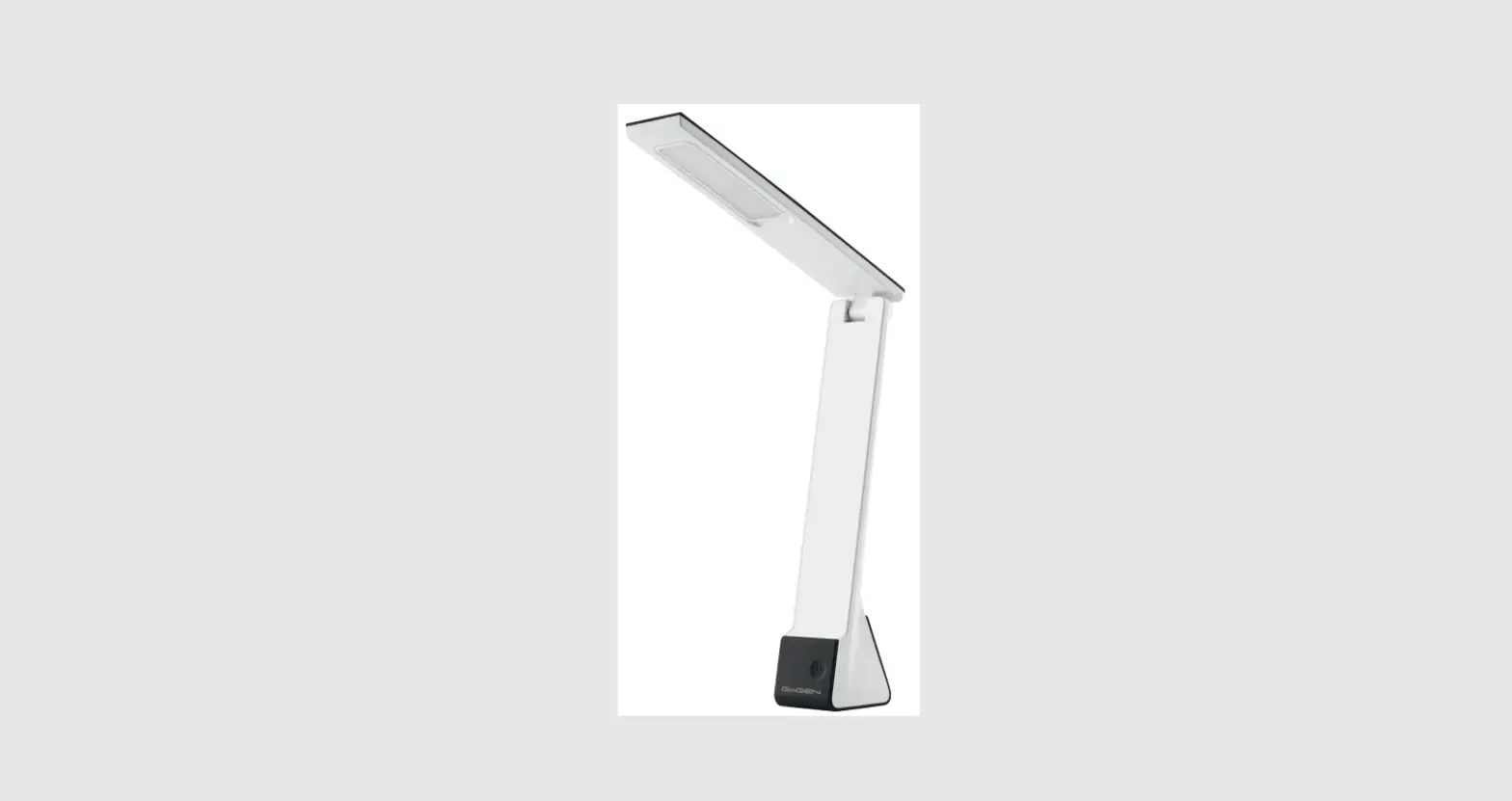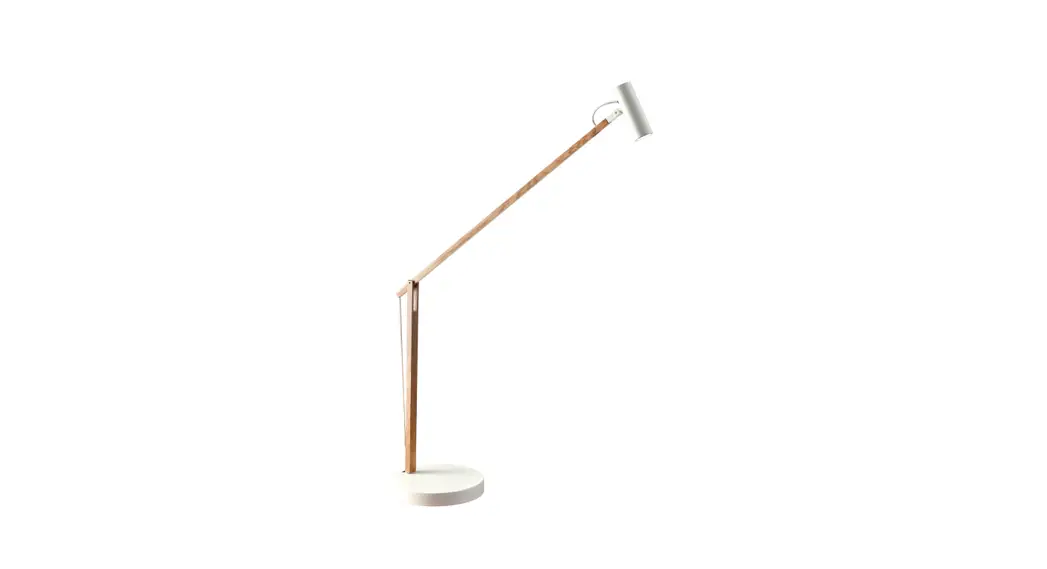
LED table lamp
User Manual
Product Introduction Please read carefully before using and keep it properly

Instruction
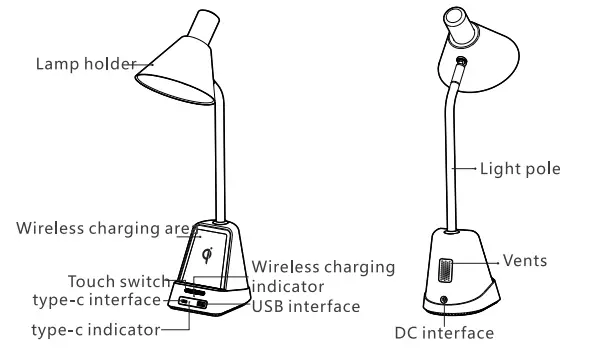
1. power connection
Insert the matched adapter head into the socket behind the lamp
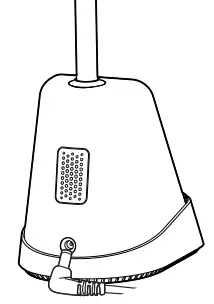
Notice:
- Please use the original power supply, do not use the cable extension or splitter, otherwise, the product may work abnormally.
- Do not use an adapter that isn’t matched with output 24V.
- If the lights flickered or were noisy. please timely check the power supply
- Do not connect the adapter metal point with other metals, or permanent damage to your product or other dangers may result.
- The original adapter is for this product only and does not support other users.
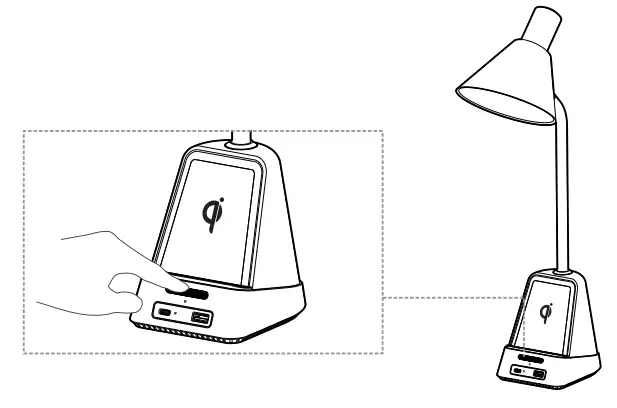
2. Lighting control
Table lamp brightness adjustment Light brightness adjustment: Touch the switch to adjust the brightness of the night light, a sequence: low-medium-high-oft The default is low light when power on:
3. Wireless charging function
Place the electronic products that support the wireless charging function in the middle for charging.
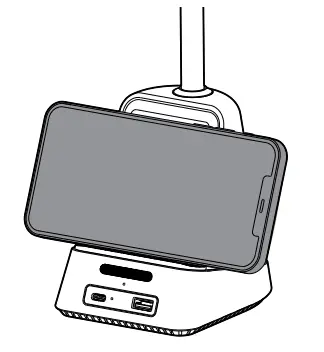
Notice: the light indicator is red when charging, and turns green when fully charged, if the red light is flashing, it means charging failure.
PD ou t pu t5V/9V/12V/1 5V/20V Stand by: PPS/PD3.0/PD2.0/QC4./QC4/QC3.0/QC2.0/AFC/FCb/SCP/OE2.0/PE1.1 /SEC P protocol
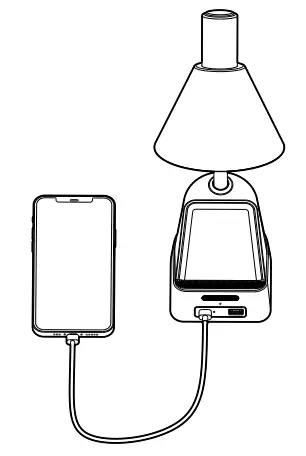
USB output:3.6V-20V Stand by: QC4 •/QC4/0C3.0/QC2.0/AFC/FCP/SCP/PE2.0/PEI.1 /SECPprotocol
4.111umination angle adjustment
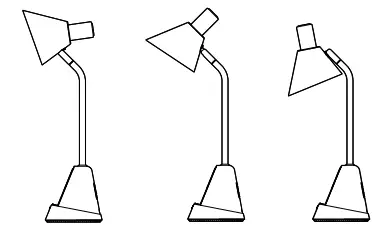
Tip: Please do not over-adjust the movable joint part of the product to avoid damage to the joint function of the lamp.
Product List
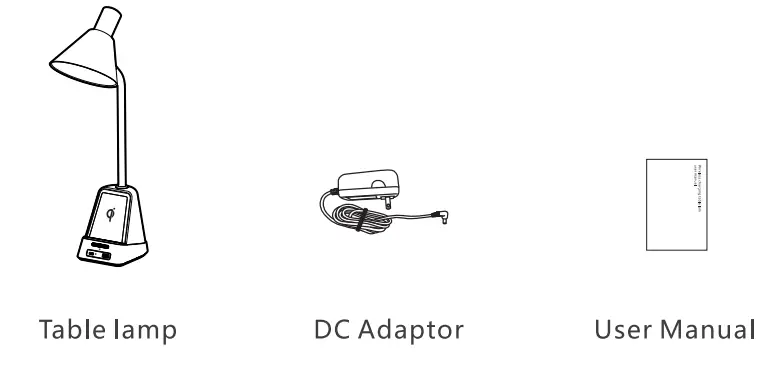
Note: Product images and descriptions only for reference purposes. Due to product upgrading, the physical picture may be associated with some small differences in kind, please see the subject product.
Basic parameters
Model number: W20
Working temperature:-20-50°C
Rated power:48W
Color temperature range:4200± 400K
Product name: Wireless charging lamp
Rated voltage:24V/2A
Wireless power: SW
Cautions
- Please wipe it with soft cotton fabric for surface cleaning, and do not use any corrosive solvents.
- The light source is irreplaceable. Please stop use when actually wear out
- If a failover occurs, please do not disassemble by yourself to avoid any damage to the product. You can contact the manufacturer for maintenance.
Harmful matter content
Material | hazardous substance | |||||
| (Pb) | (Hg) | (Cd) | (Cr(VI)) | (PBS) | (PBDE) | |
Metal | X | 0 | 0 | 0 | 0 | 0 |
Plastic | 0 | 0 | 0 | 0 | 0 | 0 |
Wire | 0 | 0 | 0 | 0 | 0 | 0 |
PCB board | 0 | 0 | 0 | 0 | 0 | 0 |
| The form is based on standard o 51/T 11364: o: The hazardous substance is under the limit of the standard of GB/T 26572 in all homogeneous materials of the component. x: The hazardous substance is in excess of the standard of GB/T 26572 in at least one homogeneous material of the component  | ||||||
Product Warranty regulation
The warranty services of this product is strictly in accordance with the Consumer Protection Law and The product quality law of China.
If there is a performance fault listed in the ‘product performance fault tables after checking by the after-sale service center, the service content is as follows:
- Within 7 days after receiving the product, it is free to enjoy the refund and exchange service.
- Within 8-15 days after receiving the product, it is free to enjoy replacement or maintenance service.
- Within 12 months after receiving the product, it is free to enjoy maintenance
Non-warranty regulation
- Unauthorized maintenance, misuse, collision, neglect, abuse, fluid intake, accident, altered or torn up labels/anti-fake labels;
- Exceed the warranty validity date;
- Damage caused by force majeure;
- Troubles are not within the range of the ‘product performance fault table’
- The human-caused performance failure but listed in the product performance fault table’, including the use of dimmer/non-rated voltage/non-specified
Product performance fault table
| model | Performance failure |
| W20 |
|
- You’re advised to keep the packing boxes for at least 30 days after receiving them since the packing boxes are used to ensure the safety of transportation;
- This product is only sold in China mainland (excluding Hong Kong, Macao, and Taiwan), so the warranty is for China mainland only(excluding Hong Kong, Macao, and Taiwan.
Warranty card
customer name__________ (Mr/MS) Tel ______________
Address serial_______ number___________________
model Purchasing____________date______________
Purchasing store___________________________
Store address_________________________
Invoice number______________________ Company Sealy cut here
FCC Statement Changes or modifications not expressly approved by the party responsible for compliance could void the user’s authority to operate the equipment. This equipment has been tested and found to comply with the limits for a Class B digital device, pursuant to Part 15 of the FCC Rules. These limits are designed to provide reasonable protection against harmful interference in a residential installation. This equipment generates uses and can radiate radio frequency energy and, if not installed and used in accordance with the instructions, may cause harmful interference to radio communications. However, there is no guarantee that interference will not occur in a particular installation. If this equipment does cause harmful interference to radio or television reception, which can be determined by turning the equipment off and on, the user is encouraged to try to correct the interference by one or more of the following measures:
— Reorient or relocate the receiving antenna.
— Increase the separation between the equipment and receiver.
— Connect the equipment into an outlet on a circuit different from that to which the receiver is connected.
— Consult the dealer or an experienced radio/TV technician for help
This device complies with part 15 of the FCC rules. Operation is subject to the following two conditions (1)this device may not cause harmful interference, and (2) this device must accept any interference received, including interference that may cause undesired operation. This equipment complies with FCC radiation exposure limits set forth for an uncontrolled environment. This equipment should be installed and operated with a minimum distance of 20cm between the radiator & your body.