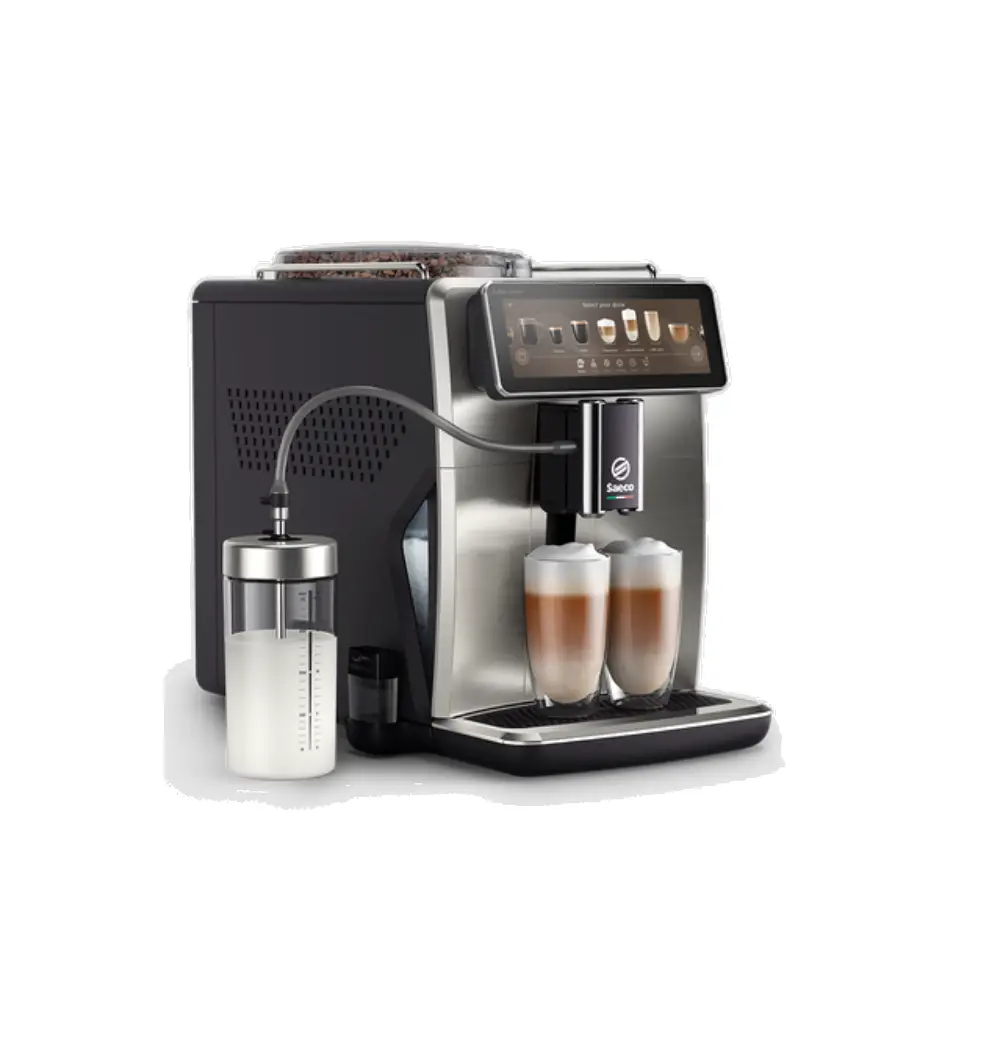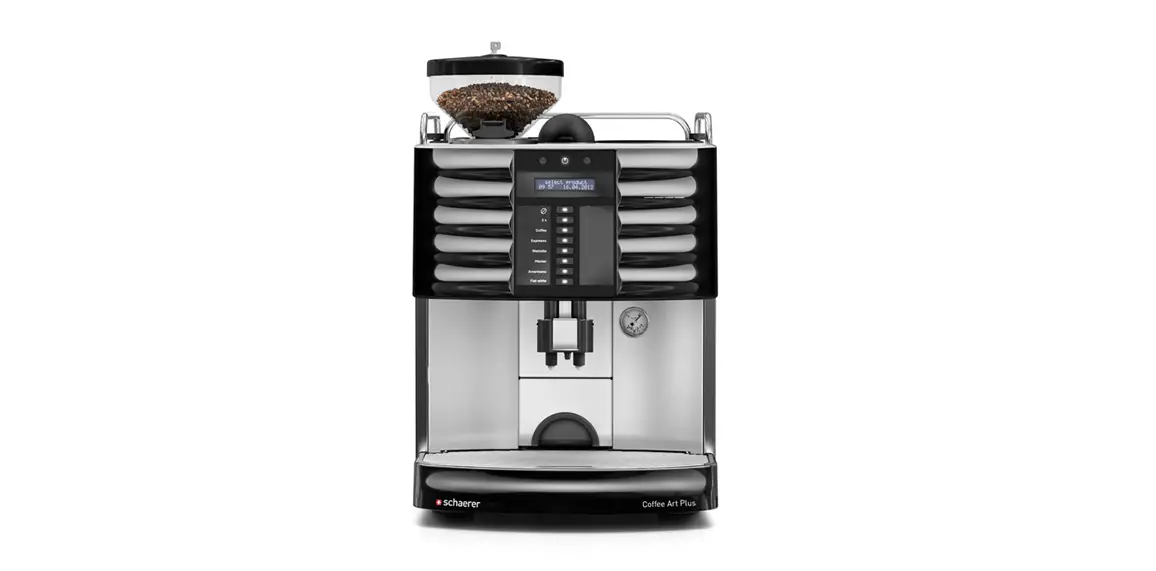

schaerer Coffee Art Plus Coffee Machine
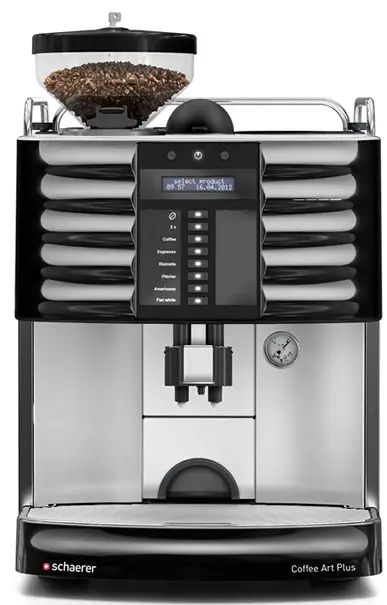
DAILY CLEANING INSTRUCTIONS
Read & follow instructions carefully. Do not place your hands or fingers inside machine!
To order cleaning supplies please call Parts Town 888.957.1518 or visit https://www.partstown.com
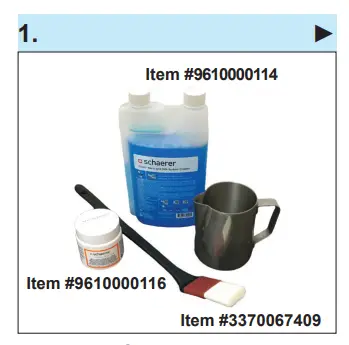
- Use only Schaerer cleaning sup-plies for this procedure.

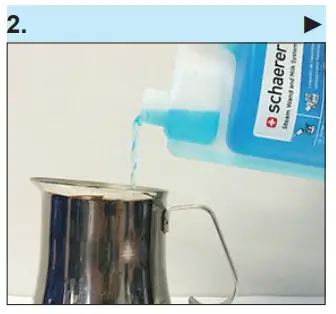
- Fill large steaming pitcher with 16oz of water and mix in (1oz/30ml) Schaerer Steam Wand Cleaner.

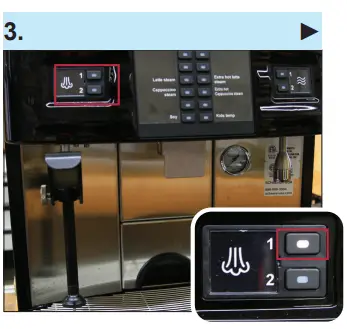
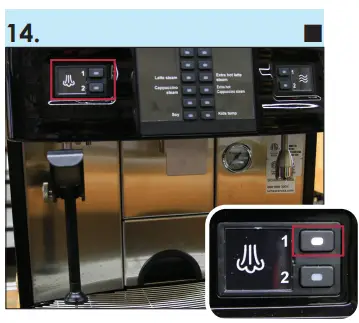
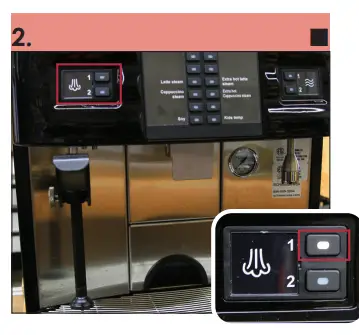
- Point steam wand toward drip tray. Press the button 1 to purge steam wand.

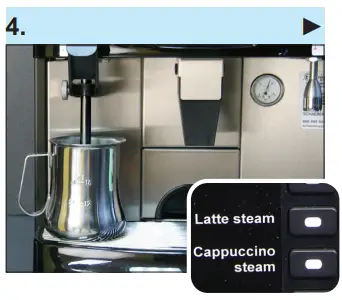
- Submerge steam wand into steam-ing pitcher and press the LATTE STEAM button to heat solution. Af-ter steam wand shuts off automati-cally then let it soak for 5 minutes.
- While steam wand is soak-ing, continue to next step.

- While steam wand is soak-ing, continue to next step.
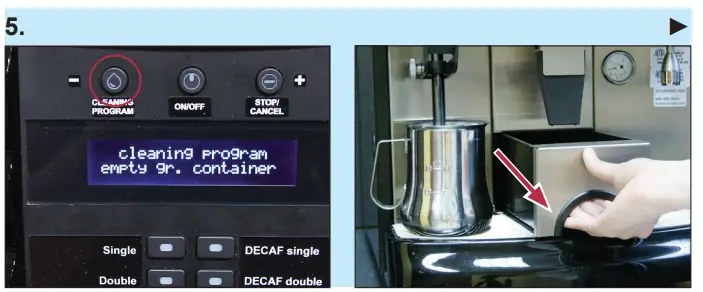
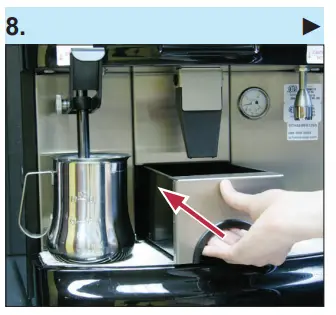
- While steam wand is soaking, press and hold the button until display reads “cleaning program empty gr. container.”
- Immediately remove grounds bin within 6 seconds. Empty coffee grounds into trash can. Wash, rinse, sanitize bin and set aside.
- If grounds bin is not removed within 6 seconds, the machine will return to normal operating mode. If this happens, repeat step 5.

- If grounds bin is not removed within 6 seconds, the machine will return to normal operating mode. If this happens, repeat step 5.
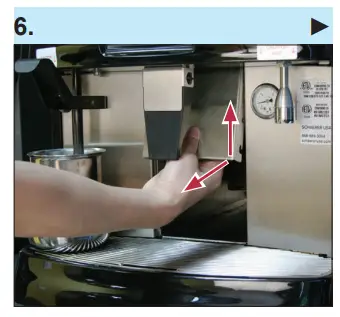
- Remove metal shield above grounds bin and set aside.

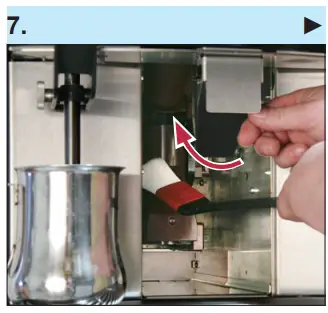
- Use large cleaning brush to wipe coffee grounds from brew unit and surrounding areas into drip tray. Do not touch brew unit or any other parts of inside area with your hands.

- Put back metal shield and slide coffee grounds bin back into place.

- Wait until display reads “cleaning program insert tablet.”
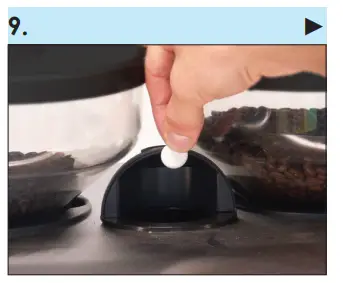
- Lift dome lid located between the two bean hoppers and drop in one Schaerer cleaning tablet. Close lid after dropping tablet.

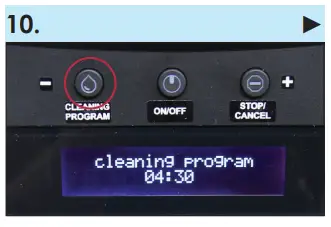
- Press (do not hold) the blinking
- button to activate cleaning cycle (this takes about 4:30 minutes). All beverage selection buttons will be locked during this time.
- Cleaning runs (4:33 min.)!

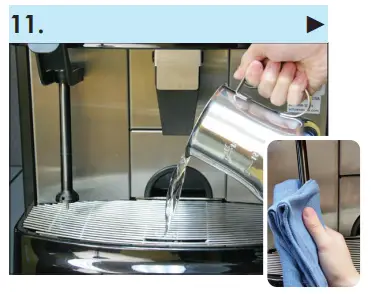
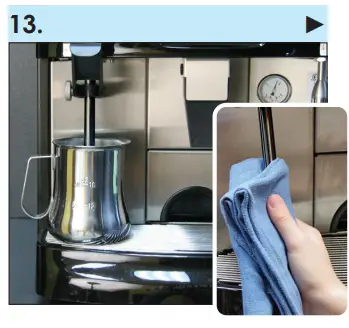
- After 5 minutes or when automat-ed cleaning cycle is complete, empty pitcher into drip tray. Wipe steam wand with a thick, clean, damp cloth. Be careful, wand will be very hot!

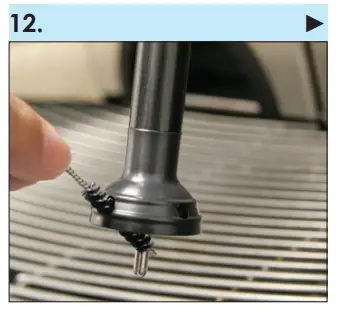
- Using small cleaning brush, brush the 4 side holes as well as base of the steam wand tip.

- Submerge steam wand into cold water once to rinse, then discard water. Wipe steam wand with a clean, damp cloth.

- After wiping off wand, point it toward drip tray and purge by pressing the button 1.

To order cleaning supplies please call Parts Town 888.957.1518 or visit https://www.partstown.com
How to Clean the Steam Wand After Each Use – Coffee Art Plus
Always use a cloth and/or steam wand handle (grip) when cleaning or steaming milk. Direct skin contact with metal may result in burns.
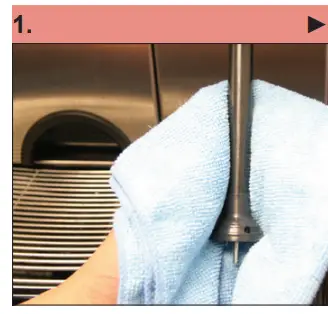
- Once milk steaming has stopped, remove pitcher and immediately wipe steam wand with a clean, damp cloth. Make sure cloth is thick enough so you don’t burn your hand. Be careful, wand will be very hot!

- After wiping off wand, point it toward drip tray.
- Press the button 1 to purge steam wand.

Schaerer USA Corporation
15501 Red Hill Ave. STE 200
Tustin, CA 92780
www.schaererusa.com | 888.989.3004
Coffee Art Plus DCI | 03.2021 | v02 All Rights Reserved