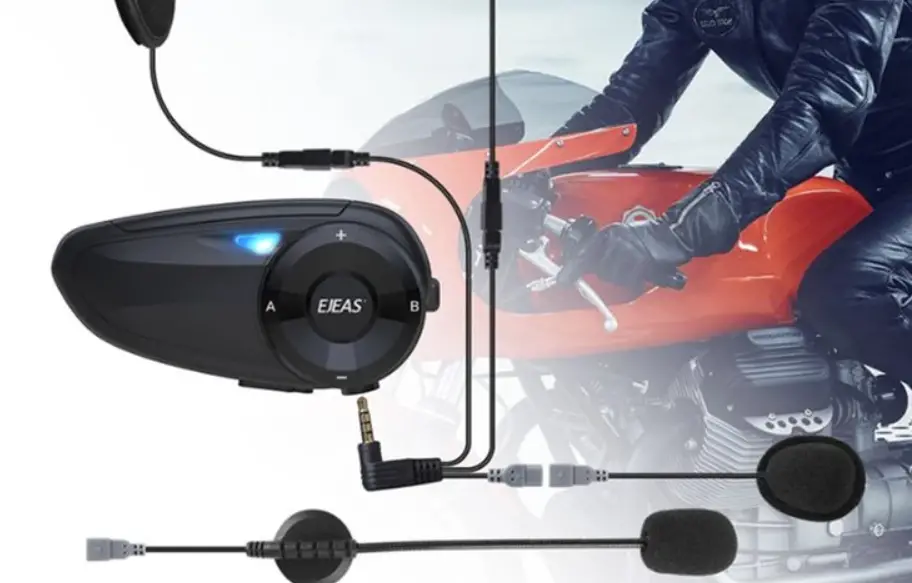
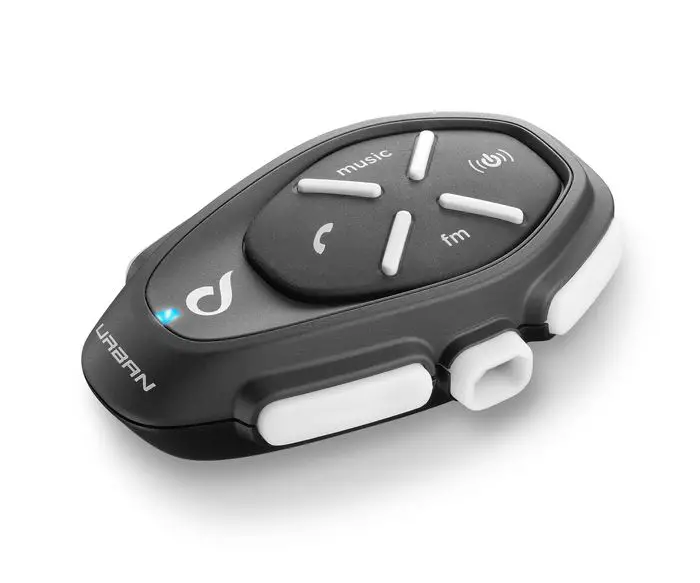
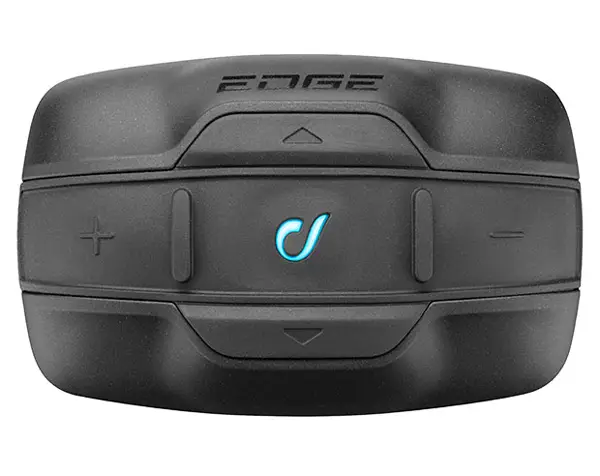
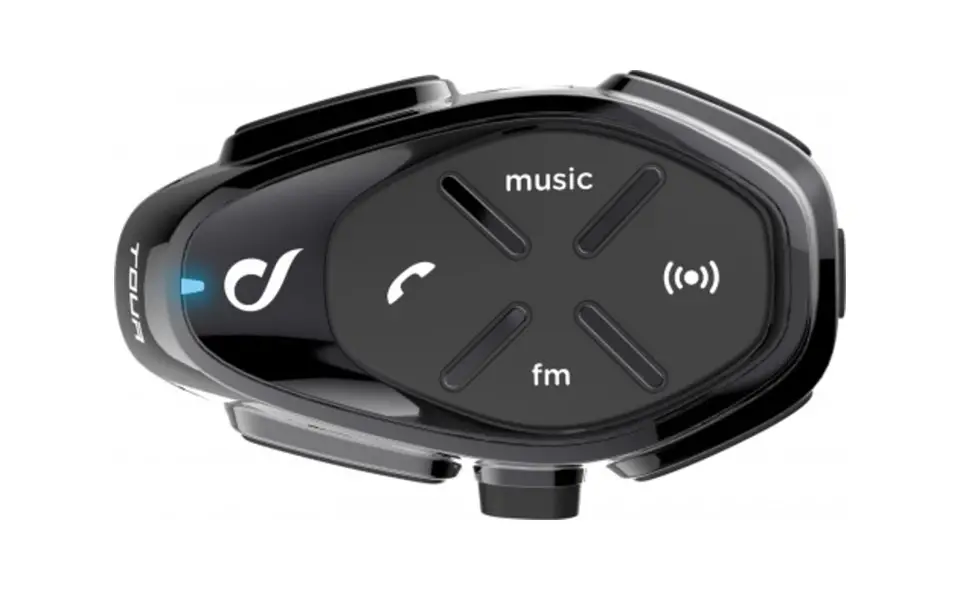
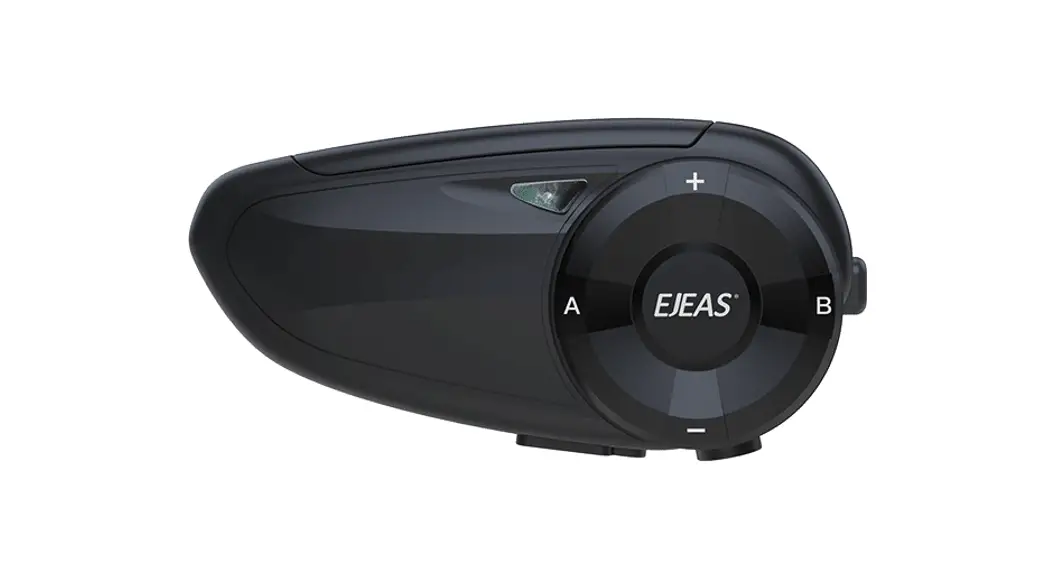
Motorcycle Bluetooth helmet intercom
V7 USER MANUALS
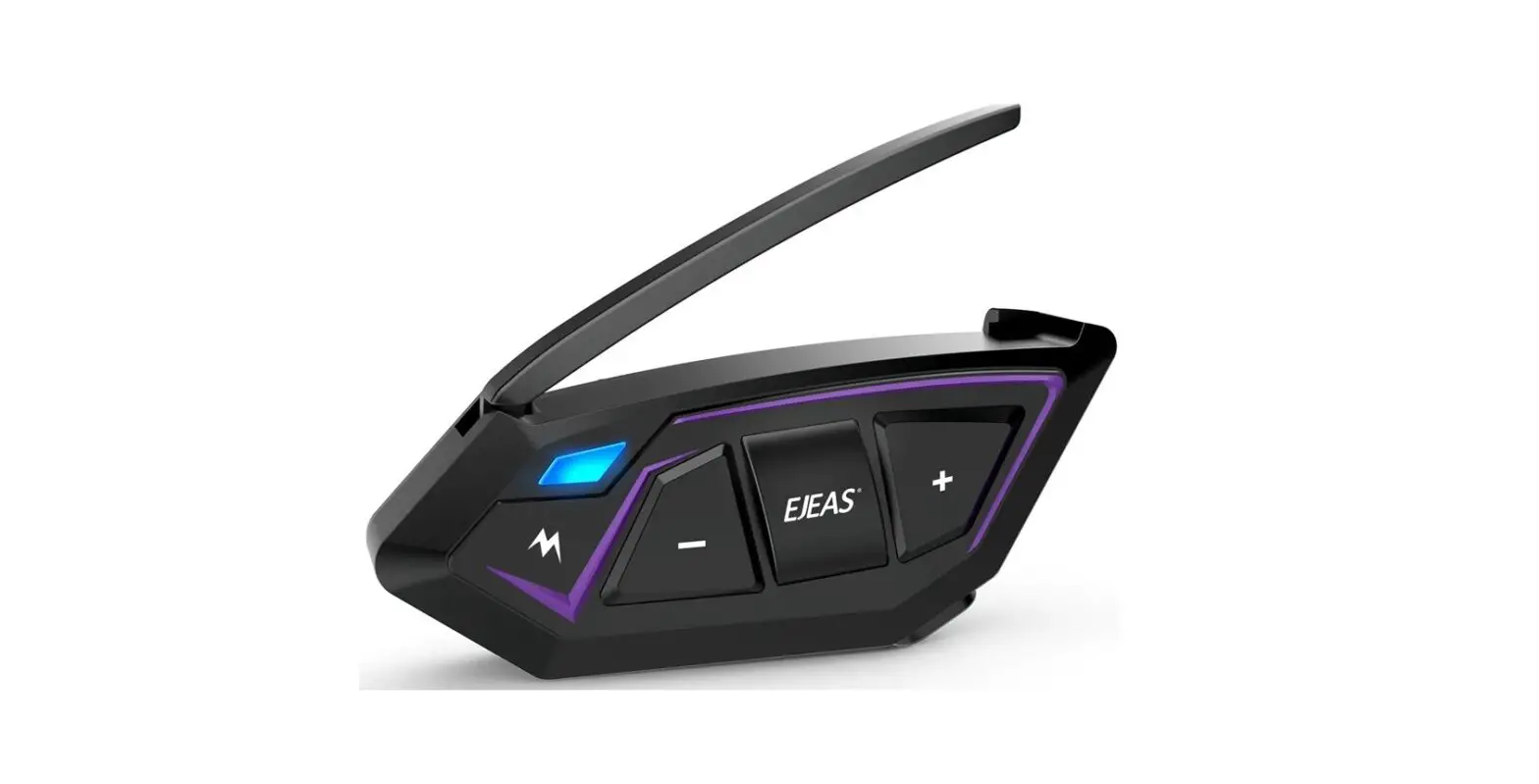
V7 Motorcycle Bluetooth Helmet Intercom

 | ||
Bluetooth Intercom | Bluetooth Music | Auto phone receiving |
 | ||
Voice Assistant | EUC Remote | Support Mobile App |
Product installation
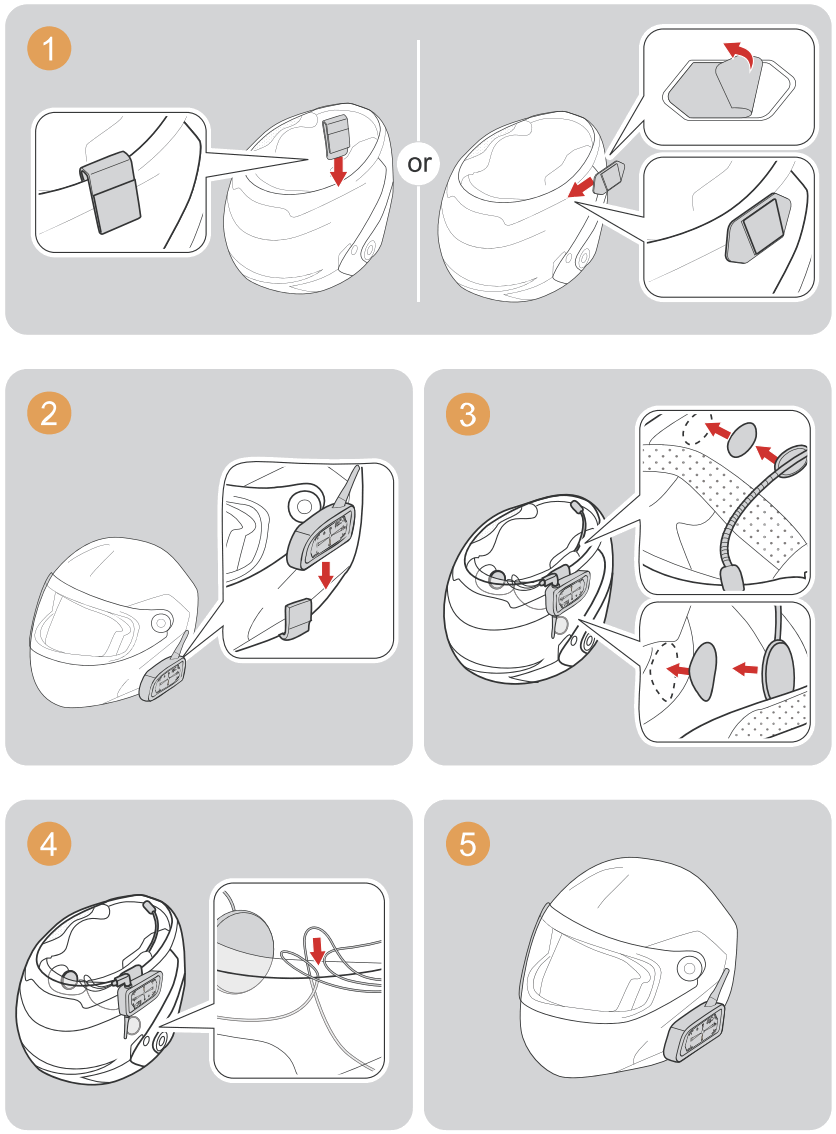
Operation Diagram
 | ||||
Click | Double-click | Long-press | Long press for 3 seconds | Long press |
Power
ON/OFF
Please charge it before using
 | ON Press and hold (approx. 1s) < A Button/Power Button> u n t i l the red light comes on with a power-on tone. After switching on I n standby mode, the blue light flashes slowly (0.1s on / 2s off).  Blue light flashes slowly Blue light flashes slowly “Di,Di,Di” “Di,Di,Di” |
 | OFF Single-press the <off button>.  Indicator light off Indicator light off |
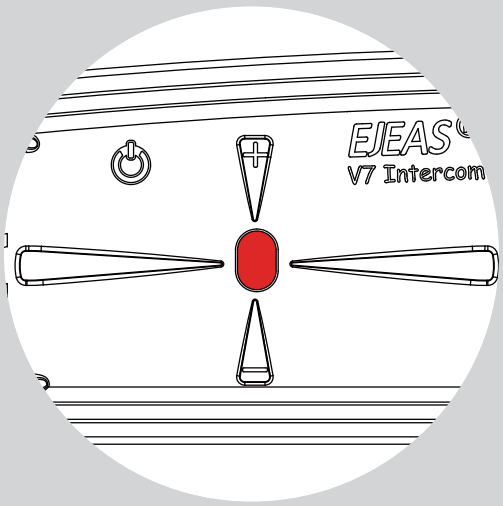 | Red light flashes rapidly 3 times when the battery is low. The device automatically turn off when the battery is ultra-low. |
 | The red light is always on when charging. |
Intercom function
Intercom pairing
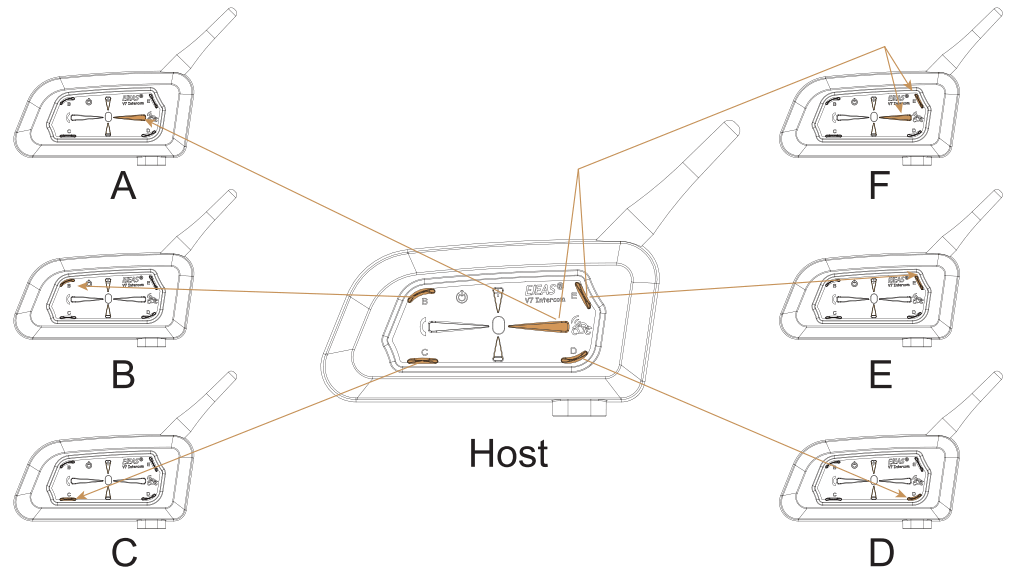
 | After switching on, press and hold (approx. 5 seconds) <A Button> until the red and blue lights alternately flash. Wait to connect to another intercom; or long press (about 3s) <A Button>/<B Button >/<C Button >/<D Button>/<E Button>/<A Button+E Button> (Intercom F) until the red and blue lights flash alternately and wait for the connection to another intercom.  Red and blue lights alternatly flash Red and blue lights alternatly flash |
 | The other V7 enters the pairing state using the same operation step, then two V7 would pair with each other. Blue light flashing fast |
Wait a few more moments and you will hear the “Di,Di,Di” tone.
At this point you can talk to each other and hear each other’s voices.
Compatible with old model pairing steps
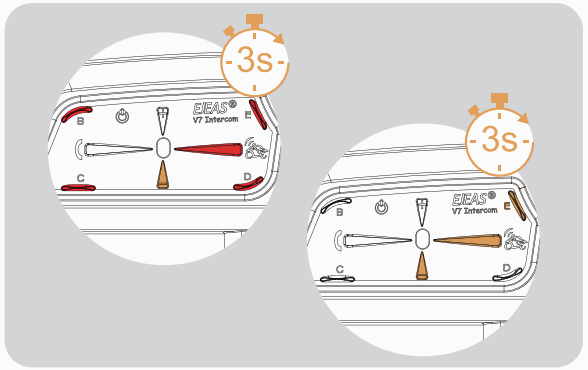 | Simultaneously press and hold (approx. 3 seconds) <Volume – > + <A Button>/<B Button>/< C Button>/< D Button>/<E Button> to start pairing, the red and blue lights flash alternately. Or press and hold (for approx. 3 seconds) <Volume – > + <A Button +E Button> (Intercom F ) Alternating red and blue lights “Di, Di, Di” |
 | For old models (V6/V4) follow the instructions to enter the pairing state, and wait for successful pairing. Blue light flashing fast |
 | Click again on <A Button>/<B Button >/< C Button>/<D Button>/<E Button>/<A Button+ E Button> (Intercom F) to start pairing. Blue light flashing fast |
Wait for a successful connection and start the intercom.
Intercom connection and disconnection
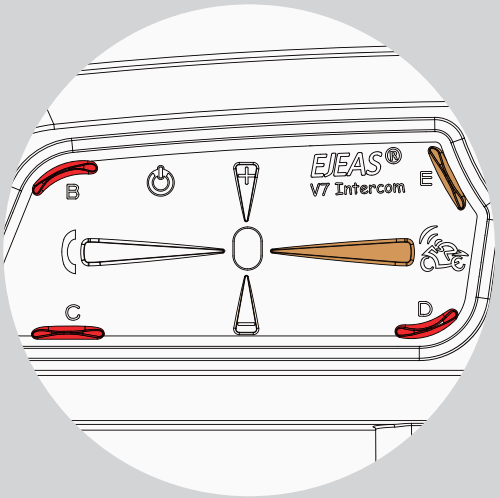 | Once the intercom has been paired, you can click on the corresponding intercom buttton <A Button>/<B Button>/<C Button>/ <D Button>/<E Button>/<A Button+E Button> (Intercom F ) to connect o r disconnect. The buttons didn’t use for paring would have no reponse when press. |
Mobile phone pairing
This intercom supports connection to mobile phones for playing songs and making calls , and waking up voice assistants. Up to 2 mobile phones can be connected at the same time.
 | After power on, press and hold (approx. 5s) <phone button> until the red and blue lights flash alternately fast. Alternating red and blue lights flashing fast |
 | Searches the device “V7” on your phone, click it and get to connect. |
Pairing successful Blue slow speed double flashing lights “pi,Di,Di”
 | Current battery level is displayed on the Phone’s Bluetooth icon (Mobile phone HFP connection required) |
Bluetooth reconnection with mobile phones
 | After power on, it automatically connects back to the last paired cellphone. When there is no connection, click <Phone Button> to connect back to the last paired cellphone. |
Mobile control
Answering the phone
 | When a call comes, wait 8s to answer automatically |
Reject the phone 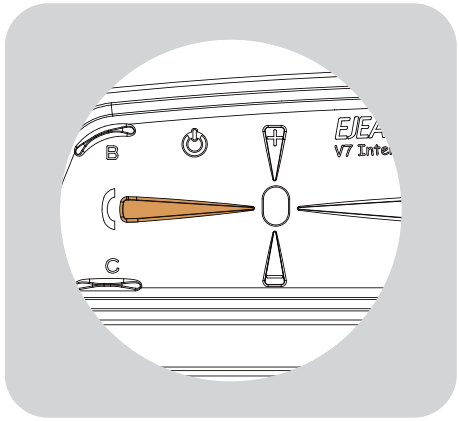 | When a call comes, click the <phone button>. |
End the phone  | When on the phone, click on <phone button>. |
Last num redial 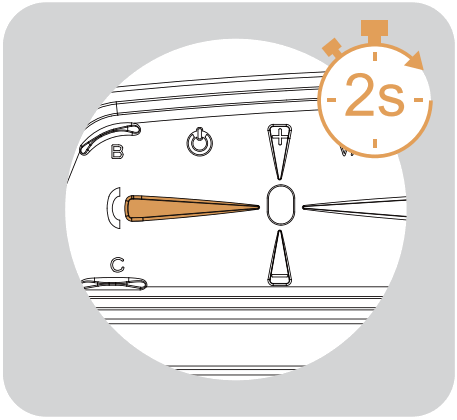 | When in standby/playing music, Press and hold for _ approx. 2s <phone button> |
Cancel redial 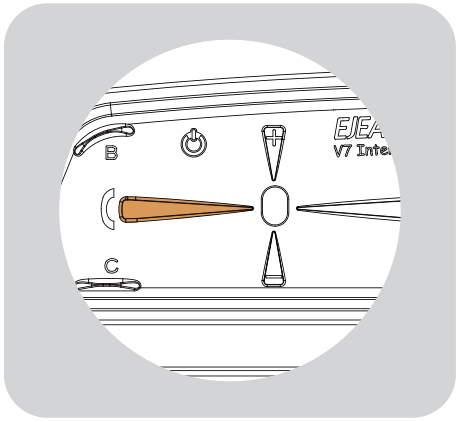 | Redial in progress, click on <phone button> |
Telephone priority
Interrupts Bluetooth music and intercom when a call comes in, resumes after ending up.

Voice assistant
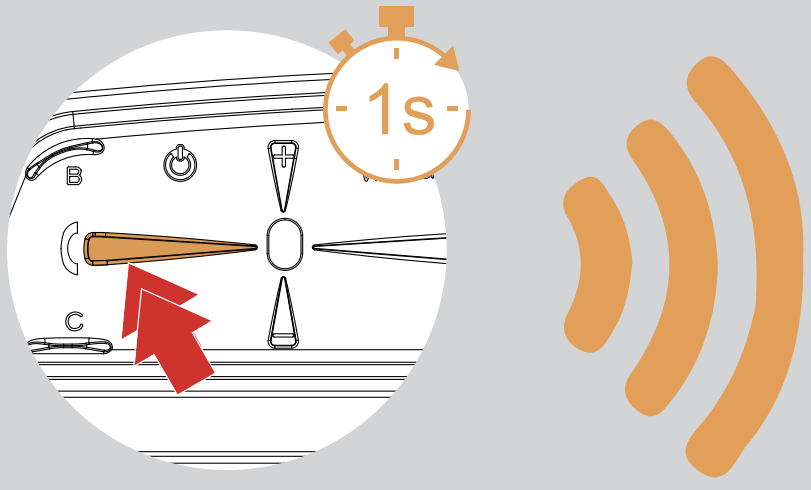
Double-click the <phone button> when in standby or with music.(requires phone support)
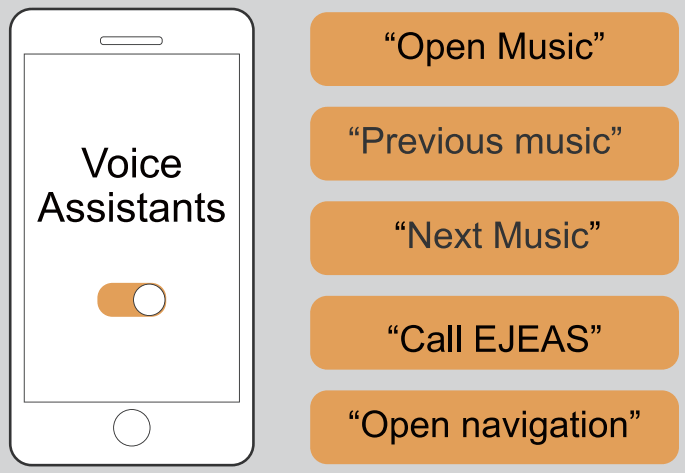
Music control

Handle EUC (optional)
Key descriptions
| Pushbuttons | Actions | Function |
| Volume – | Short press | Volume – |
| Long press | Previous song when music is playing. | |
| Double click | None | |
| Phone Button | Short press | Answer the phone when it comes a call, hang up Music play/pause When no mobile phone is connected Connect the last connected phone |
| Long press | Reject calls Voice assistant | |
| Double click | Last number redial | |
| Volume + | Short press | Volume + |
| Long press | Next song when music is playing. | |
| Double click | None | |
| Intercom Button A | Short press | Intercom A pairing |
| Long press | Disconnecting the intercom | |
| Double click | Intercom D pairing | |
| Intercom Button B | Short press | Intercom B pairing |
| Long press | Disconnecting the intercom | |
| Double click | Intercom E pairing |

| Pushbuttons | Actions | Function |
| Intercom Button C | Short press | Intercom C pairing |
| Long press | Disconnecting the intercom | |
| Double click | Intercom F pairing | |
| Volume – + Useless key | Super Long Press | Clear handle pairing records |
EUC pairing
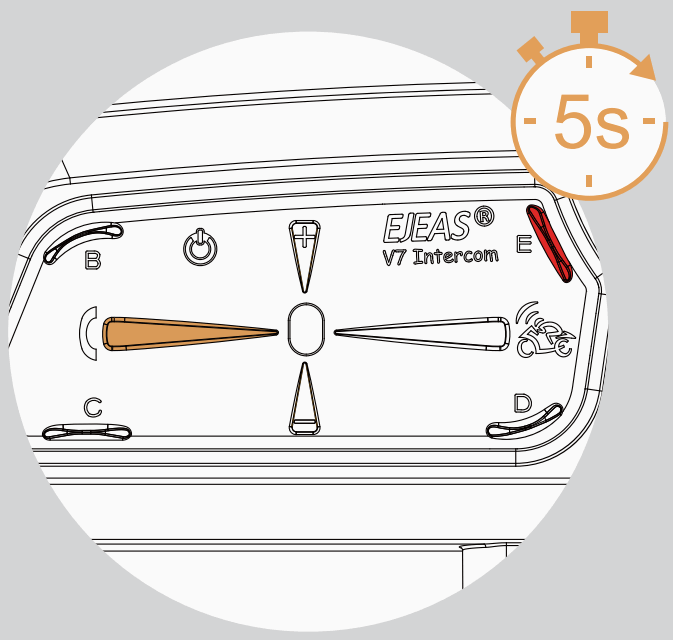 | Press and hold <phone button> + <E Button> for about 5s to enter the pairing mode, the voice prompts “ding ding ding”, the red and blue lights flash alternately, if the pairing is not successful within 2 minutes, exit the pairing. Red light and blue “Di,Di,Di” |
Pairing Successful ?“Di,Di,Di”
(No successful pairing within 2 minutes, exit the pairing )
Clear pairing records
 | Press and hold the FM Button + Volume- button for about 5s to clear the record until the red and blue lights come on. Until the red and blue lights come on |
Firmware upgrades

Connect the product to the PC using USB. Download and open the “EJEAS Upgrade.exe” upgrade software. Click on the “Upgrade” button to start the upgrade and wait for the upgrade to complete.
Mobile App
- First time users download and install EJEAS SafeRiding Mobile App.

 https://play.google.com/store/apps/details?id=com.yscoco.transceiver
 - Press and hold (approx. 5s) <phone button> until the red and blue lights flash alternately fast.
 Alternating red and blue lights flashing fast
- Open the APP, click on the Bluetooth icon in the top right corner, the interface shows the name of the intercom device searched, select the intercom device to be connected, click to connect.
(IOS system need to enter the phone pairing again, i n the system settings->Bluetooth, connect audio Bluetooth)
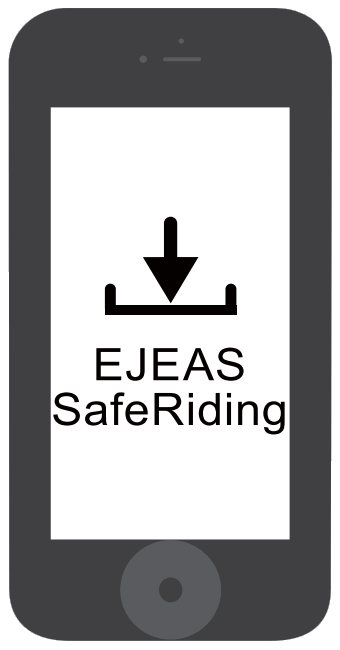


The next time you use the app, open it, click on the Bluetooth icon i n the top right corner and click to select Intercom for connection from the paired devices.
APP provides intercom group, music control, FM control, switch off, check authenticity and other functions.
Restore Default Settings
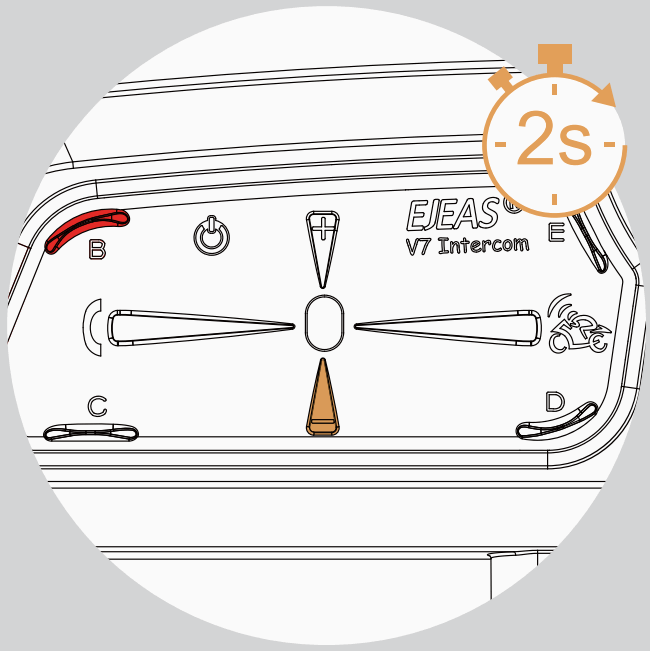 | Press and hold <Phone button> + <B button> for about 2s, the red light flashes 3 times quickly to delete the pairing record, and then the intercom will automatically power on again. 3 Quick Flashes “Di,Di,Di” 3 Quick Flashes “Di,Di,Di” |
NOTE: This equipment has been tested and found to comply with the limits for a Class B digital device, pursuant to part 15 of the FCC Rules. These limits are designed to provide reasonable protection against harmful interference in a residential installation. This equipment generates uses and can radiate radio frequency energy and, if not installed and used in accordance with the instructions,may cause harmful interference to radio communications.
However, there is no guarantee that interference will not occur in a particular installation.
If this equipment does cause harmful interference to radio or television reception, which can be determined by turning the equipment off and on, the user is encouraged to try to correct the interference by one or more of the following measures:
- Reorient or relocate the receiving antenna.
- Increase the separation between the equipment and receiver.
- Connect the equipment into an outlet on a circuit different from that to which the receiver is connected.
- Consult the dealer or an experienced radio/TV technician for help.
Changes or modifications not expressly approved by the party responsible for compliance could void the user’s authority to operate the equipment.