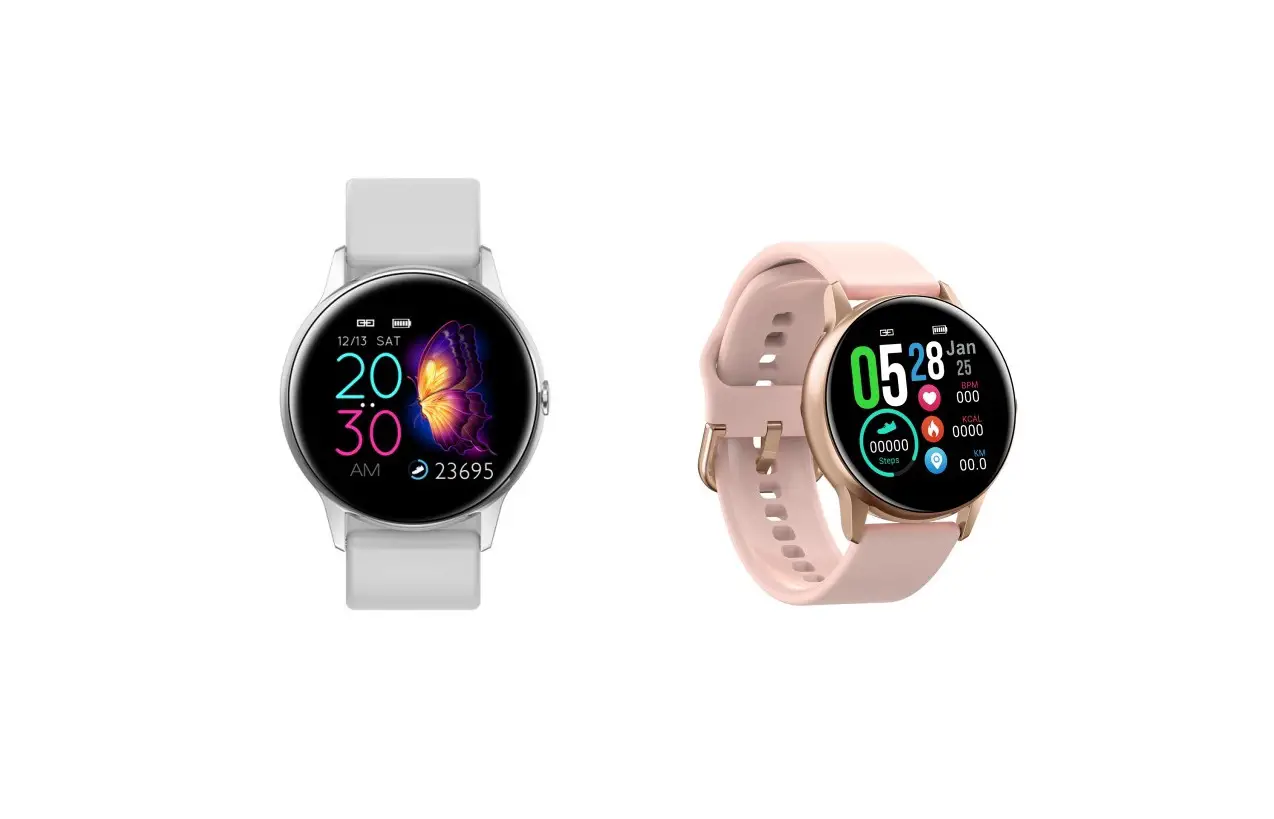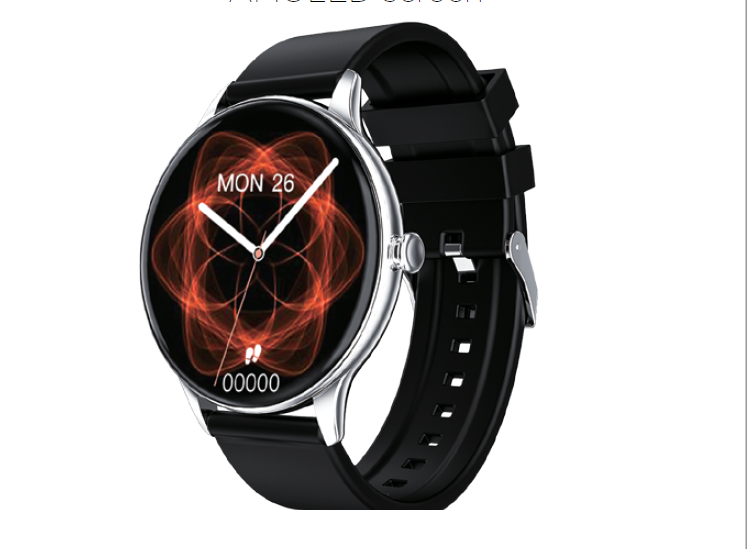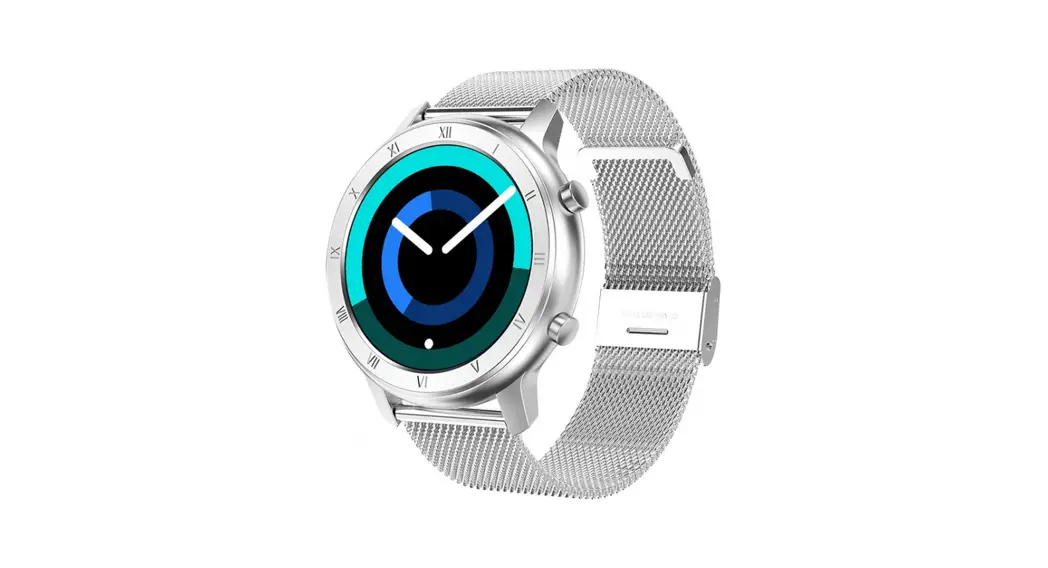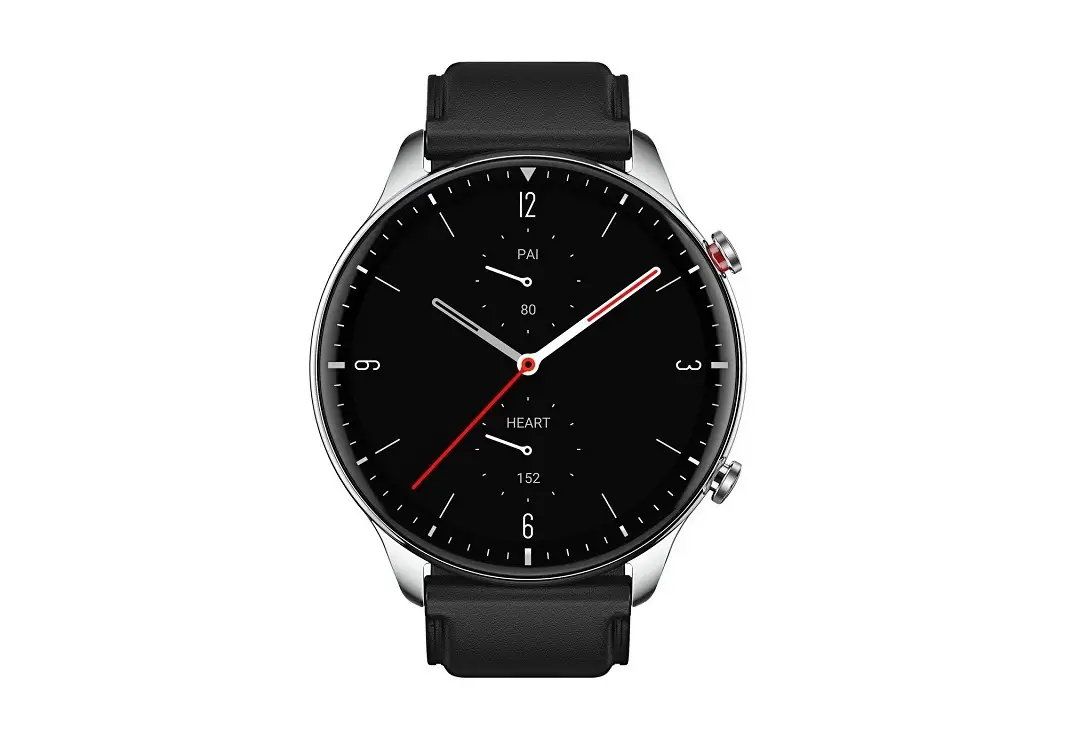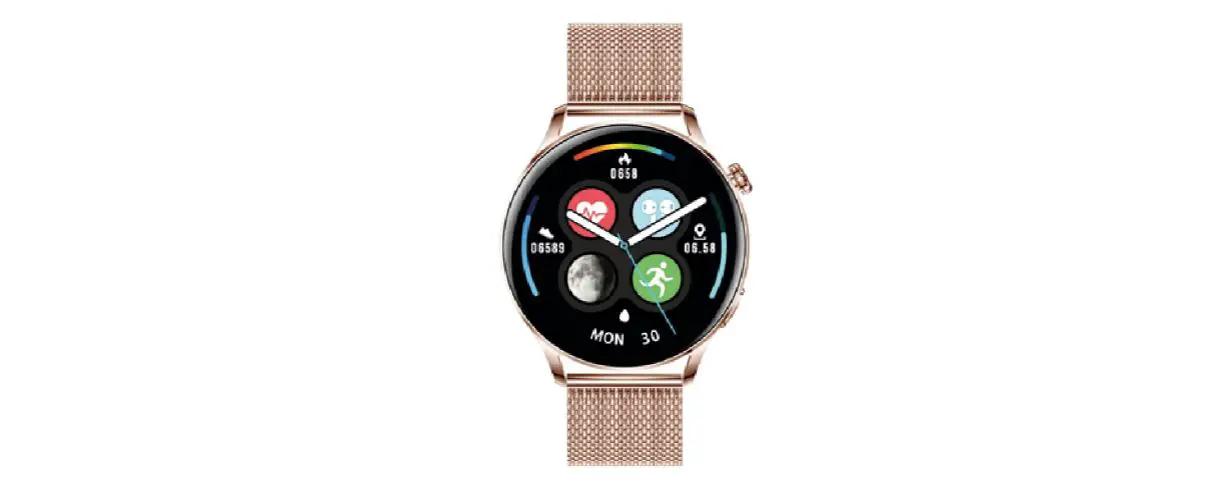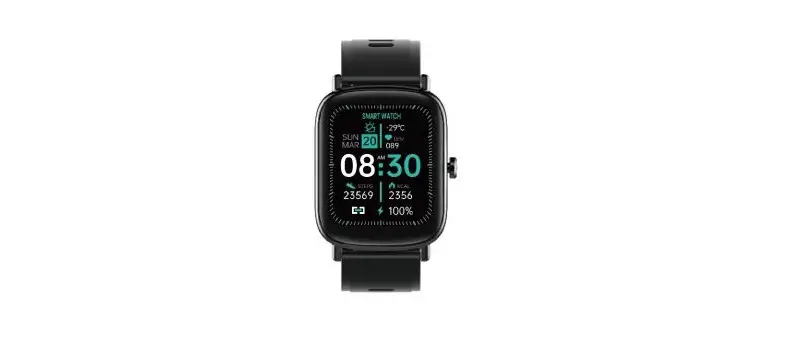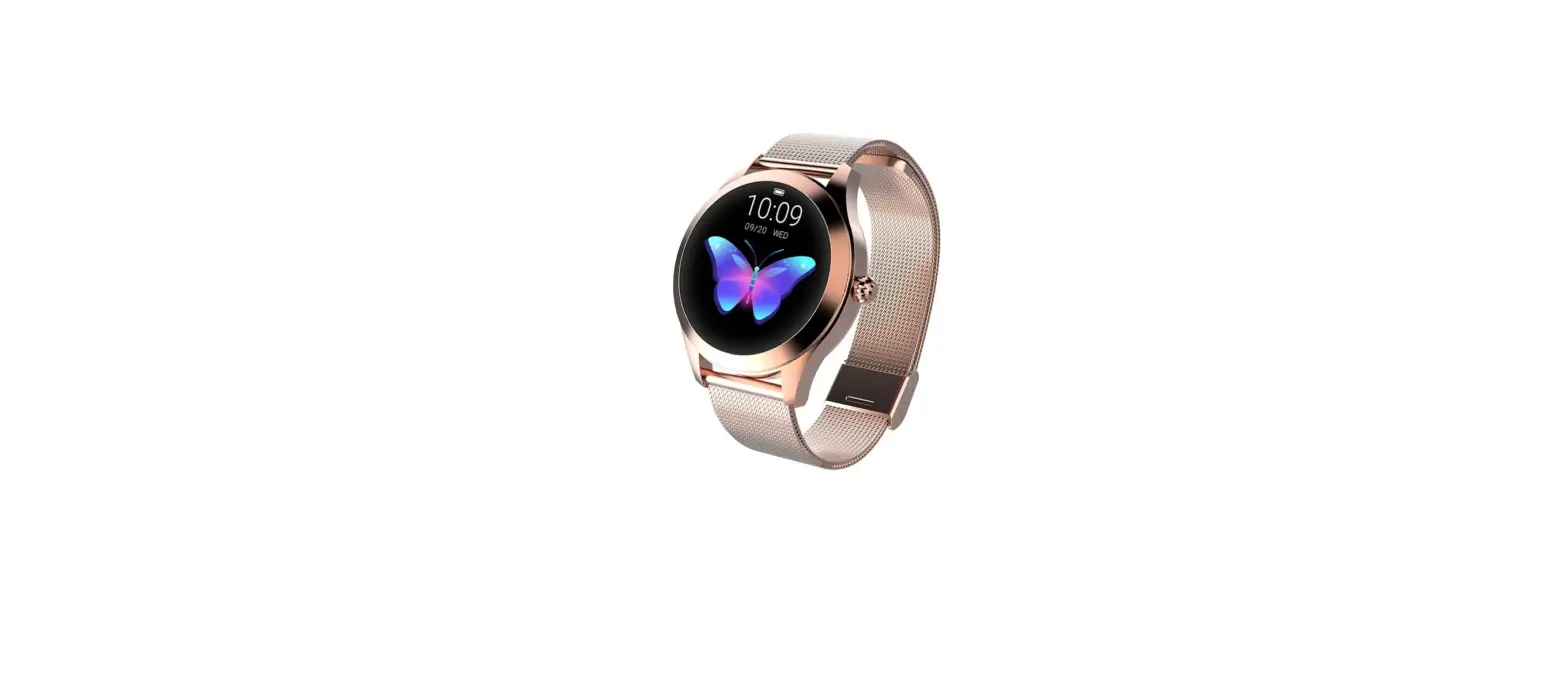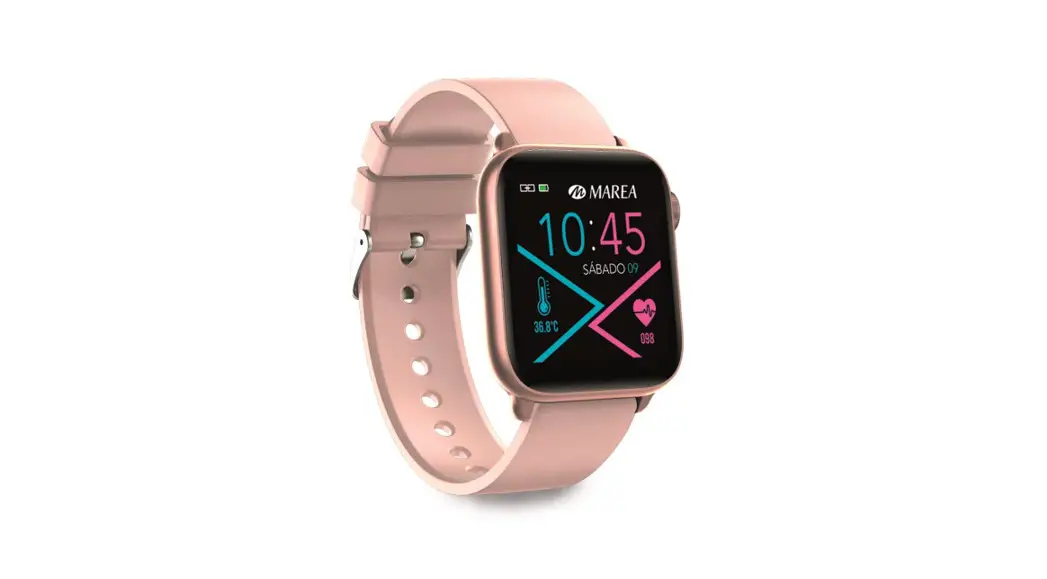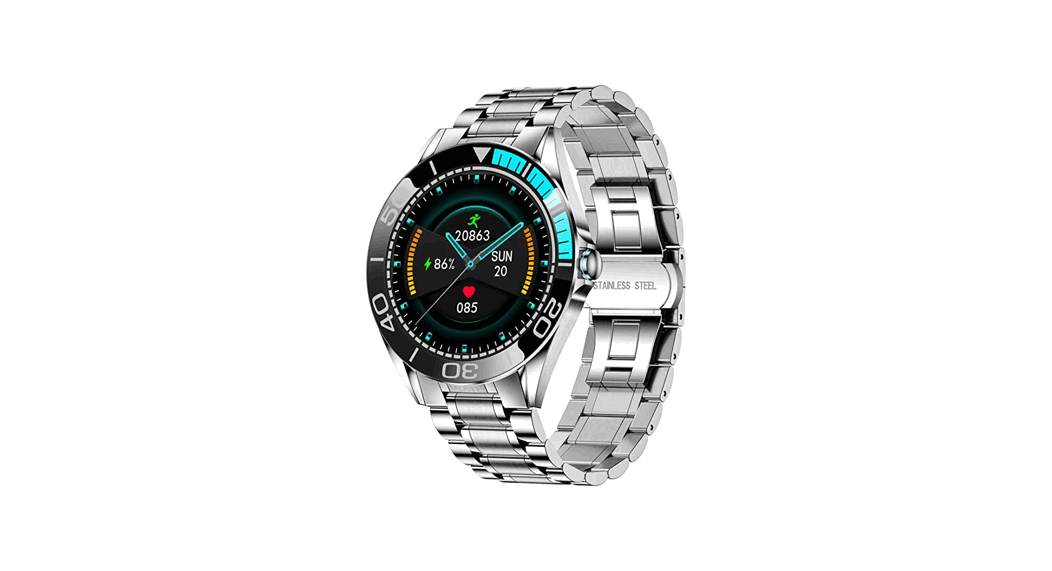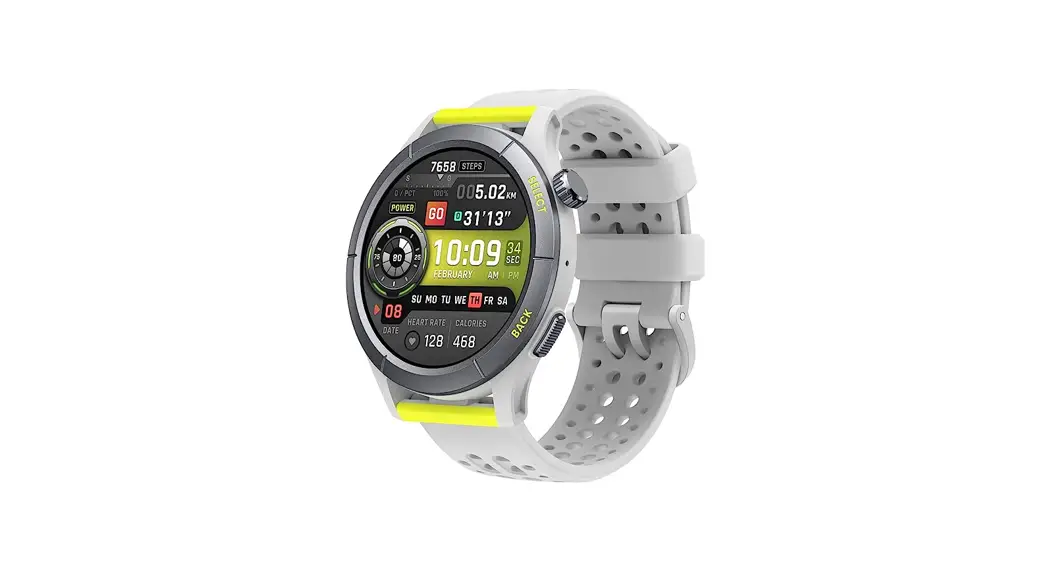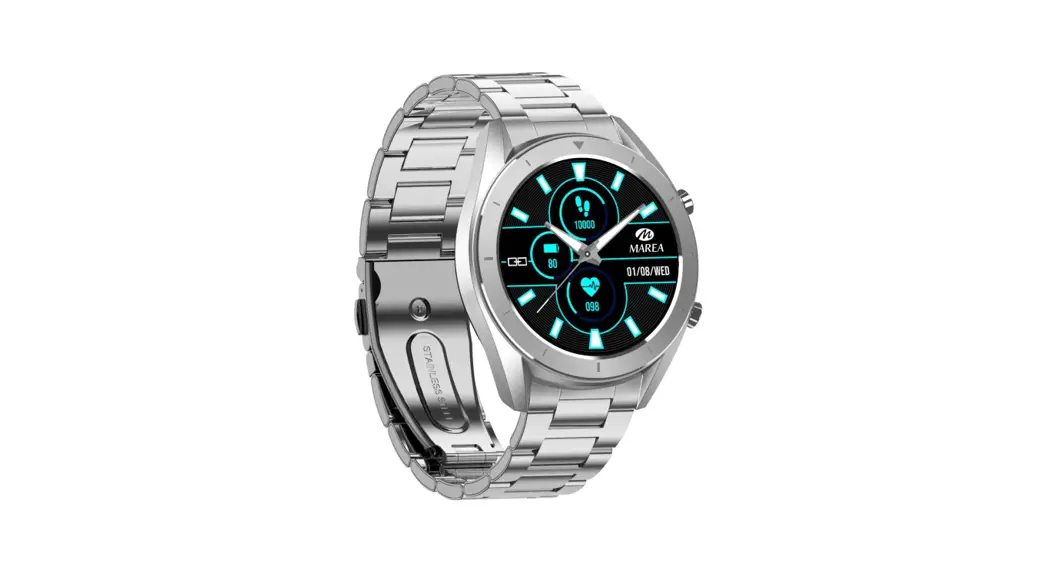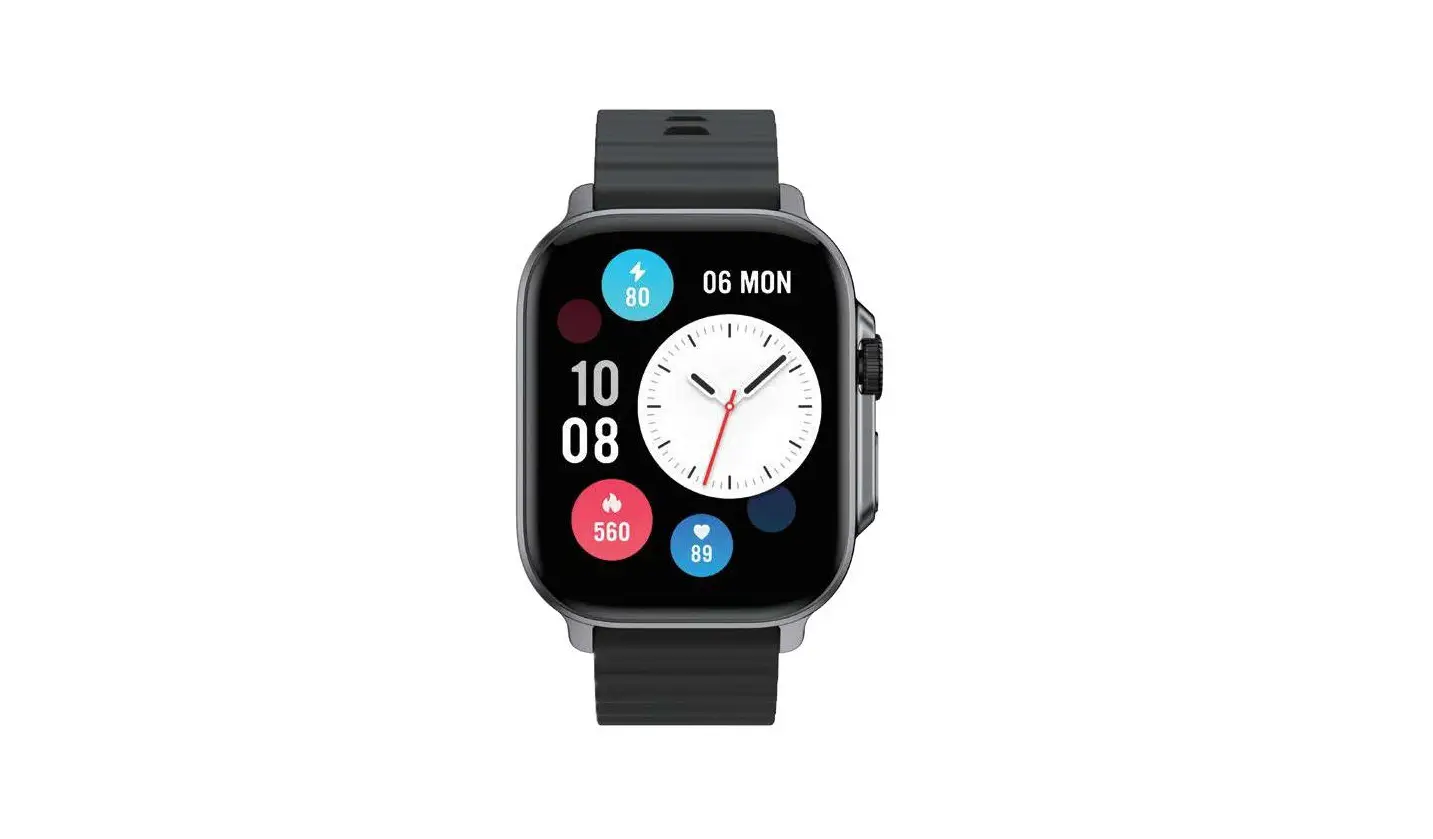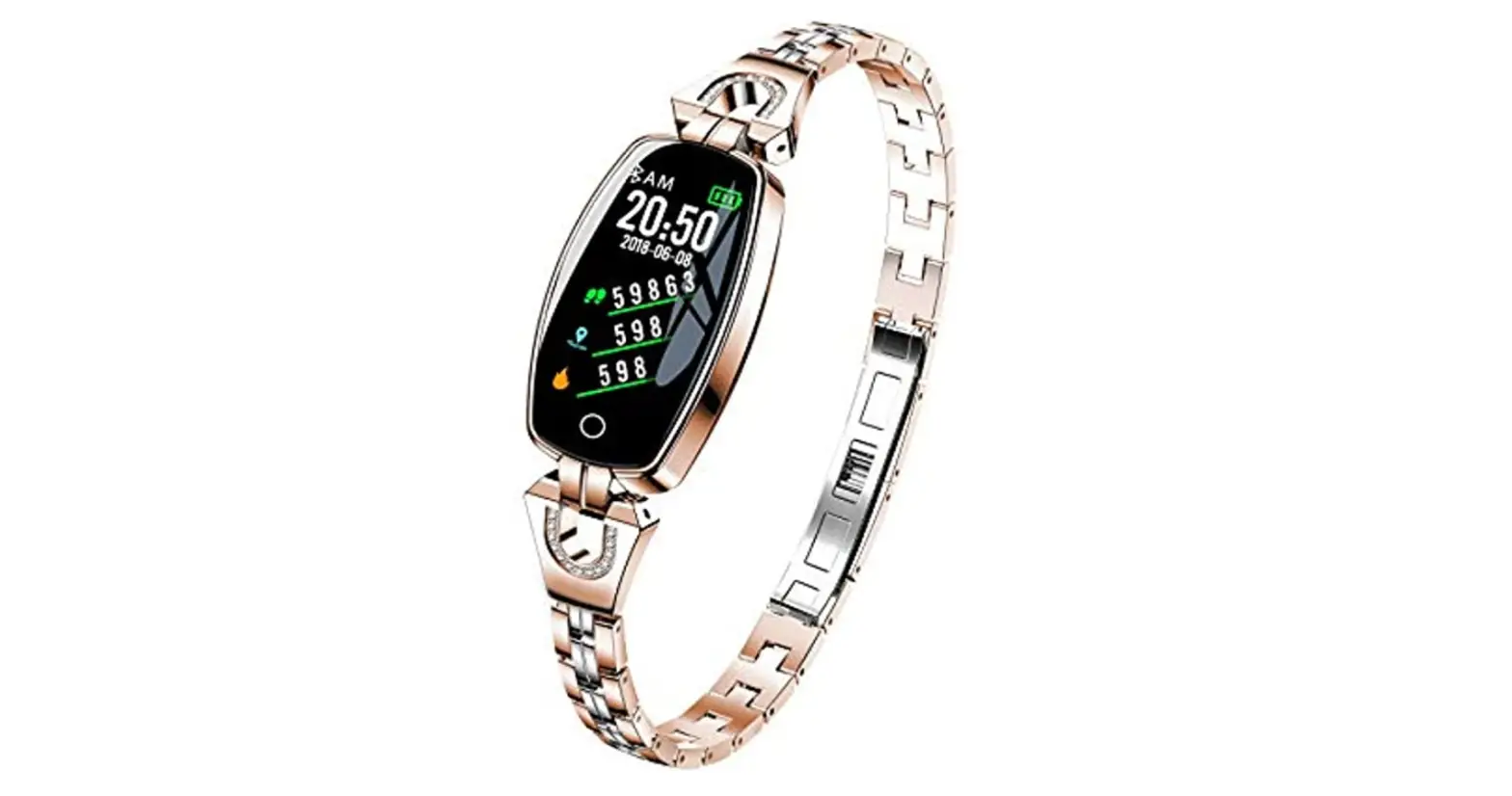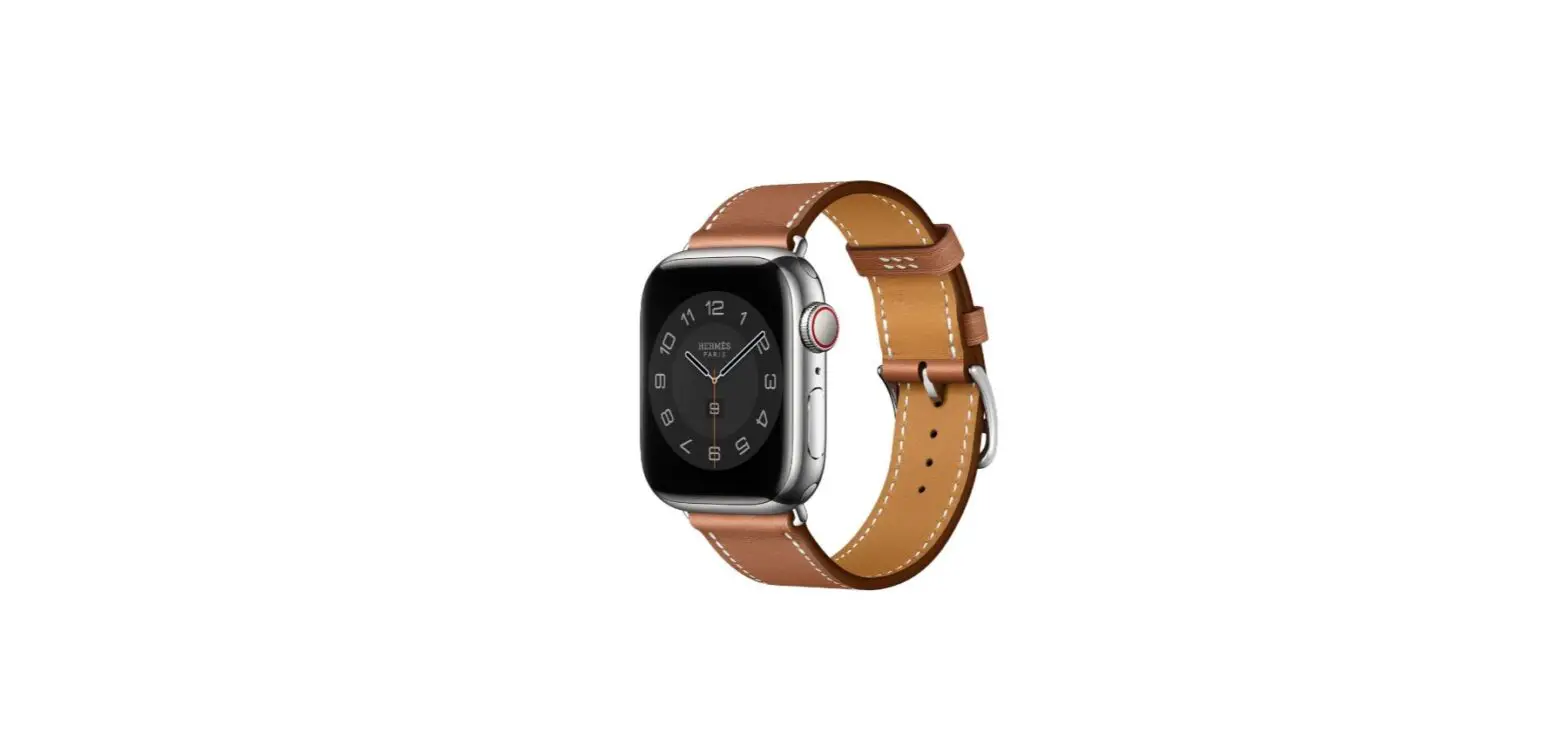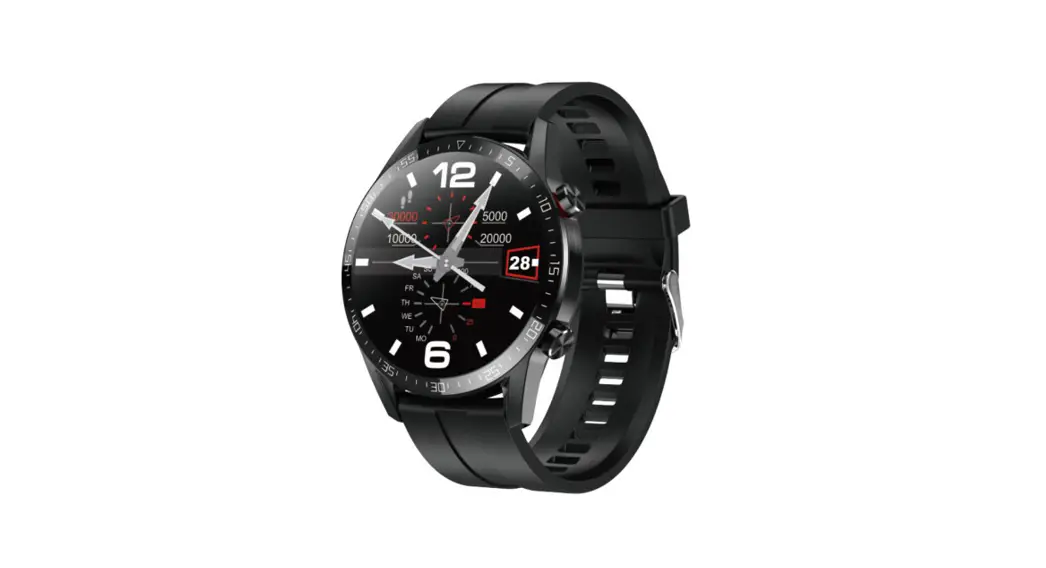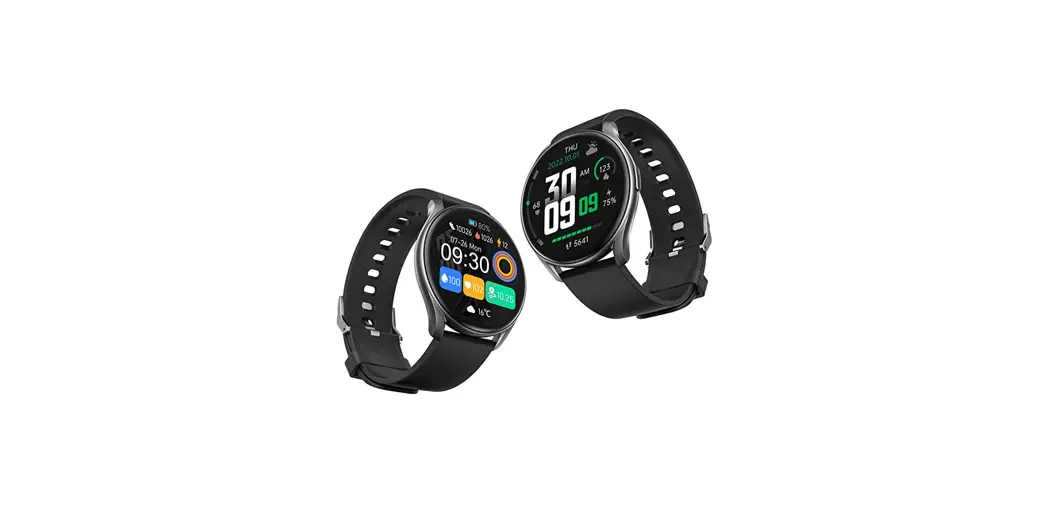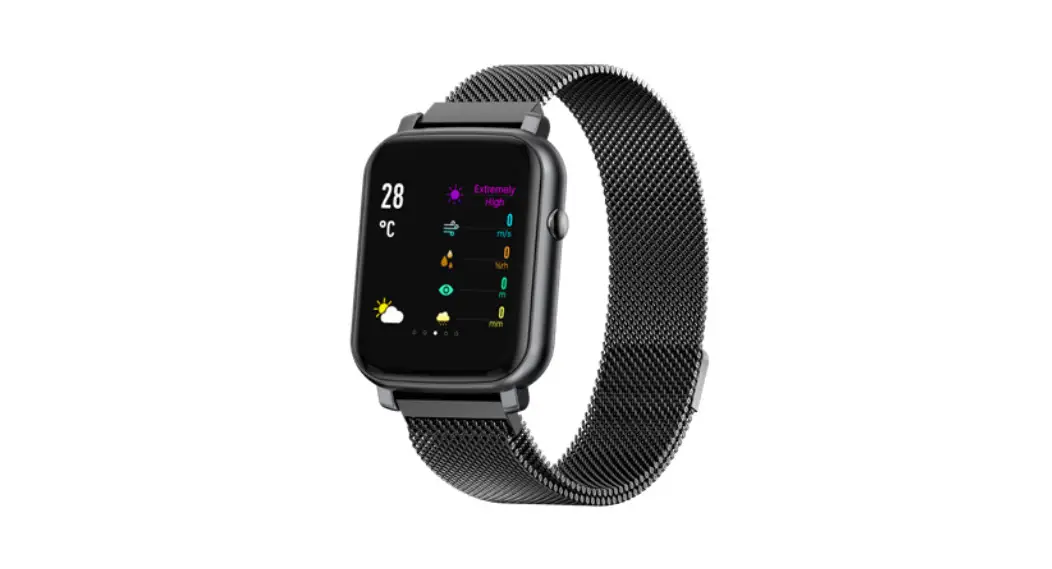

HERA Smartwatch
User Manual
INTRODUCTION
Welcome to use our HERA, this is a smartwatch that can help you reach your sports goals.
The package includes:
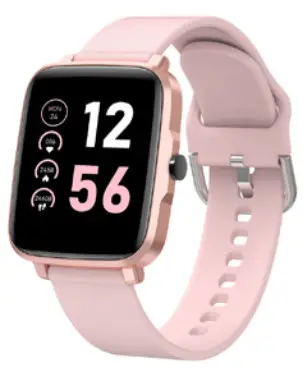
- HERA smartwatch
- User Manual
- Charging cable
SETTING UP YOUR HERA
First download & install the app SMART-TIME PRO, and create an account to make sure the watch can synchronize the data it collects with the app. The app is where you can set goals, analyze your goals, see historical trends and keep up with friends, and much more.
CONNECTING YOUR SMARTWATCH THROUGH MOBILE PHONE
SMART-TIME PRO APP supports the operating system of iOS 11.0 and Android 4.4, as well as Bluetooth 4.0. It is available for more than 150 mobile devices.
 https://play.google.com/store/apps/details?id=com.szabh.sma_new.universal&hl=en
- Turn on Bluetooth on a mobile phone.
- Download APP: SMART-TIME
- After installing the App, register and log in to the account according to a series of instructions.
- Continue following the onscreen instructions to connect or pair your smartwatch to your mobile device. The pairing makes sure that the watch and mobile device can communicate with each other(sync their data). Open APP>Devlce> Add devlce>Choose F1R.
- Select the Bluetooth name FIR with the strongest signal from the list. Then the watch will show a paring notification click to confirm pairing
 .
.
 .
.Then you will see the Bluetooth icon on the right top on the watch or in the quick setting page (slide down the page) turns to Blue, then Bluetooth is connected. 
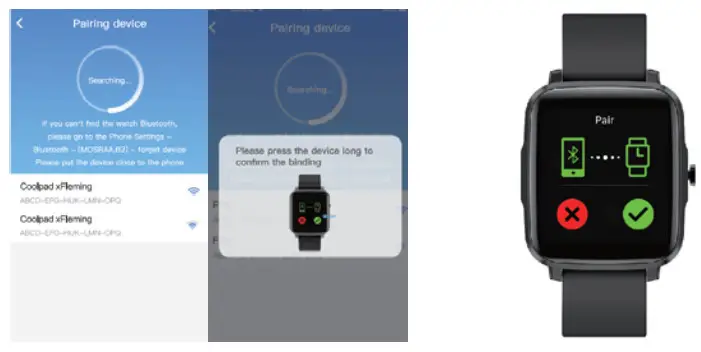
(You need to use Android 4.4+ or iOS 8.0+ and above and the watch can only be paired with one mobile phone. To pair other mobile phones, please unbind the current one before pairing.)
QUICK FIT STRAP
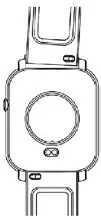
HERA contains two parts(watch body and wristband), you can purchase separately strap and switch as your preference.
CHARGING INSTRUCTIONS
Charging:
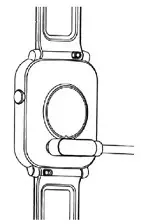
- Turn the watch over, align and attach the charging pins to the magnet’s gold prongs. You will see the charging icon on the watch screen after Ss.
- Charging fully may take 2 hours. you will see the battery icon is full if the watch has been fully charged.
- Please clean the charging interface before charging for fear that the remaining sweat erodes gold metal contact or other risks.
- Please clean the charging interface before charging for fear that the remaining sweat erodes gold metal contact or other risks.
FUNCTIONS
 Sports
The HERA watch supports up to 11 sports modes including running, walking, cycling, climbing, treadmills, spinning, yoga, swimming, basketball, football, badminton.
 Heart rate
Wearing HERA correctly, not too tight or loose, make sure no green light leak, there is two measuring ways:
• Turn on the heart rate icon on the watch and measure the heart rate manual.
• Set automatic monitoring time interval in-app(monitoring once even 15/30/60/120 minutes).
- Blood pressure
Wear the watch in the right way, and open the menu–blood pressure, measure it manually.
 Alarm clock
Setting the alarms in APP and sync to watch, maximum 8 alarms.
 Music control
Control the music player of mobile phone to play the music,as well as song switching and volume adjustment.
 Stopwatch
An electronic timer that can record one time or record multiple times.
 Countdown
The same way to calculate the remaining time.
 Remote capture
This feature can remote control the mobile camera to take pictures, plea click – smart camera and turn on the camera.
 Find phone
Under Bluetooth connection, click “Find phone” on the watch, the phone rings, click pause to stop.
 Settings
Set the watch’s general functions, brightness, language, shutdown, return to the factory, about.
 Sports records
Sports mode records was done, maximum 10 records, update automatically.
 Sports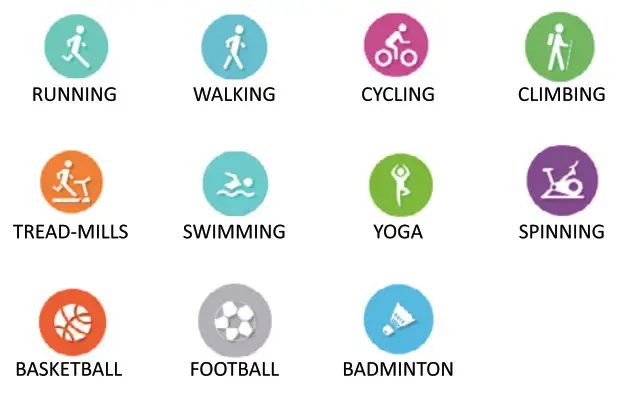
 Heart rate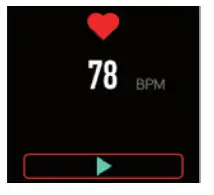
 Blood pressure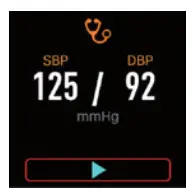
 Alarm clock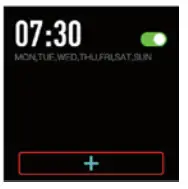
 Music control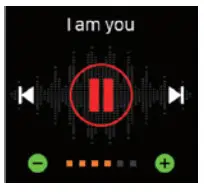
 Stopwatch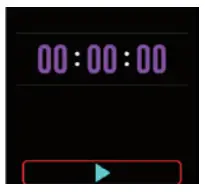
 Countdown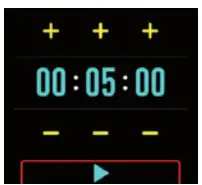
 Remote capture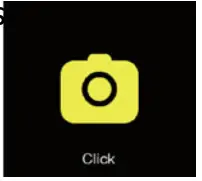
 Find phone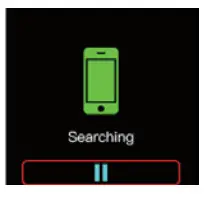
 Settings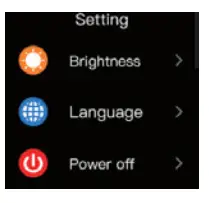
 Sports records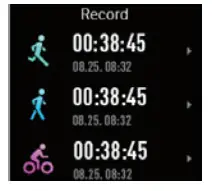
Other functions
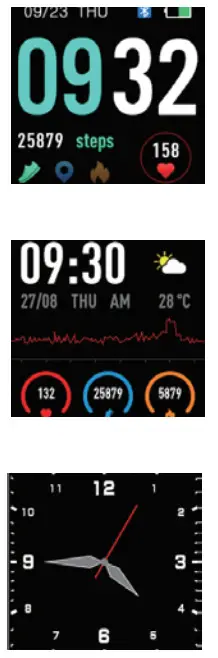
- Change watch face
(Long press the screen or power button, swipe to choose, click to confirm)
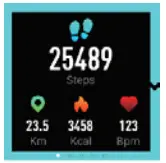
- Pedometer ( Steps, Distance, CaloriesHeart rate )

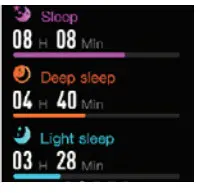
- Sleep monitor ( Automatic measuring )

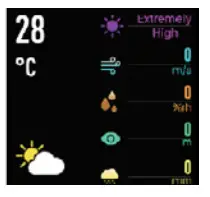
- Weather ( Weather forecast )
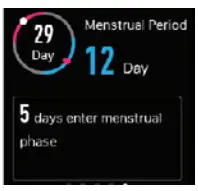
- Health care ( Menstrual reminder )

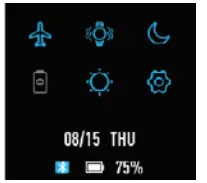
- Shortcut menu
 1. Bluetooth
2. Vibration
3. DO not disturb
4. Low power
5. Brightness
6. Settings - More
1. Message reminder
2. Sedentary alert
3. Anti-lost
4. Call notification
5. Low-power reminders
 1. Bluetooth
SPECIFICATIONS
| Wristband length | 254 mm |
| Wristband width | 20 mm |
| Weight | 50g |
| Battery | 200mAh Poly-Li |
| waterproof | IP68 |
TROUBLESHOOTING
Heart-rate signal missing The HERA smart watch keeps paying attention to your heart rate data during your exercise and your daily life. Sometimes the watch may not get a suitable heart rate signal. At this time, the missing heart rate data will appear at the dotted line. If you can’t get the heart rate signal, first you should confirm that you wear the watch correctly, adjust it to avoid being too high or too low, neither too tight or too loose on your wrist. After adjustment, turn on real-time heart rate monitoring to get the data. If there is still no heart rate data, check if the heart rate monitoring function is turned on at SMART-TIME PRO App.
Other problems
If your mobile cannot pair the watch, click Settings- Bluetooth in your mobile and check if there is a signal of HERA. If yes, it means there is no problem with the Bluetooth signal. Please check if the watch is paired with other phones, please unbind it. IOS device users should click Setting – Bluetooth-ignore this device and then pair it.
EXEMPTION CLAUSE
- The Heart rate, Blood pressure and Body temperature data output by HERA is not intended to be a medical or diagnostic basis.
- Self-diagnosis and self-treatment are dangerous. Only qualified physicians are allowed to diagnose and treat high blood pressure or any other heart disease. Please contact your physician for more professional diagnostic opinions.
- The data and information of heart rate and blood pressure provided by HERA may not be completely accurate and may exceed the tolerance as per the specification stated in the document due to different factors, such as interference with signal from external sources, incorrect wearing position, and changes in weather conditions or user’s body condition.
- DO NOT adjust any of your medication or therapeutic schedule based on the results output by HERA. Please follow the doctor’s instructions before taking any treatment or medication. We disclaim all liability arising from such inaccuracy and assume no responsibility for the consequences of the use of such data and information.