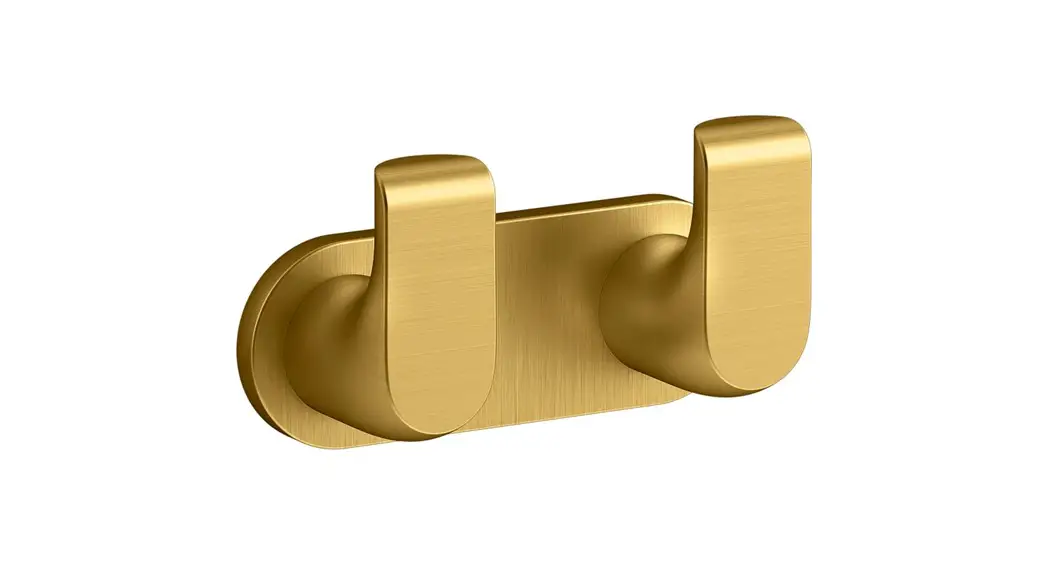
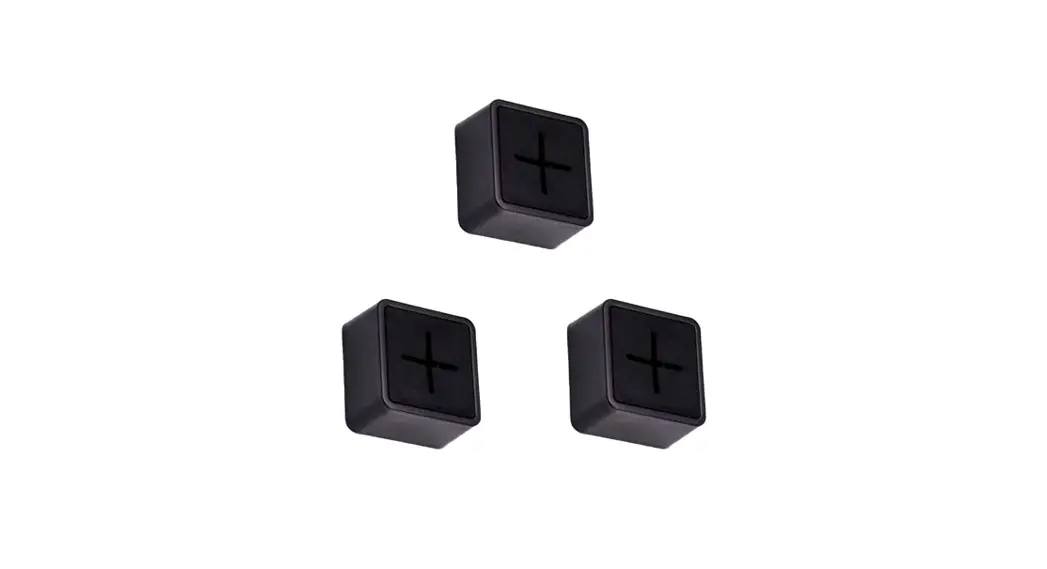
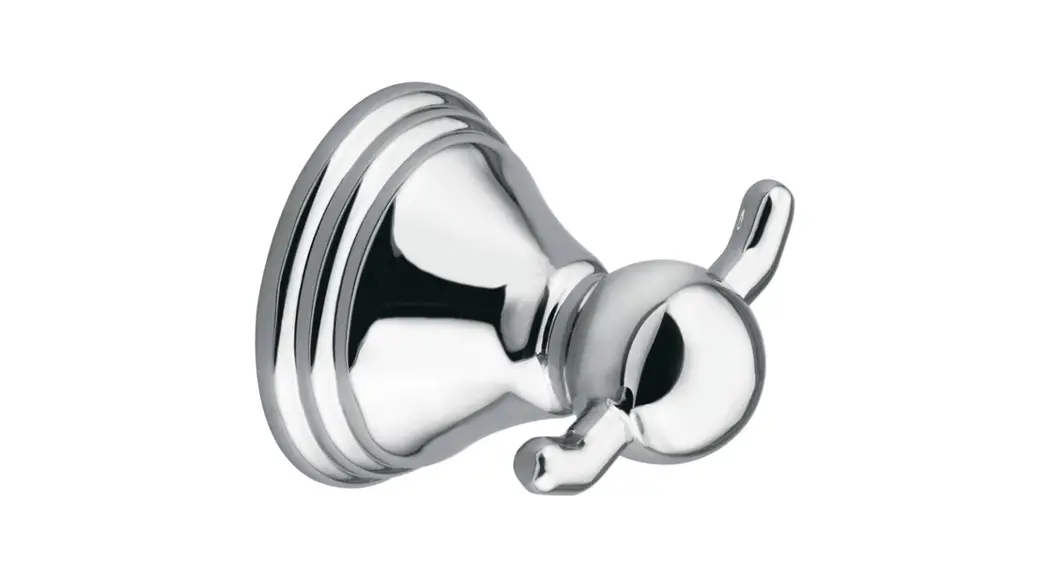
DOTS Coat Hooks Set
Product Information:
The product is called “Dots” and it is manufactured by Muuto. It
is a versatile product that can be used as a wall-mounted hook or
as a cabinet handle. The Dots are made of metal and come with all
the necessary hardware for mounting.
Product Usage Instructions:
To mount the Dots on a wall:
- Before mounting, ensure you have the appropriate wall plug and
screw for your wall type. - Drill a 6 mm hole in the desired location on the wall.
- Insert the wall plug into the hole.
- Screw in the provided screw into the wall plug.
- Carefully screw the Dot onto the screw, making sure not to
tighten too hard to avoid internal damage.
To use the Metal Dots as cabinet handles:
Follow the same steps as mentioned above for wall mounting, but
instead of mounting them on a wall, install them on your cabinet
doors or drawers.
For more information and additional instructions, please visit
muuto.com.
MUUTO ØSTERGADE 36-38 DK-1100 COPENHAGEN K DENMARK
FOR MORE INFORMATION VISIT MUUTO.COM
DOTS
— Lars Tornøe
WALL MOUNTING GUIDE
When mounting your Muuto product to a wall, it is important that it is mounted both securely and correctly. The best way to mount your product depends on the type of wall it is being attached to. A wall plug is required and it is vital that you find one that fits both the screw and the wall material.
If in doubt, ask for advice in your local hardware store. They will be able to assist you in finding the right wall plug and screw.
ASSEMBLY INSTRUCTION
x 1 CONTENT
x 1
x 1
Included
with Dots Metal
1. Before mounting your Dot to the wall, drill a 6 mm hole and add a plug.
2. Add the screw to the plug.
3. Screw on your Dot (be careful not to tighten too
4.
hard to avoid damage inside.)
Metal Dots
1. Metal Dots can be installed as a cabinet handle as shown below.
 Muuto
Muuto