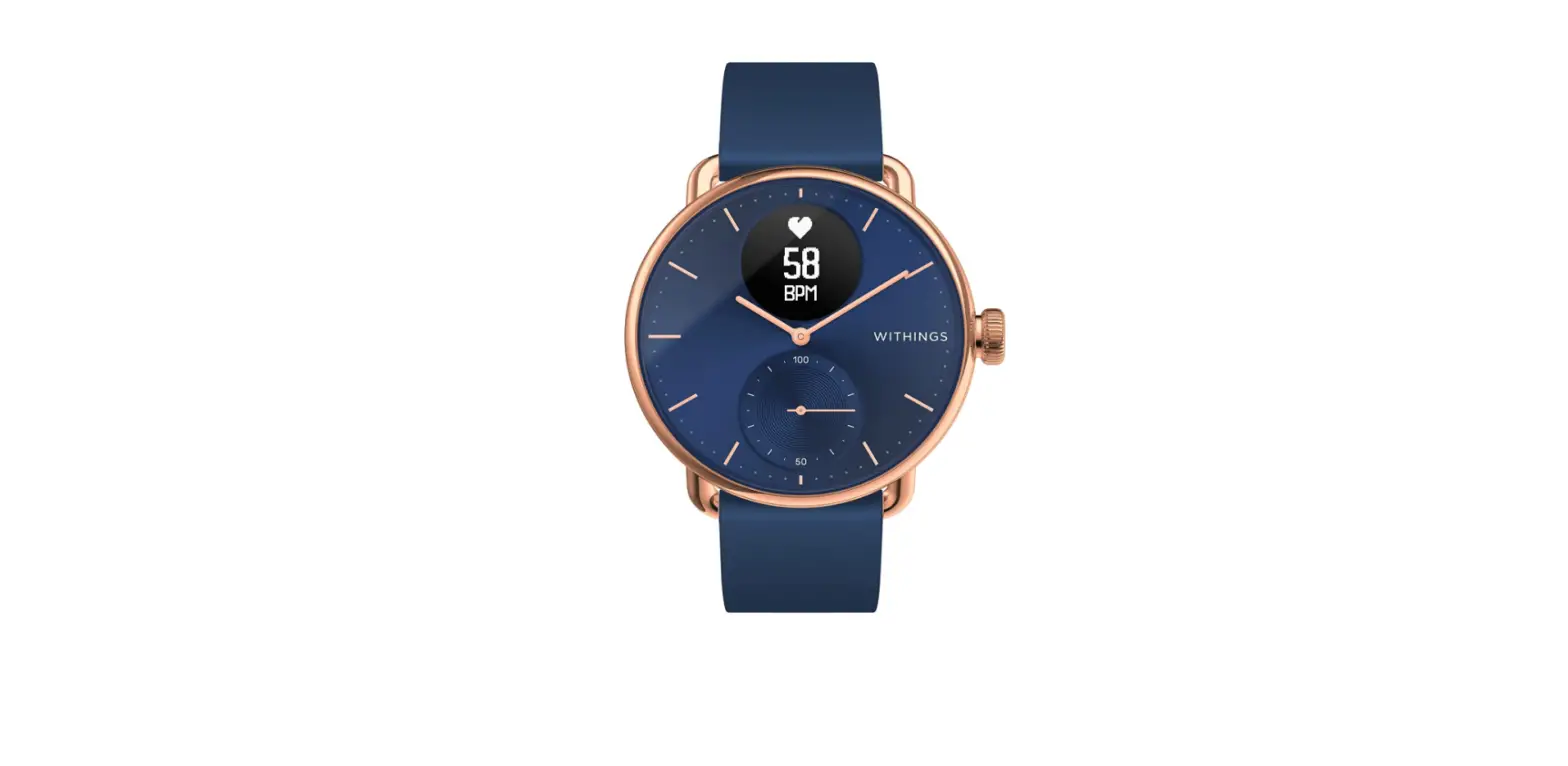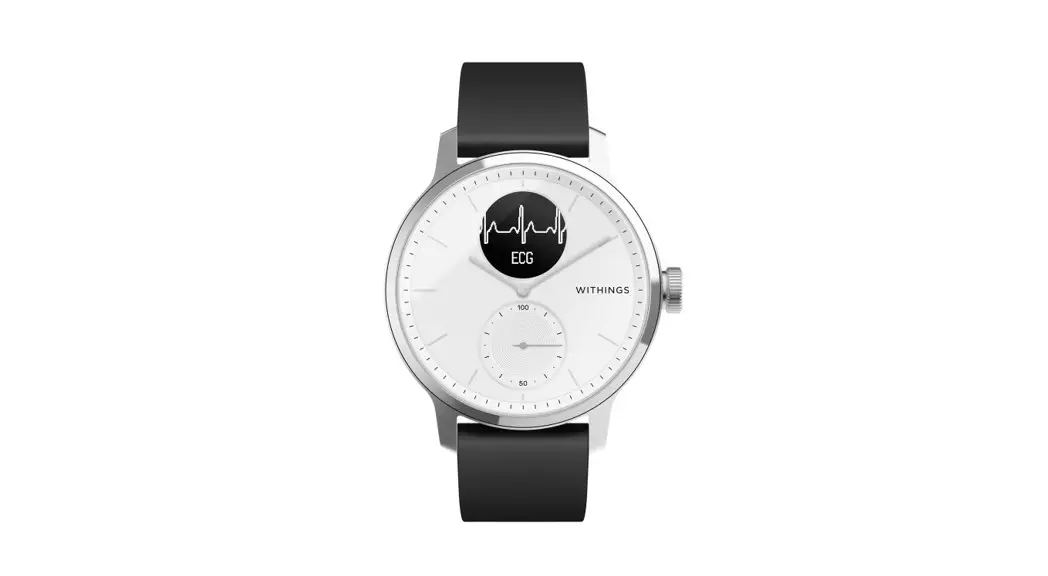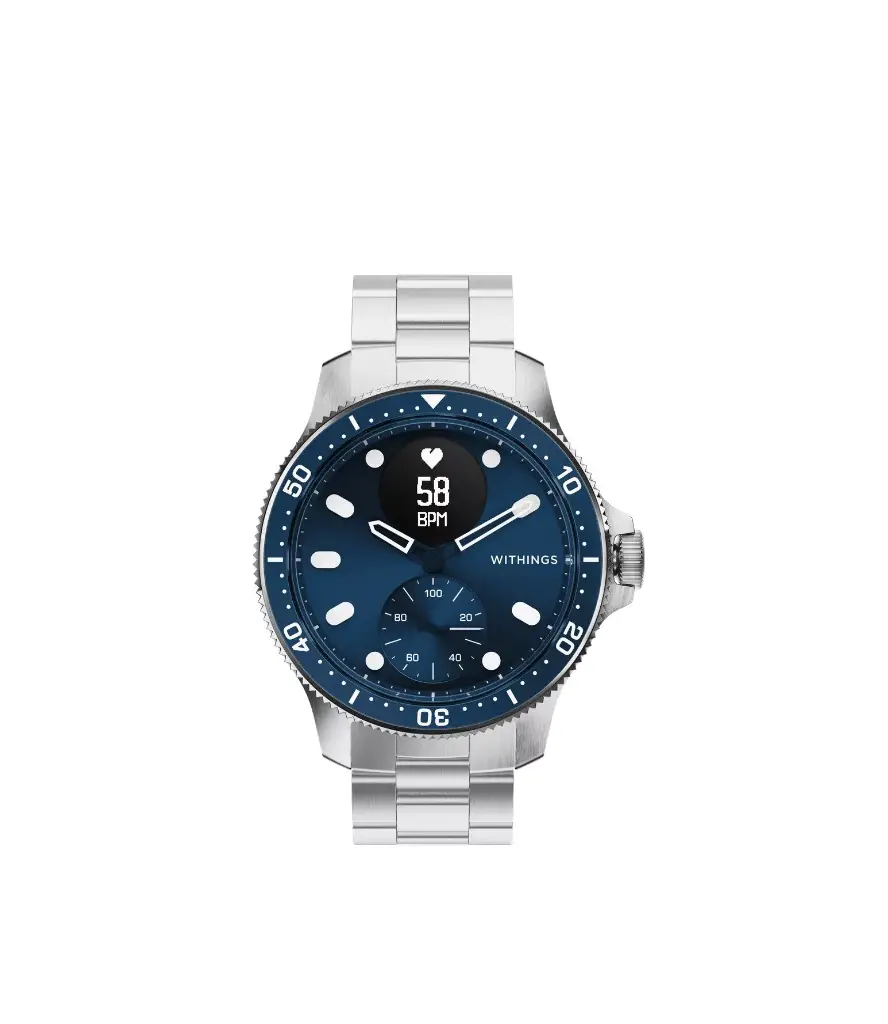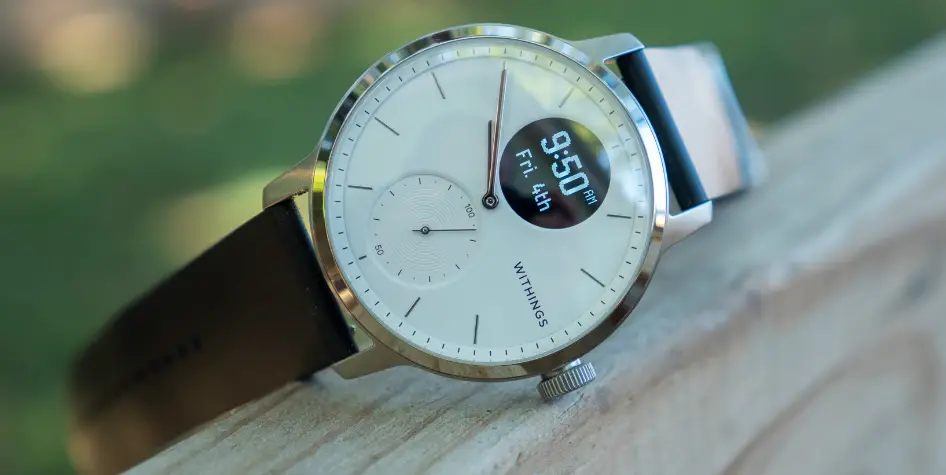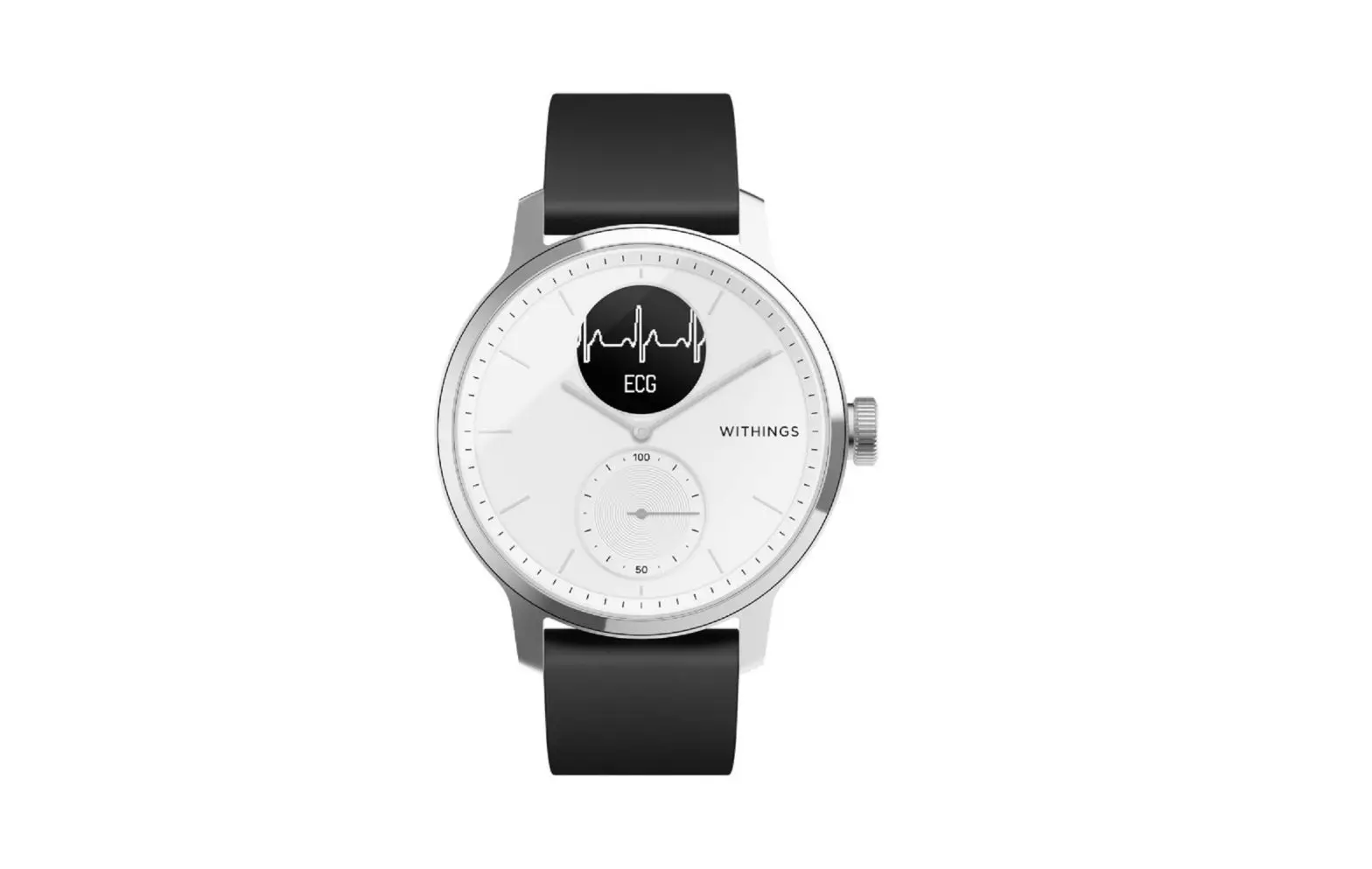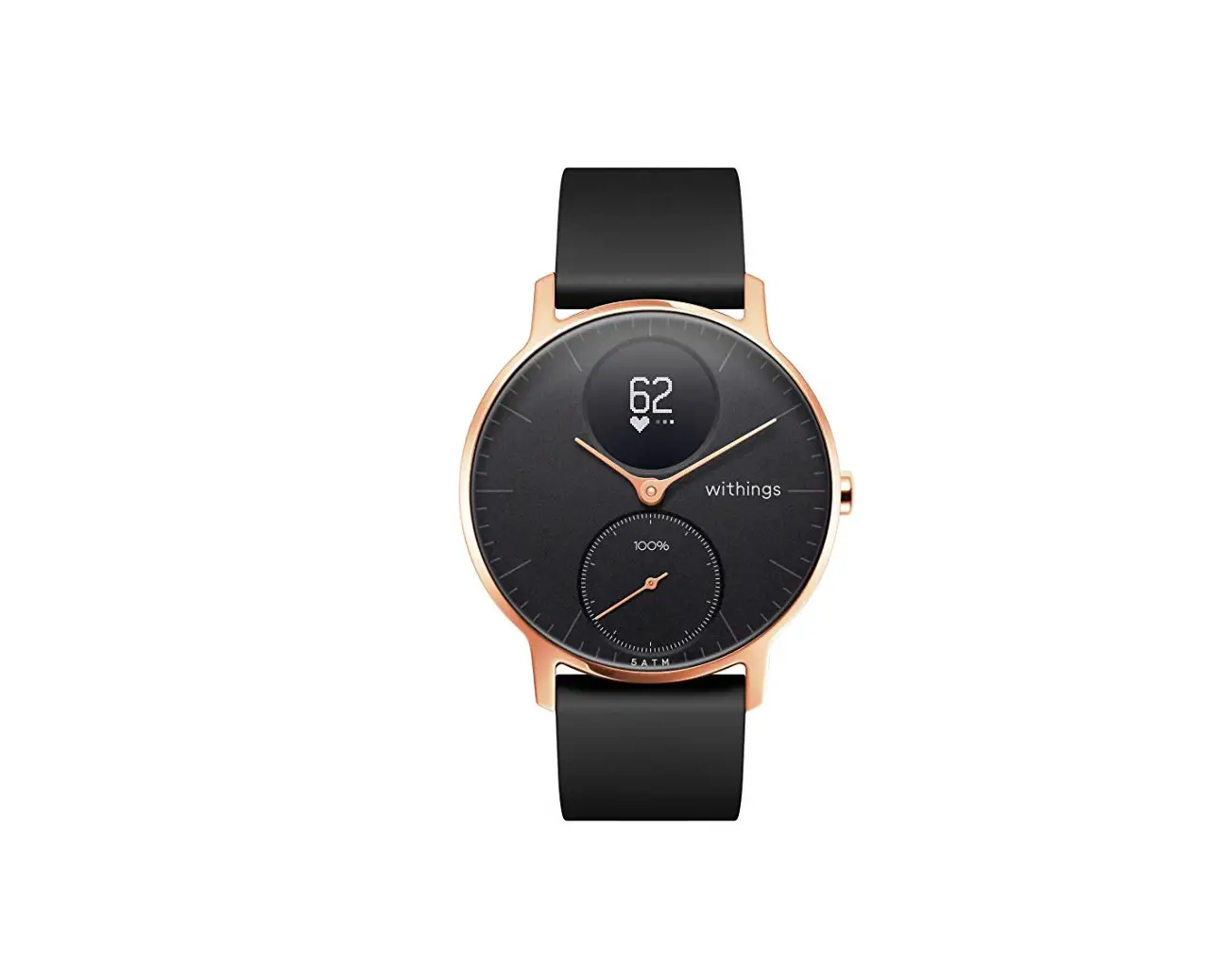
 SCANWATCH HORI7ON
QUICK INSTALLATION GUIDE 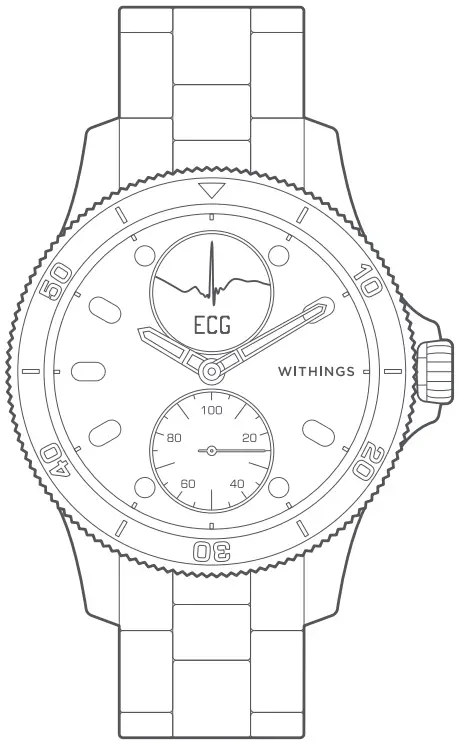
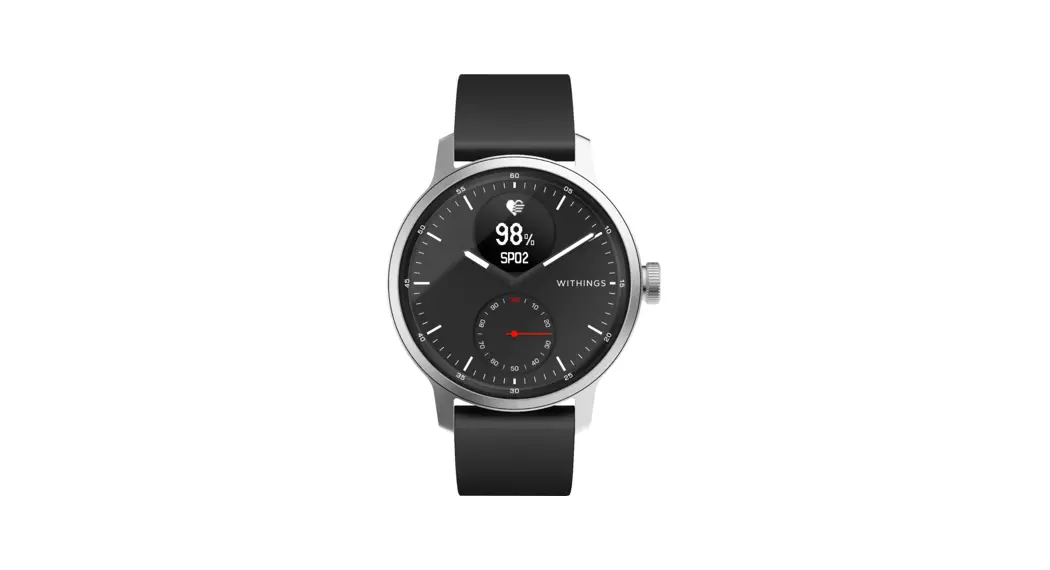
Scanwatch Hybrid Smartwatch
THANK YOU FOR CHOOSING WITHINGS SCANWATCH
Box Contents
| SCANWATCH | FLUOROELASTOMER WRISTBAND | CHARGING CABLE |
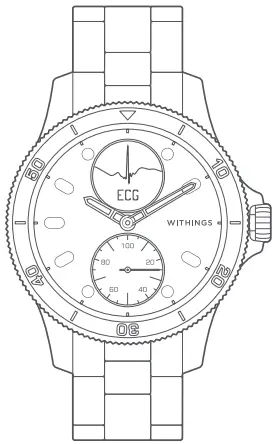 |  | 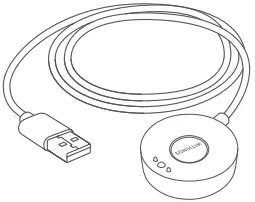 |
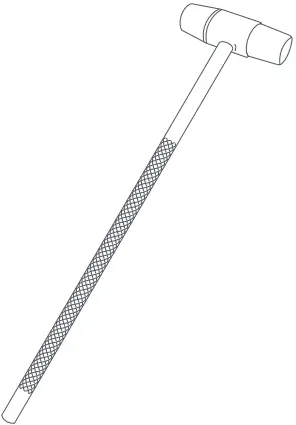
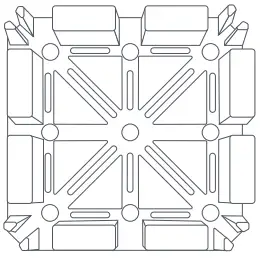
| PIN PUNCH | HAMMER | HOLDER |
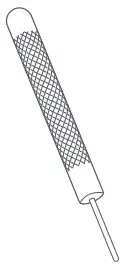 |  |  |
Quick start
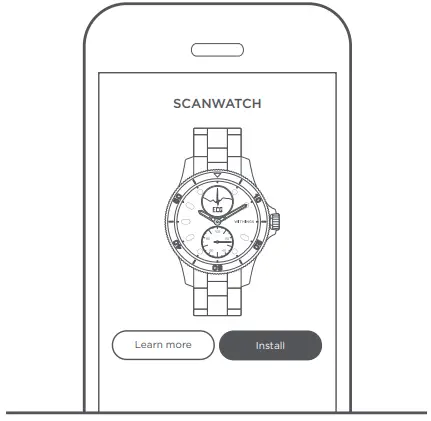 VISIT GO.WITHINGS.COM TO GET THE APP AND FOLLOW THE INSTRUCTIONS.
Product installation
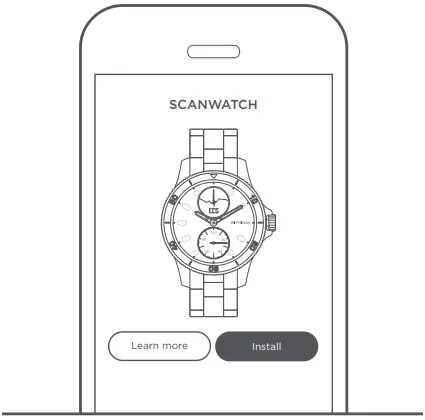 INSTALL YOUR WATCH USING THE APP AND FOLLOW THE GUIDE TO DISCOVER ALL THE FUNCTIONALITIES OF YOUR PRODUCT.
How to wear Scan Watch
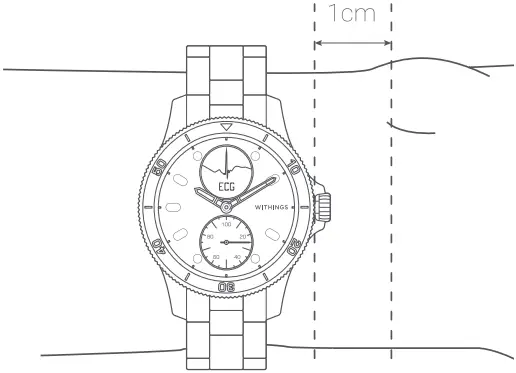 THE WRISTBAND SHOULD BE COMFORTABLY TIGHT AND WORN 1 CM AWAY FROM THE WRIST BONE
How to charge Scan Watch 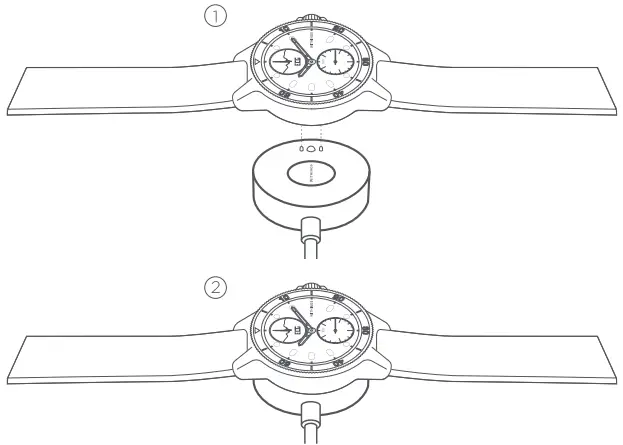 RECHARGE USING THE CABLE FOUND INSIDE THE BOX. BATTERY LIFE: UP TO 30 DAYS + 20 MORE DAYS IN POWER RESERVE MODE (TIME AND ACTIVITY TRACKING ONLY).
Overview
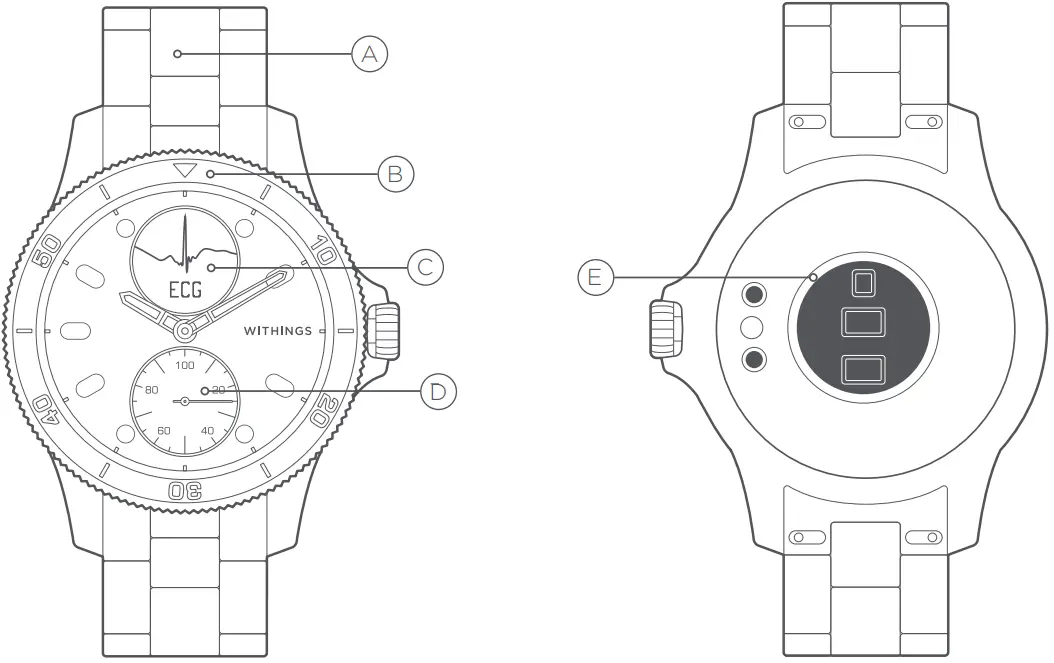 A. WRISTBAND
B. ROTATING BEZEL
C. DISPLAY
D. ACTIVITY DIAL
E. HEART RATE & SPO2 SENSOR
BAND TOOL KIT
Note: This toolkit is only suitable for a metal wristband with a folding clasp.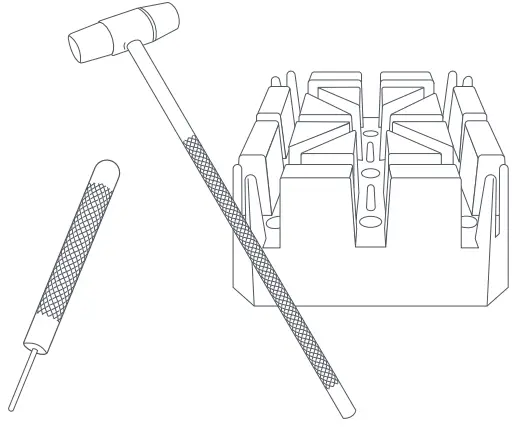
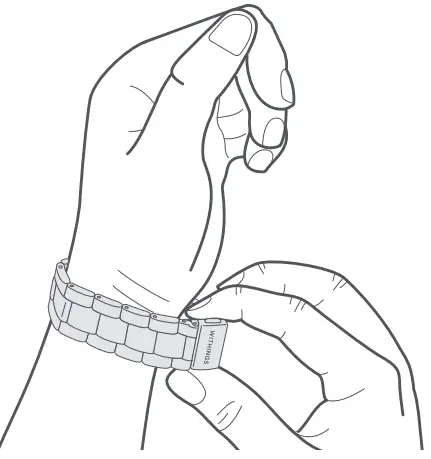 ADJUST THE WRISTBAND ON YOUR WRIST TO ESTIMATE THE NUMBER OF MESH LINKS TO BE REMOVED. NOTE THAT ONE OF THE LINKS IS SMALLER IN ORDER TO ADJUST THE BRACELET MORE FINELY.
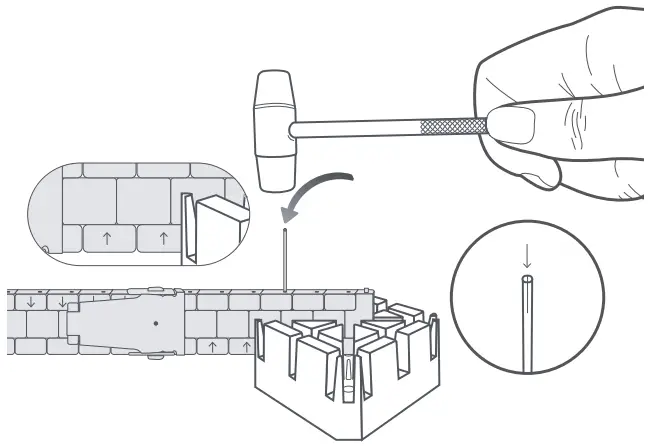
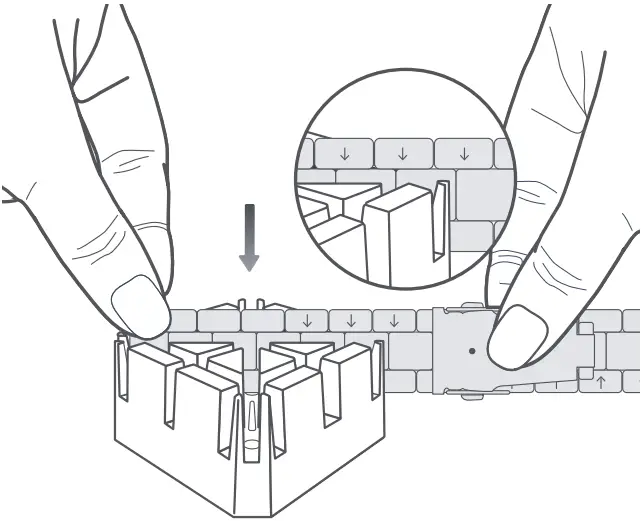 POSITION THE WRISTBAND IN THE HOLDER. THE ARROWS INSIDE THE WRISTBAND SHOULD POINT DOWNWARD.
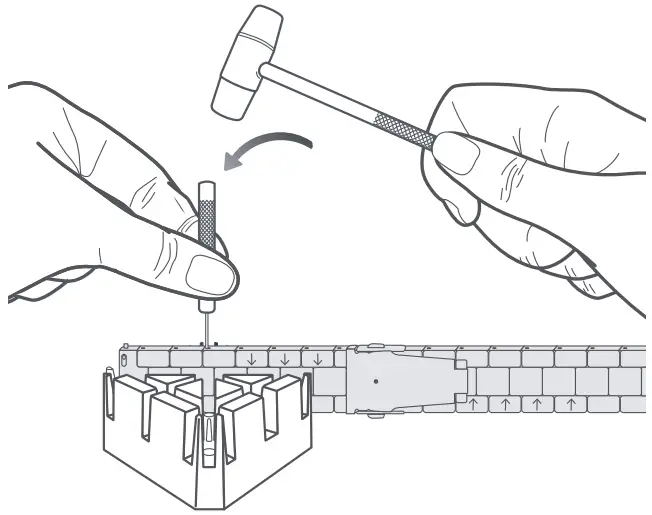 USE THE PIN PUNCH AND THE HAMMER TO PUSH OUT THE PIN THAT SUPPORTS THE MESH YOU WANT TO REMOVE.
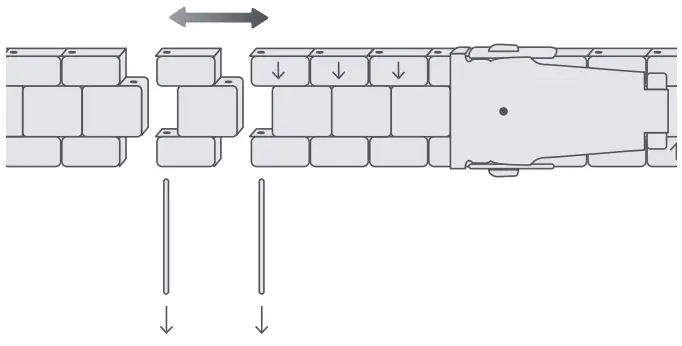 REMOVE THE SECOND PIN. REMOVE THE MESH. REPEAT IF NECESSARY.
 REASSEMBLE THE WRISTBAND BY REPLACING ONE OF THE PINS, THEN THE OTHER (IN THE OPPOSITE DIRECTION OF THE ARROWS) WITH THE HAMMER.
Warranty
US: Witlings One Year limited Warranty – Witlings Scan Watch
Witlings, 2 rue Maurice Hartmann, 92130 Issy-les-Molineux (“Witlings”) warrants the Witlings-branded hardware product (“Witlings Product”) against defects in materials and workmanship when used normally in accordance with Witlings’ published guidelines for a period of ONE (1) YEAR from the date of original retail purchase by the end-user purchaser (“Warranty Period”). Witlings’ published guidelines include but are not limited to information contained in technical specifications, safety instructions or quick start guide. Witlings does not warrant that the operation of the Witlings Product will be uninterrupted or error-free. Witlings is not responsible for damage arising from failure to follow instructions relating to the Witlings Product’s use.
UK: Witlings 2 Year commercial guarantee Witlings Scanwatch
Witlings, 2 rue Maurice Hartmann, 92130 Issy-les-Molineux (“Witlings”) warrants the Witlings-branded hardware product (“Witlings Product”) against defects in materials and workmanship when used normally in accordance with Witlings’ published guidelines for a period of TWO (2) YEAR from the date of original retail purchase by the end-user purchaser (“guarantee Period”). Witlings’ published guidelines include but are not limited to information contained in technical specifications, safety instructions or quick start guide. Witlings does not warrant that the operation of the Witlings Product will be uninterrupted or error-free. Witlings is not responsible for damage arising from failure to follow instructions relating to the Witlings Product’s use.
Information to users in Canada
This device complies with Part 15 of the FCC Rules and with Industry Canada license-exempt RSS standard(s). Operation is subject to the following two conditions: (1) This device may not cause harmful interference, and (2) This device must accept any interference received, including interference that may cause undesired operation. Changes or modifications made to this equipment not expressly approved by Witlings may void the FCC authorization to operate this equipment. Radiofrequency radiation exposure information: the radiated output power of the device is far below the FCC radio frequency exposure limits. Nevertheless, the device shall be used in such a manner that the potential for human contact during normal operation is minimized.
Materials
List of materials potentially in contact with the skin during usage: Fluor elastomer, silicone, leather, sapphire glass and stainless steel.

Need help? withings.com/support/Scanwatch
For cleaning instructions, please visit withings.com/support/scanwatch
Witlings hereby declares that the device Witlings Scan Watch is in conformity with the essential requirements and other relevant requirements of Directive 2014/53/EU.
The declaration of conformity can be found at: withings.com/compliance.
 ScanWatch | Proactive Health Tracking | V1.1 – Jul. 2021
© 2021 Witlings. All rights reserved.
 Health Mate app
 Withings | Smart Scales, Watches and Health Monitors