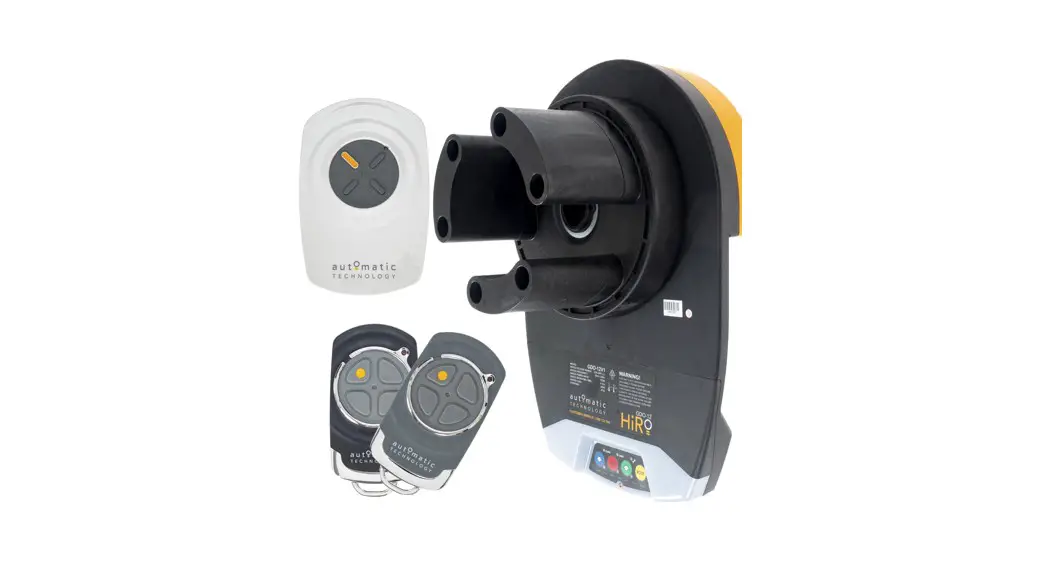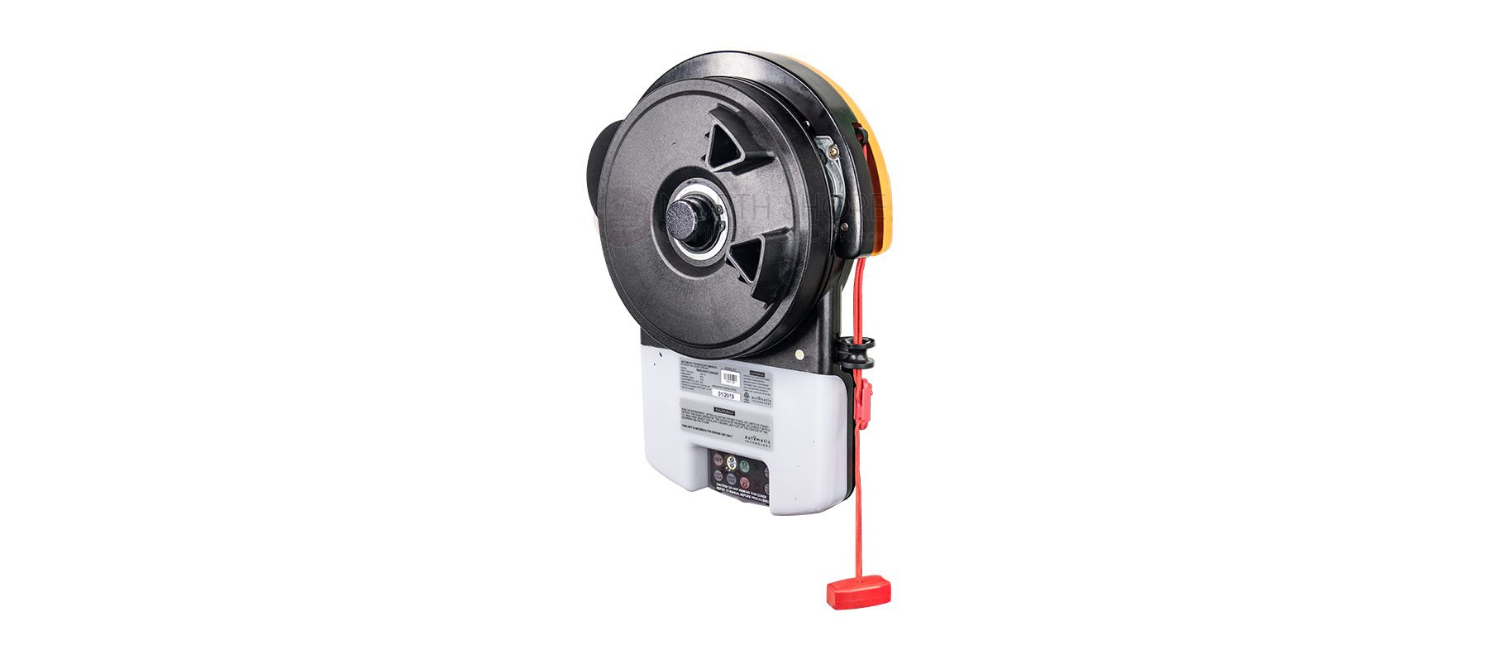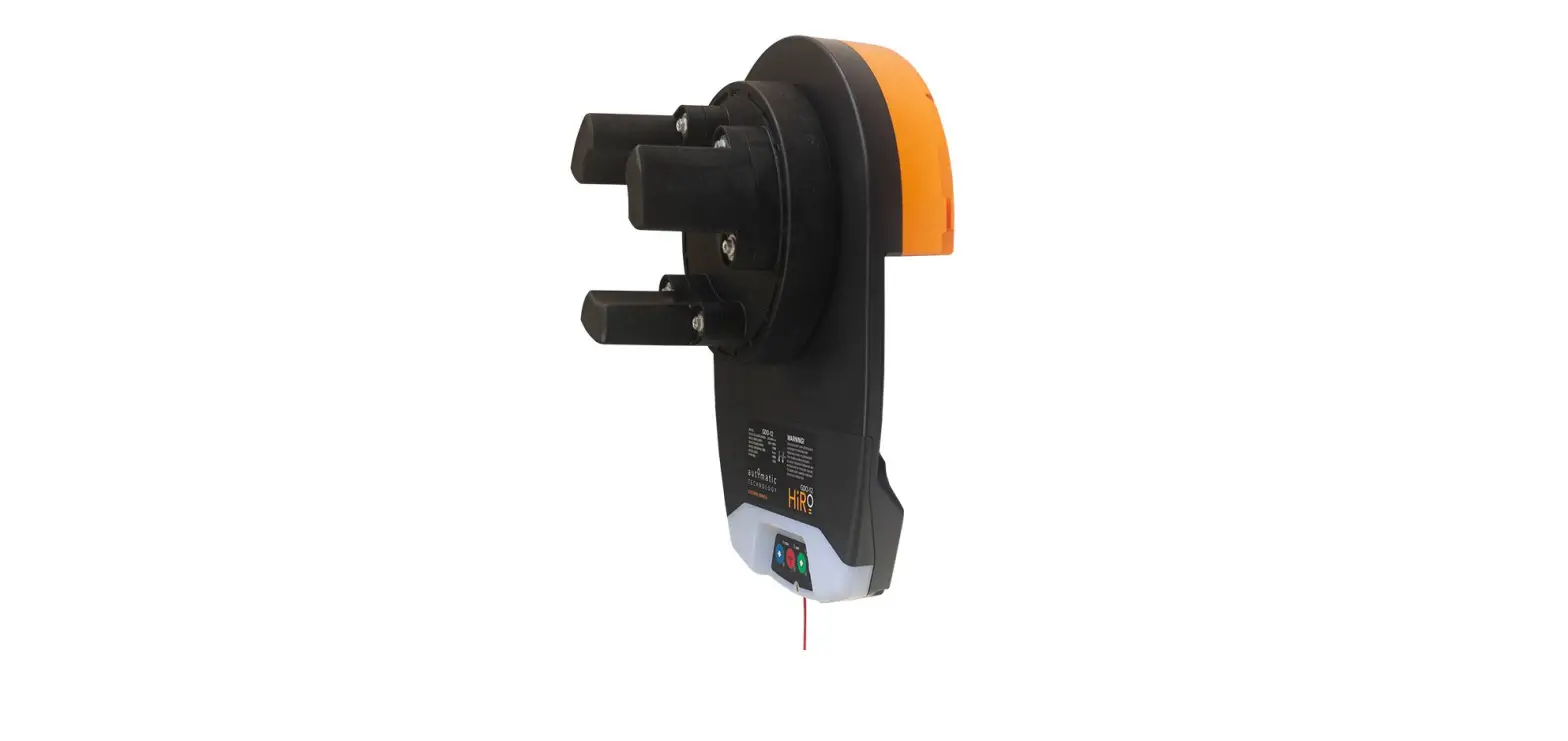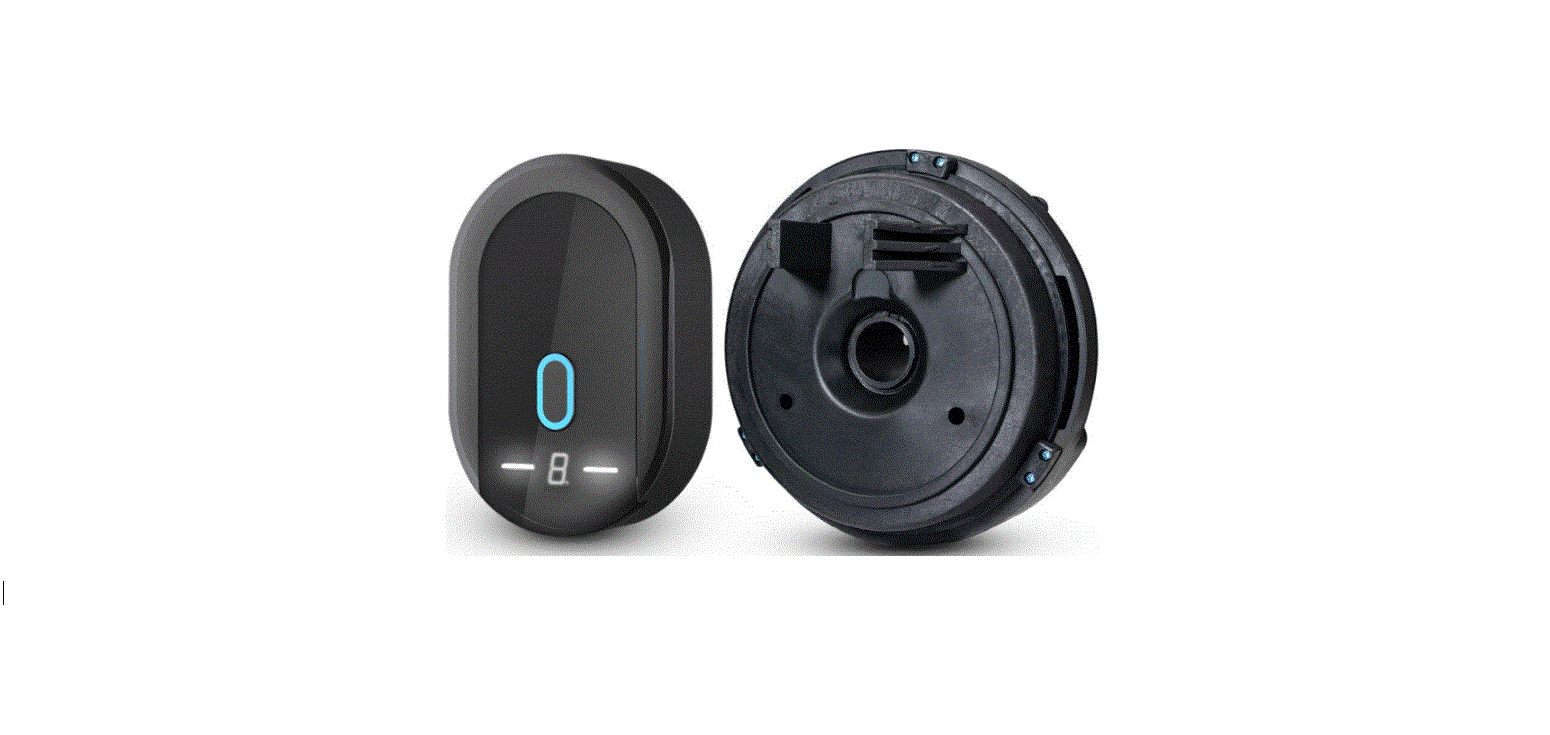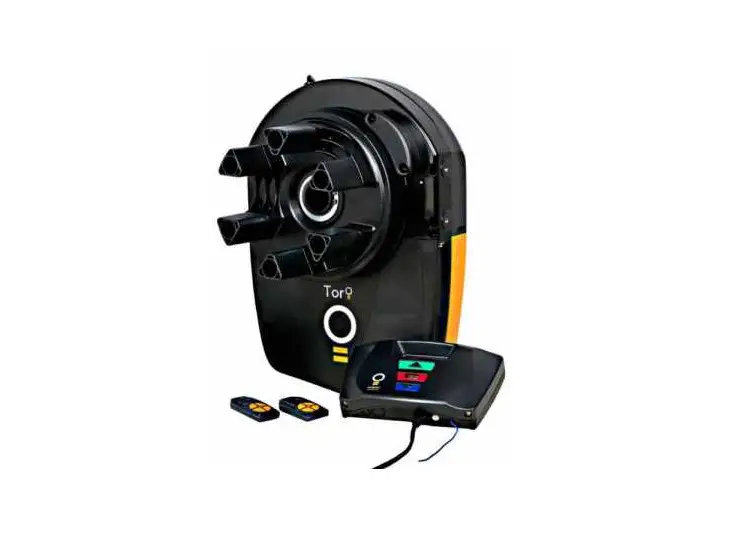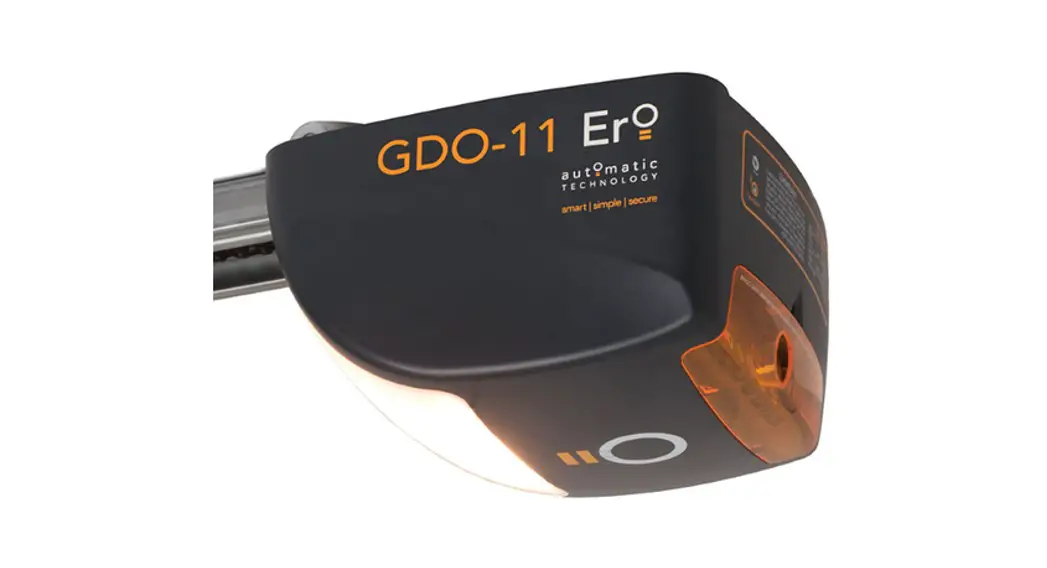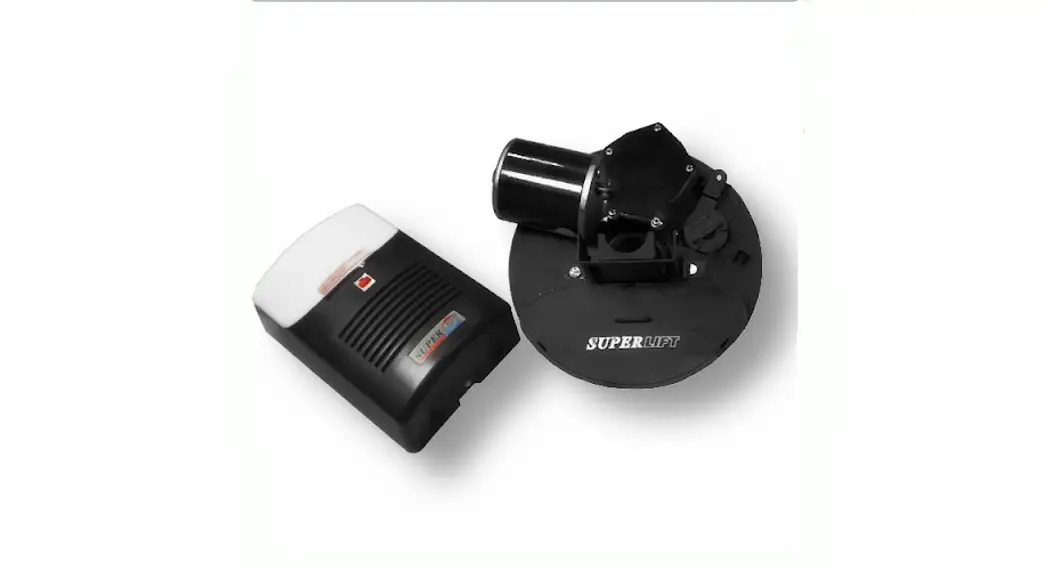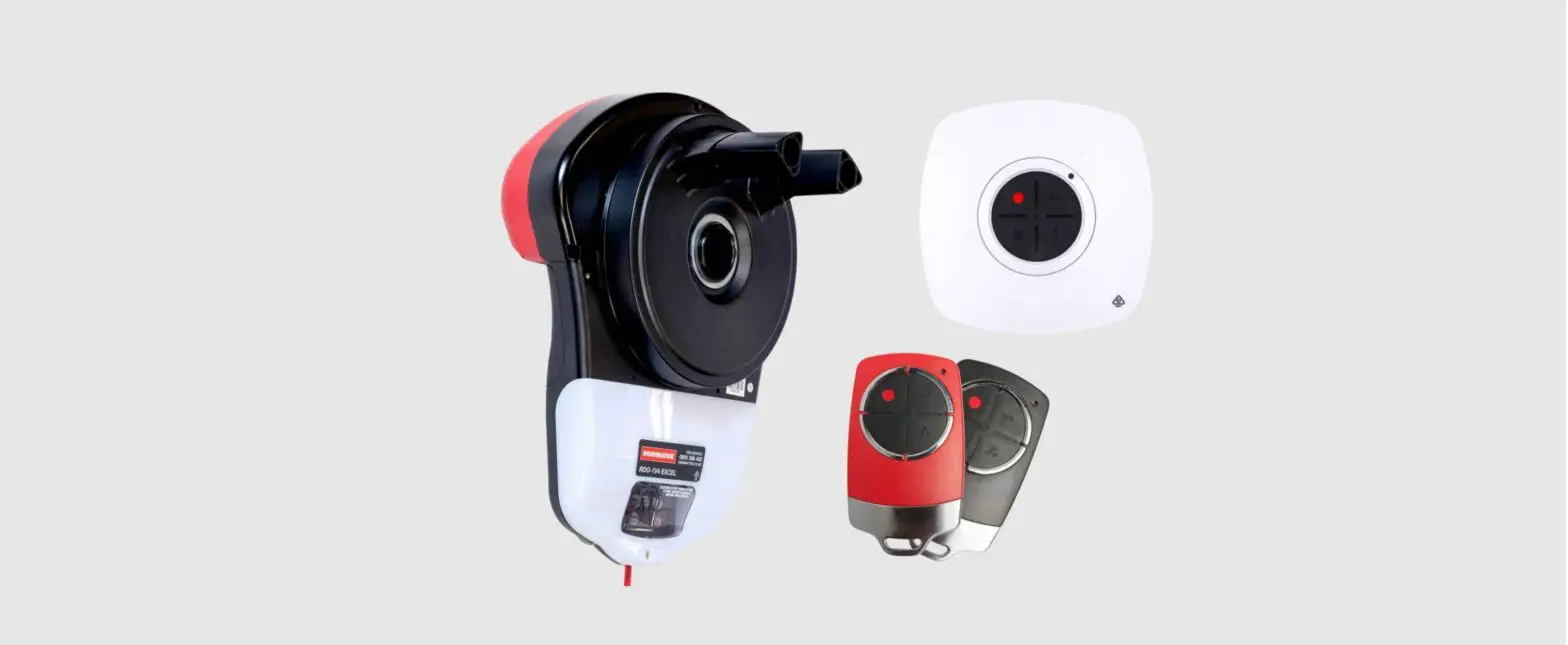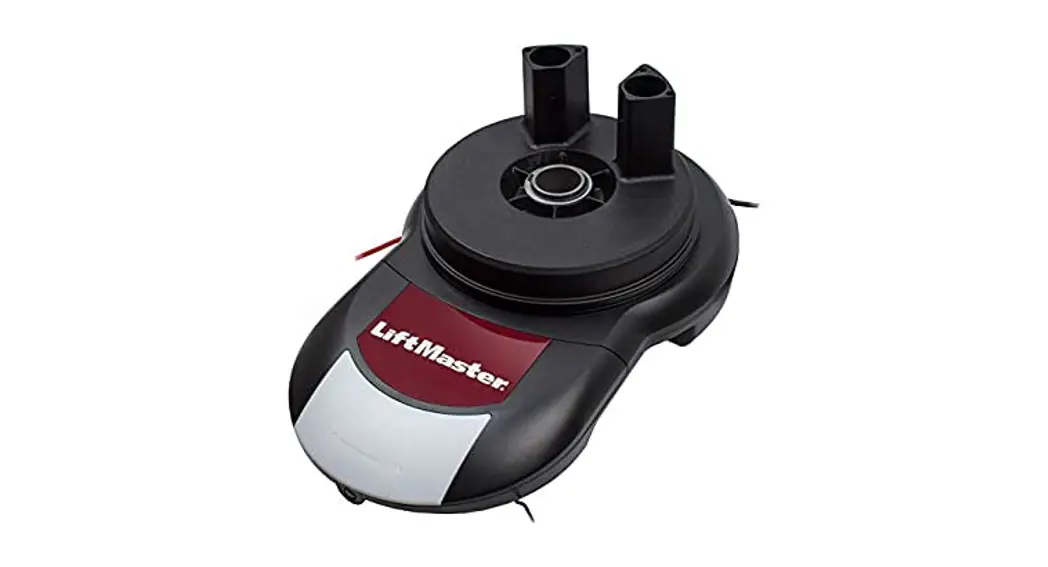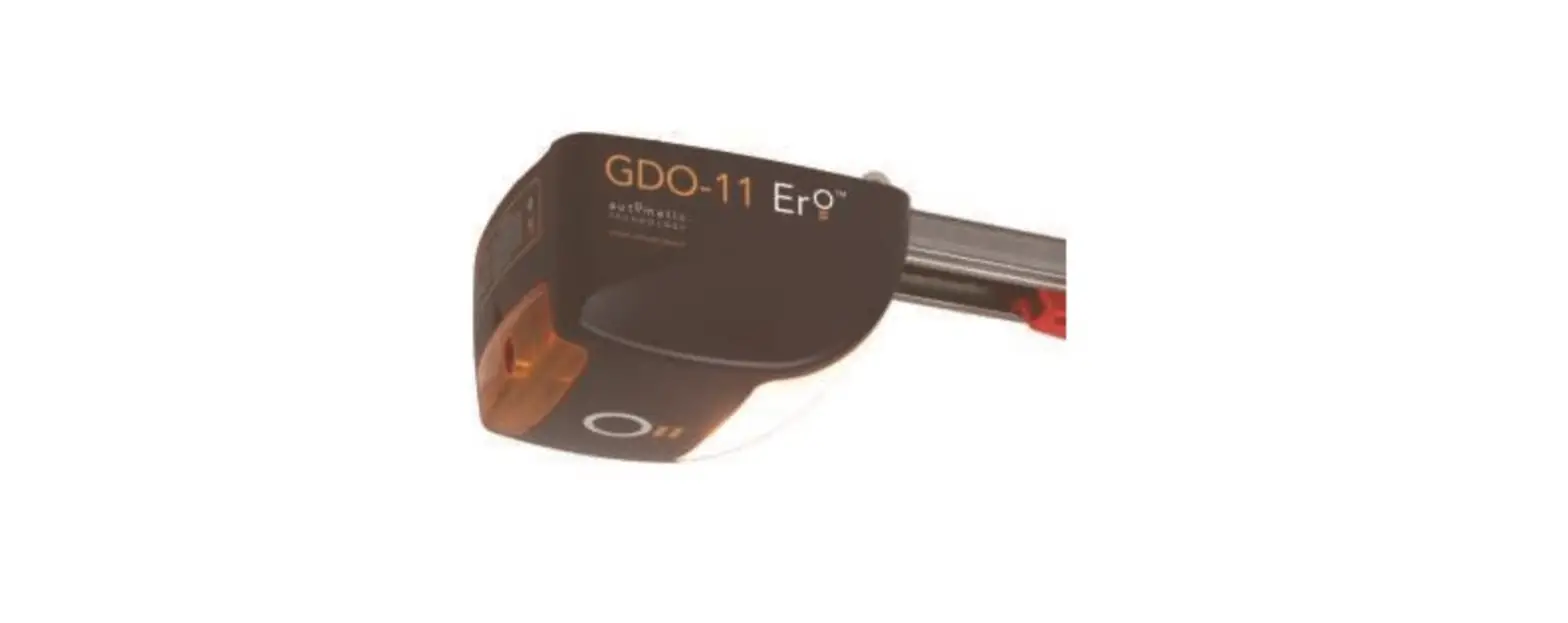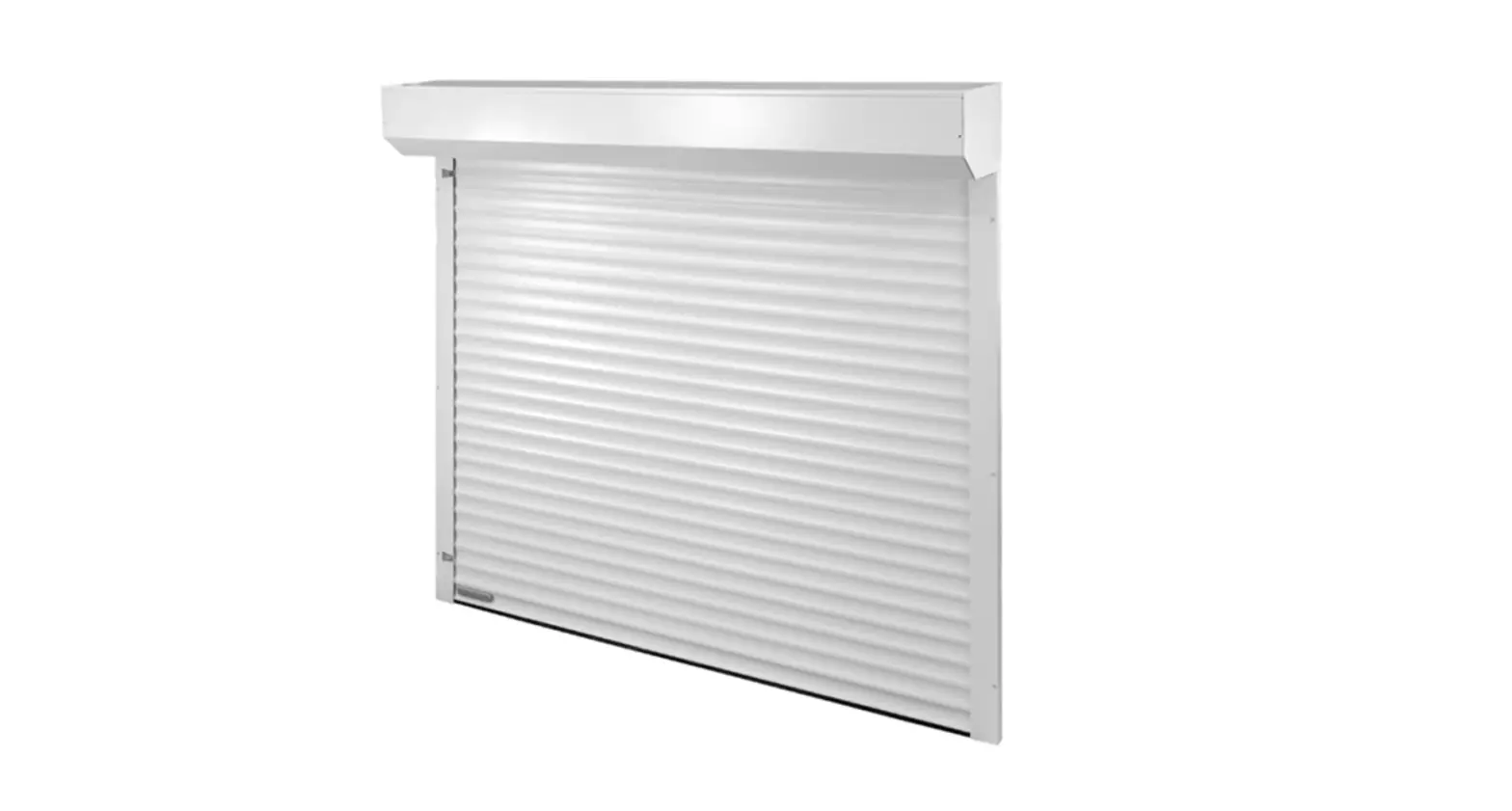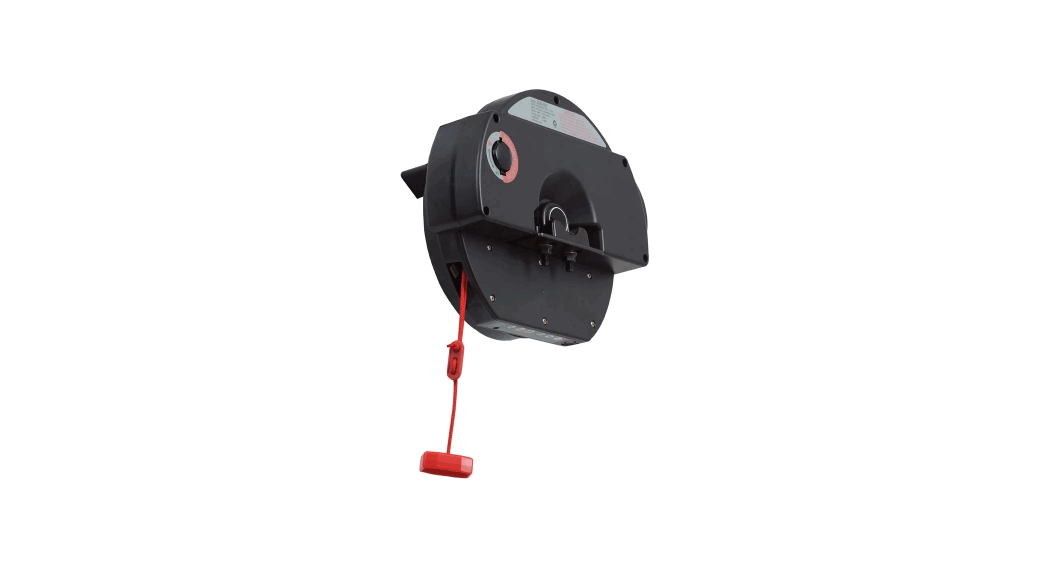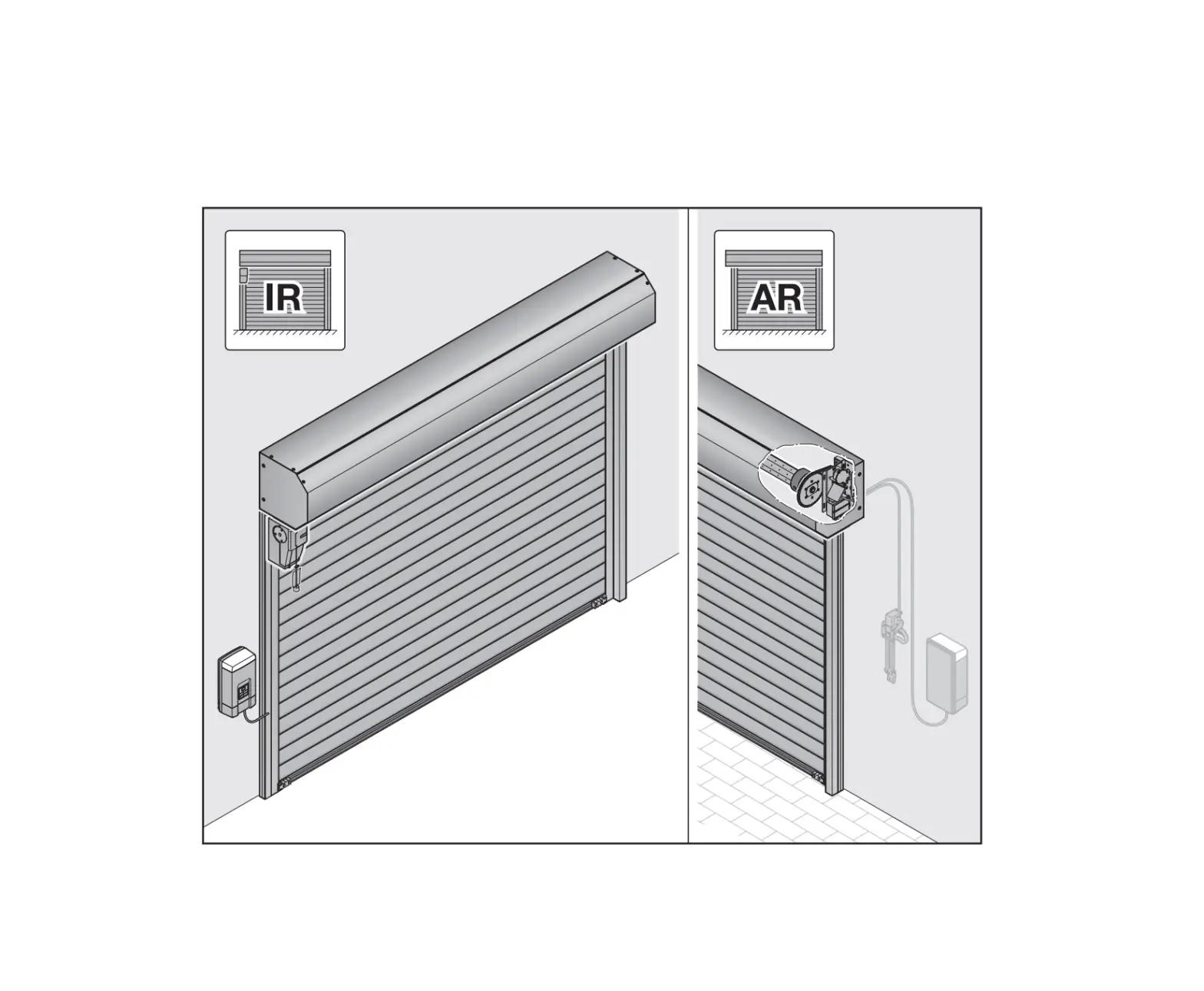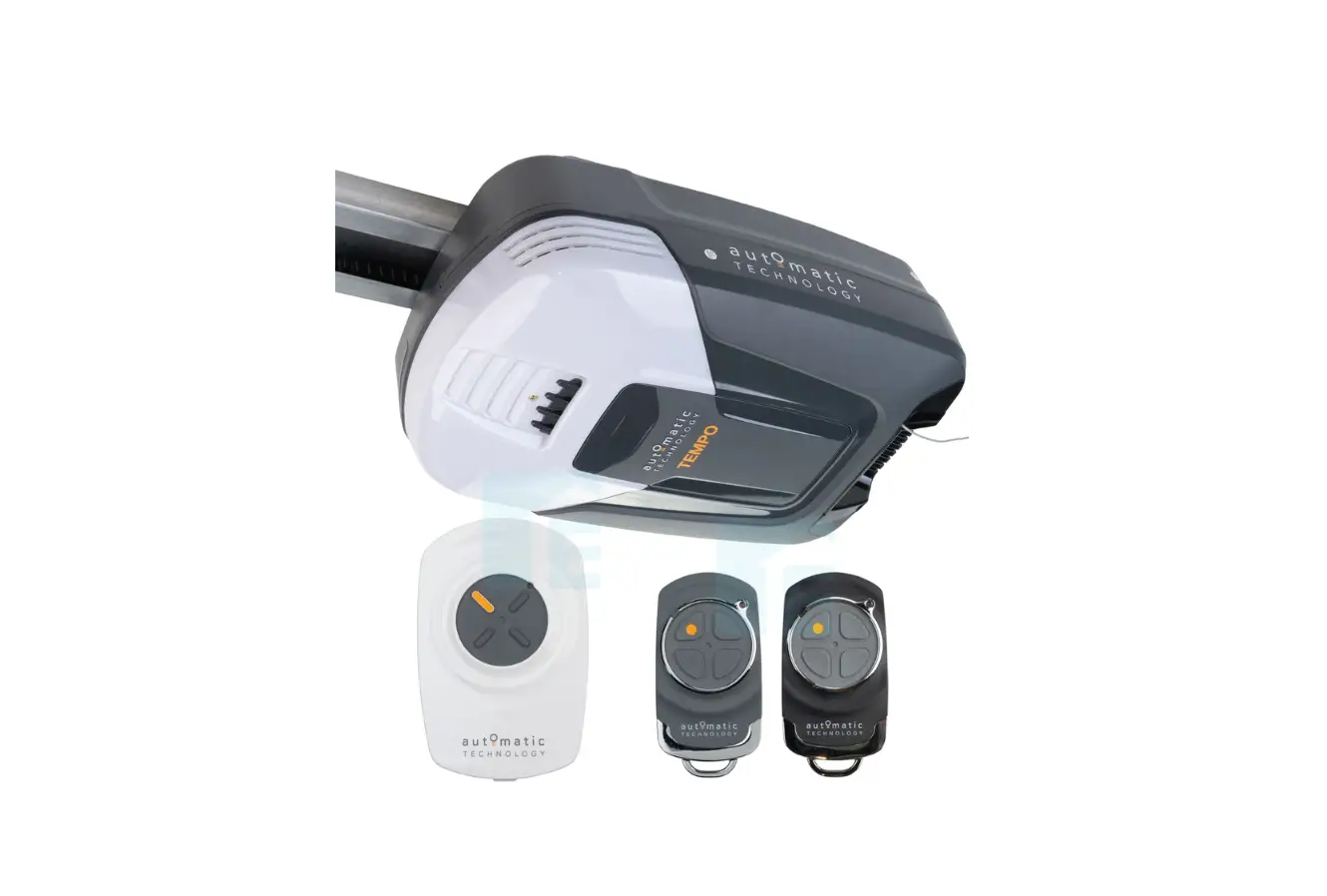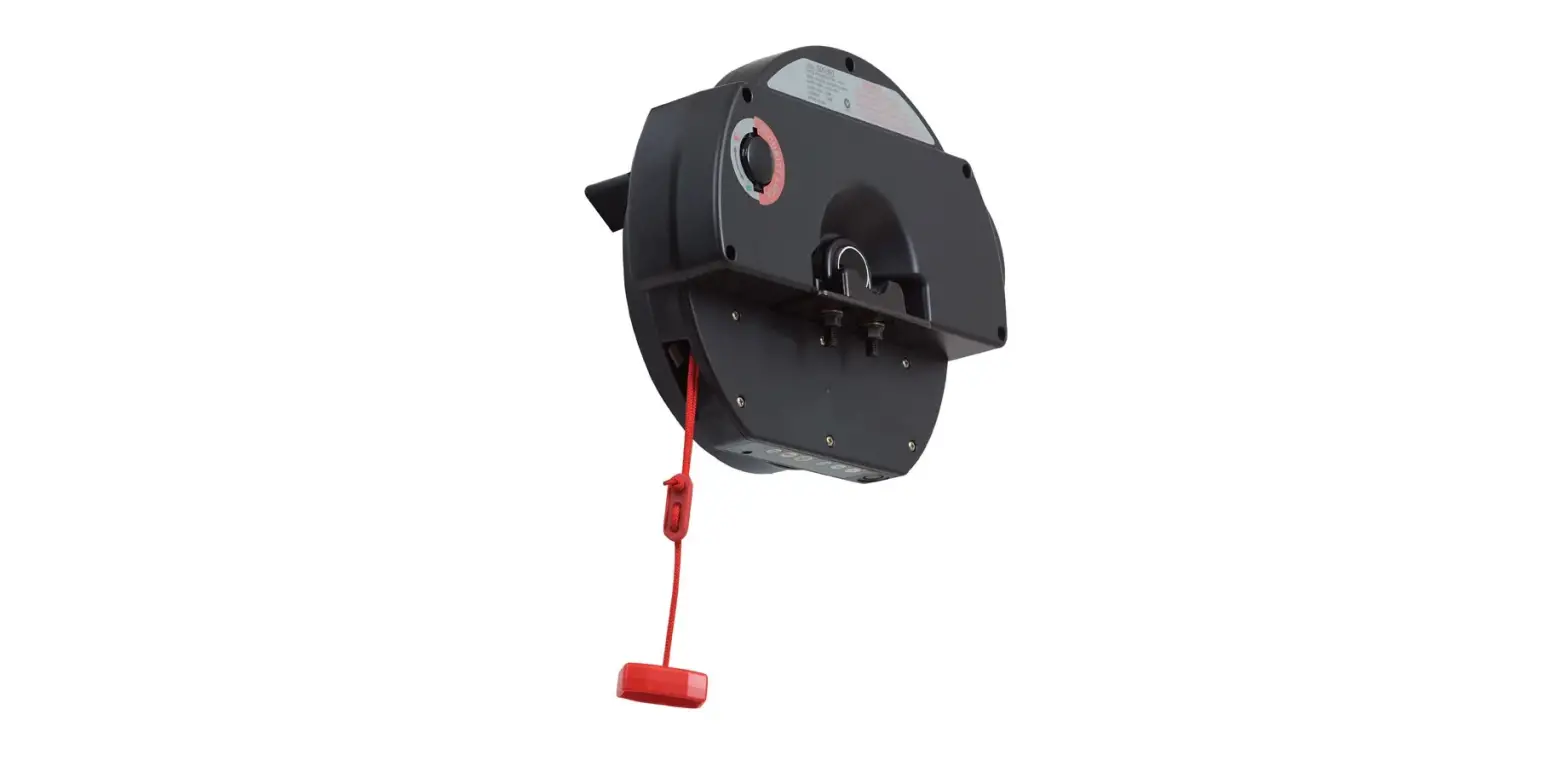

automatic TECHNOLOGY GDO-6 Easy Roller Rolling Door Openers
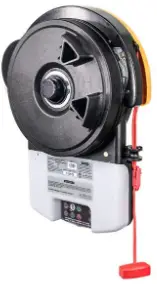
USER OPERATING CONTROLS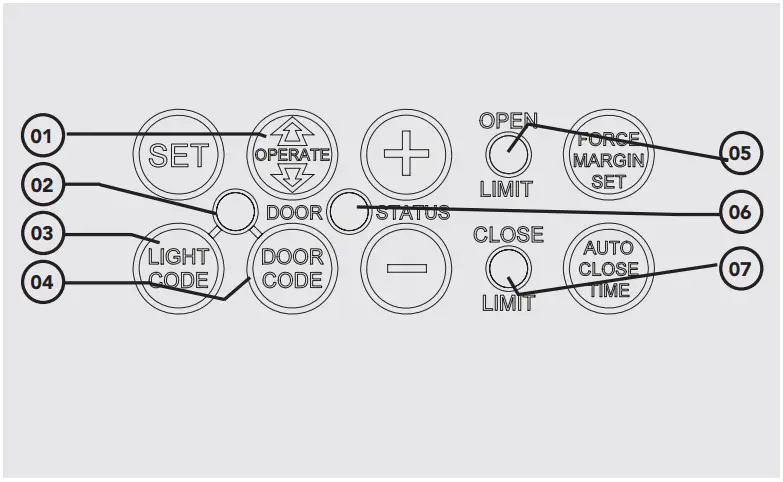
| Button | Function |
| 01 | Open / Stop / Close |
| 02 | Flashes when a code is being stored or when a remote control button is pressed. |
| 03 | For storing or erasing remote control button code to switch the courtesy light on or off. |
| 04 | Is used for storing or erasing remote control buttons for door operation. |
| 05 | Flashes as the door opens and remains on when opened. |
| 06 | Illuminates when Service is due. |
| 07 | Flashes as the door closes and remains on when closed. |
MANUAL DOOR OPERATION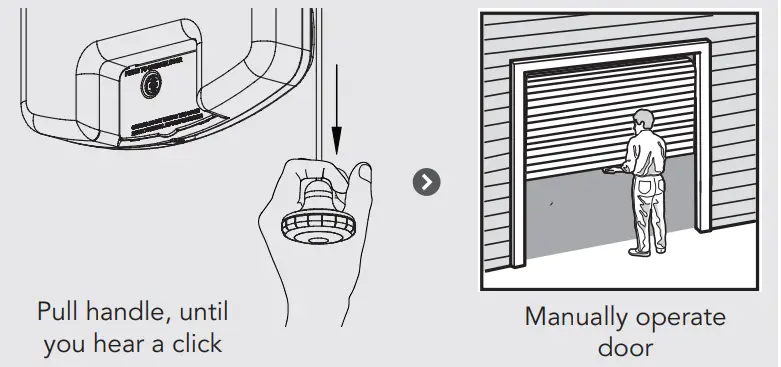
TO DISENGAGE THE OPENER
It is recommended to disengage the door with the tip door in the closed position.
CAUTION: When the opener is manually disengaged, the door is no longer locked. To ock the door manually, re-engage the opener after the door is closed.
TO ENGAGE THE OPENER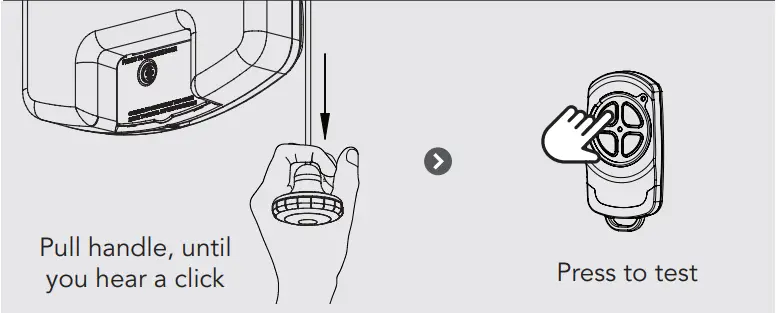
WARNING: Please test the manual release mechanism to ensure that the manual release is easy to operate. No more than 20kg of force should be required to disengage the door using the manual release cord. IF excessive force is required, contact your dealer.
CODING A REMOTE CONTROL
The opener can only be operated from remote controllers that have been programmed into its memory. Up to 64 remotes can be programmed.
CODING A REMOTE CONTROL INTO OPENER
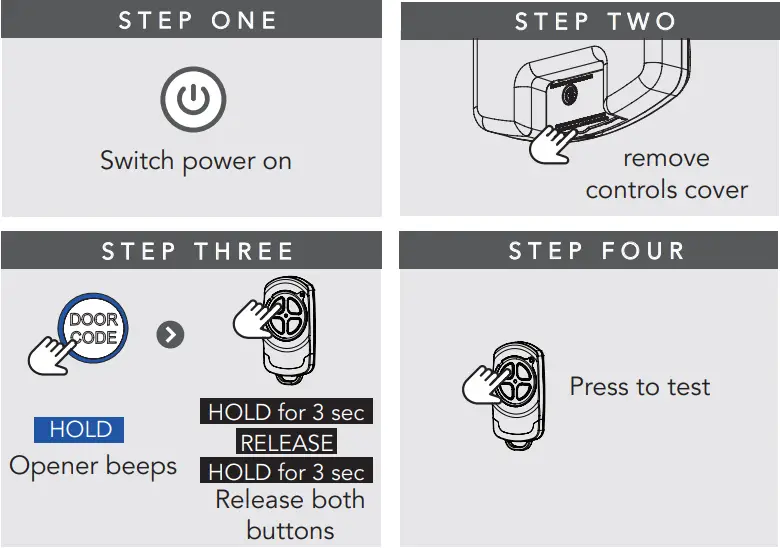
REMOTELY CODING A REMOTE CONTROL
Remotely coding works when you have a pre-coded remote control and are in range of the opener.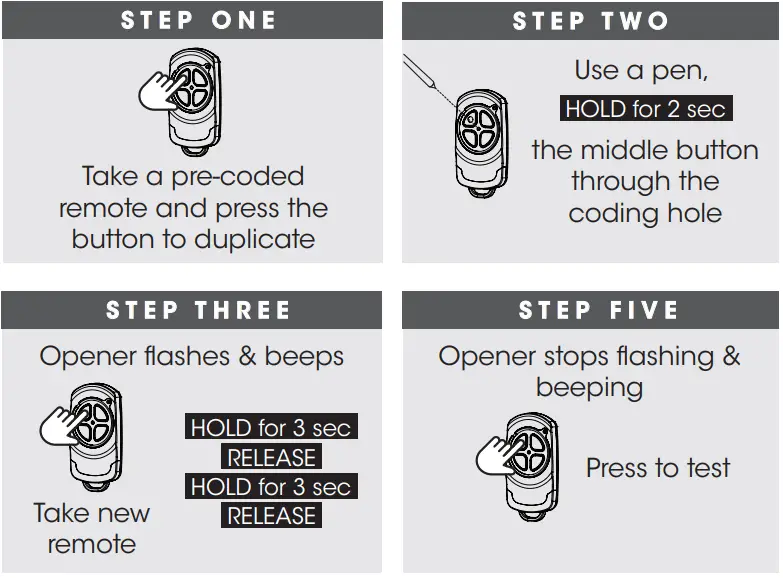
CHANGING A BATTERY
Battery Type: 1 x CR2032.
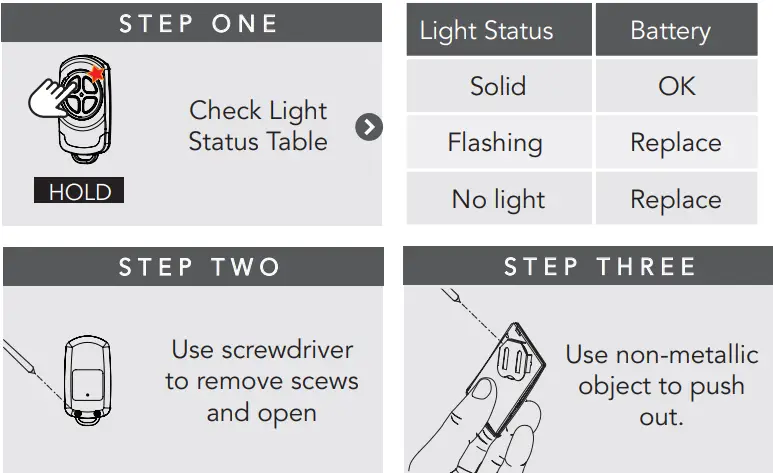
WARNING: The battery is hazardous and must be kept out of reach of children. The battery can cause severe of fatal injuries within 2 hours or less if swallowed or placed inside any part of the body. If you suspect the battery has be swallowed or placed inside any part of the body, SEEK IMMEDIATE medical attention.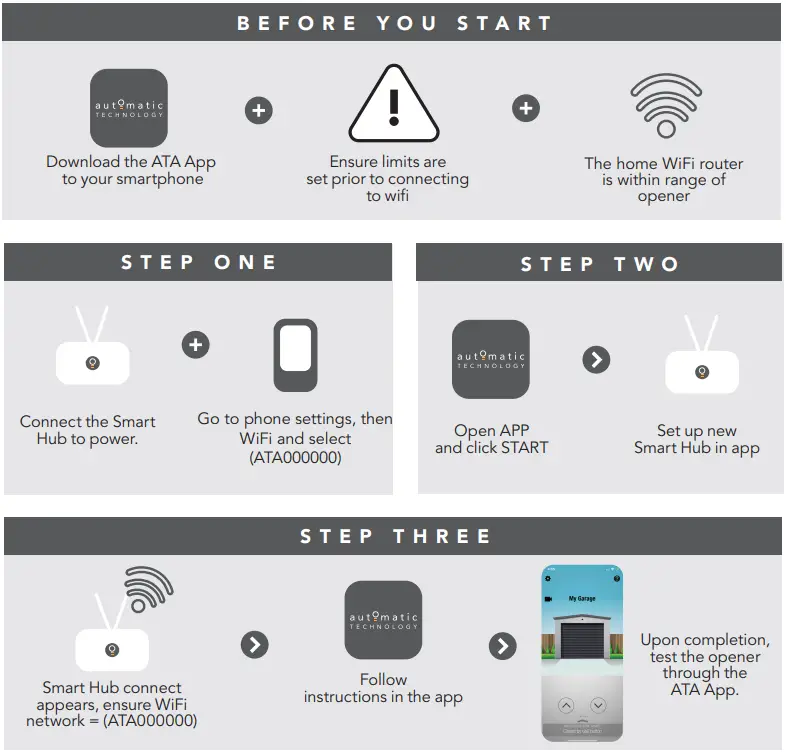
SMART PHONE CONTROL
(require Smart Hub)
The Smart Phone Control works via your home`s WiFi network. Initial set up involves linking your phone app and smart opener to your home network.
WARNING: This device allows for operation of the door when not in line-of-sight of the door and opener. The door may operate unexpectedly, therefore do not allow anything to stay in or near the path of the door.
TROUBLESHOOTING
| Symptom | Possible cause | Remedy |
| The opener does not work from the remote | The opener does not have power | Plug a device of similar voltage (e.g. a hairdryer) into the power point and check it is OK. |
| The battery in the remote control is flat | Replace the battery | |
| The remote button is not programmed to operate the door. | Code in the remote control button | |
| Door Code LED is flashing yet the opener is not working. | Ensure the correct button on the transmitter is being pressed. | |
| One remote works but the other/s do not | Faulty remote control
Flat battery | Replace remote control
Replace battery |
| The motor is running but the door remains stationary | The opener is disengaged | Re-engage the opener |
| The remote range varies or is restricted | Variations are normal depending on conditions e.g. temperature or external interference | Make sure you can see the door when you use the remote control |
| The battery life is exhausted | Check the battery status as per section 4 of this guide | |
| The opener light does not work. | LED has failed | Contact dealer to organise LED to be changed. |
| The door | If Safety beams are | Ensure the beam path is not |
| reverses for | installed they may be | obstructed. Check the |
| no apparent | partially obstructed | alignment of the beams |
| reason | ||
| The door stops of moves very slowly | Garage door in poor condition e.g. springs may be broken (Optional Battery Back Up Accessory) the batteries may have little OR no charge | Check the door’s operation
Connect mains power and leave the batteries to charge. The batteries may take 24 to 48 hours to reach their maximum charge capacity. |
CARING FOR YOUR OPENER
Preventative servicing of your garage door and opener, is important. Your garage door is made up of numerous moving parts designed to lift and lower your door safely and efficiently. Ongoing preventative servicing ensures that your door continues to function within factory specifications, greatly reduces the risk of failure and repair bills down the track and ensure you maintain your Warranty. Refer to your Owners Opener Handbook for your service schedule available HERE. Refer to the installation manual for monthly testing procedures in Section 13 to ensure garage door is fit for use available HERE. Online warranty details are available HERE.
NEED A SERVICE CALL
If the opener needs a service please call the dealer who installed the garage door opener (their contact details are usually on a sticker on the back of your garage door).
For product assistance, general enquiry or more information, please visit:
ata-aust.com.au
or call 1300 133 944.