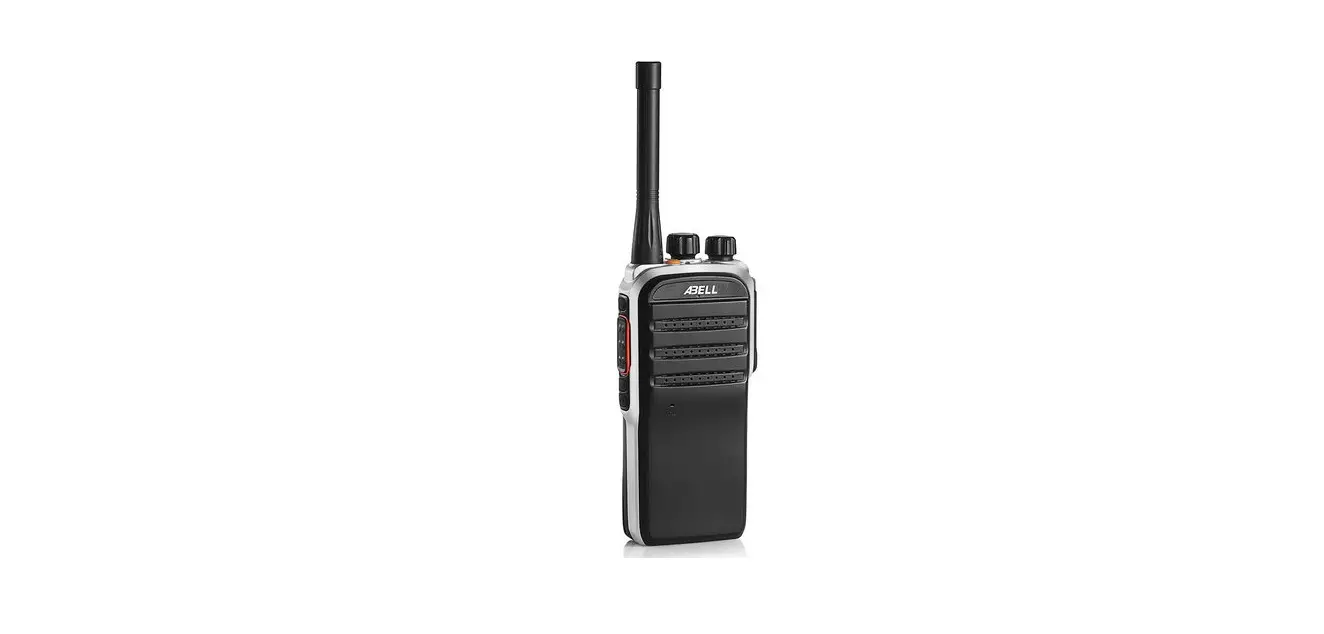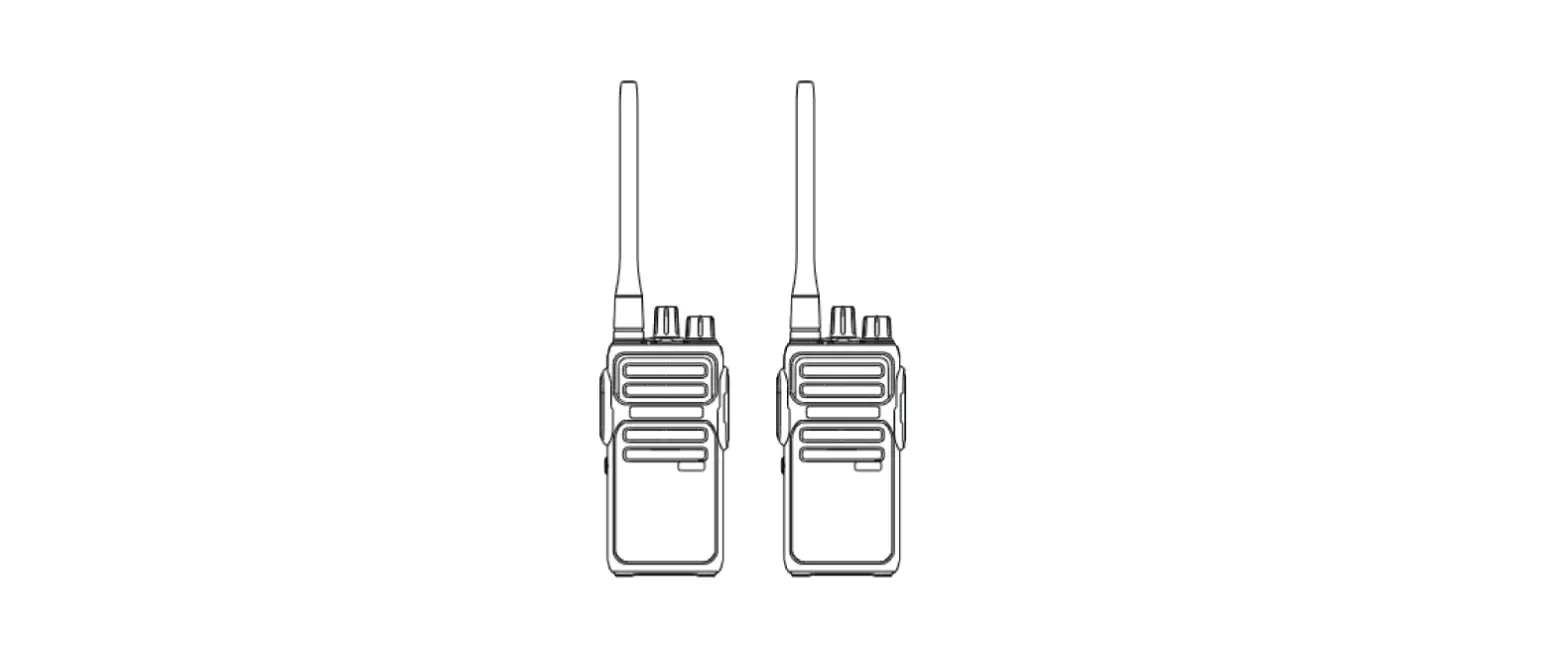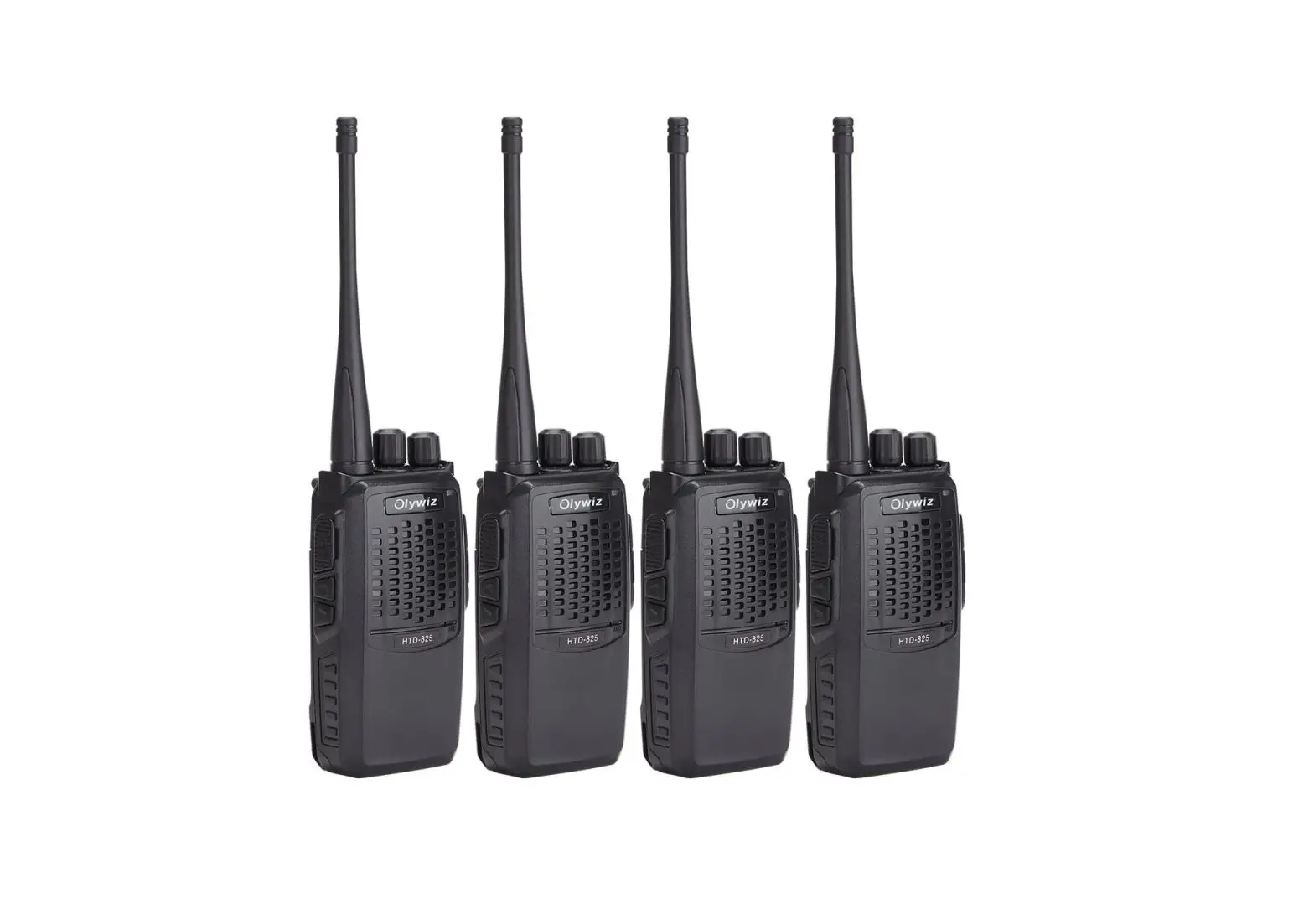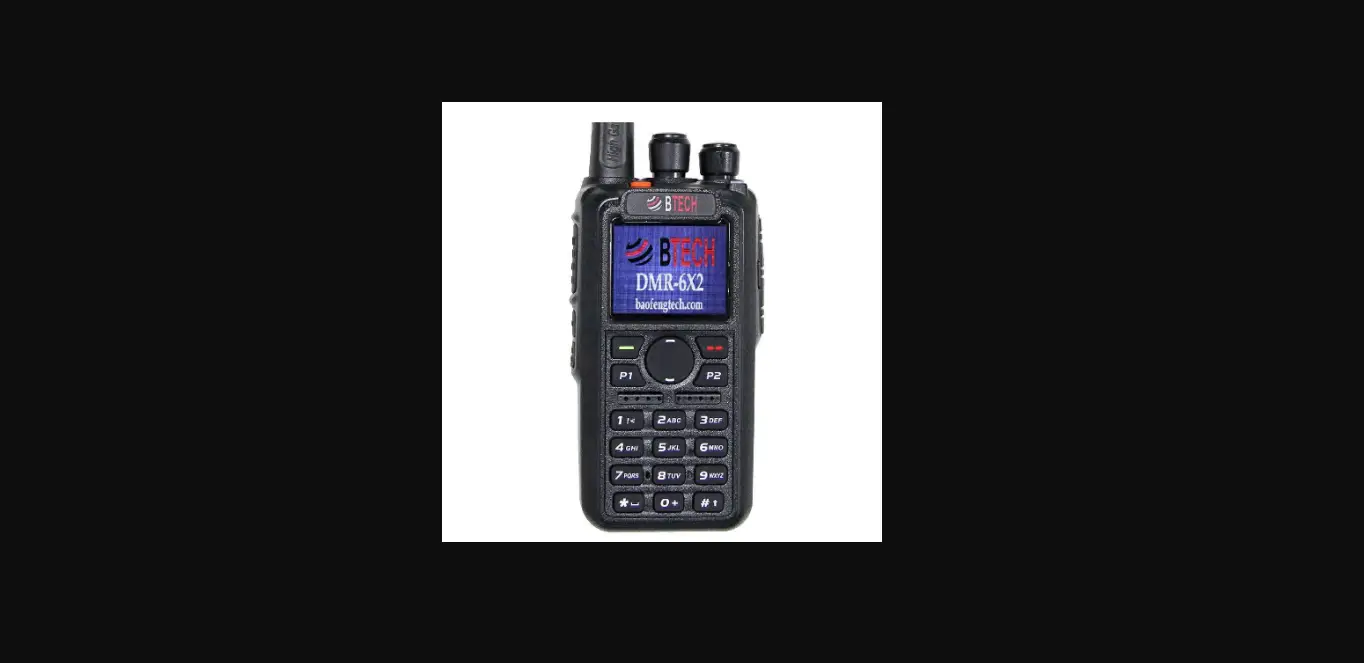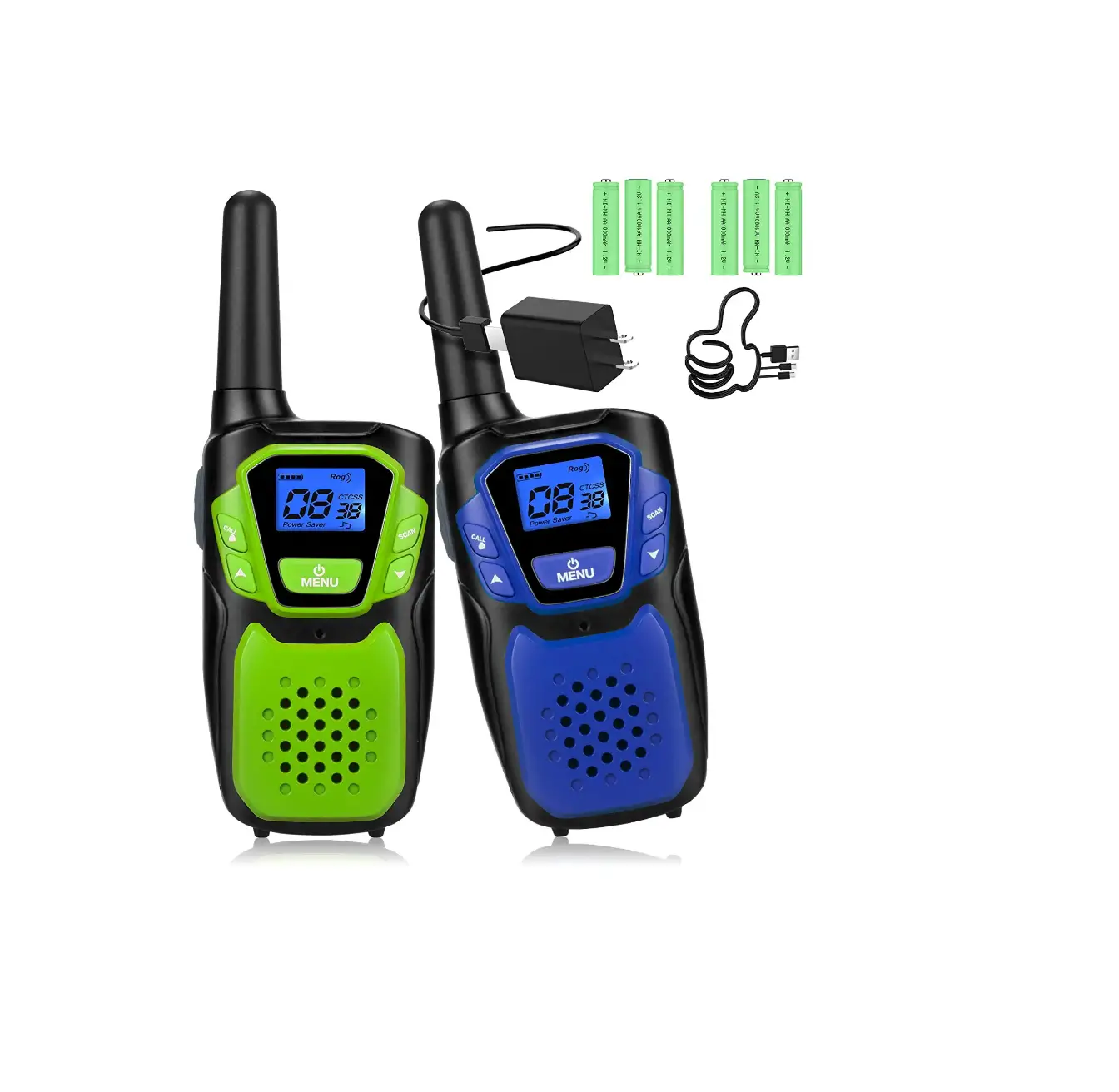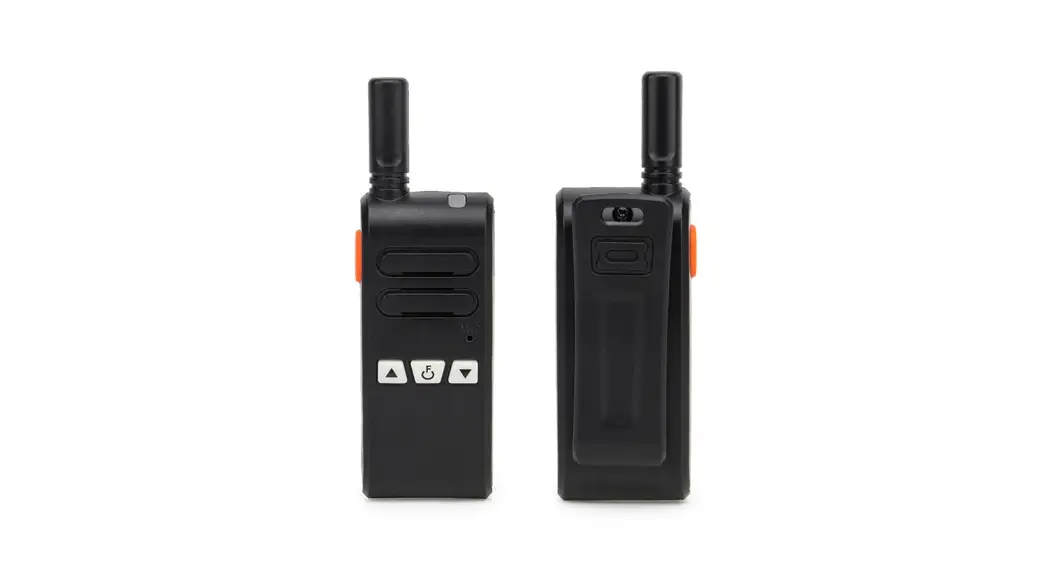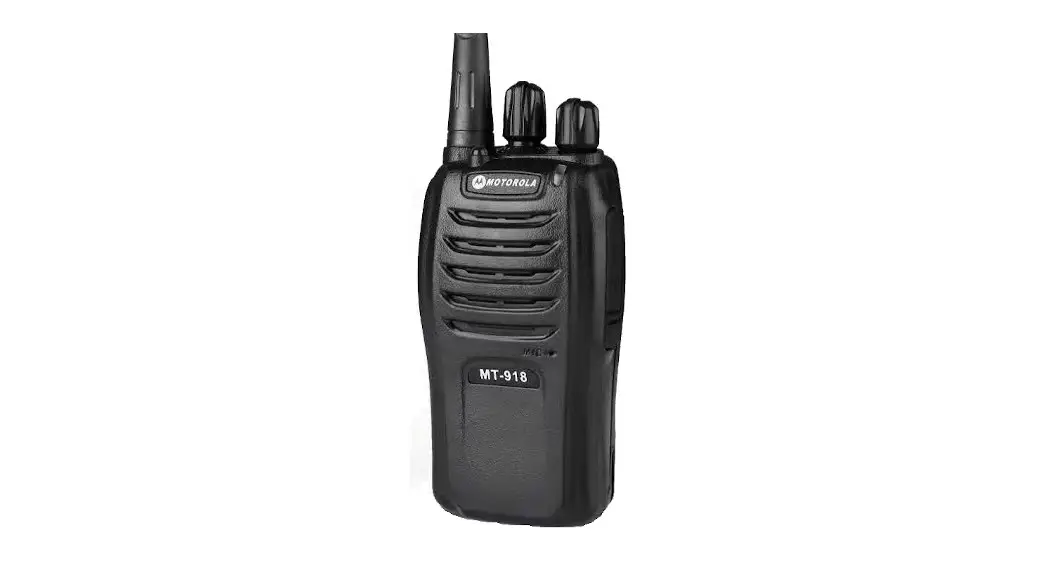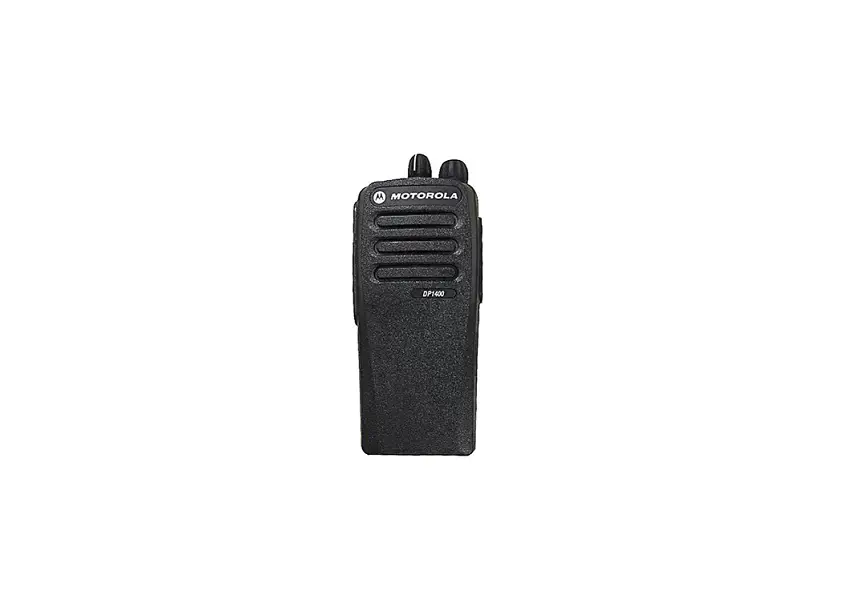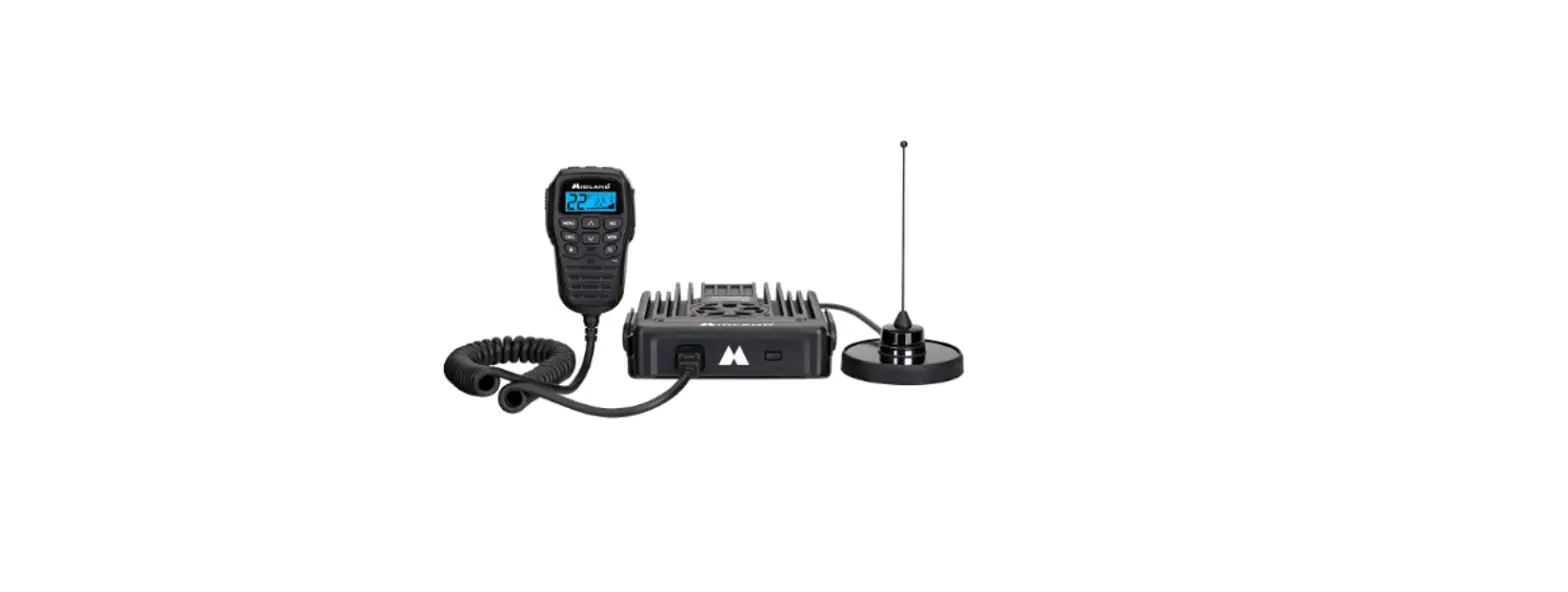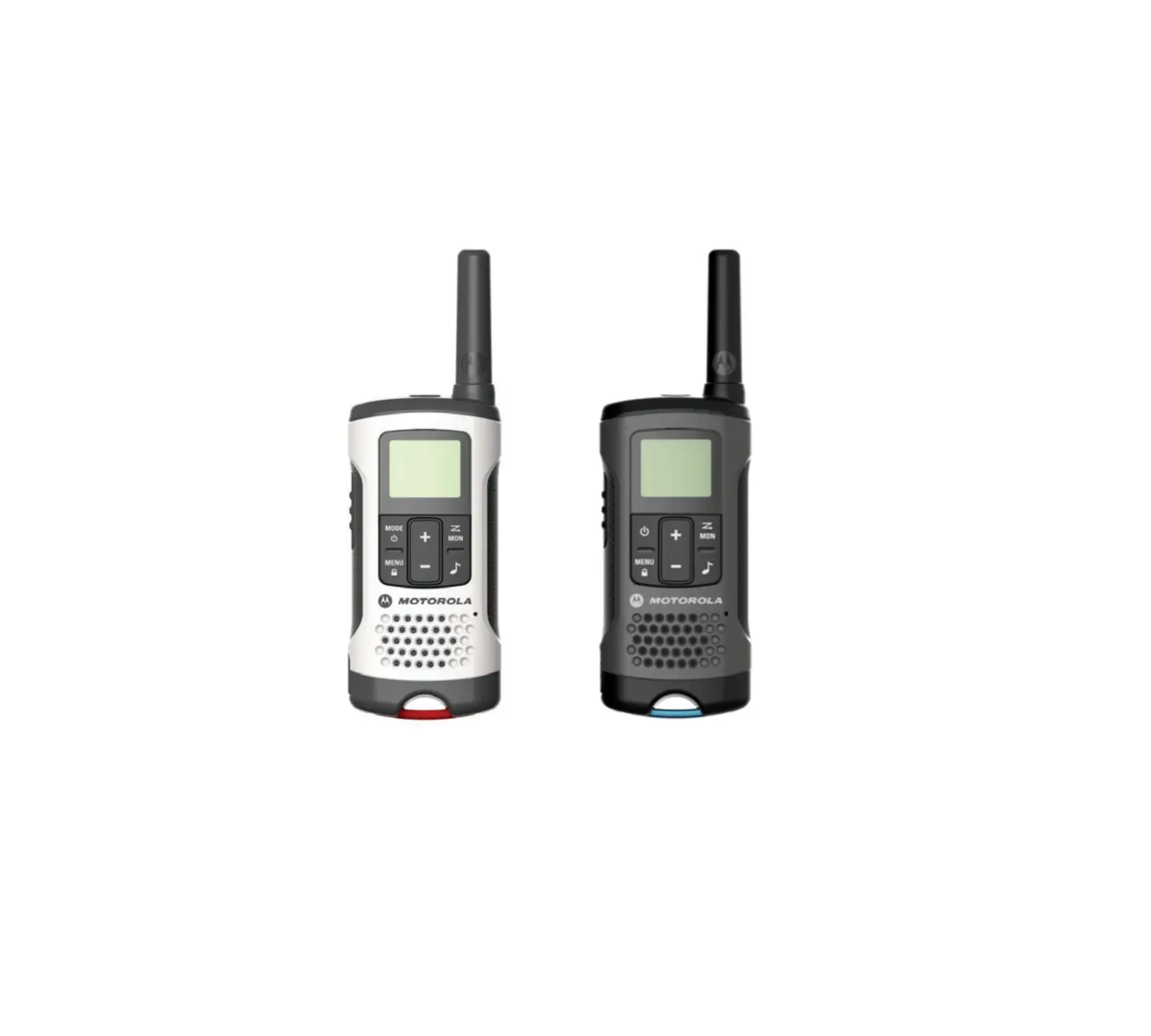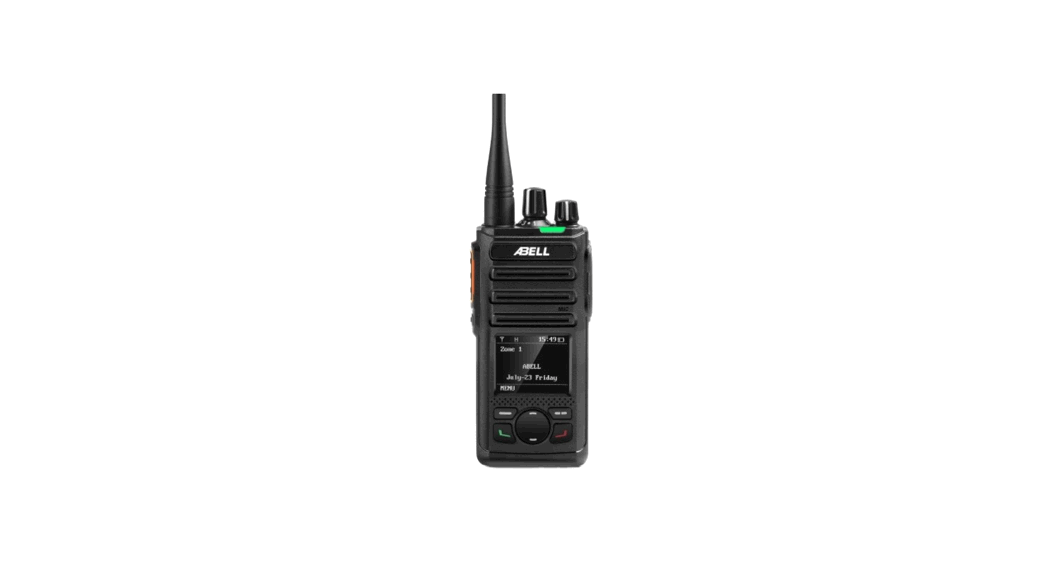
 A580T
A580T
Radio User Manual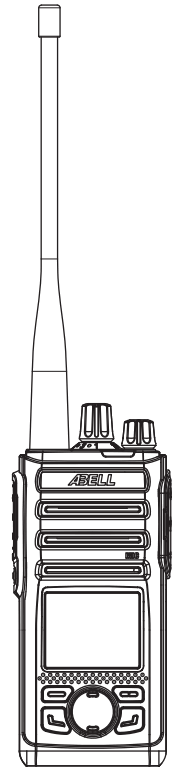
Thanks
Thanks for choosing the ABELL series Two-way radio, we believe it is a wise choice to choose us because we have the latest technology, the most stable components, and the most advanced production technology. ABELL series Two-way radio will provide you with the reliable performance and high quality you demand.
This manual is for ABELL A580T/A580T(Ex )/A580T(LF) and other new 5-series products.
Accessories
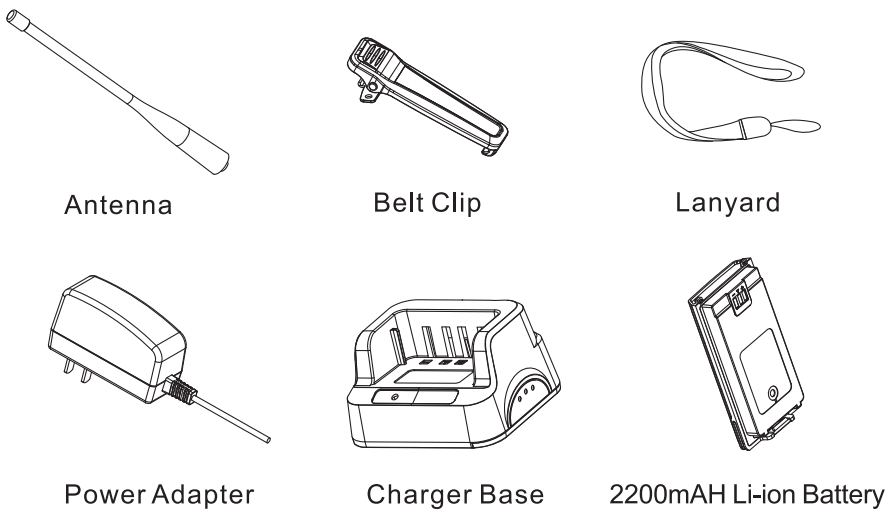
Radio Usage
Charging To avoid any damage to the charger meanwhile following the guarantee articles, it must use the attached charger to charge the battery. Please charge the radio or the battery in the charger base.
Charger Indicator State
| Indicator | Charging state |
| Flash Red | Waiting to charge |
| Steady Red | During charging |
| Steady Green | Charge complete |
Battery Installation and Remove
Align the battery with the aluminum housing and press down on the battery; Please turn off the radio before removing the battery, then press the battery lock-latch to remove the battery.
Antenna Installation
Clockwise rotate the antenna into the connector on the top of the radio until it is tight. Do not over-tighten.
Belt Clip Installation and Remove
Use 2 screws to lock the belt clip on the back of the radio until it is tight; unscrew it If needed to remove the belt clip.
External Speaker /Microphone Installation
Connect the audio accessories to the SP/MIC jack.
Power on/off
Power-on: Turn [power switch/volume control knob] clockwise to hear the “click” sound to start the radio. If a power-on prompt tone is set, you will a power-on prompt tone and then enter the receiving mute state. Power off: turn [power switch/volume control knob] counterclockwise, hear “click” -, the radio is off.
Switching Channels
Rotate [Channel knob] to switch channels. If programmed the “Channel Announcement”, then you can hear the channel broadcast, If a continuous ‘beep’ tone is heard after the channel switch over, means the current channel is not programmed, and cannot be used.
Communication
Switch the channel to the required channel. Select the desired channel with the channel selector. Transmit: Hold the radio in a vertical position approximately 2.0 cm (1 inch) from your lip. Press the PTT and speak. Receive: The LED indicator will light green  when a signal is received and the speaker will emit audio. Adjust the volume control knob for a comfortable level.’
Key Operations
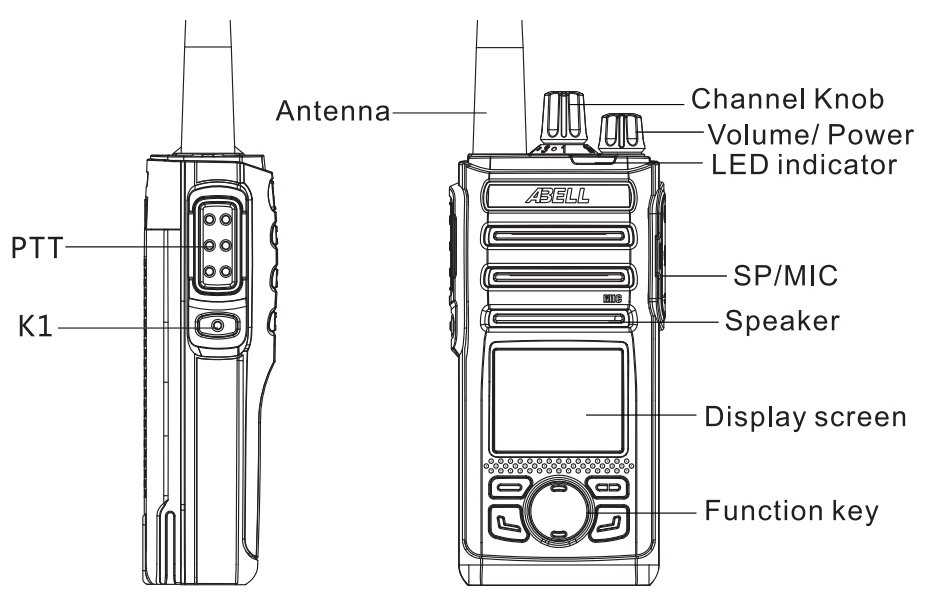
| Keys | Function |
| Power/ volume knob | Power off the radio, switching the volume. |
| Channel knob | Switching for channels 1-16 |
| PTT | Press PTT to transmit |
| LED indicator | State display |
| K1 | Programmable key |
| SP/MIC jack | Connect the audio accessories |
| MIC | Microphone |
| LCD display | Display |
| Function key | Menu Home backspace unlock ↑, ↓ |
LCD Display
| ICON | Radio state |
 | Battery status display, more stripe, more battery |
| Low battery. Please charge or replace the battery ASAP. | |
| No signal | |
| The more stripe, the stronger signal | |
| Transmitting | |
| Low power | |
| High power | |
| Scanning | |
| VOX on | |
| Speaker on/squelch on |
Functions
This radio has the following functions available Please refer to the “Call” for the individual call/ group cell anti analog call operation Other/functions need to be programmed by the dealer. [K1/ Is a programmable shod-cut key, contact your dealer for more details
| Type | Name | Description |
| Common function | Zone | Azone is a grouping of channels, the radio is up to 16 zones and 256 channels. |
| Power level | The output power of the current channel can be configured to a high or low level. | |
| Scan | Scan to scan list, Analog and Digital can be scanned at the same time. | |
| Emergency alarm | When there is an emergency situation, the user can ask help by using it, the emergency alarm has priority. | |
| Vox | When the microphone detects that the voice meets the terminal transmission conditions, the terminal will automatically transmit. This function needs to be used in conjunction with a headset with a voice control function. | |
| Busy channel lock | Busy channel lock is to lock the channel which is transmitting to prevent interference from other users | |
| TX time-out | The timeout prohibition is when the transmission time is texce pendant ed video ft ar au NL ts6mOiss1s, I tone at ne dr ms Gennady we will aa runt ionmg atone. ticay If need to talk again, please transmit after the preset time. | |
| Battery save | When the terminal standby reaches the power saving time, it will automatically enter the power saving mode. | |
| Digital function | Individual call | A single call made by one user to another |
| Group call | Allows a user to call multiple units that are on the same talk group. | |
| All call | Allows a user to call all users. | |
| One-touch access call | Allows to make a private call or call multiple units by a short-cut key. | |
| TDMA direct mode | Allows dividing the digital channel into two alternating time slots. | |
| Analog function | Analog channel call | Is one-to-many call on the current analog channel |
| Squelch on | This means the speaker is always on with or without a carrier | |
| Squelch level | Adjust the signal intensity required to receive the signal. The squelch level is: low, normal, and high. If set too low the noise is light, if high, the noise is deep. | |
| Monitor | Monitoring is not distinguish signaling, Voice is received as long as the carrier matches. | |
| CTCSS/CDCSS | You can receive the voice through the loudspeaker only when the received sub-tone matches the transmitted sub-tone. |
LED Indicator
| Indicator state | Radio State |
| Flash green | Powering on |
| Steady green | Receiving signal |
| Slowly flash green | Scanning |
| Steady red | Transmitting |
| Flash red | Low battery |
| Steady orange | Monitoring and hold-time |
Troubleshooting
| Issue description | Possible reason | Solution |
| Cannot power on | The battery may not be installed correctly | Remove the battery and reinstall it |
| Ran out of battery | Charge or replace the battery | |
| Poor contact caused by dirty or damaged battery contacts | Clean the battery contacts | |
| When receiving the signal, the audio voice is low, intermittent, or silent | The battery voltage is too low | Charge or change the battery |
| Low volume | Turn up the volume | |
| The antenna is loose or improperly installed | Reinstall the antenna after power if | |
| Speakers are blocked or damaged | Softly clean the external part | |
| Cannot talk to other users of the group | The frequency or signaling programmed is different from other users in the group | Program the same frequency or signaling with other users in the group |
| Improper setting of digital and analog channels | Program the same digital or analog channel | |
| Too far away from other users of the group | Try to get closer to other members and make sure they are within effective communication range | |
| There are other communications or noises heard in the channel | Co-Channel interference | Change to a new frequency point, or adjust the squelch level |
| guard Signaling is not configured | settings for all terminals in the group | |
| Noisy | Long-distance communications with other users | Get closer to other users, Make sure in effective Communication range |
| Bad location, affected by tall buildings or in the basement | Retry after moving to an open and flat ground | |
| External environment or electromagnetic interference | Avoid possible interference devices | |
| Keep transmitting | VOX is enabled, Set the headset PTT/VOX switch from PTT to VOX | Re-plug the headset |
Safety Information
This document provides you with information and safety operating instructions for the ABELL portable two-way radio. If you need to know information about using the radio in a hazardous environment, please refer to the operation manual or instruction card approved by the manufacturer. Radios with this condition have this instruction card.
To ensure that you are always exposed to the safe range of radio frequency electromagnetic energy permitted by the above standards and guidelines, please maintain the following operating procedures.
Portable radio operation and electromagnetic field exposure
While the portable radio is transmitting, keep the radio in a vertical position and hold the microphone 2.5 to 5 cm (1 to 2 inches) away from the mouth. Also, keep the radio antenna at least 2.5 cm (1 inch) away from y our head or body when transmitting.
Electromagnetic interference, electromagnetic compatibility
Note: If proper electromagnetic compatibility protection is not adopted, after electromagnetic compatibility design or internal structure design for the purpose of electromagnetic compatibility, almost all electromagnetic equipment will be affected by electromagnetic interference (EMI).
In order to avoid problems caused by electromagnetic interference or electromagnetic compatibility, please note that wherever there is a sign that says please turn off the radio please do so. For example, hospitals and other health care facilities use some devices that are very sensitive to radio frequency energy.
If the crew asks you to turn off the radio during the flight, please turn it off. When using the radio on an airplane, you must follow the airline’s regulations and the flight crew’s instructions.
Battery
Do not replace the battery or charge the battery in an explosive risk environment. The installation and removal of the battery may cause contact sparks and cause an explosion.
Blasting and Detonator Area
When approaching the blasting area and detonator area, please turn off your radio in advance to avoid a possible explosion. In the blasting area r any other area marked with the words “Please turn off the radio, please be sure to comply with the relevant regulations.
Note: The above-mentioned potentially explosive atmosphere includes fuel areas, such as the bottom tank of ships; fuel or chemical transportation or storage sites; there are chemicals or dust in the air; any other you are usually reminded to turn off the car engine. Some areas. There are usually obvious warning signs in potentially explosive atmospheres.
FCC Statement
This device complies with Part 15 of the FCC Rules. Operation is subject to the following two conditions: (1) This device may not cause harmful interference, and (2) this device must accept any interference received, including interference that may cause undesired operation.
NOTE 1: This equipment has been tested and found to comply with the limits for a Class B digital device, pursuant to part 15 of the FCC Rules. These limits are designed to provide reasonable protection against harmful interference in a residential installation. This equipment generates, uses, and can radiate radio frequency energy and, if not installed and used in accordance with the instructions, installed and used in accordance with instructions, may cause harmful interference to radio communications. However, there is no guarantee that interference will not occur in a particular installation. If this equipment does cause harmful interference to radio or television reception, which can be determined by turning the equipment off and on, the user is encouraged to try to correct the interference by one or more of the following measures:
- Reorient or relocate the receiving antenna.
- Increase the separation between the equipment and receiver.
- Connect the equipment into an outlet on a circuit different from that to which the receiver is connected.
- Consult the dealer or an experienced radio/TV technician for help.
NOTE 2: Any changes or modifications to this unit not expressly approved by the party responsible for compliance could void the user’s authority to operate the equipment. - This radio is designed for and classified as “Occupational/Controlled Use Only”, meaning it must be used only during the course of employment by individuals aware of the hazards, and the ways to minimize such hazards; NOT intended for use in a General population/uncontrolled environment.
- DO NOT operate the radio without a proper antenna attached, as this may damage the radio and may also cause you to exceed RF exposure limits. A proper antenna is an antenna supplied with this radio by the manufacturer or an antenna specifically authorized by the manufacturer for use with this radio.
- DO NOT transmit for more than 50% of total radio use time, more than 50% of the time can cause RF exposure compliance requirements to be exceeded.
- This transmitter may operate with the antenna(s) documented in this filing in Push-to-Talk and body-worn configurations. RF exposure compliance is limited to the specific belt-clip and accessory configurations as documented in this filing and the separation distance between the user and the device or its antenna shall be at least 2.5 cm.
Voice of Abell, Crisp as an Apple
ABELL INDUSTRIES CO., LTD
www.abell.com.cn
[email protected]
Tel: 86-755-26095567
Fax:86-755-26404666