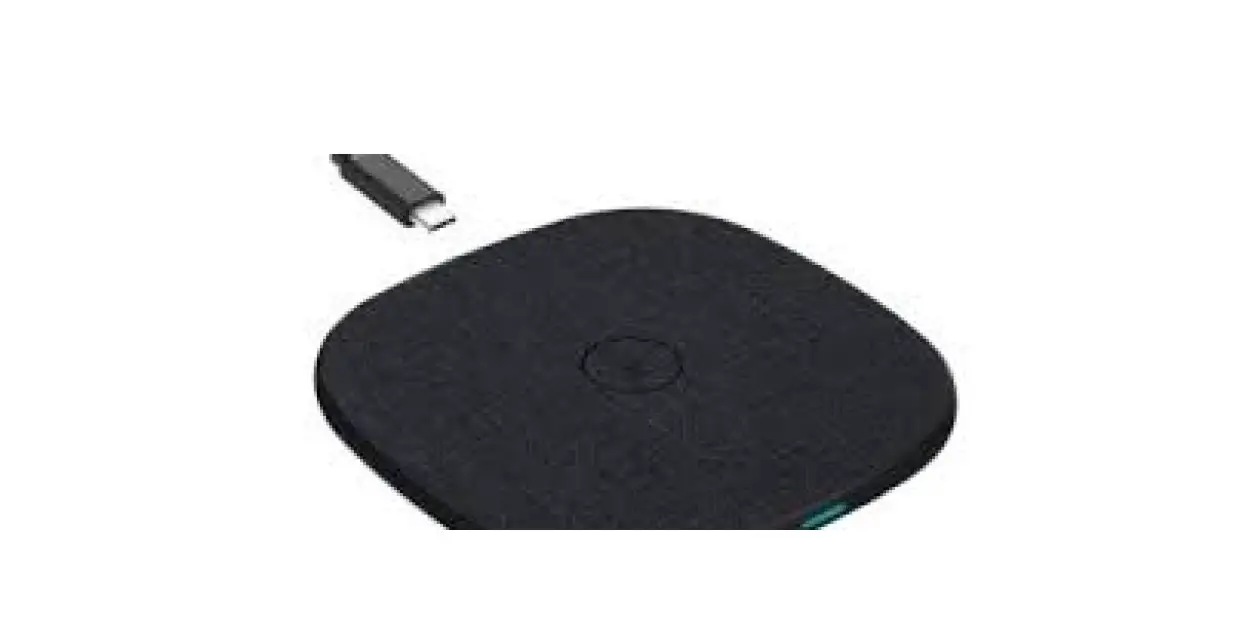
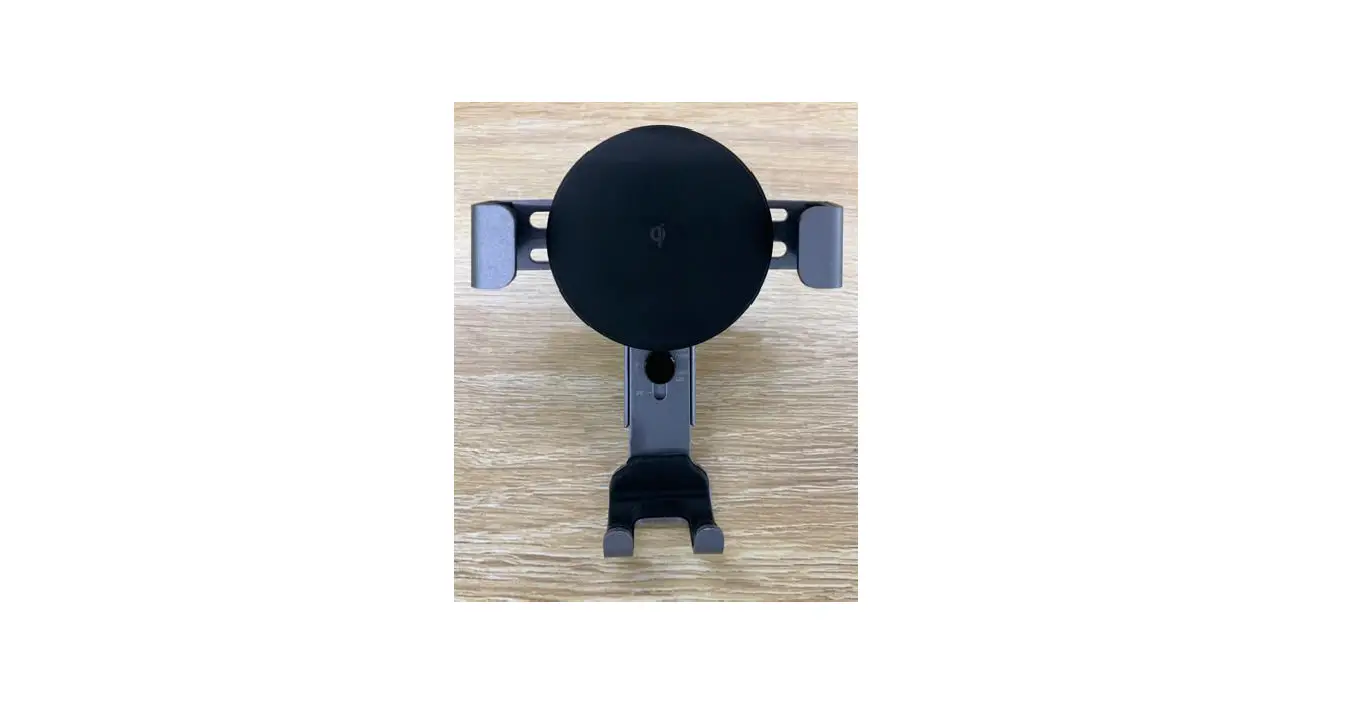
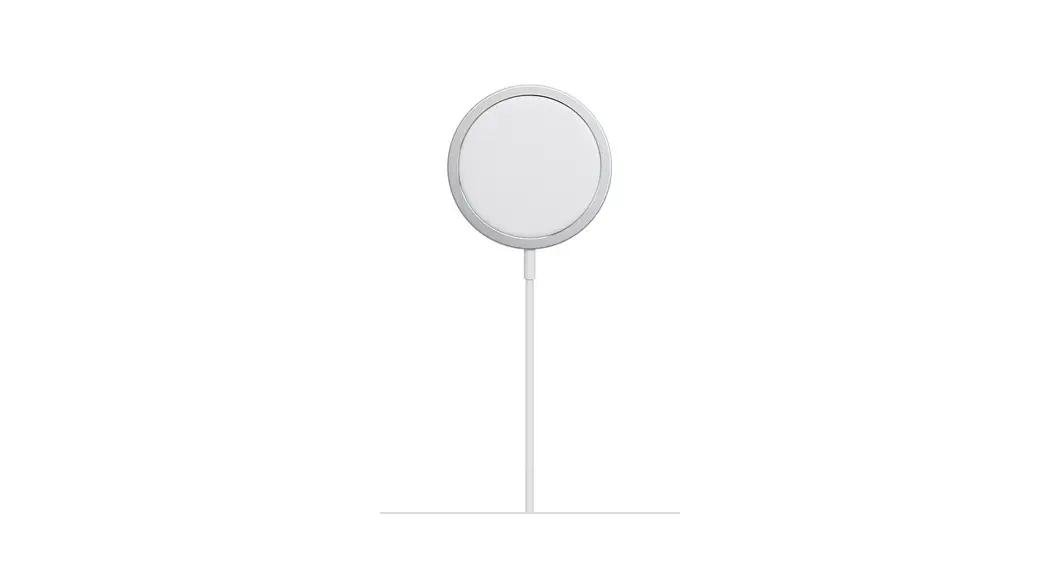
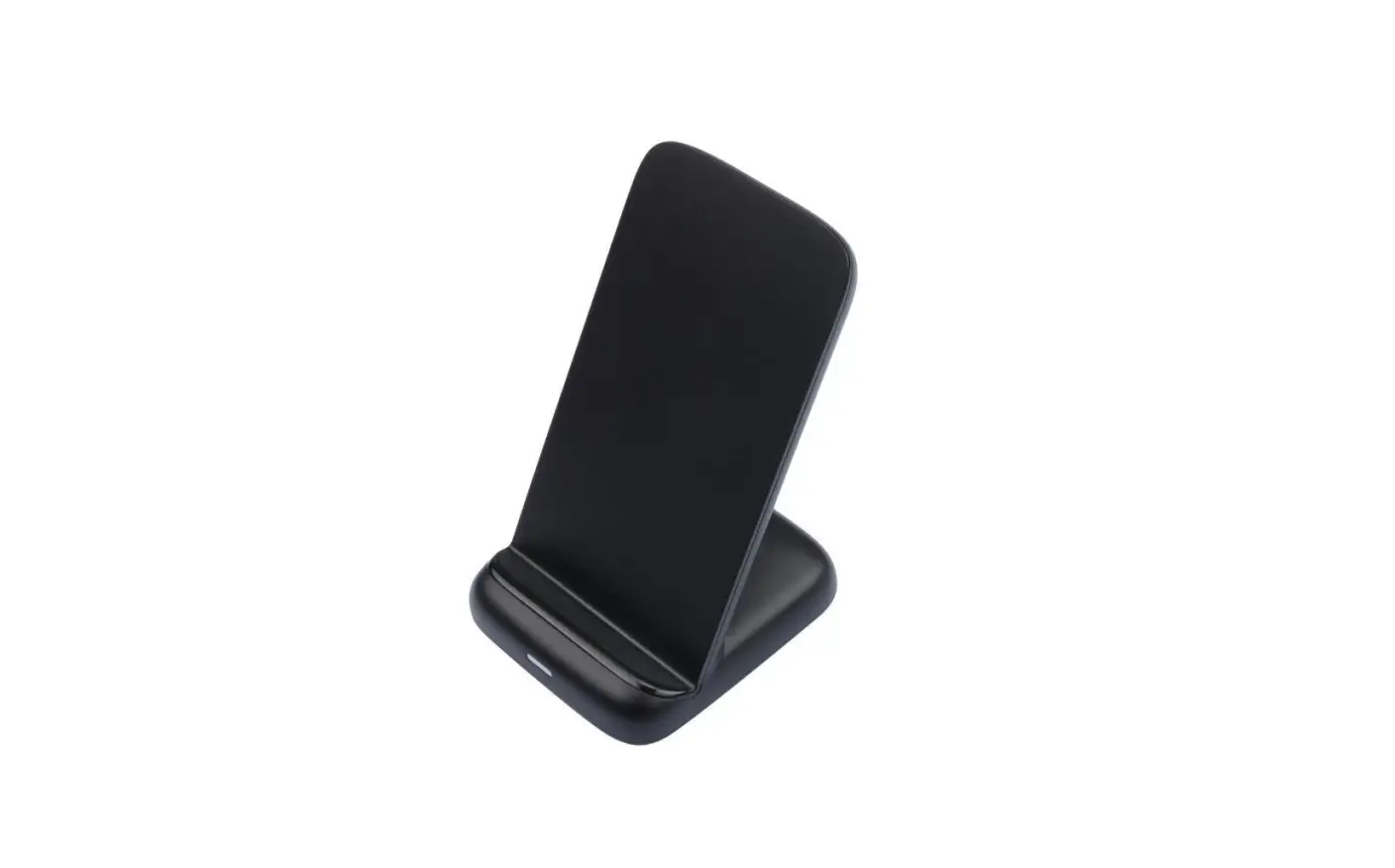
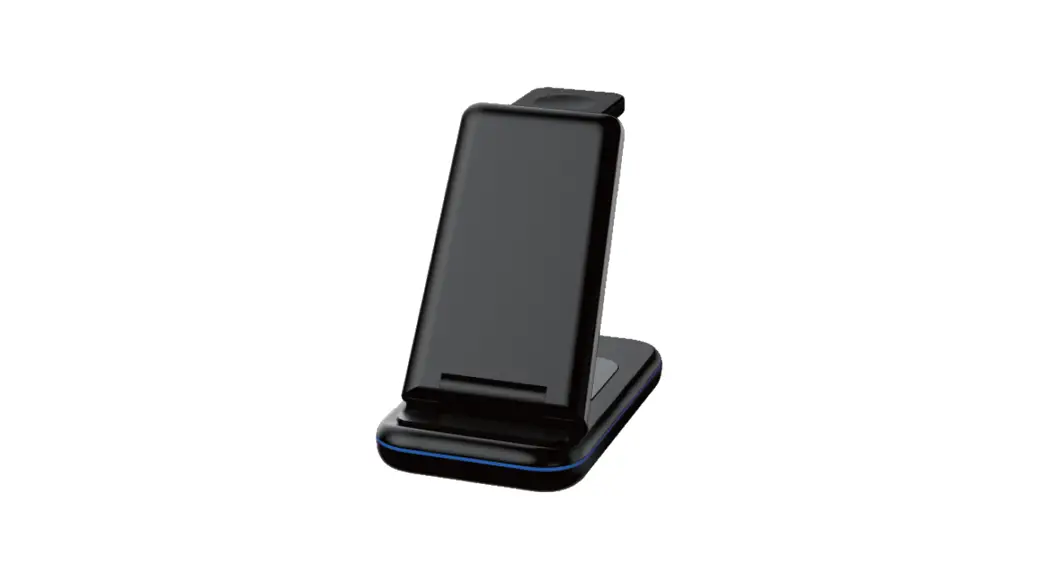
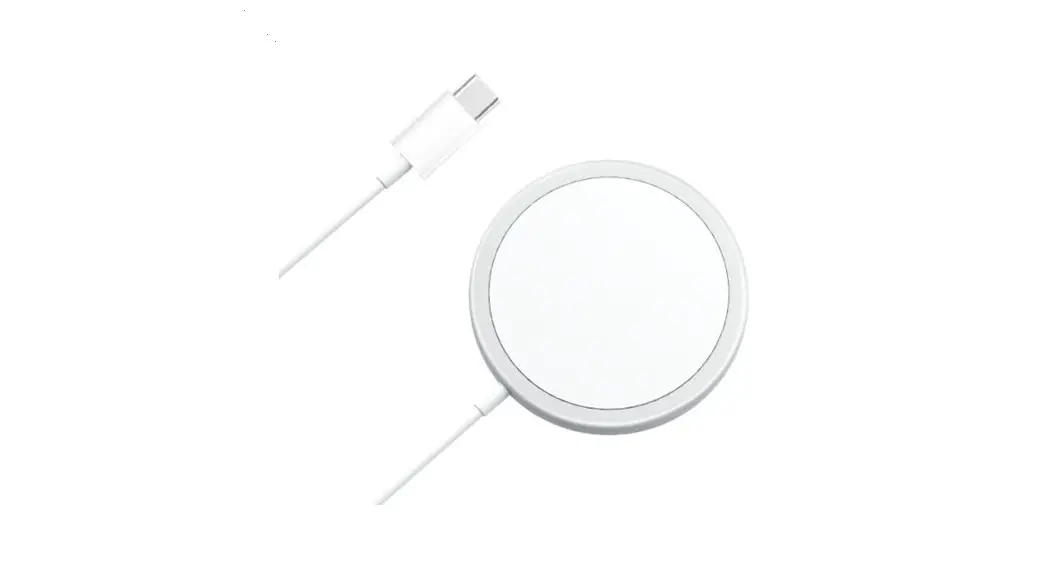
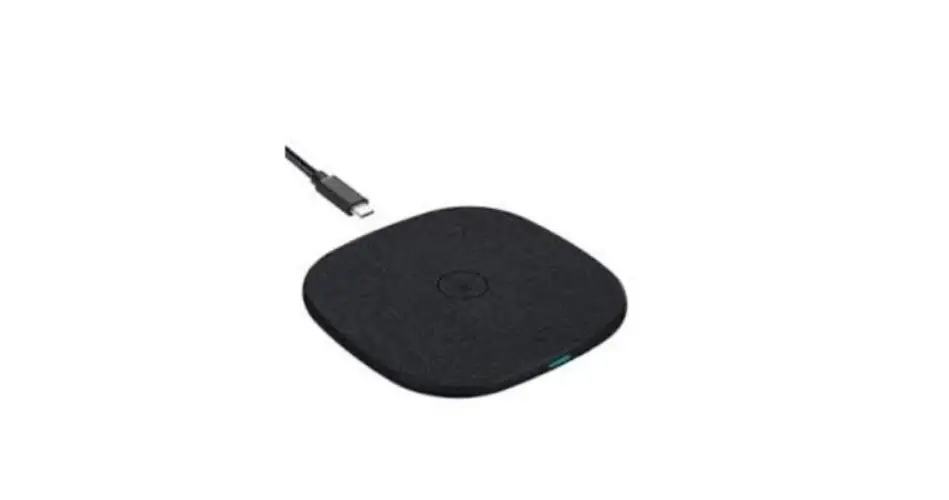
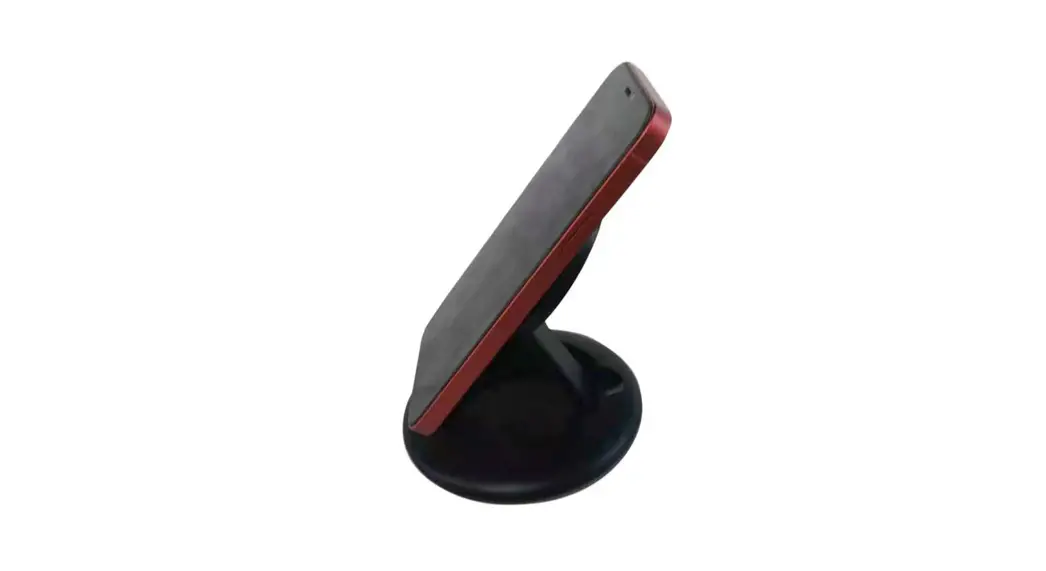
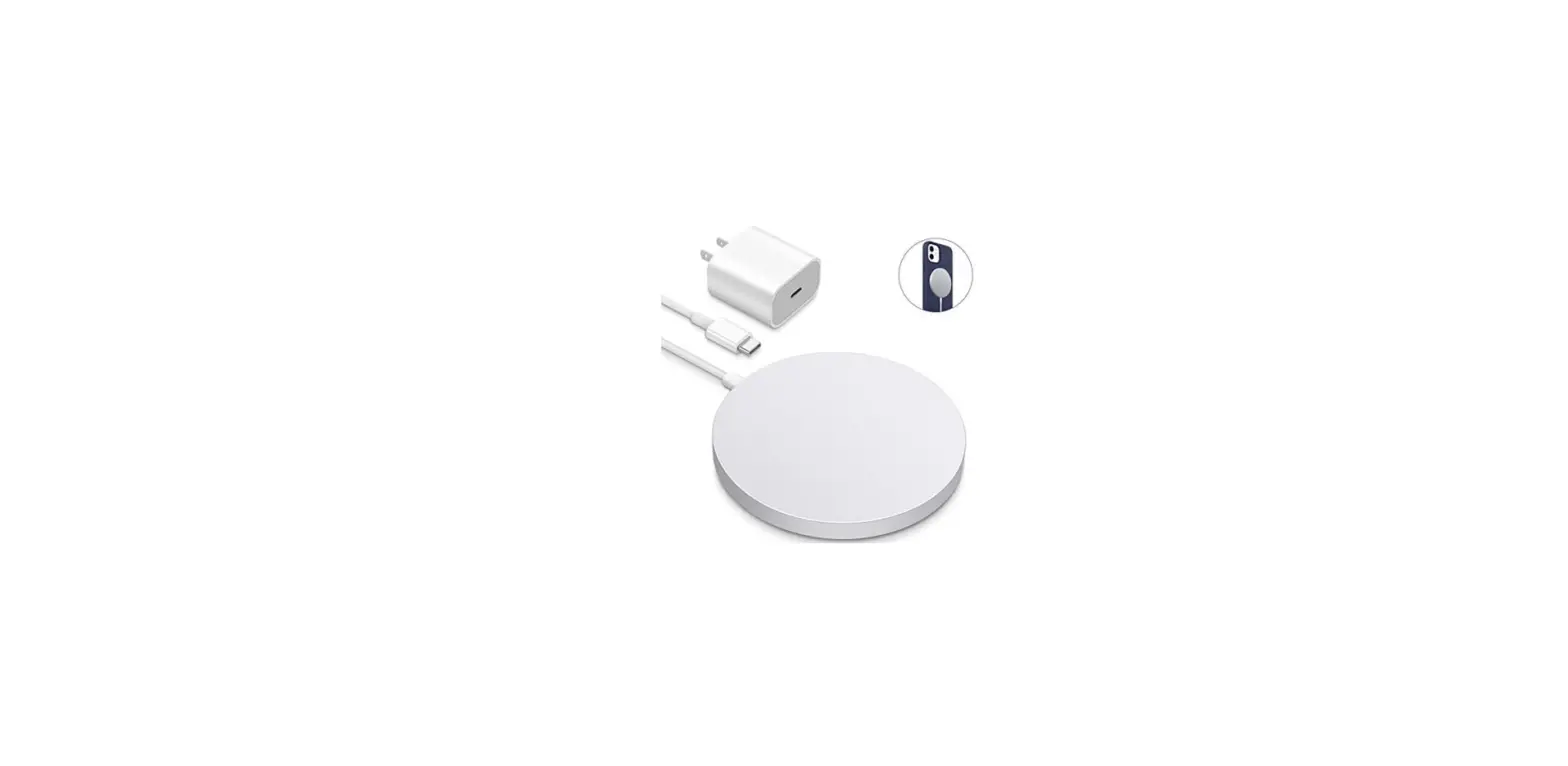
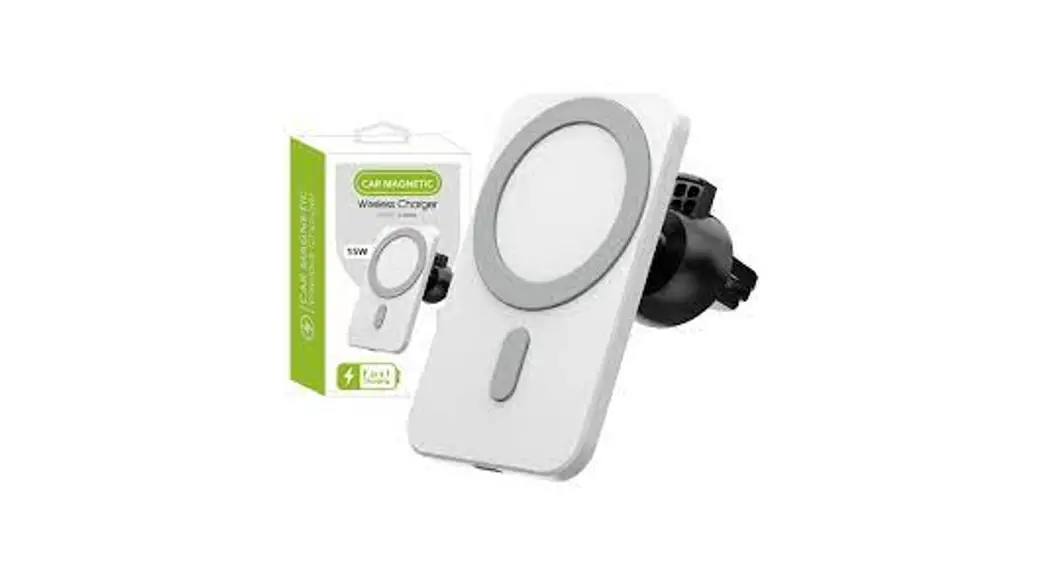
WPC15-1TXNB Magsafe Wireless Charger
Magsafe Wireless Charger WPC15-1TXNB
User Manual
CONTENTS
- 1.0 PRODUCT INTRODUCTION
- 2.0 FEATURES
- 3.0 SPECIFICATIONS
- 4.0 PACKING LIST
- 5.0 OPERATION GUIDANCE
- 6.0 CONNECTION DIAGRAM
1.0 INTRODUCTION
This product is a wireless charging device in accordance with
the QI protocol which is suitable for mobile phones, and other
devices based on wireless charging 5W, 7.5W or 15W. Connect the
wireless charger to a power supply and then you can charge your
device which is supported wireless charging (mobile phones, etc) by
putting it on the wireless charger directly.
2.0 FEATURES
- Transmitting terminal input: 5V/3A, 9V/2.22A
- Transmitting terminal output (magsafe): 5W/7.5W/15W
- Compliant with CE, FCC standards
- It is light, smart and convenient to use
- Compatibility: output – iPhone12/13, iPhone12/13min,
iPhone12/13Pro, iPhone12/13 ProMax
3.0 SPECIFICATIONS
- Input
- Output
- Wireless Charging Frequency
- Operating Temperature Range
- Storage Temperature Range
- Operation Humidity
- Storage Humidity
- Size
- Weight
4.0 PACKING LIST
Before using this product, please check the packing and make
sure the following items are contained in the packing:
- 1 Magsafe Wireless Charger
5.0 OPERATION GUIDANCE
Operation Procedures
- Connect the wireless charger to the power supply and the blue
light will be on during standby. - Place your device (which supports wireless charging) on the
wireless charger.
Operation Notes
- For optimum performance, please use the wireless charger
according to this user manual. - Please connect the wireless charger to the power adapter when
using.
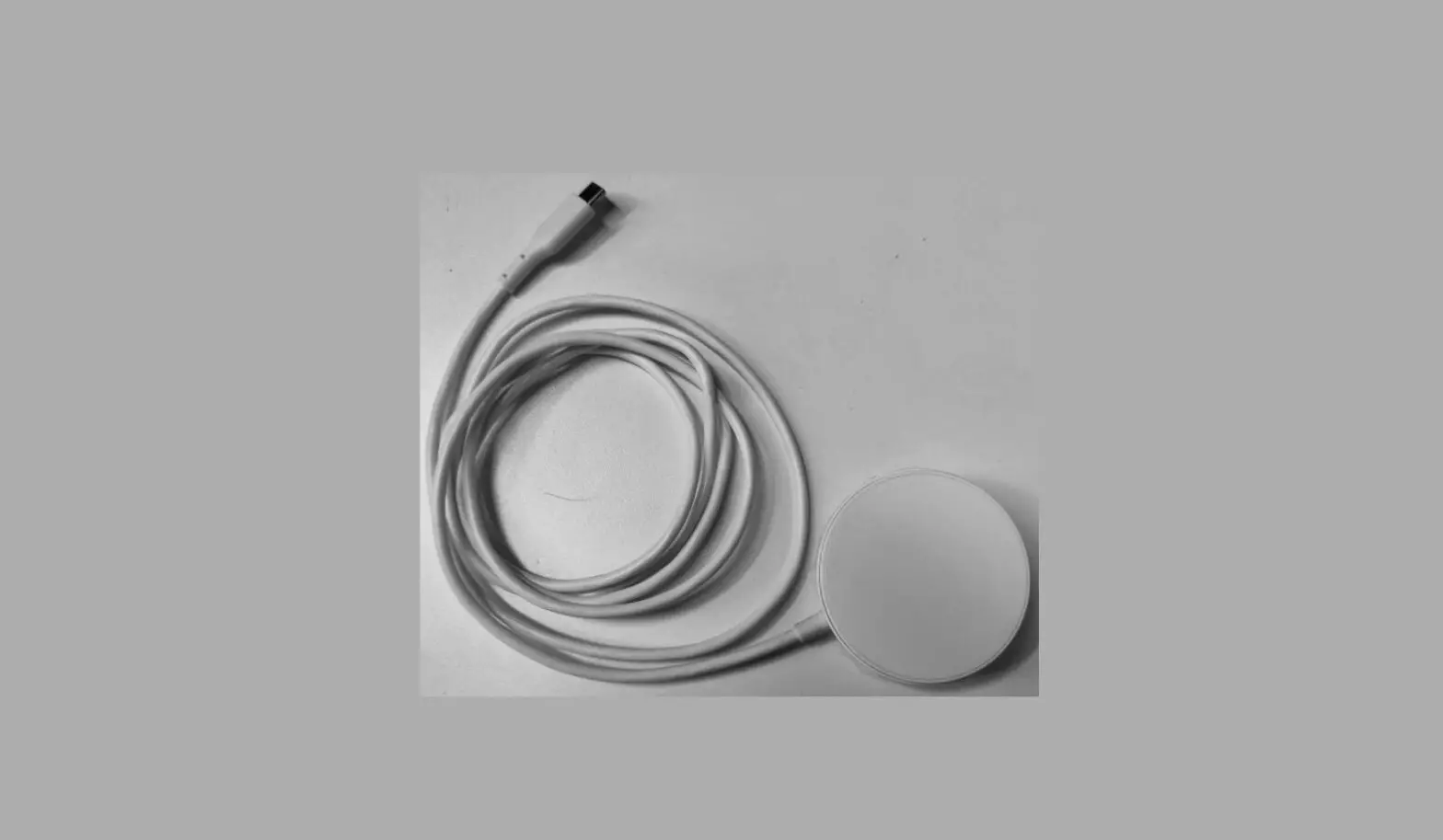
6.0 CONNECTION DIAGRAM
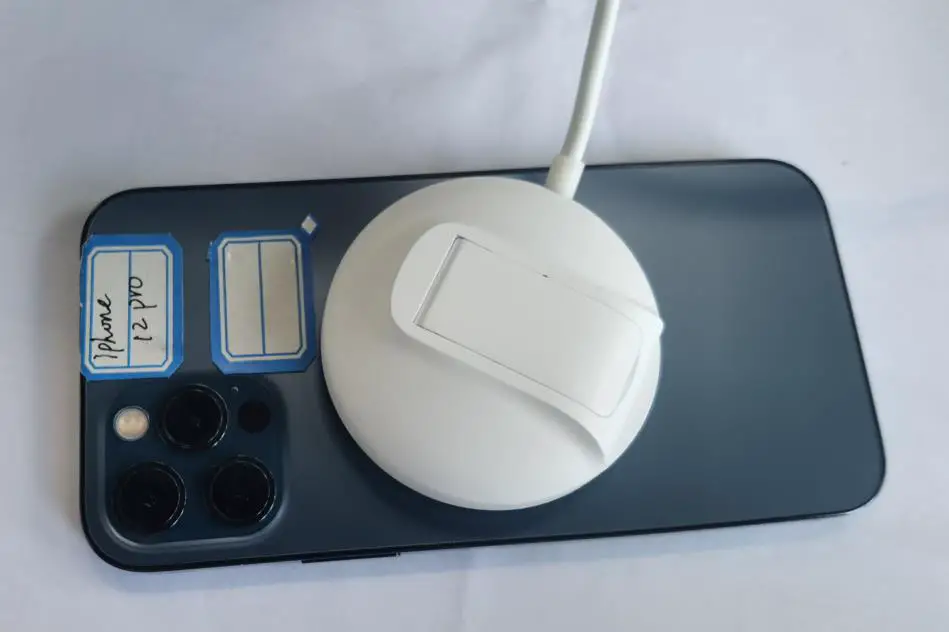
Magsafe Wireless Charger Connection Diagram:

RF exposure considerations
This equipment complies with the FCC RF radiation exposure
limits set forth for an uncontrolled environment. This equipment
should be installed and operated with a minimum distance of 20cm
between the radiator and any part of your body.
Magsafe Wireless Charger WPC15-1TXNB
User Manual
CONTENTS
1.0 PRODUC INTRODUCTION ——————————————1 2.0 FEATURES ———————————————————-1 3.0 SPECIFICATIONS ————————————————–1 4.0 PACKING LIST —————————————————— 1 5.0 OPERATION GUIDANCE ——————————————–2 6.0 CONNECTION DIAGRAM ——————————————-3
Magsafe Wireless Charger
Magsafe Wireless Charger
DEAR CUSTOMER
Thank you for purchasing this product. For optimum performance and safety, please read these instructions carefully before using this product. Please keep this manual for reference in the future.
1.0 INTRODUCTION
This product is a wireless charging device in accordance with the QI protocol which is suitable for mobile phones, and other devices based on wireless charging 5W, 7.5W or 15w. Connect the wireless charger to a power supply and then you can charge your device which is supported wireless charging (mobile phones, etc) by put it on the wireless charger directly.
2.0 FEATURES
Transmitting terminal input: 5V/3A, 9V/2.22A Transmitting terminal output(magsafe): 5W/7.5W/15W Compliant with CE, FCC standards It is light, smart and convenient to use Compatibility:
output:iPhone12/13,iPhone12/13min,iPhone12/13Pro,iPhone12/
13 ProMax
3.0 SPECIFICATIONS
Input Output Wireless Charging Frequency Operating Temperature Range Storage Temperature Range Operation Humidity Storage Humidity Size Weight
Type-C: 5V/3A, 9V/2.22A, (PD adapter) 15W Max 127.7KHz/110-205KHZ 0~35°C -20 ~ 40°C 10% ~ 80% RH 5% ~ 95% RH
4.0 PACKING LIST
Before using this product, please check the packing and make sure the following items are contained in the packing:
1
Magsafe Wireless Charger
Main unit×1 User Manual×1
5.0 OPERATION GUIDANCE
Operation Procedures
1. Connect the wireless charger to the power supply and the blue light will be on during standby.
2. Place your device (which supports wireless charging) on the wireless charger
Operation Notes 1. For optimum performance, please use the wireless charger
according to this user manual. 2. Please connect the wireless charger to the power adapter. When
you need 5Wwireless output, the output capacity of your adapter should include 5V3A. If you need 7.5W or 15W, you need 9V2.22A .It is compatible with PD adapters. 3. Please unplug the wireless charger after using. 4. Do not use the wireless charger with an electronic product which is not in conformity with the specifications, so as to avoid any problem caused by specification mismatching. 5. It’s normal that wireless charger will be a little overheated in the use process. 6. When the wireless charger stops working under some accidents, you need to check whether the device is compatible with this wireless charger. 7. Do not let the wireless charger close to fire, such as stove, candles and etc. 8. Do not let the wireless charger soak into liquid, such as swimming pool, bathtub, etc. 9. Do not wash the wireless charger with corrosive cleaner. 10. If the wireless charger does not work, please contact the local merchandise or dealer. 11. Do not place metal objects on the back of the phone while it is charging wirelessly.
2
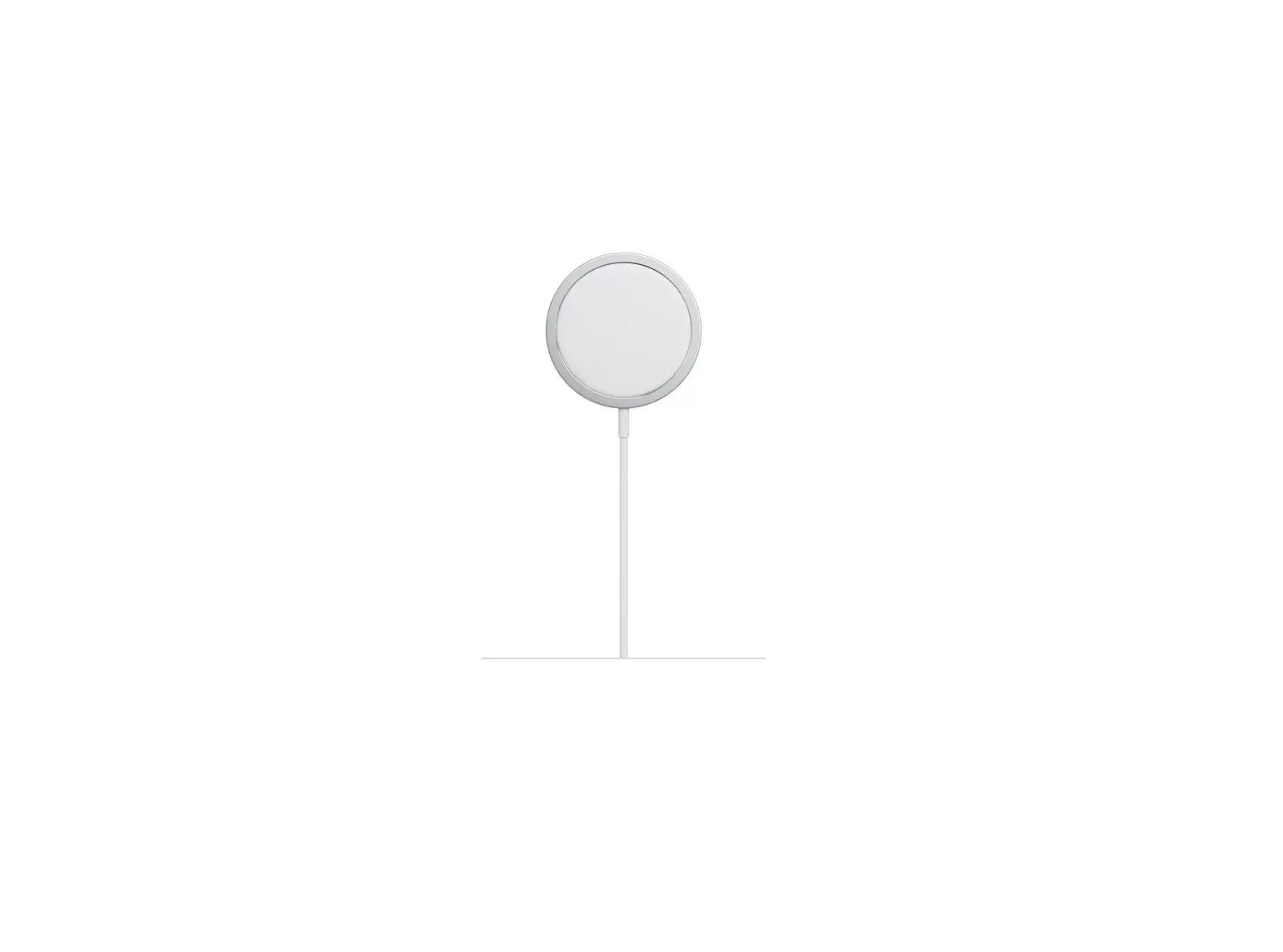
6.0 CONNECTION DIAGRAM
Magsafe Wireless Charger
FCC Warning This device complies with Part 18 of the FCC Rules. NOTE: Any changes or modifications to this unit not expressly approved by the party responsible for compliance could void the user’s authority to operate the equipment. Refer to FCC Part 18.213(c) and KDB 784748 Anner A section A.5: Max. Electric Field Emissions: 6.14V/m Max. Magnetic Field Emissions: 0.54A/m (b) The maintenance of the system is the responsibility of the manufacturer. (c) To prevent interference, the product should be as far away from devices operating at the same frequency as possible.
3
Magsafe Wireless Charger
RF exposure considerations This equipment complies with the FCC RF radiation exposure limits set forth for an uncontrolled environment. This equipment should be installed and operated with a minimum distance of 20cm between the radiator and any part of your body.
4