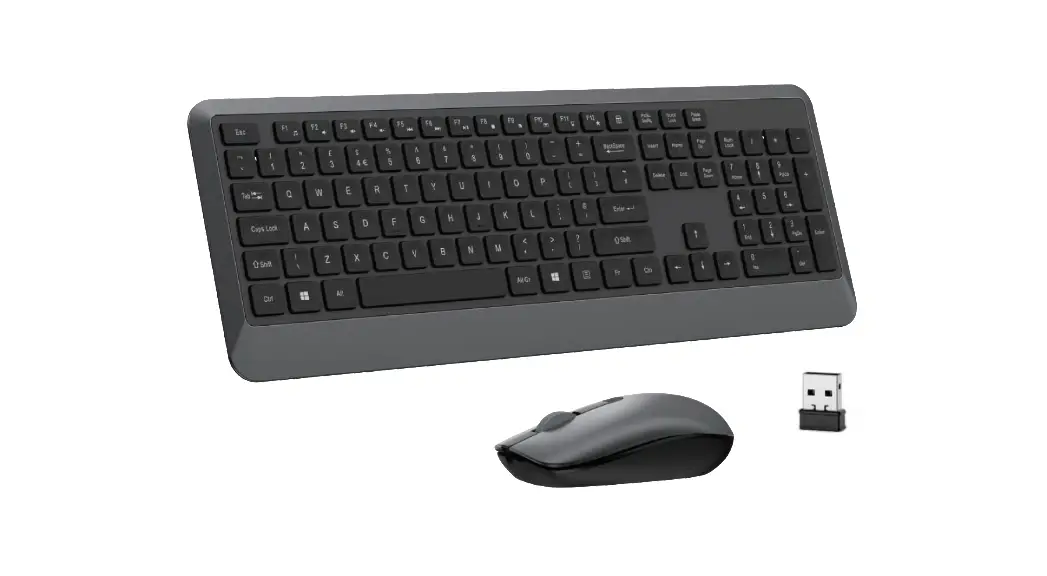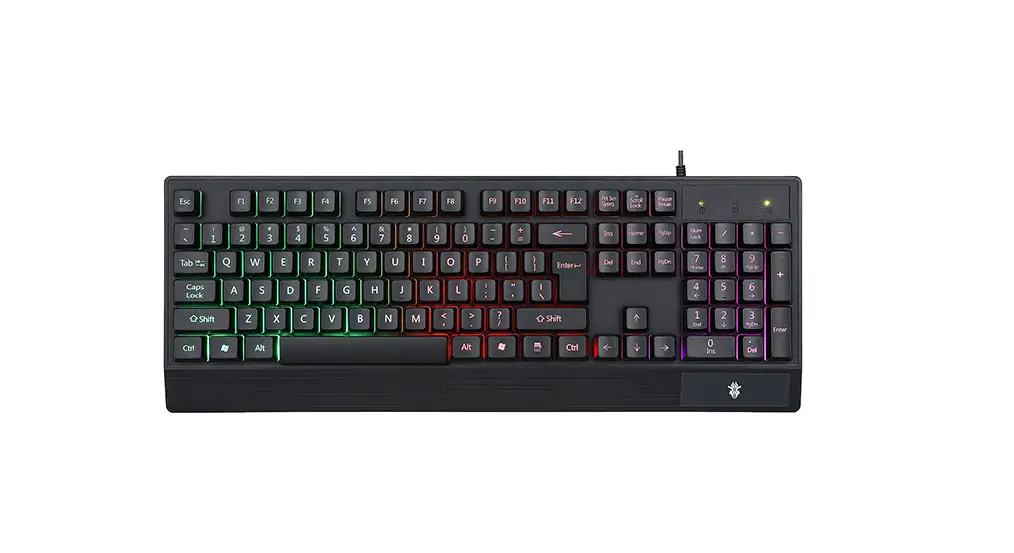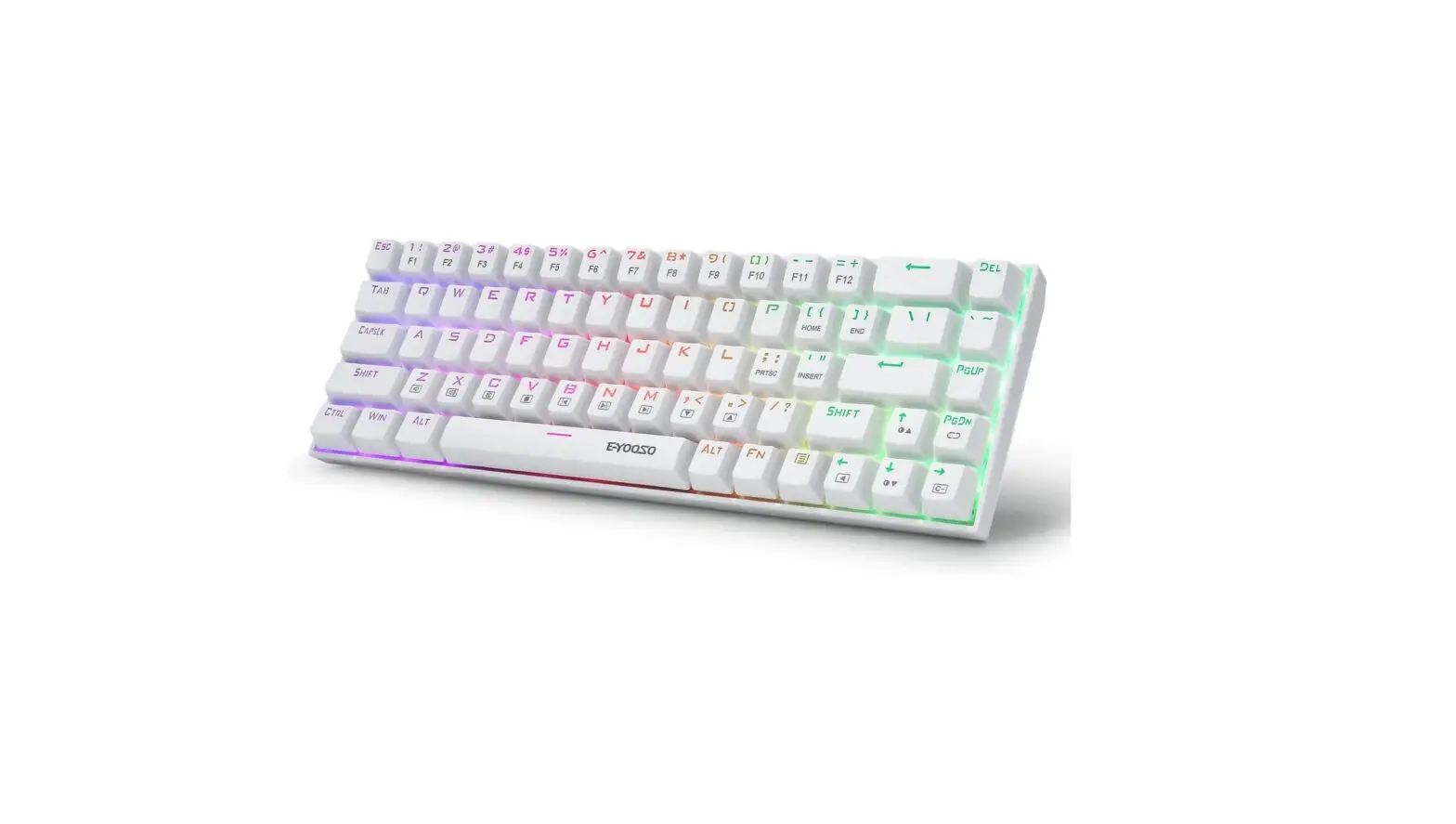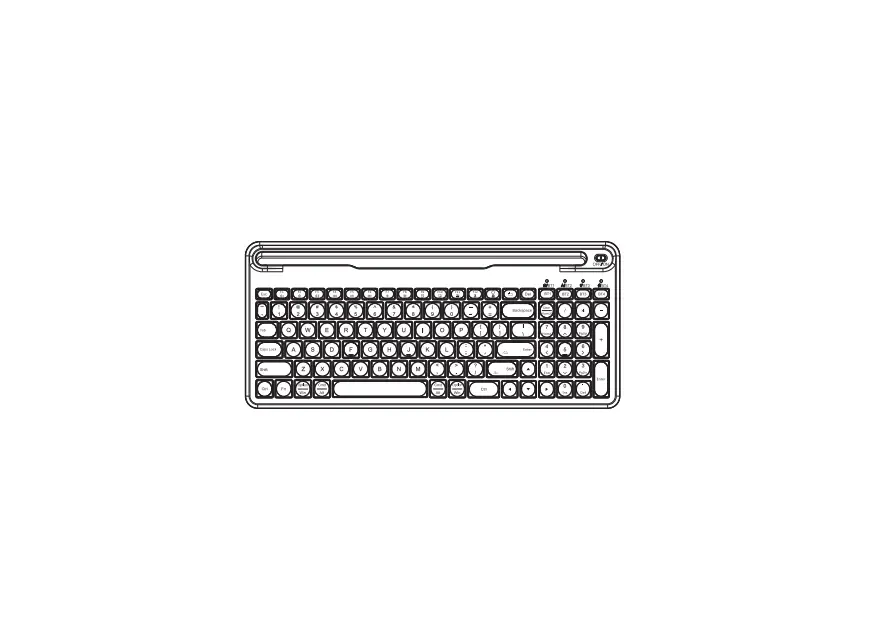
Shenzhen Lord Way Technology GD7218 Wireless Keyboard User Manual
Welcome
Thank you for choosing this wireless product. To ensure optimum performance and safety, please read these instructions carefully before operating this product. It is strongly recommended you keep this manual for future reference.
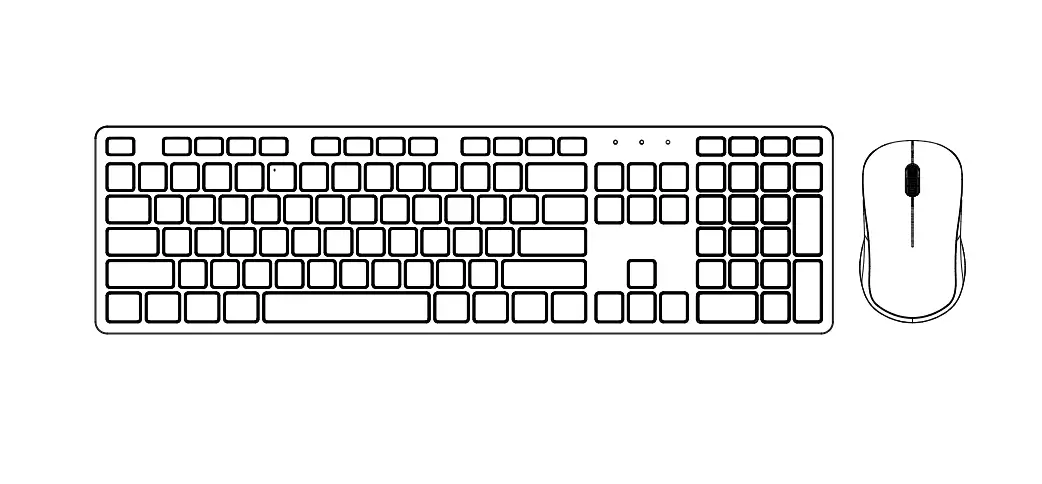
Combined Keys
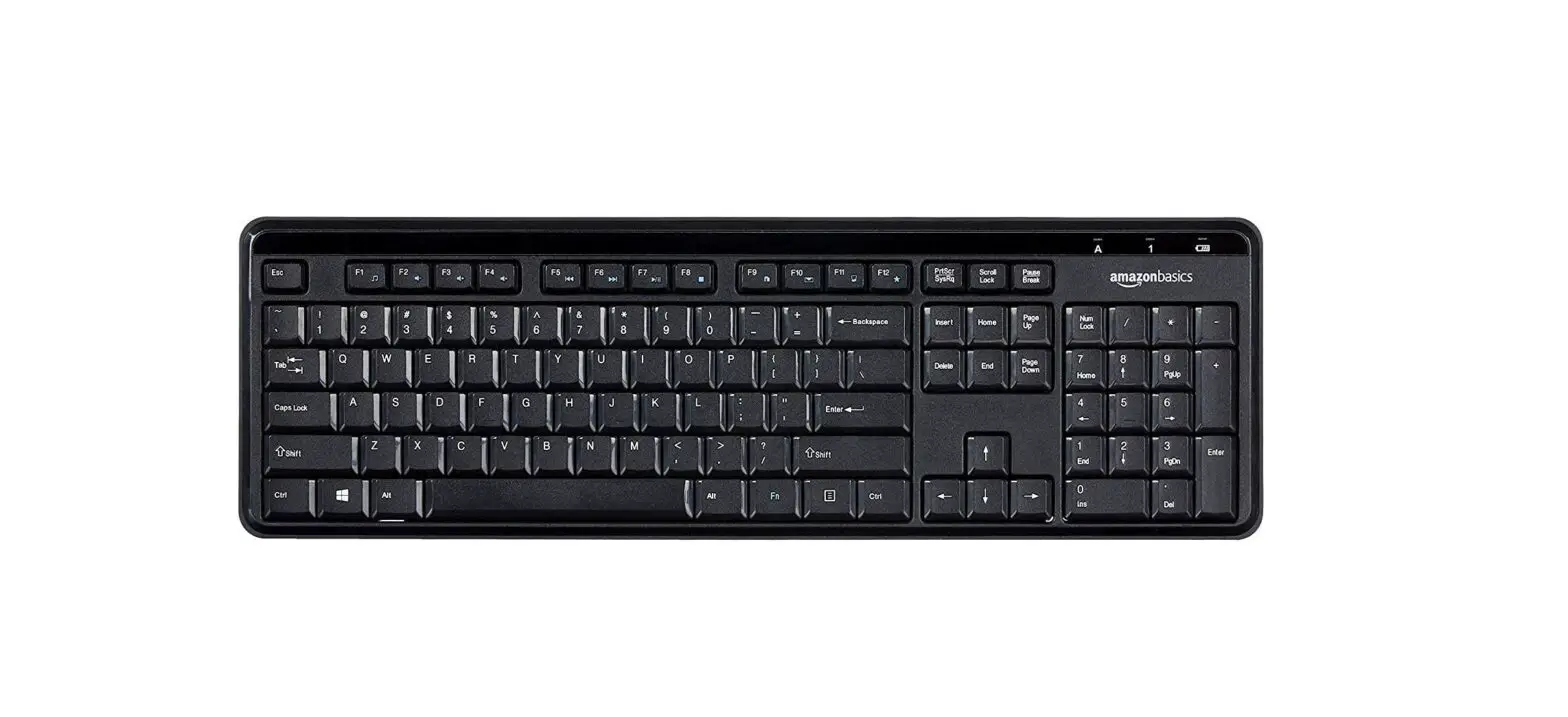
| FN+F1 |  | Media Play | FN+F2 |  | Decrease Volume(- |
| FN+F3 |  | Increase Volume(+ | FN+F4 |  | Mute |
| FN+F5 |  | Previous Track | FN+F6 |  | Next Trace |
| FN+F7 |  | Play / Pause | FN+F8 |  | Stop |
| FN+F9 |  | Browser | FN+F10 |  | |
| FN+F11 |  | My Computer | FN+F12 |  | Open Bookmark |
Other shortcut keys: Calculator
Systems the multimedia keys support:
| Icon | Description | Win 8 Win 10 | Win XP Win 7 | Mac | Remarks | |
| 1 | | Media Play | Ο | Ο | x | – |
| 2 | | Decrease Volume(-) | Ο | Ο | Ο | – |
| 3 | | Increase Volume(+) | Ο | Ο | Ο | – |
| 4 | | Mute | Ο | Ο | Ο | – |
| 5 | | Previous Track | Ο | Ο | Ο | – |
| 6 | | Next Track | Ο | Ο | Ο | – |
| 7 | | Play / Pause | Ο | Ο | Ο | – |
| 8 | | Stop | Ο | Ο | Ο | – |
| 9 | | Browser | Ο | Ο | Ο | – |
| 10 | | Ο | Ο | Ο | – | |
| 11 | | My Compute | Ο | Ο | Ο | – |
| 12 | | Open Bookmarks | Ο | Ο | Ο | – |
| 13 | | Calculator | Ο | Ο | Ο | – |
Note:
The multimedia keys are for Win 8 and Win 10,for other systems, there may be no function for some combined keys.
Package Contents:
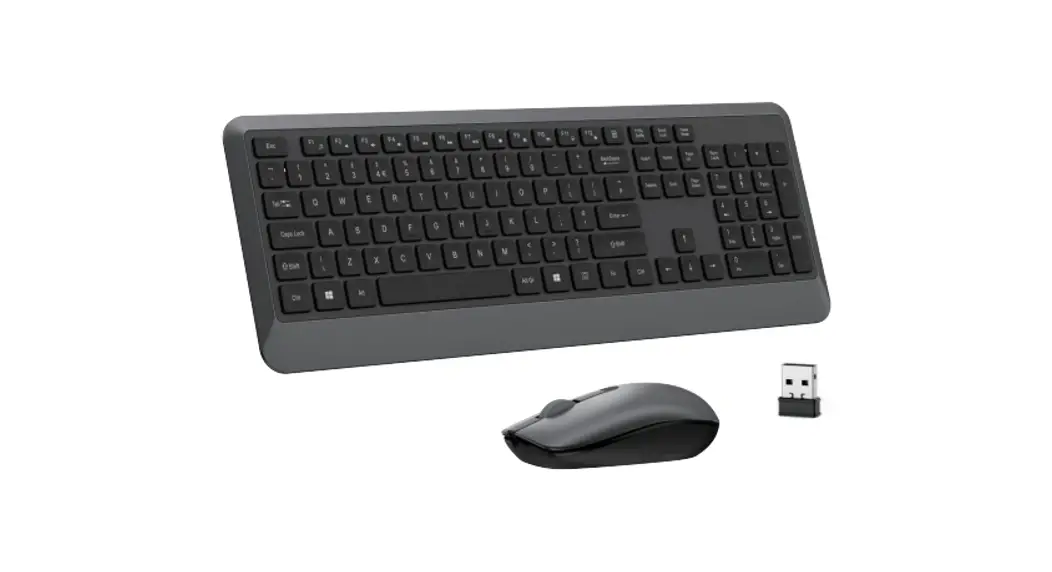
- 1 x Wireless Keyboard LD-218
- 1 x Wireless Mouse LD-936
- 1 x User Manual
Keyboard Product Specifications:
- Battery Type:1 AAA batteries
- Multimedia functions
- USB 2.0 interface, plug & play, no driver required.
- Compatible with Windows OS(Windows 2000,XP,Vista,WIN7,WIN8,Win10), Mac.
- Operating Voltage:1.5V
- Operating Current:≦10mA
- Sleeping Current:≦50uA
- Key Life:10 million key strokes
- Dimension:430*121*22 mm
- Weight:495g
- Keyboard Instructions:
Battery Installation
The wireless keyboard uses one AAA batteries(not included).Open the battery compartment cover. Install the batteries into the compartment, and make sure the polarity of the batteries is correct. The positive(+)and negative(-)ends of each battery must match the positive(+)and negative(-)markings in the battery housing.
Functional area:
- Press the “Num Lock” button, the “1” LED will switch off and the numerical zone will change
- to the functional area.
- Number “2”,”4,”6″,”8″are down, left, right, in the direction.
- Number “1,”3″.”7″,”9″are for “Fine”, “Page Down “,”Home” ,”Page Up”.
- Number “0” is for “Insert”.
- The decimal point is for “Delete”.
- Wireless mouse:
NOTE:
This equipment has been tested and found to comply with the limits for a Class B digital device, pursuant to part 15 of the FCC Rules. These limits are designed to provide reasonable protection against harmful interference in residential installation. This equipment generates uses and can radiate radio frequency energy and, if not installed and used in accordance with the instructions, may cause harmful interference to radio communications. However, there is no guarantee that interference will not occur in a particular installation. If this equipment does cause harmful interference to radio or television reception, which can be determined by turning the equipment off and on, the user is encouraged to try to correct the interference by one or more of the following measures:
- Reorient or relocate the receiving antenna.
- Increase the separation between the equipment and receiver.
- Connect the equipment into an outlet on a circuit different from that to which the receiver is connected.
- Consult the dealer or an experienced radio/TV technician for help
Changes or modifications not expressly approved by the party responsible for compliance could void the user’s authority to operate the equipment. This device complies with Part 15 of the FCC Rules. Operation is subject to the following two conditions:
- this device may not cause harmful interference, and
- this device must accept any interference received, including interference that may cause undesired operation.
Product Specifications:
- Working Frequency:2.4GHz
- Operation Voltage:1.5V
- Battery Type:1 AA battery
- Current Dissipation:1.5V-20mA
- Standby Current:0.5~2.0mA
- Sleeping Current:50uA
- DPI Resolution:1200
- Working Distance:≦10M
- Key Life:5 million
- Dimensions:106*61*38 mm
- Weight:60g