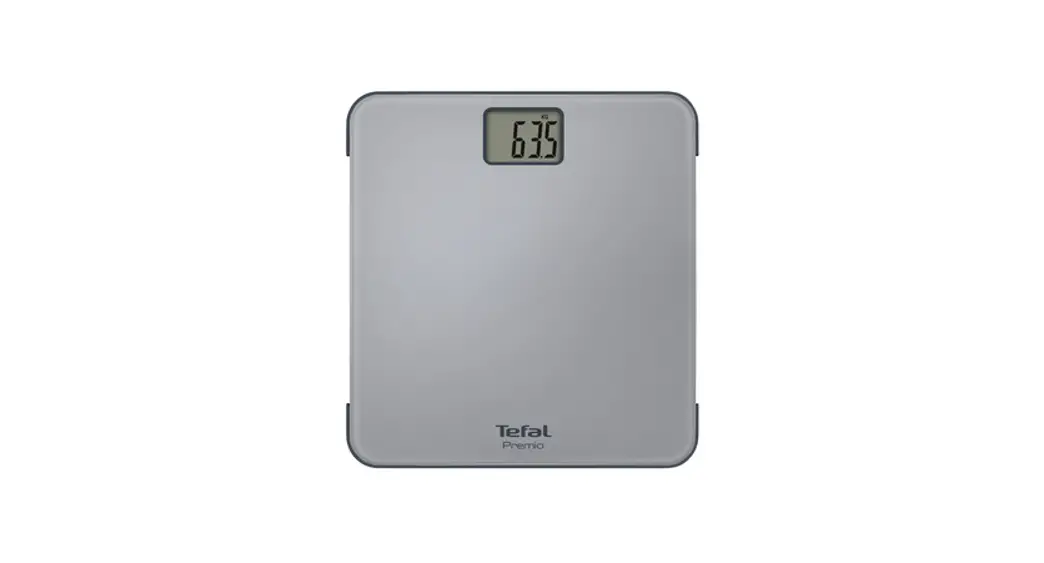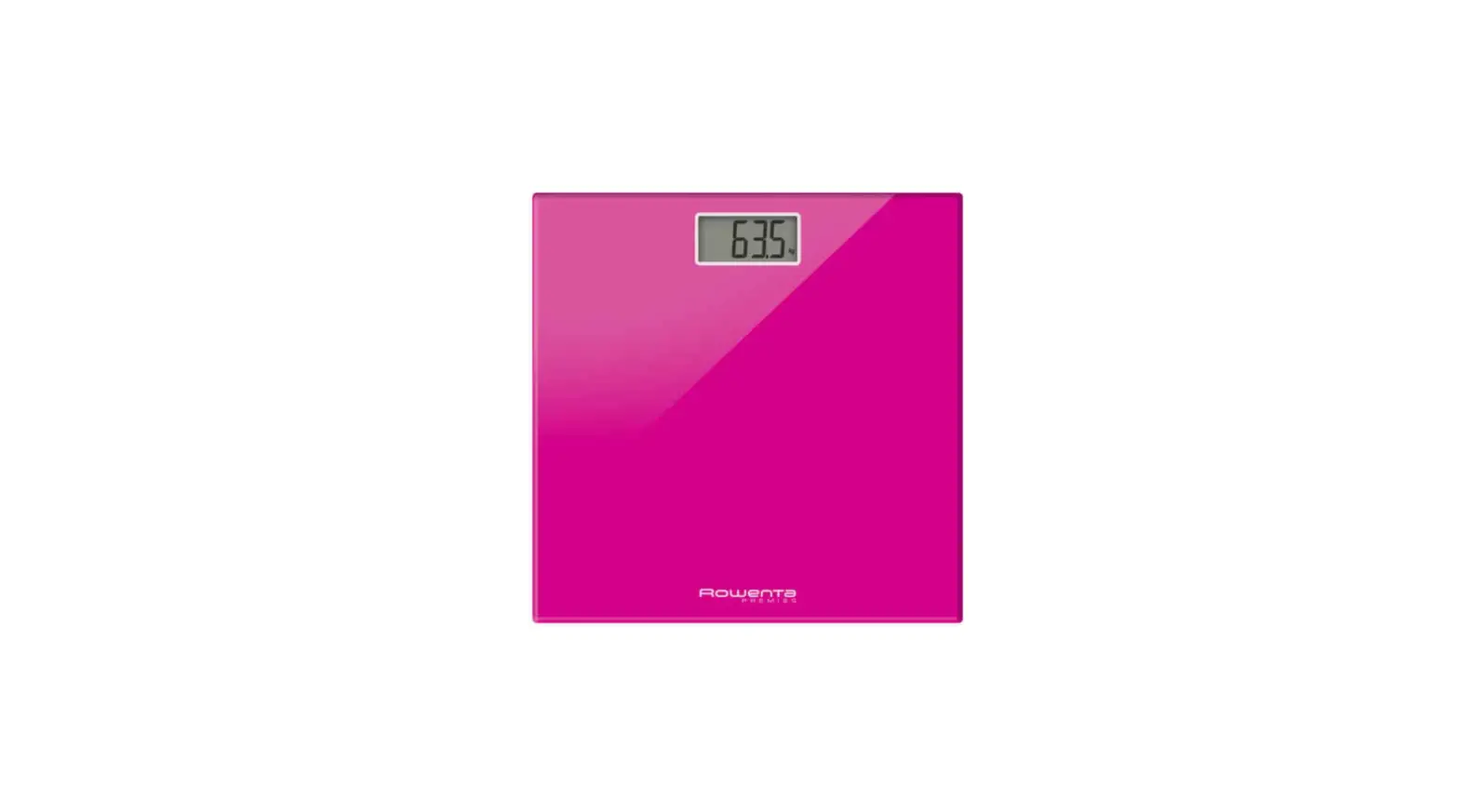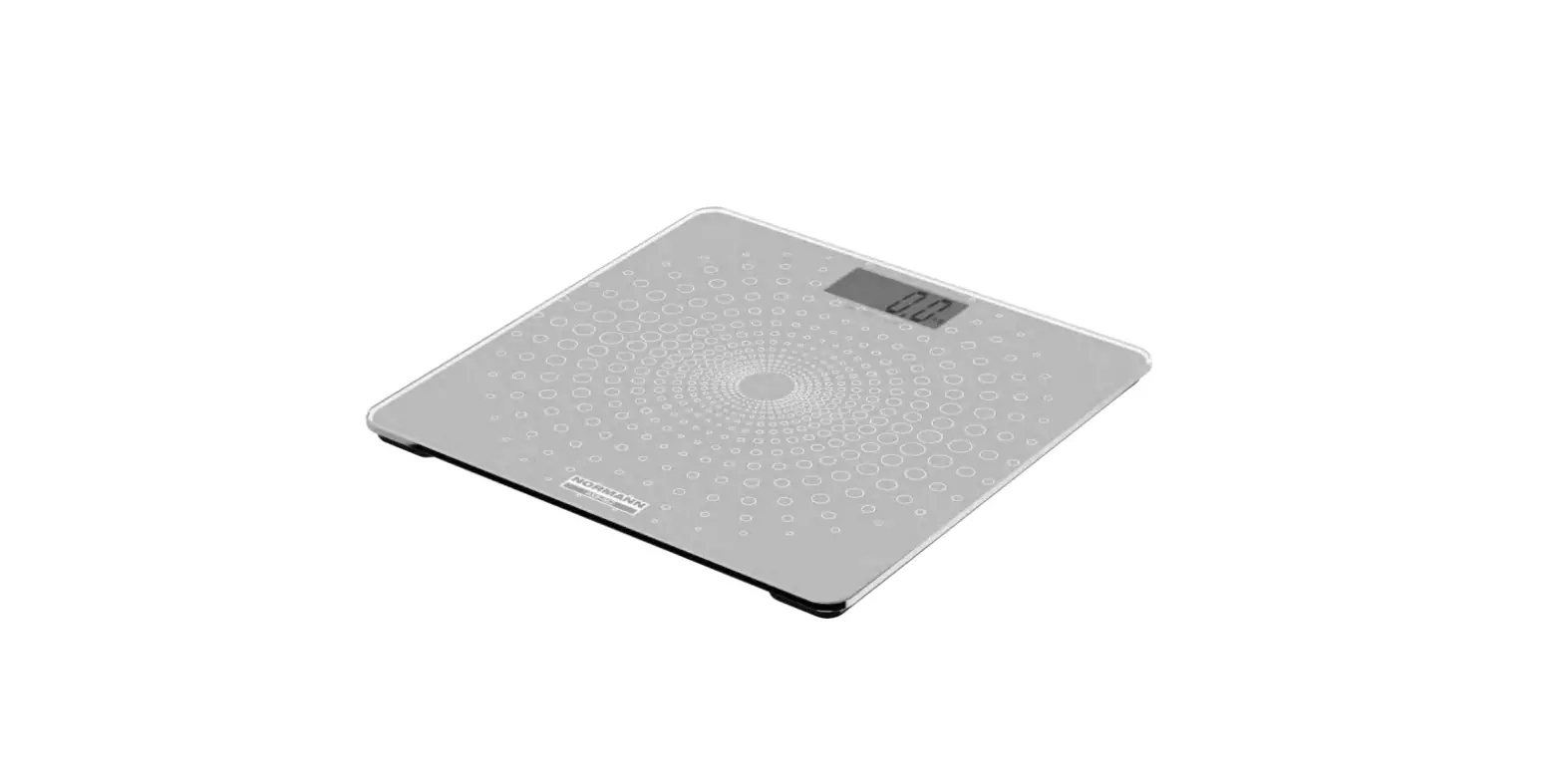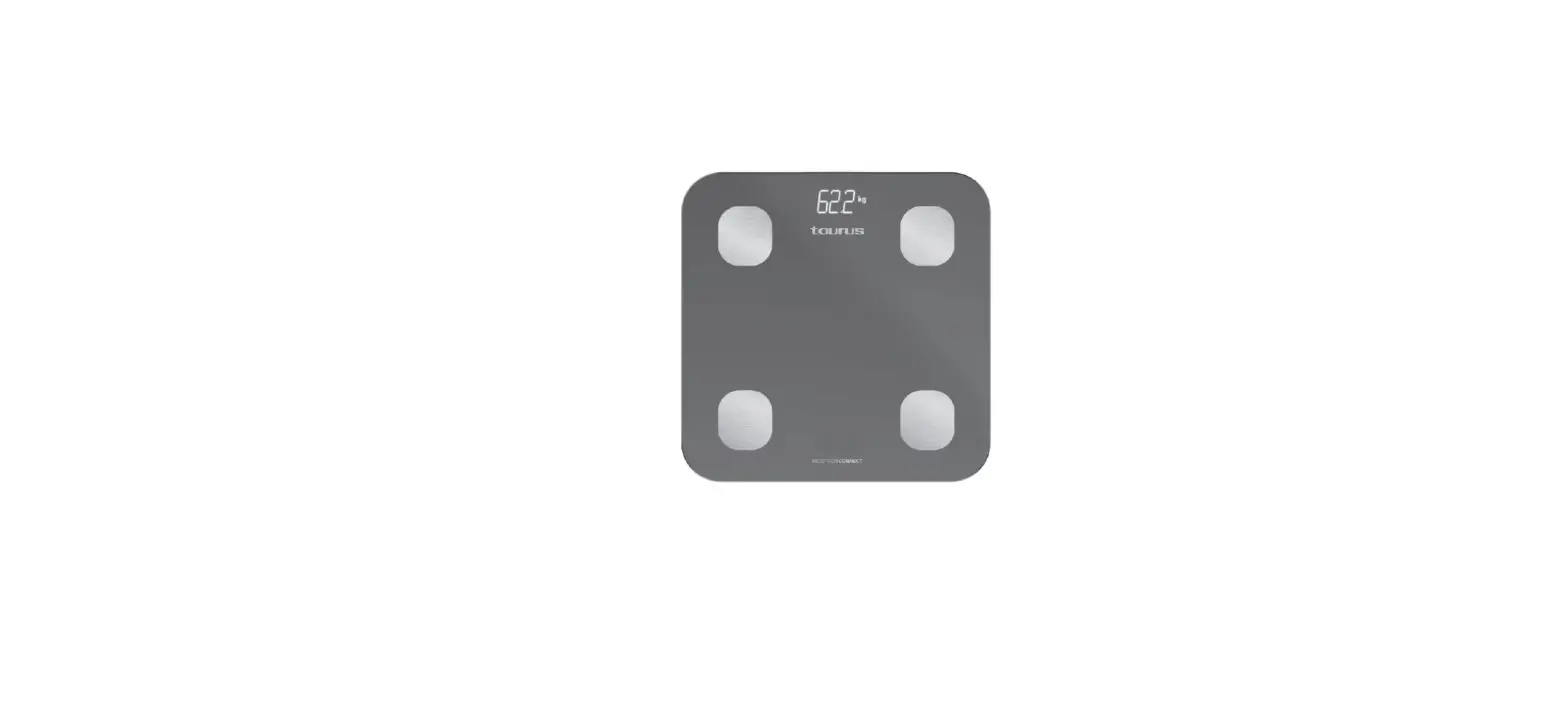

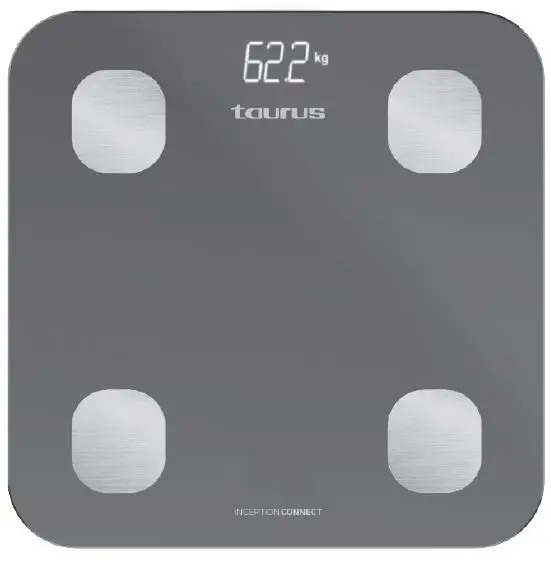
taurus BS2802CD Bathroom Scale
INSTRUCTION
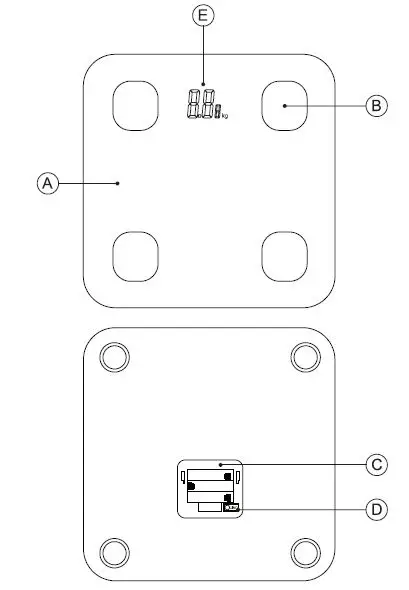
DESCRIPTION
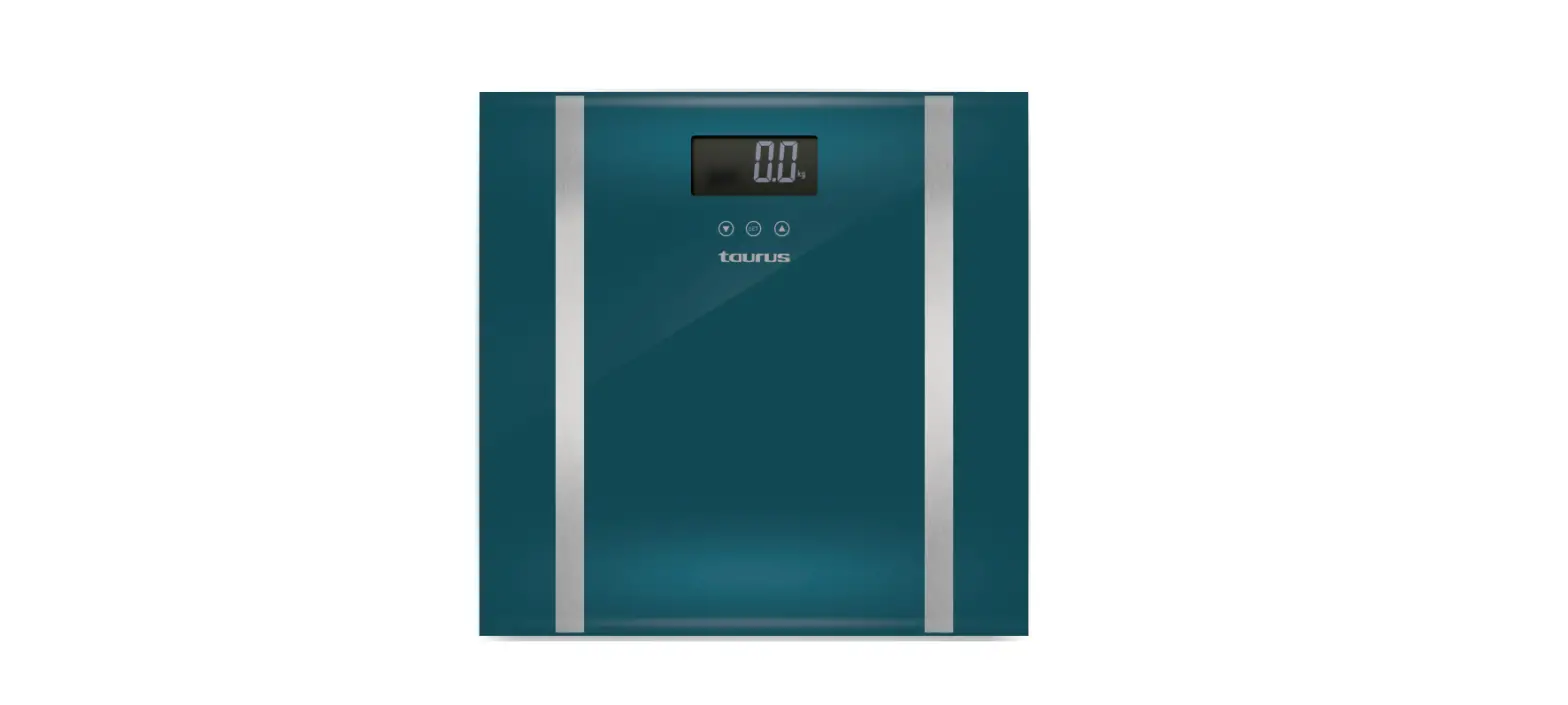
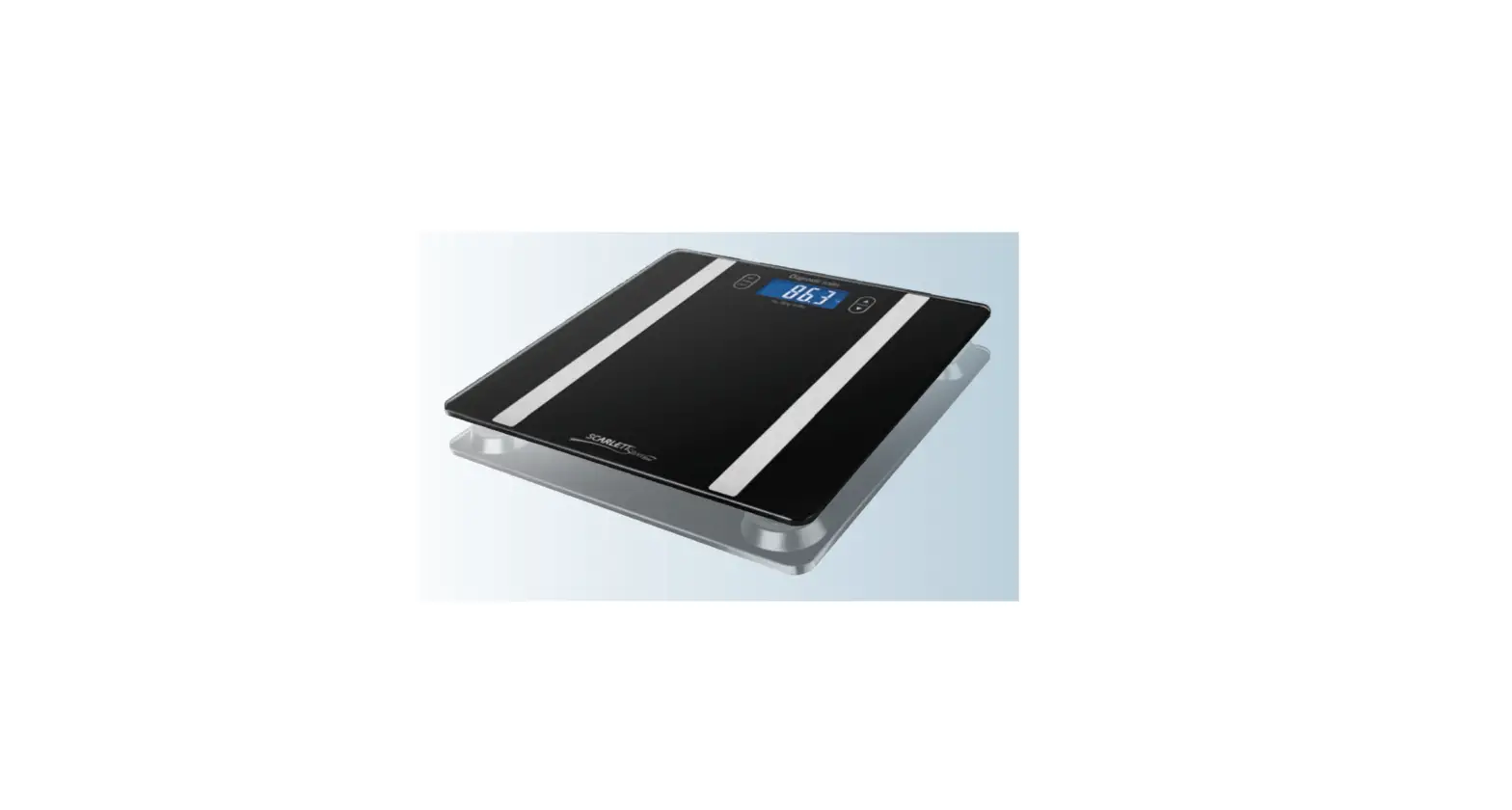
- Platform
- Electrodes
- Battery compartment cover
- Weight unit selector button
- LCD screen
- If the model of your appliance does not have the accessories described above, they can purchased separately from the Technical Assistance Service.
USE AND CARE
- Do not overload the appliance’s weight capacity.
- Remove the batteries from the appliance if you are not going to use it for some time.
- This appliance is for household use only, not professional or industrial use.
- This section is not valid for business transactions
- Store this appliance out of reach of children and/or those with reduced physical, sensorial or mental abilities or who are unfamiliar with its use
- When the batteries is not in use, keep it away from other metal objects like paper clips, coins, keys, screws … that could connect a terminal to another.
- Do not short-circuit the battery terminals as this may cause an explosion or fire.
- The batteries should be stored at a temperature of below 40ºC.
- CAUTION: Do not use the appliance if the glass is cracked or broken.
- Use the device only with the batteries for which has been specifically designed. The use of any other battery may cause an explosion or fire hazard.
FITTING THE THE BATTERY/ (IES)
- CAUTION: During the handling of batteries, do not touch both poles at the same time, as this will provoke the partial discharge of the stocked energy therefore affecting longevity.
- Remove the cover of the battery compartment.
- Check that the plastic covering that protects the battery has been removed (some batteries are sold with a protective covering).
- Put the battery in its compartment, respecting the polarity.
- Close the cover of the battery compartment.
- It is essential that the batteries should always be the same kind and the same charge. Never mix alkaline batteries with normal one (Car-bon-Zinc) and/or rechargeable ones.
USE
BEFORE USE
- Make sure that all the product’s packaging material has been removed.
WIFI CONNECTION & DOWNLOADING THE APP
- To use the Inception Connect scales wherever you choose, first download the Taurus App
SETUP
- Downloaded the Taurus App from the App Store or Google Play.
- Sign up using your email address and pass-word.
- Confirm registration using the verification code that will be sent to your email account.
- Create your home, name your home, establish the geographical location and select the room where you are going to place the smart device.
- Add Inception Connect by following the steps described in THE QUICK GUIDE.
- To connect Inception Connect to WiFi, switch on the scales.
IMPORTANT: Only 2.4GHz Wi-Fi networks are supported.
- IF THE CONNECTION FAILS, CHECK THESE POSSIBLE CAUSES:
- Inception Connect is within range of the router.
- The Wi-Fi password is incorrect
- The Wi-Fi network is not 2.4GHz
WEIGHT UNIT SELECTOR
- Kg/Lb/St
- The device has a weight unit selector, set the selector to the position that corresponds to the type of units you want to work with. To do this, press the “unit” button repeatedly until the selected measuring unit appears on the screen.
USE
- Switch the device on by pressing lightly on the weighing platform and wait until 0,0 appears on the display
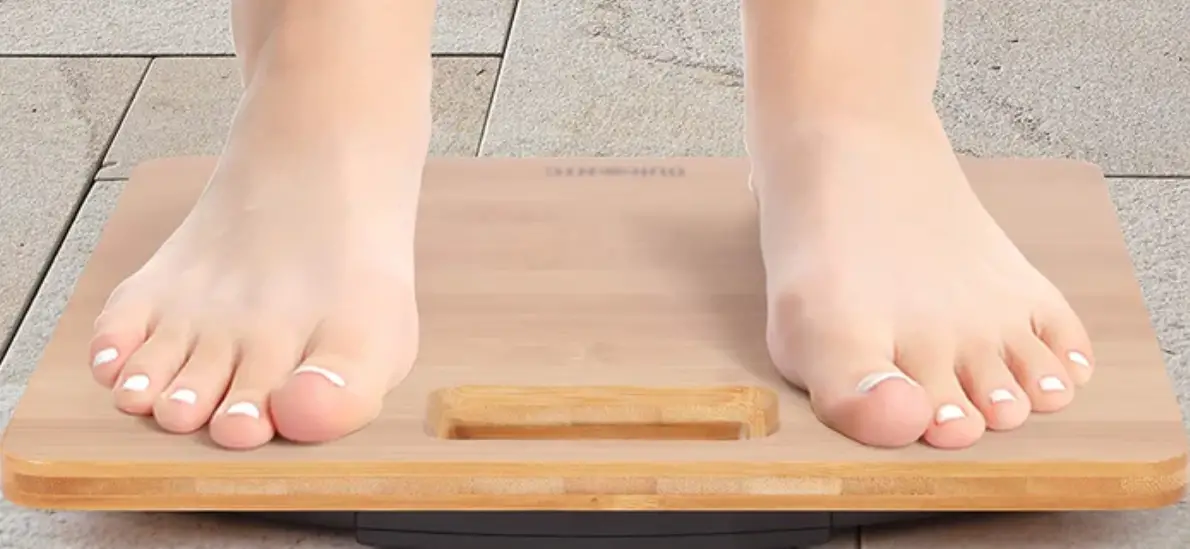
- Stand in the centre of the platform avoiding any abrupt movements, keep still and do not touch other objects, until the appliance displays your weight.
- So as to avoid inaccuracies in the measurements taken due to electro-magnetic interference between electronic devices, do not use this appliance near other devices such as mobile telephones or microwave ovens.
AUTO-DISCONNECTION FUNCTION (STAND-BY)
- For the purpose of saving energy, the appliance switches to auto-off mode (stand-by) after 12 seconds, assuming the user has not performed any action on it during this period.
- To return to normal operation, simply press down lightly on the weighing platform and wait until 0,0 appears on the display
ONCE YOU HAVE FINISHED USING THE APPLIANCE
- Remove the batteries from the appliance if you are not going to use it for some time.
- Clean the appliance
SPECIAL MESSAGES
THE FOLLOWING MESSAGES MAY APPEAR ON THE SCREEN
- Err:
- means that the appliance’s capacity has been exceeded.
- Lo:
- means that the batteries have to be changed/recharged.
- C:
- An error has occurred during the measurement. Step off the scales and then step back on them again.
CLEANING
- Clean the appliance using a damp cloth with a few drops of detergent and then dry it.
- Do not use solvents, or products with an acid or base pH such as bleach, or abrasive products, for cleaning the appliance.
- Do not let water or any other liquid get into the air vents to avoid damage to the inner parts of the appliance.
- Do not immerse the appliance in water or any other liquid, or place it under a running tap.
SUPPLIES
- Always use original supplies, designed specifically for your appliance model.
- Only the following type of supplies must be used with the appliance.
- Batteries of type: 3X AAA
- These supplies are available in specialist shops.
WARRANTY AND TECHNICAL ASSISTANCE
This product enjoys the recognition and protection of the legal guarantee in accordance with current legislation. To enforce your rights or interests you must go to any of our official technical assistance services.
You can find the closest one by accessing the following web link: http://taurus-home.com/
You can also request related information by contacting us.
You can download this instruction manual and its updates at http://taurus-home.com/
| COUNTRY | ADDRESS | PHONE |
| Algeria | Zone d’Activite, Nº 62, Constantine | 213770777756 |
| Argentina | Av. del Libertador 1298,(B1638BEY), Vicente López (Pcia. Buenos Aires) | 541153685223 |
| Belgium | Mariëndonkstraat 5, 5154 EG, Elshout | 31620401500 |
| Benin | 359 Av. Steinmetz, 1930, Cotonou | 0299-21313798 |
| Bulgaria | 265,Okolovrasten Pat, Mladost 4, 1766, Sofia | 35929211120 / 35929211193 |
| Burkina Faso | Avenue Bassawarga, 01 BP915, Ouagadougou | 226 25301038 |
| Congo (Republic of) | 98 Blvd General Charles de Gaulle, Pointe Noire | 242066776656 |
| Cyprus | 20, Bethlehem Str. / P.O.Box 20430, 2033, Strovolos | 35722711300 |
| Czech Republic | Milady Horakove 357/4, 568 02, Svitavy | 420 461 540 130 |
| Democratic Republic | AV. Pont Canale Nº 3440, Kinshasa | 00243-991223232 |
| of the Congo | ||
| Equatorial Guinea | SN Av Patricio Lumumba y C/ Jesus B, Bata | 00240 333 082958 / 00240 333 |
| 082453 | ||
| Equatorial Guinea | Calle de las Naciones Unidas, PO box 762, Malabo | 240333082958 / 240333082453 |
| España | Avda Barcelona, S/N, 25790 Oliana (Lleida) [email protected] | 902 118 050 |
| Ethiopia | Lideta Sub City Kebele 10 H.NO 124, Addis Ababa | +251 11 5518300 |
| France | Za les bas musats 18, 89100, Malay-le-Grand | 03 86 83 90 90 |
| Gabon | BP 574, Port-Gentil Centre-ville | 24101552689 / 24101560698 |
| Ghana | Ederick Place, Accra-Ghana | 302682448 / 302682404 |
| Gibraltar | 11 Horse Barrack Lane, 54000, Gibraltar | 00350 200 75397 / 00350 200 |
| 41023 | ||
| Greece | Sapfous 7-9, 10553, Athens | +30 21 0373 7000 |
| Guinea | BP 206, GN, Conakry | (224) 622204545 |
| Hong Kong | Unit H,13/F., World Tech Centre, Hong kong | (852) 2448 0116 / 9197 3519 |
| Hungary | Késmárk utca 11-13, 1158, Budapest | +36 1 370 4519 |
| India | C-175, Sector-63, Noida, Gautam Budh Nagar – 201301, Delhi | (+91) 120 4016200 |
| Ivory Coast | 01 Rue Des Carrossiers-Zone 3, B.P 3747, Abidjan 01 (RCI) | 22521251820 / 225 21 353494 |
| Jordan | 28 Basman St Down town, Amman | +962 6 46 222 68 |
| Kuwait | P.O. BOX 3379 hawally, 32034, Hawally | +965 2200 1010 |
| Lebanon | Damascus Highway; Sciale Building, Jamhour | 9615922963 |
| Luxembourg | Mariëndonkstraat 5, 5154 EG, Elshout | 31620401500 |
| Mali | BP E2900, Dravela Bolibana | 223227216 / 223227259 |
| Marruecos | Big distribution society 4 Rue 13 Lot. Smara Oulfa, Casablanca | (+212) 522 89 40 21 |
| Mauritania | 134 Avenue Gamal Abdener Ilot D, Nouakchott | 2225254469 / 2225251258 |
| Mexico | Rosas Moreno Nº 4-203 Colonia de San Rafael C.P. 06470 – Delegación Cuauhtémoc, Ciudad de México | (+52) 55 55468162 |
| Montenegro | Rastovac bb, 81400, Niksic | +382 40 217 055 |
| Netherlands | Mariëndonkstraat 5, 5154 EG, Elshout | 31620401500 |
| Nigeria | 8, Isaac; John Str,G.R.A Ikeja Lagos | 23408023360099 |
| Paraguay | Denis Roa 155 c/ Guido Spano, Asunción | 21665100 |
| Peru | Calle los Negocios 428, Surquillo, Lima | (511) 421 6047 |
| Portugal | Avenida Rainha D. Amélia, nº12-B, 1600-677, Lisboa | +351 210966324 |
| Romania | Dudesti Pantelimon 23, 410554, Bucharest | 031.805.49.58 |
| Serbia | Rastovac bb, 81400, Niksic | +382 40 217 055 |
| Slovakia | Milady Horakove 357/4, 568 02, Svitavy | 420 461 540 130 |
| Southafrica | Unit 25 & 26, San Croy Office Park, Die Agora Road, Croydon, Kempton Park, 1619, Johan- nesburg | (+27) 011 392 5652 |
| Tunisia | 2, Rue de Turquie, Tunis | 21671333066 |
| Ukraine | Block 6, Ap Housing Estate Topol-2, B, 49000, Dnepropetrovsk | 380563704161 / 380563704161 |
| United Arab Emirates | P.O.BOX 8543, Dubai | 14506246200 |
| Uruguay | Luis Alberto de Herrera 3468, 11600, Montevideo | 598 2209 28 00 |
Avda. Barcelona, s/n
25790 Oliana
Spain
 Fairway Independent Mortgage Corporation
 Electrodomésticos | Electrodomésticos Taurus | Hogar y Cocina