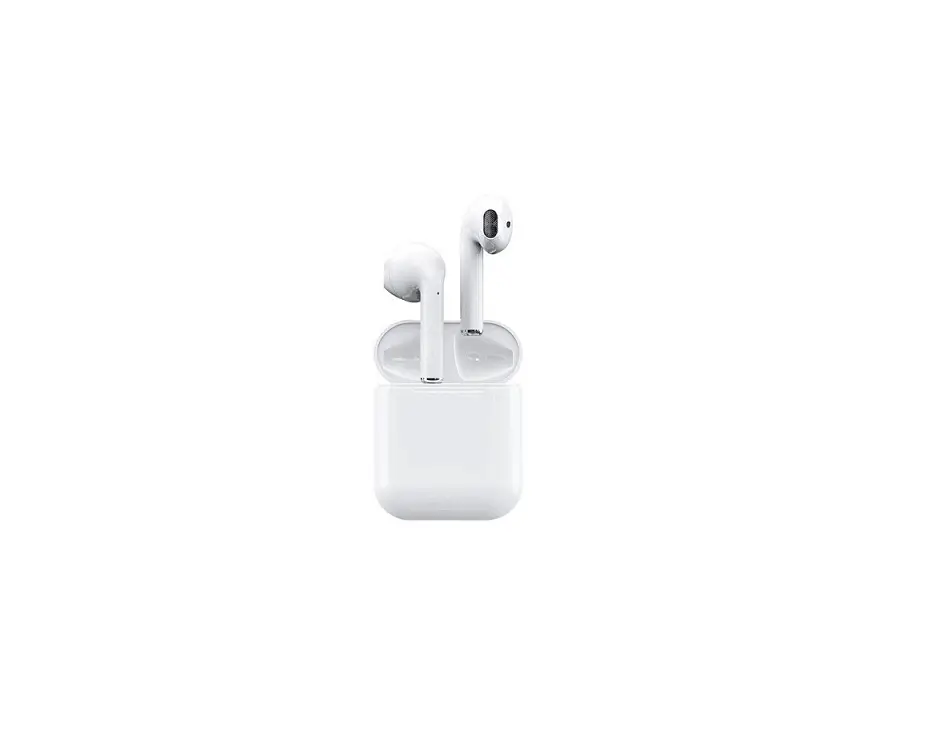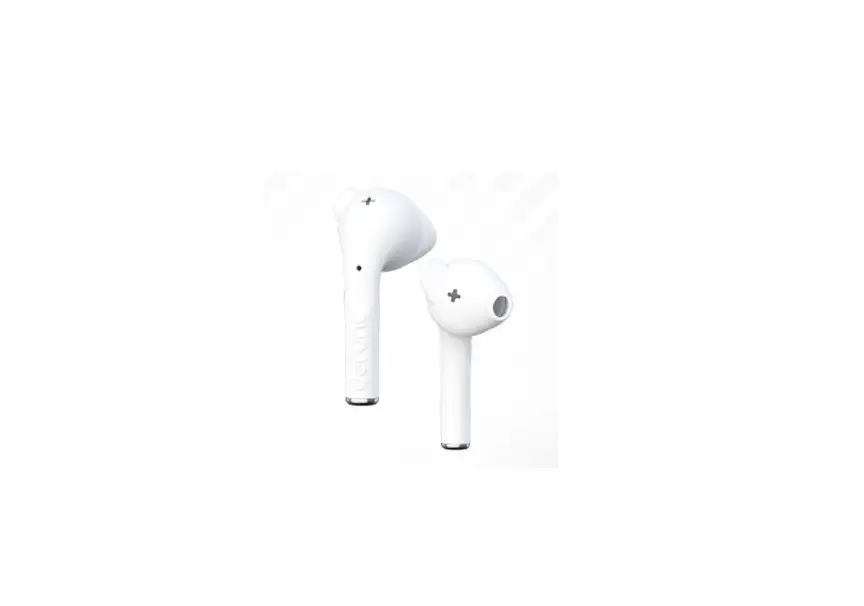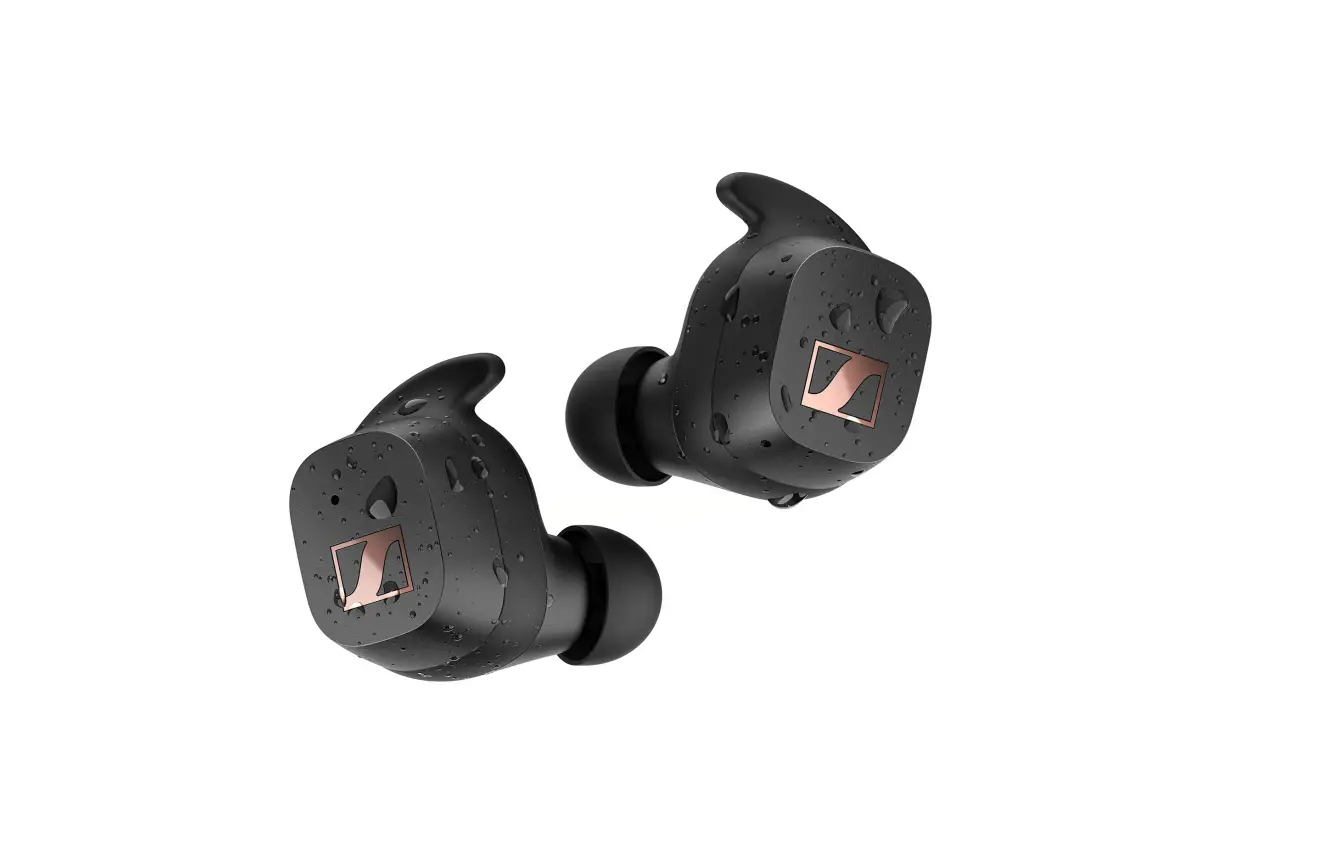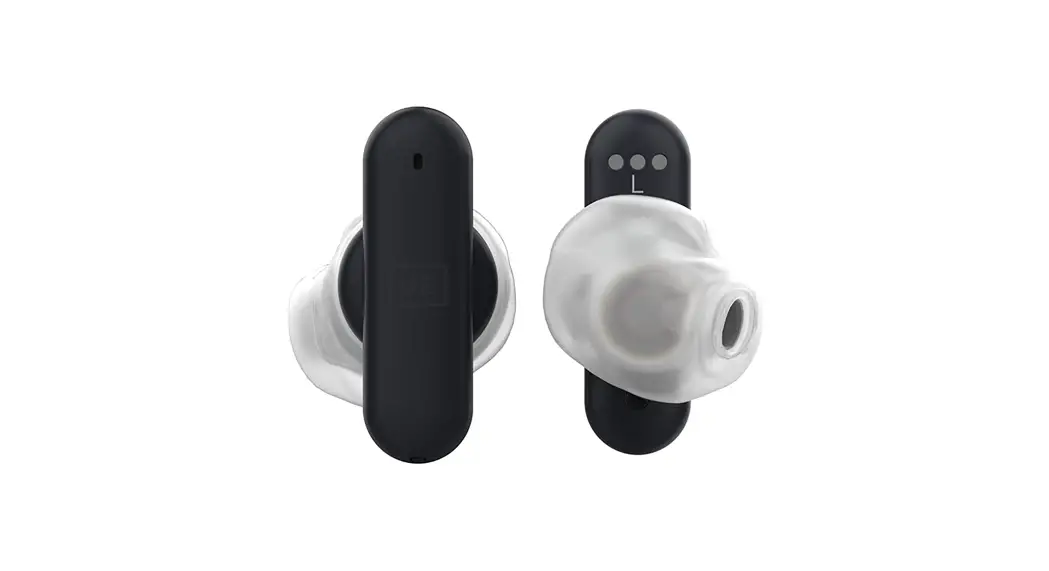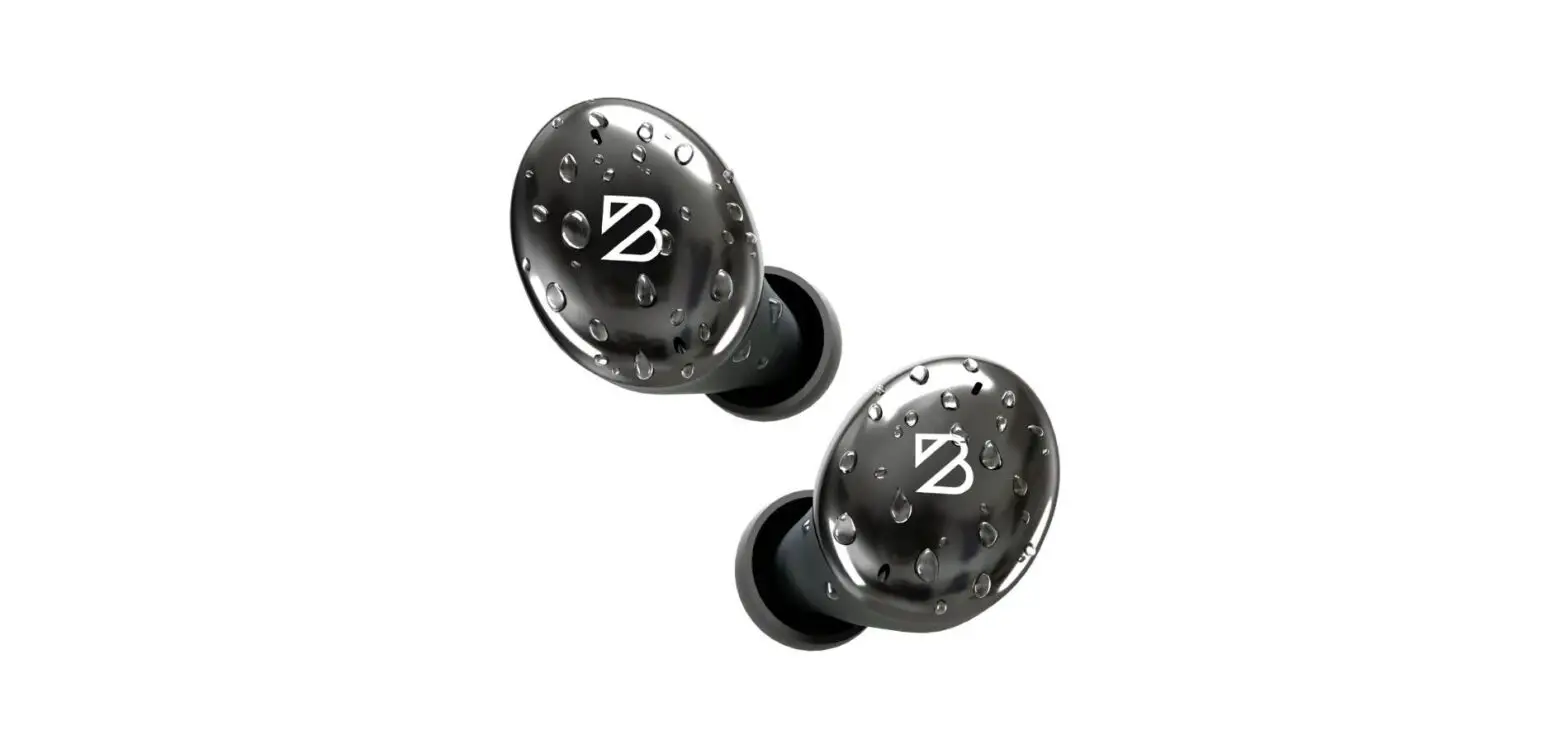

BACK BAY Tempo 30 Truly Wireless Earbuds
1-Year Warranty
Thank you for purchasing the Tempo 30 wireless earbuds! You are covered by our 1-Year Warranty. Register for your free warranty at: www.backbaybrand.com/warranty
Pairing for the First Time
- Remove the protective plastic from the bottom of the earbuds
- Place the earbuds in the charging case until you see a white light
- Remove both earbuds from the charging case and they will automatically turn on and connect to each other
- Go to the Bluetooth menu on your device and select “Back Bay Tempo 30”
- If your phone shows a Bluetooth Pairing Request, press “Pair”
Fixing a Connection Issue
- Open your phone’s bluetooth settings, find “Back Bay Tempo 30” and click “Forget This Device”
- Place earbuds in the charging case
- Press both earbuds for 8 full seconds until you see the light on each earbud turn blue.
- Lift your fingers, then double-tap each bud
- A white light will flash if the reset is successful
- Remove the earbuds from the case. Then find “Back Bay Tempo 30” in your bluetooth menu, and press both buds until they connect to eachother.
If you don’t see it in your Bluetooth menu, turn your phone’s Bluetooth off and on again
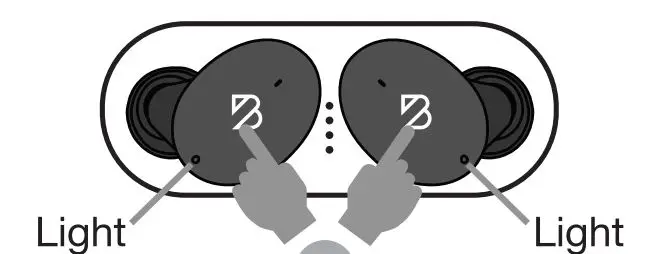
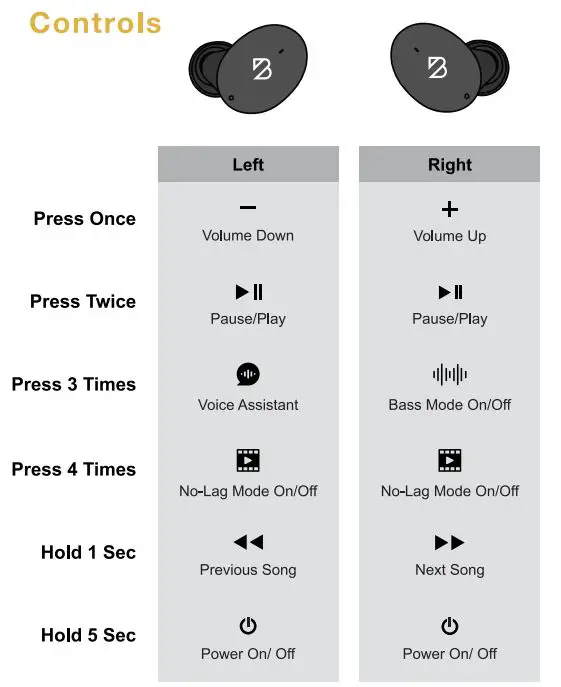
Controls
No-Lag Movie/Game Mode
Tap either earbud 4 times to turn on the No-Lag Movie/Game Mode.This mode removes the lag when you are watching videos and playing games.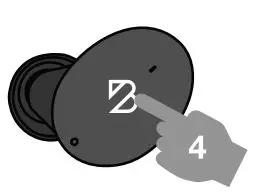
NOTE: When movie/game mode is on, your wireless range will be slightly shorter.
Bass Mode
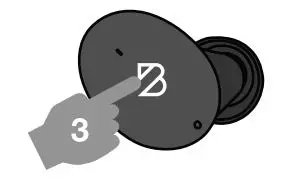
Tap the right earbud 3 times to turn on bass mode.
- 2 Beeps = Bass Mode On
- 1 Beep = Bass Mode Off

Positioning
Place the earphone in your ear with the logo facing out. Rotate the earbud until you find a comfortable position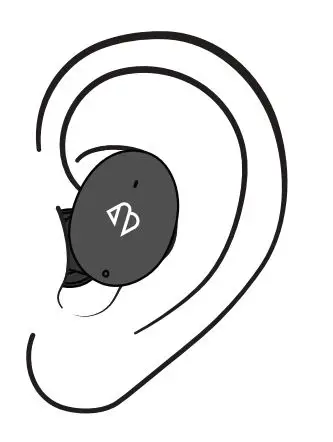
Choose the Right Ear-Tip
- GREAT FIT = GREAT BASS

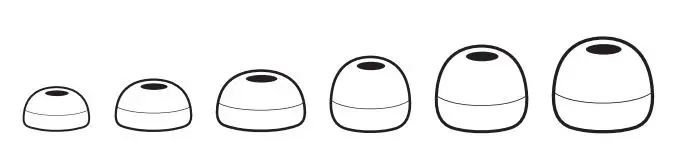
If you are having trouble putting on the tips, go to the site below for help: backbaybrand.com/eartips
How to Charge
Charging the Earbuds
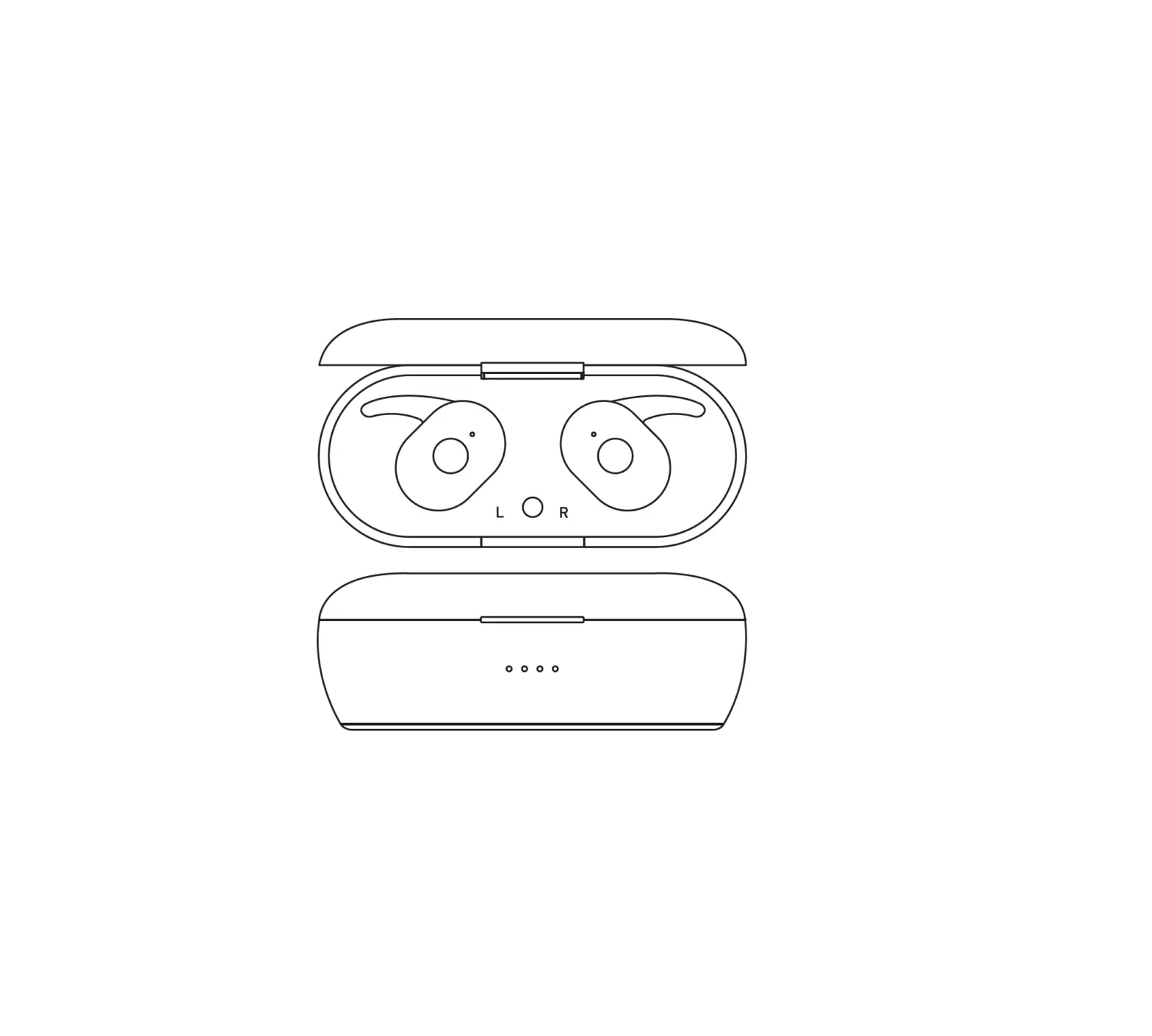
- Simply place the earbuds in the charging case
- When the earbuds are charging, a white light will shine from the hole on the side of the earbuds
- When the earbuds are fully charged, the light will turn off
- The case will recharge the earbuds 3 full times
Charging the Case
- Using the included USB_C cable, connect the charging case to a power source
- Do not use a charger that exceeds 5V 1A. A higher-powered charger may damage the battery.
Charging Status
The LED lights on the inside of the case will shine to show the battery status when you plug in the case or place the earbuds in the case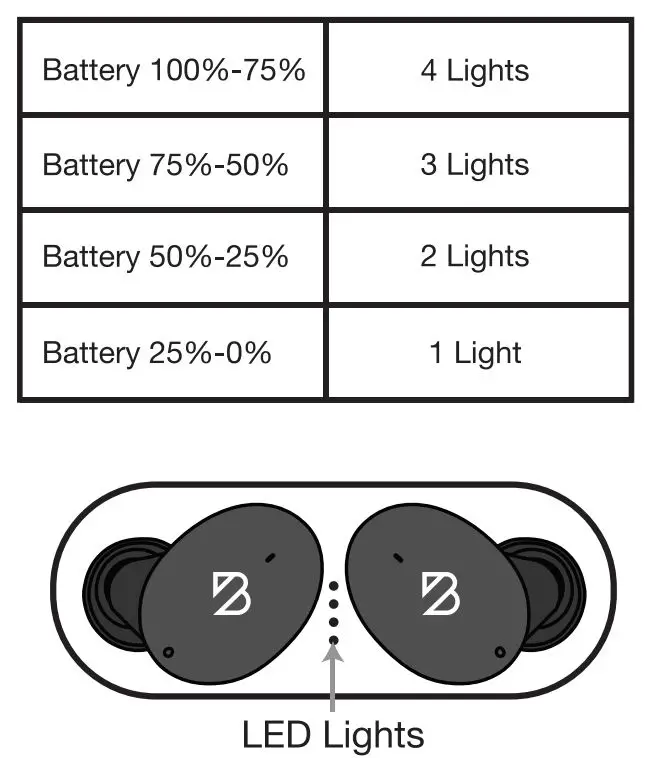
Helpful Charging Tips
- If the earbuds don’t turn off when you put them in the case, it means the case is fully out of battery and needs to be recharged.
- You can leave the charging case plugged in as long as you’d like and it won’t over-charge. We have designed the electronics to prevent over-charging.
Specifications
- Bluetooth Version: 5.0
- Profiles Supported: HFP, HSP, AVRCP
- Microphone Features: ENC Noise Cancellation
- Supports Cellphone VoiceAssistants
- Wireless Range: 1 Om
- Battery Capacity:
- Earphones: 50 mAh
- Dock: 400 mAh
- Earphone Playtime: Up to 8 Hours
- Total Playtime with Charging Case:32 Hours
- Charging Time: About 2 Hours
- Charging Port: USB-C
- Frequency Range: 20 Hz – 20 kHz