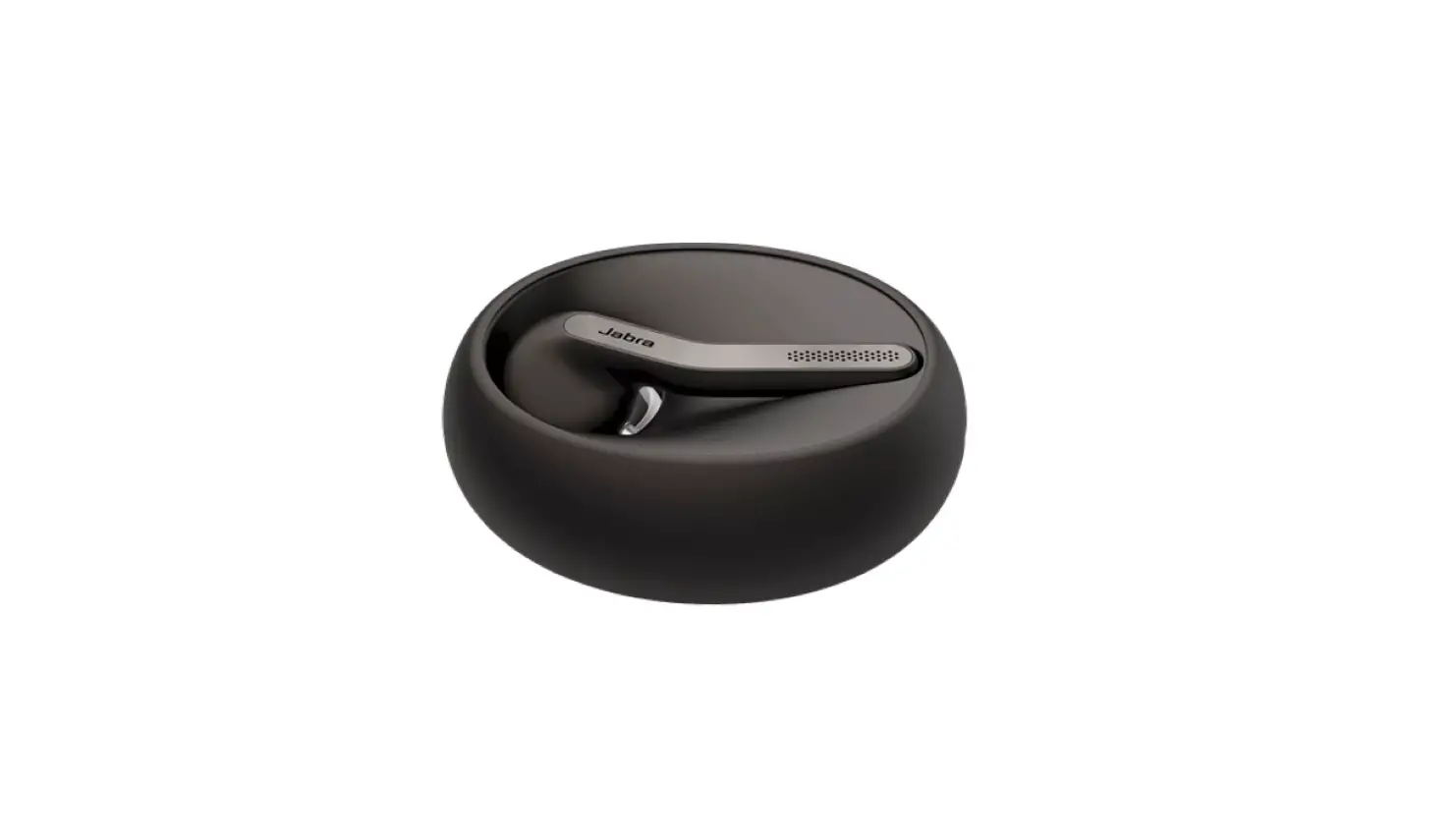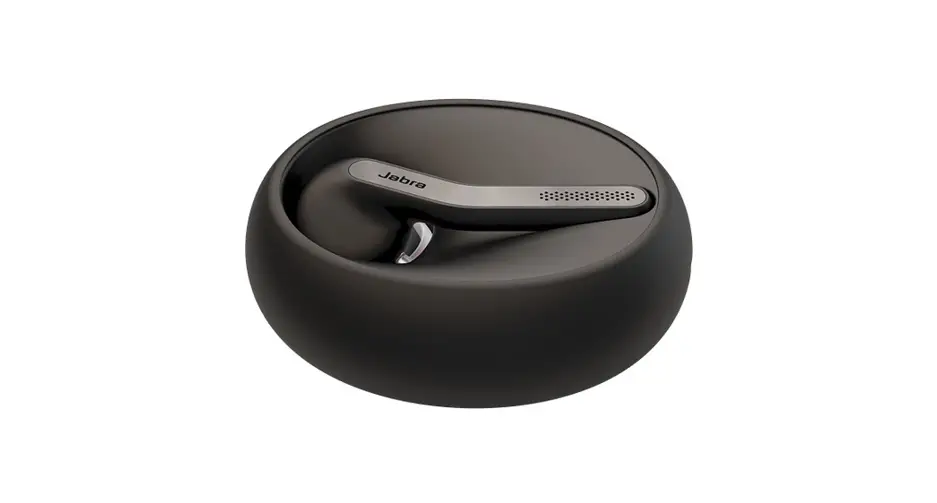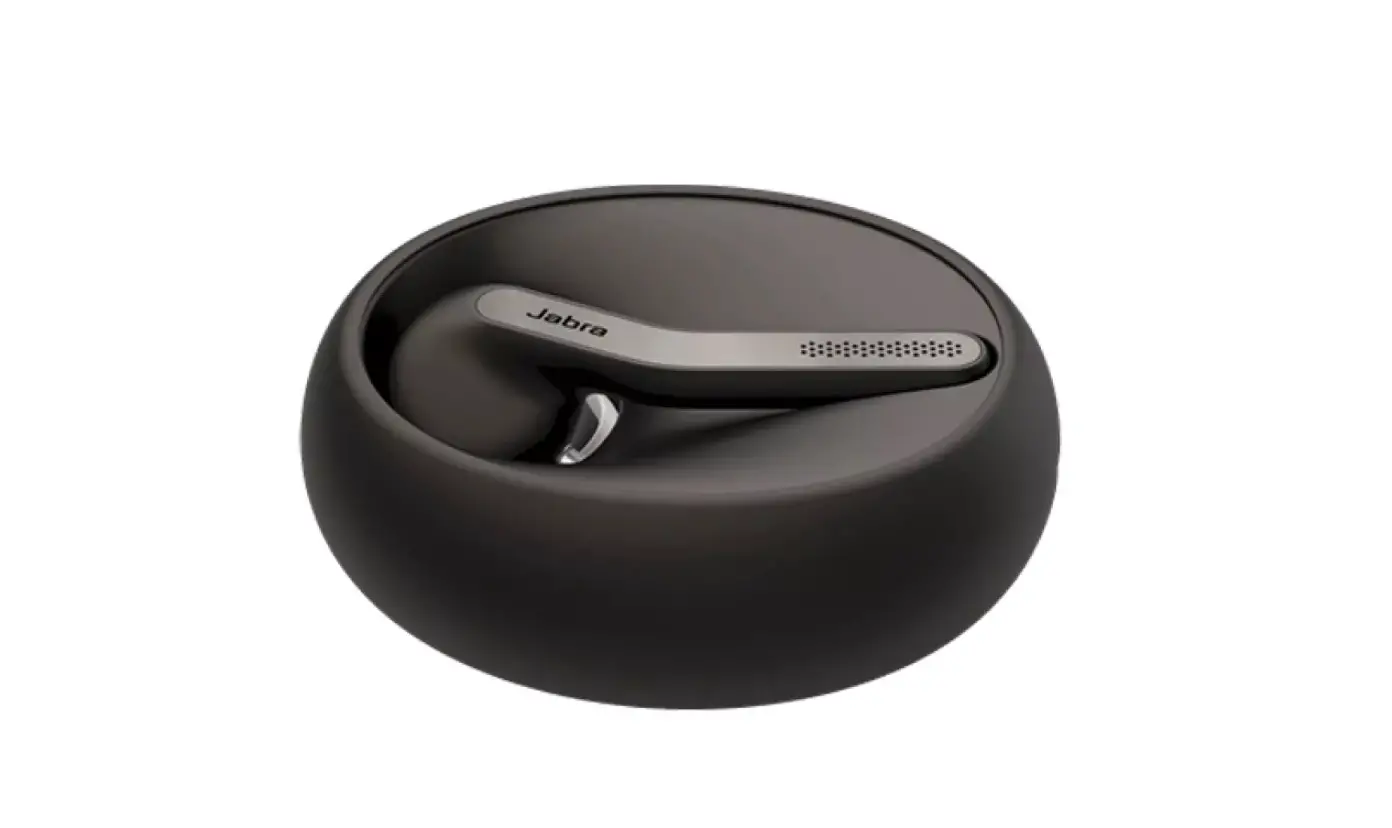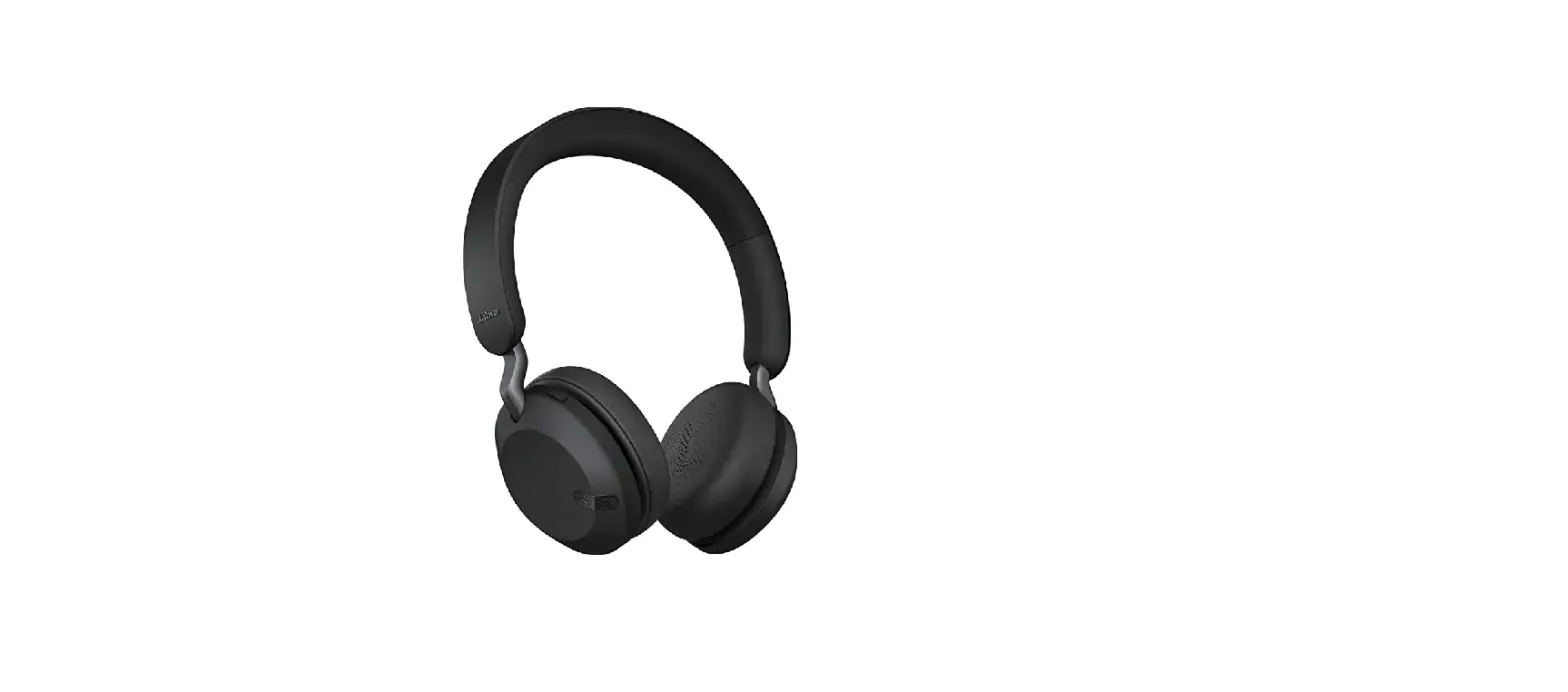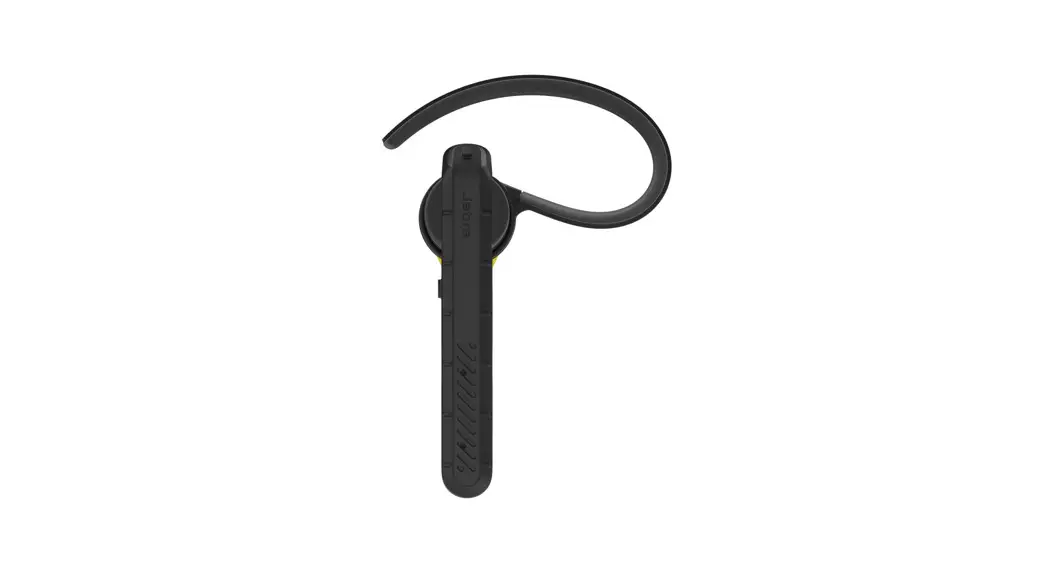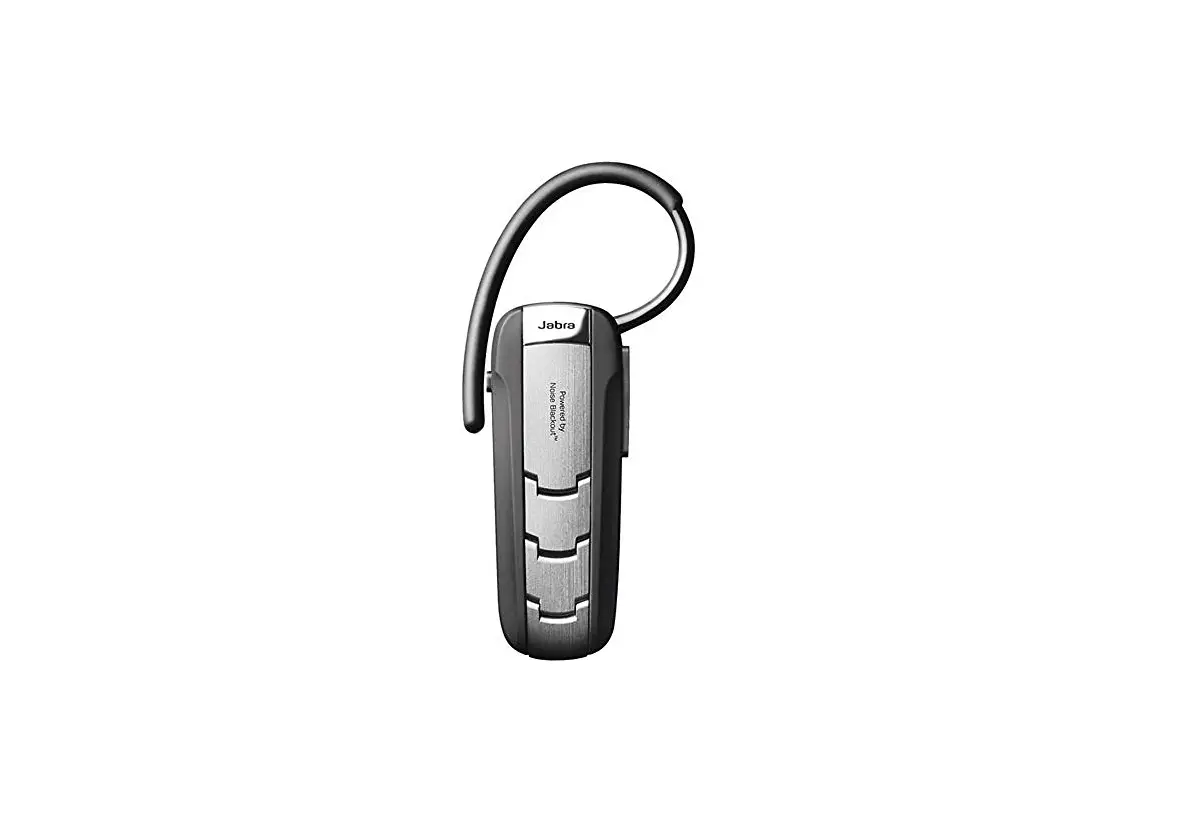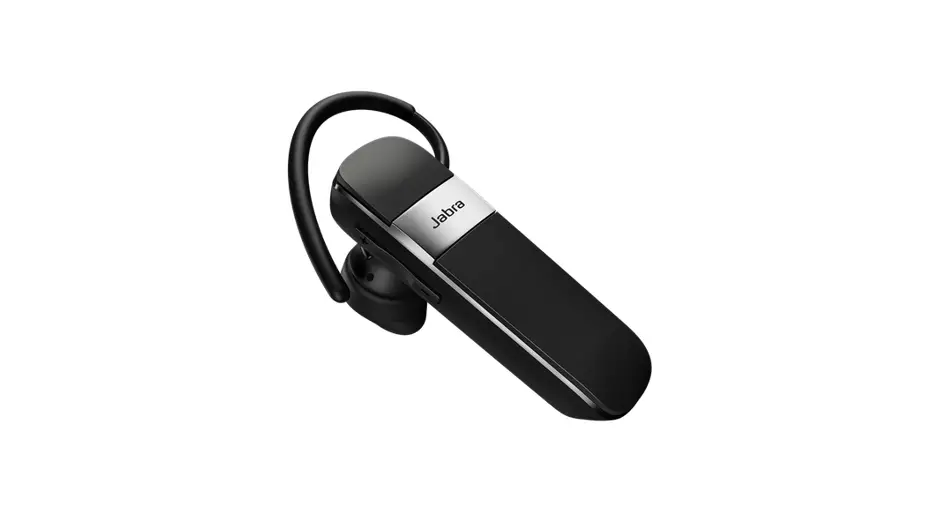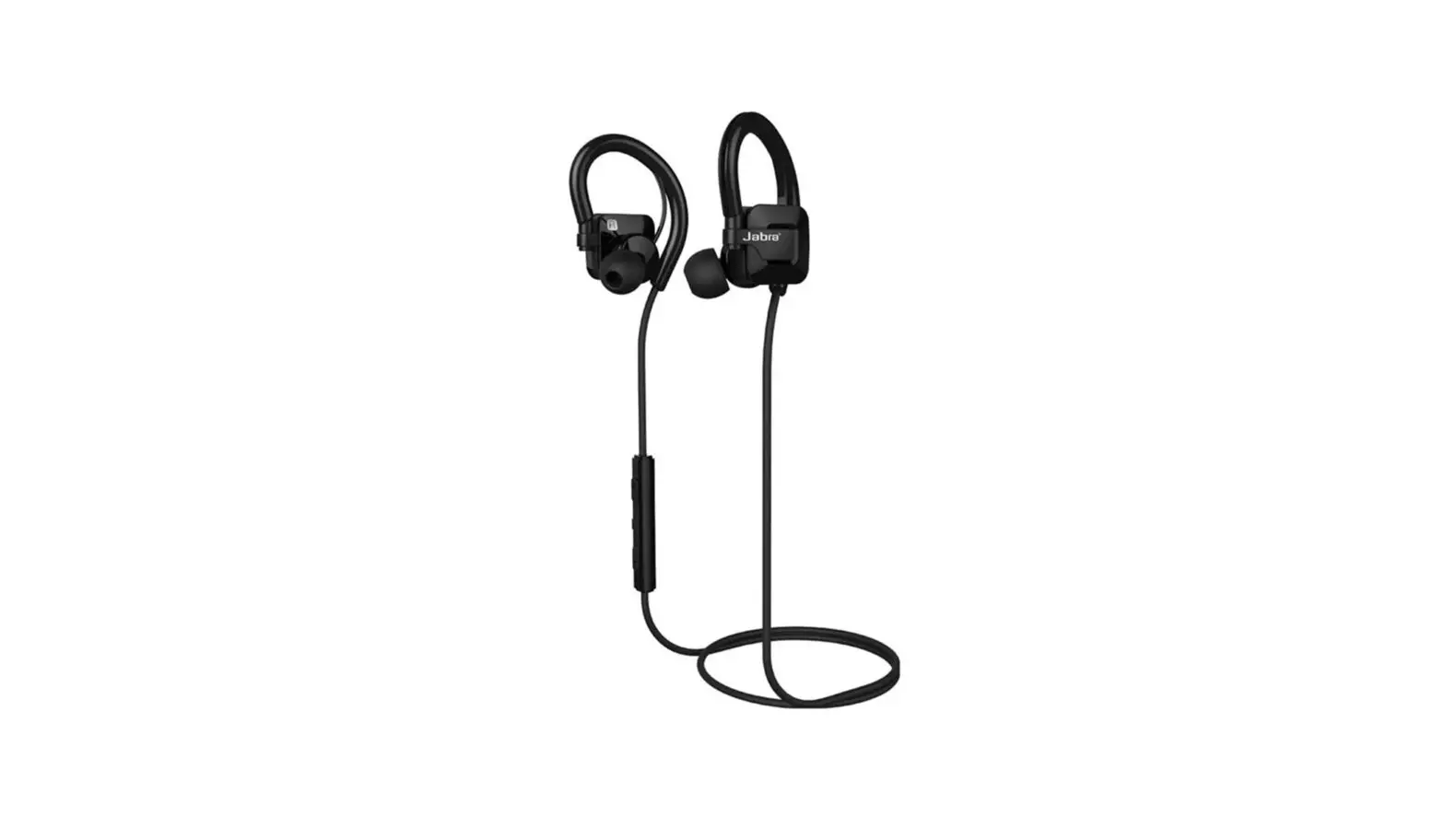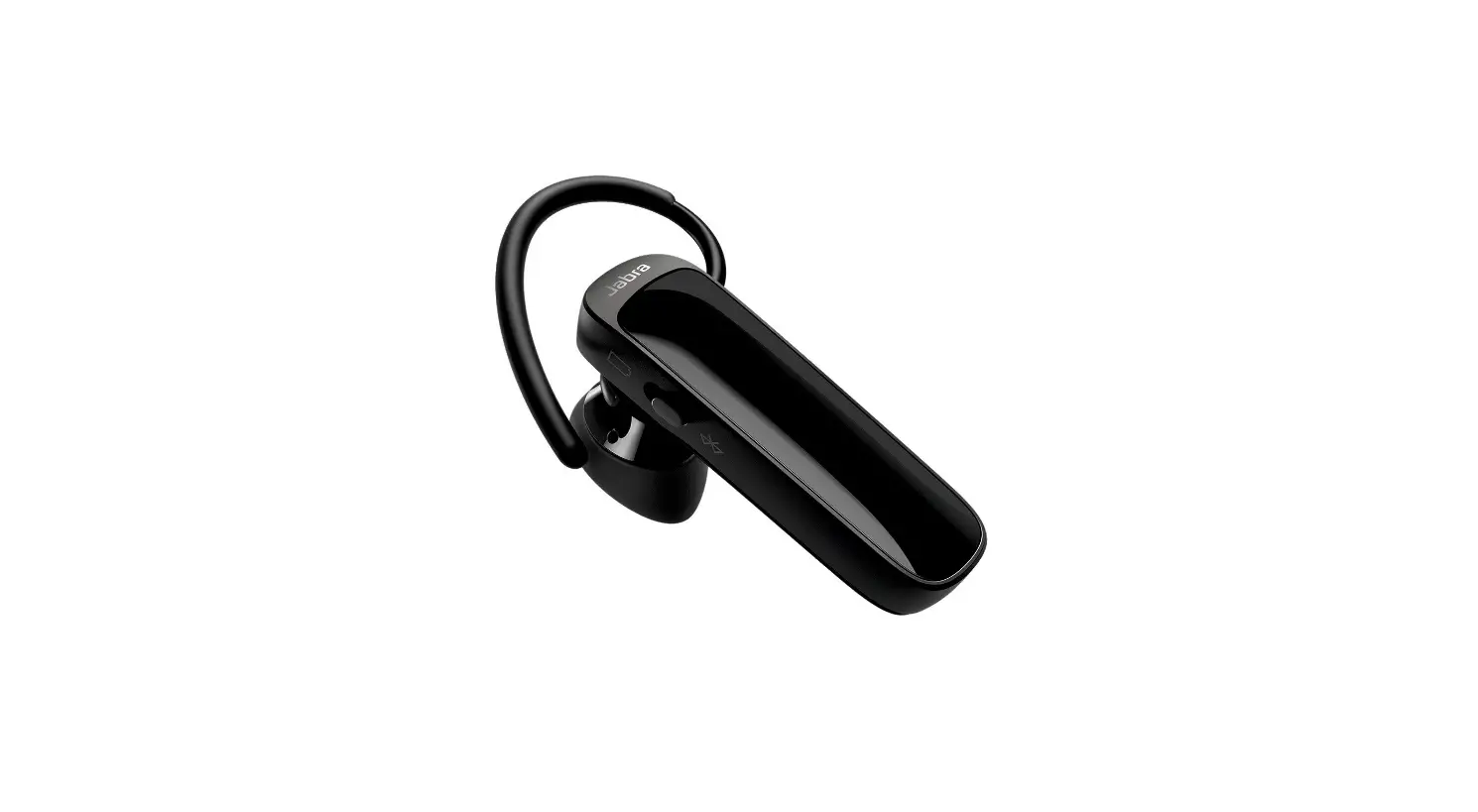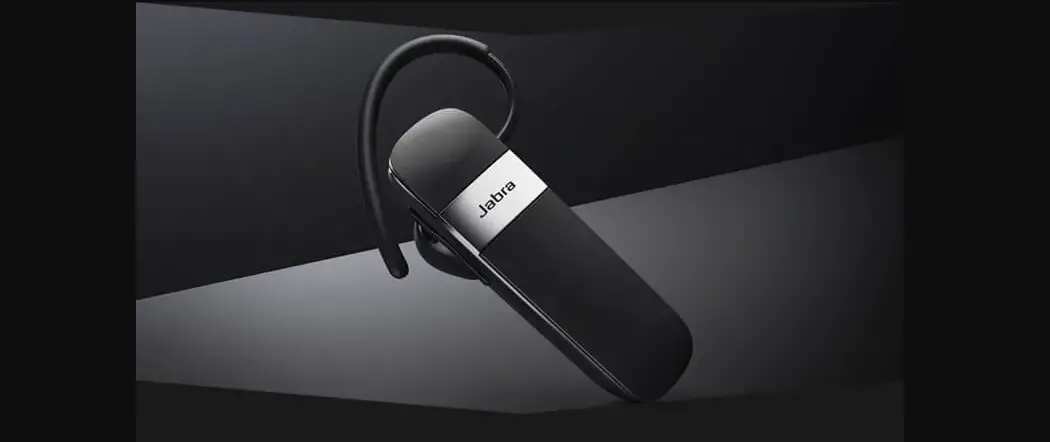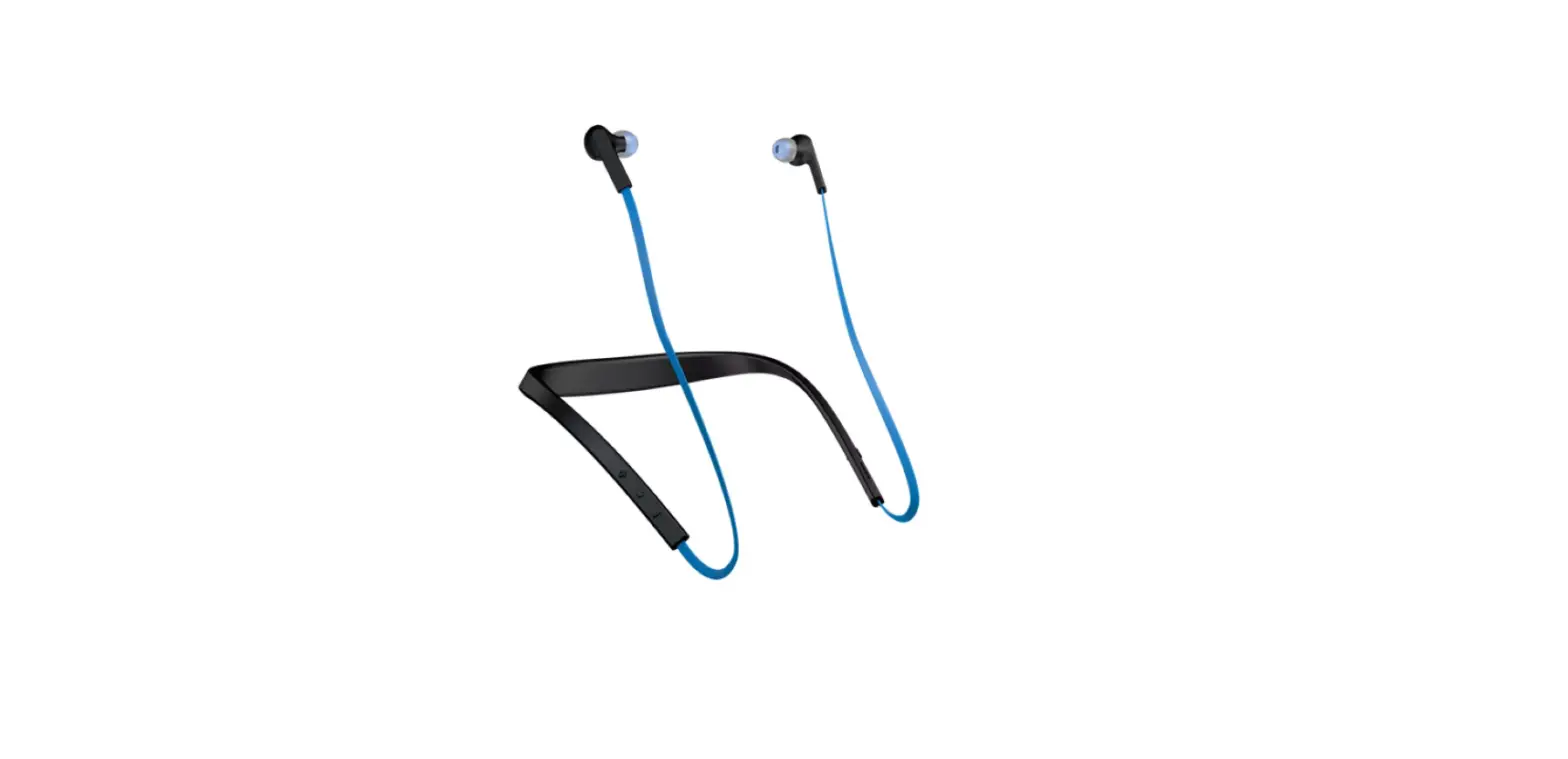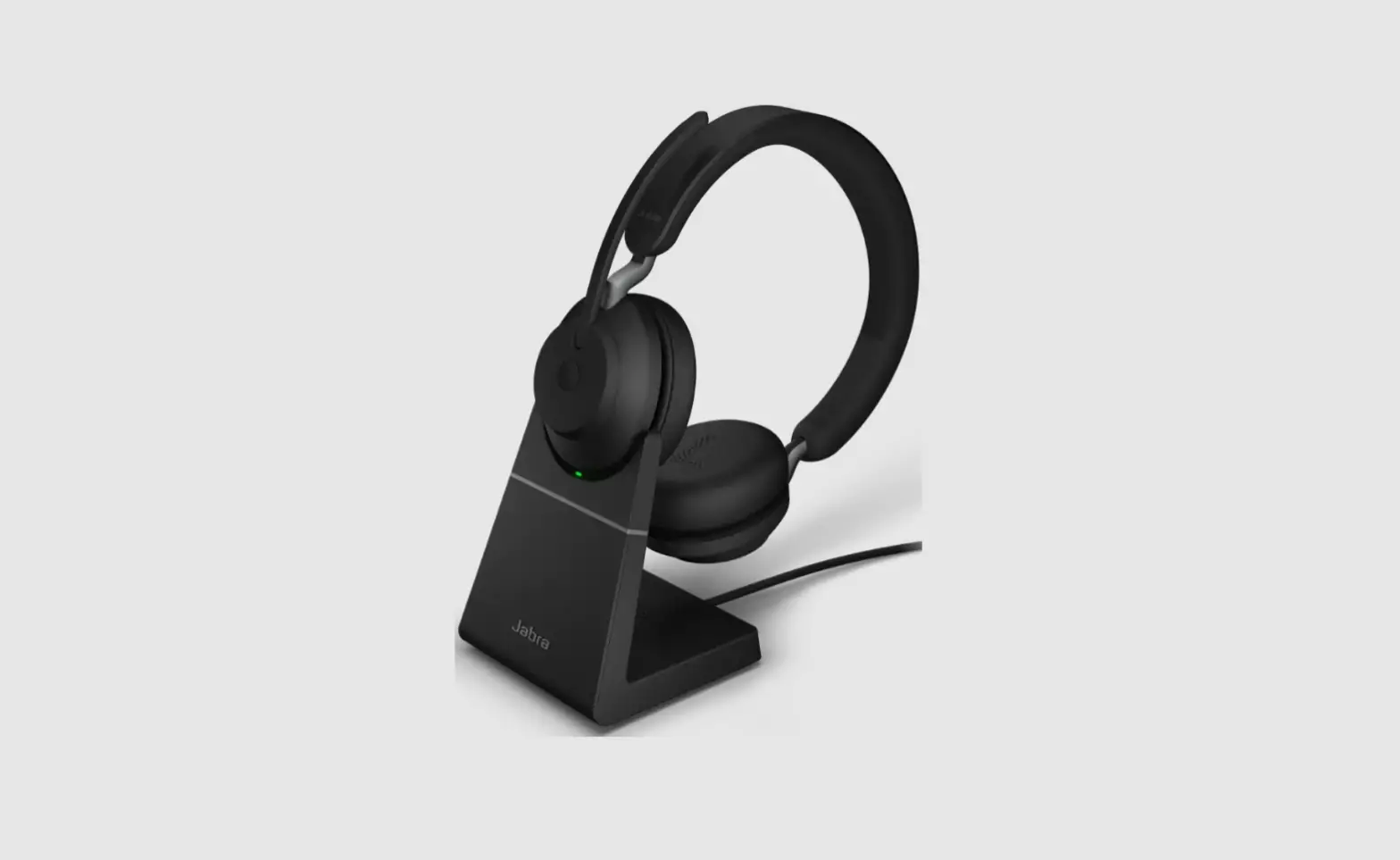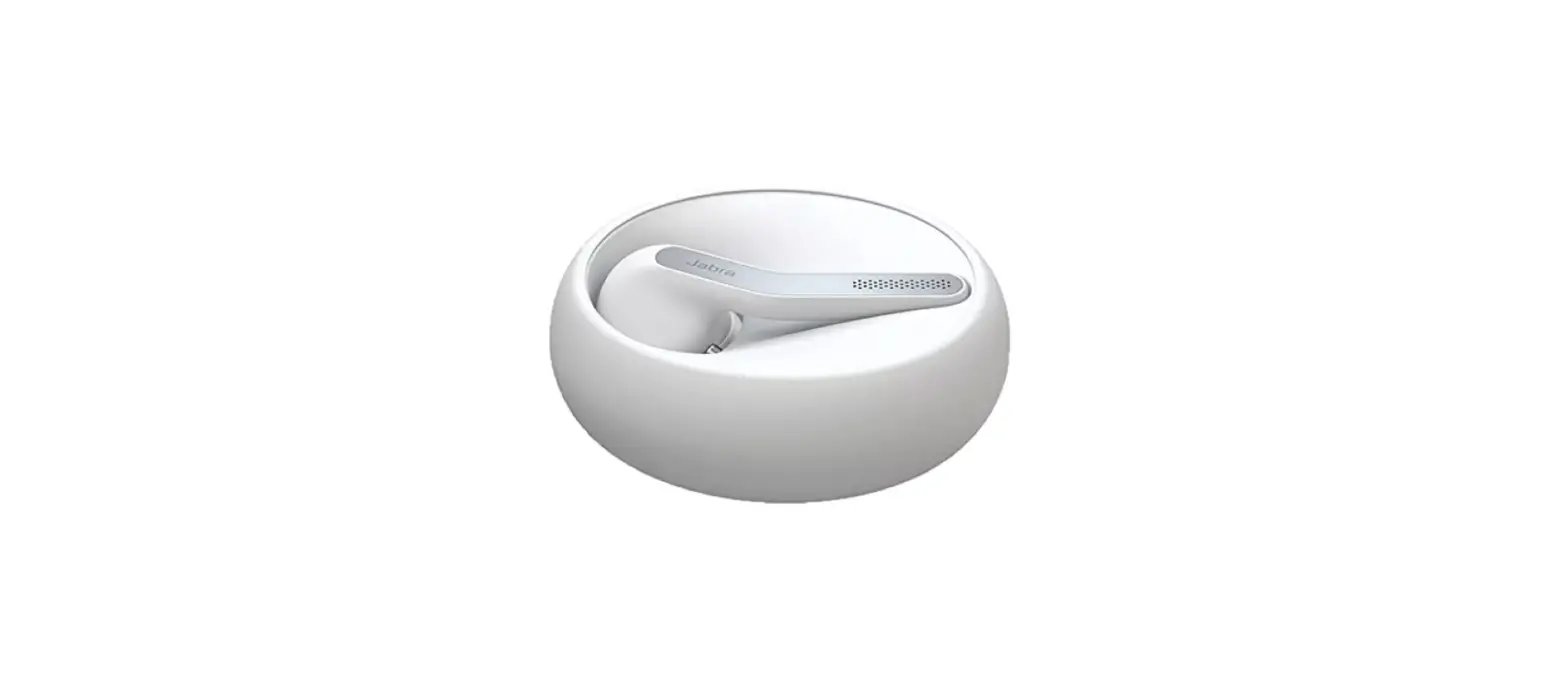

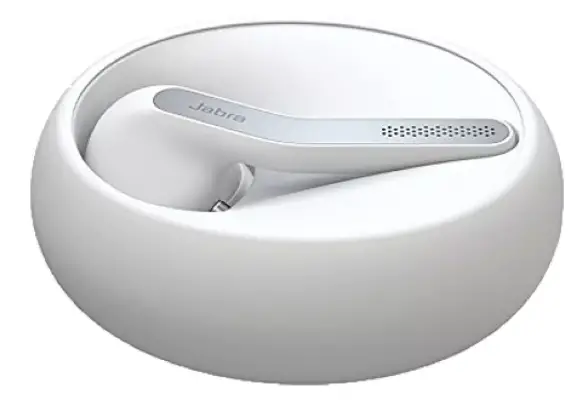
Jabra Eclipse Wireless Bluetooth Headset
How do I pair my Jabra Eclipse with my mobile device using NFC?
To pair your Jabra Eclipse with your smartphone, tablet, or other mobile device using NFC, follow these steps.
- Turn on NFC on your mobile device.
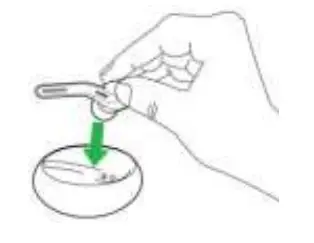
- Place your Jabra Eclipse in the charging case, and make sure it is charged.

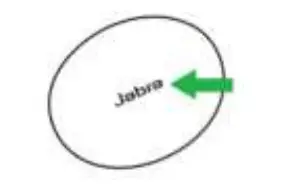
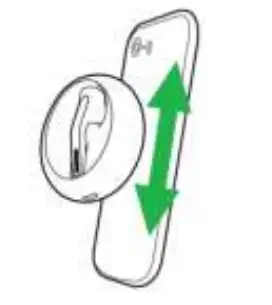
- To pair, locate the NFC zone on your Jabra Eclipse and place it against the NFC zone on your mobile device. Enter “0000” (four zeros) if you are asked for a PIN. Your mobile device may prompt you to accept the pairing


Note
- If pairing is not successful, try the pairing steps again, or try pairing with a different Bluetooth device. For troubleshooting tips, see here.
- Optionally, try using the Bluetooth Pairing Guide which provides detailed steps for pairing with a mobile device.
References
 Jabra ASSIST on the App Store
-
[FAQTitle] | Jabra Eclipse White | FAQ | Jabra Support
-
How do I pair my Jabra Eclipse with my mobile device using NFC? | Jabra Eclipse White | FAQ | Jabra Support
-
What can I do if the pairing steps are not successful? | Jabra Eclipse | FAQ | Jabra Support
-
Get started with your Jabra Eclipse | Jabra Support
-
[FAQTitle] | Jabra Eclipse | FAQ | Jabra Support
-
How do I manually turn off/on voice guidance on my Jabra device? | Jabra Eclipse | FAQ | Jabra Support
 Jabra ASSIST on the App Store
 [FAQTitle] | Jabra Eclipse White | FAQ | Jabra Support
 What can I do if the pairing steps are not successful? | Jabra Eclipse | FAQ | Jabra Support
 [FAQTitle] | Jabra Eclipse | FAQ | Jabra Support