
Pyle Portable Waterproof Floating Pool Speaker – Outdoor
Introduction
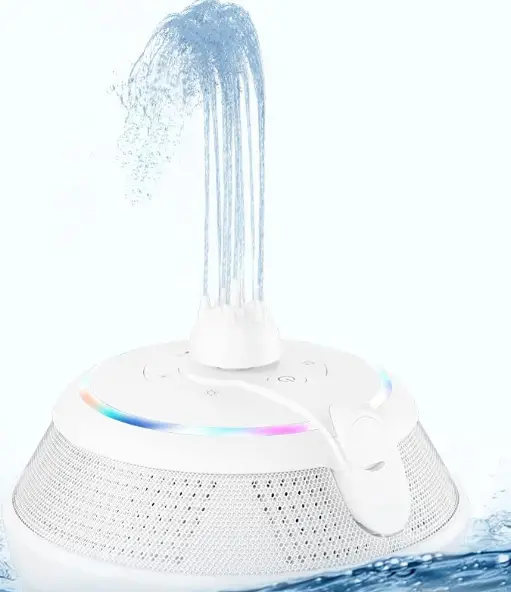
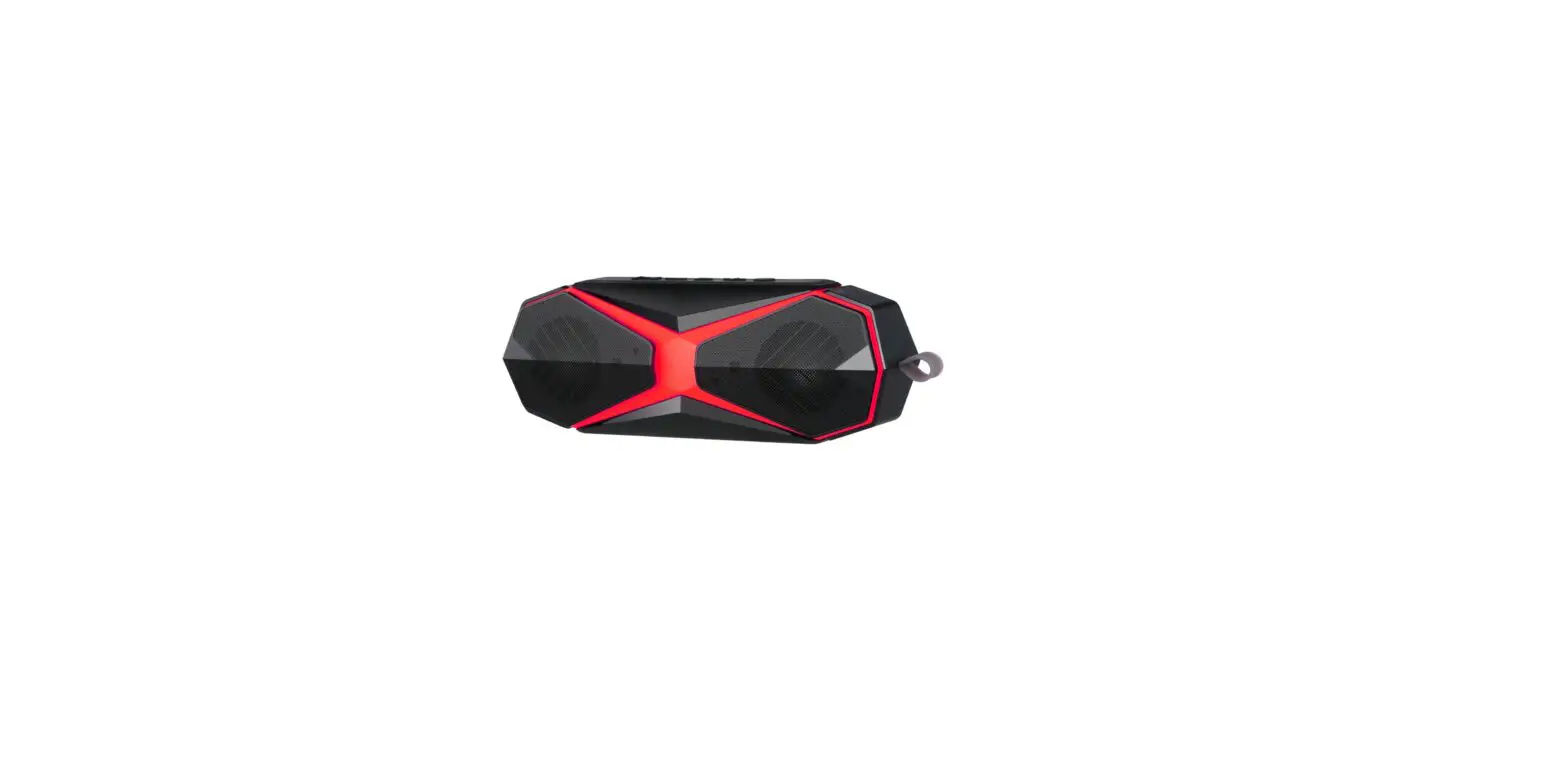
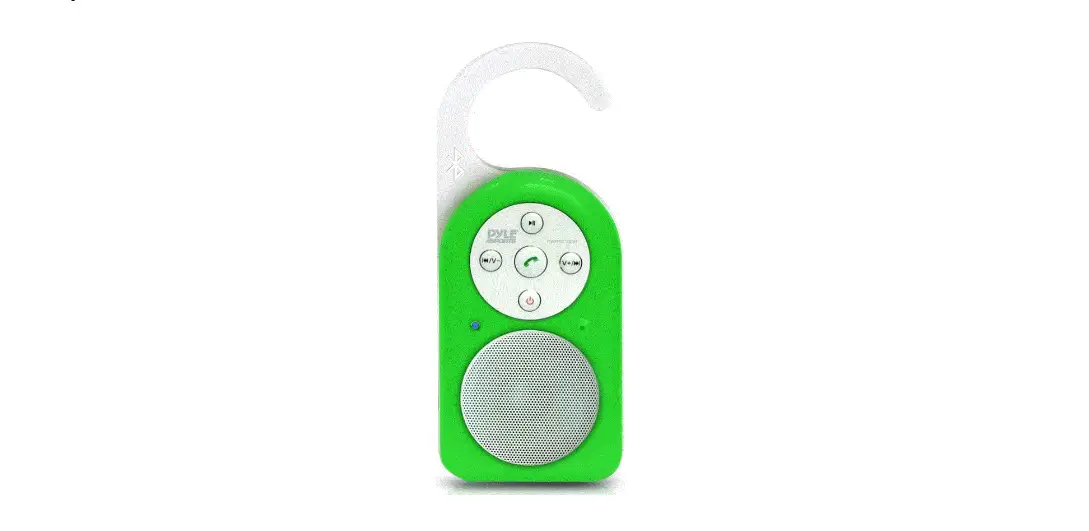
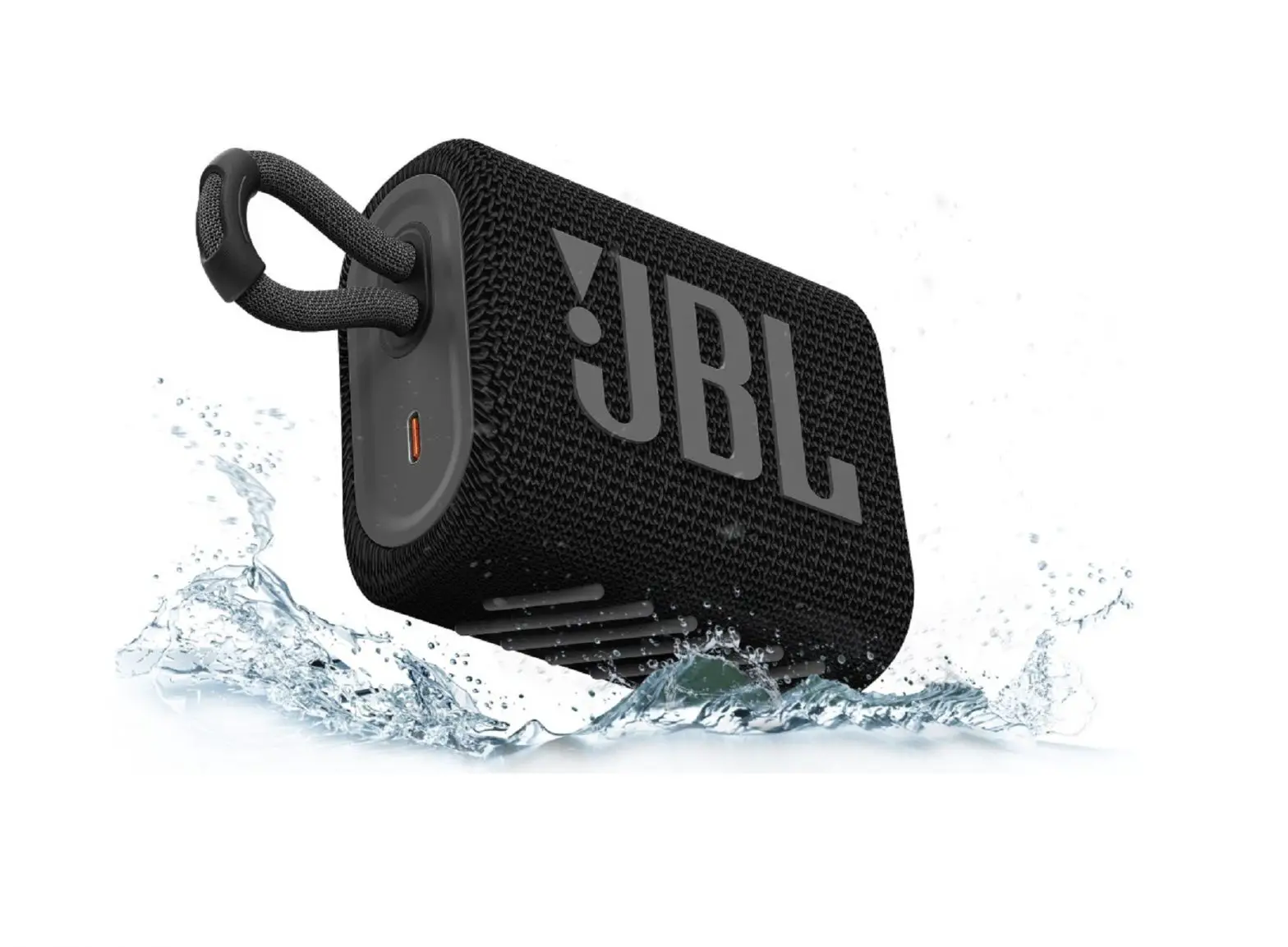
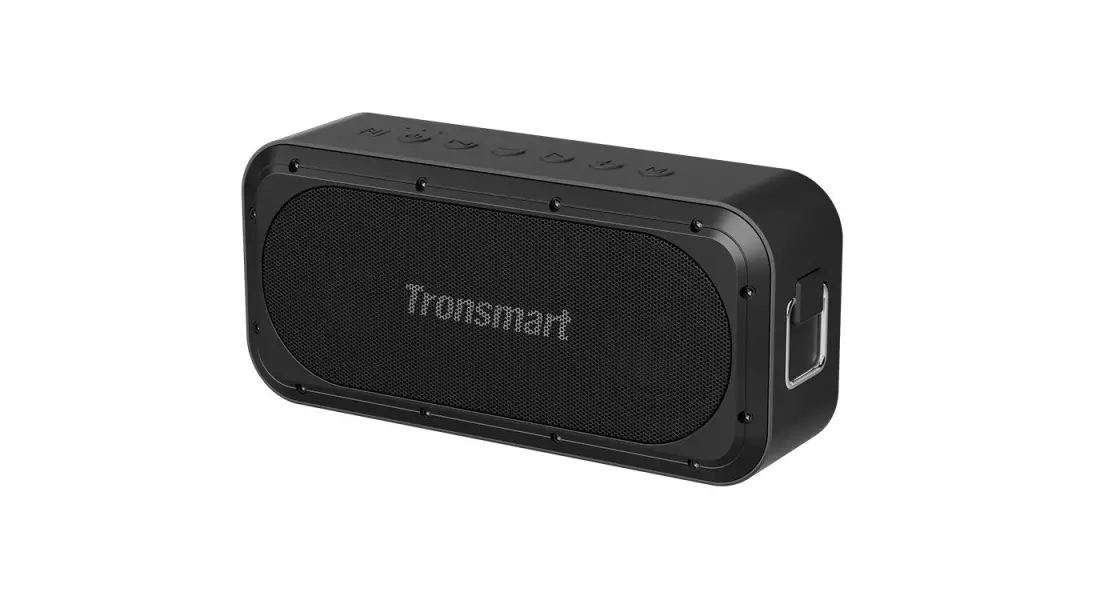
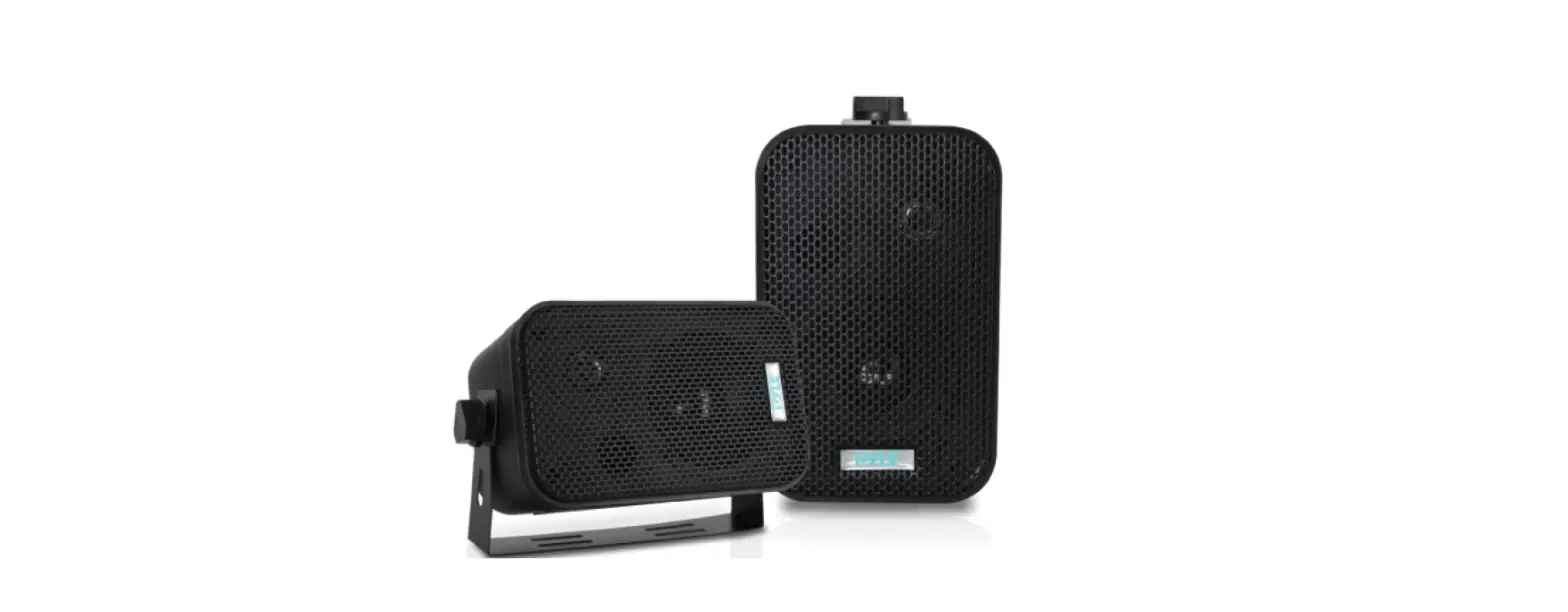
With a 32-foot Bluetooth range, this pool sound splash speaker is compatible with all of your favorite bluetooth-enabled devices, including the iPhone, iPad, iPod, tablet, laptop, Mac, and PC. The white Pyle Sport portable surf sound shower speaker system features strong bass output and stereo speaker quality sound for streaming music that is crystal clear. You can wirelessly control the volume and song selection. The power on/off, prev, next, and volume buttons on this aqua blast wireless speaker are all easily accessible, and it also includes an LED light that indicates the Bluetooth and charging modes.
With the integrated rechargeable battery, which is refilled with the USB cable charger that is provided, you can go completely wireless. Ideal for usage with outdoor sports, travel, biking, climbing, hiking, running, and fishing. This floating tiny loud speaker is protected from low pressure water stream from any angle by the waterproof marine grade design. maintains safety while using a shower, a boat, a pool, or a beach.
IMPORTANT SAFETY INSTRUCTIONS
When used in the directed manner, this unit has been designed and manufactured to ensure your personal safety. However, improper use can result in potential electrical shock or fire hazards. Please read all safety and operating instructions carefully before installation and use, and keep these instructions handy for future reference. Take special note of all warnings listed in these instructions and on the unit.
VENTILATION
The unit should be situated so that its location or position does not interfere with its proper ventilation. For example, it should not be situated on a bed, sofa, rug or similar surface that may block the ventilation openings. The ventilation should not be impeded by covering the ventilation openings with items, such as newspapers, table-cloths, curtains, etc. Also, it should not be placed in a built-in installation, such as a bookcase or cabinet, which may impede the flow of air through the ventilation openings; minimum distances 20 cm around the apparatus for sufficient ventilations.
HEAT & FLAME
The unit should be located far away from heat sources such as radiators, heat registers, stoves or other appliances (including amplifiers) that produce heat.
No open flame sources, such as lighted candles, should be placed on the apparatus.
POWER SOURCE
The unit should be connected to a power supply only of the type described in the operating instructions or as marked on the appliance. Where the power adaptor is used as the disconnect device, the disconnect device shall remain readily operable.
POWER CORD PROTECTION
Power supply cords should be routed so that they are not likely to be walked on or pinched by items placed upon or against them. It is always best to have a clear area from where the cord exits the unit to where it is plugged into an AC outlet. The mains plug of apparatus should not be obstructed OR should be easily accessed during intended use.
CLEANING
The unit should be cleaned only as recommended. See the section “Care and Maintenance” of this manual for cleaning instructions.
OBJECT AND LIQUID ENTRY
Care should be taken so that objects do not fall and liquids are not spilled into any openings or vents located on the unit. It shall not be exposed to dripping or splashing and that no objects filled with liquids, such as vases, shall be placed on the apparatus.
ATTACHMENTS
Do not use attachments no recommended by the product manufacturer.
LIGHTNING AND POWER SURGE PROTECTION
Unplug the unit from the wall outlet and disconnect the periods of time. This will prevent damage to the product due to lightning and power-line surges.
OVERLOADING
Do not overload wall outlets, extension cords, or integral convenience receptacles as this can result in a risk of fire of electric shock.
DAMAGE REQUIRING SERVICE
This unit should be serviced by qualified service personnel when:
- The power supply cord or plug has been damaged.
- Objects have fallen into or liquid has been spilled into the enclosure.
- The unit has been dropped or the enclosure damaged.
- The unit exhibits a marked change in performance or does not operate normally.
PERIODS OF NONUSE
If the unit is to be left unused for an extended period of time, such as a month or longer, the power cord should be unplugged from the unit to prevent damage or corrosion.
SERVICING
The user should not attempt to service the unit beyond those methods described in the user’s operating instructions. Service methods not covered in the operating instructions should be referred to qualified service personnel. Contact Pyle Technical Support for any issues: [email protected]
ENVIRONMENT
Attention: Do not dispose of batteries improperly pay attention to the environmental aspects of battery disposal and the use of unit in moderate climates.
FEATURES
Thank you for purchasing the Bluetooth Floating Speaker. This model incorporates following features:
- Playback Apple device (iPad /iPhone/iPod Touch) and Android OS smart phone music through Bluetooth technology.
- Open air operating distance of up to 32 feet.
- Water proof Speaker
- LED Indicator
- USB charging function
iPad, iPhone and iPod touch are trademarks of Apple Inc., registered in the U.S. and other countries.
Smartphone, iPad, iPhone, iPod touch are not included.
LOCATION OF CONTROLS
MAIN UNIT
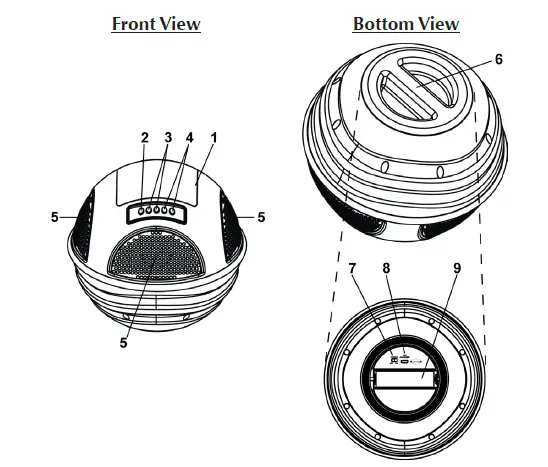
| 1. LED indicator | – Power off mode: LED indicator is off.
– Operating mode: Blue light LED indicates Bluetooth mode. – Red light LED indicates charging mode. |
| 2. Standby / button | – While Power switch is set at ON position:
Press and hold this button until a short melody sounds entering Bluetooth mode. Press and hold this button to turn the unit into standby mode. – In Bluetooth mode: Press the button to Play / Pause the mobile device music. |
| 3. / button | – In Bluetooth mode: Skip tracks Backward / Forward. |
| 4. VOL +/- button | – Adjust the output volume level up and down. |
| 5. Speakers | |
| 6. Bottom cap | |
| 7. Power ON/OFF switch | |
| 8. Micro USB connector | For charging battery |
| 9. Built-In Rechargeable Battery |
INSTALLATION
BATTERY CHARGING:
The unit incorporated a built-in rechargeable battery. A battery compartment located at bottom of the unit.
- Unscrew the Bottom cap counter-clockwise and open it.
- Connect the micro USB plug of the USB cable to the micro USB connector of the unit. Red indicator lights up when charging the unit, light turns off when it’s full charged.
NOTE:
BATTERY LIFE: 4 Hours (Charge Time: 8 Hours)
Please use a standard DC 5V 1000mA adapter and supplied USB cable to charge. Or, connect USB cable to computer to charge. If the adapter power rating is too small, it may cause the unit not to be fully charged or have short battery running time.
WARNINGS:
- Battery shall not be exposed to excessive heat such as sunshine, fire or the like.
- Be sure that the battery is installed correctly. Wrong polarity may damage the unit.
- Only battery of the same or equivalent type as recommended are to be used.
- If the unit is not to be used for an extended period of time, remove the battery.
- Do not dispose of battery in fire, battery may explode or leak.
- Danger of explosion if battery is incorrectly replaced.
CAUTION:
This set-up is for charging the rechargeable battery of the Speaker only. Do not operate the Speaker with this set-up near Water and Moisture environment.
BLUETOOTH OPERATION
BLUETOOTH PAIRING/CONNECTION :
- Slide the Power switch to ON position.
- Press and hold the Standby button until a short melody sounds.
- The unit will search nearby Bluetooth device and the Blue LED indicator will blink.
From the Android smart phone or Apple device (iPad/iPhone/iPod touch), turn on its Blue- tooth function. Search for the device name (PWR90D) on Android smart phone or Apple device, select, pair and connect. The blue LED indicator of the unit lights steadily.
When the unit is turned on from standby mode, it will automatically search and connect the device last connected, no need to re-scan and pair.
NOTE: Standby mode… Blue LED lights off.
Searching last connected mobile device… Blue LED blinks slowly.
Searching another mobile device… Blue LED blinks fast.
Bluetooth mobile device connected… Blue LED lights steadily.
PLAYBACK APPLE DEVICE (IPAD/IPHONE/IPOD TOUCH) OR ANDROID SMART PHONE MUSIC :
- Playback your Apple device or Android smart phone music.
- You may adjust both the volume control of your mobile device and the volume control of this unit to find the most desirable volume setting.
- You may tap the PLAY/PAUSE button from the mobile device or press the PLAY/PAUSE button from the main unit to Play / Pause the mobile device music.
- Press the FORWARD/REWIND button from the unit to skip tracks forward / backward.
- After listening the music, press and hold the Standby button which turns the unit into standby mode.
ENERGY SAVING NOTE
In Bluetooth mode, if the Bluetooth communication link disconnected (the main unit) for around 5 minutes, the unit will turn into standby mode automatically.
CARE AND MAINTENANCE
- Do not subject the unit to excessive force, shock, dust or extreme temperature.
- Do not tamper the internal components of the unit.
- Clean your unit with a damp (never wet) cloth. Solvent or detergent should never be used.
- Avoid leaving your unit in direct sunlight or in hot, humid or dusty places.
- Keep your unit away from heating appliances and sources of electrical noise such as fluorescent lamps or motors.
SPECIFICATIONS
- Output power: 1.5W x 4
- Battery: built-in Lithium battery
- Charge power: DC 5V 500mA
- Bluetooth range: > 10M (The distance shall be different in different environment or with different Bluetooth device)
COMPLIANCE WITH FCC REGULATIONS
This device complies with Part 15 of the FCC Rules. Operation is subject to the following two conditions:
- this device may not cause harmful interference, and
- this device must accept any interference received, including interference that may cause undesired operation.
NOTE: This equipment has been tested and found to comply with the limits for a Class B digital device, pursuant to Part 15 of the FCC Rules. These limits are designed to provide reasonable protection against harmful interference in a residential installation. This equipment generates, uses and can radiate radio frequency energy and, if not installed and used in accordance with the instructions, may cause harmful interference to radio communications. However, there is no guarantee that interference will not occur in a particular installation. If this equipment does cause harmful interference to radio or television reception, which can be determined by turning the equipment off and on, the user is encouraged to try to correct the interference by one or more of the following measures:
- Reorient or relocate the receiving antenna.
- Increase the separation between the equipment and receiver.
- Connect the equipment into an outlet on a circuit different from that to which the receiver is connected.
- Consult the dealer or an experienced radio/TV technician for help.
CAUTION: Changes or modifications not expressly approved by the party responsible for compliance could void the user’s authority to operate the equipment.
Frequently Asked Questions
In general, waterproof Bluetooth speakers are not intended to be immersed in water as this could harm the device permanently.
Outdoor speakers should be able to endure sporadic downpours and splashes. And waterproof speakers can provide the utmost security because they will continue to function even if you drop them into the deep end of your pool.
Rapidly moving sound waves exit the underwater speaker in a pool and reflect off the bottom, the water’s surface, and either side of the pool. The listener is bombarded with sound from all sides, and the human brain is unable to process the sound’s original source.
Connect the included USB cable to the USB port on your Water Speaker to begin charging. The other end of the USB wire should be connected to a 5V 1A USB wall charger or a USB port on your computer. The LED indicator on your Water Speaker will turn red while it is charging; a wall charger is not provided.
The (power) PAIRING button must be pressed and held down until beeps are heard and the white (BLUETOOTH) indicator starts to flash rapidly. It switches to pairing mode. To get the Bluetooth device to recognize the speaker, couple it with a Bluetooth device.
Through the SoundWire app, owners of Android smartphones may use their devices as Bluetooth speakers for laptops. You can stream audio to your phone using the free version from a Windows or Linux PC.
You hear very little of an underwater sound when you listen to it with your head above water. However, the sound gets much louder if you submerge your head. When you’re underwater, sound is also more audible. The sound waves only cause your eardrum to vibrate above the surface (unless the sound is very loud).
In order to shield their delicate internal components from the outdoors, weatherproof speakers need to have sturdy casings. Weatherproof speaker cabinets are shielded by a polypropylene surface that is durable in adverse weather and handling. Teflon finishes that are impermeable can also be used to seal the cabinetry.
Waterproof refers to a device’s ability to tolerate water contact without becoming damaged and to not be adversely affected by it.
With an IP67 classification for dust and water resistance, this portable Bluetooth speaker is sturdy and certified to be completely dust-tight and submersible for up to 30 minutes in a meter of water.