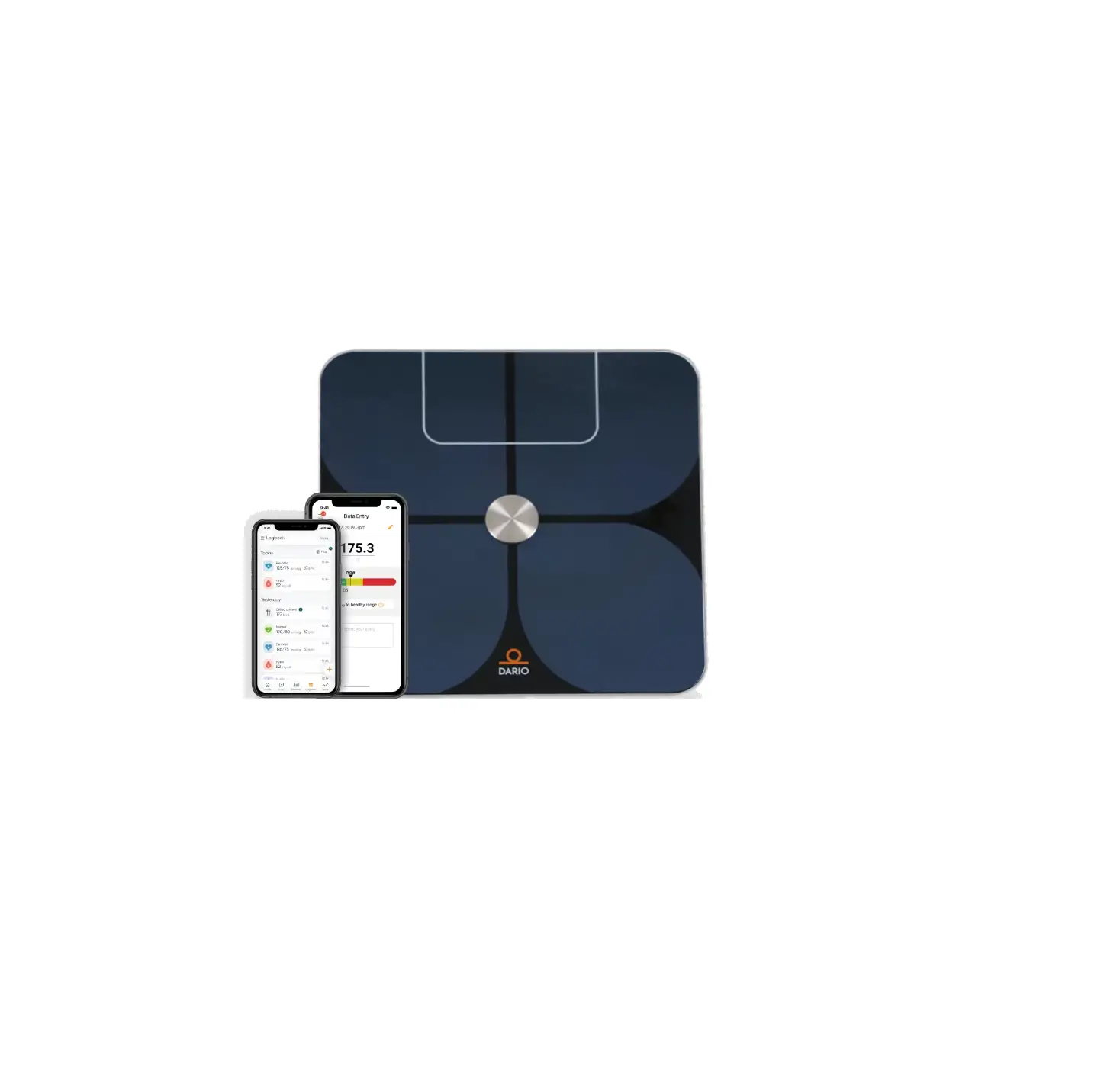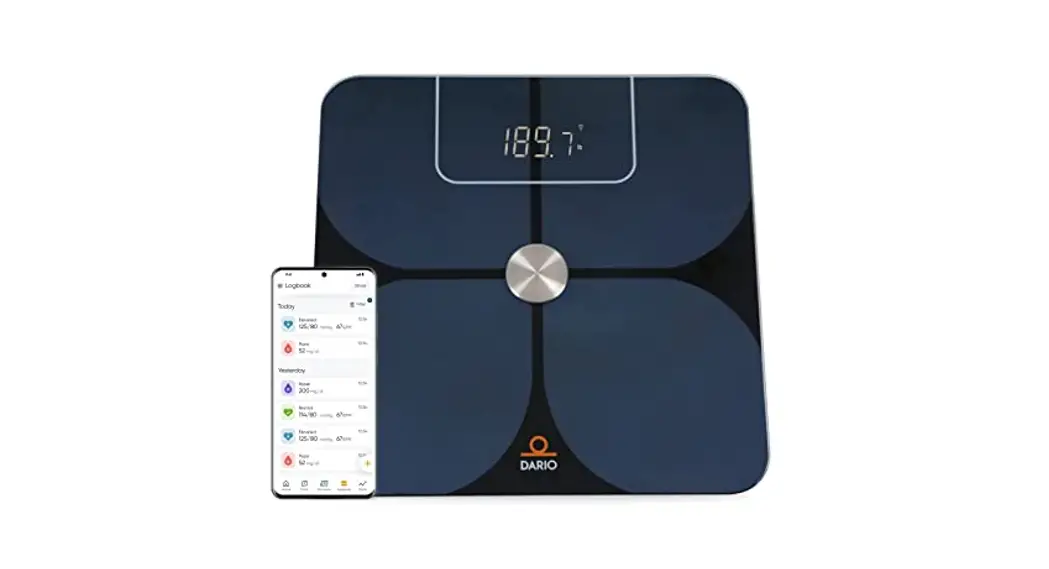

Dario Smart Scale
User Guide
Welcome to the Dario Smart Scale.
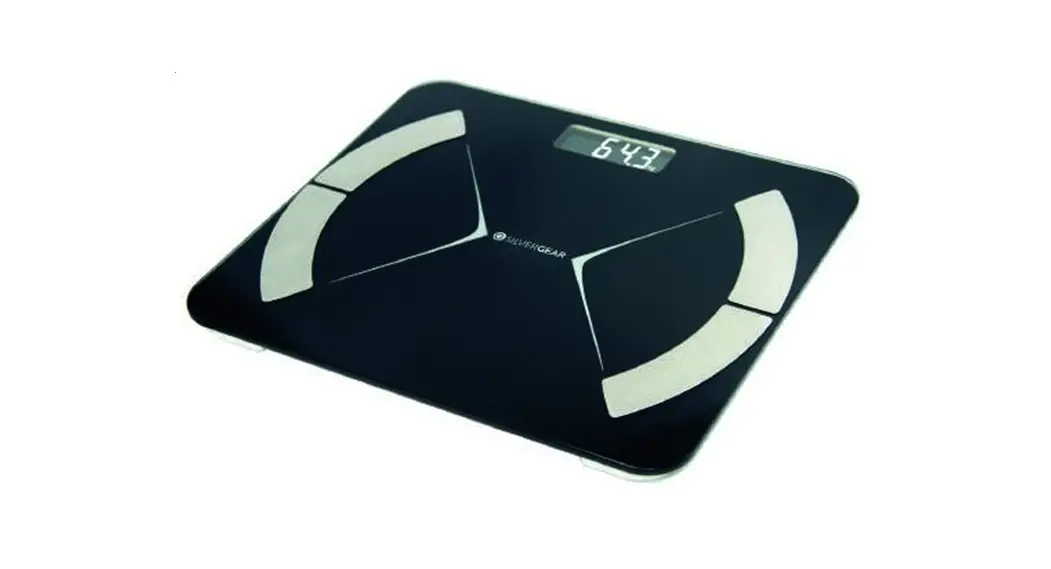
The Dario Smart Scale is designed to help you reach and maximize your personal health goals. The elegant fusion of stylish design and smart innovation will accompany you on your journey to a healthier, happier you.
Your Dario Smart Scale box includes:
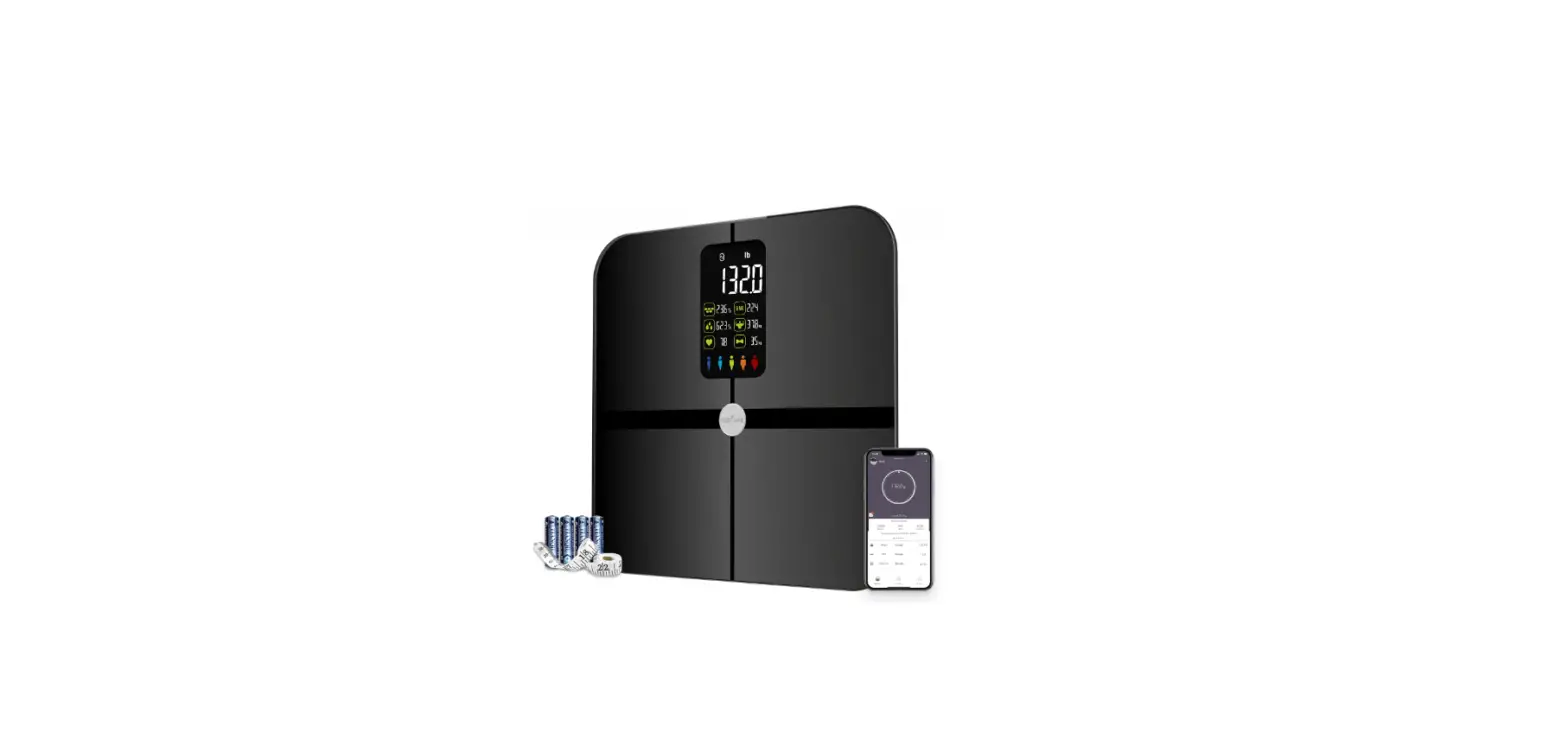
- The Dario Smart Scale
- 4 AAA batteries
- Dario User Guide
Note: All weight measurements will be uploaded to the registered user’s personal logbook. Should another person use the scale, their results will be added to the same registered user’s personal logbook.

WARNING
- Do not use if you have a pacemaker or any other implemented medical device.
- Do not use if you are pregnant.
- Not intended for use by children under the age of 10.
- The Dario Smart Scale should not be used to diagnose or treat any medical condition.
- Always consult your physician to determine what is ideal for you.
CAUTION
Slippery when wet.
Dario Smart Scale specification
Limitations
- The Dario Smart Scale will accurately measure the weight of children and adults over 20 lbs. (9 kg).
- The maximum weight limit for the Dario Smart Scale is 396 lbs (180 kg).
Help and Warranty
Follow the link below for Help and Warranty information: www.mydario.com/support/getting-started
Care and maintenance
- Do not submerge the scale or use high-pressure water jets (e.g. showerhead) to clean the surface.
- Wipe down the surface with a damp cloth using a mild detergent.
- Do not use antiseptic wipes, chlorine, or highly concentrated glass cleaner on the surface of the scale.
Supported Devices and Operating Systems
The device can work with the following operating systems and above: Android 7 iOS 12
Getting started
The Dario Smart Scale measures body weight and automatically uploads the data to your Dario App via your WiFi. Make sure that you have the latest Dario App version installed on your smartphone.
Download the Dario App
Go to the App Store or Google Play and search for DarioHealth. Download the Dario App.

For quicker access, you can scan the QR code.
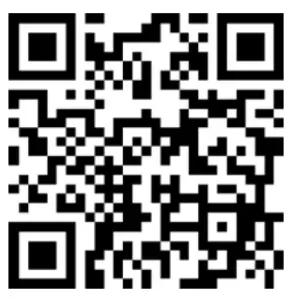
https://go.onelink.me/yRW3/49facf65
Open the Dario App.

If you have an existing account, log in. If not, tap Sign Up and follow the instructions.
Allow Dario to sync to your Dario Smart Scale
On your Dario App, go to Menu -> select SETTINGS, and open the CONNECTED APPS & DEVICES screen. Select Dario Smart Scale.
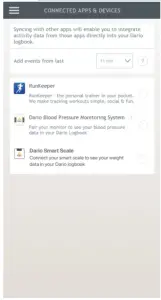
Insert the batteries
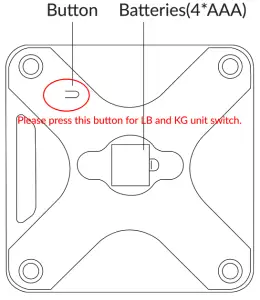
Open the battery compartment cover located on the back of the scale. Insert 4 x 1.5v AAA batteries into the battery compartment and close the cover.
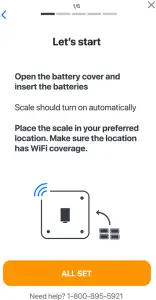
Location confirmation
For the best experience, we recommend you allow Dario to use your location. If you decide not to allow, or you use iPhone with OS below iOS 13 please follow the instructions on page 19 in order to continue the pairing process.
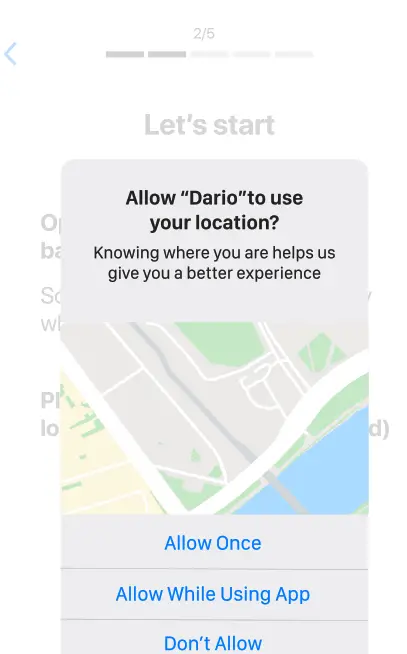
Connect your smart scale to the Dario App
Put the scale in a location where you are likely to use it. Make sure the location has good WiFi connectivity.
- To establish your smart scale WiFi connection with the Dario App, make sure your smartphone has WiFi turned on, and that there is good reception.
- Have your WiFi name and password at hand.
- Click ‘I’m ready’ to begin, and follow the in-app instructions to connect your smart scale using your WiFi information.
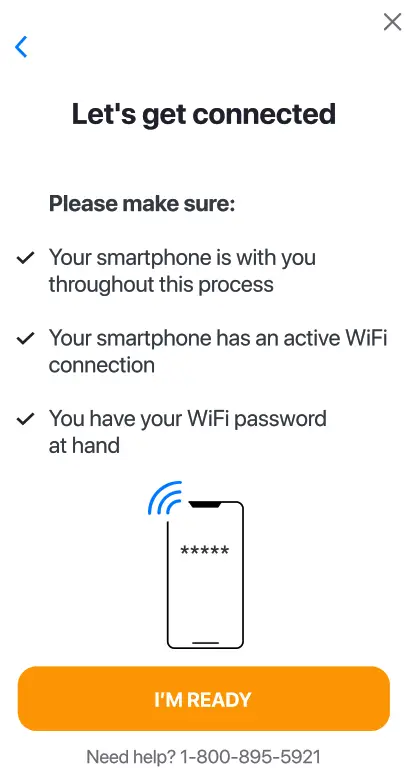
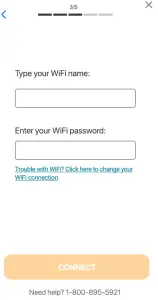
WiFi information
Insert the WiFi name and password and tap the connect button.
Turn on your scale
- Once the WiFi connection is established, press and release the power button on the back of the scale to power the scale on.
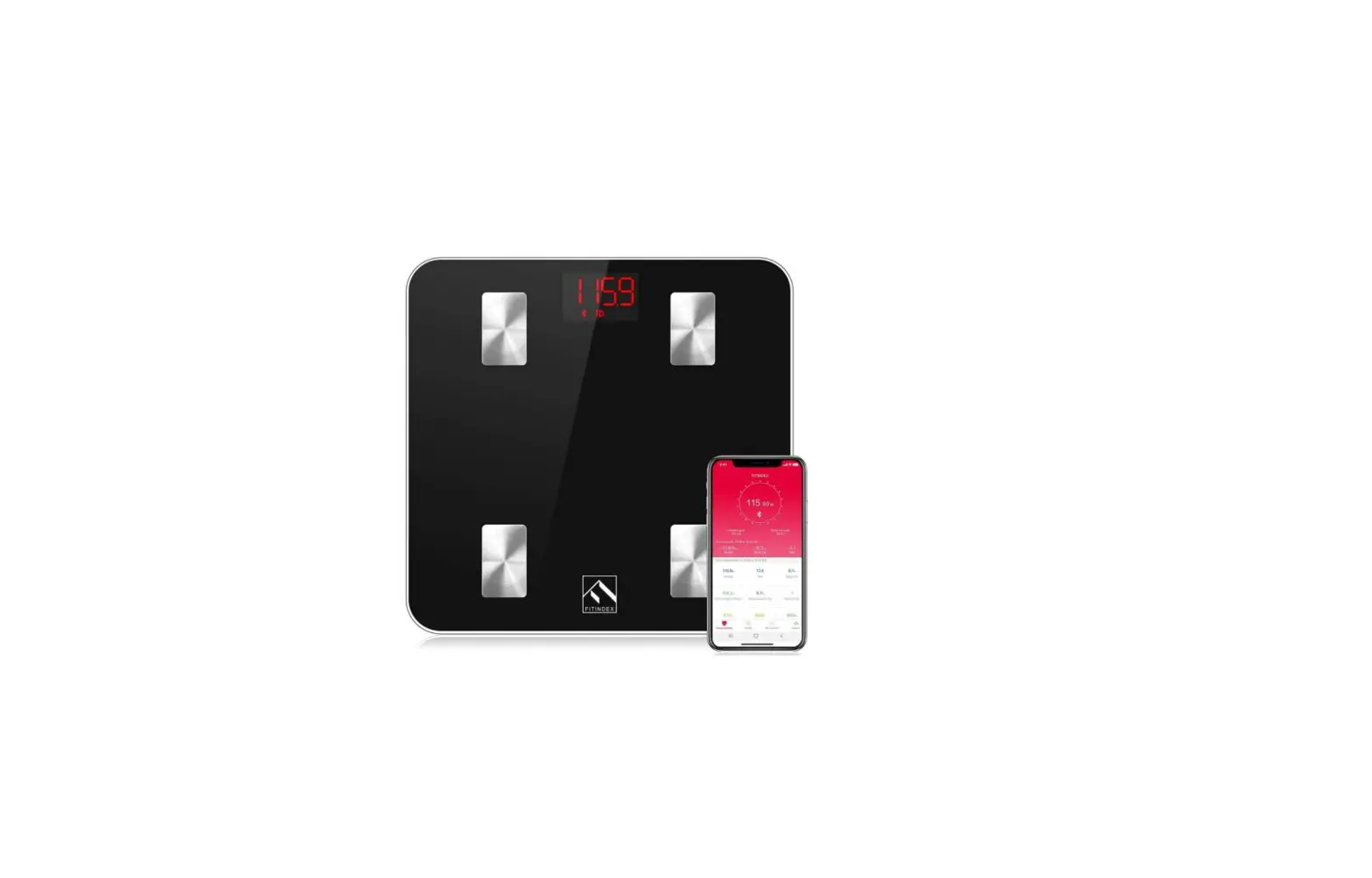
- Press the power button again and keep it pressed until AP appears on the display screen (this may take a few seconds). As shown in Pic 1.
- Allow Dario to join your WiFi network. As shown in Pic 2.
- Wait until you see the following screen and tap continue. As shown in Pic 3 and 4.
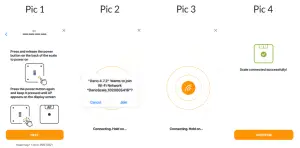
Congratulations! Your smart scale is ready for recalibrating your smart scale
In order to get the most accurate measurement, it is important to calibrate your scale.
- Place the scale on a hard, flat surface in a location with good WiFi connectivity.
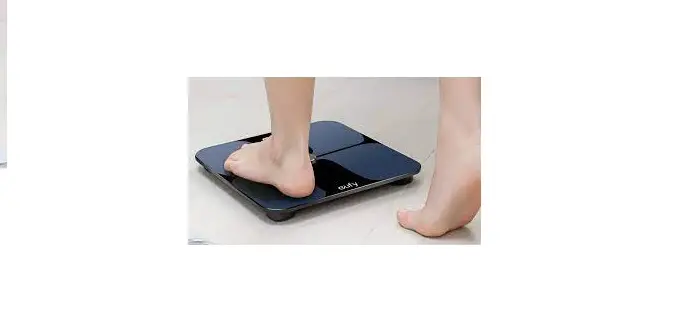
- With one foot, gently press the platform of the scale. The numbers on the display will appear. Wait until the measurement screen shows zero and remove your foot.
- Your scale is now calibrated.
- Please note that every time the batteries are replaced or the scale is moved from its original location, the calibration process should be repeated.
First-time measurement
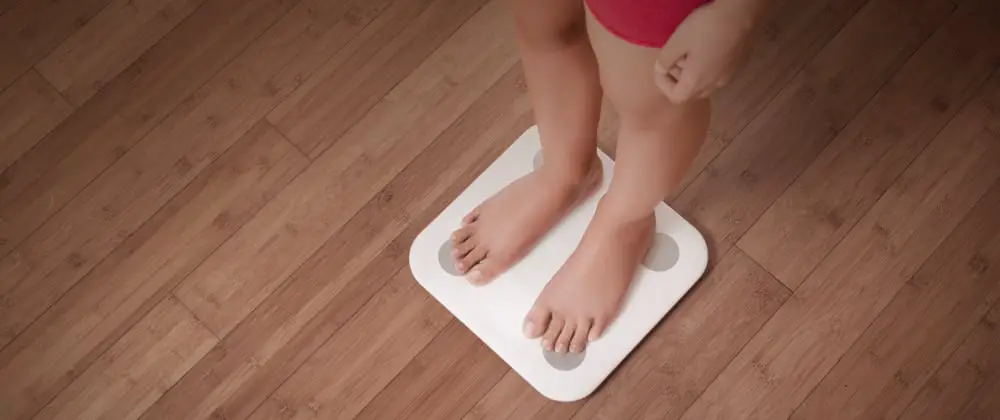
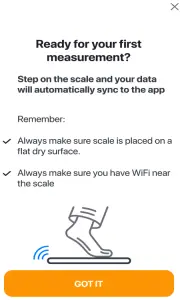
- Step on the scale with bare, dry feet. The scale will automatically start measuring your weight.
- Stand on the scale until the display shows your final measurement.
- Your results will automatically sync to the Dario Logbook in the app. Enter your logbook by pressing the menu button
Troubleshooting
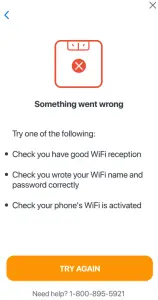
If your results do not automatically sync to your Dario Logbook, check your location has WiFi coverage and that your phone has an active WiFi network.
Change scale measurement units
To change measurement units click on the button in the back of the device. the weight unit change is on the device
Scale error messages
- LO massage -> Low battery, please put a new battery.
- Err -> Over weight, above 396 lbs (180 kg).
- Err 1 -> Fat test failure.
- Err 2 -> Data transmission failed.
- Err 4 -> Overtime between device and server connection.
- Err 5 -> The device received wrong data or invalid data.
If Err 1-5 appears on the screen please contact the help desk. +1-800-895-5921
Barcode scanning
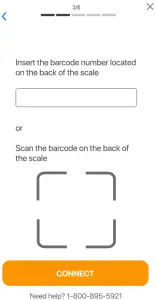
If you didn’t allow Dario to use your location, please scan or type the barcode number located on the back of the scale to continue the pairing process (See page 11).
Need more help?
Contact Dario Support
USA: toll-free Monday to Friday,
9:00AM – 5:00PM EST at
1-800-895-5921 or at
https://mydario.com/support/getting-started/