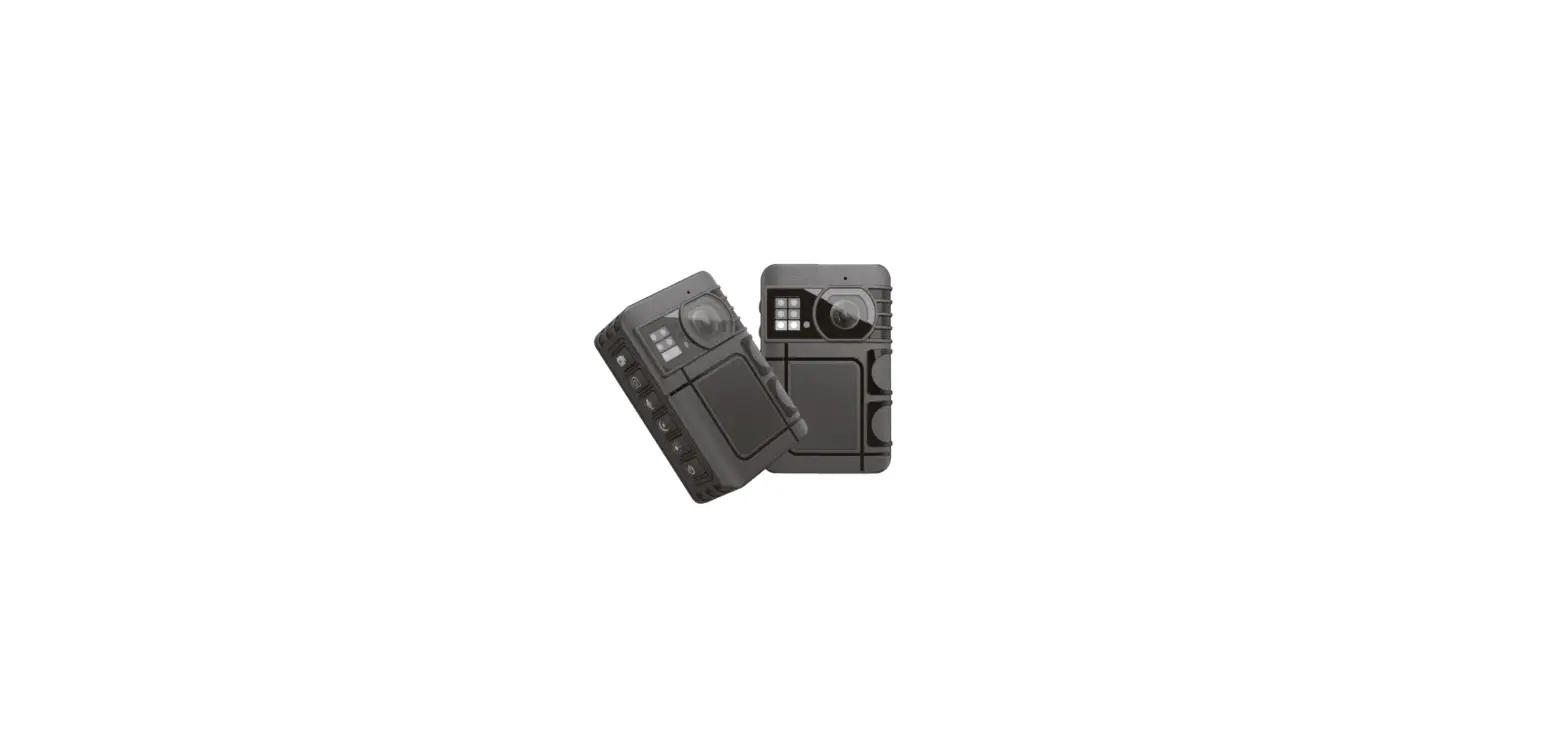
 Video playback&photo playback&audio playback
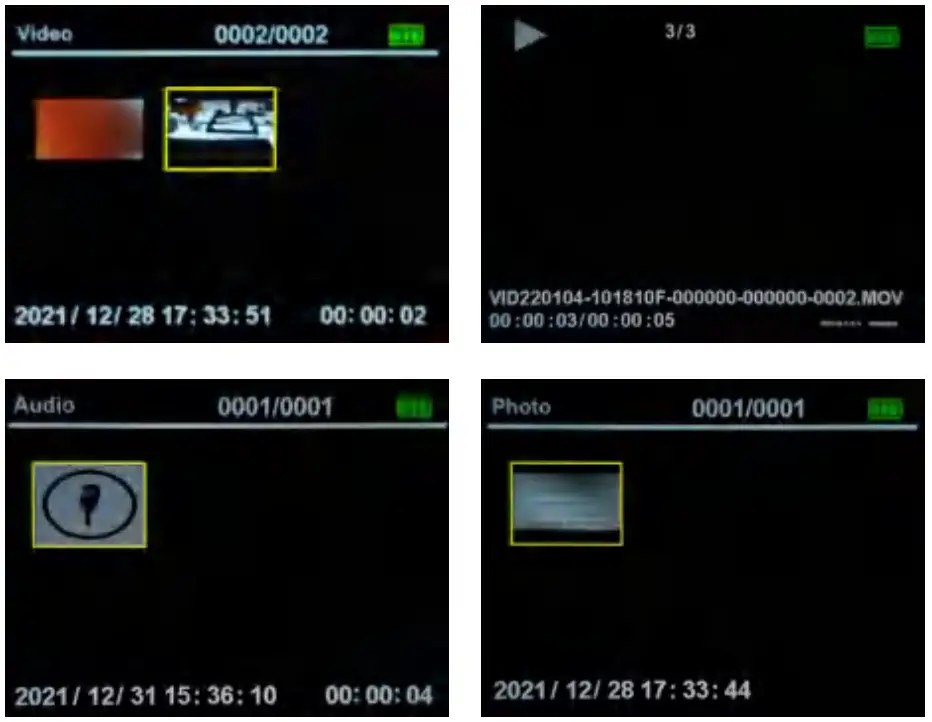
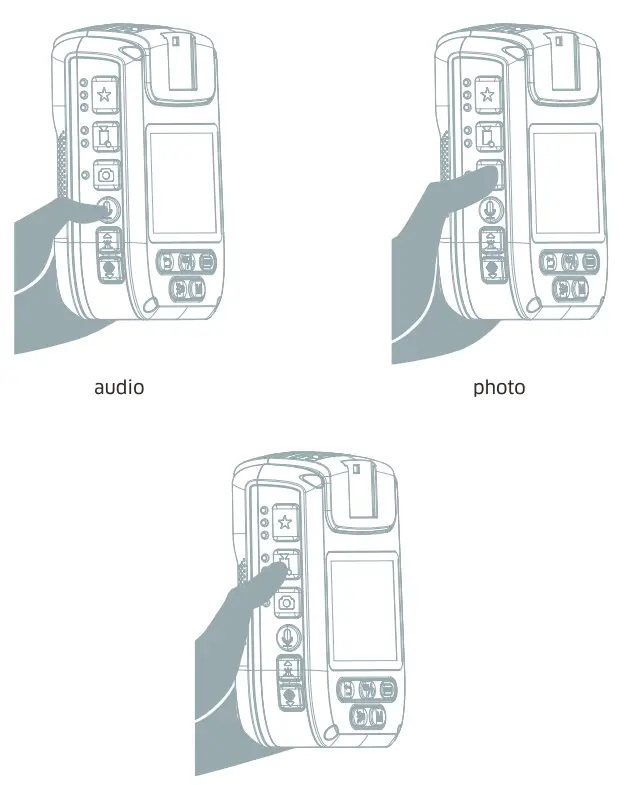
Working mode
| Resolution | Options | Apllication |
| Resolution | 4K 30FPS/ 2K 30 FPS/ 1296P 30FPS/ 1080P 60FPS/ 720P 30FPS/ 720P 60FPS/ 480P 30FPS/ | Adjust video resolution, with higher resolution, the video will be clearer. |
| Photo Size | 0M/32M/26M/ 40 0/14M/8M | Adjust the video resolution, with a higher resolution, the photo will be clearer. |
| Pre-Record | ON/OFF | Turn on the pre-recording function. In the standby mode, after pressing the recording button, the first 10 seconds of recording will also be recorded in the video. |
| Post-Record | OFF/55/the 30S/ 1min/5min | Turn on Post-Record, in the state of recording, after pressing the recording button to stop recording, the camera will continue to record for 10 seconds. |
| Video Quality | ON/OFF | After it is turned on, the definition can be improved, but the file size of the video will increase. |
| Exposure | -2 to +2 | Adjust the image brightness, the higher the value, the higher the brightness. |
| Loop Recording | ON/OFF | Turn on loop recording, when the memory card is almost full, the latest recording will overwrite the oldest video. |
| Video Length | 5min/10min/ 20min/30min | Set the video duration, for example: set the video duration to 5 minutes, when the video reaches 5 minutes, the camera will stop and save the video, and then restart the video and count. |
| LCD Auto Off | OFF/305/1min/ 3min/5min | Set the screen saver time, such as: set the screen saver time to 1 minute, after 1 minute without any operation, the camera will automatically shut down the screen, you need to manually press any button, and the screen will light up. |
| Auto Power Off | OFF/lmin/ 3min/5min | Set a time period, in the standby state, without any operation, when the set time period is reached, the machine will automatically shut down |
| Key Tone | ON/OFF | Turn on/off key sound |
| Mute recording | ON/OFF | After turning it on, the camera will not make any sound |
| Device Volume | OFF/Low/ Middle/High | Set the system sound level |
| Dash Camera Mode | ON/OFF | After being turned on, when the camera is connected to the power source, it will automatically turn on and record video. After the power is off, the camera will automatically stop recording and shut down. |
| Device ID | 5 Arabic numerals | Set machine code |
| Officer ID | 5 Arabic numerals | Set personnel number |
| Password | ON/OFF | Open password |
| Change Password | 5 Arabic numerals | change the password |
| IR Fitter | Manual/auto | Set the way to turn on the infrared light |
| Voice broadcast | ON/OFF | After it is turned on, there will be an operation guidance sound for operations |
| Language | Chinese/English/ German/French/ Japanese/Russian | Set system language |
| Default setting | OK/Cancel | reset |
| Date&Time | Set system time and date | |
| Self Timer | OFF/2S/10S | Set timed photo time |
| Motion Detection | OFF/Low/ Middle/High | When the camera detects that there is an object moving on the screen, it will automatically start recording until there is no longer an object moving on the screen, and stop recording after 5 seconds |
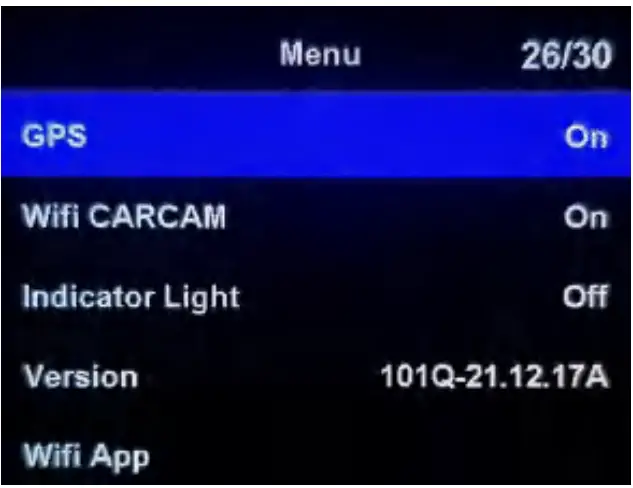
| GPS | ON/OFF | Turn-ON/OFF GPS |
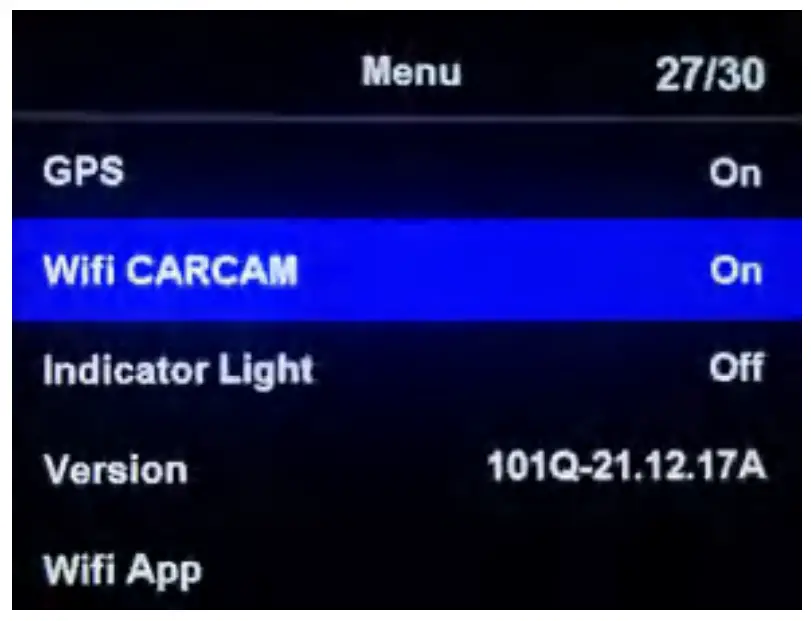
| WIFI SARCASM | ON/OFF | Turn-ON/OFF WIFI |
| Indicator Light | ON/OFF | Turn-ON/OFF Indicator |
| WIFI App | ON/OFF | QR code showing APP download address |
Specification
| Model | AC10 |
| Video Format | MOV |
| Photo Format | JPG |
| Video Coding | H.264 |
| Data interface | Mini USB HDMI |
| Storage | MAX to 128G, Micro SDHC |
| Power input | DC 5V/2A |
| Microphone | Built-in MIC |
| Speaker | Built-in |
| Battery | 4000mAh |
| Zoom | Support 4X Zoom |
| Charging Time | About 4hours |
| WIFI | WIFI 2.4G |
| GPS | Built-in GPS |
| Night vision | Support Infrared night vision |
| Language | Chinese/English/German/French/Japanese/Russian |
| Working Temperature | 10°C to +65°C |
| Storagature Temple | 20°C to +70°C |
| APP | RoardCam |
| Screen Type | IPS |
| Screen size | 2 inches |
| work time | About 9 hour |
WIFI Connection and APP
How to use the APP?
Step 1: Download the APP, the QR code of the APP, Or search directly in the mobile store: “RoadCam” download address:
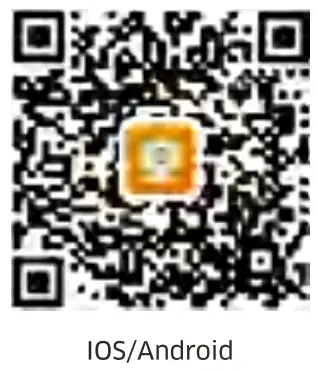 http://www.ligoor.com/app/roadcam/roadcam.html
Note: After installing the APP according to the prompts, when you open the APP for the first time, you need to empower the APP, such as the right to connect to WIFI, the right to GPS positioning
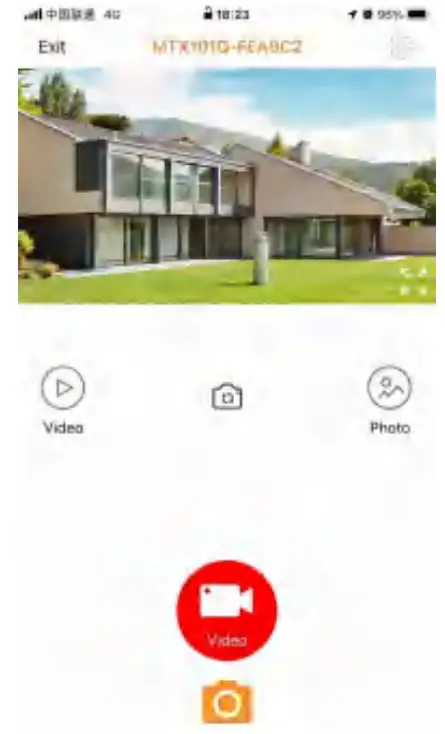
For example: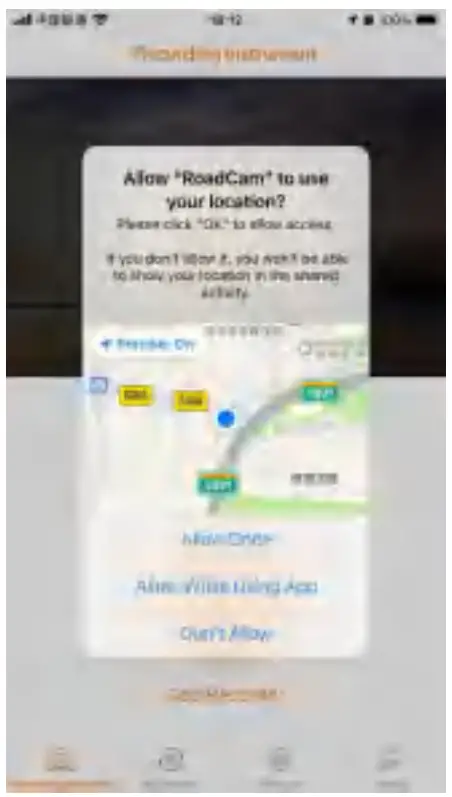 Step 2: In the system menu, turn on the WIFI function
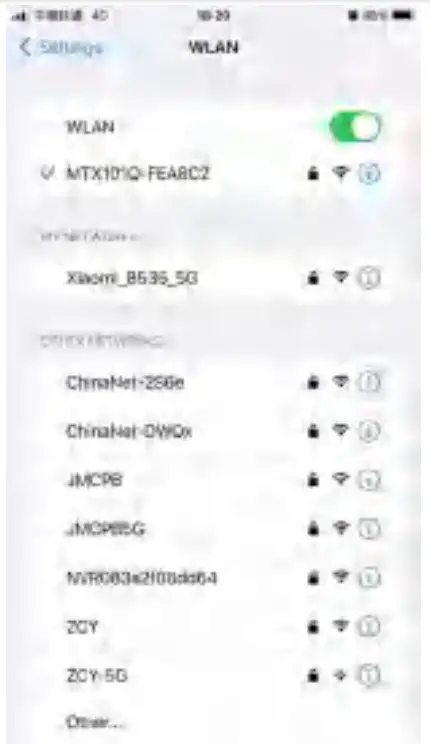
 Step 3: find and connect the camera WIFI in the mobile WIFI list
 Step 4: Open the APP and click to connect to the camera
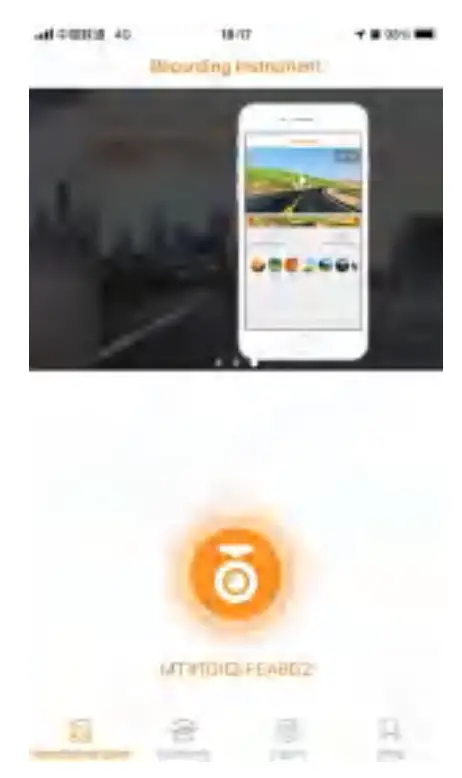 Step 5: Enter the real-time screen and shoot
How to use GPS function?
How to use the APP?
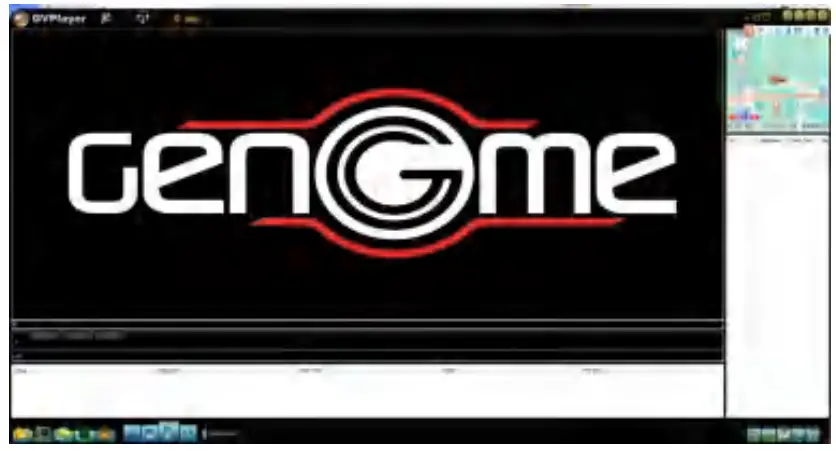
Step 1: Install GPS player GPS player download address: https://www.campark.net/pages/campark-gvp
Step 2: Open the GPS function on the menu
Step 3: Take videos in areas with GPS signals
Step 4: Use a GPS player to play video
Frequently asked questions and answers:
Q: The camera does not turn on A:
- Check the battery status and fully charge the battery before using the camera.
- Use an external power supply with a specification of DC 5V/2A to power the camera. Long press the “Power” button to check whether the work indicator is on.
Q: The camera crashed during use.
A: If this happens occasionally, it is mainly due to the working environment or habits in which the camera is used. If this happens very frequently, please check the memory card speed. The AC10 camcorder records ultra-high-definition video, so a high-speed memory card is required. Please make sure you are using a high-speed memory card.
Q: Video playback is not smooth, red and blue stripes appear in the video
A: Make sure to use a high-speed card (U3 card). The memory size of the card must be at least 8GB. Before using the camera, format the memory card first.
FCC STATEMENT :
This device complies with Part 15 of the FCC Rules. Operation is subject to the following two conditions:
- This device may not cause harmful interference, and
- This device must accept any interference received, including interference that may cause undesired operation.
Warning: Changes or modifications not expressly approved by the party responsible for compliance could void the user’s authority to operate the equipment.
NOTE: This equipment has been tested and found to comply with the limits for a Class B digital device, pursuant to Part 15 of the FCC Rules. These limits are designed to provide reasonable protection against harmful interference in a residential installation. This equipment generates uses and can radiate radio frequency energy and, if not installed
and used in accordance with the instructions, may cause harmful interference to radio communications. However, there is no guarantee that interference will not occur in a particular installation. If this equipment does cause harmful interference to radio or television reception, which can be determined by turning the equipment off and on, the user is encouraged to try to correct the interference by one or more of the following measures:
Reorient or relocate the receiving antenna.
Increase the separation between the equipment and receiver.
Connect the equipment into an outlet on a circuit different from that to which the receiver is connected.
Consult the dealer or an experienced radio/TV technician for help.
FCC Radiation Exposure Statement:
The device has been evaluated to meet general RF exposure requirements.
The device can be used in portable exposure conditions without restriction.
SAR Information Statement
The product is designed and manufactured not to exceed the emission limits for exposure to radiofrequency (RF) energy set by the Federal Communications Commission of the U.S. Government. These limits are part of comprehensive guidelines and establish permitted levels of RF energy for the general population. The guidelines are based on standards that were developed by independent scientific organizations through periodic and thorough evaluations of scientific studies. The standards include a substantial safety margin designed to assure the safety of all persons, regardless of age and health. The exposure standard for wireless mobile phones employs a unit of measurement known as the Specific Absorption Rate or SAR. The SAR limit set by the FCC is 1.6 W/kg. Tests for SAR are conducted with the product transmitting at its highest certified power level in all tested frequency bands. Although the SAR is determined at the highest certified power level, the actual SAR level of the product while operating can be well below the
maximum value. This is because the product is designed to operate at multiple power levels so as to use only the power required to reach the network. In general, the closer you are to a wireless base station antenna, the lower the power output. Before a product model is available for sale to the public, it must be tested and certified to the FCC that it does not exceed the limit established by the government adopted a requirement for safe exposure. The tests are performed in positions and locations (e.g., at the ear and worn on the body) as required by the FCC for each model. The highest SAR value for this model product when tested for use worn on the body, as described in this user guide, use at the worn on the body is 0.313W/kg.
(Body-worn measurements differ among phone models, depending upon available accessories and FCC requirements). While there may be differences between the SAR levels of various products and at various positions, they all meet the government requirement for safe exposure. The FCC has granted an Equipment Authorization for this model product with all reported SAR levels evaluated as in compliance with the FCC RF exposure guidelines. SAR information on this model product is on file with the FCC and can be found under the Display Grant section of http://www.fcc.gov/ oet/fccid after searching.
FCC ID: 2AIGT-PD1 Additional information on Specific Absorption Rates (SAR) can be found on the Cellular Telecommunications Industry Association (CTIA) website at https://www.ctia.org/ In the United States and Canada, the SAR limit is 1.6 watts/kg (W/kg) averaged over one gram of tissue.
The standard incorporates a sub-stantial margin of safety to give additional protection for the public and to account for any variations in measurements.
Body-worn Operation
This device was tested for typical body-worn operations. To comply with RF exposure requirements, a minimum separation distance of 0mm is used between the user’s body and the handset, including the antenna. Third-party belt clips, holsters, and similar accessories used by this device should not contain any metallic components. Body-worn accessories that do not meet these requirements may not comply with RF exposure requirements and should be avoided. Use only the supplied or an approved antenna.
 Federal Communications Commission | The United States of America
 CTIA - Home