 GA60
GA60
Wireless Qi Charger 15W
User Guide
Introduction
Thank you for choosing the Wireless Qi Charger with marvelous design, MSI GA60, to be your companion. This exquisite Wireless Qi Charger will surely give you a delightful and professional experience in daily life.
This guide provides instructions and illustrations to help you get the most from the device, and it is recommended to read this guide before using it.
Package Contents
- Wireless Qi Charger
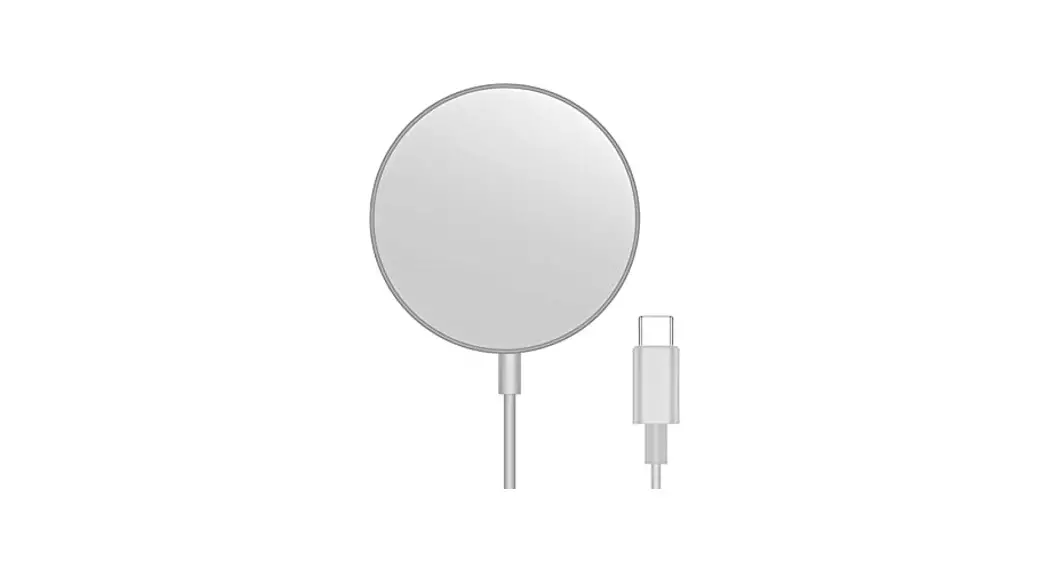
- USB Cable
- Multi-language Quick User Guide
System Requirements
- Be noted, to achieve better-charging results, always use the power adapter which is compliant with QC2.0 or above
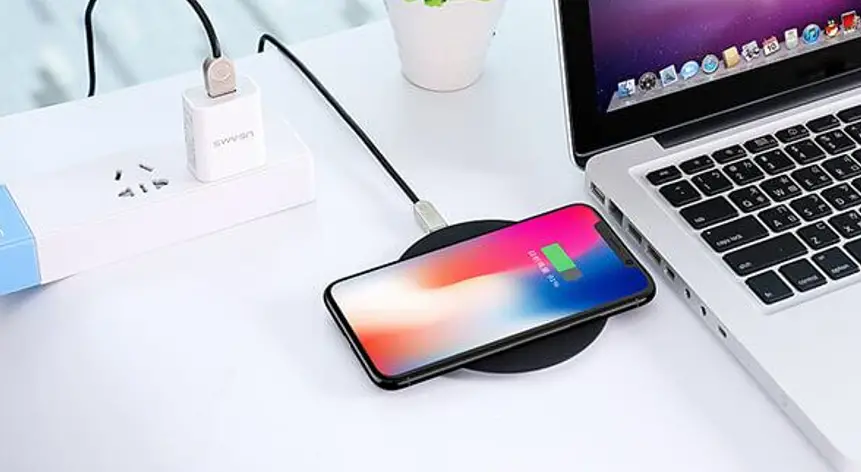
- Place the device onto the charging pad without unnecessary shelter covered.
- An adapter is not included
Specifications
- Interface: USB
- Cable Length: 1.5M PVC cable with USB Connector
- Dimensions : 114 x 110 x 31 mm
- Weight : 111 ± 5g (w/o cable)
Overview
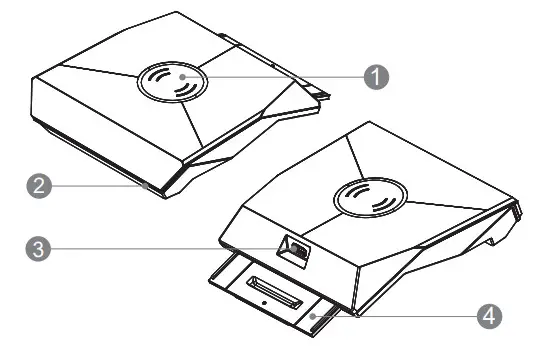
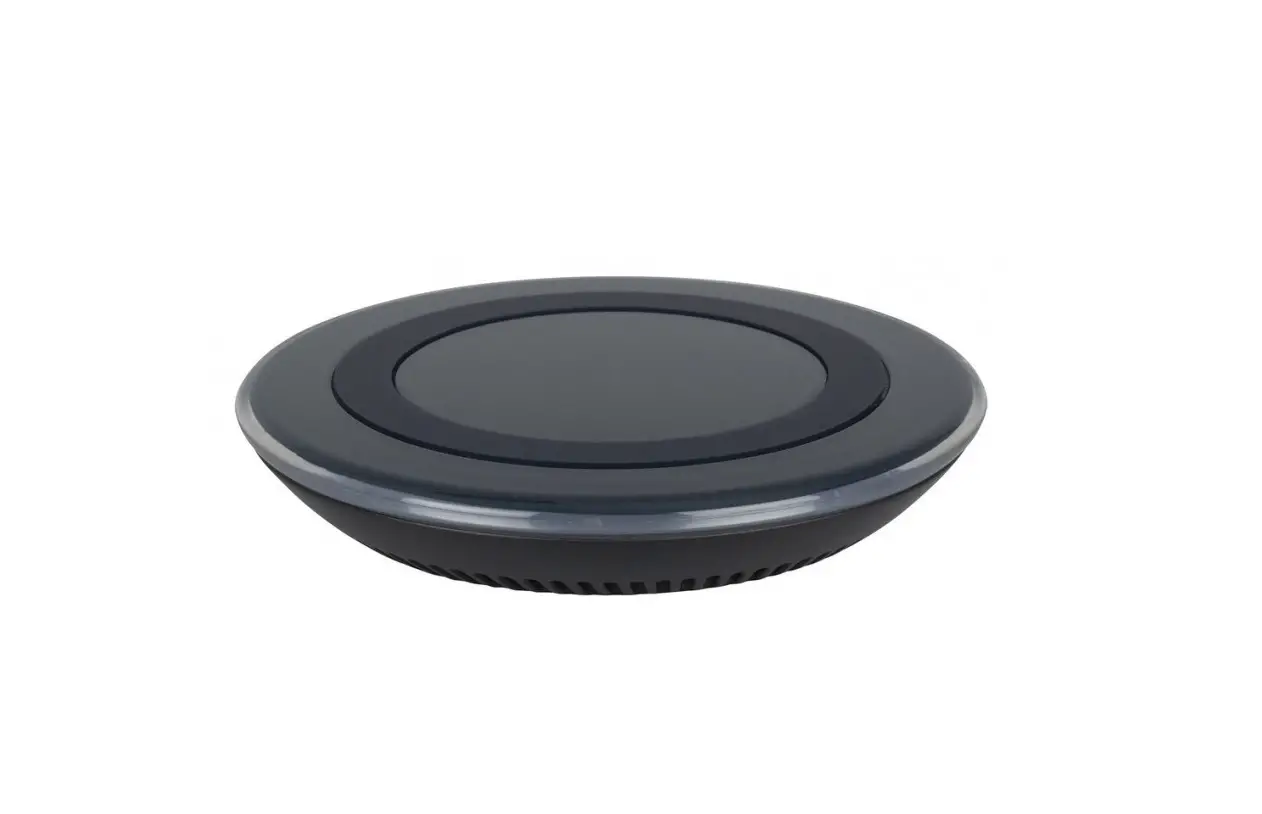
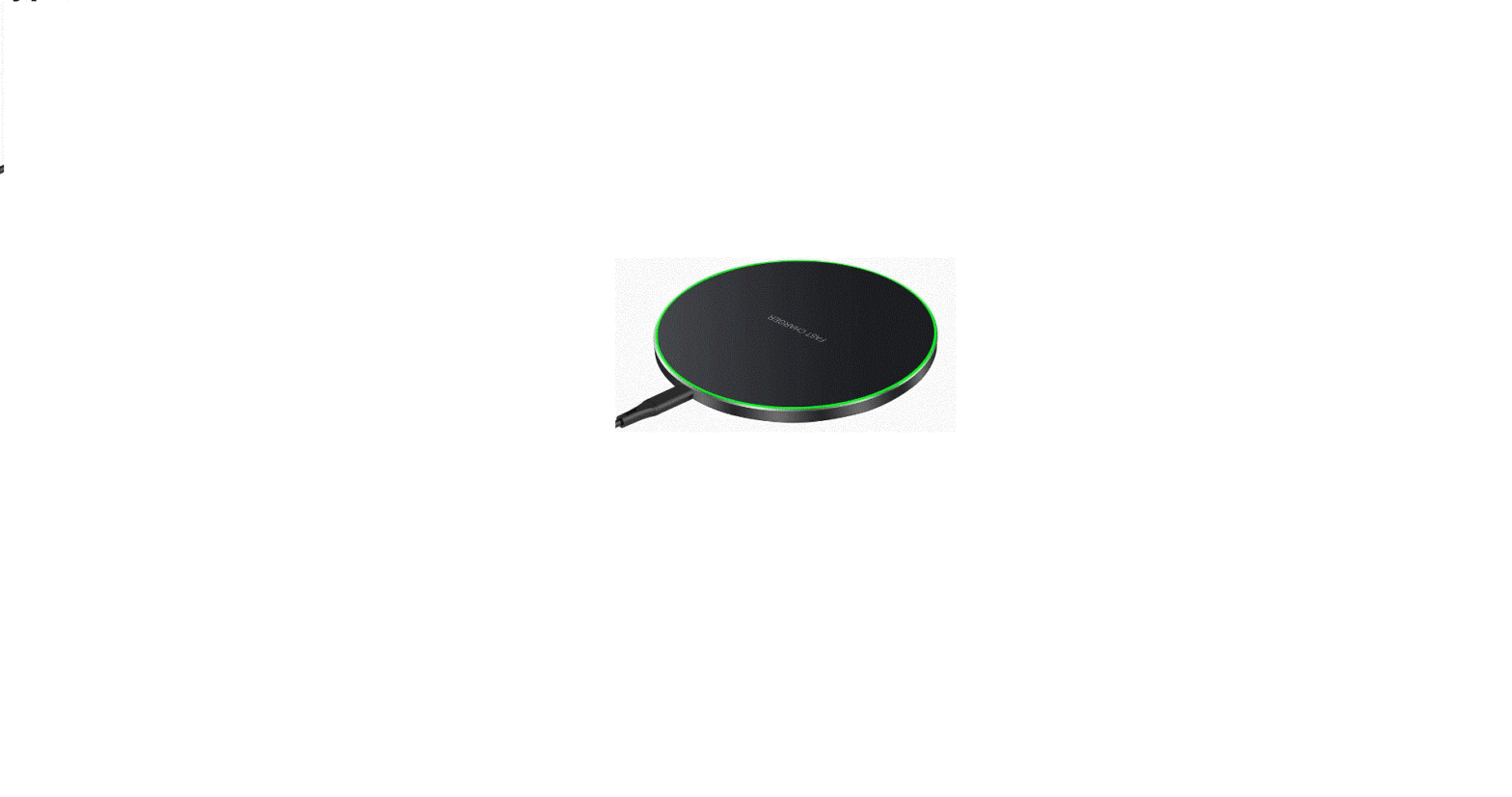
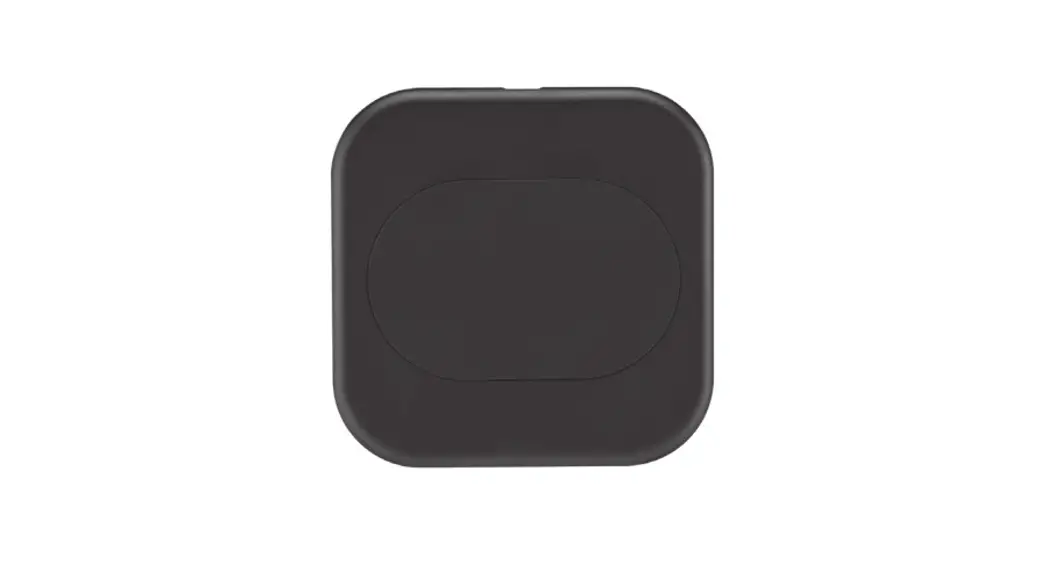
- Charging pad
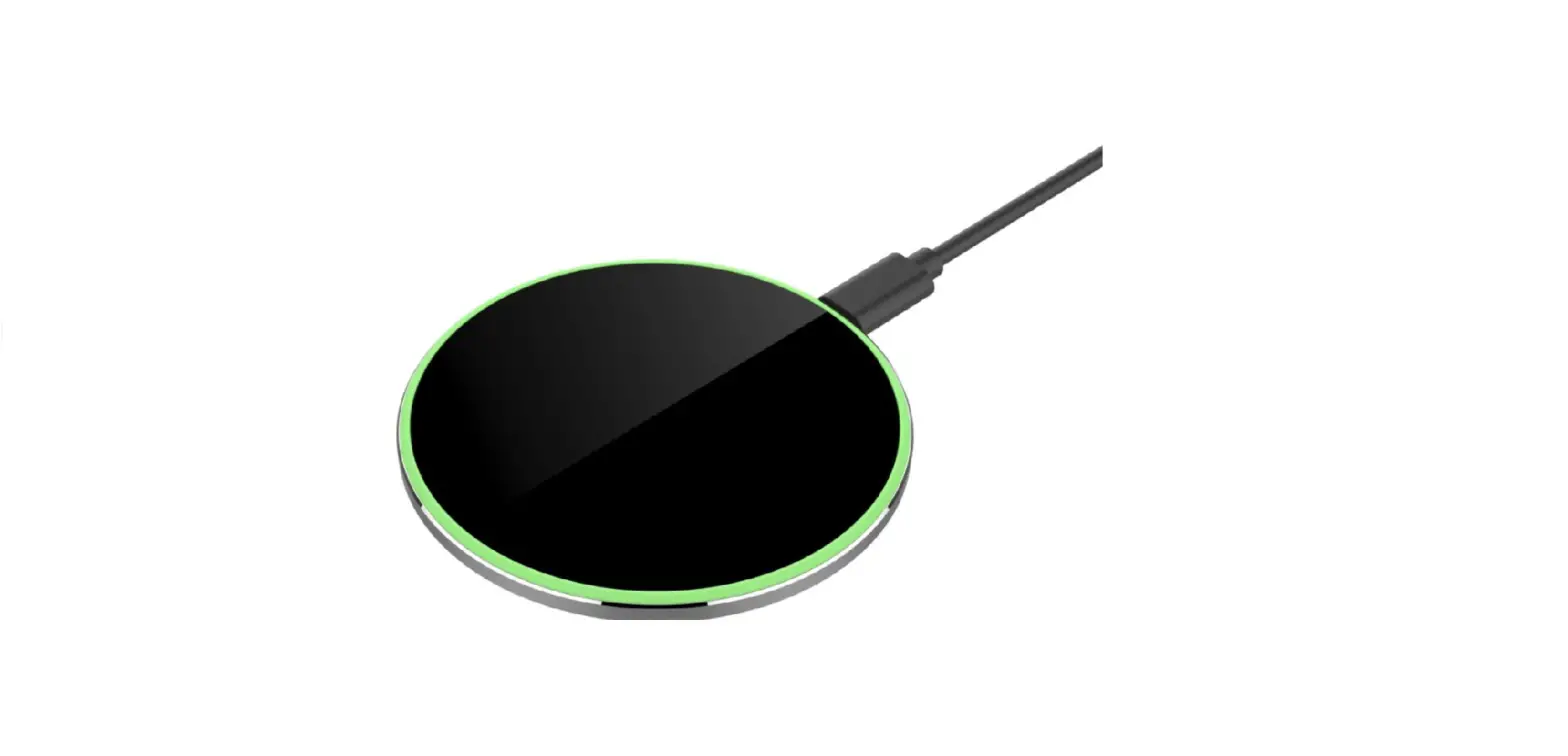
- LED indicator
- USB Type-C port
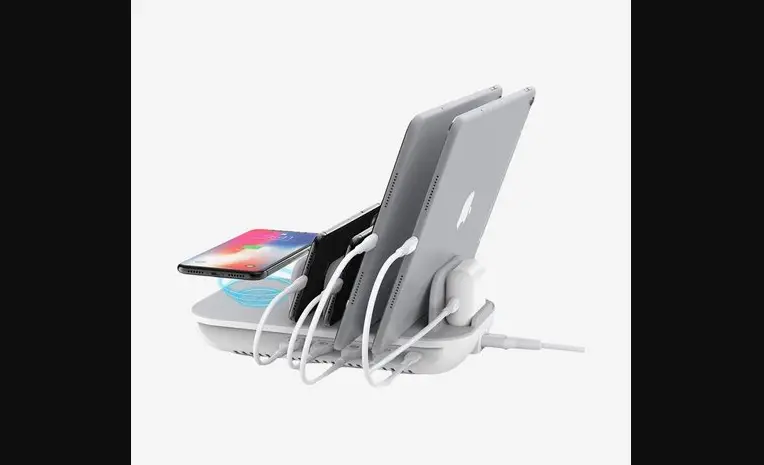
- Retractable stand
Status of LED Indicator
- Power On: LED glows red and then goes to Standby mode shortly after
- Standby: Breathing LED light in multiple colors
- LED turns to blue when the charging pad lays aside for 3 mins.
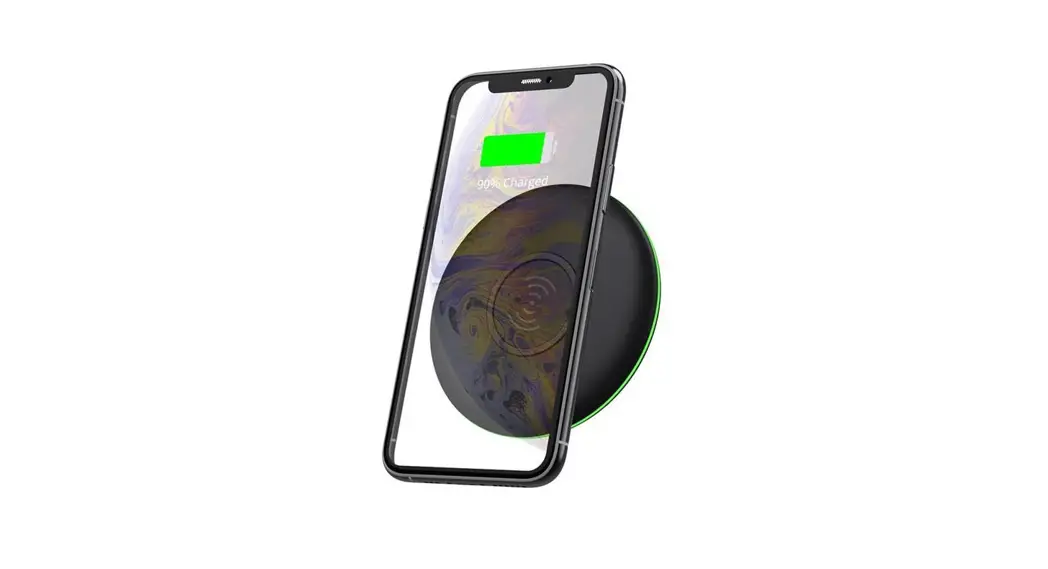
- Charging: Streaming LED light in multiple colors.
- Error: Flashing LED light in red