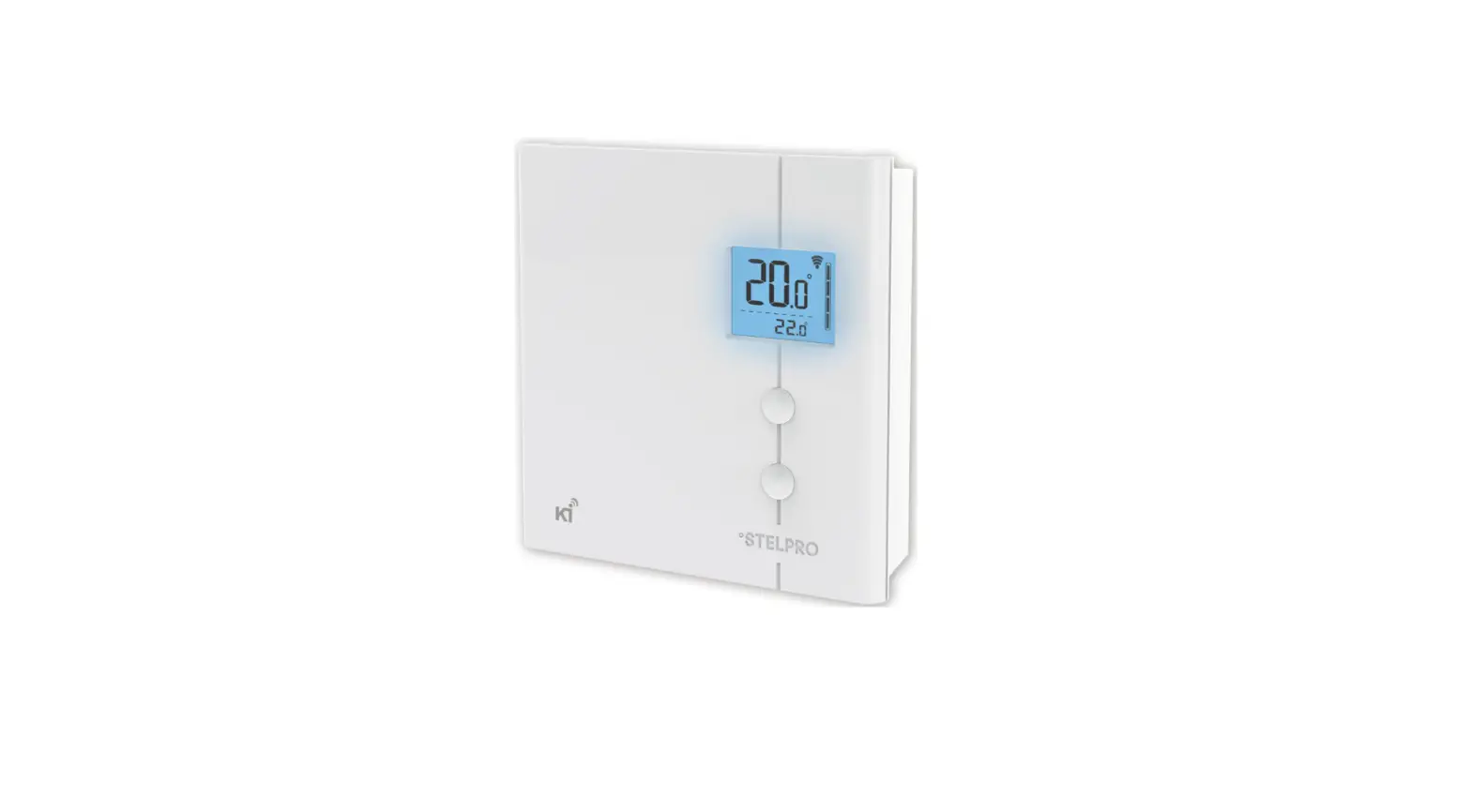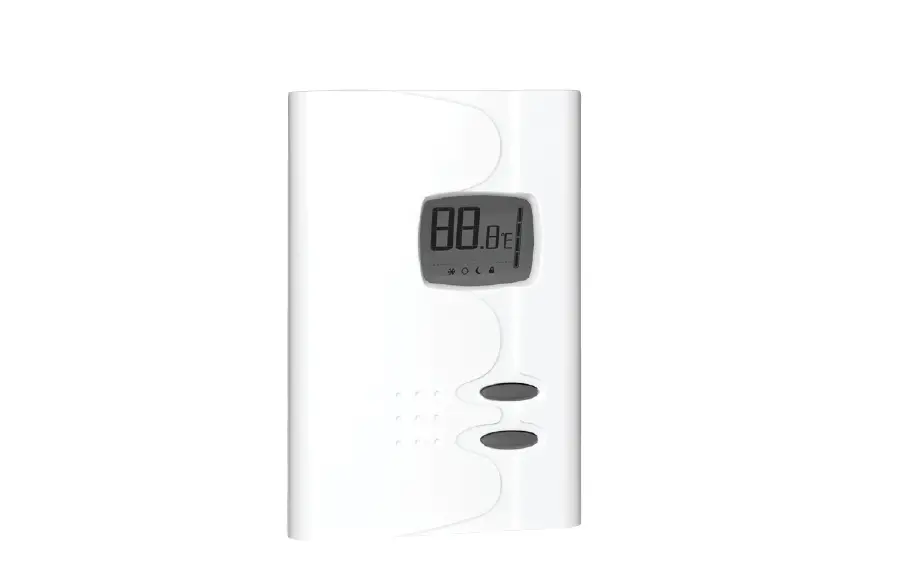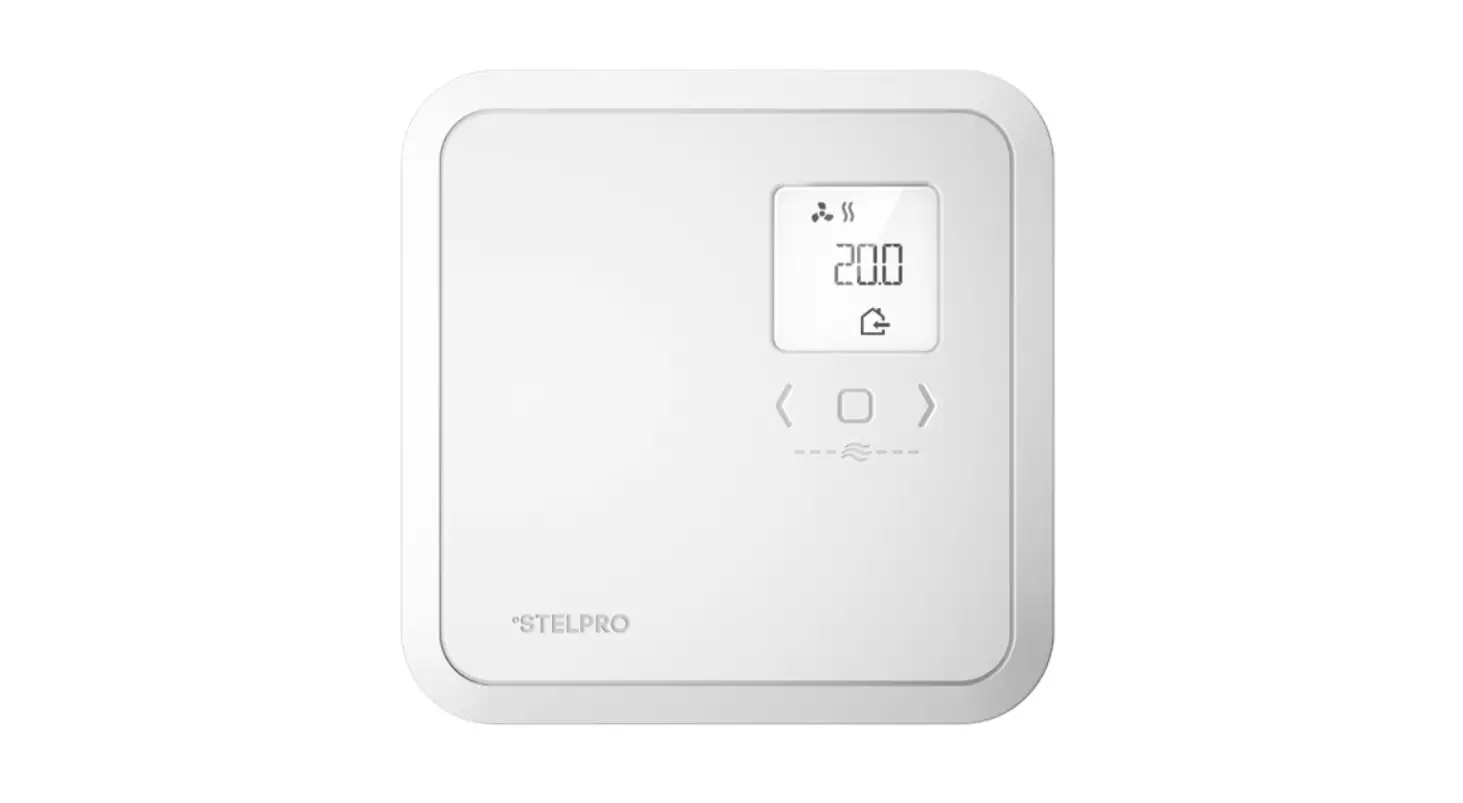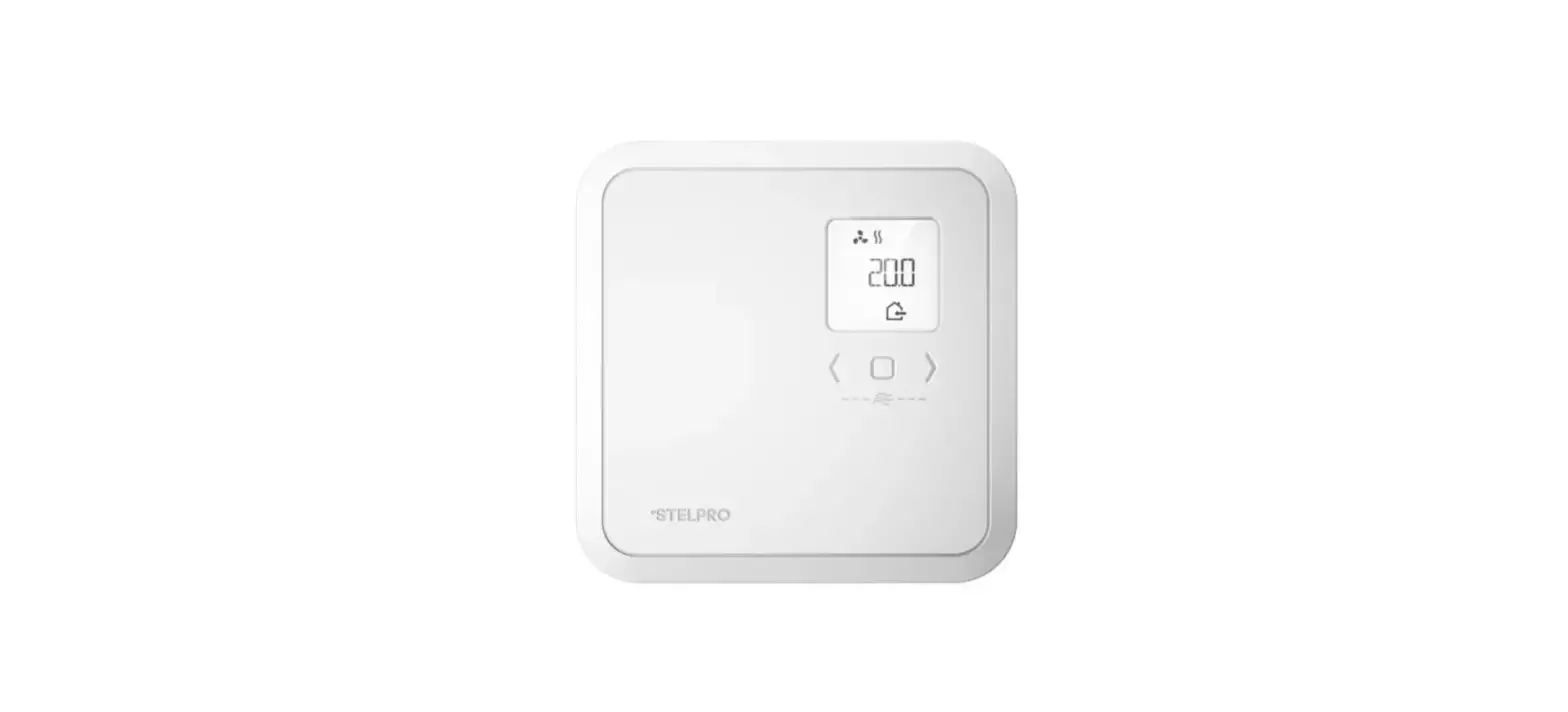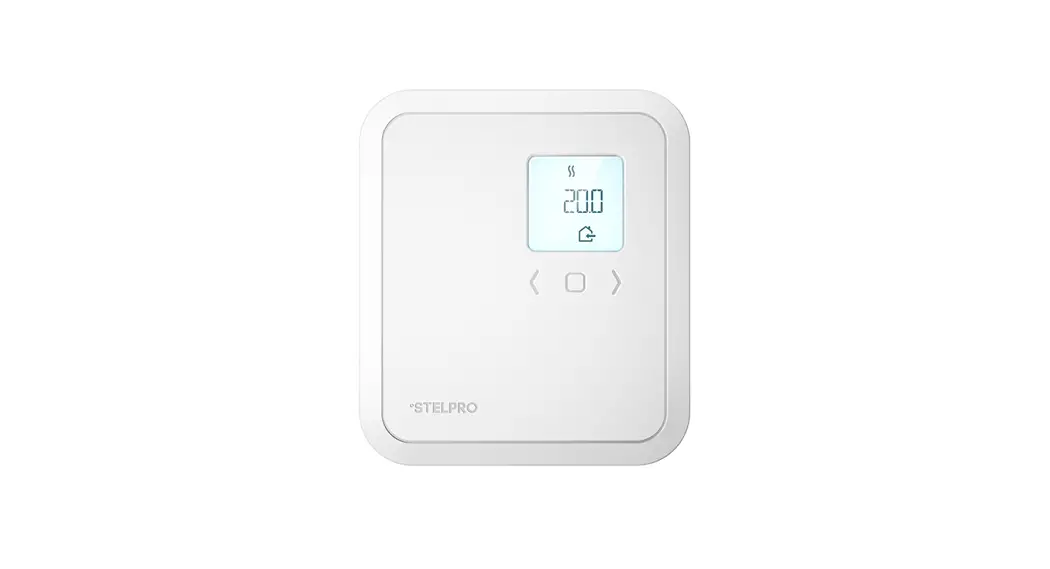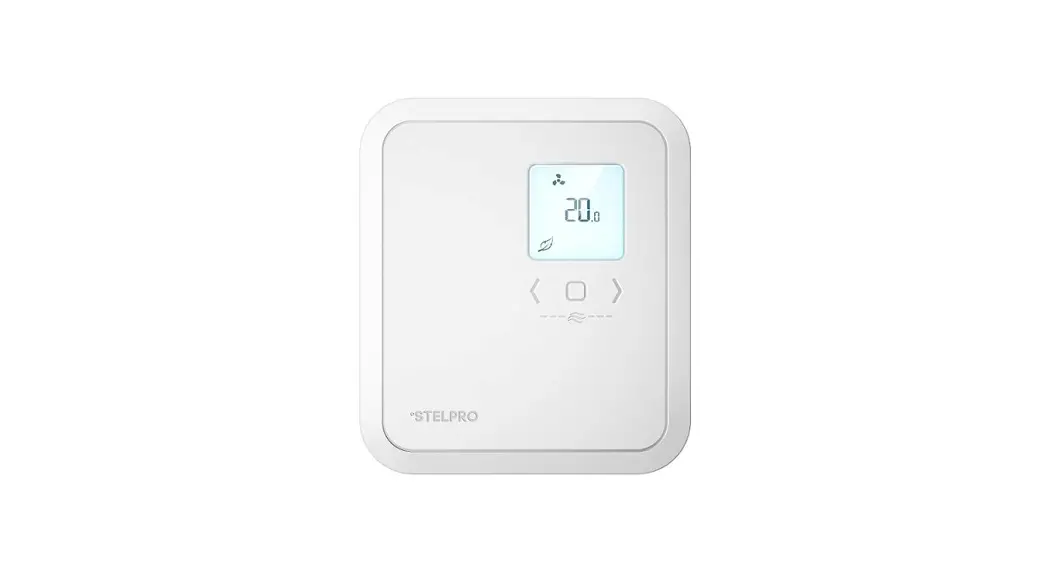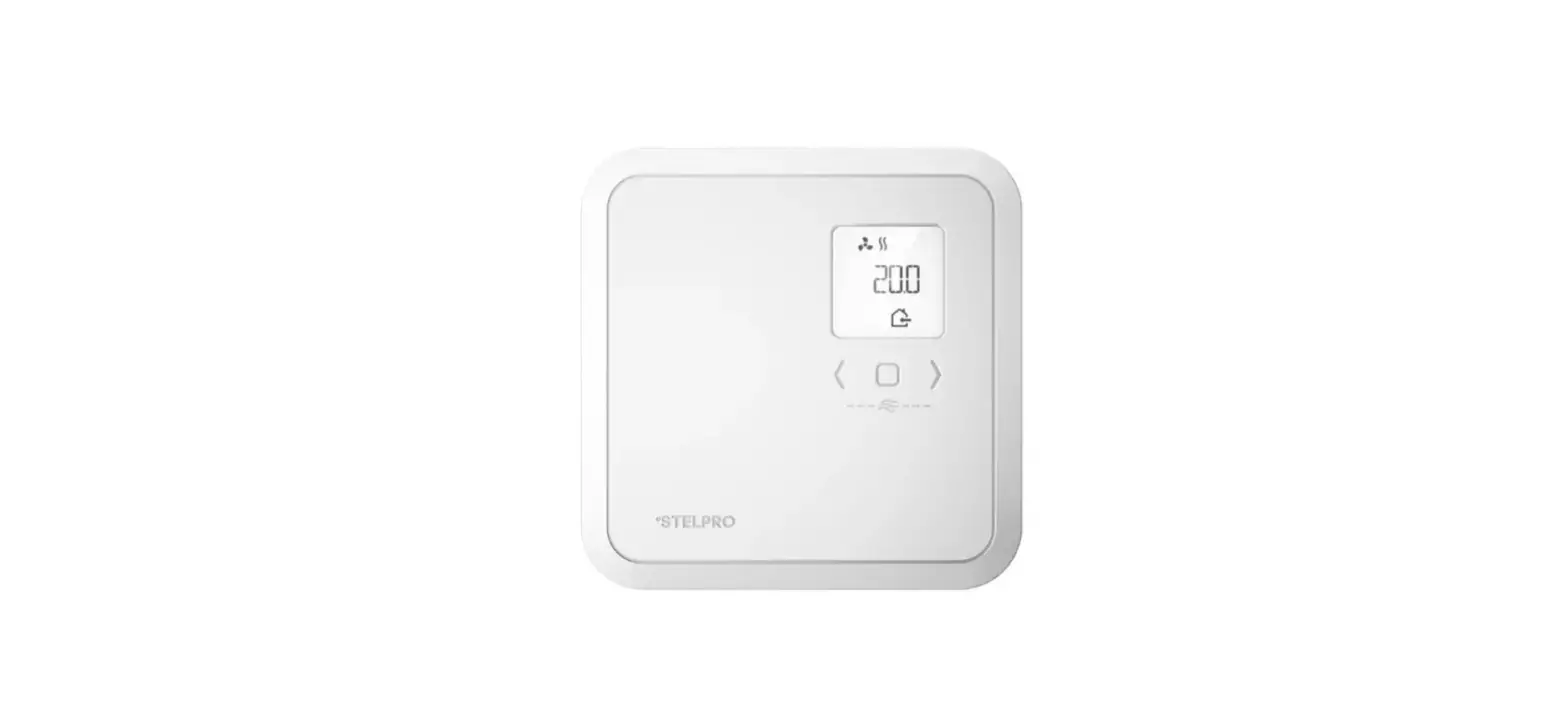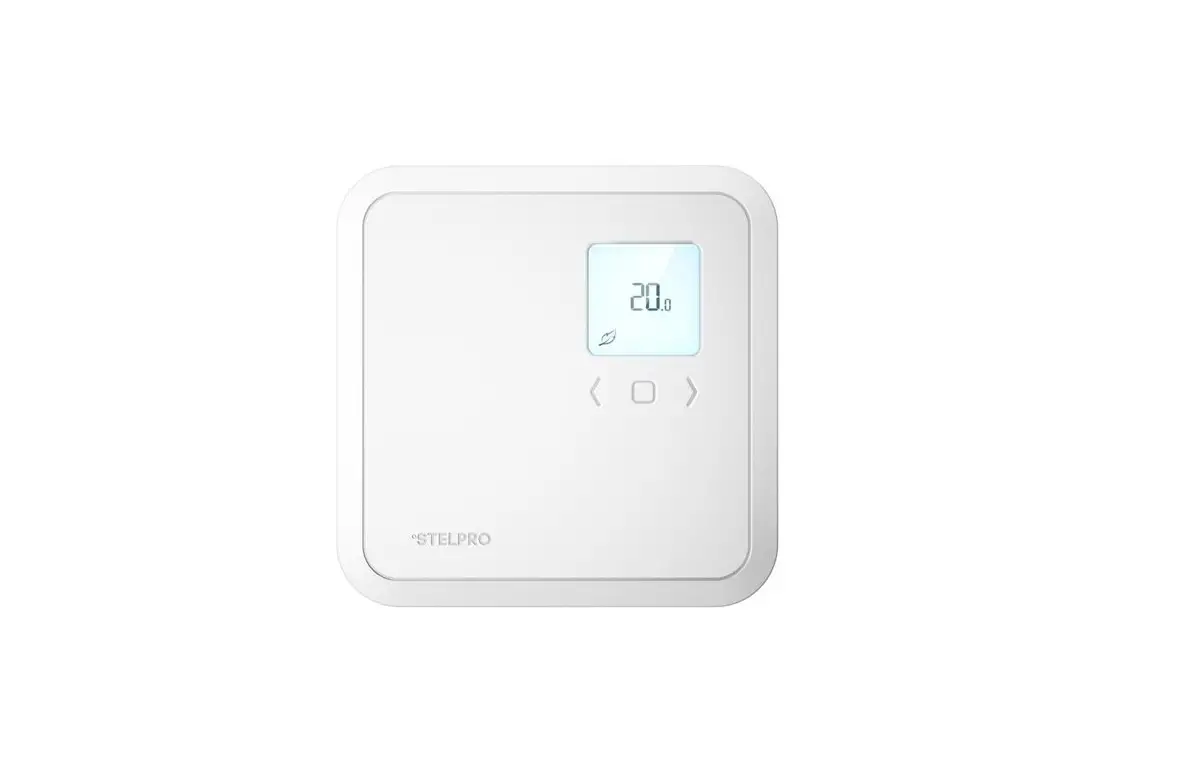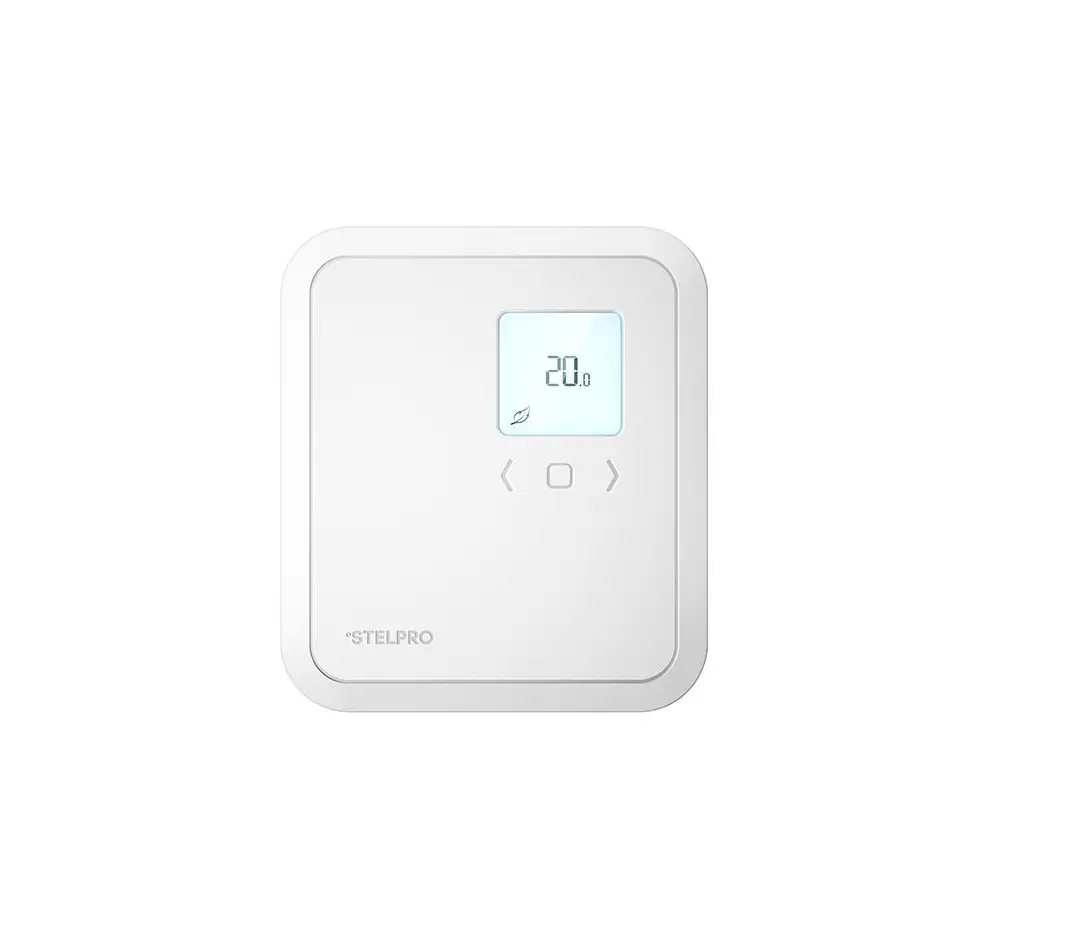
STELPRO SIBTE12C Built-In Electronic Thermostat Owner’s Manual
IMPORTANT INSTRUCTIONS
Before installing or using this product, you must read and understand these instructions. The manufacturer cannot be held responsible for anything, and the warranty will not be valid if the installer and user do not follow these instructions. Failure to comply with these instructions could result in bodily harm, property damage, serious injury andpotentially fatal electric shock.
The thermostat must be installed by a certified electrician.
WARNING: HIGH VOLTAGE. Turn off the power supply before installation and maintenance.
WHAT’S IN THE BOX
- One (1) thermostat,
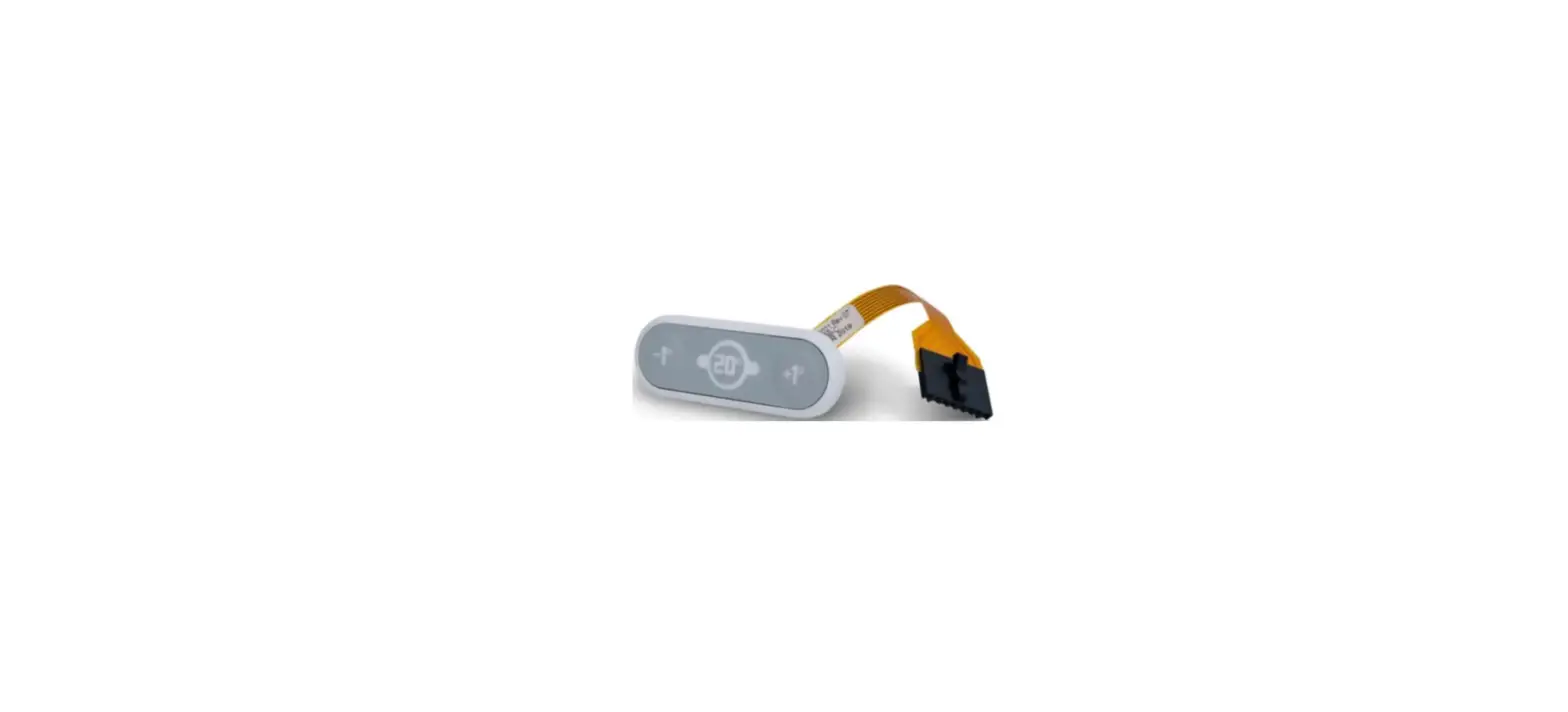
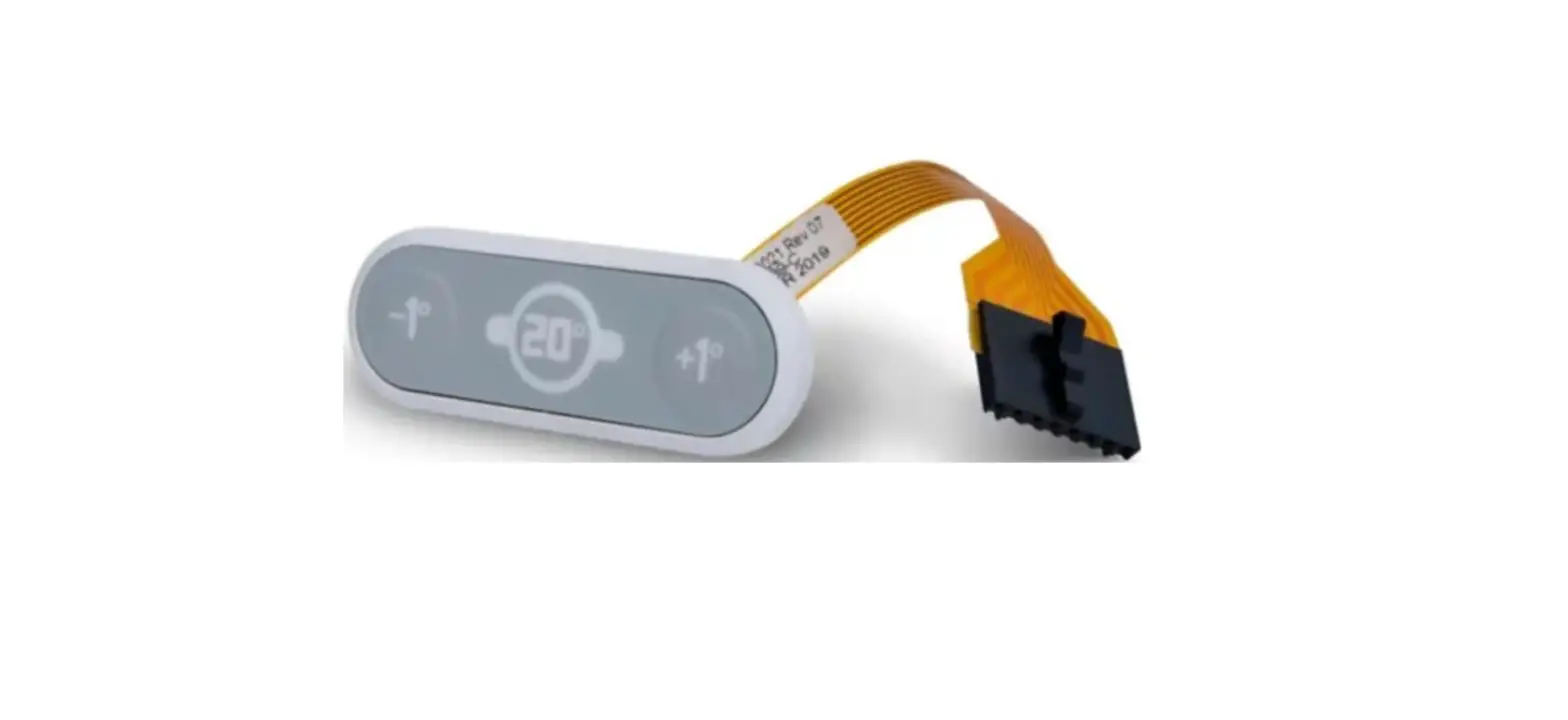
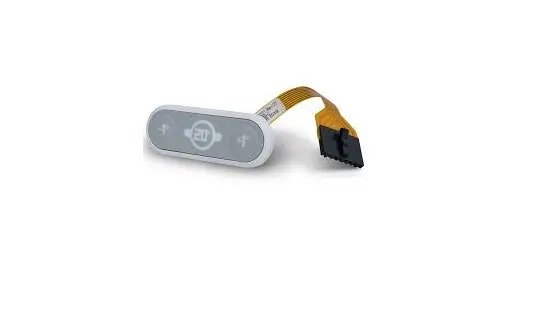
- one (1) control interface,
- two (2) screws,
- three (3) twist-on wire connector,
- one (1) white sleeve
MATERIAL REQUIRED
- Hammer, #2 Phillips
- or #2 Robertson
- screwdriver
INSTALLATION
PREPARE THE BASEBOARD
WARNING: Turn off the power supply. Do not install the thermostat in a position other than that indicated in this guide.
- Choose which side of the baseboard to install the thermostat. The connection must
be made in the same junction box as the power supply. - Remove the front panel. Refer to the baseboard instructions for more details.
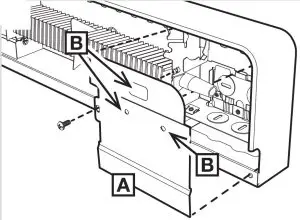
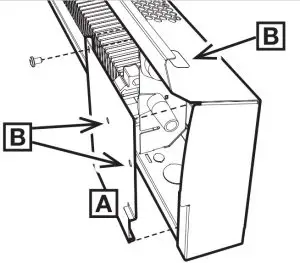
- Unscrew the front cover of the junction box [A] and remove it.
- Remove the knockouts [B] with a hammer and a screwdriver.


ASSEMBLE THE THERMOSTAT
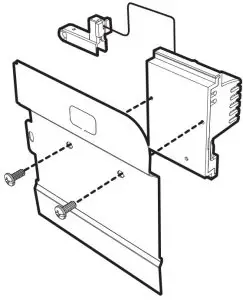
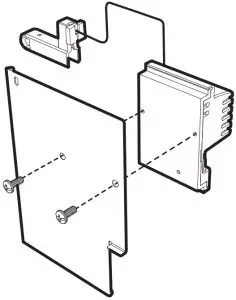
- Attach the thermostat using the screws provided.
- To ensure proper grounding and heat transfer, make sure the thermostat is screwed in securely and is in contact with the junction box cover.
CONNECT THE POWER SUPPLY WIRES
Complete the thermostat’s electrical connection according to one of the diagrams below. Tighten the wires securely in the supplied connection caps.
WARNING: Be sure to connect the wire colours as shown in the diagrams when making electrical connections.
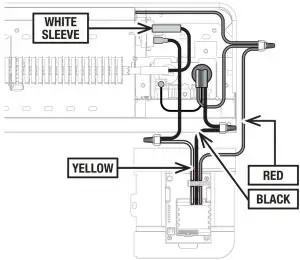
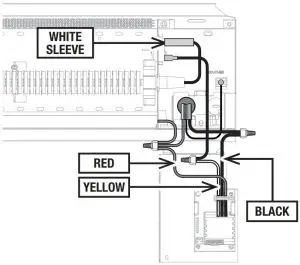
INSTALL THE TEMPERATURE SENSOR
Install the temperature sensor [A] as shown, making sure it is firmly seated at the bottom of the groove.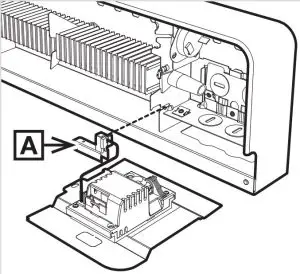
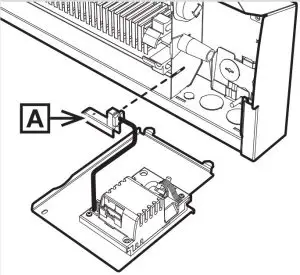
INSTALL THE INTERFACE
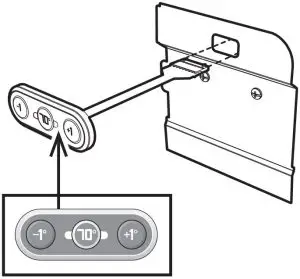
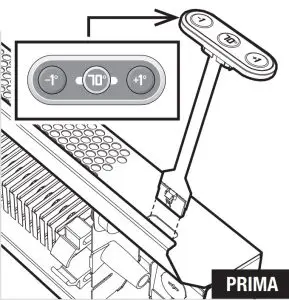
- Make sure surfaces are clean and dry. Position the interface so that the numbers face in the correct direction, as shown.
- Remove the adhesive protection on the back of the interface.
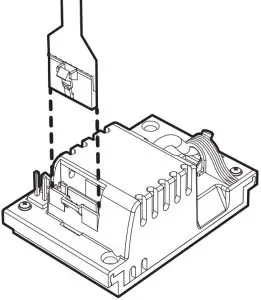
- Insert the connector into the opening. Clip the interface into place and press firmly so that the adhesive sticks to the surface.
- Clip the interface connector into the thermostat connector.
- Push all the wires into the junction box while closing it. Be sure that the flat flexible cable does not interfere with the wires and that the sensor wires are not pinched by the cover as this could damage them.
- Screw the junction box cover back on, then replace the front panel.
- Restore the power supply.
OPERATING INSTRUCTIONS
3 BUTTONS TO CONTROL THE TEMPERATURE
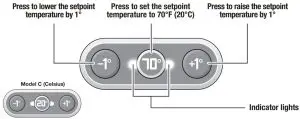
INITIAL SETTING
Once installation is complete, you must configure your thermostat according to your baseboard model.
| BASEBOARDS | MODEL F (Fahrenheit) | MODEL C (Celsius) | INDICATOR LIGHTS |
| BRAVA* | Press simultaneously 3 sec. | Press simultaneously 3 sec. | Purple |
| PRIMA | Press simultaneously 3 sec. | Press simultaneously 3 sec. | Light blue |
By default, the thermostat is set up for the BRAVA baseboard.
INDICATOR LIGHTS
The indicator lights provide feedback on your comfort choices and other advanced features.
| COLOUR | DESCRIPTION | TEMPERATURE MODEL F (Fahrenheit) MODEL C (Celsius) | |
| BLUE | Freeze protection | 41°F | 5°C |
| GREEN | Energy saving | 42°F to 66°F | 6°C to 19°C |
| GREEN TO ORANGE | Eco-comfort balance | 67°F to 74°F | 20°C to 23°C |
| RED | Optimal comfort | 75°F to 86°F | 24°C to 30°C |
| FLASHING RED | The baseboard has overheated, and heating has been switched off. After four minutes, the indicator lights will turn off. Heating will be restored. If the indicator lights flash repeatedly, make sure nothing is obstructing the baseboard. Otherwise, contact °STELPRO. | ||
| FLASHING YELLOW | The baseboard isn’t operating due to a problem with the temperature sensor. Please contact °STELPRO. | ||
| FLASHING WHITE | Lock/unlock feature. See the section below. | ||
ADJUSTING THE TEMPERATURE
Here are some examples of how to use the three buttons on the thermostat to adjust the setpoint temperature.
| DESIRED TEMPERATURE | PRESS | INDICATOR LIGHTS |
| 72 °F* |  | Orange |
| 67 °F* |  | Green |
| 41 °F* Freeze protection |  3 sec. | Blue |
Celsius version on the back.
LOCK/UNLOCK FEATURE
| PRESS | INDICATOR LIGHTS | |
| LOCK | Press simultaneously 3 sec. | After 3 sec., 3 white flashes |
| UNLOCK | After 3 sec., display of the current setpoint color | |
| When an attempt is made to change the setpoint while in lock mode, the indicator lights will flash white three times. | ||
TECHNICAL SPECIFICATIONS
| VERSION | VOLTAGE AND LOAD | VOLTAGE RATING | ||
| PRODUCT CODE | CELSIUS (°C) OR FAHRENHEIT (°F) | SUPPLY VOLTAGE (VAC) | LOAD (W) | OVERVOLTAGE CATEGORY |
| SIBTE12C | °C | 120-240 | 300-2500 | II (1500V) |
| SIBTE12F | °F | |||
| SIBTE13C | °C | 277-347 | III (2500V) | |
| SIBTE13F | °F | |||
Built-in control device
Thermistor used as a sensor, carries no charging current
Class A software
Enclosure protection rating IP20
Power supply type Device designed for alternating current only
Load control type Resistive
Action Type 1.Y
Pollution level 2
Frequency 60 Hz
Overload protection device external to the control
Circuit breaker (refer to local electrical code)
Operating temperature -20°C to 65°C (-4°F to 149°F)
Storage temperature -40°C to 65°C (-40°F to 149°F)
LIMITED °STELPRO WARRANTY
Limited three-year warranty. See details on www.stelpro.com
For more information, watch the video at: WWW.STELPRO.COM