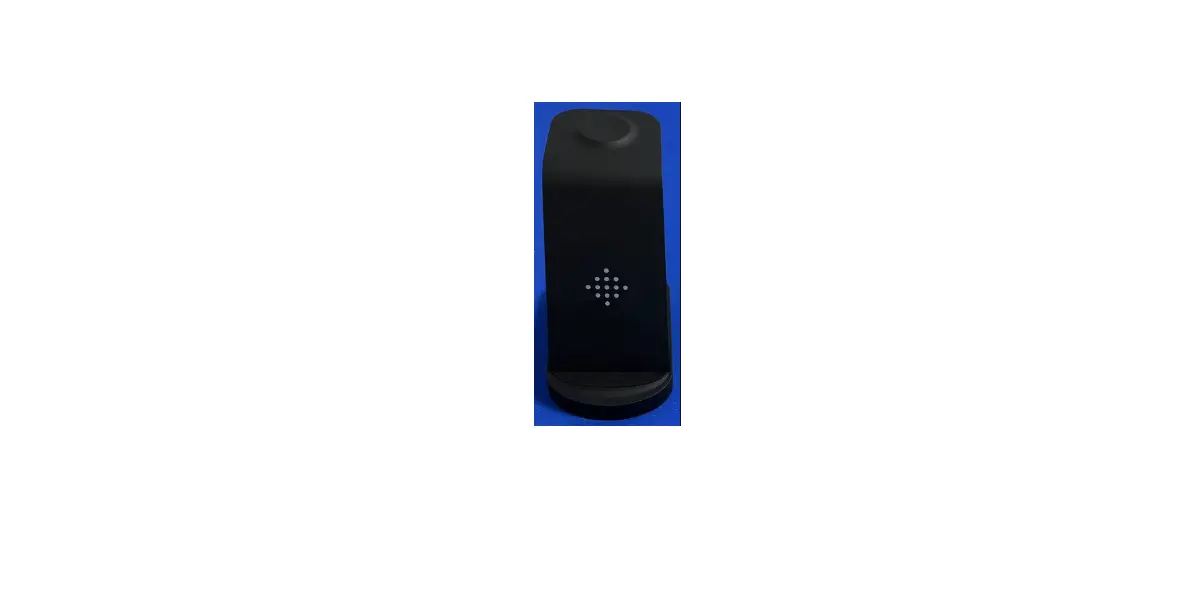
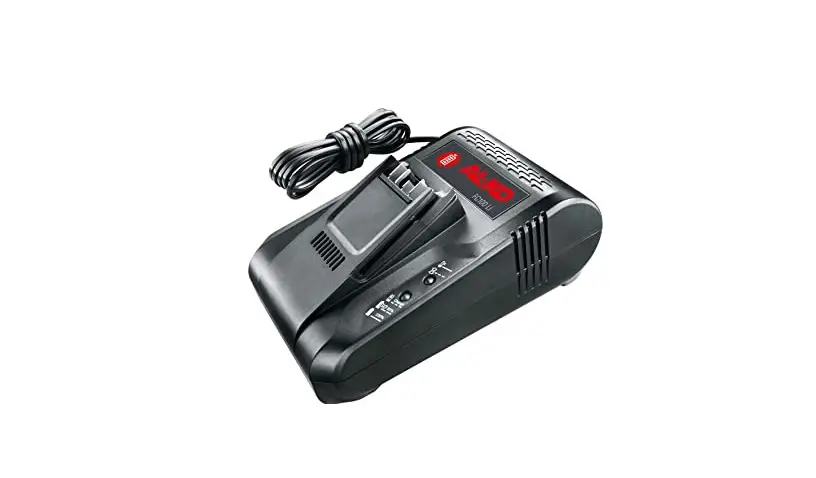
TEAM6 Rapid Universal Tri-chemistry Charger
Product Information
| Description | RAPID Universal tri-chemistry charger |
|---|---|
| Electrical |
|
| Features |
|
| Environment |
|
| Mechanical |
|
Product Usage Instructions
- When first powering on the charger, a red light stays on for
about 3 seconds while registering the circuits. - While charging devices, the RED LIGHT remains on.
- When fully charged, the GREEN LIGHT turns on.
- When no device is in a pod, there is no LED light.
- If you swap pods from the charger, please power the charger off
while performing this task. - Please only attempt to charge the correct OEM battery and
device.- Pod installed. If the pods are not already installed, simply
align the pod with the cavity in the Team6 charger. Press the pod
gently into a fully seated position and use a hand screwdriver (Do
Not Use Power Tools) to secure the pod into place. Do not over
tighten or you could break the pod. - Insert the DC cable into the DC port and turn on the
switch. - The unit will perform a self-diagnosis indicated by RED LED
lights flashing once. - Insert a battery or radio with battery attached into the
charger cup. - The red LED light will illuminate indicating the charge cycle
has begun. The red light will stay illuminated until the charge
cycle is complete, at which point the green LED light will
illuminate indicating that the battery is fully charged. - Remove the battery/radio for use.
- Pod installed. If the pods are not already installed, simply
Troubleshooting Tips
If the charger does not power up when plugged in, try the
following:
- Check if the power supply is connected properly.
- Make sure the DC cable is securely connected to the DC
port. - Verify that the charger is compatible with the battery and
device being charged.
USER GUIDE
Specifications subject to change without notice. (A) Complies with FCC Rules, Part 15, Subpart B, Class B 2016, ANSI C63.4:2014. (B) Complies with California Energy Commission CEC-400-2011-005. (C) Complies with U.S. Department of Energy 10 CFR, Part 430, PC3 and 4. This device complies with Part 15 of the FCC Rules. Operation is subject to the following two conditions:(1) this device may not cause harmful interference, and (2) this device must accept any interference received, including interference that may cause undesired operation.
1.0 DESCRIPTION………………………………………………………………………………………………………………..3 2.0 ELECTRICAL…………………………………………………………………………………………………………………3
2.1 POWER………………………………………………………………………………………………………………..3 2.2 OUTPUT CHARGING CURRENT…………………………………………………………………………….3 3.0 FEATURES…………………………………………………………………………………………………………………….3 3.1 Fully automatic – microprocessor controlled……………………………………………………………….3 3.2 LED Display…………………………………………………………………………………………………………..3 3.3 Advanced detection circuitry and LED indicates battery Real-time conditions…………………3 3.4 Suitable for Ni-CD, Ni-MH and Li-ion batteries……………………………………………………………3 3.5 Interchangeable cups to mix your radio types, wide range of adapter cups available……….3 3.6 Battery voltage from 3.6V to 10.8V…………………………………………………………………………..3 3.7 Interchangeable cups……………………………………………………………………………………………..3 3.8 Anodized aluminum casing……………………………………………………………………………………….3 3.9 Warranty……………………………………………………………………………………………………………….3 4.0 ENVIRONMENT……………………………………………………………………………………………………………….3 4.1 TEMPERATURE……………………………………………………………………………………………………….3 4.2 HUMIDITY………………………………………………………………………………………………………………..3 5.0 MECHANICAL………………………………………………………………………………………………………………….4 5.1 Plastic Case……………………………………………………………………………………………………………4 5.2 Physical Size…………………………………………………………………………………………………………..4 5.3 Packaging content……………………………………………………………………………………………………4 5.4 PCB material…………………………………………………………………………………………………………..4 5.5 PCB Assembly according IPC-610 class……………………………………………………………………..4 5.6 Weight…………………………………………………………………………………………………………………….4 6.0 User Guide……………………………………………………………………………………………………………………….5 7.0 Troubleshooting tips………………………………………………………………………………………………………..6
Klein Electronics, Inc.
User Guide # Team6Guide
SHEET 2 OF 6
1.0 DESCRIPTION
RAPID Universal tri-chemistry charger.
2.0 ELECTRICAL
2.1 POWER
100-240V,50/60Hz self switching
2.2 OUTPUT CHARGING CURRENT
Normal Charge Current: 1000mA
Max: 2500mA
Trickle: 50mA
3.0 FEATURES
3.1 Fully automatic – microprocessor controlled.
3.2 Energy efficiency VI power supply.
3.3 LED Display
LED Indicator Status
LED
Indicator Status
RED
Charging
GREEN
Charged
3.4 Advanced detection circuitry and LED indicates battery Real-time conditions.
3.5 Suitable for Ni-CD, Ni-MH and Li-ion batteries.
3.6 Battery voltage from 3.6V to 10.8V.
3.7 Interchangeable pods.
3.8 Anodized aluminum casing.
3.9 One year warranty.
4.0 ENVIRONMENT
4.1 TEMPERATURE.
a. Ambient Temperature: 32F-104F
4.2 HUMIDITY.
a. Relative Humidity:20% 90%
Klein Electronics, Inc.
User Guide # Team6Guide
SHEET 3 OF 6
5.0 MECHANICAL 5.1 Plastic CaseUL plastic material PC+ABS type GE C2950 compatible, the surface texture code is YS9294. color black RAL 9005. 5.2 Physical Size16.54″ X 5.5″ X 3.35″ 5.3 Packaging content: TEAM6+power supply+ AC power cable 5.4 PCB material should be FR4 5.5 PCB Assembly according IPC-610 class 5.6 Weight about:4.4lbs
16.54″W X 5.5″D X 3.35″H
Klein Electronics, Inc.
User Guide # Team6Guide
SHEET 4 OF 6
6.0 USER GUIDE PLEASE read carefully before using your charger
NOTES:
1. When first powering on the charger, a red light stays on for about 3 seconds while registering the circuits.
2. While charging devices, the RED LIGHT remains on. 3. When fully charged, the GREEN LIGHT turns on. 4. When no device is in a pod, there is no LED light. 5. If you swap pods from the charger, please power the charger off while performing
this task. 6. Please only attempt to charge the correct OEM battery and device. 1) Pod installed. If the pods are not already installed, simply align the pod with the cavity in the Team6 charger. Press the pod gently into a fully seated positing and use a hand screwdriver (Do Not Use Power Tools) to secure the pod into place. Do not over tighten or you could break the pod.
2) Insert the DC cable into the DC port and turn on the switch.
Klein Electronics, Inc.
DC PORT
User Guide # Team6Guide
SHEET 5 OF 6
3) The unit will perform a self diagnosis indicated by RED LED lights flashing once. 4) Insert a battery, or radio with battery attached, into the charger cup. 5) The red LED light will illuminate indicating the charge cycle has begun.
The red light will stay illuminated until the charge cycle is complete at which point the green LED light will illuminate indicating that the battery is fully charged. 6) Remove the battery/radio for use. 7.0 Troubleshooting tips “The charger does not power up when plugged in.”
Ensure that the power switch is turned on;. Check that power cables are inserted firmly into cable ports and that the power to the wall plug is on. “LED light is flashing red.” This indicates a fault with the battery. Check the bay using another battery. If the bay operates correctly, the battery is not charging sufficiently and will need to be replaced. “LED stays red then goes green then off.” Some Li-Ion batteries have internal protection breakers that send a message to the charger to turn off when the battery is fully charged. The battery will be charged and ready for use. If the battery is left in the unit for an extended period, the charge level of the battery will decrease and the charger will recommence charging. To restart charging cycle, attach battery to radio, power radio for minimum of 5 minutes and then reinsert battery. The charge cycle will re-commence. “One (or more) bay(s) is not working, the LED lights are not illuminating at all.” To determine if the fault is in the charger or just the pod, remove the pod from the non-working bay and swap it with a pod in a bay that is working correctly. If the same bay LED is still not illuminating then there is likely a fault with the micro-processor in the charger unit. If the faulty bay has moved to the bay that was previously working, the pod is probably defective.
Klein Electronics, Inc.
User Guide # Team6Guide
SHEET 6 OF 6