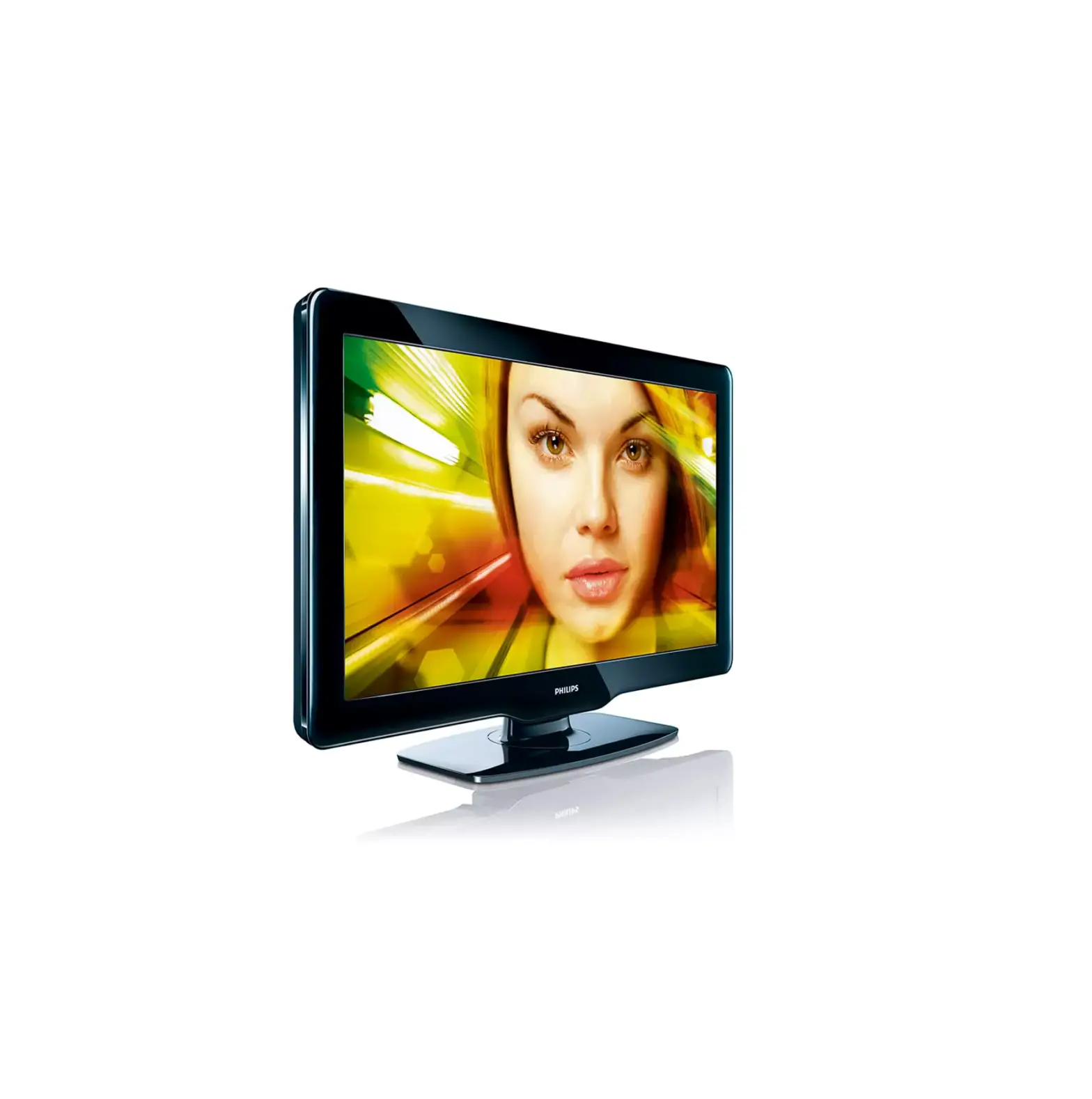
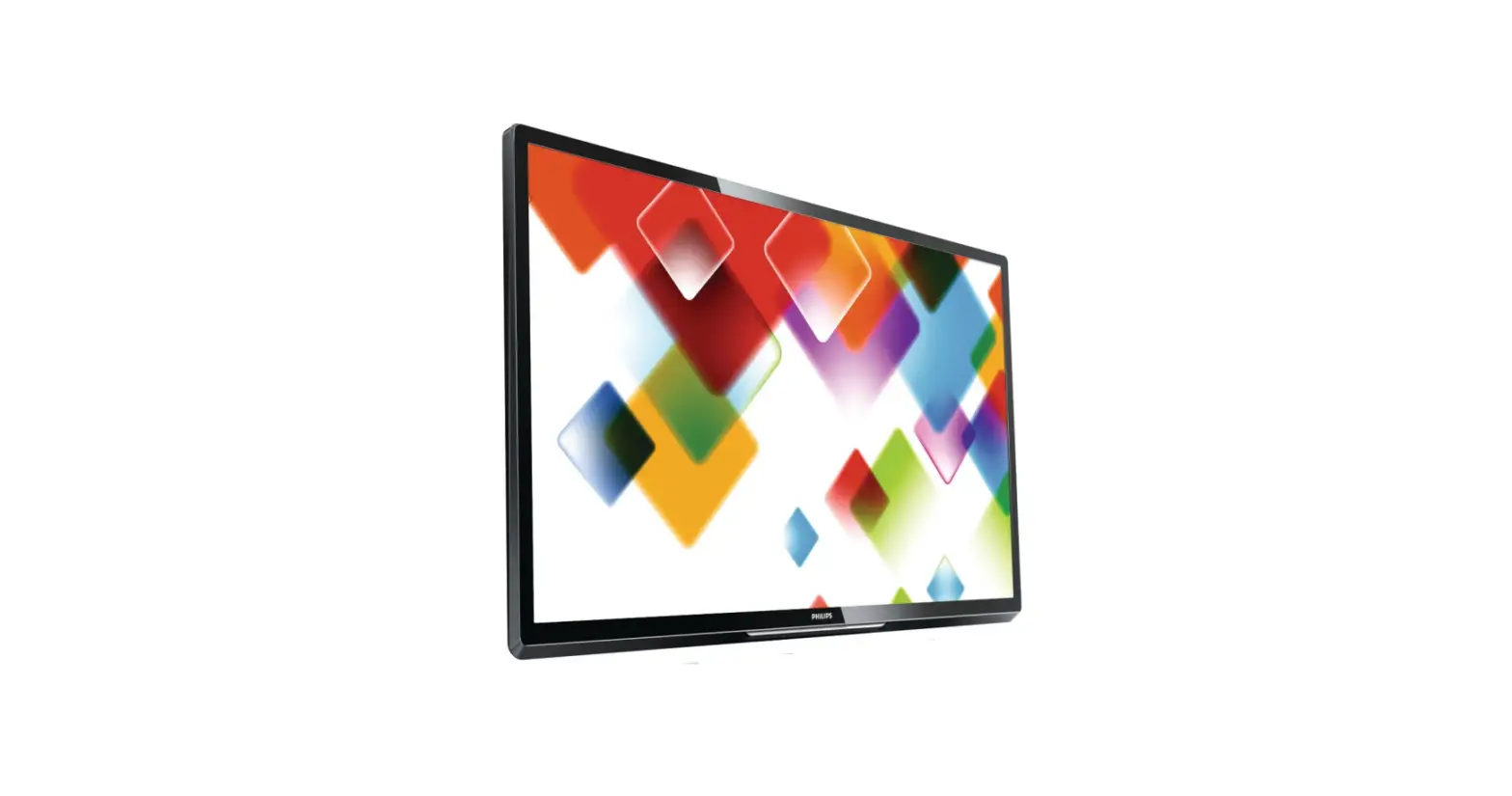
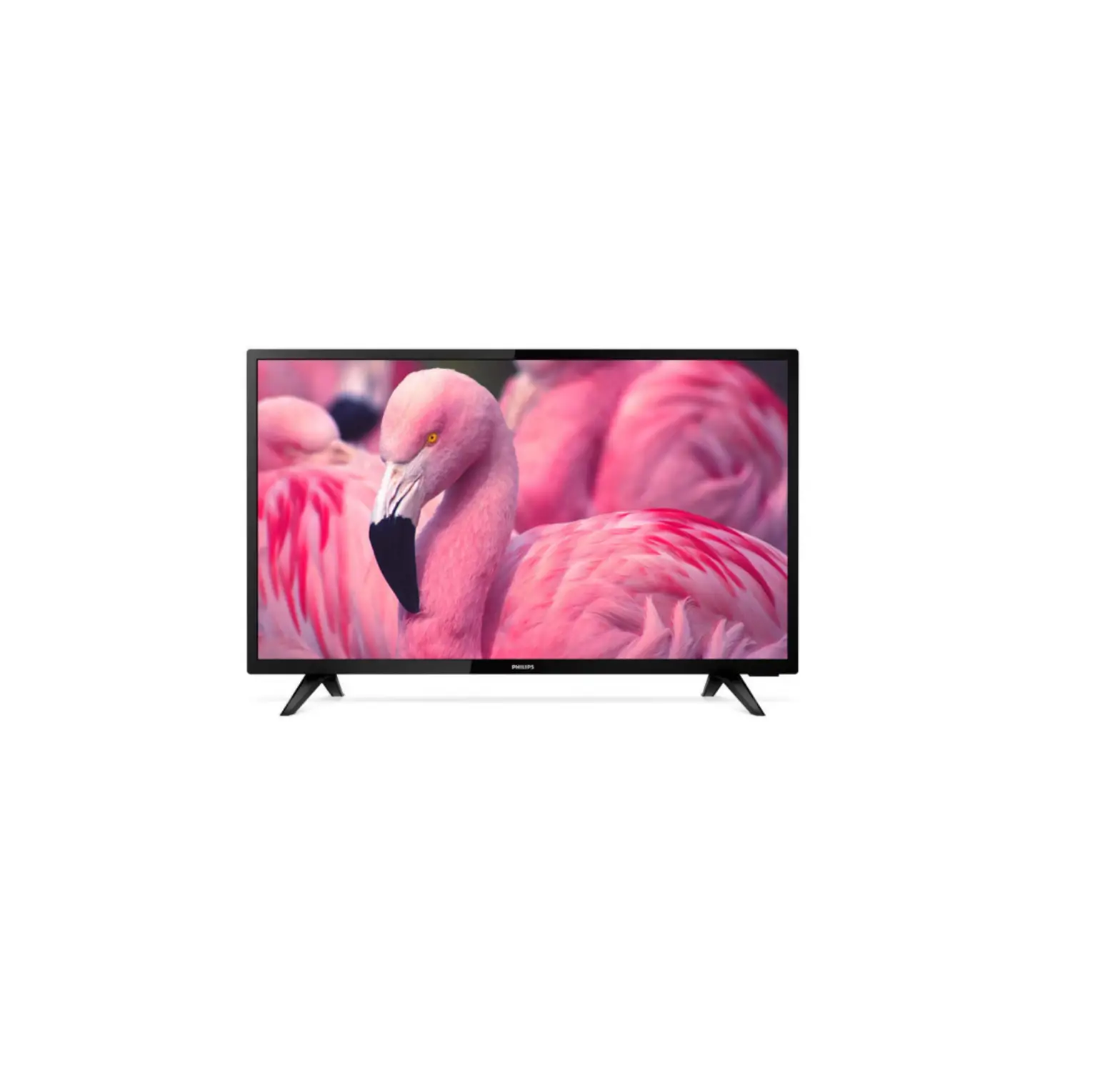
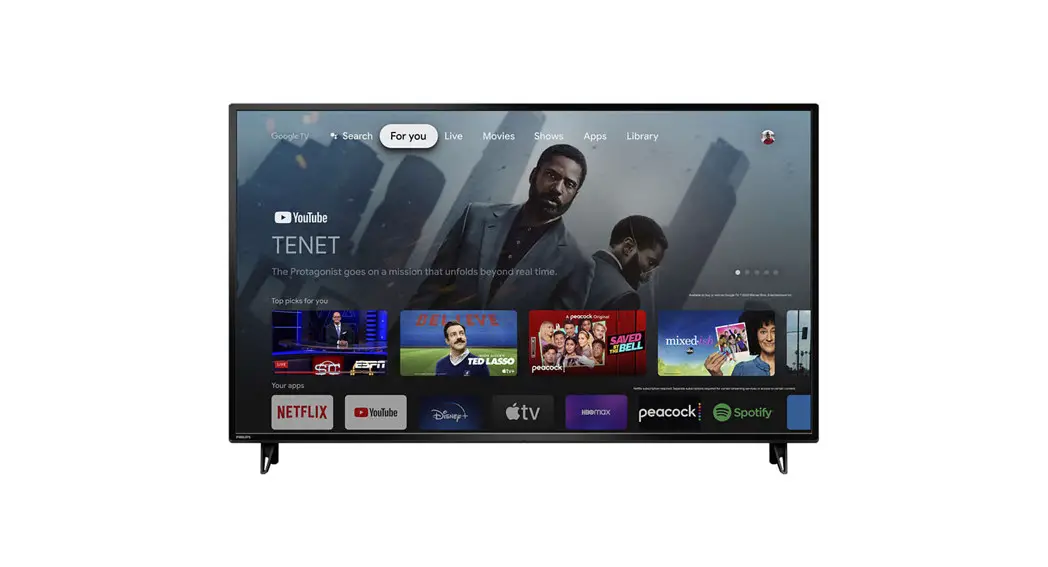
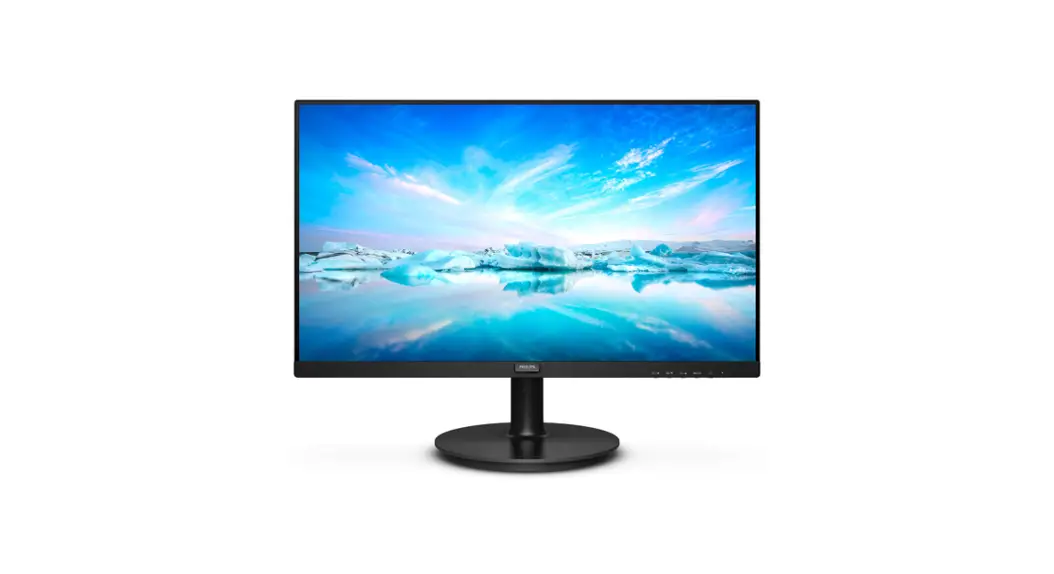
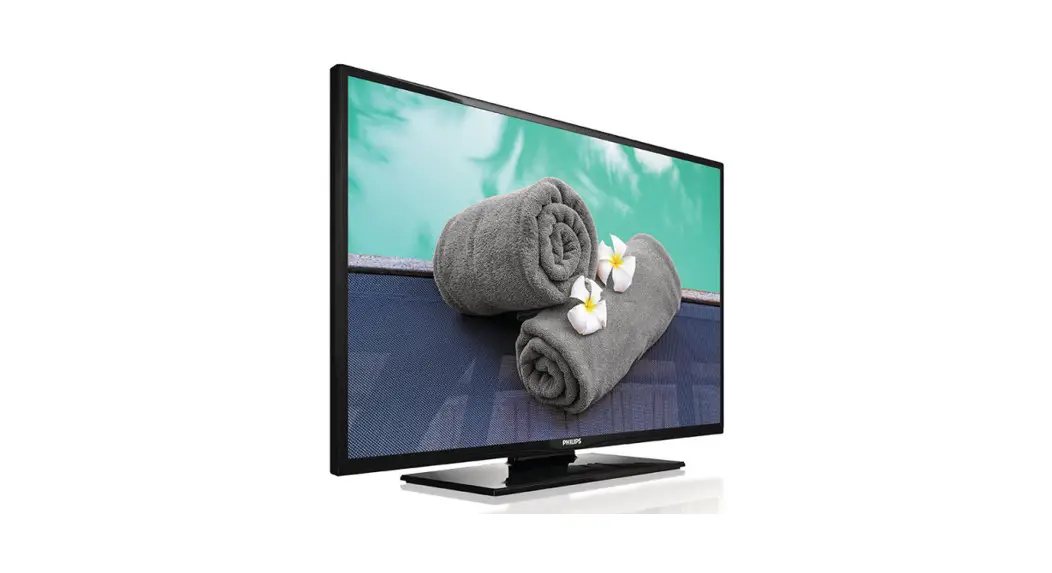
CR4-2 37 Inch HD LCD TV
Product Information
Product: Philips – Switch On Settings
Brand: Philips
Product Usage Instructions
1. Connect the Philips – Switch On Settings to a power source
using the provided power cable.
2. Press the power button located on the device to turn it
on.
3. Once the device is powered on, you can use the settings to
customize your experience.
4. To access the detailed feedback and support, follow these
steps:
- Press the menu button on the device to open the main menu.
- Scroll through the menu options using the navigation
buttons. - Select the “Help and Support” option from the menu.
5. The detailed feedback and support information will be
displayed on the screen.
Please refer to the user manual for more information on specific
settings and features of the Philips – Switch On Settings.
Philips – Switch On Settings
Help and support
Visit the Philips support website at http://www.philips.com/support/ for: · Leaflets and product documentation · Download a printable PDF version of the user manual · Contact details of the helpdesk · Download the latest available software
Visit the Philips support ticketing system at https://www.philips.com/pds/support for: · Allowing you to enter any after sales question for which you need support · Easily follow up on any tickets submitted · A knowledge base that will enable you to find answers to questions we receive on regular basis (FAQs) · An NDA section for specific questions that require an NDA to be in place with your company
to get the detailed feedback
 Support location selector