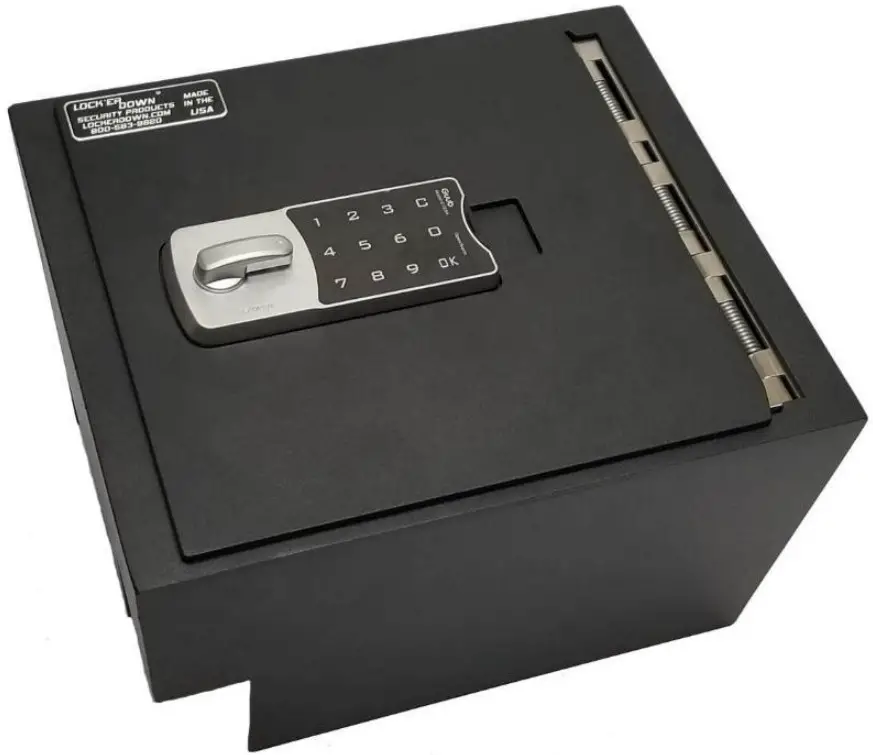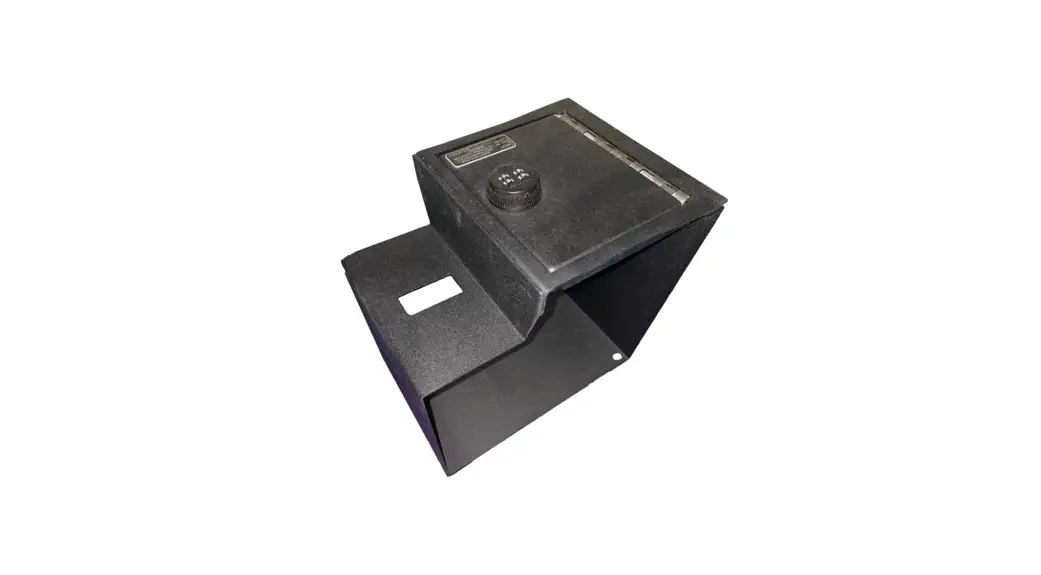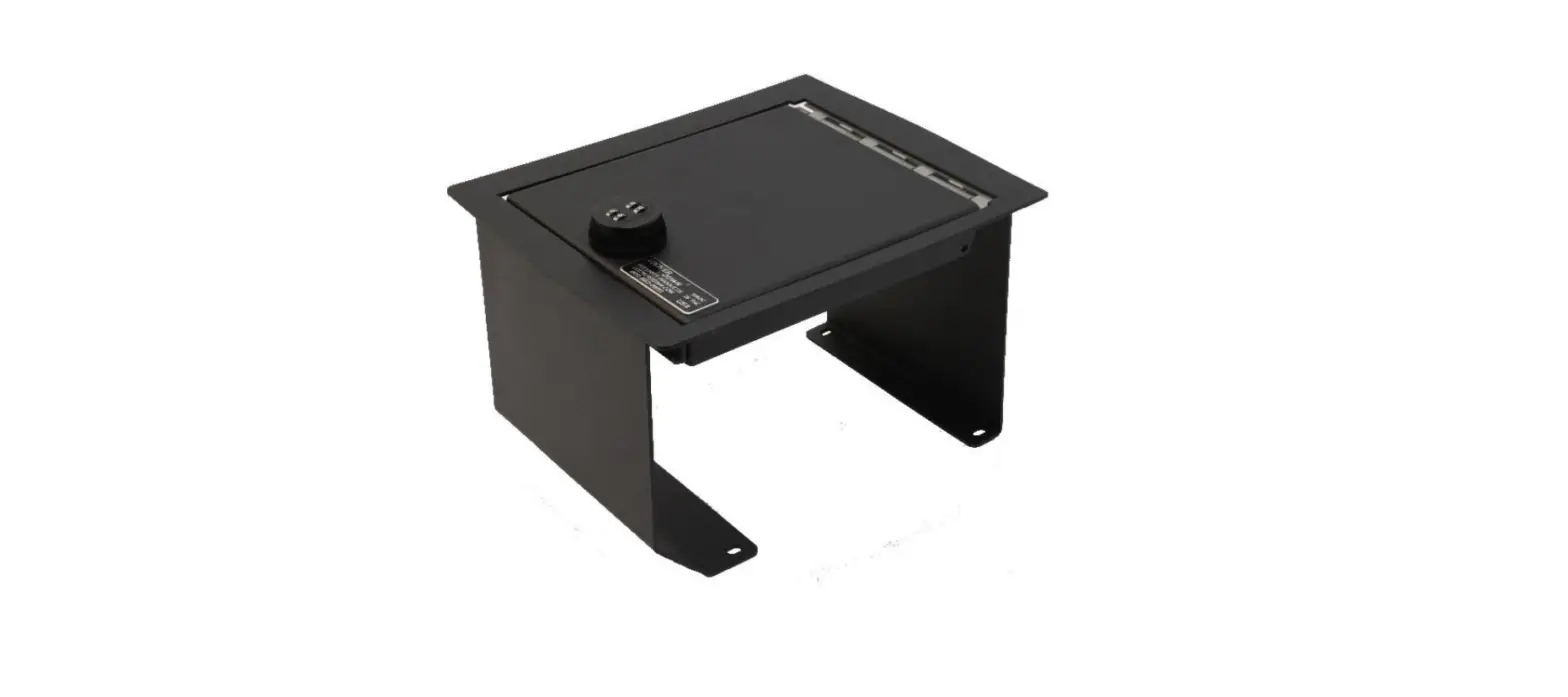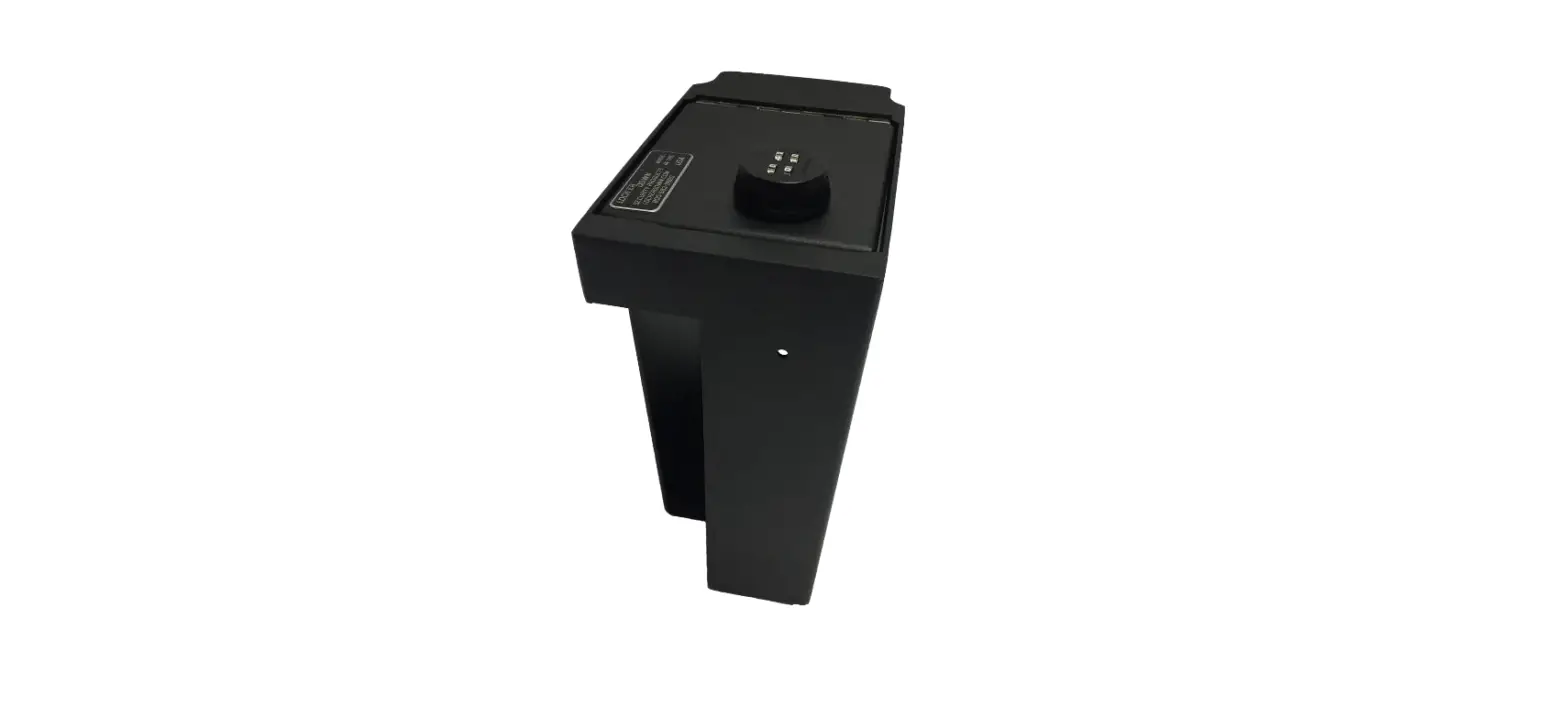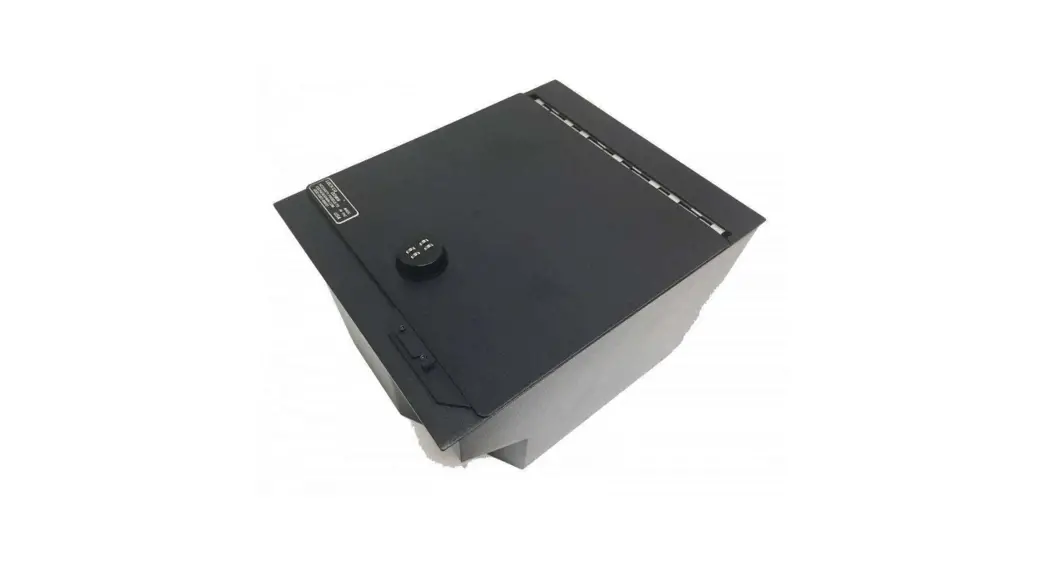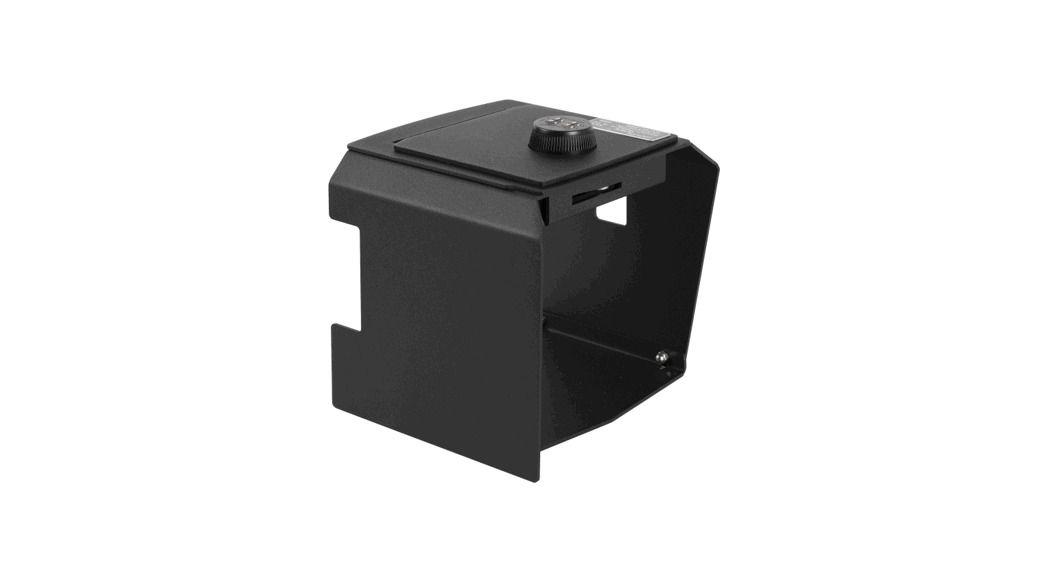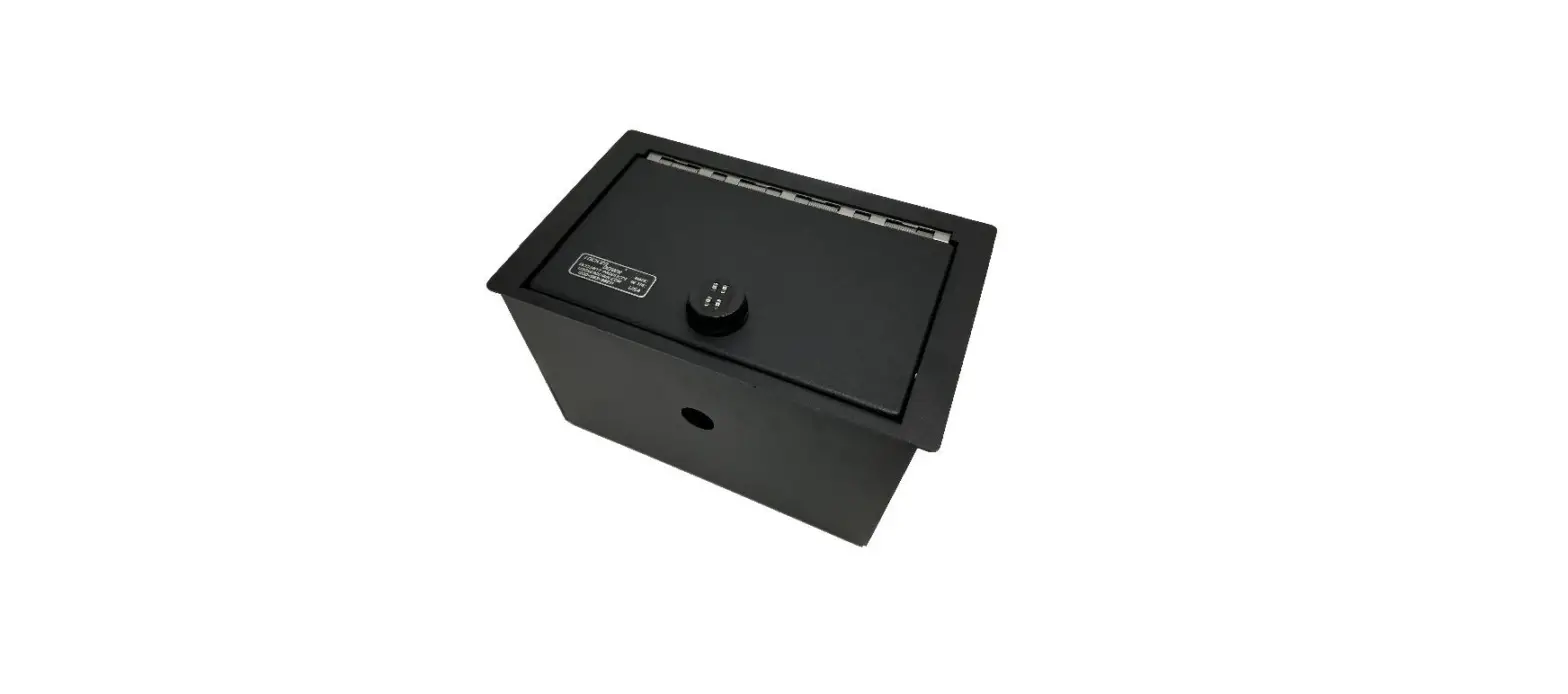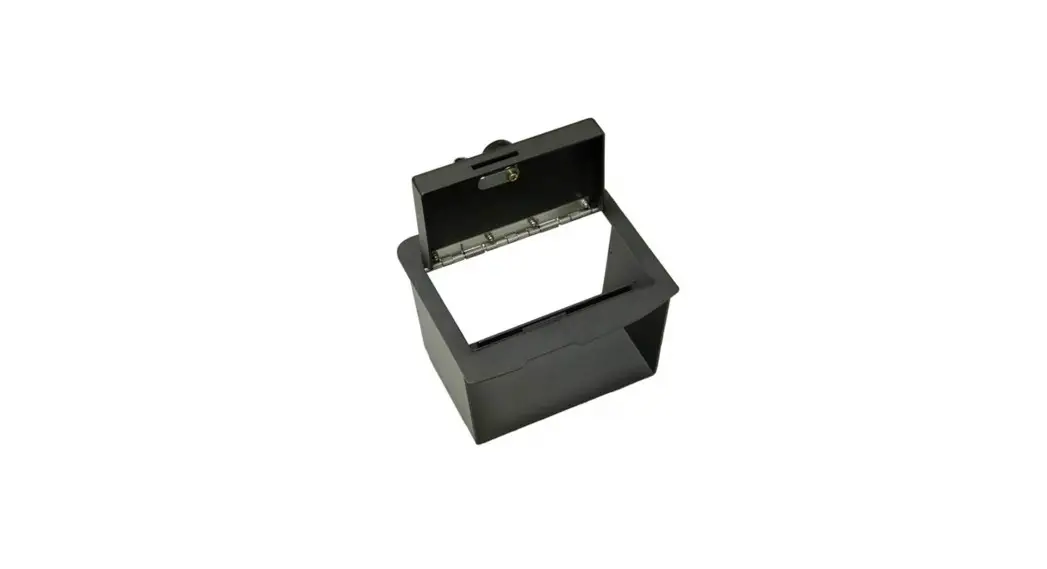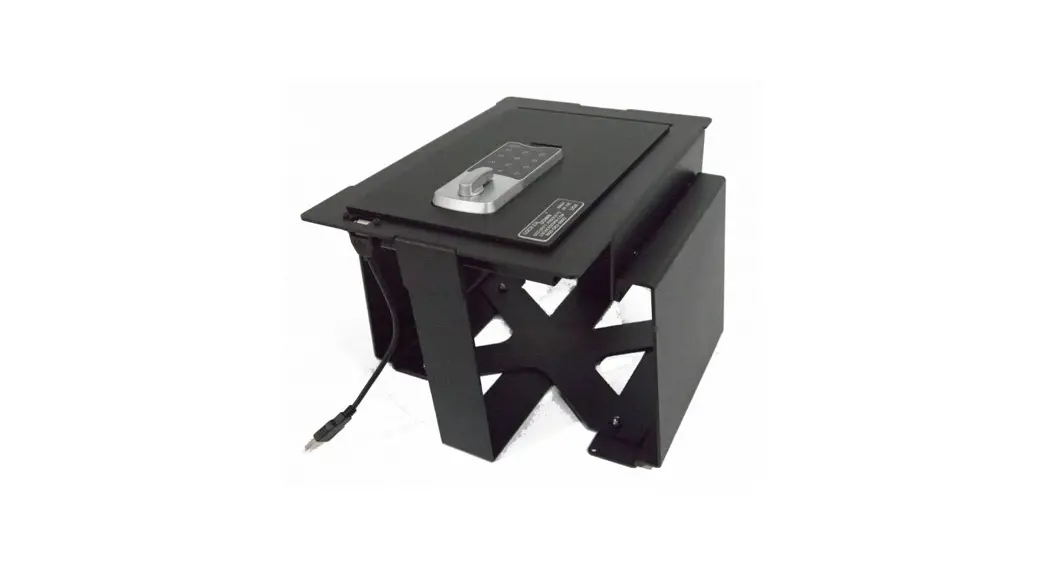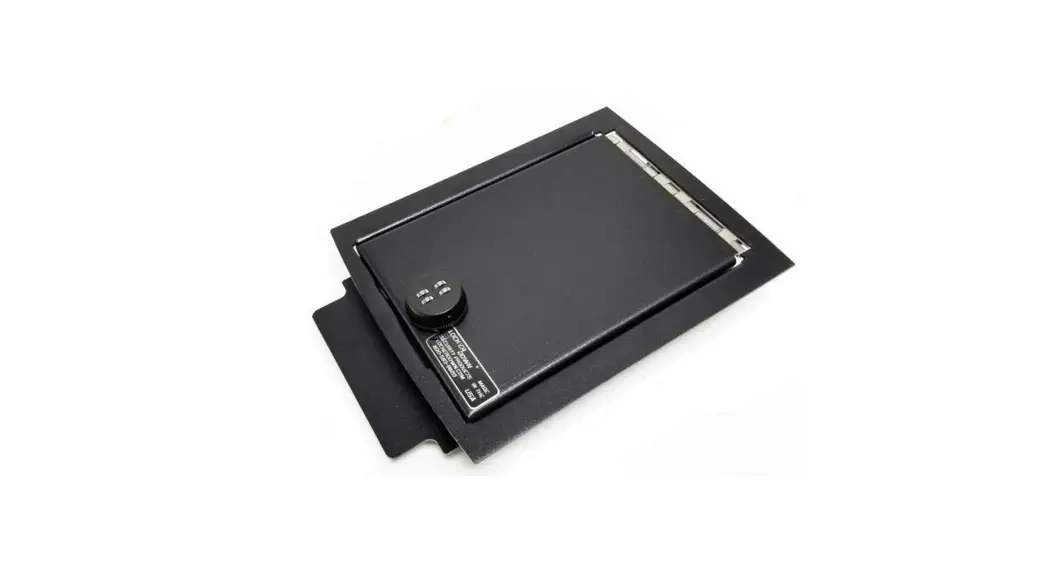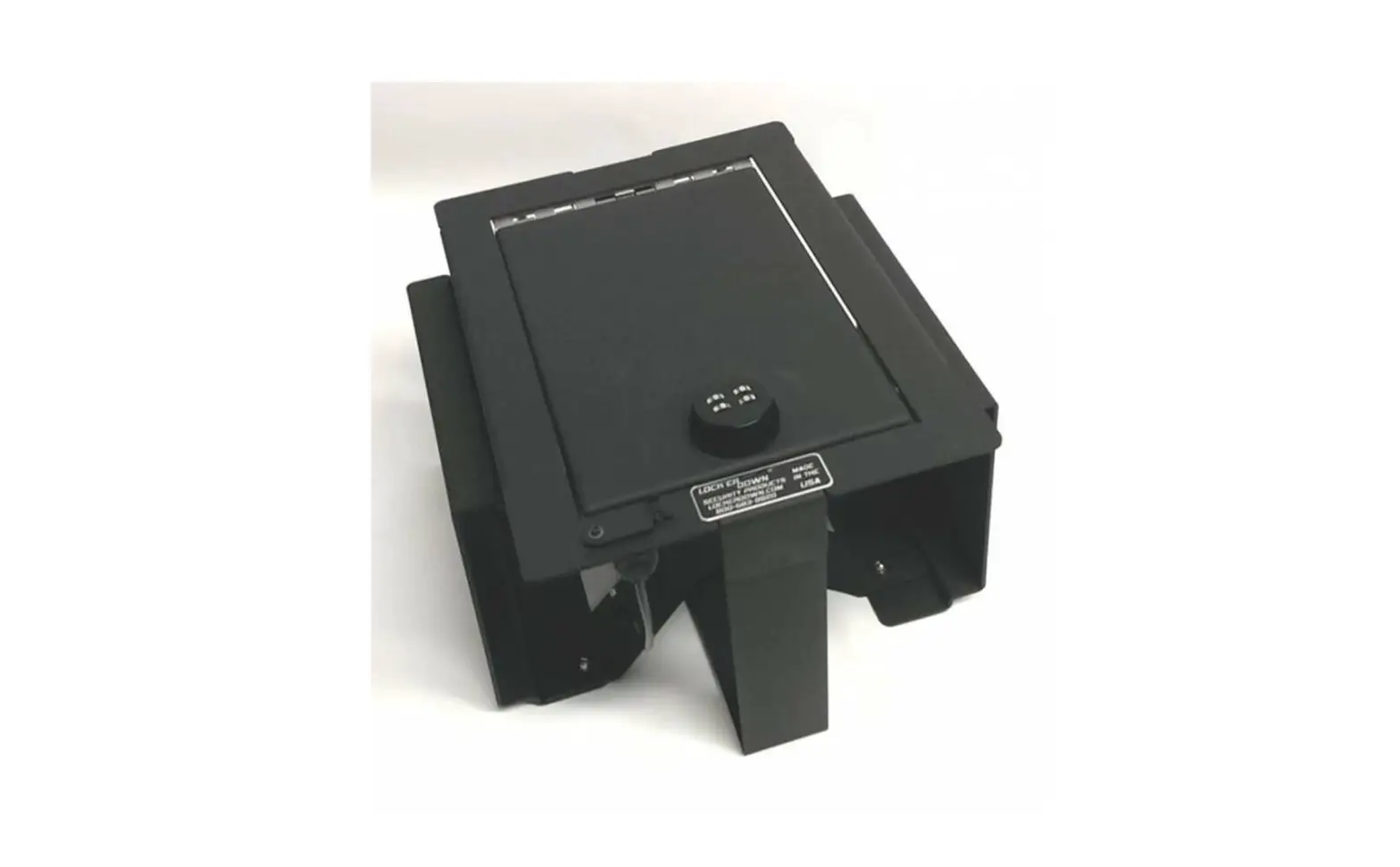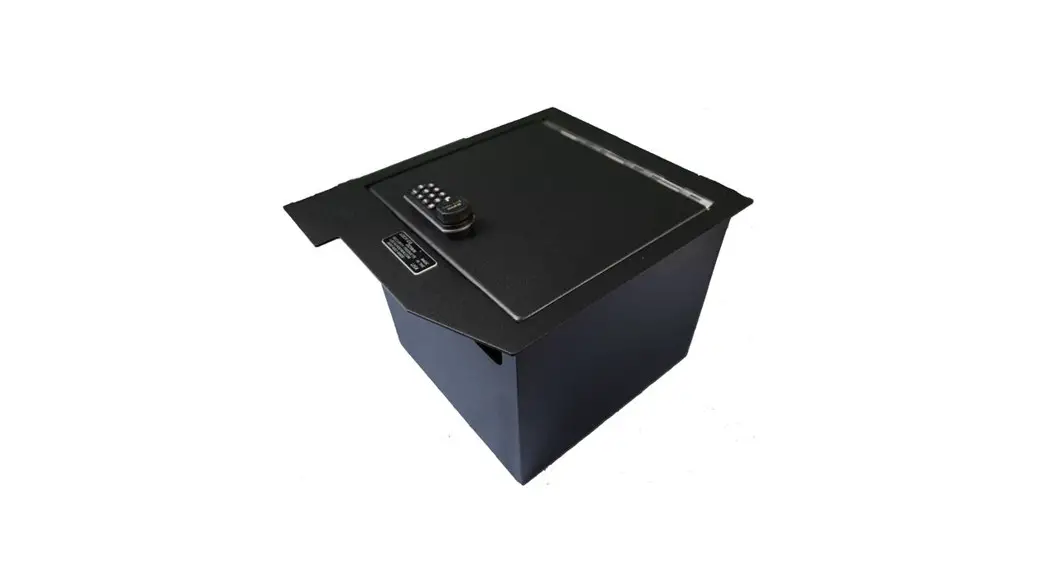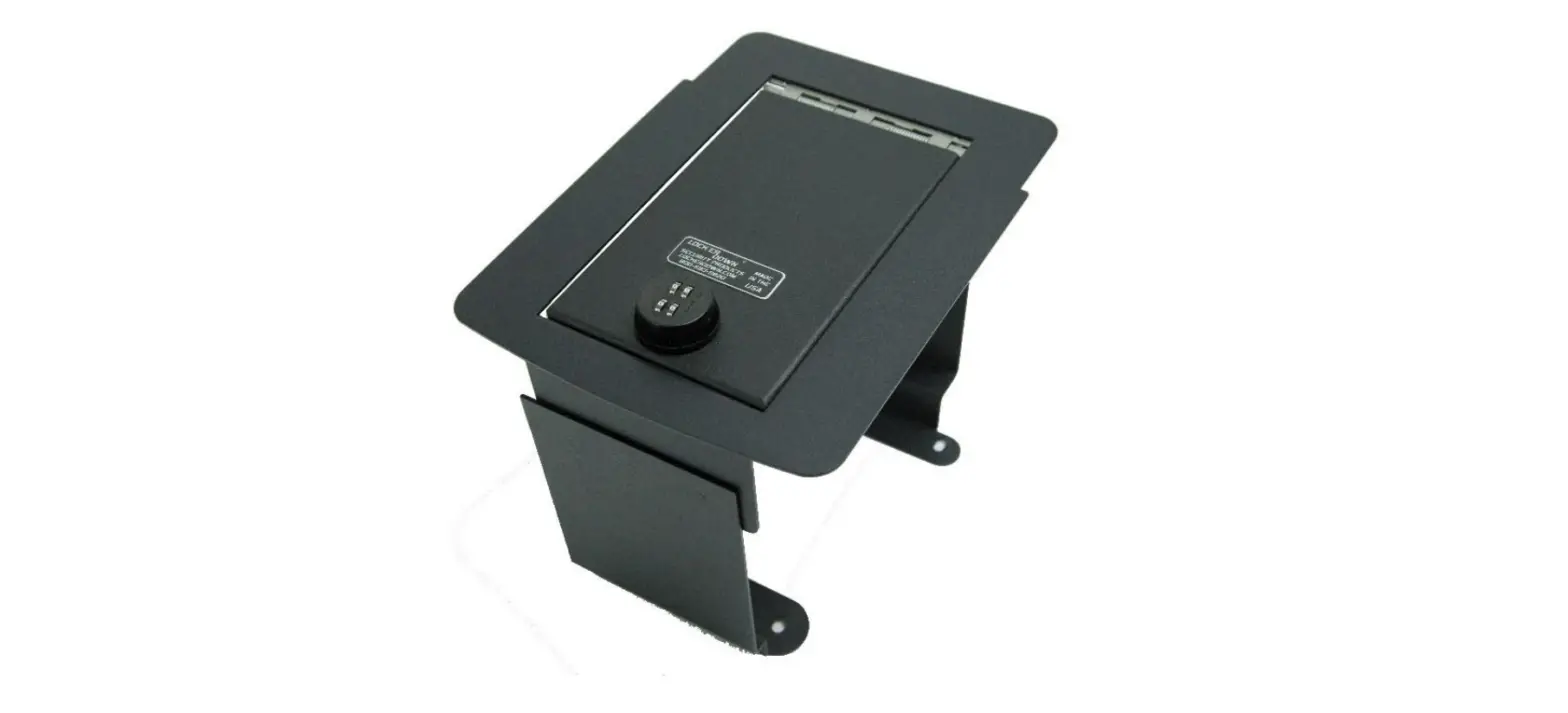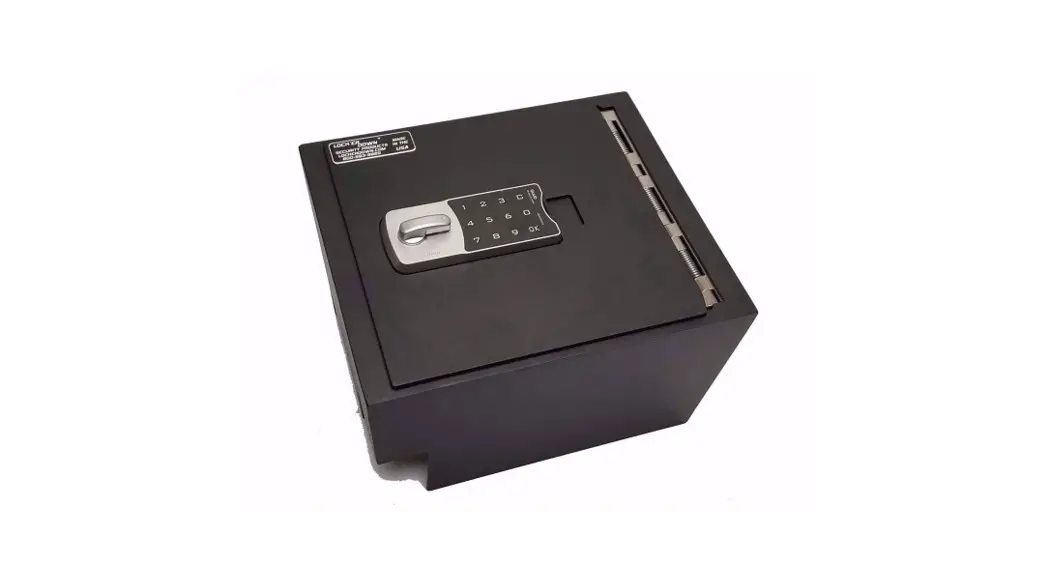
 LD2053EX Console Safe
Instruction Manual
LD2053EX Console Safe
Security Products
INSTALLATION INSTRUCTIONS
LD2053/LD2053EX
[2016-2022 Nissan Titan]
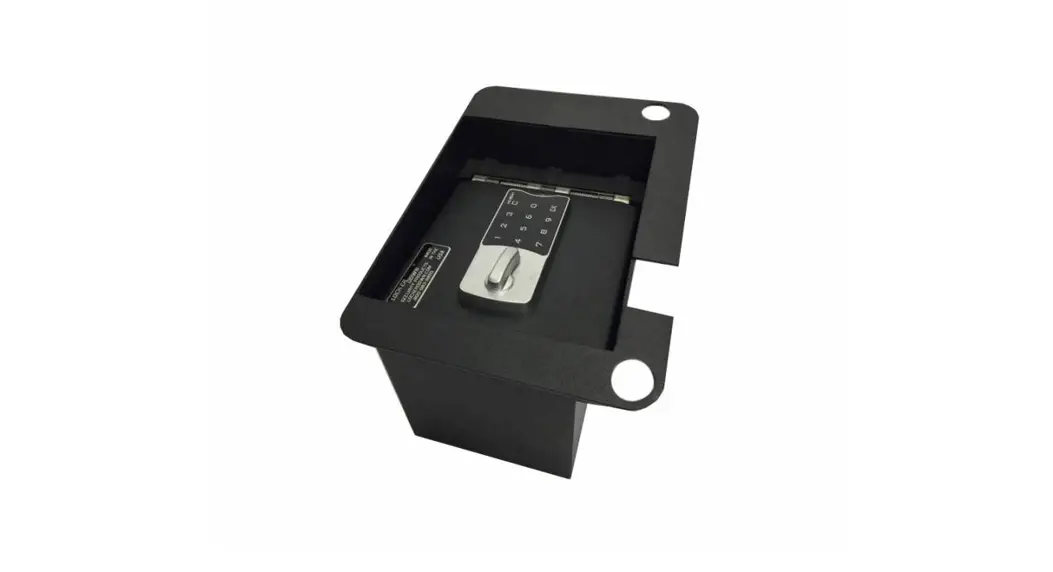
- For any combination style lock, it is a good idea to set the combination before installing the safe. We recommend that the combination be set with the DOOR OPEN in order to test the lock combination effectively without locking yourself out.
- Clear out the contents of the center console for now.
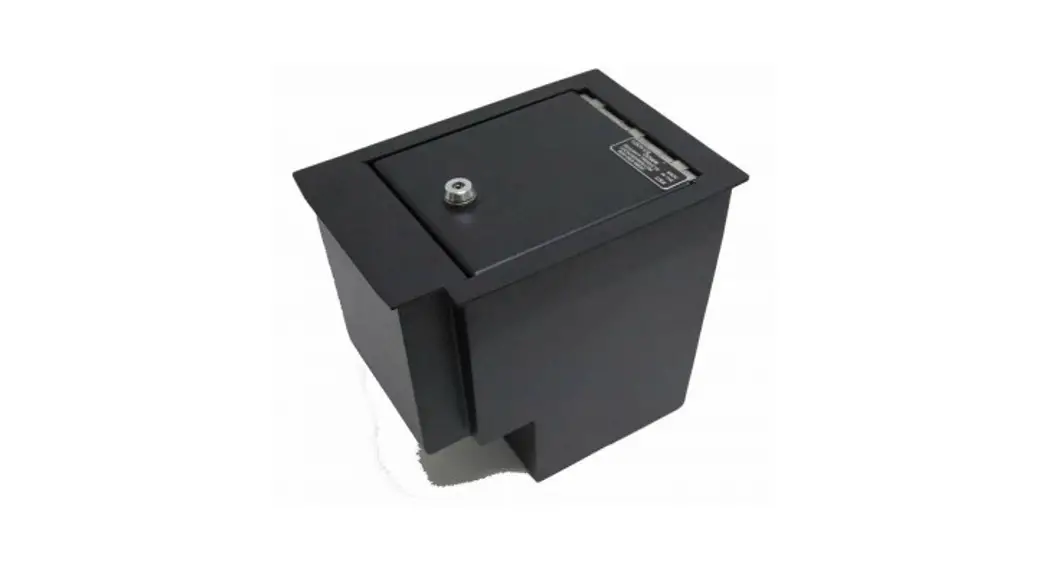
- Set the safe into the center console.
a. To ensure that the safe is inserted correctly, make sure that the lock is closer to the forward end of the center console - Secure the safe to the console compartment using the 4 SELF TAPPING SCREWS provided by LOCK’ER DOWN.
a. There are factory cut holes in the safe, 2 to each side, secure by inserting a self-tapping screw through each of these holes into the sides of the console compartment. - Tighten the self-tapping screws, DO NOT OVER TIGHTEN, THIS COULD DAMAGE THE CONSOLE.
- Re-insert the padding that was removed from the safe before installation.
- Enjoy your purchase!
Tools Needed:
- IMPACT DRILL or PHILLIPS HEAD SCREWDRIVER
- Phillips Head Screw bit (for use of drill only)
Contents Included: 4 Self Tapping Screws.