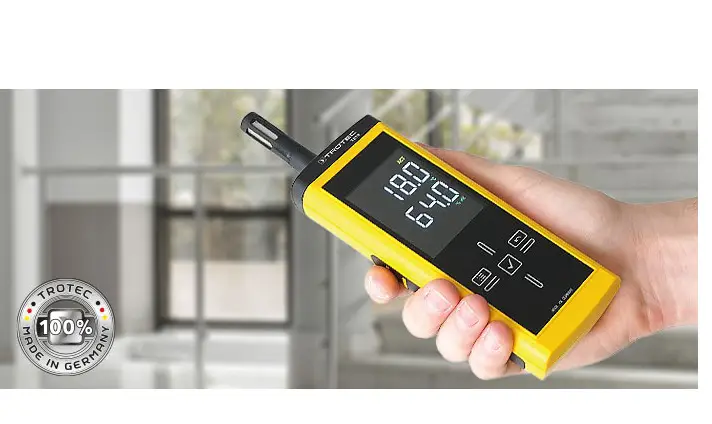

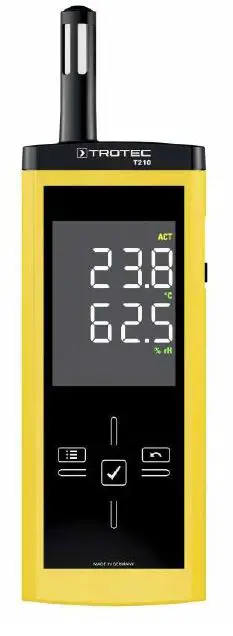
TROTEC T210 Thermohygrometer
installation
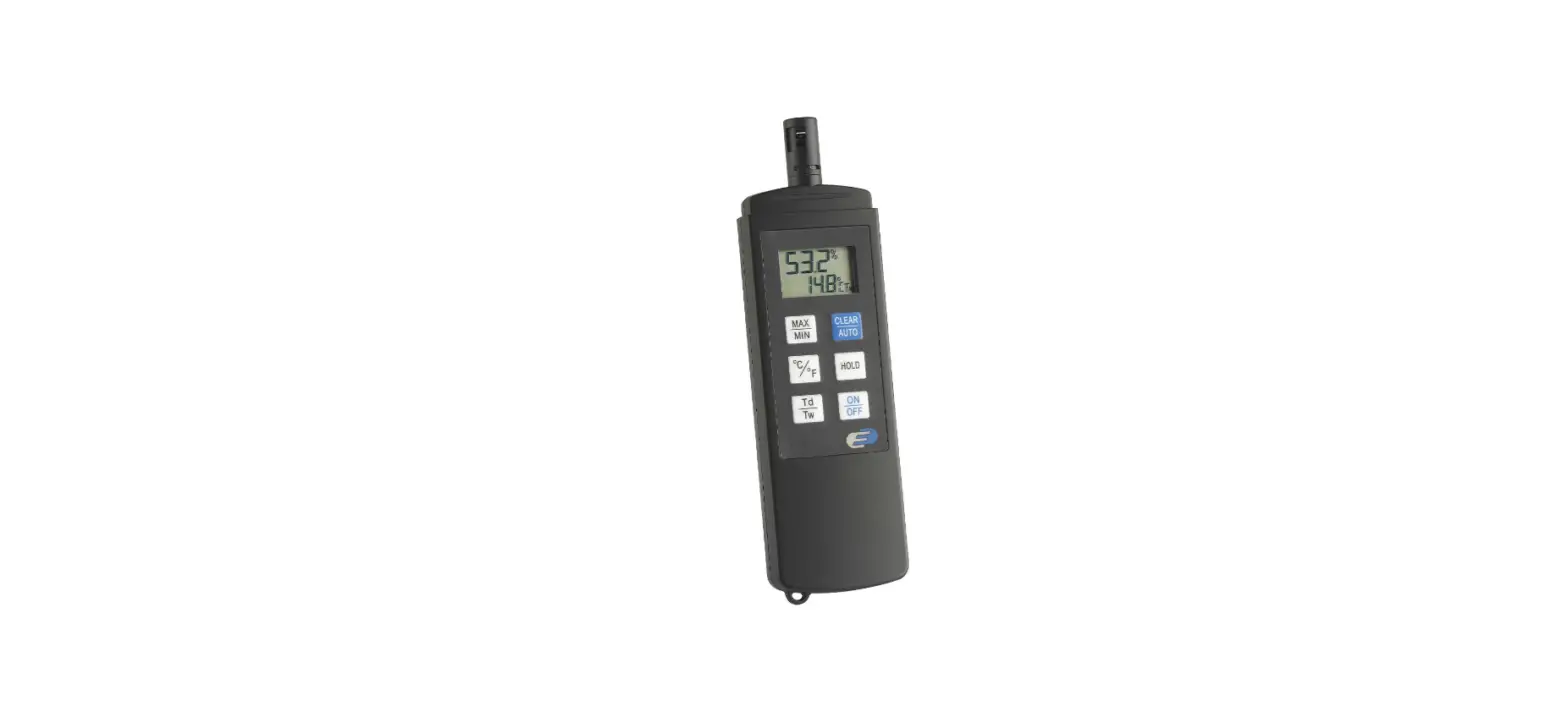
- Turn on power right hand side.
- Using the left hand arrow (west) you can scroll between:
- Actual reading,
- Minimum reading,
- Maximum reading,
- Average reading and hold to take screen readings (on the hold button to change to take a new screen reading press the tick button.
- The Down arrow (south) rotates between:
- Temperature and Relative humidity, Dew Point Temperature and Temperature,
- Point Fahrenheit and Temperature Fahrenheit,
- Grams per meter Cubed and Temperature,
- Grams per Kilo and Temperature,
- Grains per pound and Temperature Fahrenheit.