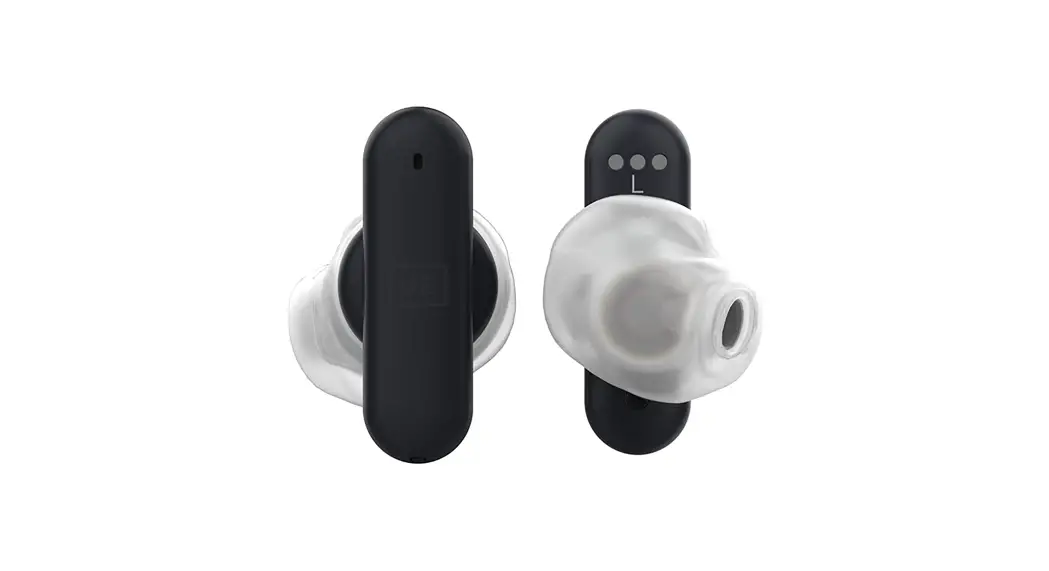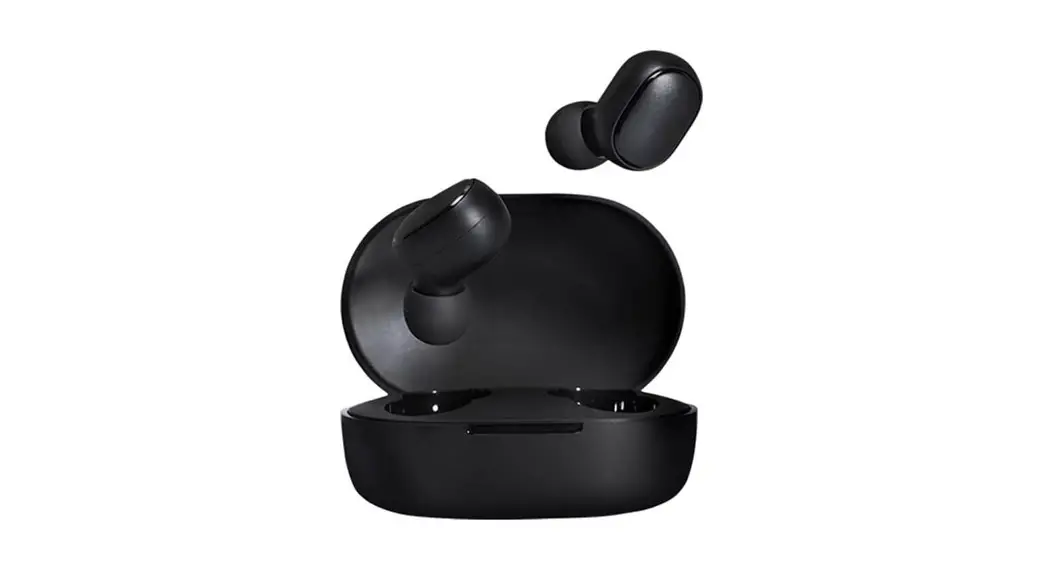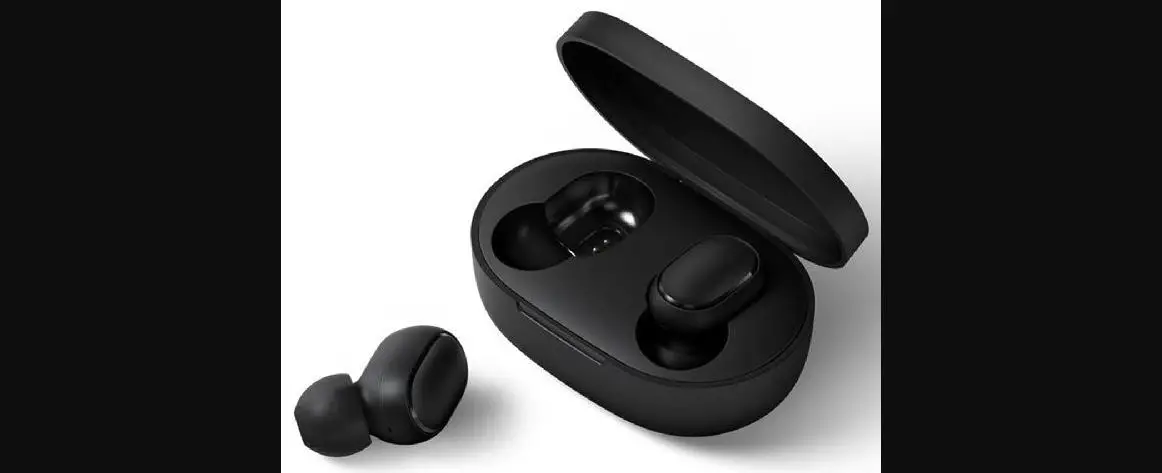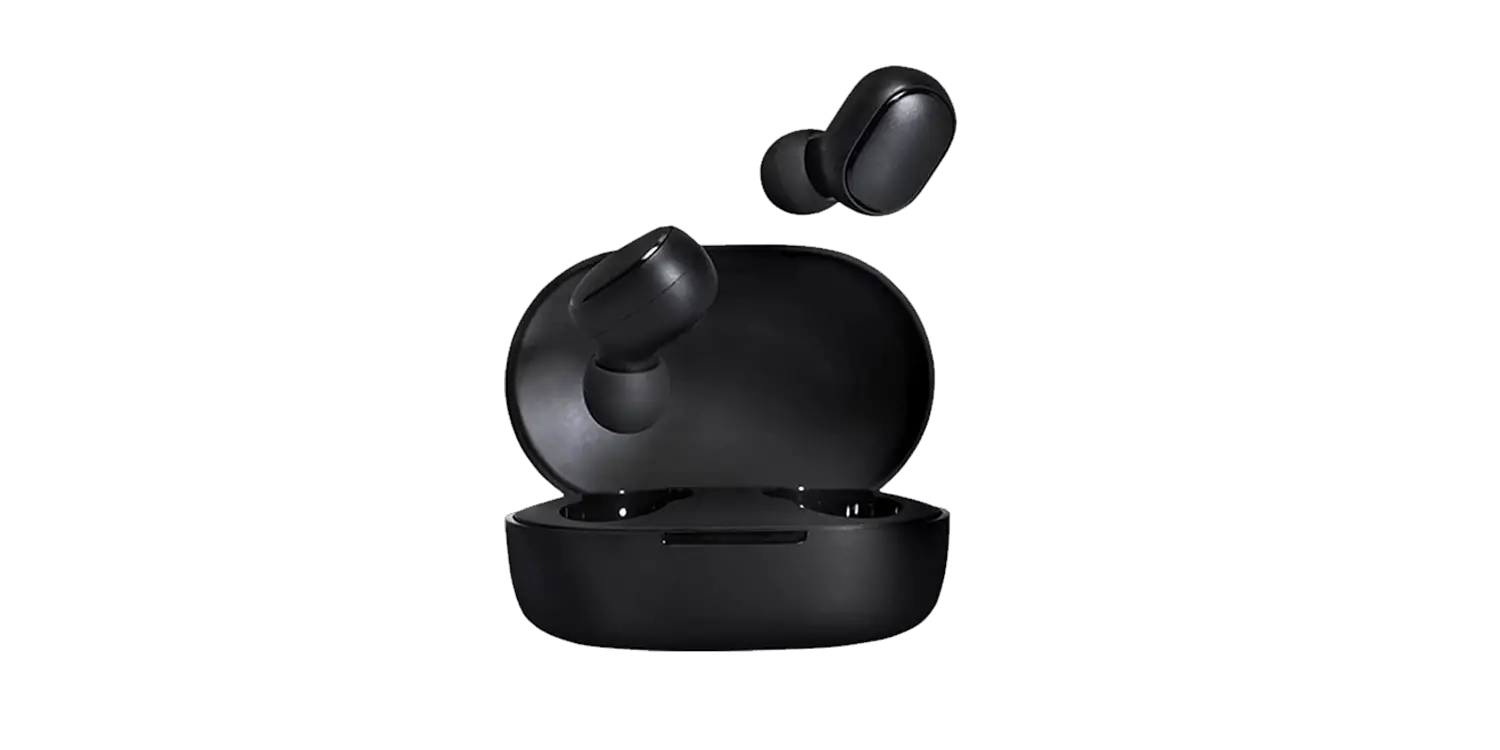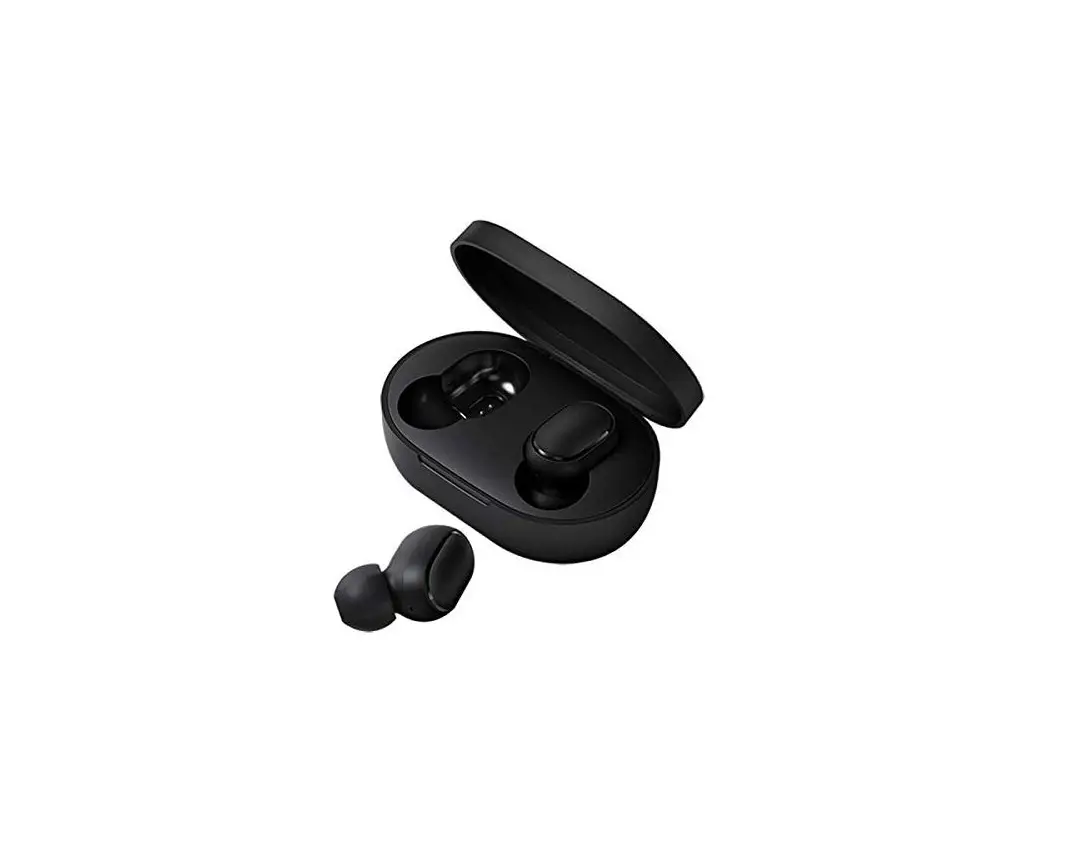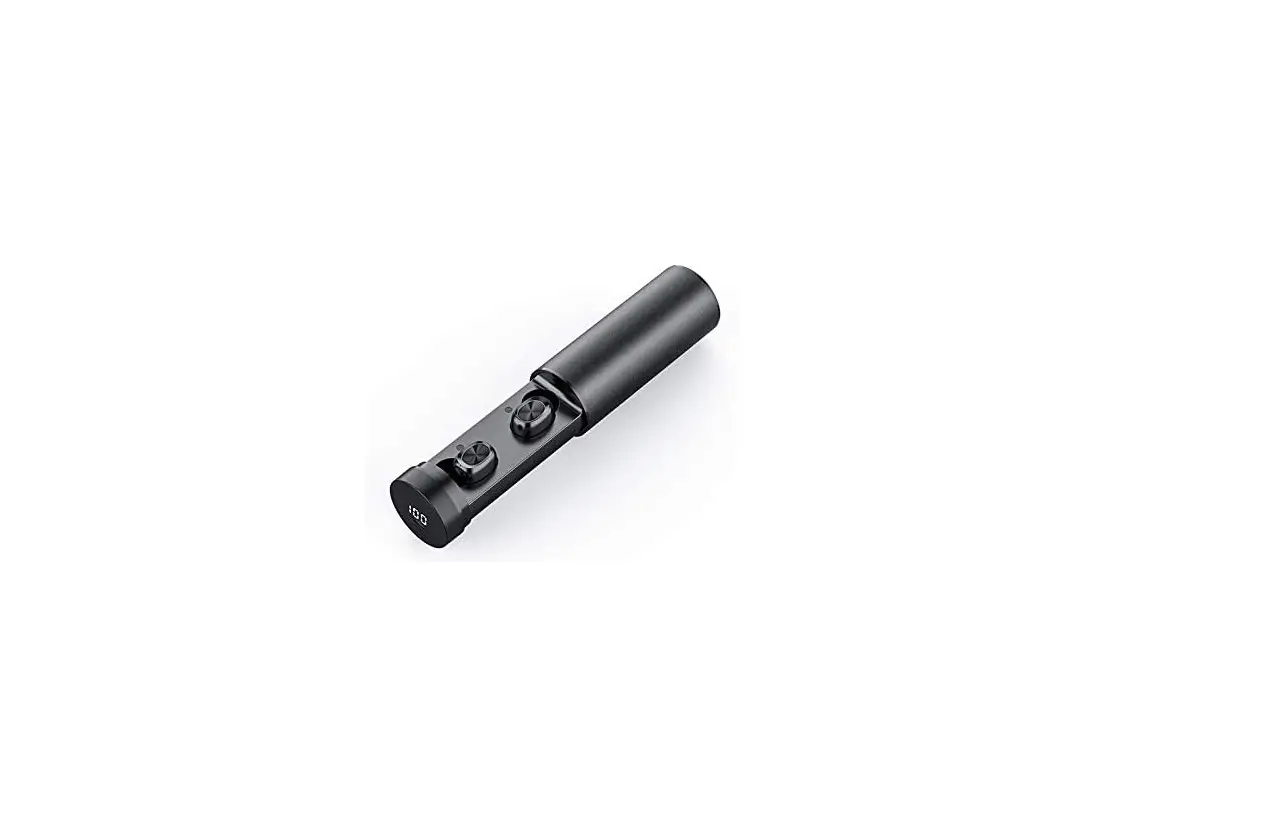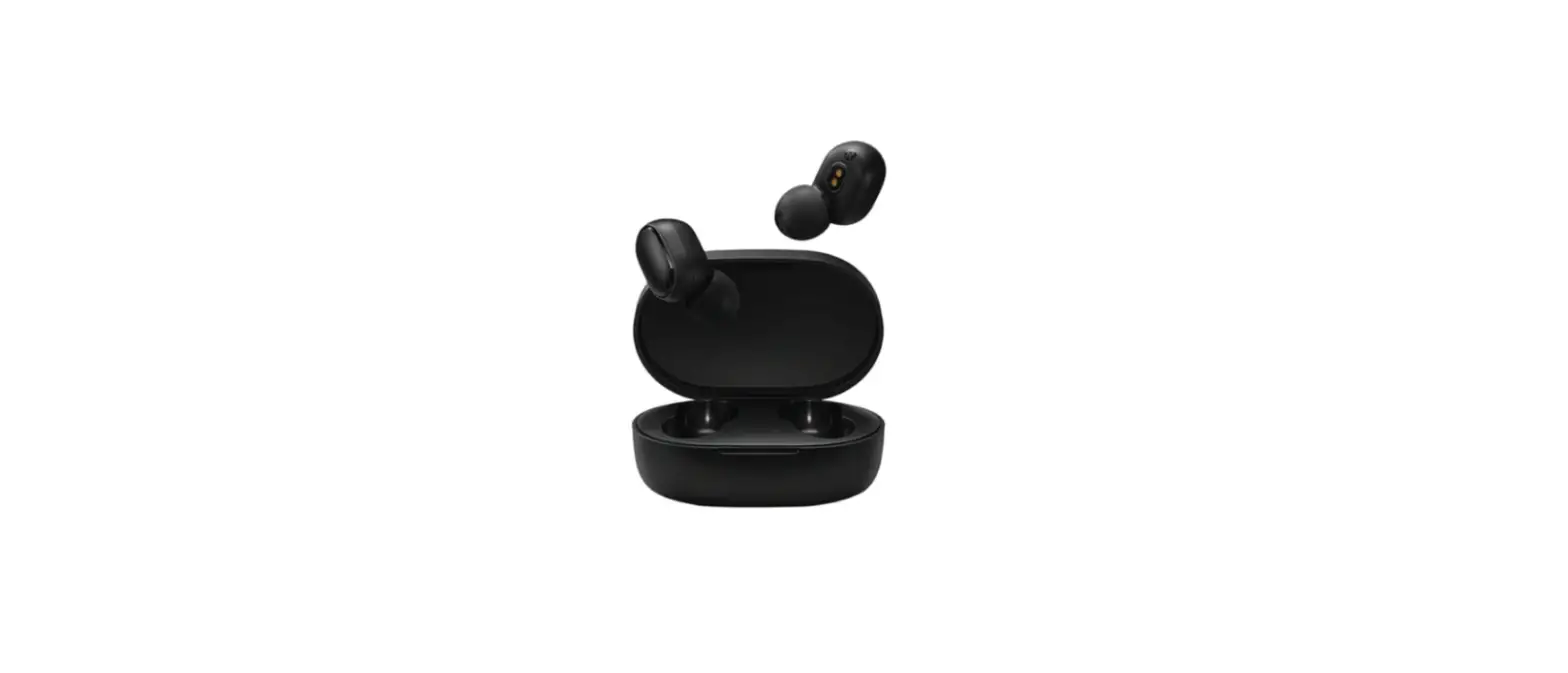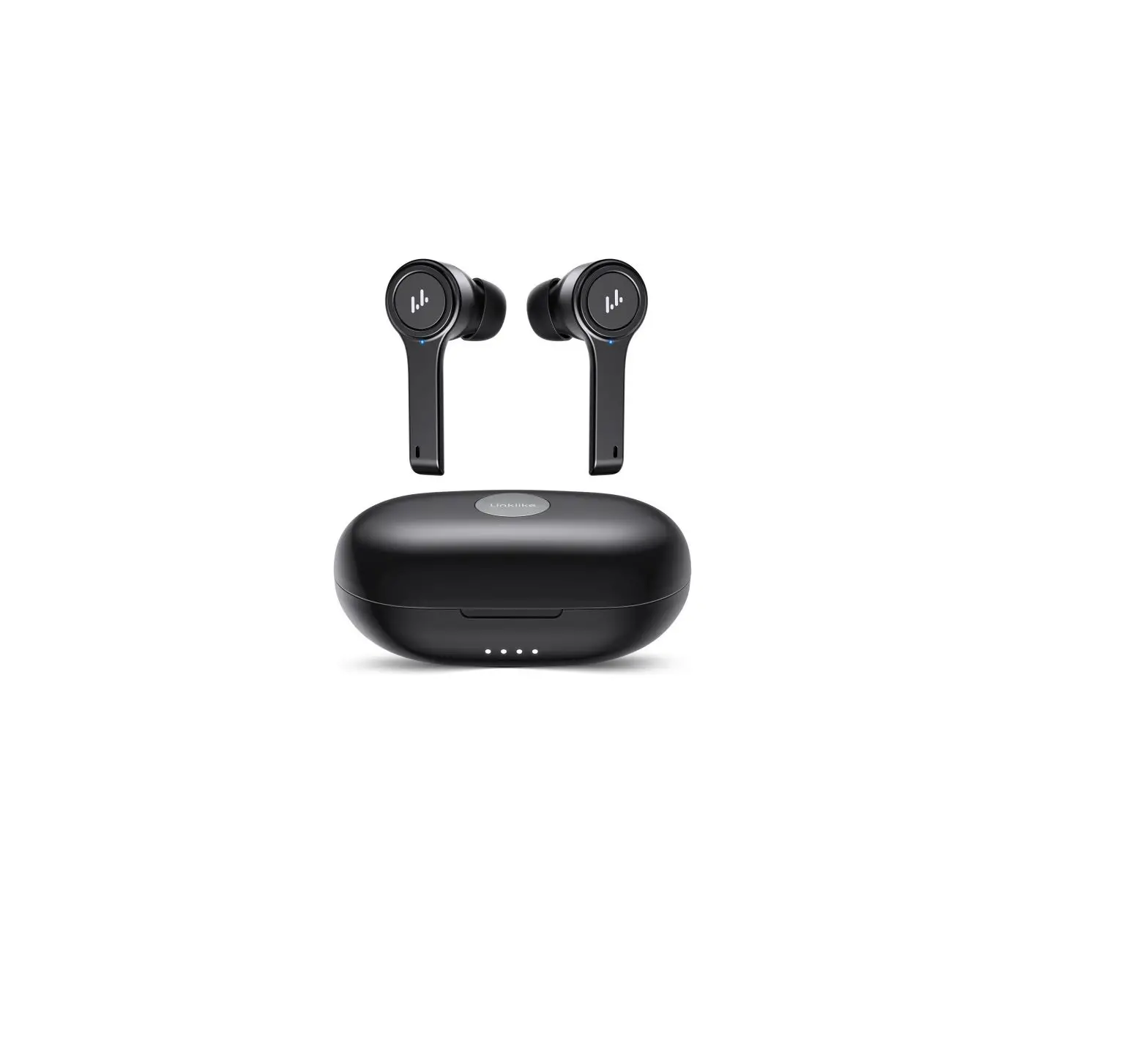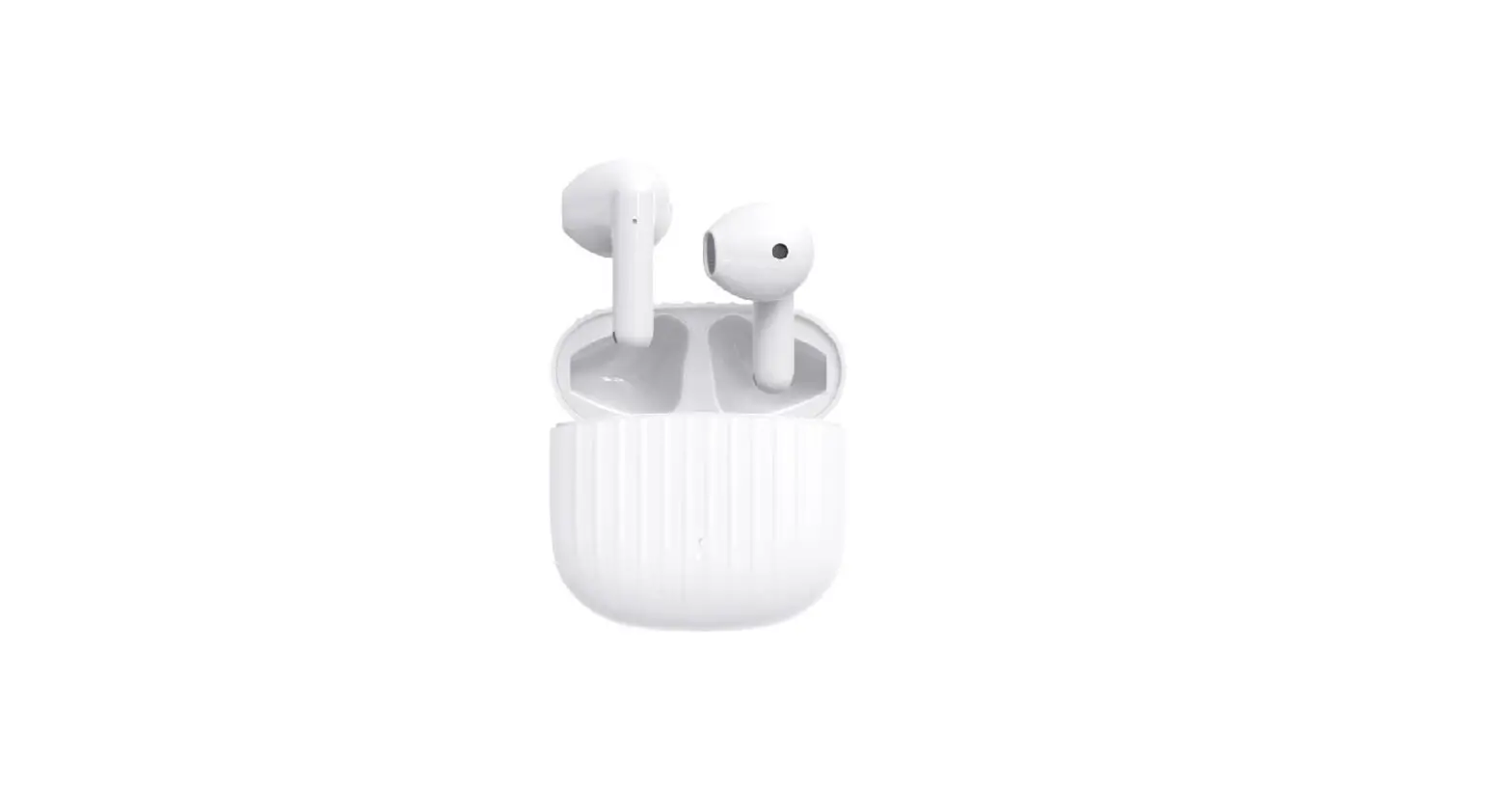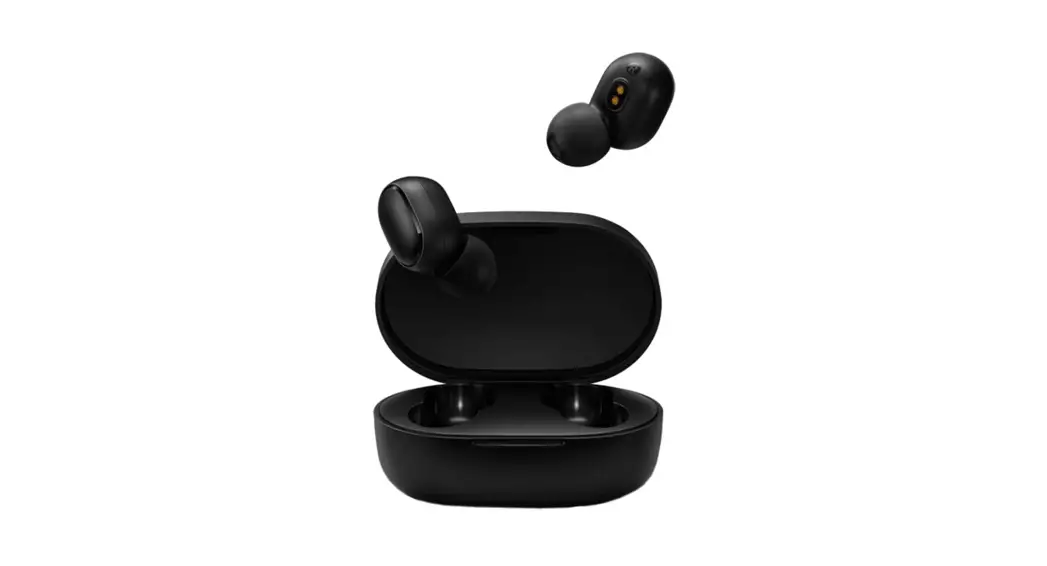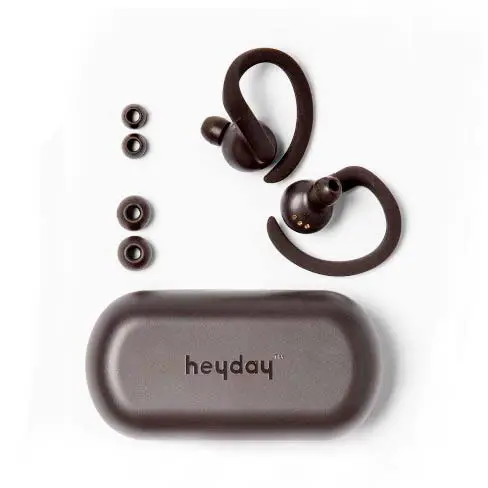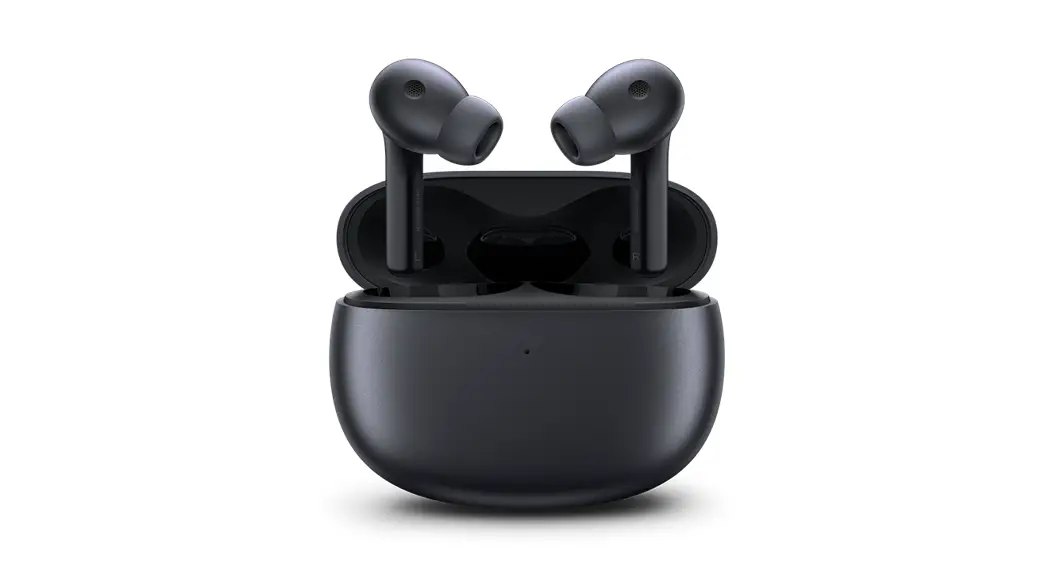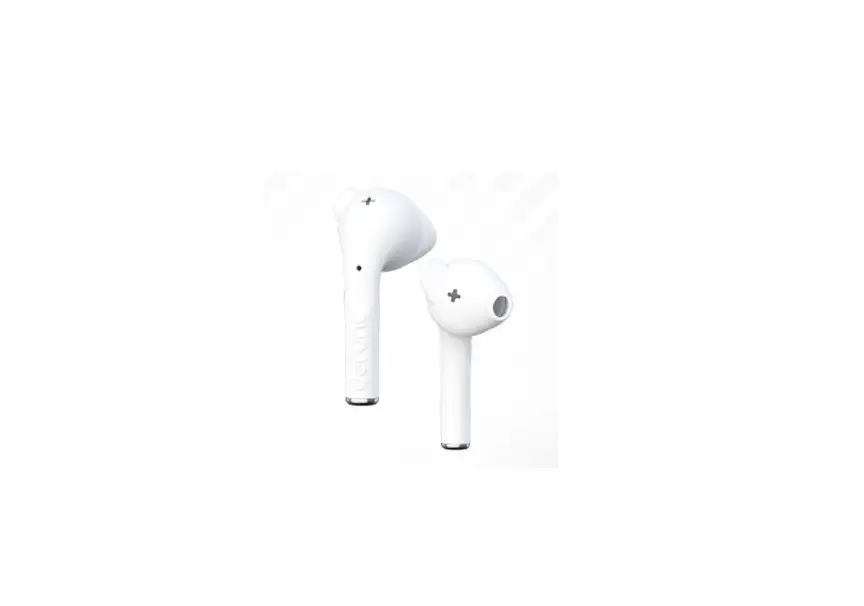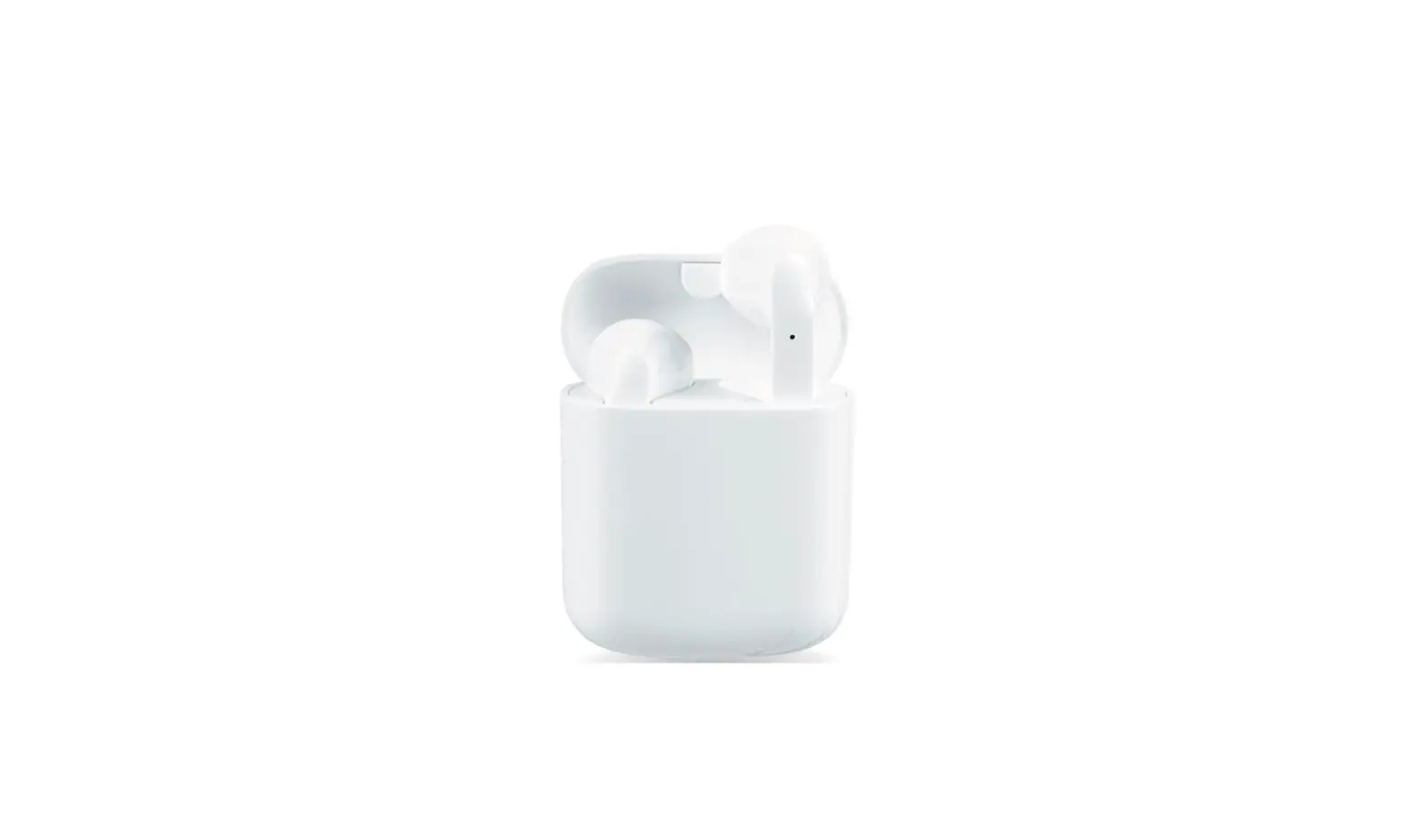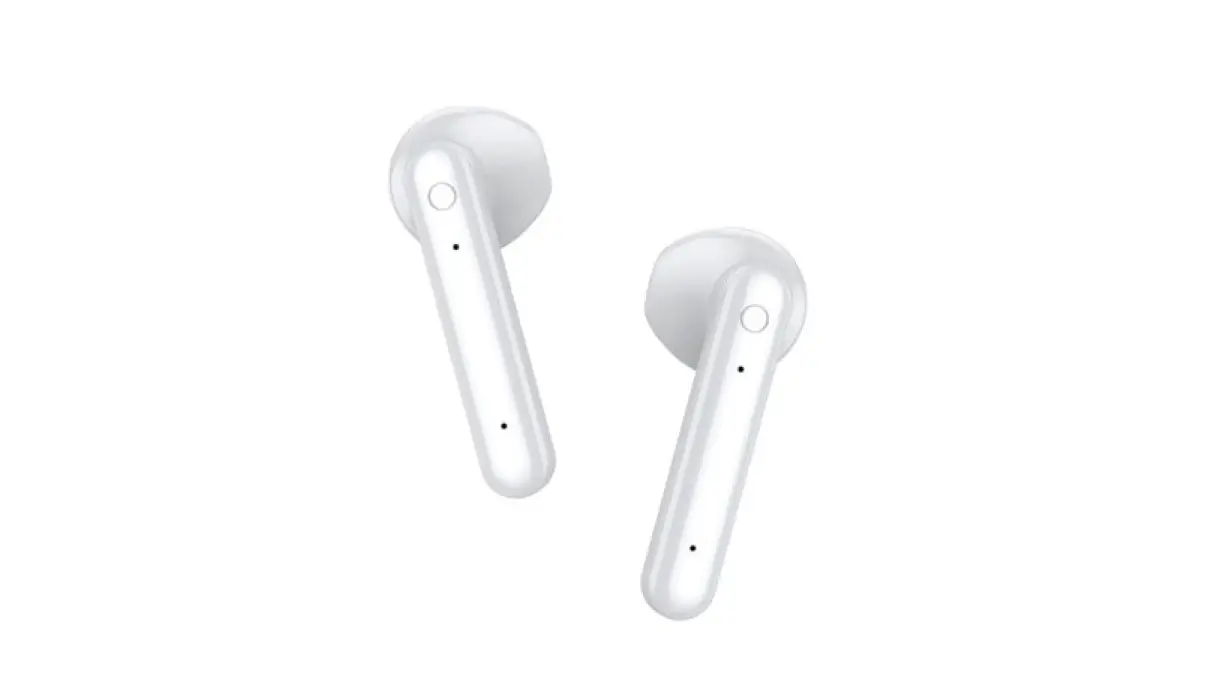

maxwest MX-BUDS True Wireless Earbuds 
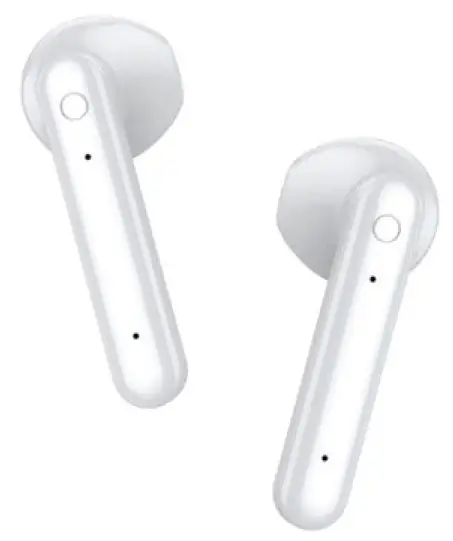
Real wireless connection, realizing wireless stereo, left and right channel separation, HIFI sound effects, left and right ears have complete Bluetooth function, can be used alone or in pairs, master-slave switching, headset back connection away from the warehouse.
Charging compartment definition and headset parameters
| project | Specifications |
| Bluetooth Version | V5.1 |
| Earphone standby time | About 8.6 hours |
| Earphone battery capacity | 30mAh(single) |
| Charging case battery capacity | 300mAh |
| Charging case Output voltage | DC 3.3-4.2V |
| Input Voltage | DC 5V/0.5A |
| Pop-up window range (only for IOS system) | 10CM |
| Bluetooth range | ≥10meter |
| Support Sytem | IOS , Android , windows |
| Bluetooth frequency | 2.4GHZ-2.4835GHZ ISM Band |
| supporting agreement | HFP,A2DP,AVCTP,AVRCP |
| Charging voltage/current | 5V /1A |
| Earphone battery life | About 4H |
| The charging time to fully charge the headset | about 1H |
| Charging time of charging compartment | About 90 minutes |
| Headphone size | 41mm * 16mm*15mm |
| Charging compartment size | 67mm*43.5mm * 21mm |
Description of headset indicator and charging compartment light
| Headphone low voltage | Red light flashes slowly, indicating low battery |
| The headset is turned on, standby | The phone is not connected (paired with the phone) The main ear, red and blue flash quickly; The accessory ear blue light flashes once every 5 seconds |
| Headphone pairing status, disconnect | Headphone pairing status ,the light flash means disconnect |
| Headphone off | Flashing red 3 times |
| Headphone other mode light (DUT) | Blue light |
| Headphone low battery | Red light flashes 3 times in 5 seconds, indicating low battery |
| Headphone charging status | The red light is always on, the green light in the charging compartment is always on, and the red light is off when it is full |
| Charging in the charging compartment | The green light flashes gradually, and the green light is always on when it is full |
Headphone overview 
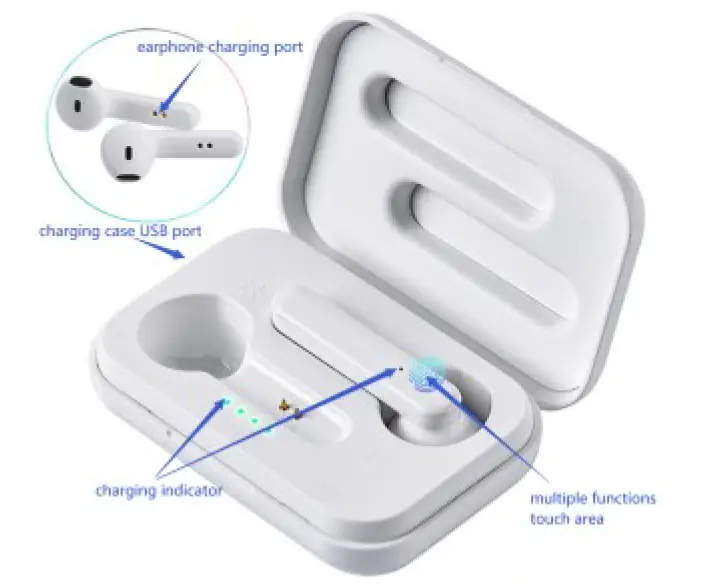
Simple instructions
- Headphone on/off:
- Turn on: Take out the headset from the charging compartment, the headset will automatically turn on:
Or press and hold the touch points on both sides for 2 seconds to turn on, and the prompt sound “Power on”; - Shut down: Put it directly into the charging compartment to shut down; or press and hold the touch point for 5 seconds to shut down, the prompt sound “Power off”. When the headset is turned on and not connected to the mobile phone, it will automatically turn off in 3 minutes.
- Turn on: Take out the headset from the charging compartment, the headset will automatically turn on:
- Matching:
- Automatically pair after power-on, and the blue and red lights flash in single ears after successful pairing.
(Note: If there is no pairing, the red and blue lights on both ears flash alternately, and the headset is not turned on.
When the phone is connected, double-click the left or right ear, and the blue light flashes slowly in any ears after the pairing is successful. ) - IOS&Android system connection headset:
Open the phone “settings”-open the Bluetooth search-find the “MX-BUDS” pairing name and click to connect-the “connected” binaural light goes out. When the phone is connected once, use the first point of operation again, and the headset will automatically connect with the phone。
- Automatically pair after power-on, and the blue and red lights flash in single ears after successful pairing.
Function definition description
Function definition under call
| Call answer: | Click on any earphone while touching the area 1, the English report number of the call |
| hang up the phone | Click any side touch area 1 time |
| Call rejection | Long press on either side of the touch area for 2 seconds |
| Cancel dial | Click any side touch area 1 time |
| Increase and decrease volume | Double click left ear volume to decrease, double click right ear to increase volume |
| Switch between headset and mobile phone | Long press on either side of the touch area for 2 seconds |
Function definition in music state
| play / Pause | Touch any side 1 time |
| Switch song | Click three times on the left ear switch to previous song, click three times on the right ear switch to the next song |
| Increase and decrease volume | Double click left ear volume to decrease, double click right ear to increase volume |
voice assistant
| IOS | Wake up “siri”: long press for 2 seconds |
| Android | Support waking up the voice assistant (make sure that the Android phone comes with the Android system) long press for 2 seconds, the timeout will shut down |
Other definitions
| Reset | Headphone is dead or blue light status, long press any 8 seconds to turn on |
| Headphone over distance and back connection | Binaural over-distance and back-to-back beep |
Precautions
- Do not treat this product violently, or squeeze it with heavy objects, and stay away from high temperature and high humidity environments.
- Stay away from WIFI, routers and other high-frequency transmitting devices, which will affect the signal reception of the unit, and cause sound jams and disconnections.
- Please use this product in an effective environment (10 meters), and there should be no physical obstruction (such as walls, etc.) between the Bluetooth device and the headset.
- If the product is not used for a long time, (within one month) charge the headset and base.
Warning
Any changes or modifications not expressly approved by the party responsible for compliance could void the user’s authority to operate the equipment.
This device complies with part 15 of the FCC Rules. Operation is subject to the following two conditions:
- this device may not cause harmful interference
- this device must accept any interference received, including interference that may cause undesired operation.
Note: This equipment has been tested and found to comply with the limits for a Class B digital device, pursuant to part 15 of the FCC rules. These limits are designed to provide reasonable protection against harmful interference in a residential installation. This equipment generates, uses and can radiate radio frequency energy and, if not installed and used in accordance with the instructions, may cause harmful interference to radio communications. However, there is no guarantee that interference will not occur in a particular installation If this equipment does cause harmful interference to radio or television reception, which can be determined by turning the equipment off and on, the user is encouraged to try to correct the interference by one or more of the following measures:
- Reorient or relocate the receiving antenna.
- Increase the separation between the equipment and receiver.
- Connect the equipment into an outlet a circuit different from that to which the receiver is connected.
- Consult the dealer or an experienced radio/TV technician for help. FCC Radiation Exposure Statement:
This equipment complies with FCC radiation exposure limits set forth for an uncontrolled environment.