Charging Tips
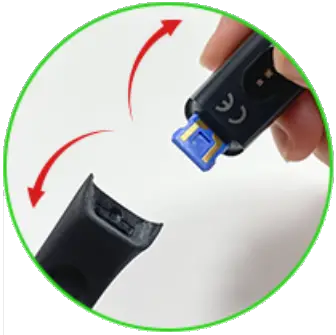
Step 1:
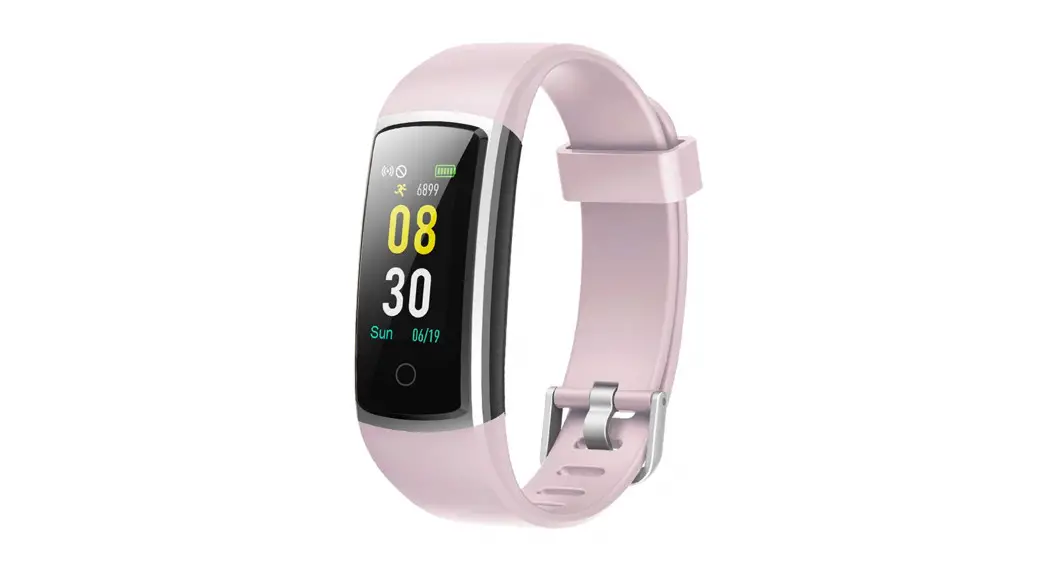
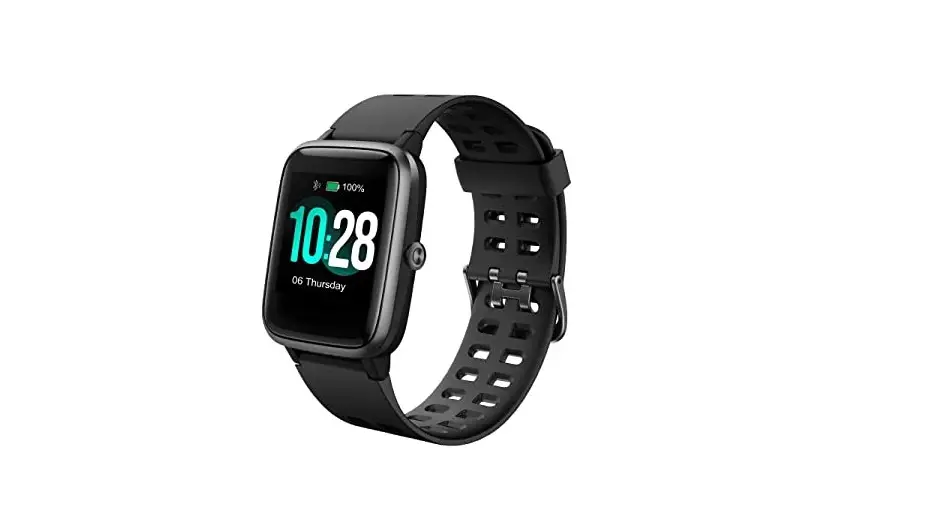
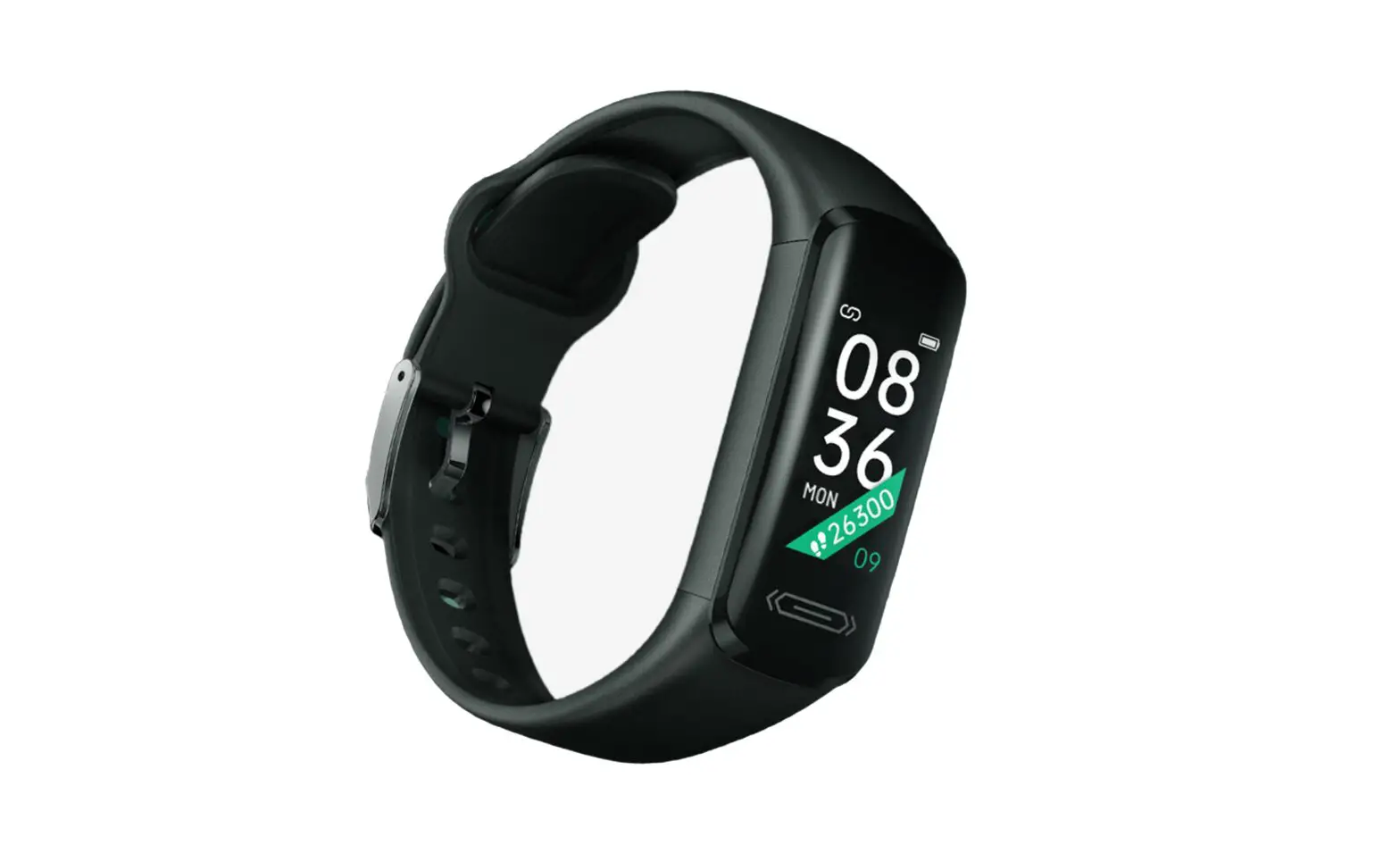
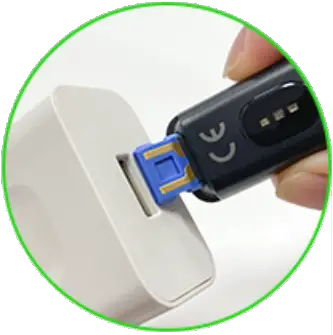
The fitness tracker requires no charging cable. Just pull out the strap which is below the home key. you will see the built-in USB plug with metal pins.
Step 2:
Insert the metal pins into any USB socket/Wall charger.(Please ensure that the metal strips align with the USB strips.)
Step 3:
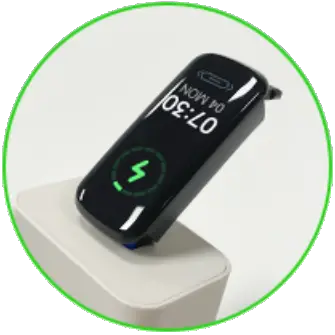
After a gentle vibration a battery icon will be shown on the screen when it is being charged successfully.
Note:
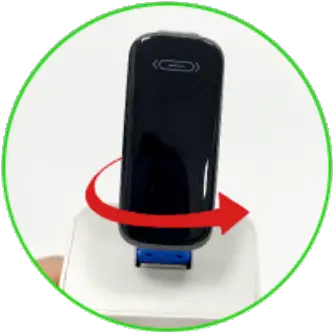
If the watch does not vibrate after plugged in, please turn it over to charge again.