 THE ELECTRONICS ON YOUR SIDE
THERMOREGULATOR FOR PHOTOVOLTAIC BOILER
Type: PVBoiler
Rev.03
USER’S GUIDE
 Safety instructions:
 Safety instructions:
- Before installation, check the integrity of the unit and its connecting wires.
- In case of damaged can not be mounted to the removing of the fault.
- The installation and disassembly of the unit must be carried out by qualified personnel who have previously read the product manual.
- Mount in a dry and ventilated place away from heat sources and flammable gases or liquids.
- Make sure that the mains voltage matches the voltage on the rating plate of the unit.
- Use power consumers that match the power output of the appliance.
- In the event of malfunctioning, switch off the appliance immediately and seek authorized service for repair.
- In case of fire, use a fire extinguisher.
- For the purpose of environmental protection, do not throw away electrical appliances and their packaging marked with a symbol crossed bin


TECHNICAL DESCRIPTION
- Application
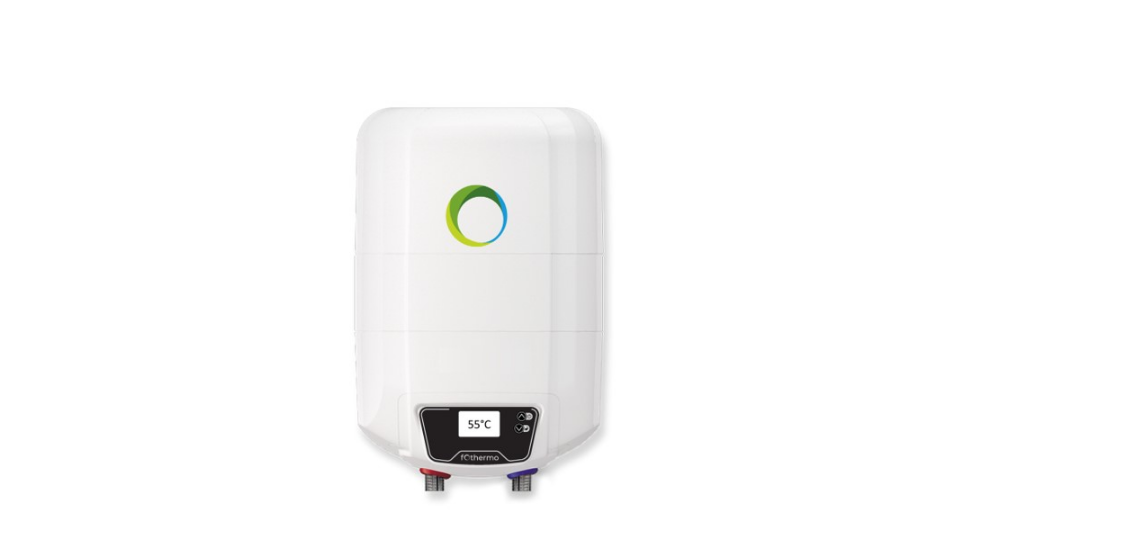
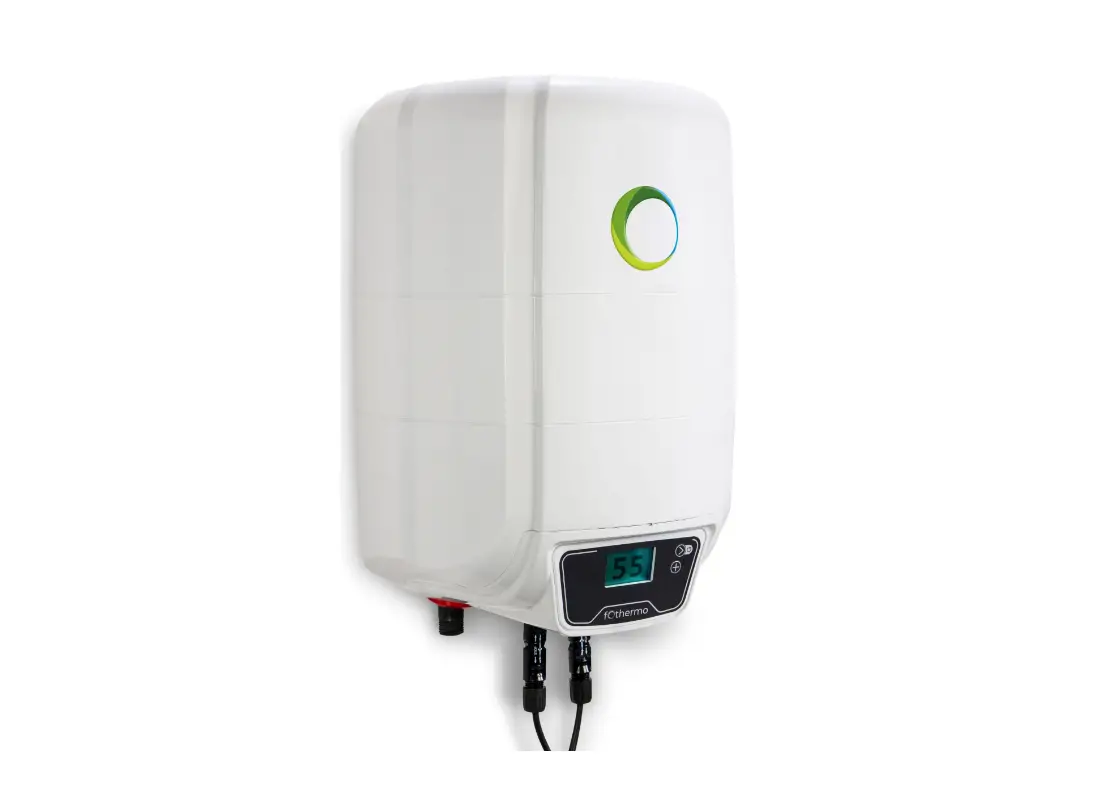
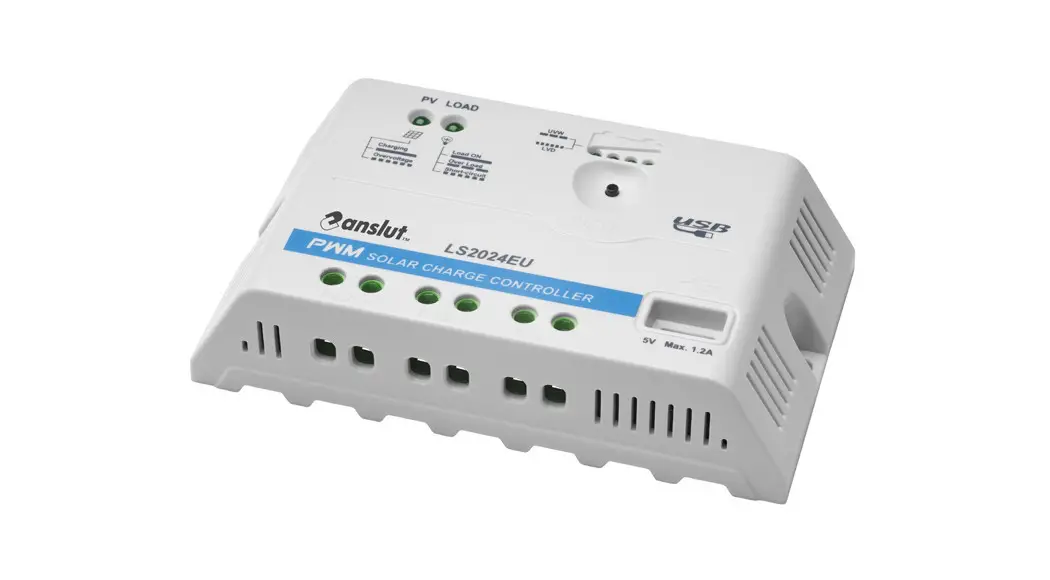
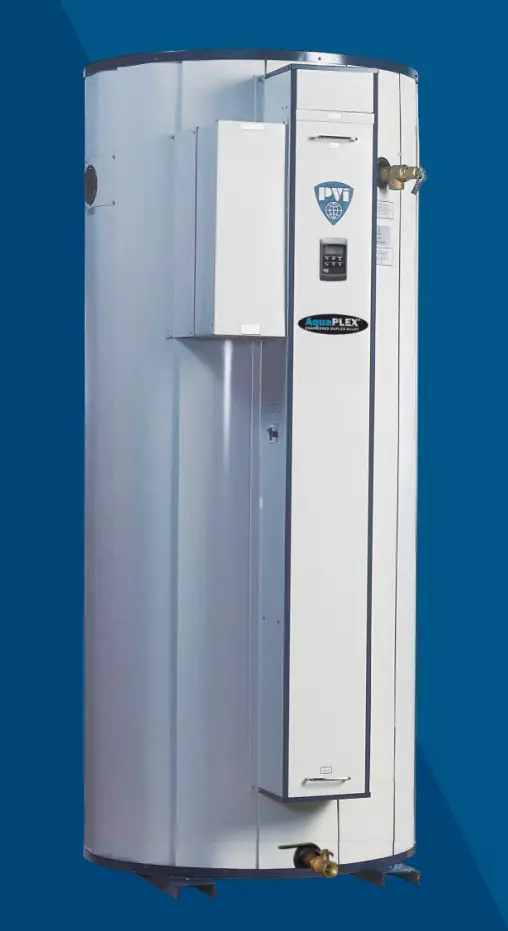
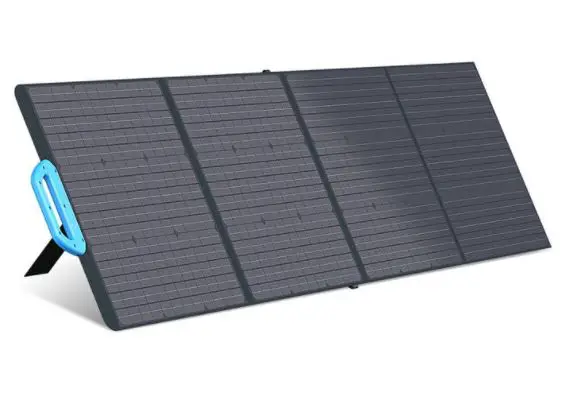
The device is designed to control the combined heating of boilers having two independent heaters powered by photovoltaic panels and mains power. - How it works
Maintains the water temperature in the boiler Tb by turning the heating on or off according to the set point and hysteresis. It has a built-in weekly programmer with two programs to allow the heater to operate on mains power. The temperature to which the boiler is heated from the mains is determined by a separate task.
It monitors the current and voltage of the photovoltaic panel and measures the instantaneous power consumed.
When the “MPPT|” mode is on, the maximum power point from the panel is monitored according to the momentary sunlight. In this way, efficient use of the panel is achieved in low sunlight. In this mode, the set hysteresis does not affect the operation of the thermoregulator, power is always supplied to the heater at a temperature lower than the Tb set.
Operation without “MPPT”
At a temperature of the boiler Tb lower than the Tb set-hys, the heating is switched on, the condition continues until the Tb set is reached.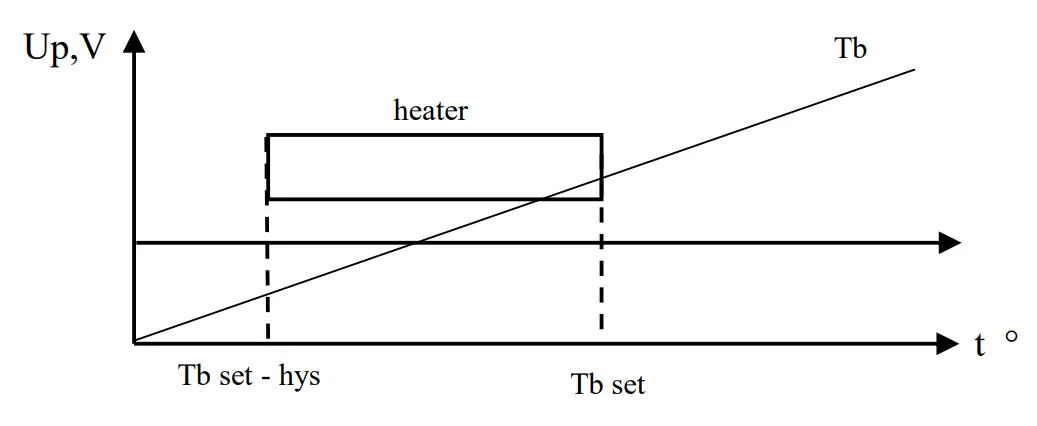
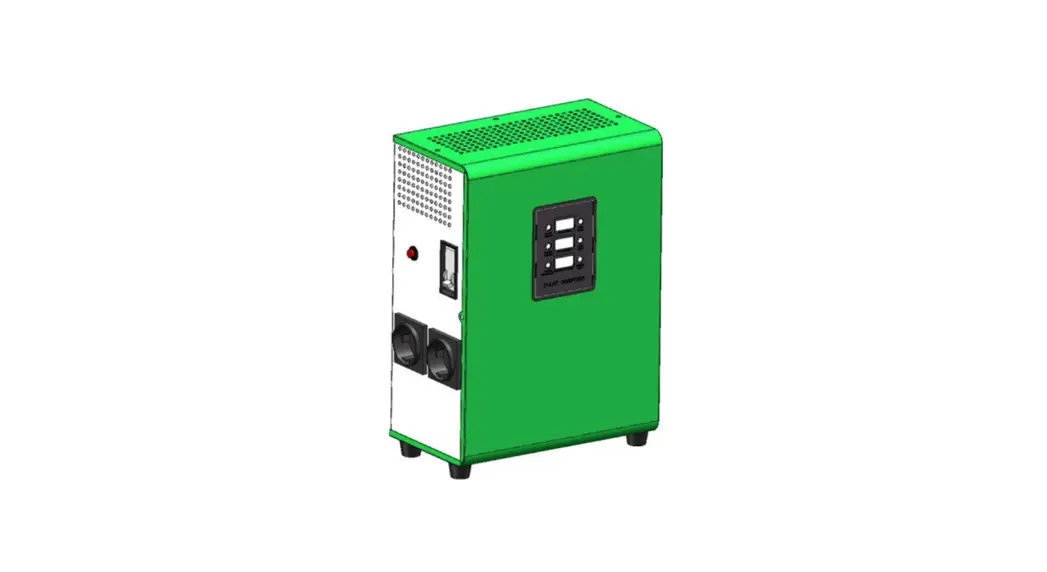
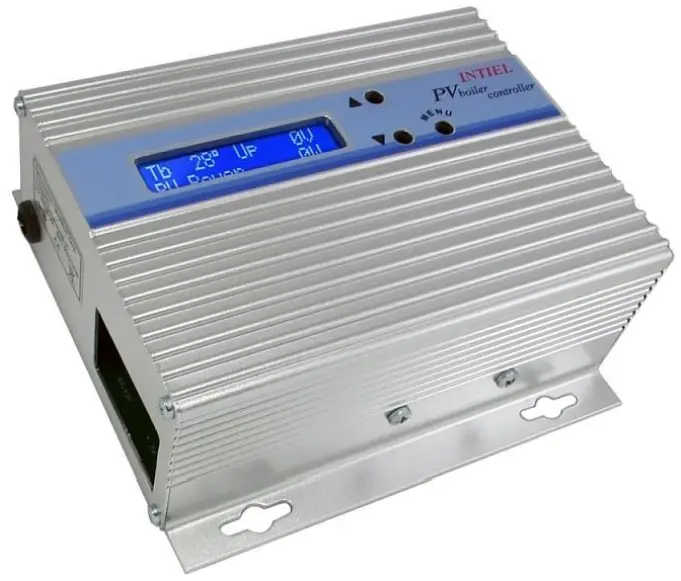
- Front panel
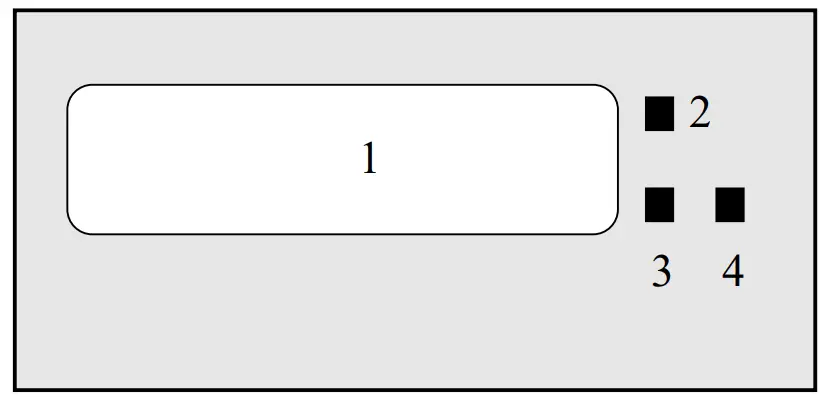 1 – LCD indication;
2 – “forward” change button;
3 – “back” change button;
4 – button to enter / exit programming mode.
In the initial state, the display shows the following parameters:
– Up – panel voltage;
– Тb – current boiler temperature;
– P – panel power;
– AC ON – mains heater is ON;
– AC OFF – mains heater is OFF; - Settings
With buttons „↑” or „↓”scroll until the display shows the desired setting. Press button „√” to enter programming mode, then the setting value starts flashing. With buttons „↑” or „↓” you can make changes. To confirm the changes, press the button „√” again.Description Indication Range Default settings User settings Set temperature from the panels Tb pv 5 – 90 °C 60 hysteresis Tb his 40 5 Monitoring max. power MPPT 0 –inactive 1 – active 1 Hour and day Time Correction of the measured temperature Tb cor -10 to +10 ° С 0
Setting the weekly program for operation of the mains heater
| Description | Indication | Range | Default settings | User settings |
| Weekly program | Week program | |||
| Working interval | P1 P2 | 00:00 – 24:00 | ||
| Day of the week | P1 DoW P2 DoW | SMTWTFS ( Sunday – Saturday ) – inactive | ||
| Set temperature from the mains | Tb line | 5 – 90 °C | 40 | |
| Exit | Exit |
Correction of the measured boiler temperature
Press and hold button „√”for about 10 seconds, password request will be displayed – “Password …..”. With „↑” or „↓” buttons select 123 and press „√”. The menu will automatically lock 15 seconds after the last button press.
Electrical connection and technical data
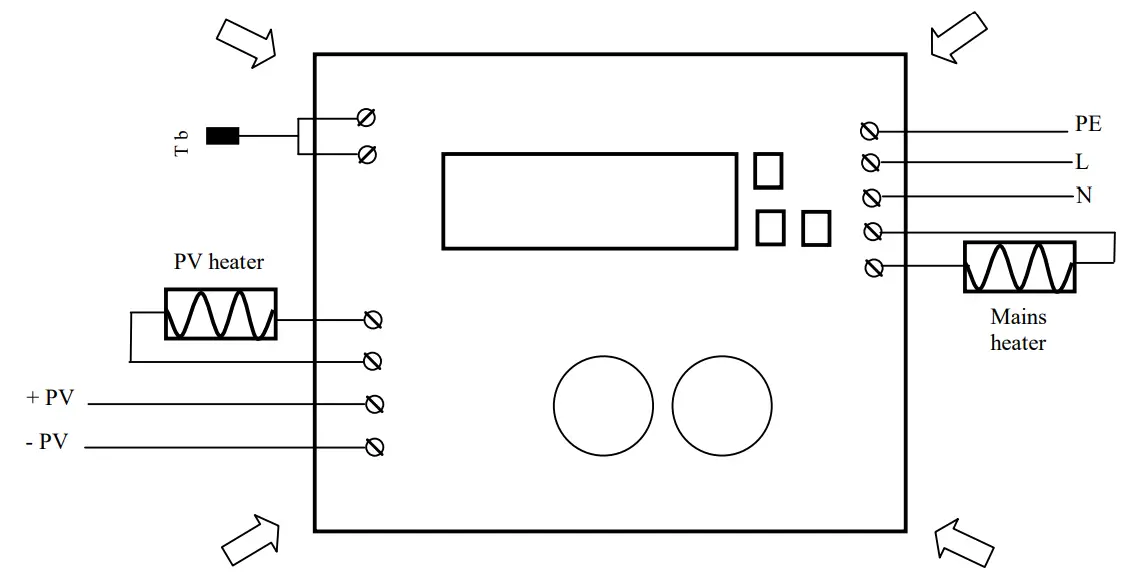
To access the terminals it is necessary to remove the box cover by unscrewing the upper bolts at the four ends of the box indicated by arrows.
| Technical data: | |
| Power supply | ~230V/50Hz |
| Input PV | max 320V/10A |
| Output for heater PV | MOSFET max 320V/10A |
| Output for mains heater | relay NO, ~230V/16A |
| Sensor type | Pt 1000 (-50 to +250 °С) |
| Measuring range | -10 +120 °С |
| Unit of measurement | 1 °С |
| Environmental temperature | +5° to – 35 °C |
| Environmental Humidity | to 80% |
| Degree of protection | IP2 |
Important!
Reverse connection of PV panels is not permitted.
It is not permissible to switch the heater or panels while the device is operating.
Combining the heaters is not allowed.
Recommended connection according to the power of the PV panels: up to 5 panels at a power of up to 330W per panel up to 4 panels at a power of up to 460W per panel
Warranty
The warranty period is 24 months following the purchase date of the unit or its installation by an authorized Engineering Company, but not exceeding 28 months after the production date. The warranty is extended to the malfunctions that occur during the warranty period and are result of the production reasons or defective used parts. The warranty does not relate to malfunctions corresponding to notqualified installation, activities directed to the product body interference, not regular storage or transport.
The repairs during the warranty period can be done after correct filling of the manufacturer warranty card
Warranty Card
| Manufacturer: INTIEL | |
| Product type | THERMOREGULATOR FOR PHOTOVOLTAIC BOILER |
| Production number | |
| Production date | |
| Dealer confirmation | |
| Purchase date | |
| Invoice number | |
| Dealer’s name, address and stamp | |
| Seller’s name and signature | |
INTIEL LTD
10, str. Major Kolontaevski 8200 Pomorie
BULGARIA
e-mail: [email protected]
e-mail: [email protected]
www.intiel.com
 INTIEL Controllers | Електрониката на Ваша страна!