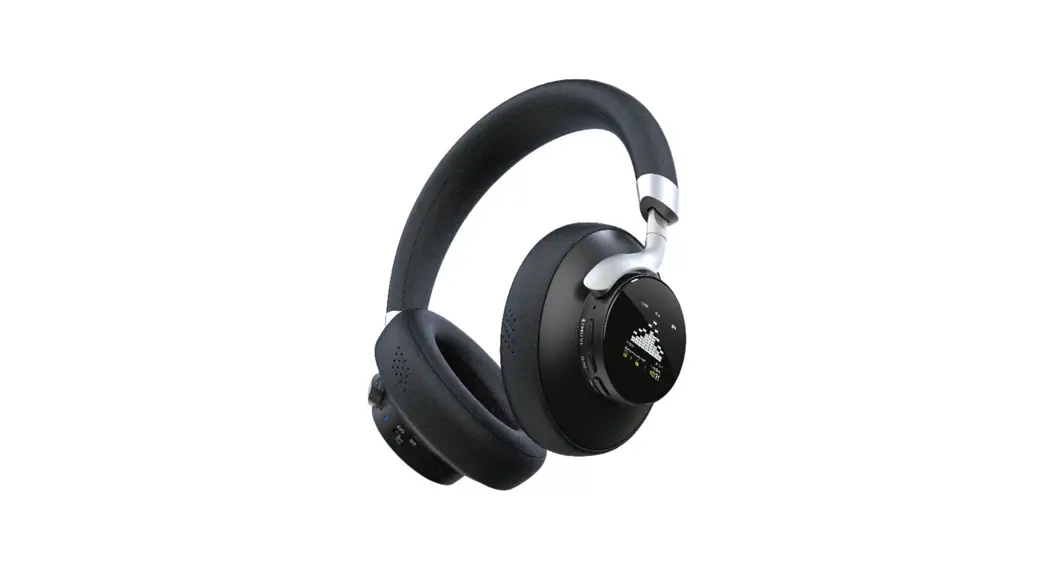

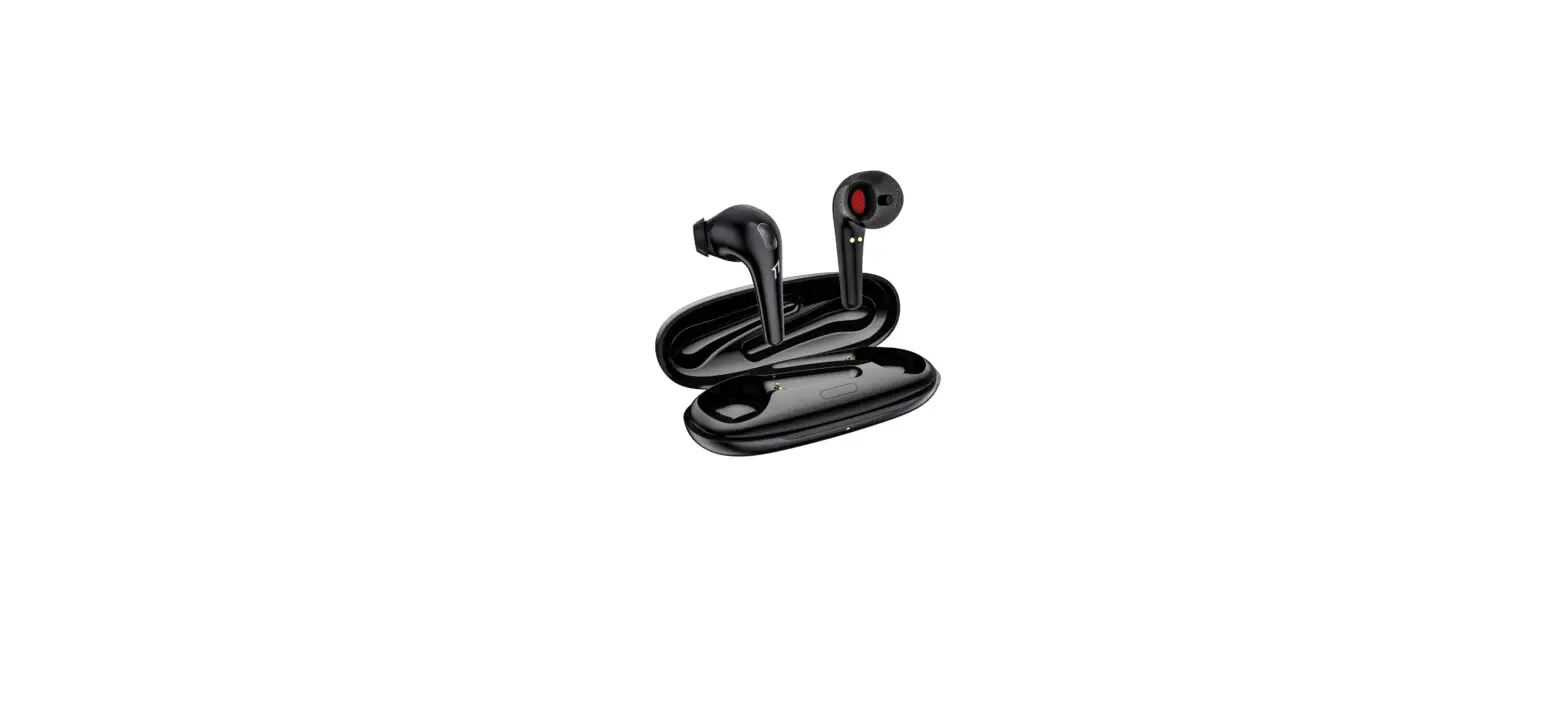
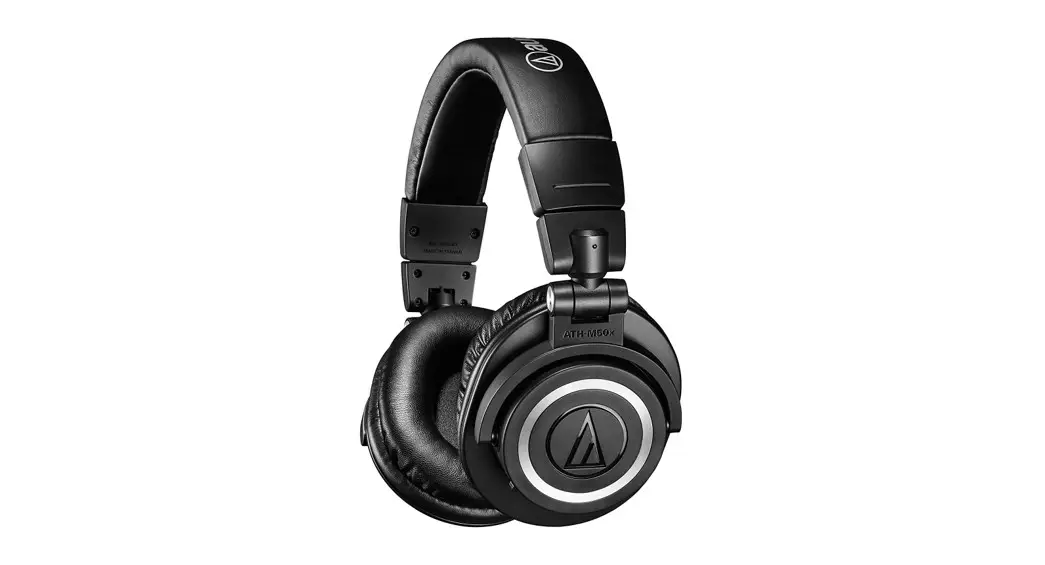
smart audio ESM-01 True Wireless Headphones
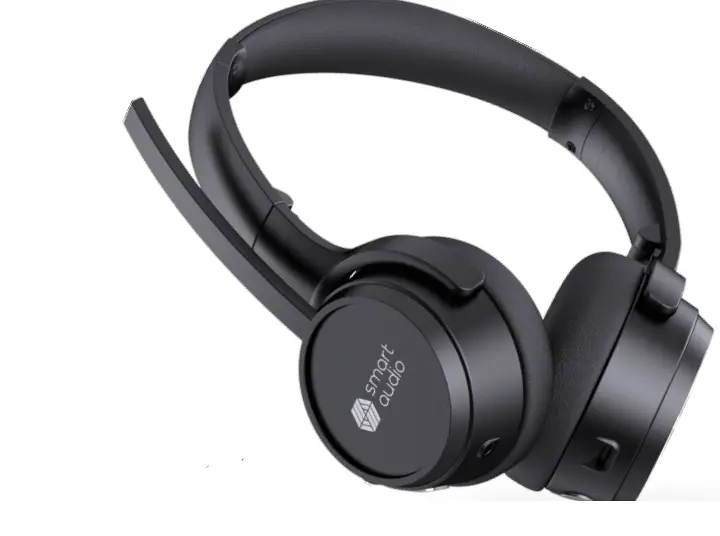
Smart Audio ESM-01 Headset User Guide
How to Connect to your Smartphone or other Bluetooth Device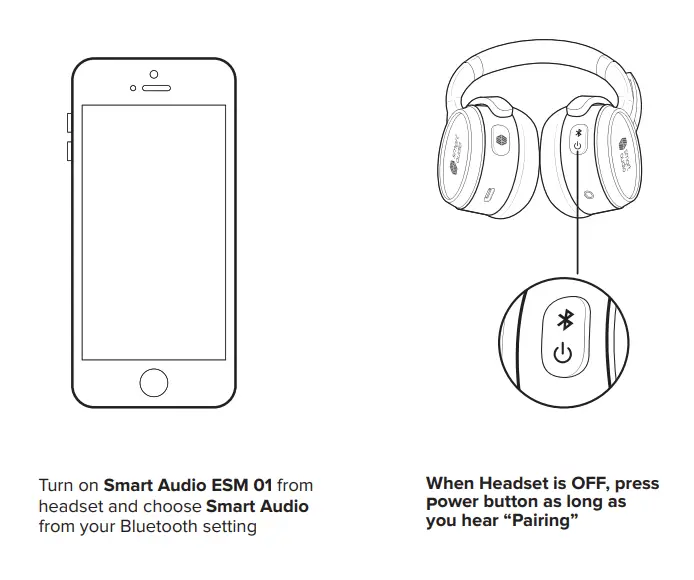
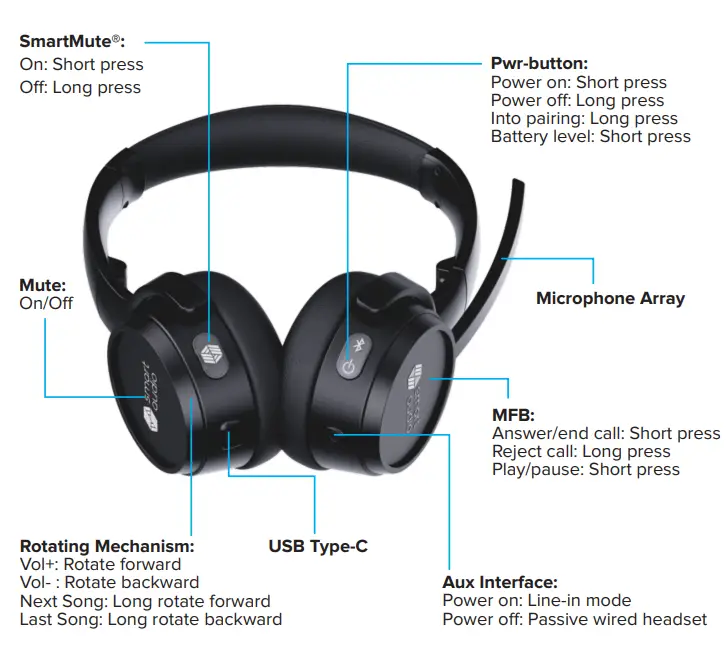
How to Use SmartMute® Function?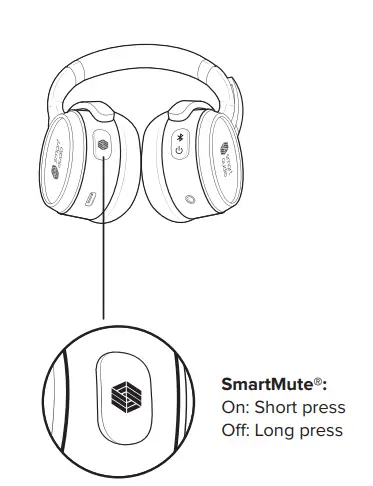
The smart mute function is enabled by default on the headset for all calls.
- If you want to enable the SmartMute® function again short-press the button anytime.
- To disable the SmartMute function anytime long-press the button.
Charging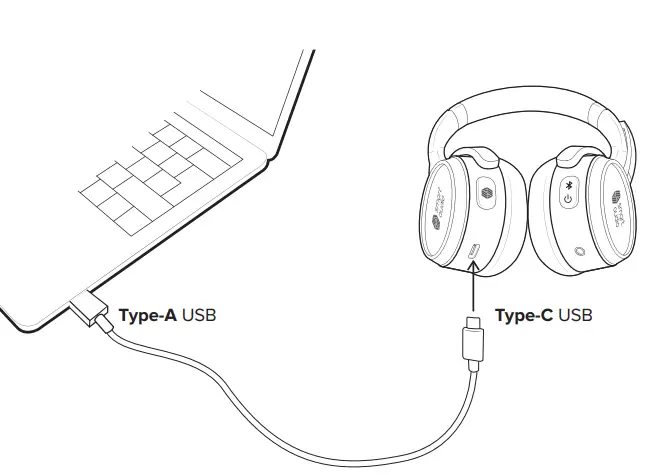
Plug the headphones into a USB port on your computer or wall charger
Smart Audio ESM-01 Headset Specification
| BT version | Bluetooth V5.0 |
| BT name | Smart Audio ESM 01 |
| BT Chip | Qualcomm QCC5126 |
| Charge current | 200mA±50 |
| Charge time | ≤ 2H |
| Battery capacity | 550mAh |
| Driver size | Ø40mm |
| Frequency range | 20Hz – 20kHz |
| BT play time | 27H |
| BT connect range | ≥ 10m |
| Audio protocol | AAC,SBC,APTX |
| Transmit power | <4dBm |
| Standby time | 1000H |
| Charge requirement | >0.5C |
| Standby current | ≤ 500uA |
| Driver impedance | 32ohm |
| Distortion | ≤ 3% |
| Rated power | 10mW |
Overview
| Power ON | Press the Power ON button for 1 second |
| Power OFF | Press the Power ON button for 3 seconds |
| Auto Power OFF | When pairing mode after 10 mins or low battery power |
| Bluetooth Pairing | The long press power button for pairing mode. Search the headphone BT name on the device to connect. |
| Mute | Press the Mute button to mute (un-mute) music or call from the headphone |
| Volume Up/Down | Turn the volume adjust wheel forward + / backward – |
| Answer/End/Refuse Call | Push calling button |
| Redial | Double click the calling button |
| Clear paired history | Press the mute & Power button for 5s |
| Battery level | Press power button once (depending on charge low, 25% 50%,75% & 100%) |
| Power level | Shows battery level on smartphone status bar |
| Aux In | Plug into Aux port |
FCC Compliance Statement
This device complies with part 15 of the FCC Rules. Operation is subject to the following two conditions:
- This device may not cause harmful interference, and
- this device must accept any interference received, including interference that may cause undesired operation.
Note: This equipment has been tested and found to comply with the limits for a Class B digital device, pursuant to Part 15 of the FCC Rules. These limits are designed to provide reasonable protection against harmful interference in a residential installation. This equipment generates, uses, and can radiate radio frequency energy and, if not installed and used in accordance with the instructions, may cause harmful interference to radio communications.
However, there is no guarantee that interference will not occur in a particular installation. If this equipment does cause harmful interference to radio or television reception, which can be determined by turning the equipment off and on, the user is encouraged to try to correct the interference by one or more of the following measures:
- Reorient or relocate the receiving antenna.
- Increase the separation between the equipment and receiver.
- Connect the equipment into an outlet on a circuit different from that to which the receiver is connected.
- Consult the dealer or an experienced radio/TV technician for help.
Warning: Changes or modifications to this unit not expressly approved by the party responsible for compliance could void the user’s authority to operate the equipment.
FCC Radiation Exposure Statement
The device has been evaluated to meet the general F exposure requirement. The device can be used in portable exposure conditions without restriction.
REGISTER ONLINE
Visit www.smartaudiotechnologies.com/register or download our Smart Audio app to register the device and activate SmartMute®.
 smartaudiotechnologies.com


![Essos True Wireless Auto Pair Earbuds User Manual [xo-9568-3]](https://static-data1.manualsee.com/1/img/245/8287/2020/10/Essos-True-Wireless-Auto-Pair-Earbuds.png "Essos True Wireless Auto Pair Earbuds User Manual [xo-9568-3]")