
Frigidaire 2.0 App
CONNECTION
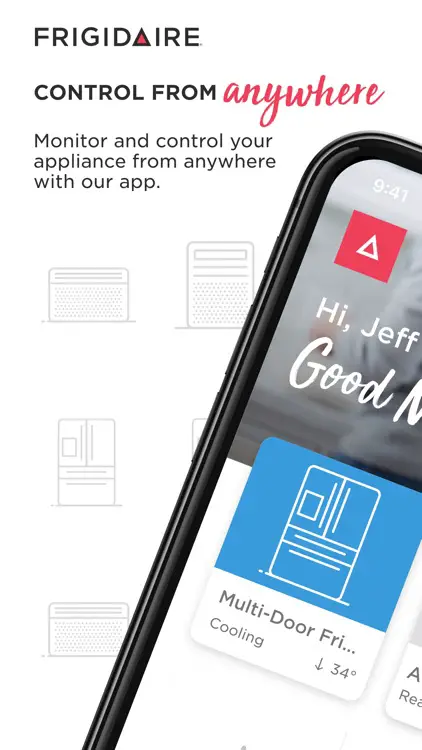
We make it easy to connect to your product from anywhere.
Step 1: Download the free Frigidaire 2.0 app. Scan the QR code below or visit Frigidaire.com/app.

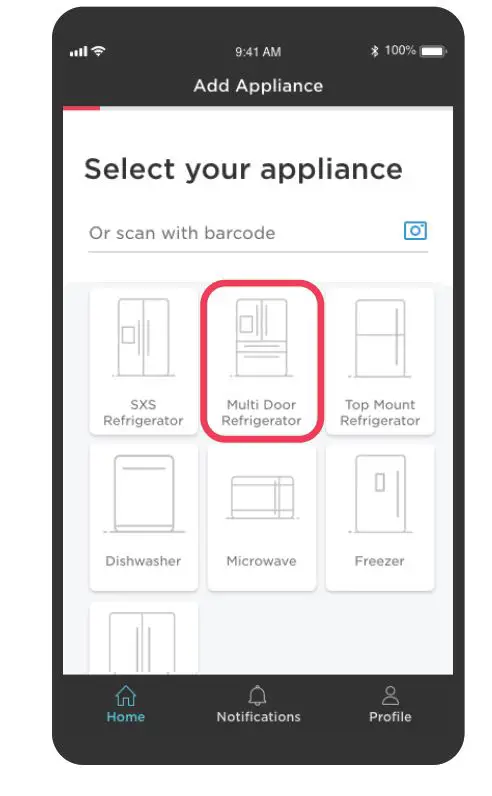
Step 2: Open the app and follow the prompts to connect.
Tips
- Have your home Wi-Fi and password ready.
- Turn on your phone’s Wi-Fi.
- On your product’s appliance control display, press any button to wake the appliance display. Press and hold the Connect or WIFI button until it beeps and the symbol begins to blink. Some controls may vary slightly. Check your Use & Care Manual.
Step 3: Enjoy the convenience of remote control and monitoring your appliance!
WE’RE HERE TO HELP
CONNECTION CHECKLIST
- The app requires Apple iOS 11 or Android 8.0 OS or later.
- You’ll need a secure, password-protected 2.4 or 5 GHz internet connection on a WPA/WPA2 compliant network.
- Your Wi-Fi router should support IEEE 802.11 b/g/n.
- When setting up your connection, make sure you are in front of the appliance.
- Always use a valid email address you can reach from your phone.
PRODUCT SUPPORT
HAVING TROUBLE?
- Check out our Owner Support and FAQs on Frigidaire.com
- Call us at (800) 311-4667
- Email us: [email protected] any time!
 Frigidaire