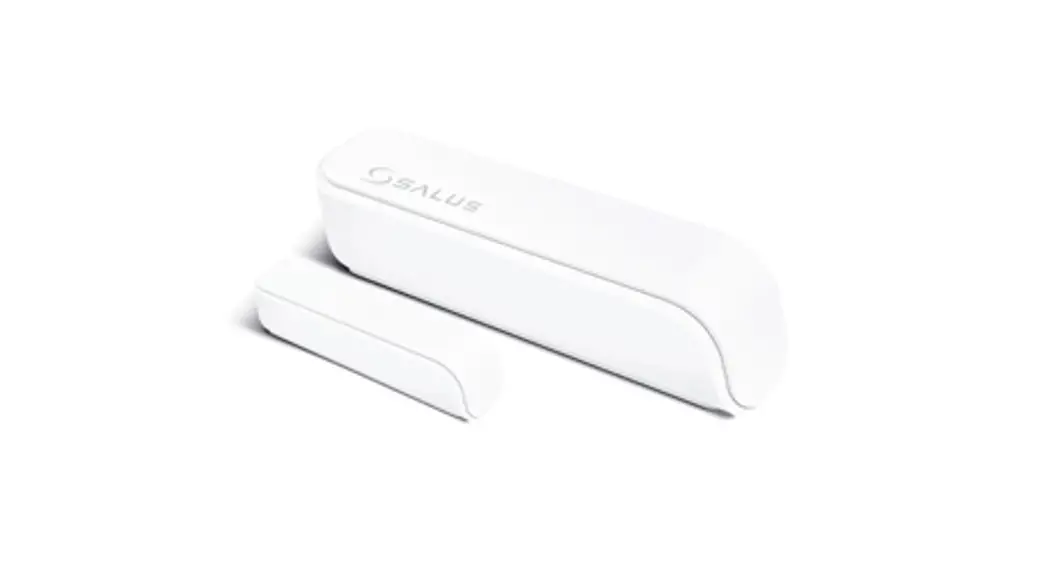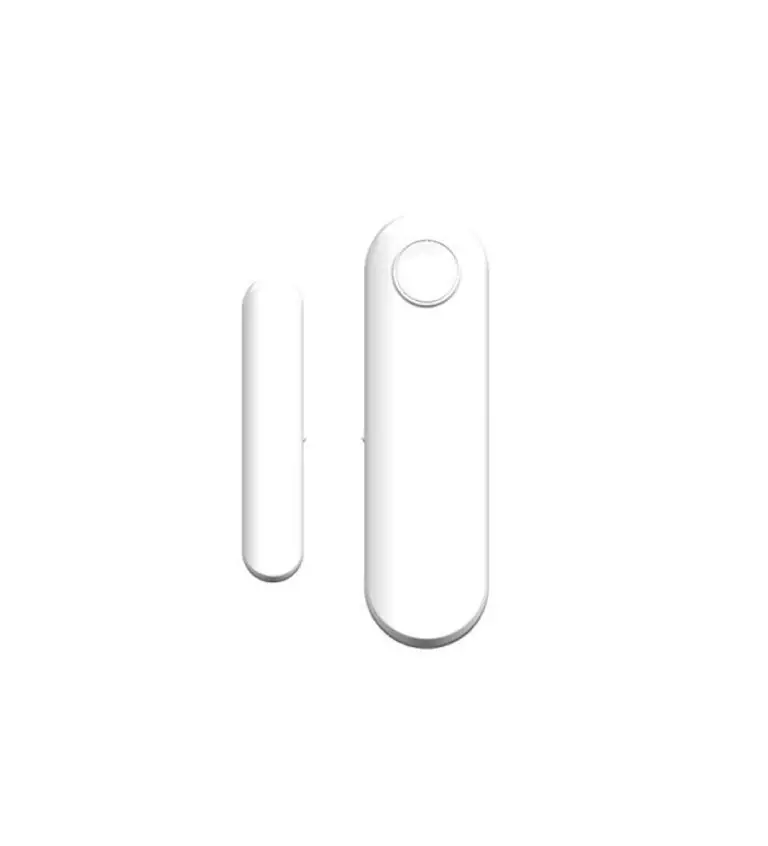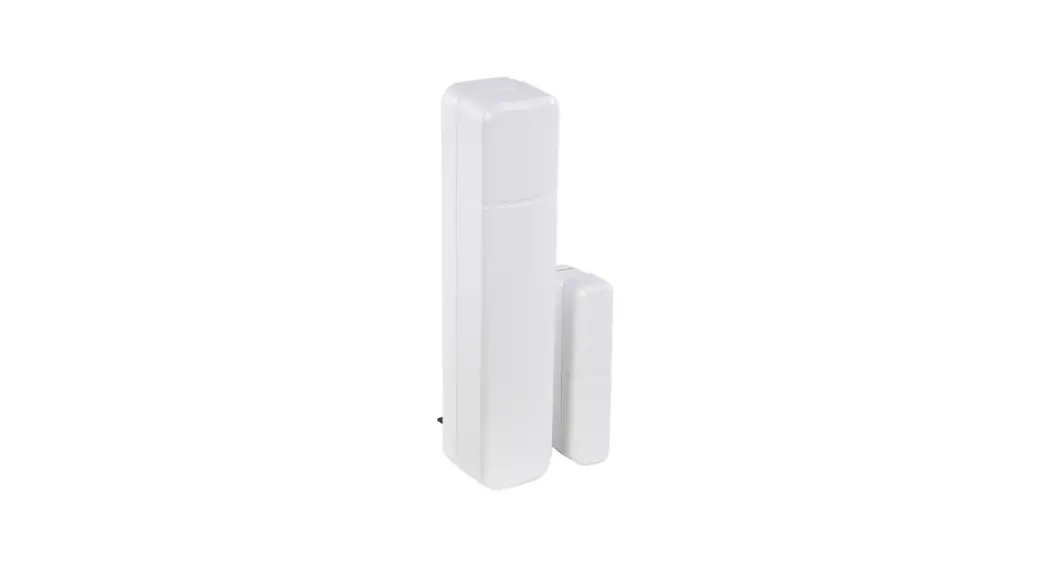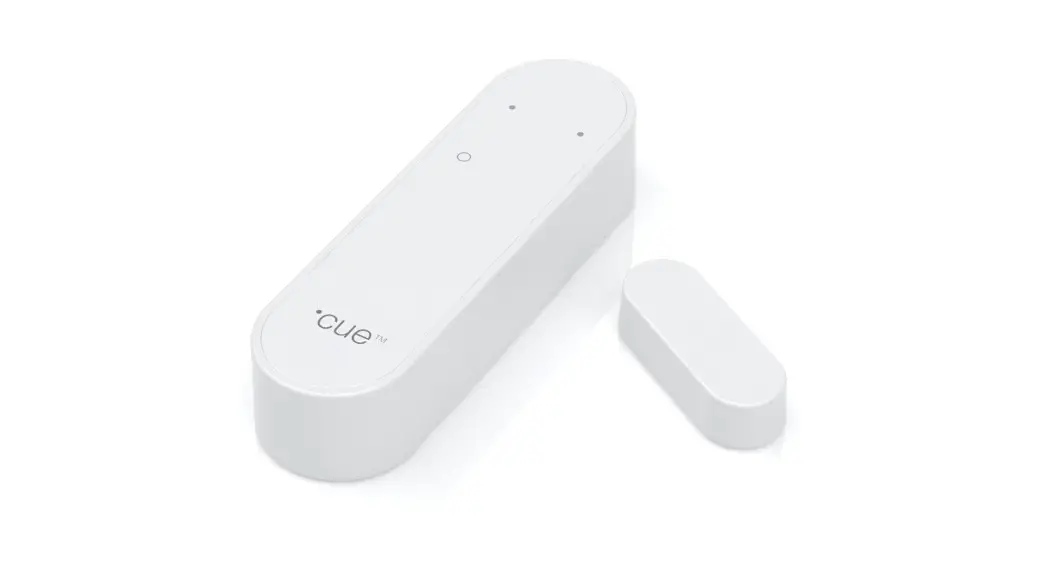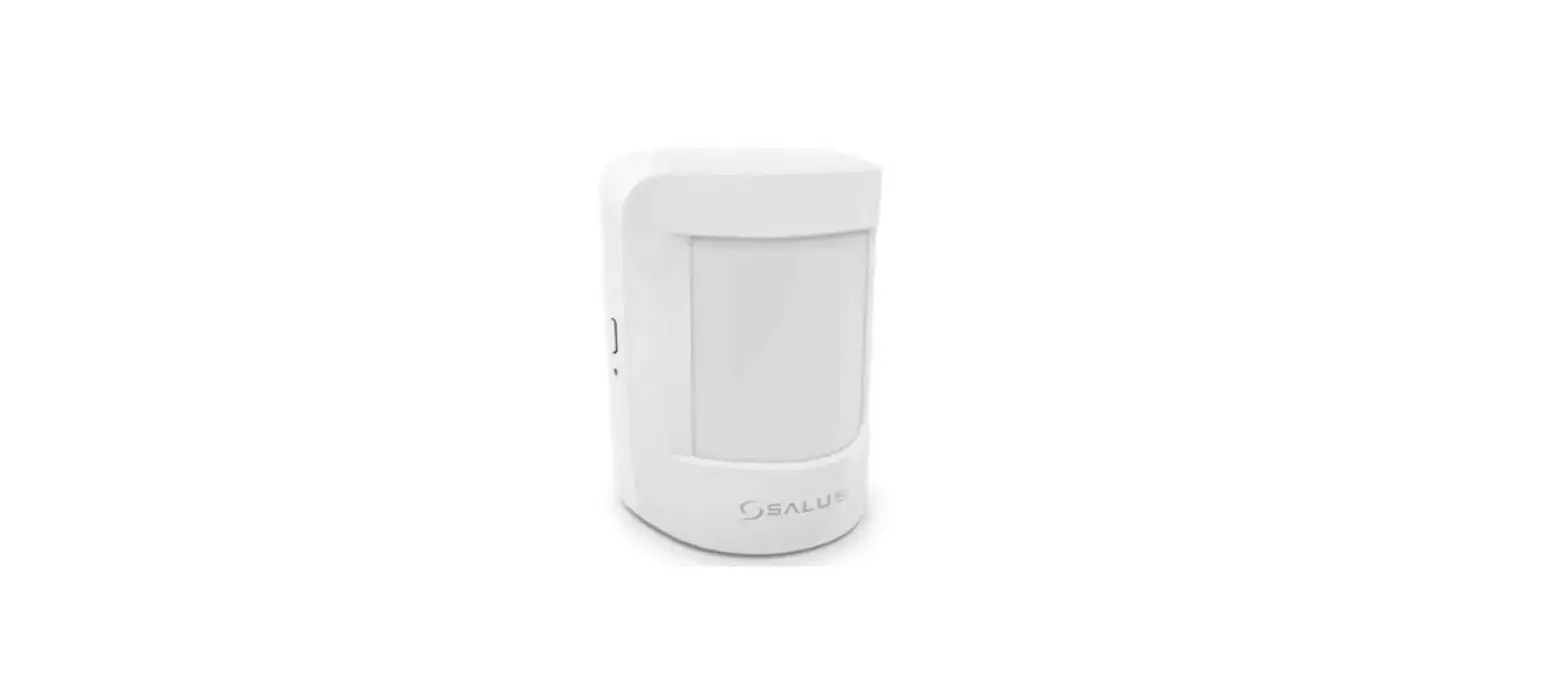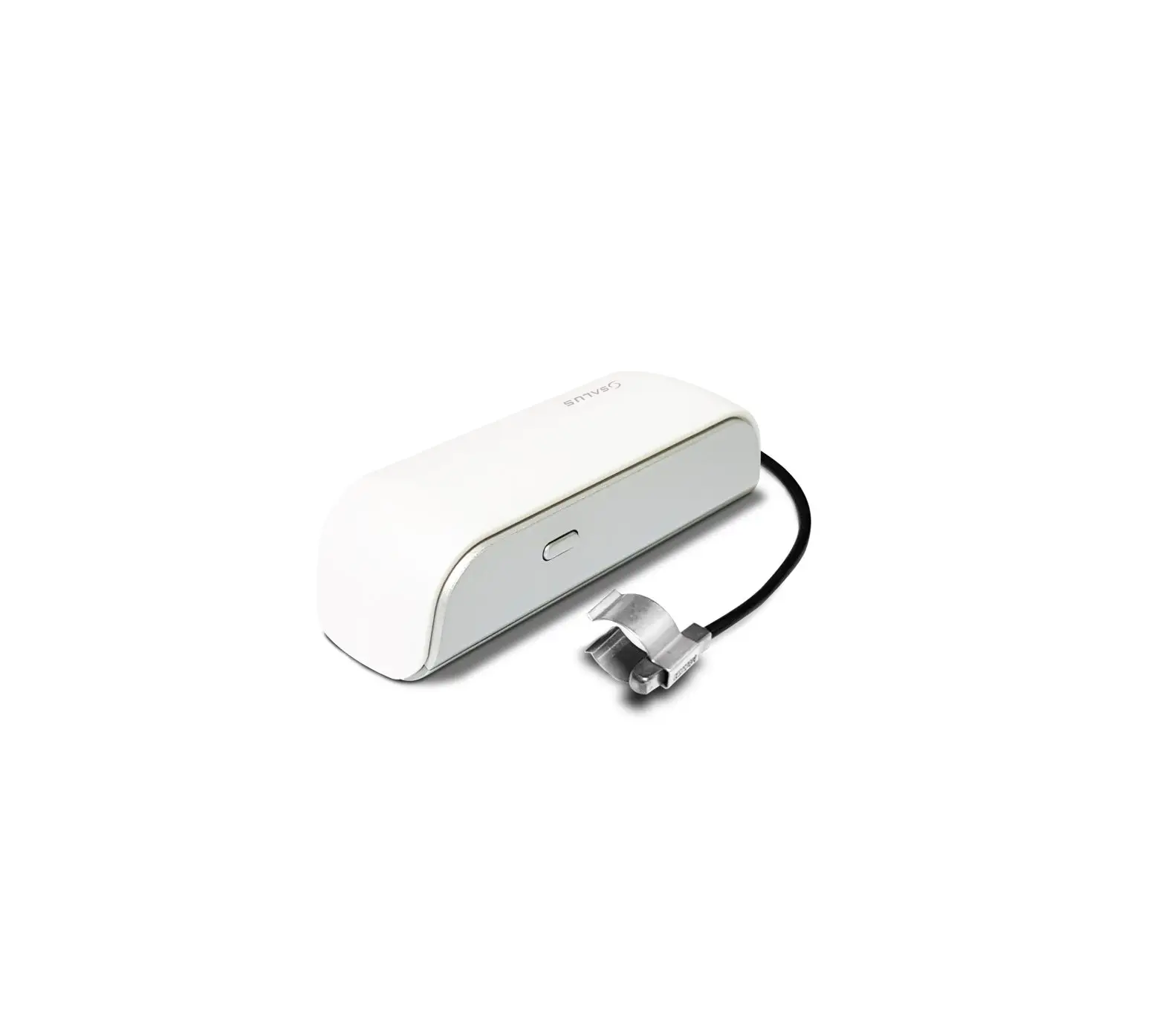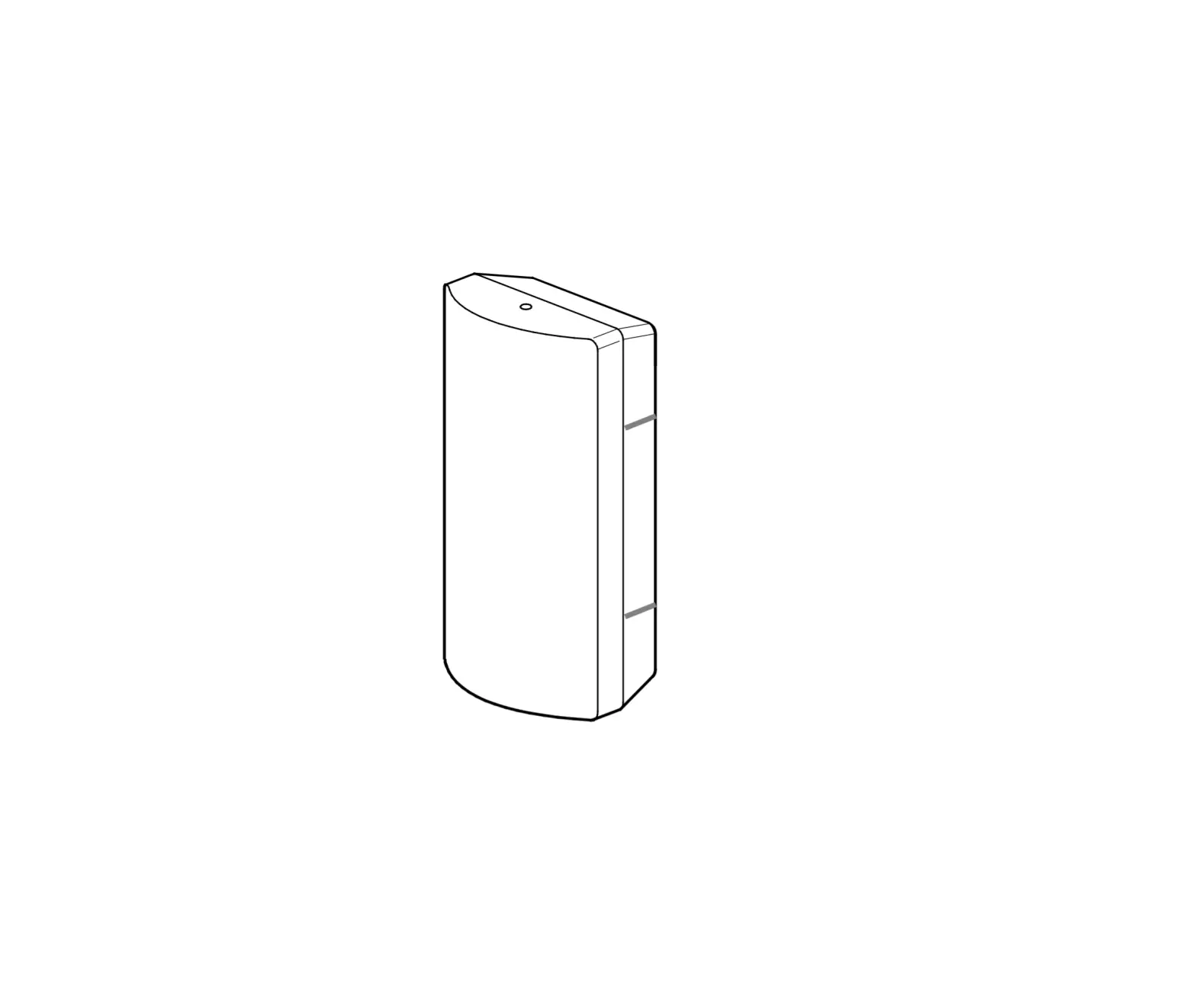

SALUS OS600 Door Sensor Installation
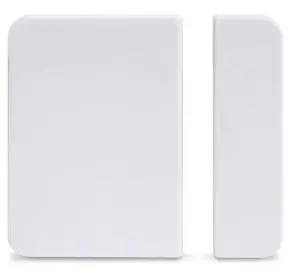
Introduction
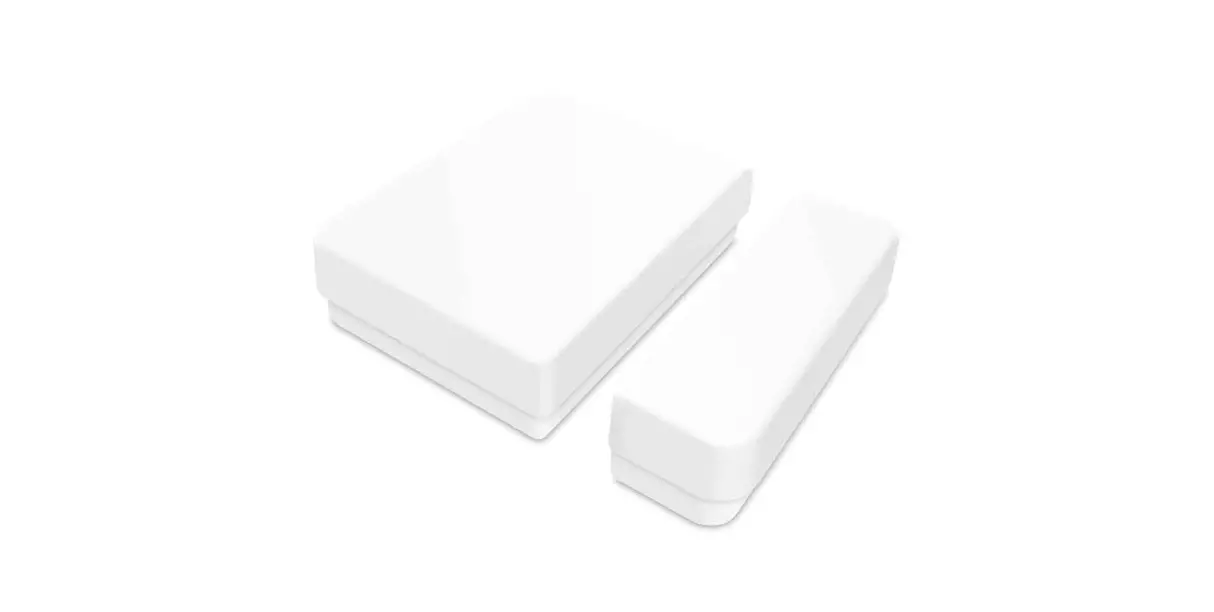
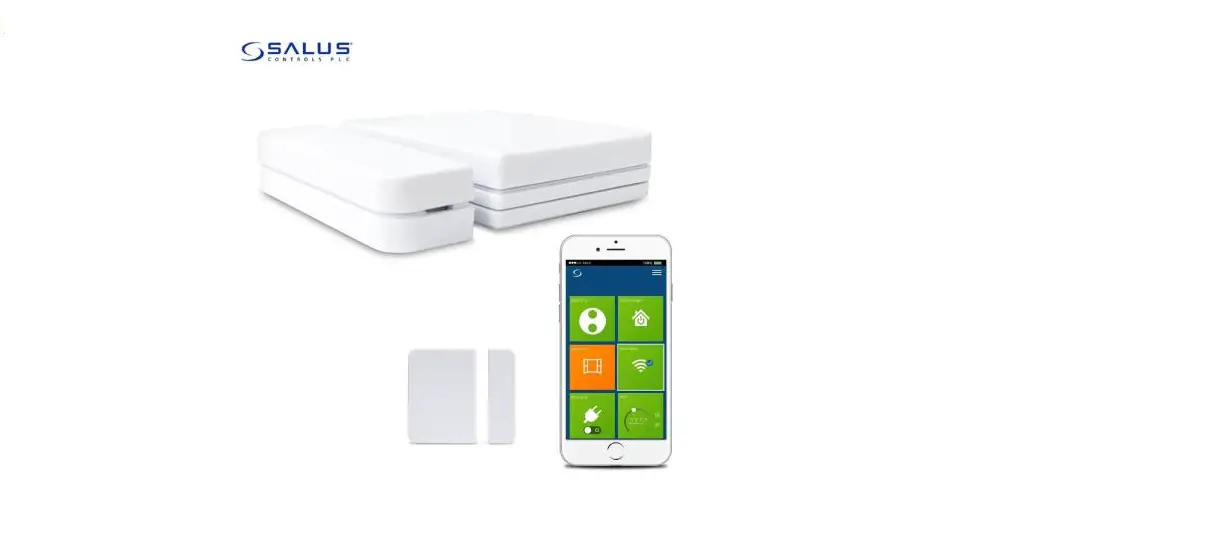
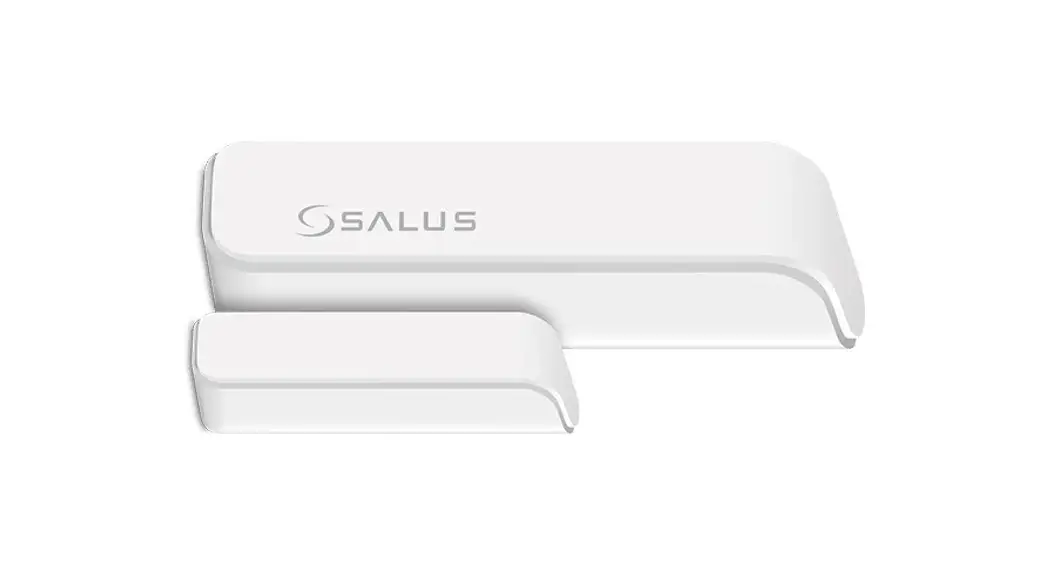
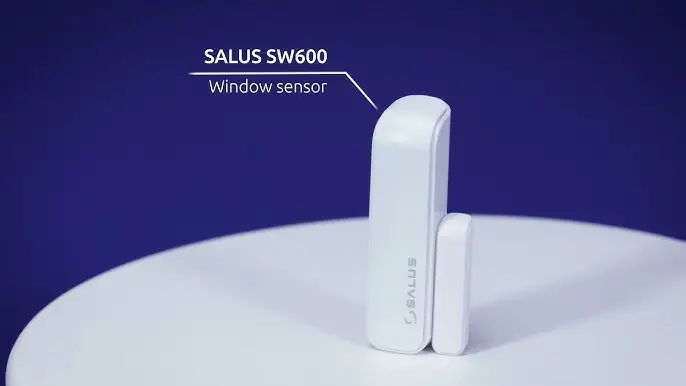
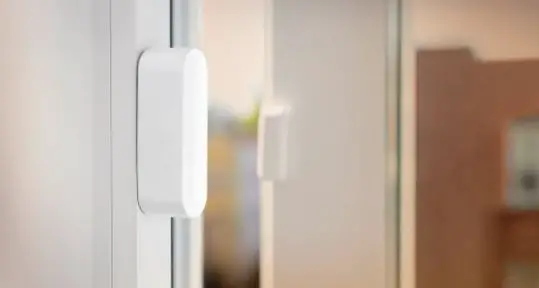
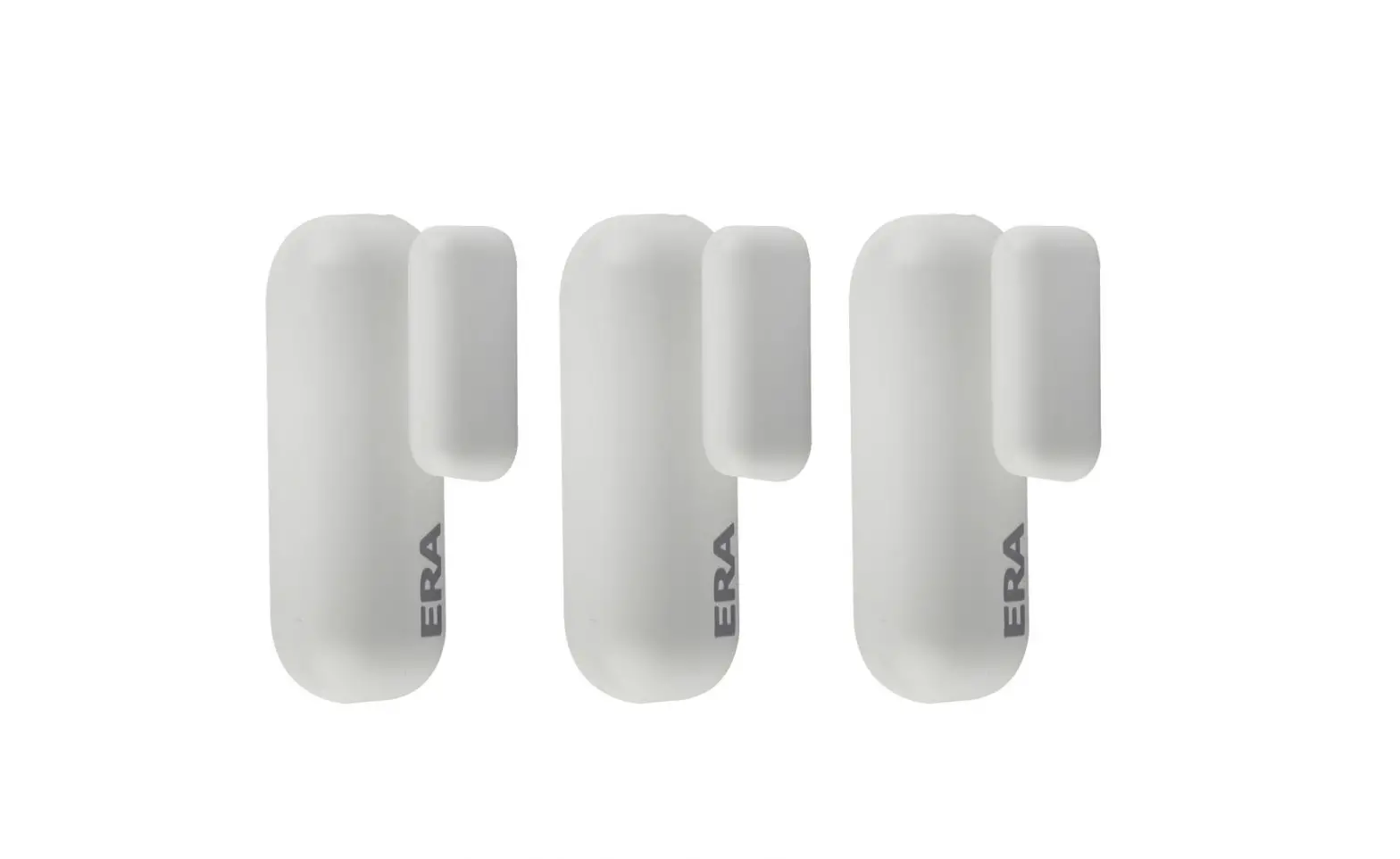
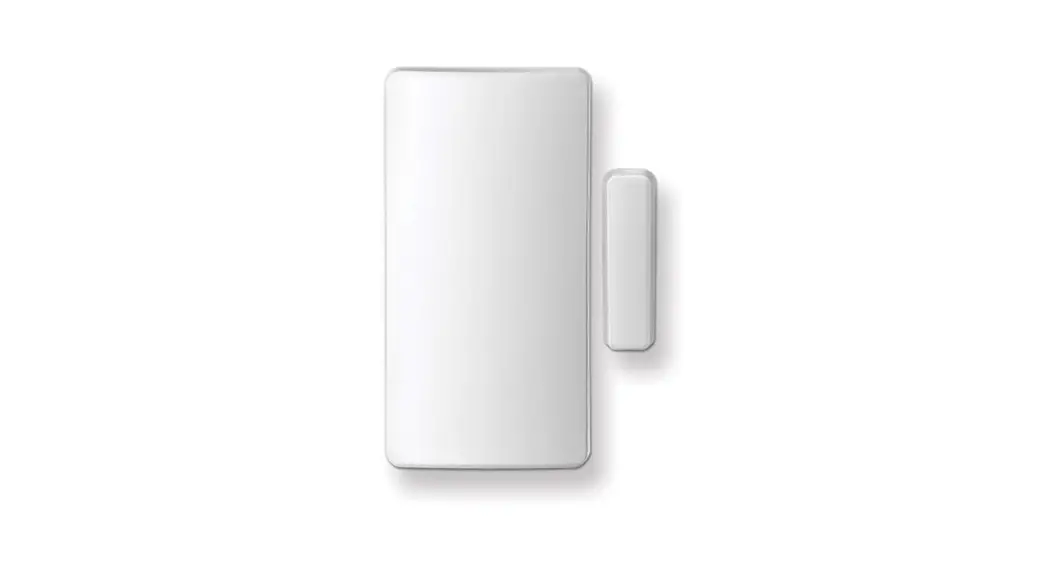
A window/door sensor is a small, wireless piece of equipment that detects when a window / door is open or closed. This product must be used with the Universal Gateway (UG600/UGE600) and the Salus Smart Home App . Go to www.salus-manuals.com for the PDF version of the manual.
Product Compliance This product complies with the essential requirements and other relevant provisions of Directives 2014/30/EU, 2014/35/EU and 1999/5/EC. The full text of the EU Declaration of Conformity is available at the following internet address: www.saluslegal.com
Safety Information
Use in accordance with the regulations. Indoor use only. Keep your equipment completely dry. Disconnect your equipment before cleaning it with a dry towel.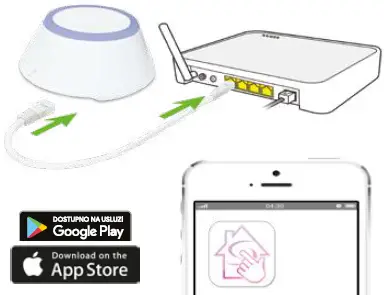
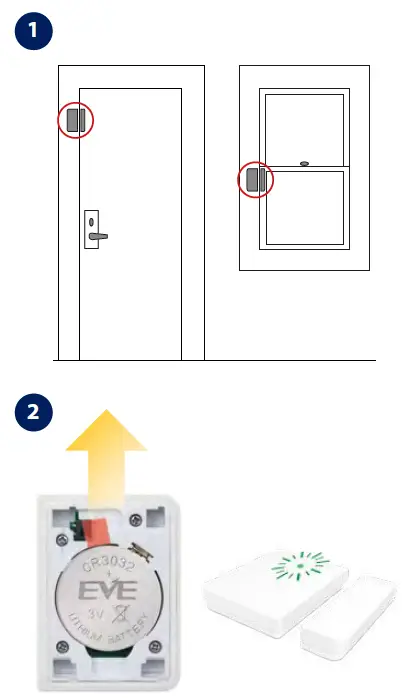
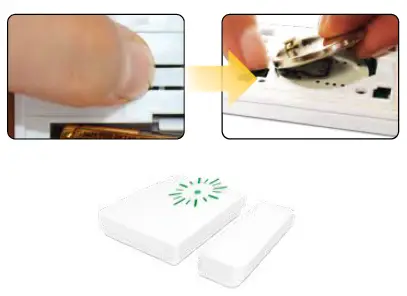
- After removing the plastic battery tab, the LED will flash green intermittently.

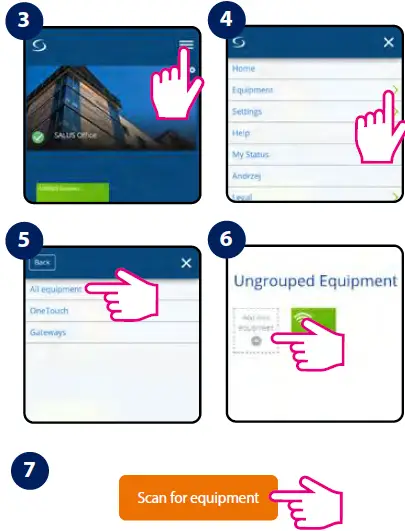
- Follow the on screen instructions. The LED stops flashing completely when Scan for equipment is pressed.

- Factory Reset Keep the reset button pressed when inserting back the battery.

 Choose your country – Salus
 SALUS Controls - intelligent temperature control
 salus-manuals.com
 salus-mauals.com
 Salus – Smart Technology for your comfort