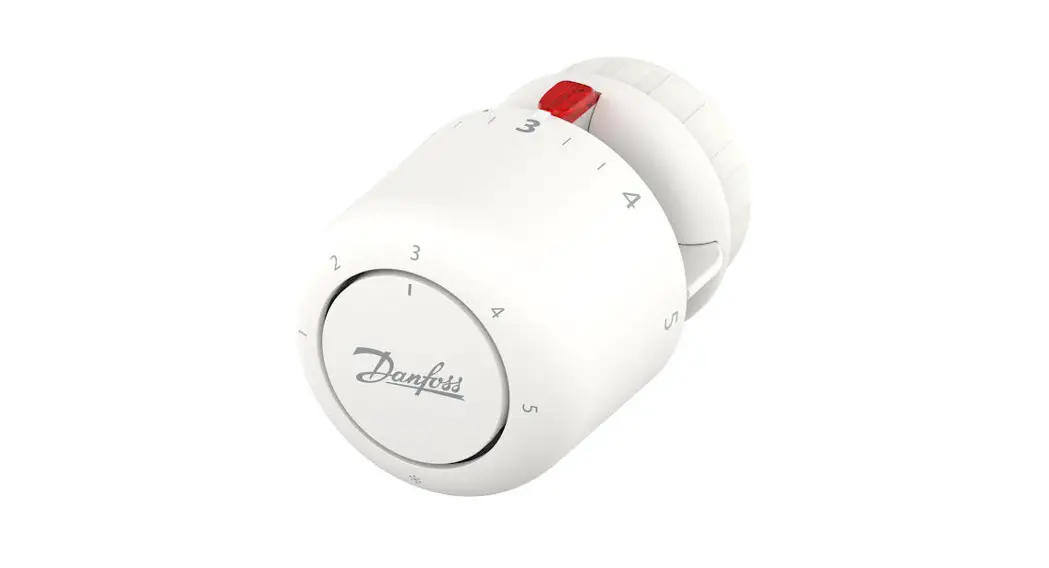
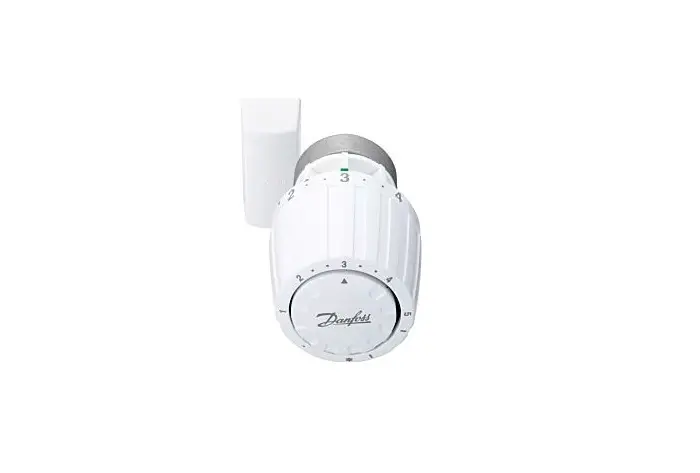
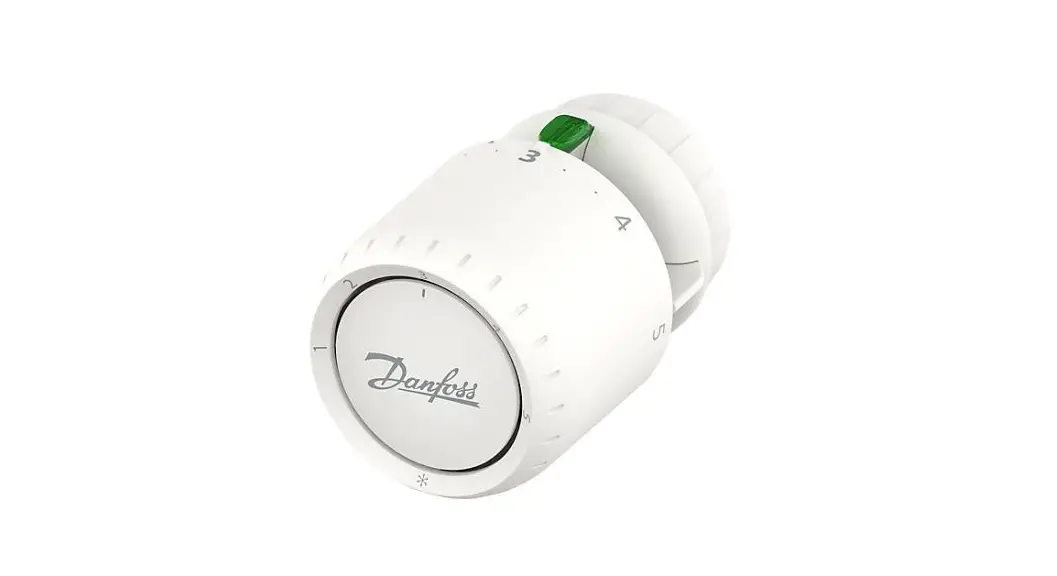
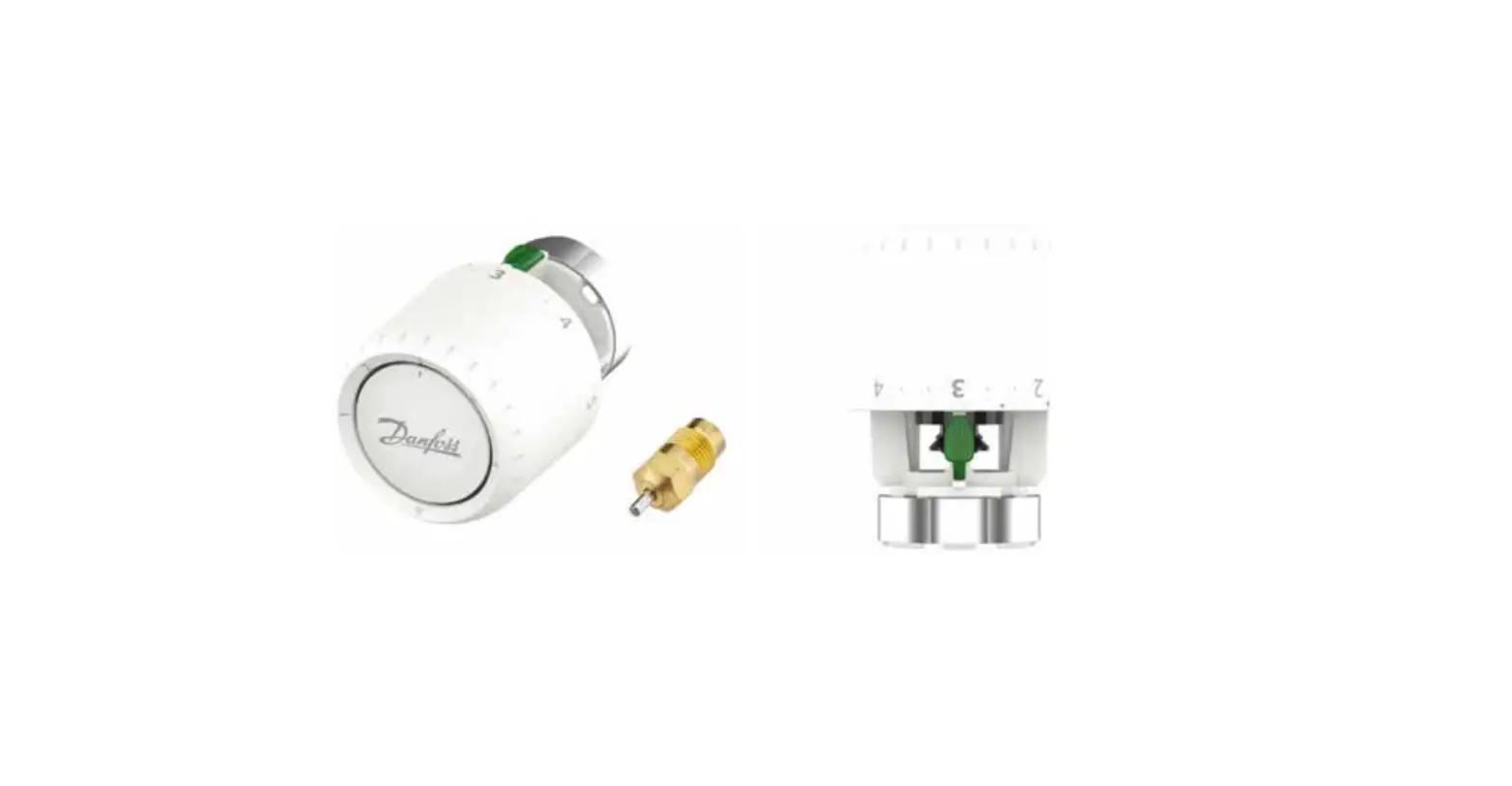
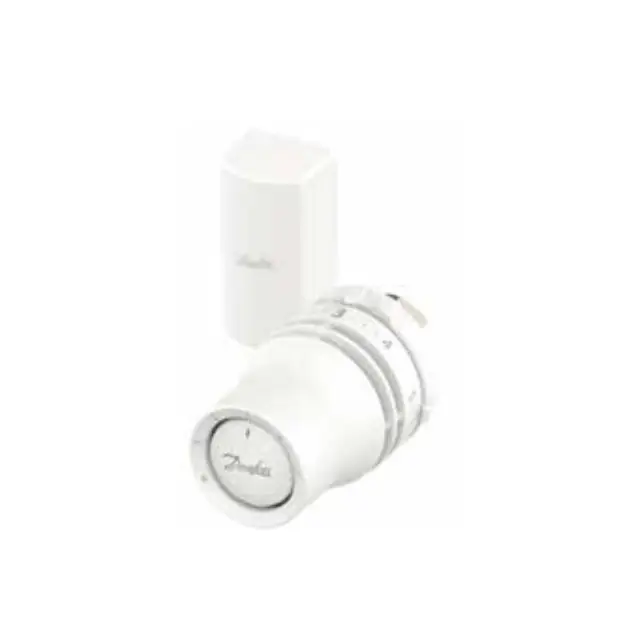
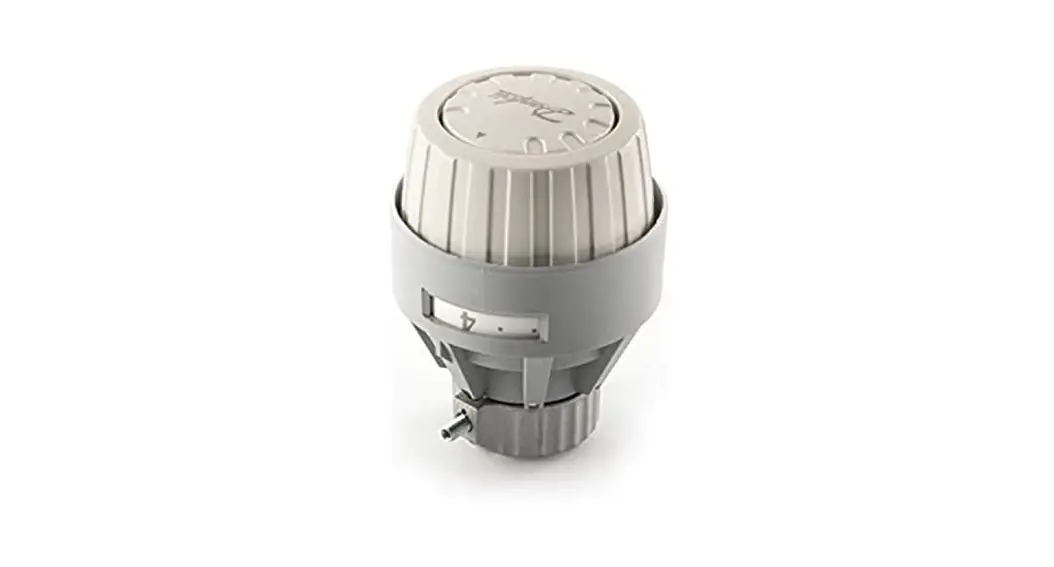
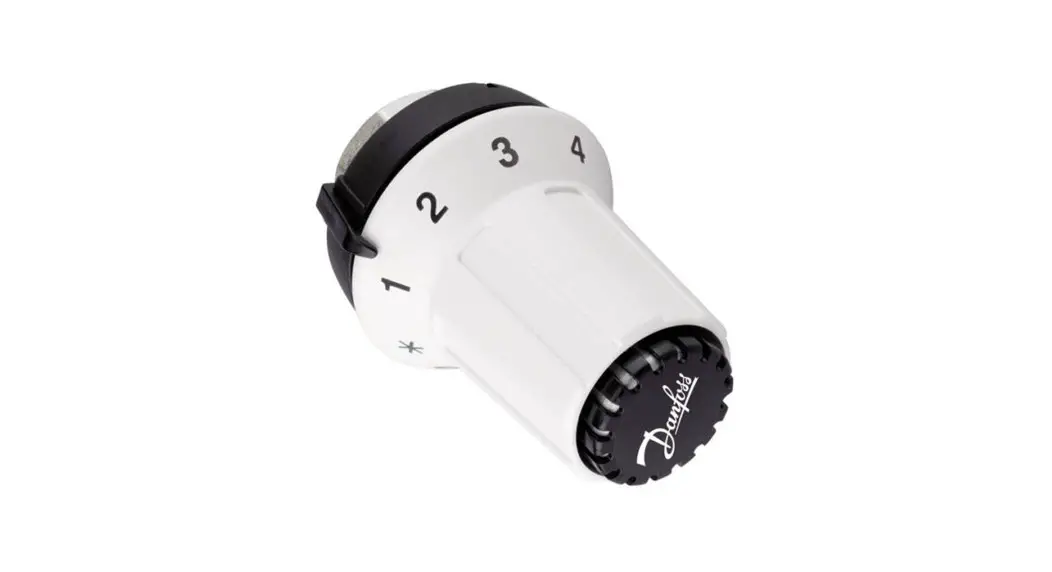
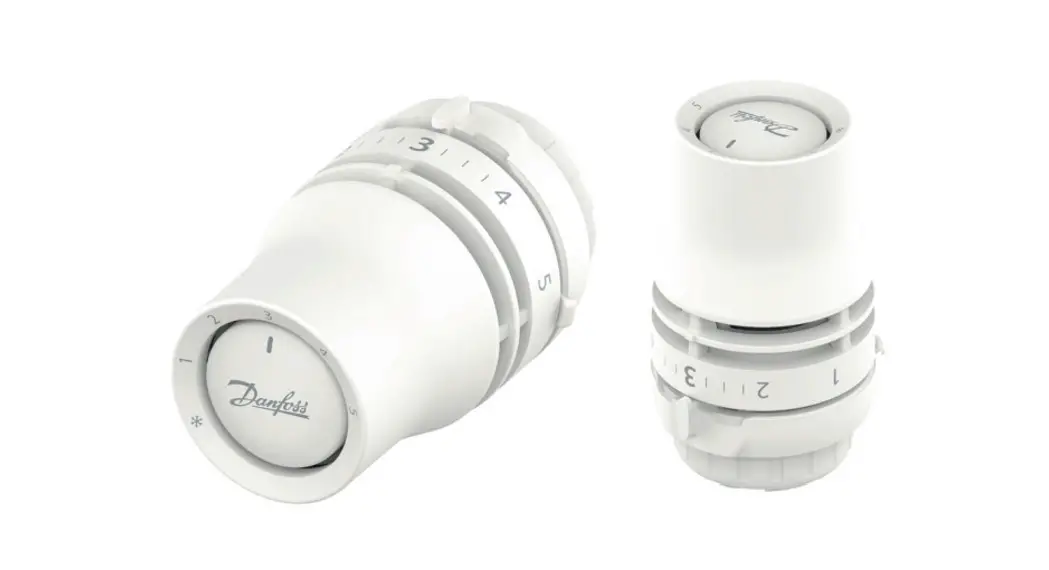
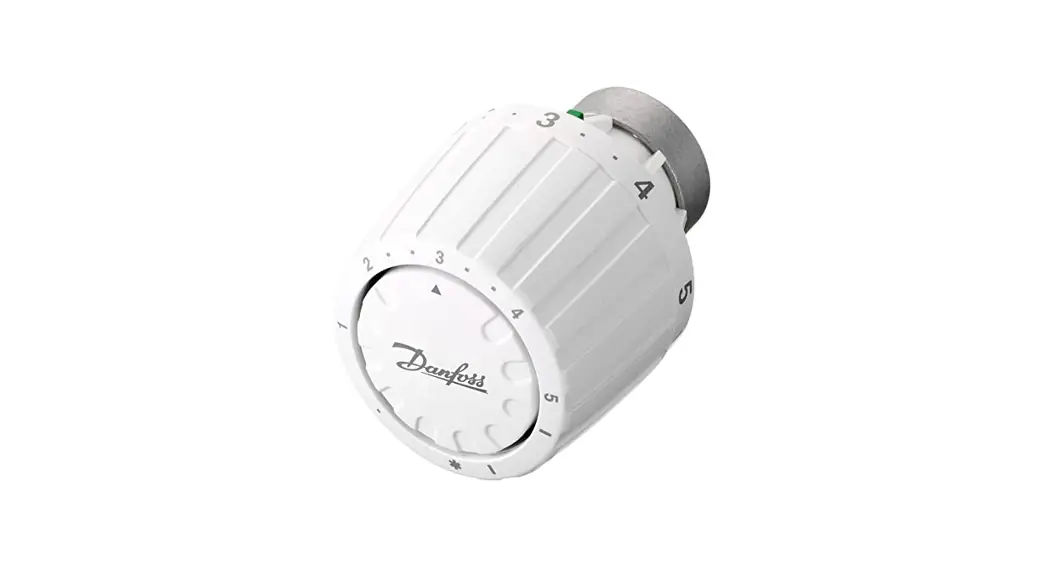
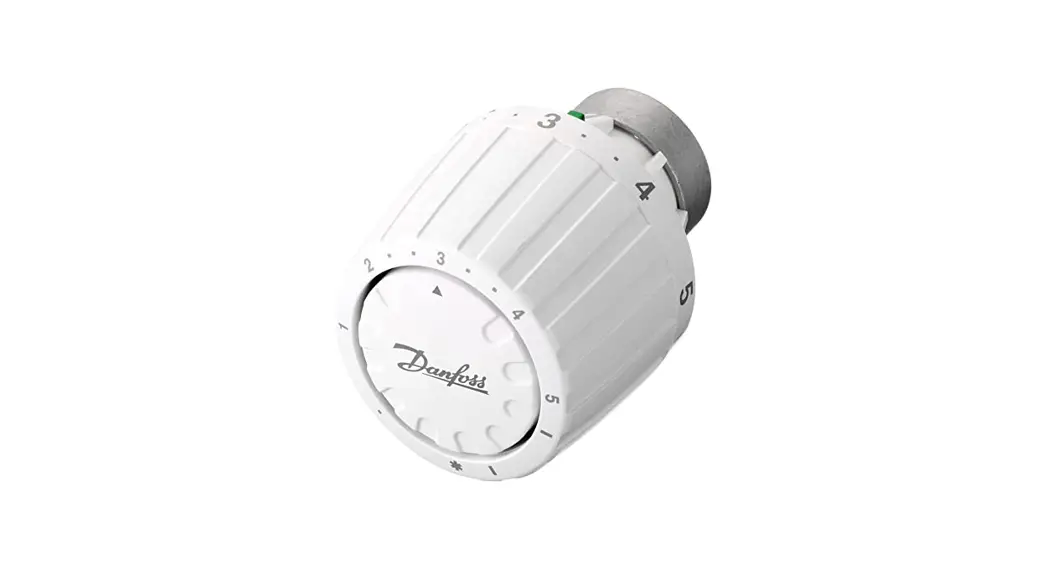
015G4692 Aero RA Click Remote Thermostatic Sensor
Product Information:
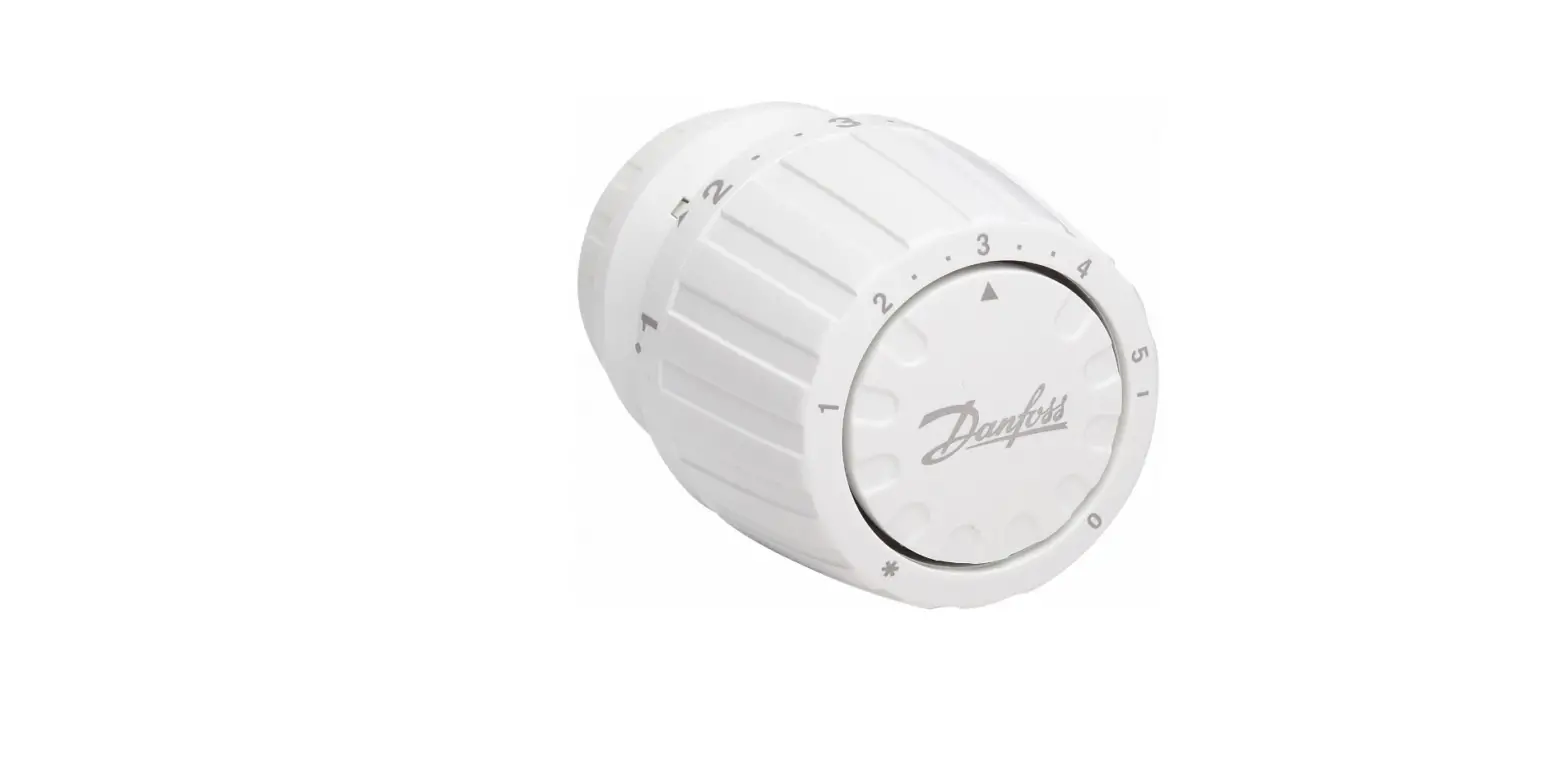
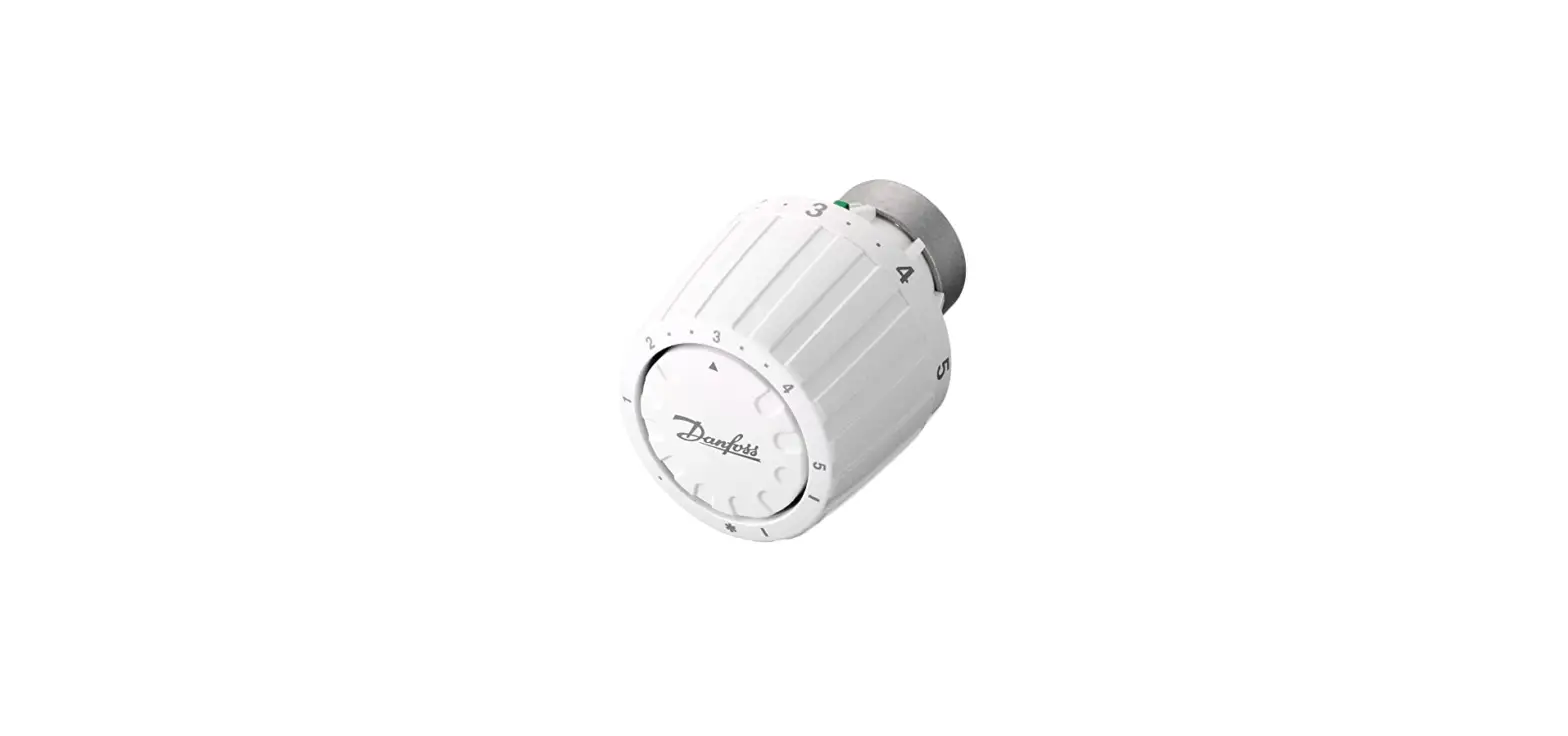
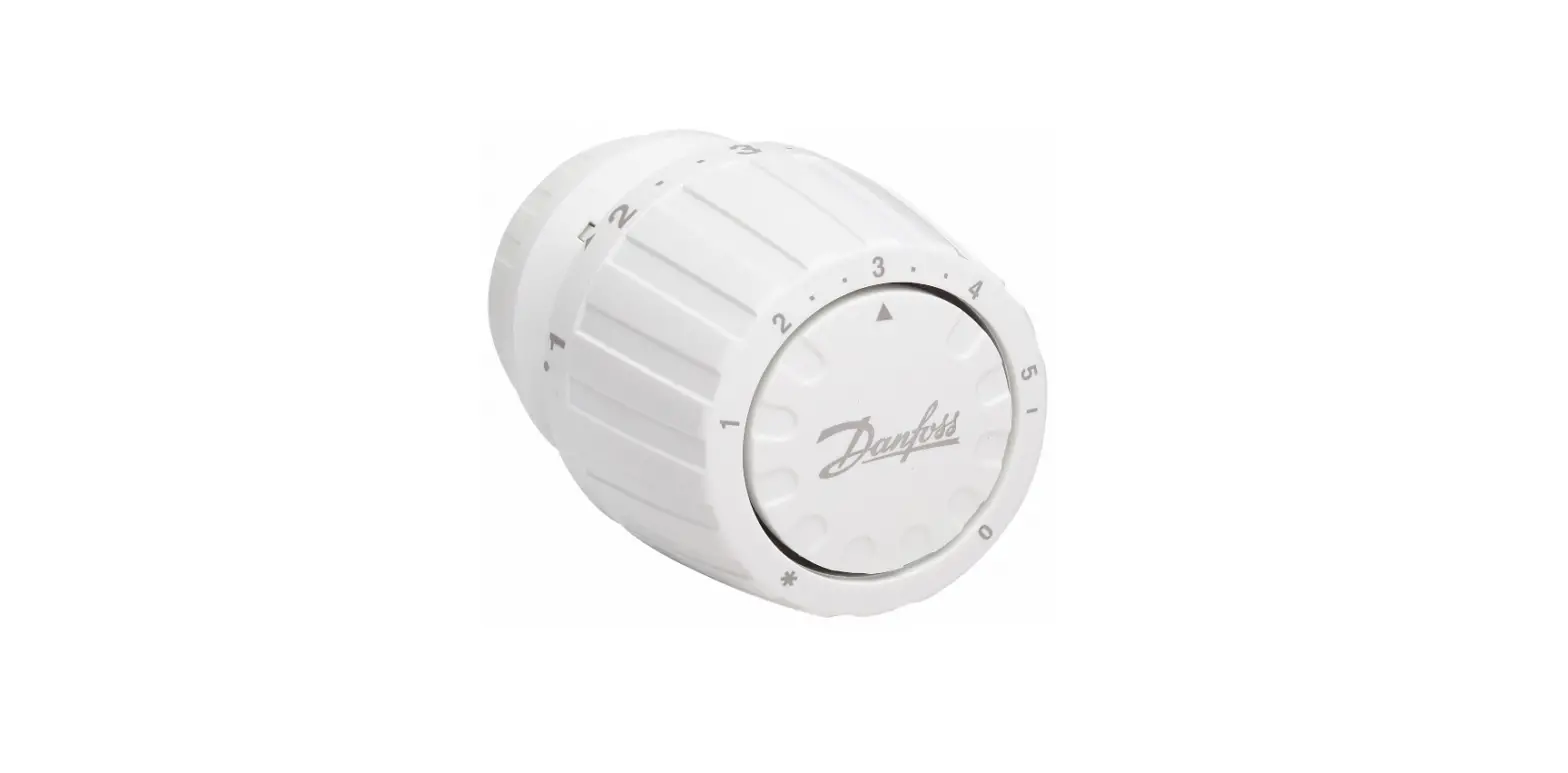
Product Name: Thermostatic Sensors Series
Model Number: 015G4692
Code Numbers: 013G1246, 013G1236
Product Usage Instructions:
Step 1: Install the thermostatic sensors according to the
installation guide provided.
Step 2: Click on the sensor to activate it.
Step 3: Adjust the settings using the following
options:
- MAX: Set the maximum temperature limit. For example, MAX
= 3. - MIN: Set the minimum temperature limit. For example, MIN
= 2.
Note: The blind mark (Blinde markierung, Marque aveugle,
Marca ciega) indicates the location of the sensors.
Installation Guide
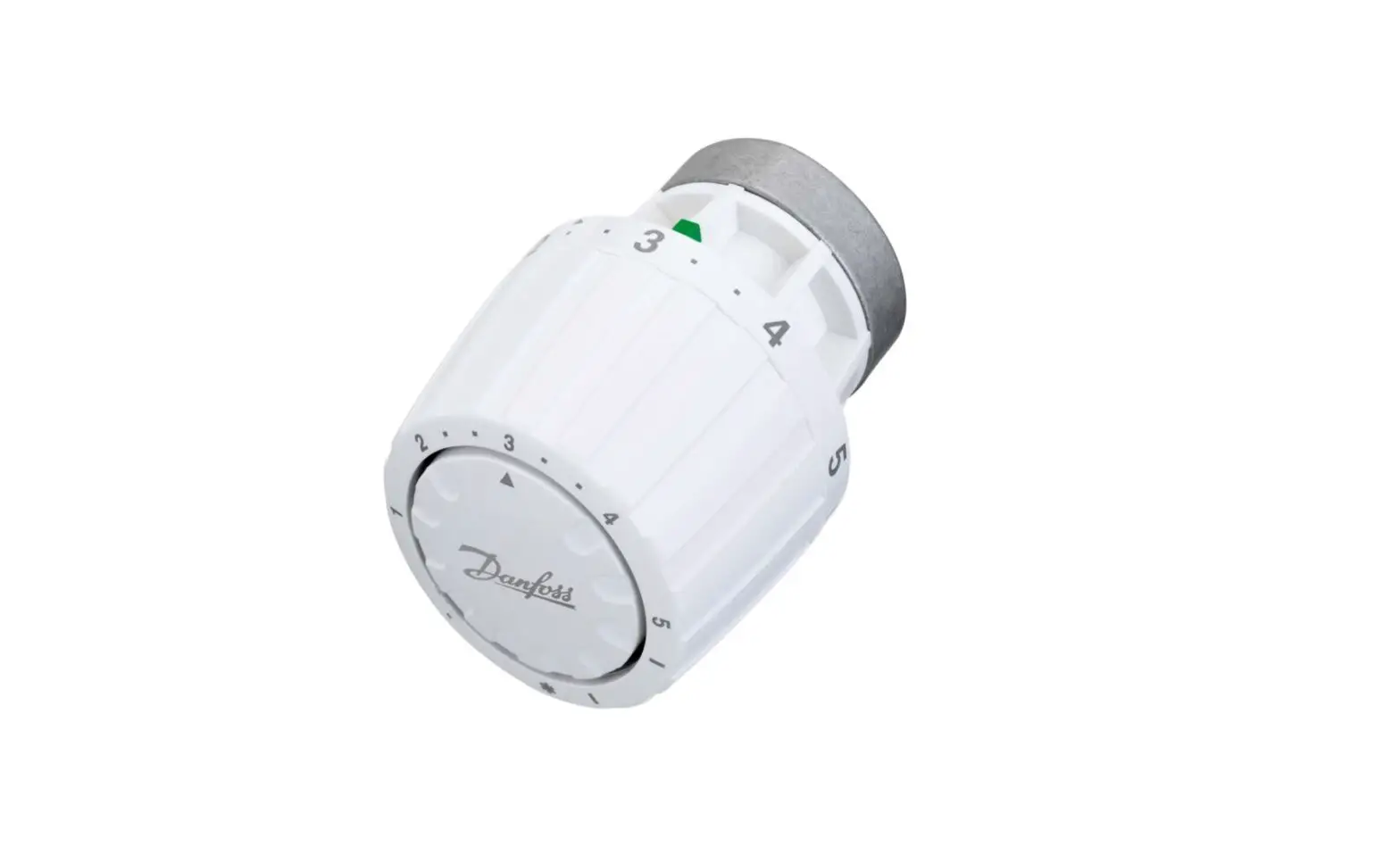
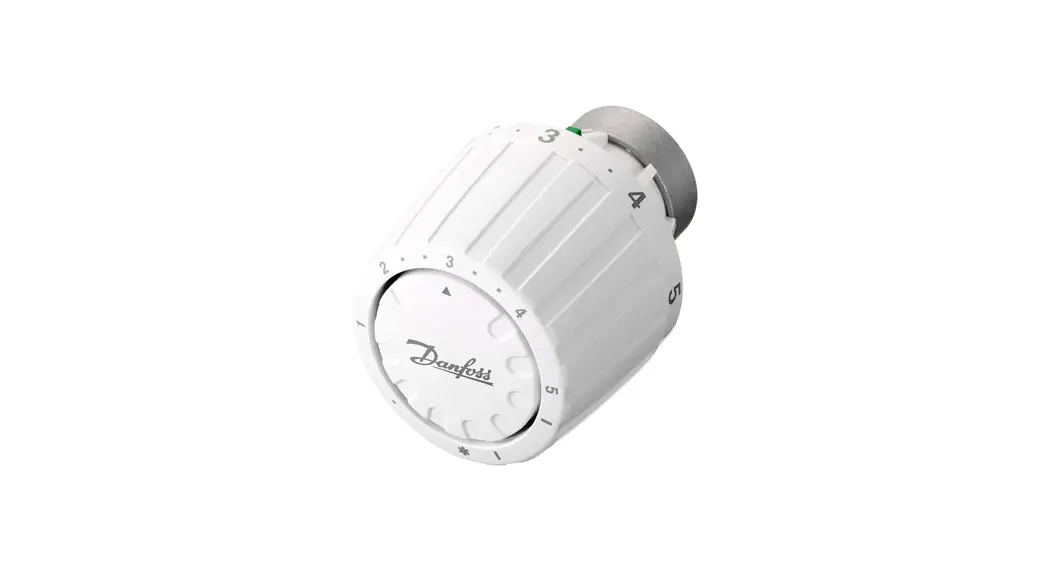
Danfoss Aero® RA click /015G4682
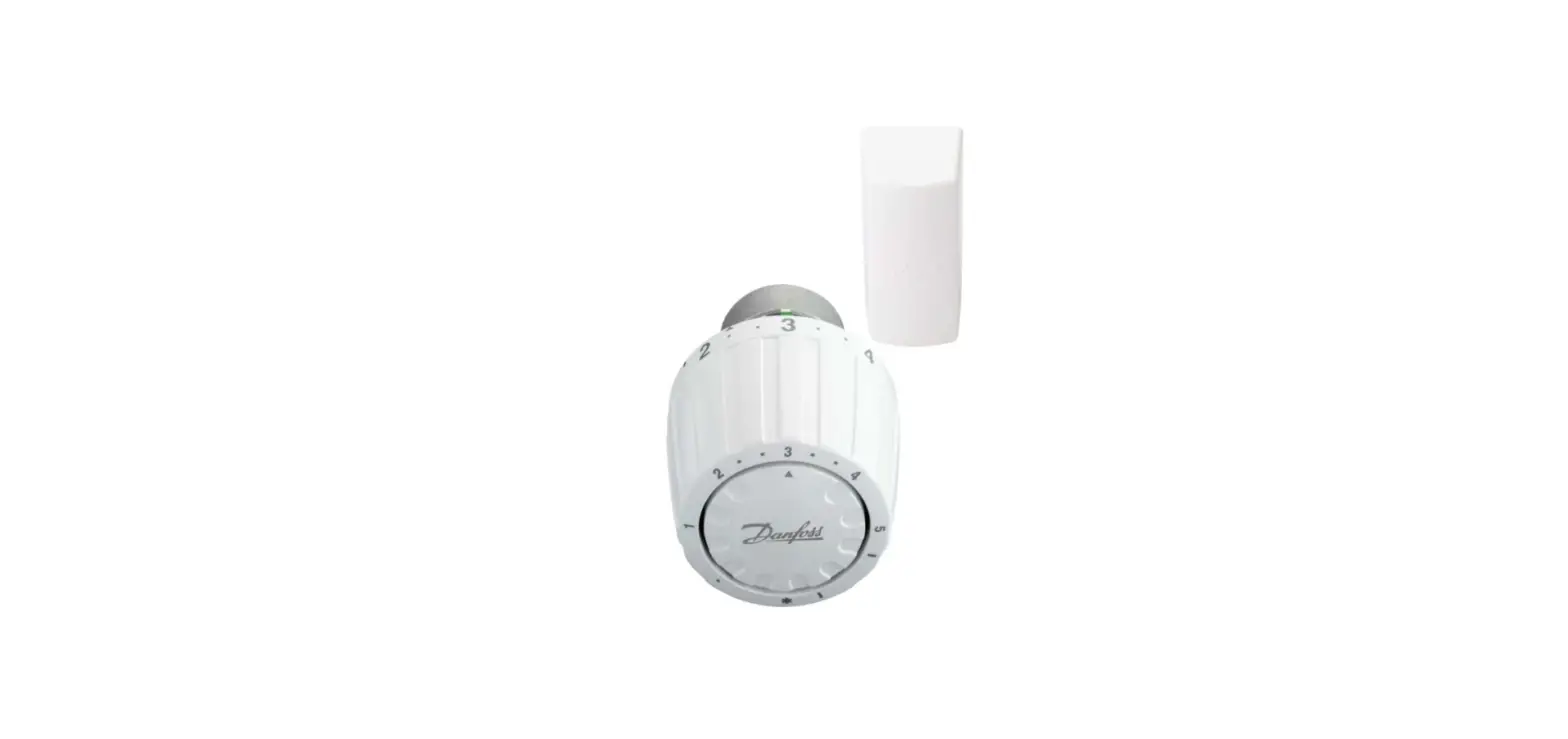
Danfoss Aero® RA click, remote sensor
015G4692
thermostatic sensors series
Installation | Montage | Installation | Instalación
1.
2.
3.
click
© Danfoss Climate Solutions | 2023.03
AN447052447284en-000101 | 1
Danfoss Aero® RA click, remote sensor
BIV Installation | Montage | Installation | Instalación
1.
2.
3.
click
2 | © Danfoss Climate Solutions | 2023.03
AN447052447284en-000101
Danfoss Aero® click, remote sensor
Remote sensor | Fernfühler | À distance | Remoto
0-2m
click
Uninstall | Deinstallieren | Désinstaller | Uninstall
1.
2.
AN447052447284en-000101
© Danfoss Climate Solutions | 2023.03 | 3
Danfoss Aero® RA click, remote sensor
Temperature Limitation | Temperaturbegrenzung | Limite de température | Limitación de temperatura (MAXIMUM)
1.
e.g.
MAX = 3
2.
MAX
3. MAX = 3
4 | © Danfoss Climate Solutions | 2023.03
AN447052447284en-000101
Danfoss Areo® click, remote sensor
Temperature Limitation | Temperaturbegrenzung | Limite de température | Limitación de temperatura (MINIMUM)
1.
2.
e.g.
MIN
MIN = 2
2
2
3.
MIN = 2 Blind mark| Blinde markierung | Marque aveugle | Marca ciega
Code no. 013G1246 013G1236
5 | © Danfoss Climate Solutions | 2023.03
AN447052447284en-000101