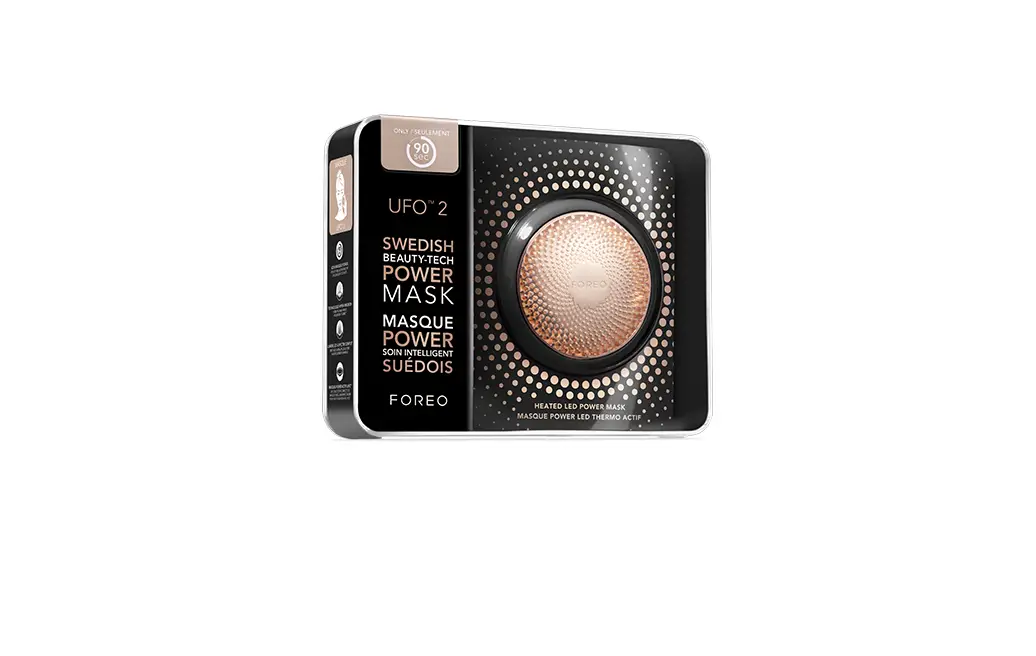
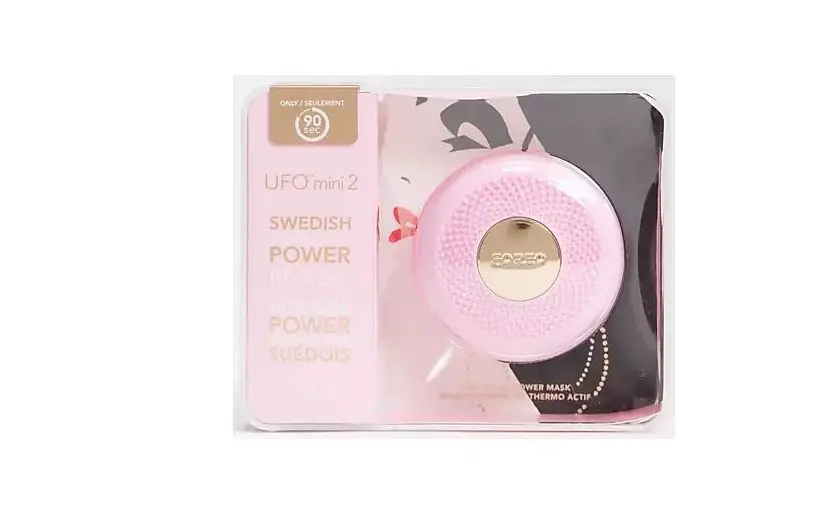
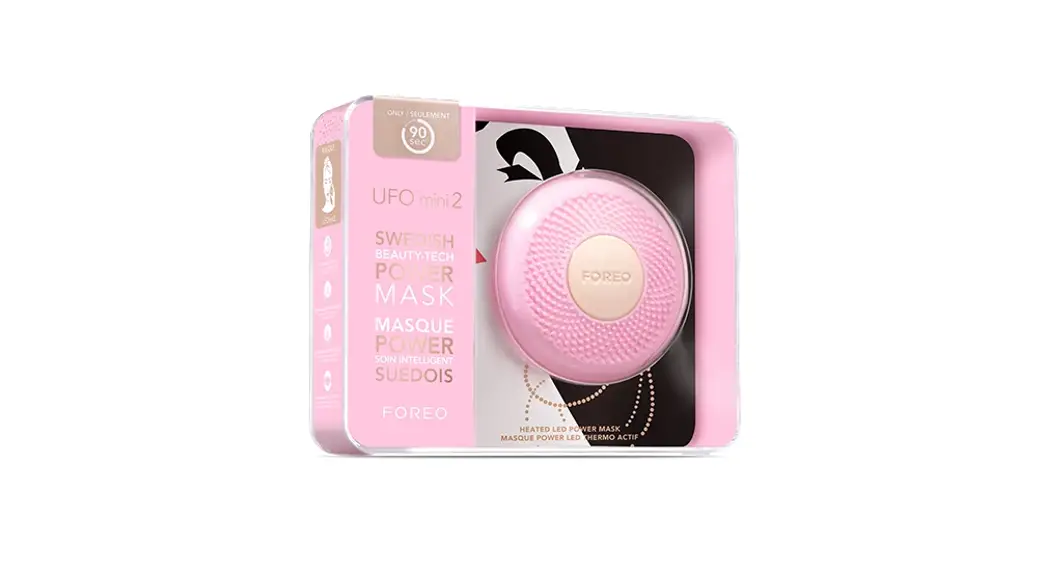
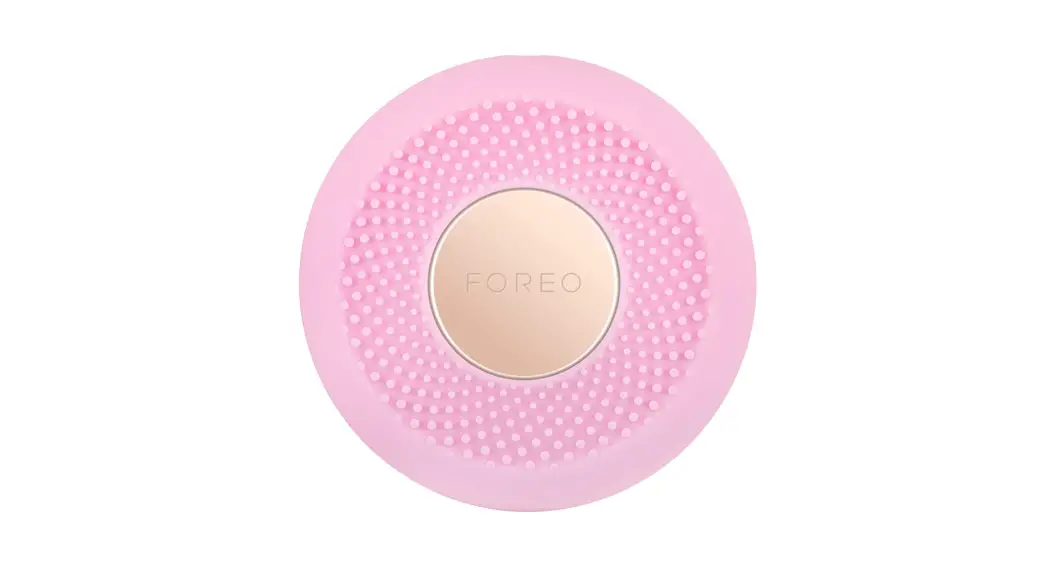
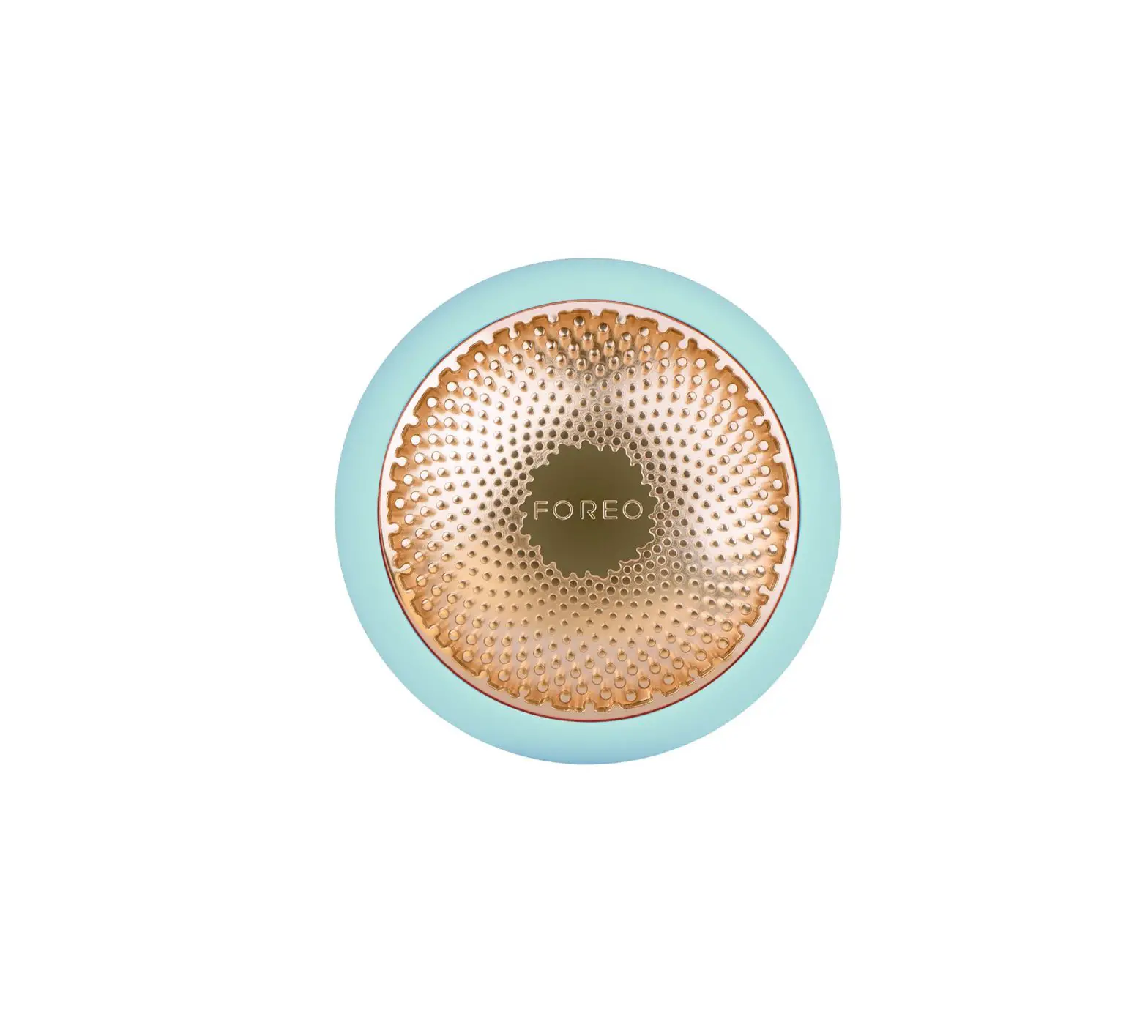
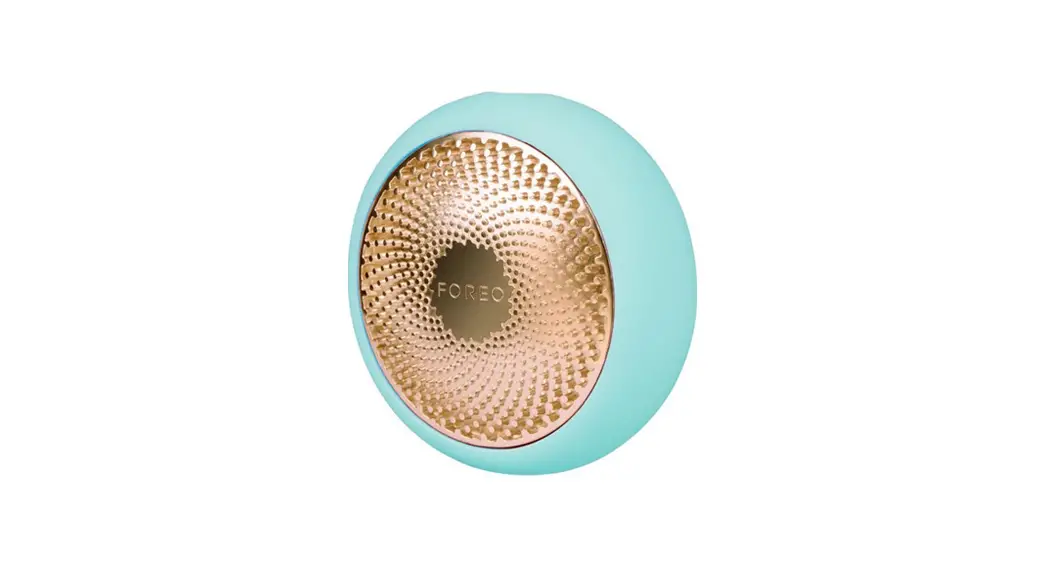
UFO Swedish Beauty-Tech Power Masks
Product Information
Product Name: Swedish Beauty-Tech Power Masks
Product Type: UFOTM (Smart Mask)
Manufacturer: FOREO
Features:
- Combines highly effective skincare technologies with exclusive
mask formulas - Enhanced HyperInfusion Technology for maximum benefits
- Thermo-Therapy and Cryo-Therapy for skin rejuvenation
- T-Sonic Pulsations for a soothing facial massage
- Full-spectrum LED light therapy for skin enhancement
- Universal power button for device control and treatment
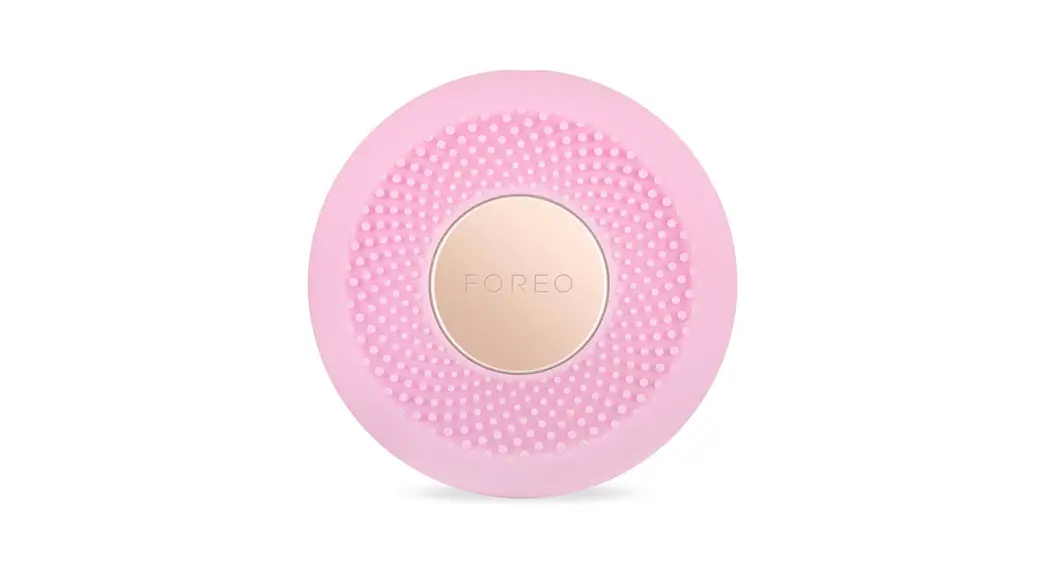
selection - Ultra-hygienic silicone material that is bacteria-resistant and
soft - Cryo-function to shrink pores and firm the complexion
- Indicator lights to indicate the selected mask treatment
- Attachment ring to secure UFOTM Power Activated Mask
- USB charging port for convenient charging
- UFOTM Power Activated Mask with soft hydrocell formulation
- Interactive app for pre-programmed power mask routines
- Sleek and stylish stand for device protection and quick
drying
Product Usage Instructions
- Before using UFOTM, download the FOREO For You mobile app and
unlock/register your device by following these steps:
- Download the FOREO For You app on your mobile phone.
- Login to your existing account or sign up for a new one.
- Add your device by selecting the device series.
- Press and hold the power button on UFOTM to connect it to the
mobile app. - Fill in the purchase information.
- Remove the attachment ring from UFOTM.
- Take out UFOTM Power Activated Mask from the sachet.
- Secure the mask on UFOTM by clipping the attachment ring in
place, with the FOREO logo facing up. - Start with clean, dry skin. It is recommended to cleanse with
LUNATM for best results. - Gently glide UFOTM across your skin, distributing the mask
essence evenly. - Using UFOTM device, massage the formula into your skin with a
circular motion. Start on the chin, move up to the right cheek and
forehead, then down the left cheek to the chin and neck. Repeat
until the treatment ends. - Gently pat any remaining essence into your skin or remove
excess with a cotton pad. - If desired, apply a moisturizer of your choice.
SWEDISH BEAUTY-TECH POWER MASKS
ONLINE MANUAL
FULL USER MANUAL
GETTING STARTED
Congratulations on taking the first step toward out-of-this-world skincare by acquiring UFOTM. Before you begin to enjoy all the benefits of sophisticated power mask technology in the comfort of your home, please take a few moments to carefully read the instructions in this manual.
Please READ ALL INSTRUCTIONS BEFORE USE and utilize this product only for its intended use as described in this manual.
WARNING: NO MODIFICATION OF THIS EQUIPMENT IS ALLOWED.
UFOTM OVERVIEW
The world’s most sophisticated smart mask, UFOTM combines highly effective skincare technologies with exclusive mask formulas for a professional-level skincare experience in seconds. Featuring enhanced HyperInfusion Technology, UFOTM integrates Thermo-Therapy and Cryo-Therapy with T-SonicTM Pulsations to enhance UFOTM Activated Masks and maximize their benefits. Equipped with full-spectrum LED light therapy, UFOTM helps to completely rejuvenate skin, unmasking a refined, radiant complexion.
GETTING TO KNOW YOUR UFOTM
UNIVERSAL POWER BUTTON Turns device on/off, puts device in Bluetooth pairing mode, & selects treatment routines.
ULTRA-HYGIENIC SILICONE Bacteria-resistant and super soft.
T-SONICTM PULSATIONS Deliver a soothing facial massage to boost skin’s radiance.
CHARGING PORT Up to 40 uses per 2.5 hour charge.
CRYO-FUNCTION
Shrinks the appearance of pores & provides a firmer-looking complexion.
FULL-SPECTRUM LED LIGHT Offers various skin benefits enhancing each treatment.
THERMO-FUNCTION Softens skin to infuse mask ingredients into the deepest layers.
INDICATOR LIGHTS Light up to indicate which mask treatment your device is set to.
ATTACHMENT RING Secures UFOTM Power Activated Mask in place.
UFOTM POWER ACTIVATED MASK
Soft hydrocell masks exclusively formulated for use with UFOTM.
USB CHARGING CABLE
Charge anytime, anywhere with USB cable.
INTERACTIVE APP
Automatically syncs pre-programmed power mask routines to device.
SLEEK & STYLISH STAND
Protects and displays your UFOTM, while helping it dry quickly.
2
UNLOCK YOUR DEVICE
Before first use, download the FOREO For You mobile app to unlock and register your device. Follow these simple steps;
1. Download the FOREO For You app on your mobile phone 2. Log in to your account or sign up for a new one 3. Add device (on the top of your screen) 4. Choose device series 5. Press and hold the Power button to connect your device to the mobile app 6. Fill in the purchase information And your device is ready to use!
HOW TO USE
UFOTM POWER ACTIVATED MASKS
1
2
3
4
Remove the attachment ring from UFOTM.
Remove UFOTM Power Activated Mask from sachet.
Secure mask on device by clipping the attachment ring in place, with FOREO logo facing up.
Enjoy your power mask treatment!
Start with clean, dry skin. We recommend cleansing with LUNATM first for best results. 1. With a mask secured to your device, gently glide UFOTM across your skin,
distributing the mask essence evenly. 2. Using the UFOTM device, massage the formula into your skin with a circular
motion. Move the device in a clockwise circle around the face, starting on the chin, then moving up to the right cheek and the forehead. Continue down the left cheek to the chin and neck. Repeat this movement until the treatment ends. 3. Gently pat any remaining essence into your skin, or remove excess with a cotton pad. Apply a moisturizer of your choice, if desired.
*For the eye mask, gently glide around the entire eye contour, alternating between the left and right eye until the treatment ends.
FOREO SHEET MASKS
1. Gently unfold your FOREO sheet mask and place it on your face, adjusting around the eyes and mouth.
2. Using the UFOTM device, massage the formula into your skin with a circular motion. Move the device in a clockwise circle around the face, starting on the chin, then moving up to the right cheek and the forehead. Continue down the left cheek to the chin. Repeat this movement until the treatment ends.
3. Leave the sheet mask on for another 10 minutes, or dispose of it as you prefer. Gently pat any remaining essence into your skin, or remove excess with a cotton pad. Apply a moisturizer of your choice, if desired.
3
FOREO FOR YOU MOBILE APP
FOREO For You mobile app offers instructions on how to use and take care of your UFOTM, control settings, access guided routines, and find your device in case you’ve misplaced it.
TREATMENTS Choose between 14 pre-programmed power mask treatments that correspond with each UFO mask. Treatments last for 90 seconds or 2 minutes, depending on the mask you choose. All you need to do is relax and enjoy while the App guides you through the treatment explaining the benefits of each technology. If one UFOTM treatment wasn’t enough, press the universal power button again within 30 seconds after the end of the routine to start the same treatment over again!
SHEET MASK Similar to the Treatments tab, choose between 5 pre-programmed treatments that correspond with each sheet mask.
SETTINGS Save up to 8 mask treatments on your UFOTM device for offline use! · Make My Day and Call It a Night are pre-programmed to the first two indicator lights · The third light is reserved for your customized treatment · Add any other mask treatment by clicking the plus button The routines can be accessed offline by pressing the power button. For example, if you want to access the routine you have saved on the 5th slot, press the power button 5 times (all 5 indicator lights will light up) and the pre-programmed treatment will immediately start. CUSTOM MODE Create your own power mask routine by selecting individual technologies according to your preferences and use it in offline mode; · Treatment duration: 90-120-150-180 seconds · 8 LED lights: Purple, Blue, Cyan, Green, Yellow, Orange, Red and White · Temperature: Heat, Cool or OFF · T-SonicTM pulsations: Low or High
SMART CONTROL Try out all UFOTM features – full spectrum LED wheel, T-SonicTM pulsation, cooling or warming!
4
CLEANING UFOTM
Always clean UFOTM thoroughly after use. Wash the device and plastic ring with soap and then rinse with warm water. Pat dry with a lint-free cloth or towel. After use, we recommend spraying the device with FOREO’s Silicone Cleaning Spray and rinsing with warm water for optimal results, then placing the device on the stand to dry. NOTE: Never use cleaning products containing alcohol, petrol or acetone, as they may irritate the skin and damage the silicone.
FOREO MASKS
· Hydrating & Anti-Pollution · Hyaluronic Acid + Red Algae · Ideal for dryness and dehydration
· Revitalizing & Nourishing · Ginseng + Olive Oil · Ideal for fine lines and dryness
· Ultra Hydrating · Hyaluronic Acid + Snow Mushroom
+ Ceramide + Vitamin E + Vitamin B5 · Ideal for dryness and dehydration
· Advanced Brightening · Pearl Extract + Niacinamide
+ Vitamin E + Vitamin C + Jojoba Oil · Ideal for dullness and loss of radiance
· Illuminating Eye Perfector · Caffeine + Rose Water
+ Niacinamide + Vitamin B5 + Cranberry Extract · Ideal for dark circles and puffiness
5
· Extra Purifying · Charcoal + Witch Hazel +
Centella Asiatica + Snow Lotus + Chrysanthemum · Ideal for blemishes and enlarged pores
· Intensive Renewal · Collagen + Peptides + Olive Oil
+ Shea Butter + Jojoba Oil · Ideal for wrinkles and dryness
· Smoothing
· Shea Butter + Jojoba Seed Oil + Green Tea + Tripeptide + Gotu Kola
· Ideal for diminished elasticity and dull ski
· Hydrating
· Jojoba Seed Oil + Hyaluronic Acid + Vitamin E + Olive Oil + Silk Amino Acids
· Ideal for dehydration and dullness
· Revitalizing
· Allantoin + Betaine + 17 Amino Acids + Panthenol
· Ideal for dryness and aging skin
· Purifying
· Ulmus Extract + Evening Primrose Oil + Pine Needles Extract + Kudzu Root
· Ideal for oiliness and blemishes
· Calming
· Chamomile + Vitamin C + Vitamin E + Allantoin
· Ideal for acne, redness, and sensitive skin
· Nourishing
· Baobab Seed Oil + Jojoba Seed Oil + Sweet Almond Oil + Olive Oil + Shea Butter + Squalane + Ceramides + Rosehip Oil
· Ideal for dryness and dehydration
IMPORTANT
FOR OPTIMUM SAFETY:
· If you have a skin condition or any medical concerns, please consult a dermatologist before use.
· Using UFOTM should be comfortable if you experience discomfort, discontinue use immediately and consult a physician.
· Exercise particular care when using UFOTM around the under-eye regions and do not bring the device into contact with the eyelids or eyes themselves.
· At no time should the device be placed directly onto the skin/face with power on.
· For reasons of hygiene, we do not recommend sharing your UFOTM with anyone else.
· Avoid leaving your UFOTM in direct sunlight, and never expose it to extreme heat or boiling water.
· UFOTM has a heated surface. Those sensitive to heat must use caution and care when using this device.
· FOREO has not evaluated and tested the safety and efficacy of UFOTM devices in conjunction with all non-FOREO sheet masks and/or skincare products. Use this product with non-FOREO masks and skincare products at your own risk.
· Close supervision is necessary when this device is used by, on, or near children, as well as those with reduced physical and mental abilities.
· Discontinue use if this product appears damaged in any way. This product contains no serviceable parts.
· Use this device only for its intended use as described in this manual. If you do not find the answer to your specific question, or if you have any other questions regarding the device’s operation, please visit www.foreo.com
6
TROUBLESHOOTING
Precautions to be taken in the event of changes in the performance of UFOTM. If UFOTM is not activated when pressing the universal power button: · Battery is empty. Charge your UFOTMvia USB charging cable until the light emits a steady glow. A full 2.5 hour
charge will last up to 40 treatments. If UFOTM cannot be switched off and/or interface buttons do not respond: · Microprocessor is temporarily malfunctioning. Press and hold universal power button to restart the device. If UFOTM won’t sync to the FOREO For You app: · Ensure that your device is fully charged and that your Bluetooth is turned on. · Switch your Bluetooth off and then on again to try reconnecting. · Close the FOREO app and then reopen it to start the process over. · Delete and reinstall the application – perhaps the application simply needs to be updated. · After deleting and reinstalling the application, make sure to restart your phone. · Delete your phone’s cookies and cache memory · Ensure that your mobile’s operating system has been updated to the latest version.
WARRANTY TERMS & CONDITIONS
REGISTER WARRANTY To activate your 2-Year Limited Warranty, register by downloading the FOREO For You app and following the instructions provided. 2-YEAR LIMITED WARRANTY FOREO warrants this device for a period of TWO (2) YEARS (except in countries where national law requires longer minimum guarantee) after the original date of purchase against defects due to faulty workmanship or materials arising from Normal Use of the device. The warranty covers working parts that affect the function of the device. It does NOT cover cosmetic deterioration caused by fair wear and tear, or damage caused by accident, misuse or neglect. Any attempt to open or take apart the device (or its accessories) will void the warranty. If you discover a defect and notify FOREO during the warranty period, FOREO will, at its discretion, replace the device free of charge. Claims under warranty must be supported by reasonable evidence that the date of the claim is within the warranty period. To validate your warranty, please keep your original purchase receipt together with these warranty conditions for the duration of the warranty period. To claim your warranty, you must log in to your account at www.foreo.com and then select the option to make a warranty claim. Shipping costs are nonrefundable. This undertaking is in addition to your statutory rights as a consumer and does not affect those rights in any way.
7
DISPOSAL INFORMATION
Disposal of old electronic equipment (applicable in the EU and other European countries with separate waste
collection systems).
The crossed-out dustbin symbol indicates that this device should not be treated as household waste, but rather be brought to the appropriate collection point for recycling of electrical and electronic equipment. By ensuring this device is disposed of correctly, you will help prevent the potential negative consequences for the environment and human health which could be caused by inappropriate waste handling of the product. The recycling of materials will also help conserve natural resources.
For more information about the recycling of your device, please contact your local household waste disposal service or your place of purchase.
BATTERY REMOVAL
1
2
3
4
5
6
SPECIFICATIONS
MATERIALS:
Body-safe silicone &
PC + ABS, Aluminium Alloy
COLOR:
Pearl Pink/Mint/Fuchsia
SIZE:
72.5 mm x 31.4 mm
WEIGHT:
146.2g
BATTERY:
Li-Ion 1200mAh 3.7V
TEMPERATURE: USAGE: STANDBY: FREQUENCY: MAX NOISE LEVEL: INTERFACE:
5 – 45 Degrees Celsius
Up to 40 uses per charge 180 days 180 Hz <50 dB 1-button
Disclaimer: Users of this device do so at their own risk. Neither FOREO nor its retailers assume any responsibility or liability for any injuries or damages, physical or otherwise, resulting directly or indirectly from the use of this device. Furthermore, FOREO reserves the right to revise this publication and to make changes from time to time in the contents thereof without obligation to notify any person of such revision or changes.
CAUTION: Changes or modifications to this unit not expressly approved by the party responsible for compliance could void the user’s authority to operate the equipment.
NOTE: This equipment has been tested and found to comply with the limits for a Class B digital device, pursuant to part 15 of the FCC Rules. These limits are designed to provide reasonable protection against harmful interference in a residential installation. This equipment generates uses and can radiate radio frequency energy and, if not installed and used in accordance with the instructions, may cause harmful interference to radio communications. However, there is no guarantee that interference will not occur in a particular installation. If this equipment does cause harmful interference to radio or television reception, which can be determined by turning the equipment off and on, the user is encouraged to try to correct the interference by one or more of the following measures: · Reorient or relocate the receiving antenna. · Increase the separation between the equipment and receiver. · Connect the equipment into an outlet on a circuit different from that to which the receiver is connected.
· Consult the dealer or an experienced radio / TV technician for help.
Model may be changed for improvements without notice.
8
FAQ s
UFOTM BASICS 1.WHAT SHOULD I DO AFTER I RECEIVE MY UFOTM DEVICE?
Congratulations on discovering smarter skincare! First things first – download the FOREO For You app for free, to unlock and register your device. (For more information, please refer to the section below titled `THE APP’). 2. HOW DO I START MY FIRST TREATMENT? First, clean and dry your face and neck carefully – we recommend cleaning with LUNATM first for best results. Then attach a UFOTM Power Activated Mask to your UFOTM device, or place a sheet mask on your face. Finally, activate your UFOTM mask routine via the app, and follow the step-by-step instructions available. For more information, please refer to the How To Use guide above. 3. HOW DO I TURN MY UFOTM DEVICE ON / OFF? Press the universal power button on your UFOTM device to turn it on. To turn your device off, press and hold the universal power button for 3 seconds. After completing a pre-programmed mask routine, the device will turn off automatically. 4. WHAT COMES WITH MY UFOTM DEVICE? 1 UFOTM Device, 1 USB Charging Cable, 1 User Manual, 1 Quick Start Guide, & 1 Stand. THE UFOTM DEVICE 5. HOW OFTEN CAN I USE MY UFOTM DEVICE? UFOTM skincare routines have been developed for twice-a-day use, morning and evening. However, depending on your skin’s needs and your personal preferences, you can use it more or less. 6. HOW LONG DOES EACH TREATMENT TAKE? Treatments last 90 seconds or 2 minutes depending on the mask you choose. 7. IS EACH UFOTM TREATMENT THE SAME? No, each FOREO mask pairs with a unique treatment routine for optimal results. 8. IS MY UFOTM DEVICE SAFE TO USE ON SENSITIVE SKIN? UFOTM devices are safe to use and suitable for all skin types. Furthermore, depending on your skin’s specific needs, you can choose from a range of different FOREO Masks and customize your own treatment routine to perfectly cater to your skincare desires. 9. CAN I USE MY UFOTM DEVICE AROUND THE EYE AREA? Yes, UFOTM devices are safe to be used under the eyes. We recommend gently gliding the device around the eye area, being careful to apply minimal pressure. 10. CAN I USE MY UFOTM DEVICE AFTER HAVING PLASTIC SURGERY, BOTOX OR RADIESSE?
UFOTM devices offer a gentle facial treatment, suitable for all skin types. However, you should consult your doctor before use if you have had any recent medical procedures. 11. CAN I USE MY FOREO LUNATM WITH MY UFOTM DEVICE? Yes! UFOTM & LUNATM devices work better together – LUNATM facial cleansing brushes gently exfoliate dead skin cells, unclog pores and remove up to 99.5% of dirt and oil, making your skin the perfect canvas for a UFOTM power mask treatment. 12. WHAT IS THE DIFFERENCE BETWEEN UFOTM AND UFOTM mini? Both UFOTM and UFOTM mini offer a sophisticated power mask treatment for you to enjoy in only 90 seconds. However, UFOTM has an additional Cryo-Therapy feature, which instantly cools to shrink the appearance of pores and provide a firmer looking complexion. 13. WHAT ARE THE MAIN DIFFERENCES BETWEEN UFOTM DEVICES AND UFOTM 2 DEVICES? Unlike UFOTM devices, UFOTM 2 devices have been re-engineered with ultra-fast Thermo-therapy and Cryotherapy, to offer a more efficient and effective masking experience than ever before. UFOTM 2 also features advanced temperature control, allowing you to adjust the temperature of your Thermo- and Cryo-Therapy treatments to your personal preference. As a result, you can now use UFOTM 2 with most sheet masks.
9
THE APP 14. WHY DO I NEED TO DOWNLOAD THE FOREO APP BEFORE USING MY UFOTM DEVICE?
All app-enabled FOREO products need to be activated and unlocked via the FOREO For You app the first time they are turned on. This helps protect against fake/copied FOREO products, and makes it easier to register the warranty and protect your investment. 15. HOW DO I PAIR MY UFOTM DEVICE WITH THE FOREO APP? Download the FOREO For You app to your smartphone or tablet and turn on Bluetooth. Press the universal button on your device once to turn on. A blinking white light indicates your device is in pairing mode. Follow the instructions in the app to register and pair your UFOTM device. 16. DOES MY UFOTM DEVICE WORK WITHOUT THE APP? Yes, you can manually access 8 routines you have saved on your device. Press the universal power button to turn on and activate the Make My Day treatment routine. Press again to activate the Call It a Night treatment, and so on with each mask. Your power mask treatment is ready to begin! 17. CAN I CUSTOMIZE MY POWER MASK TREATMENT ROUTINE? Yes. While each UFOTM Power Activated Mask and FOREO Sheet Mask comes with a recommended preprogrammed treatment routine, you can personalize your power mask experience by creating your own treatment routine via the FOREO For You app. On the app, you are able to choose your preferred LED light and T-SonicTM pulsation level, and adjust Thermo-Therapy and Cryo-Therapy according to your preferences.
TROUBLESHOOTING & MAINTENANCE 18. WHAT DOES IT MEAN WHEN MY UFOTM DEVICE IS CONTINUOUSLY BLINKING?
A blinking light around the device indicates that your UFOTM device is in Bluetooth pairing mode or that the device needs to be charged. Follow the instructions in the app to sync your device. 19. HOW DO I CHARGE MY UFOTM DEVICE? UFOTM devices are USB-rechargeable, with a two and half hour charge delivering up to 40 uses. 20. HOW DO I CLEAN MY UFOTM DEVICE? Wash the device and plastic ring with soap and then rinse with warm water. Pat dry with a lint-free cloth or towel. After use, we recommend spraying the device with FOREO’s Silicone Cleaning Spray and rinsing with warm water for optimal results, then placing the device on the stand to dry. Never use cleaning products containing alcohol, petrol or acetone, as they may irritate the skin and damage the silicone.
FOREO MASKS 21. CAN I REUSE FOREO MASKS?
Each UFOTM Power Activated Mask and FOREO Sheet Mask is intended for single-use only. However, if one UFOTM treatment wasn’t enough, press the universal button again within 30 seconds after the end of the routine to start the same treatment over again! 22. DO I NEED TO WASH THE MASK ESSENCE OFF AFTER USING MY UFOTM DEVICE? No, Hyper-Infusion Technology is specifically engineered to help mask essence absorb deeper into the skin, faster. After the treatment, simply massage any remaining essence into your skin, or remove excess with a cotton pad.
©2022 FOREO AB. ALL RIGHTS RESERVED. EU DISTR.: FOREO AB, KARLAVÄGEN 41, 114 31 STOCKHOLM, SWEDEN. US DISTR.: FOREO INC., 1525 E PAMA LANE, LAS VEGAS, NV 89119, USA. AUS DISTR.: 6 PROHASKY STREET, PORT MELBOURNE, VIC, 3207 AUSTRALIA. DESIGNED AND DEVELOPED BY FOREO SWEDEN. MANUFACTURED FOR FOREO AB.
EN-P4-20220830
10
WWW.FOREO.COM
 FOREO Sweden l Pro-level Skincare and Oral Care