 Initial Setup Guide
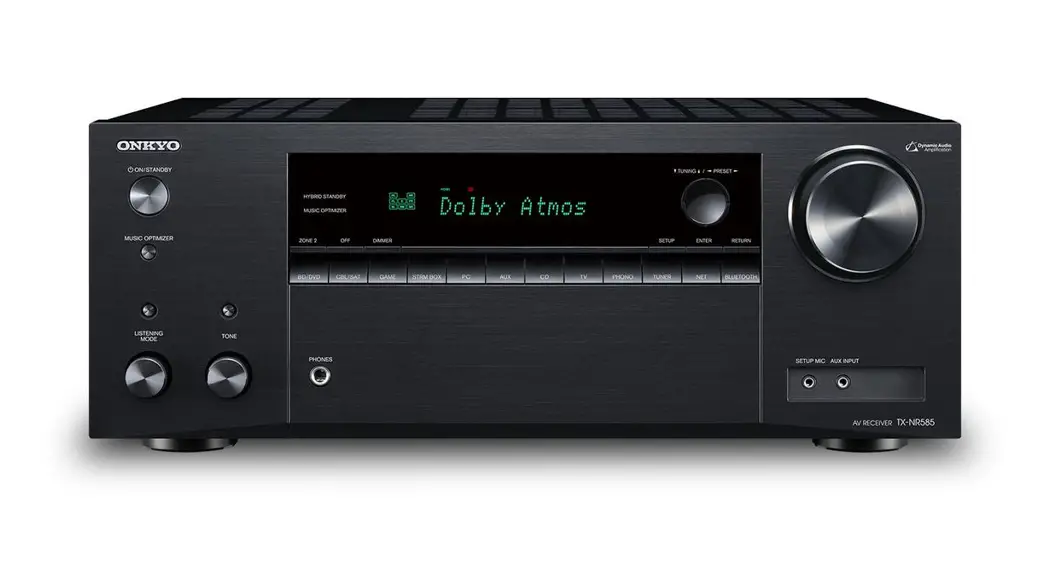
AV RECEIVER / AMPLI-TUNER AUDIO-VIDEO
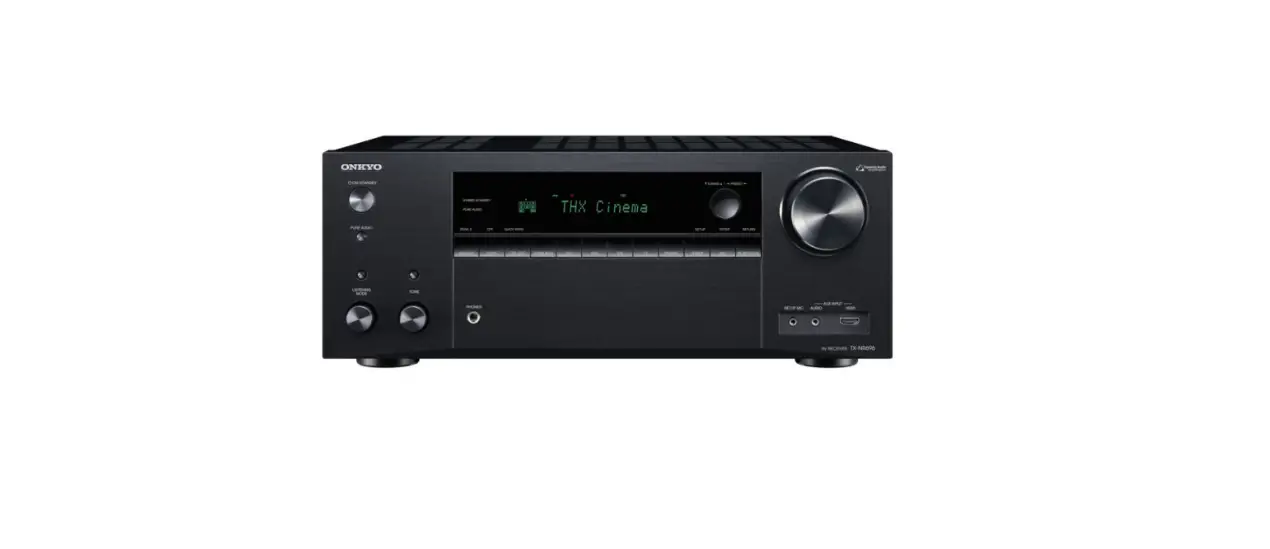
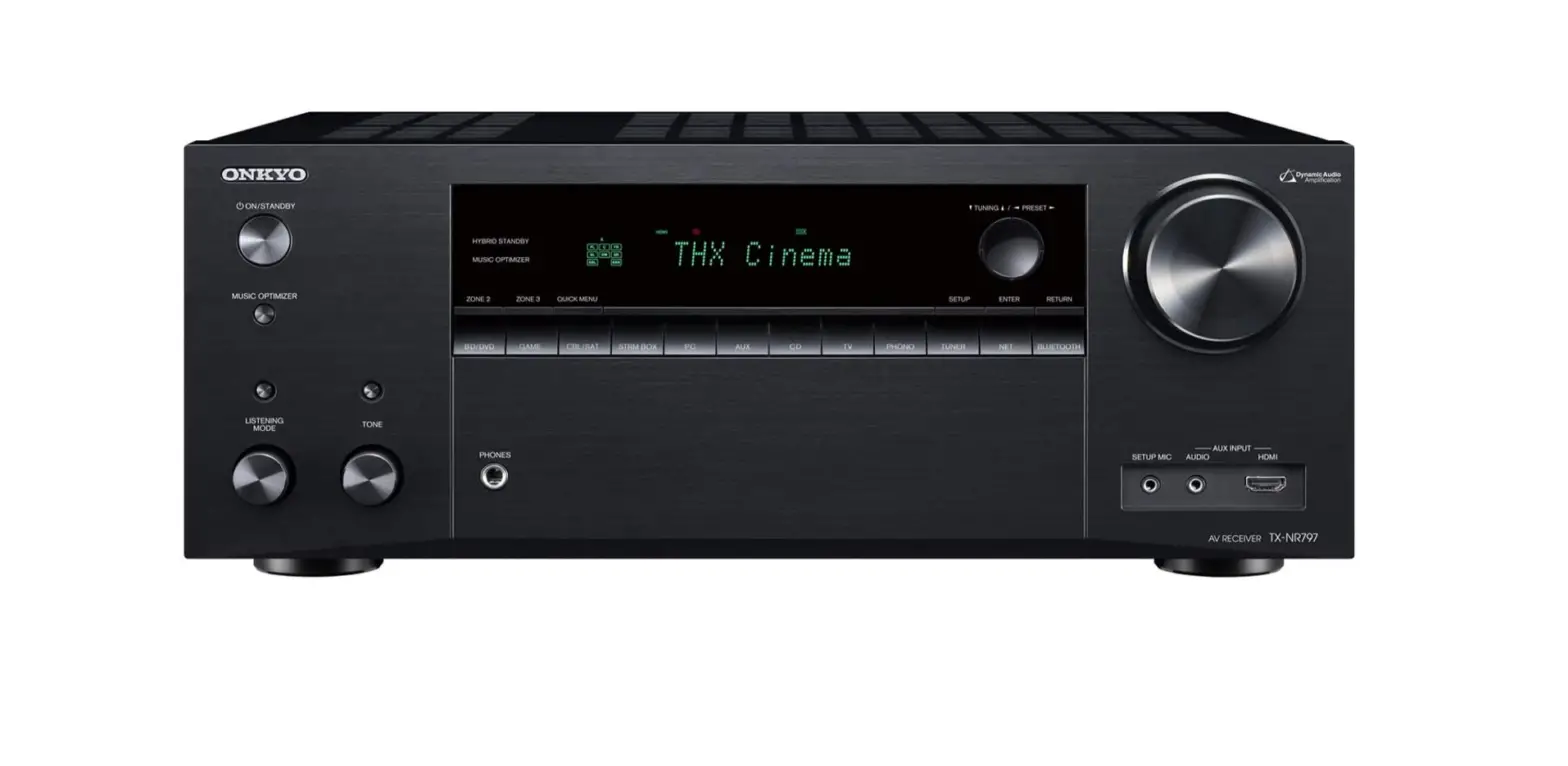
TX-NR686
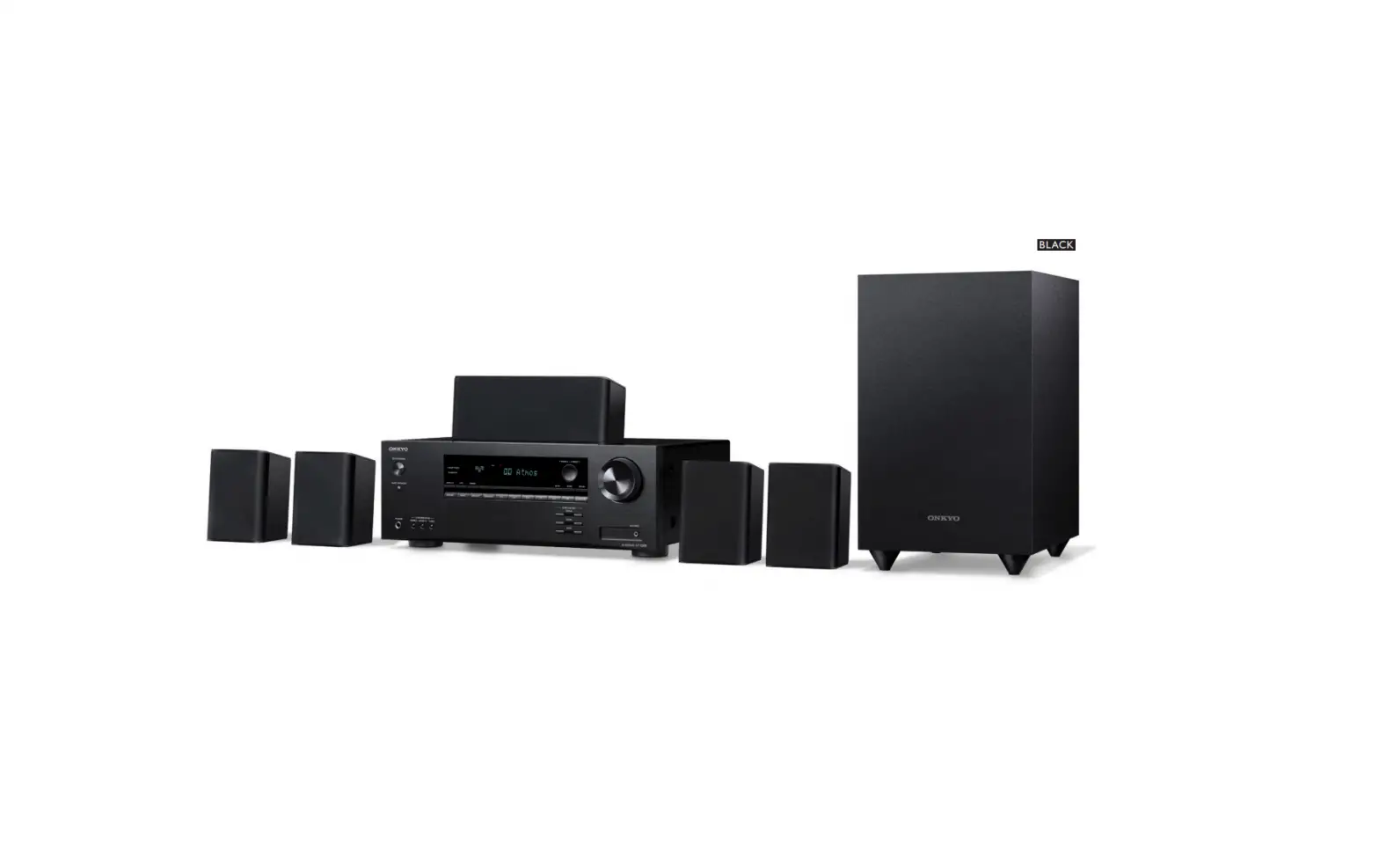
7.1 ch System
1.2 Front Speakers
3 Center Speaker
4,5 Surround Speakers
6 Powered Subwoofer
7,8 Surround Back Speakers
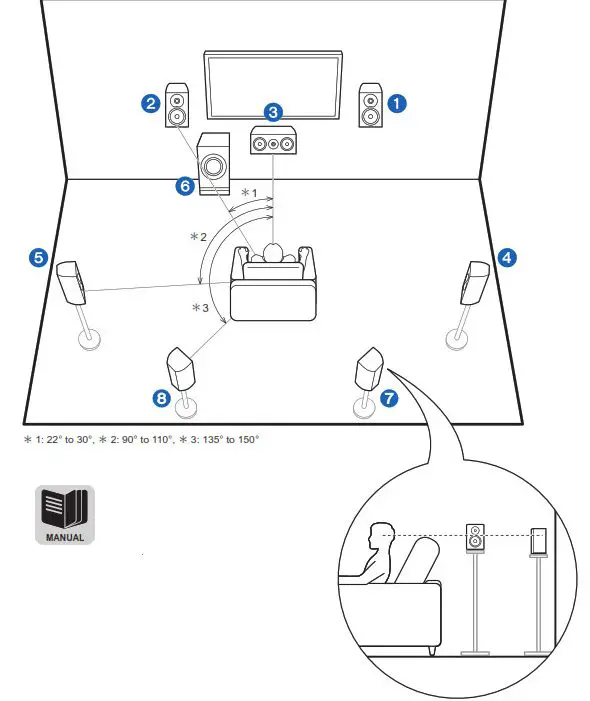 Refer to the instruction manual available on our website to install and connect speaker systems other than 7.1 ch
top [PDF]
Install & Connections

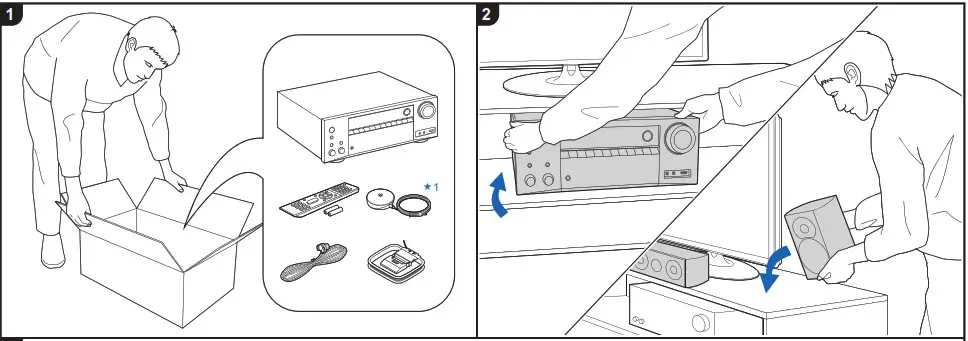
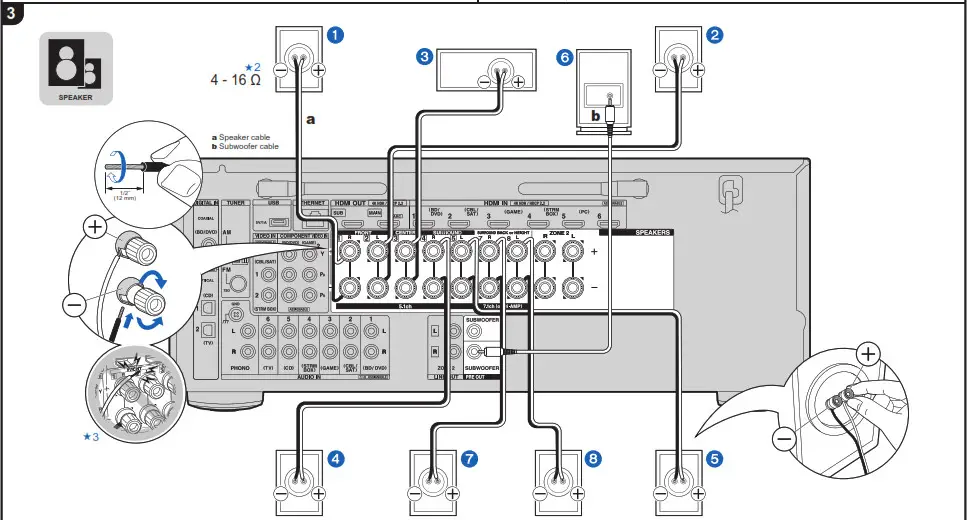
Refer to the instruction manual available on our website to install and connect speaker systems other than 7.1 ch.top [PDF]
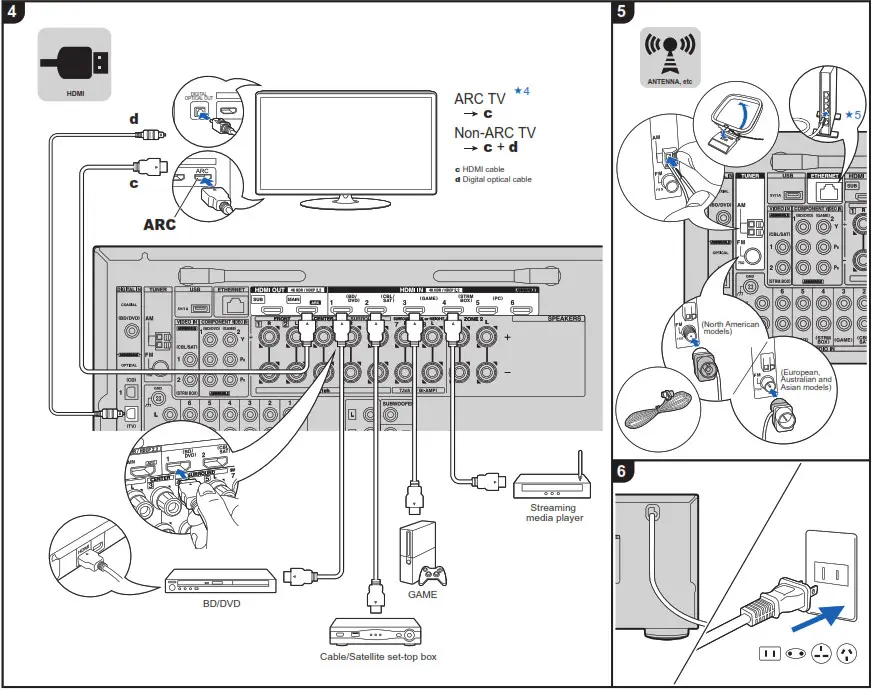
Initial Setup with Auto Start-up Wizard

- Used during Initial Setup
- Connect speakers with 4 Ω to 16 Ω impedance. If any of the connected speakers have an impedance of 4 Ω or more to less than 6 Ω, after completing “Initial Setup”, you need to make some settings in the Setup menu. Press on the remote controller, select “2. Speaker” – “1. Confi guration” and set”Speaker Impedance” to “4ohms “.
- Make sure the exposed wires of the speakers do not stick out of the speaker terminals when connecting. If the exposed wires of the speakers touch the rear panel or the + and – wires touch each other, the protection circuit will be activated.
- Choose an HDMI IN jack on the TV that supports ARC when connecting.
- If you connect this unit to the network using wired LAN, connect a LAN cable to the ETHERNET port.
- Switch the input on the TV to that assigned to the unit. Complete the Initial Setup according to the guidance displayed on the screen.
Enable HDMI CEC & HDMI Standby Through function: If you selected “No, Skip” in “ARC Setup” of “Initial Setup”, after completing “Initial Setup”, it is necessary to press the button on the remote controller and execute “5.Hardware” – “1.HDMI” setting.
Tips
Troubleshoot your remote control
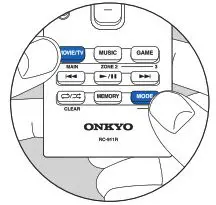 The remote control may have switched to the mode for controlling ZONE 2. While holding down MODE, press MAIN until the remote indicator fl ashes once to switch it to the mode to control the main room.