
HYUNDAI Time to sync your Smartwatch with Bluelink
Installation for Android watches
A world of convenience and advanced connectivity awaits you. All you need to do is sync your smartwatch with Bluelink. Begin by installing Bluelink app in your mobile phone, then follow the easy steps mentioned below to get started.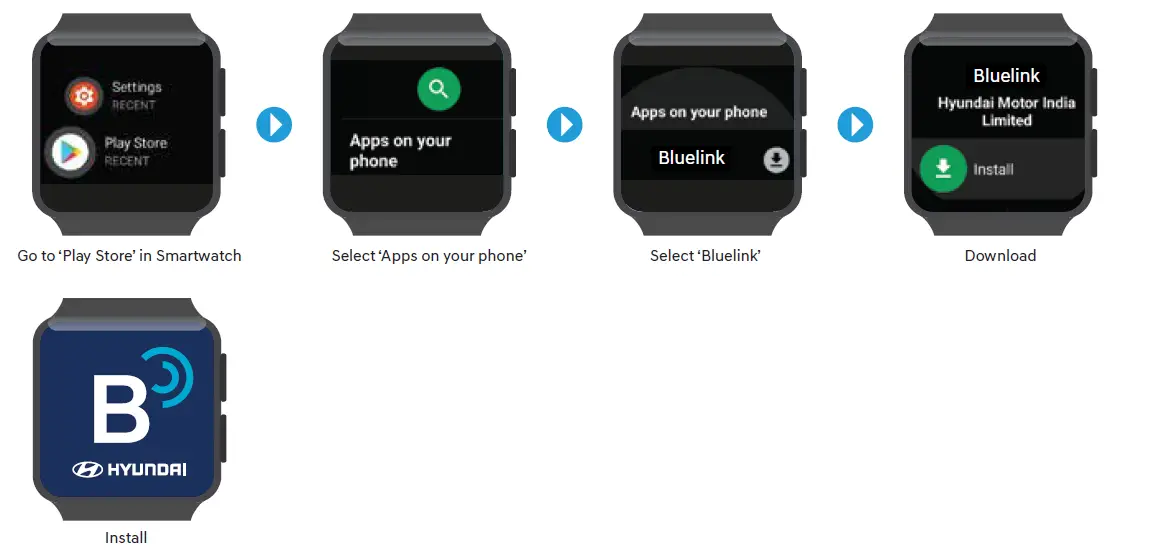
Personalisation
After you have successfully downloaded Bluelink for your smartwatch, it is time to personalise it. You can do so by following these simple steps: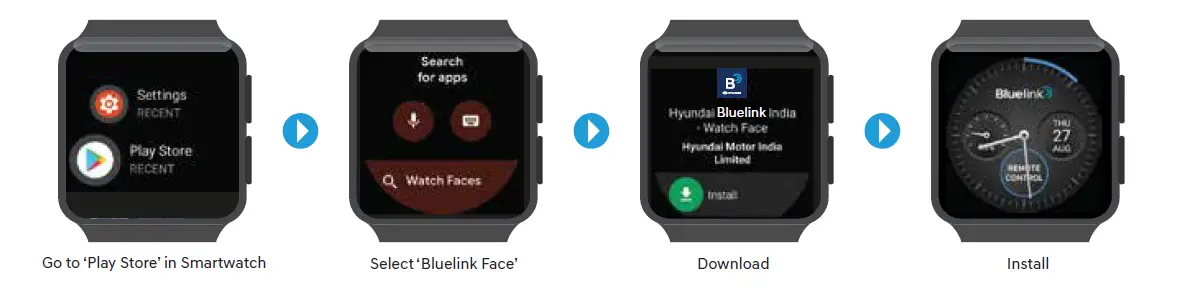
Installation for Tizen OS watches
Enjoy the next level of connectivity by syncing your Tizen OS Watch with Bluelink. Follow these easy steps mentioned below to get started.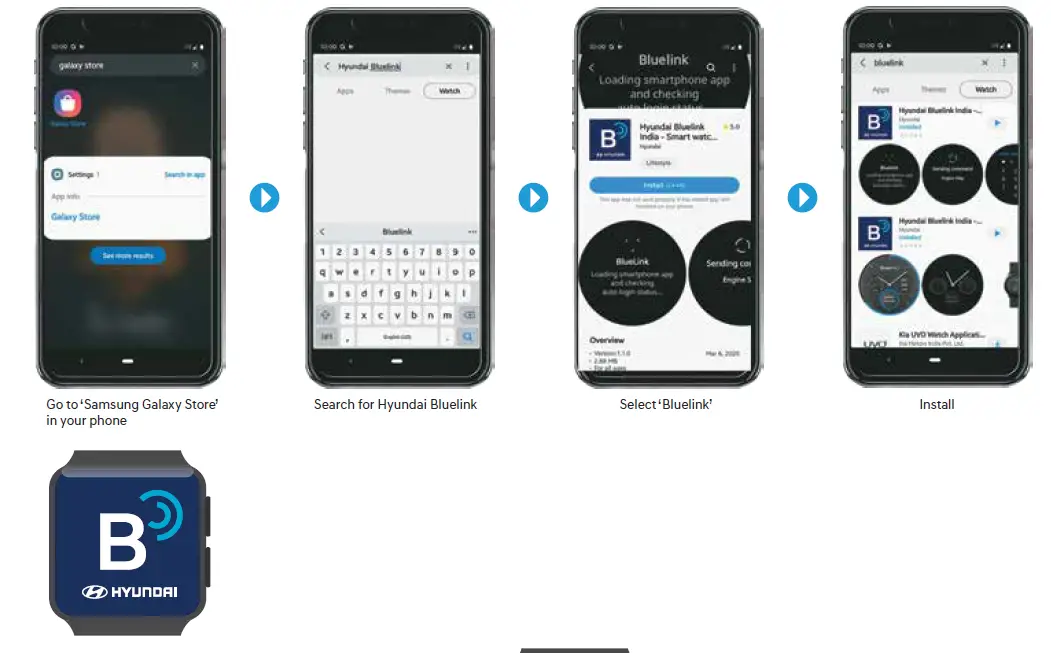
Personalisation
Now that you have synced your Tizen OS watch with Blue Link, personalize it and enjoy seamless connectivity.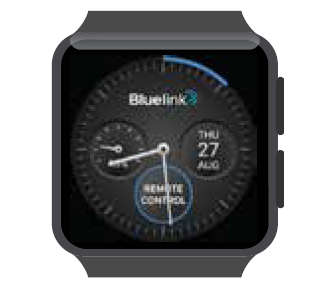
- Go to Samsung Galaxy Store in your phone Bluelink watch face Download Instal
Installation for iOS watches
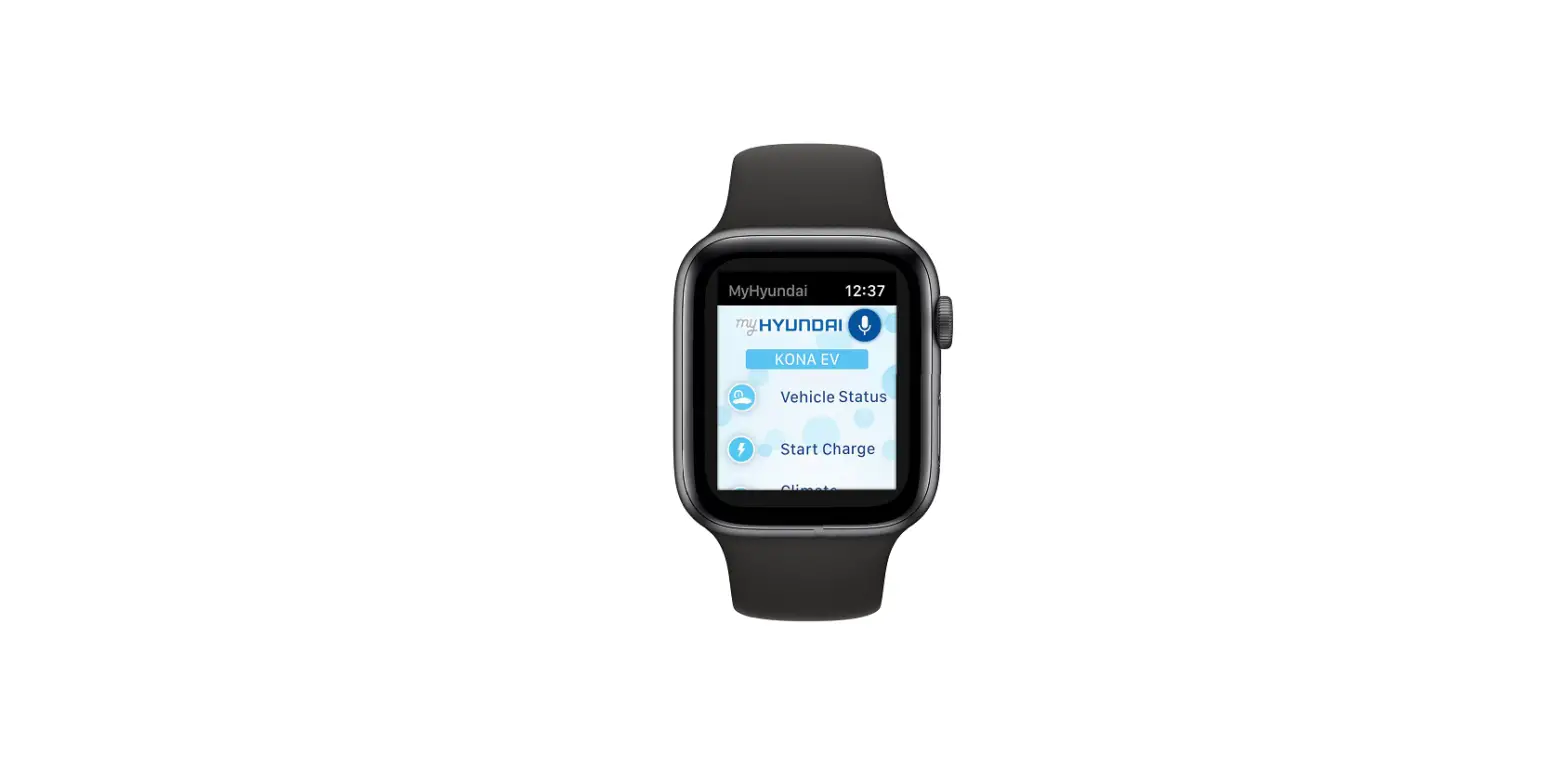
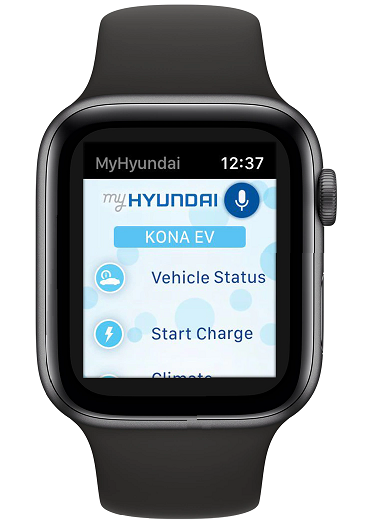
Sync your iOS watch with Bluelink to experience unmatched convenience, and enhanced connectivity. Simply follow these steps mentioned below to get started: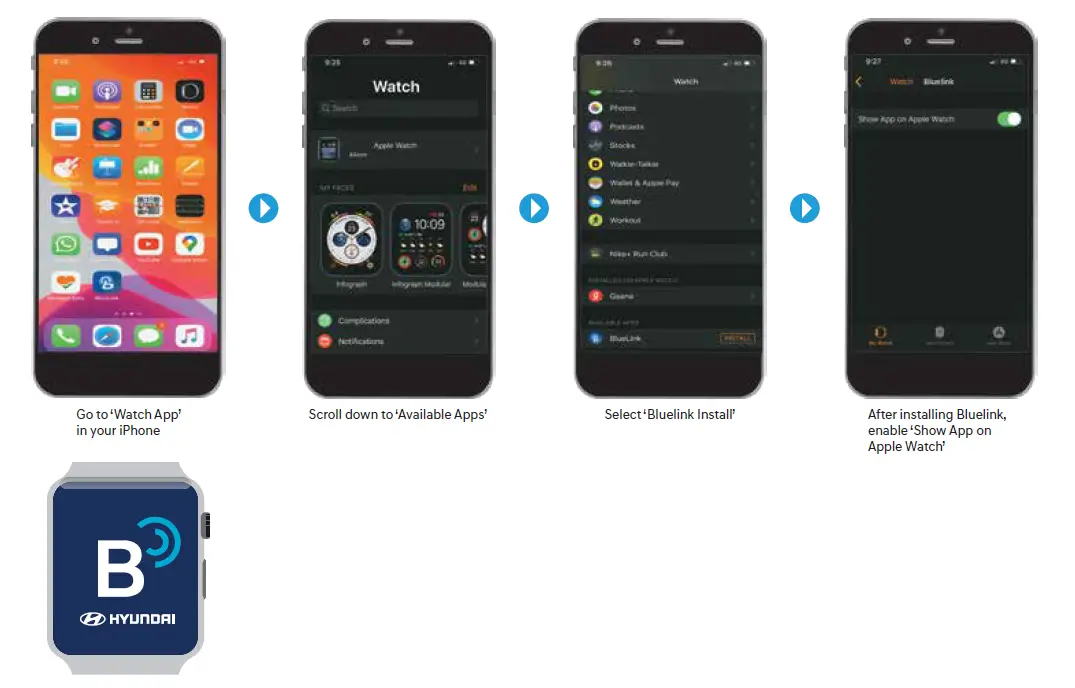
Features on Smartwatch

- Remote engine start / stop (specific to model / variants)
- Remote door lock / unlock
- Remote horn / lights
- Auto healthy air – on / status (specific to model / variants)
- Geo-fence alert
- Speed alert
- Time fence alert
- Valet Alert
- Stolen vehicle alert
- Range
- Last updated time
- Refresh
- Engine status
- HVAC status
- Door status
- Tire pressure status
- Fuel status
Smartwatches – mobile compatible version
- Android Wear OS 2.0 and above Smartwatch paired with Android Mobile Version 7.1.1 and above,
- Tizen OS 4.0 and above Smartwatch paired with Android Mobile Version 5.0 and above,
- iOS 6.0 and above Smartwatch paired with iPhone 6s or later.
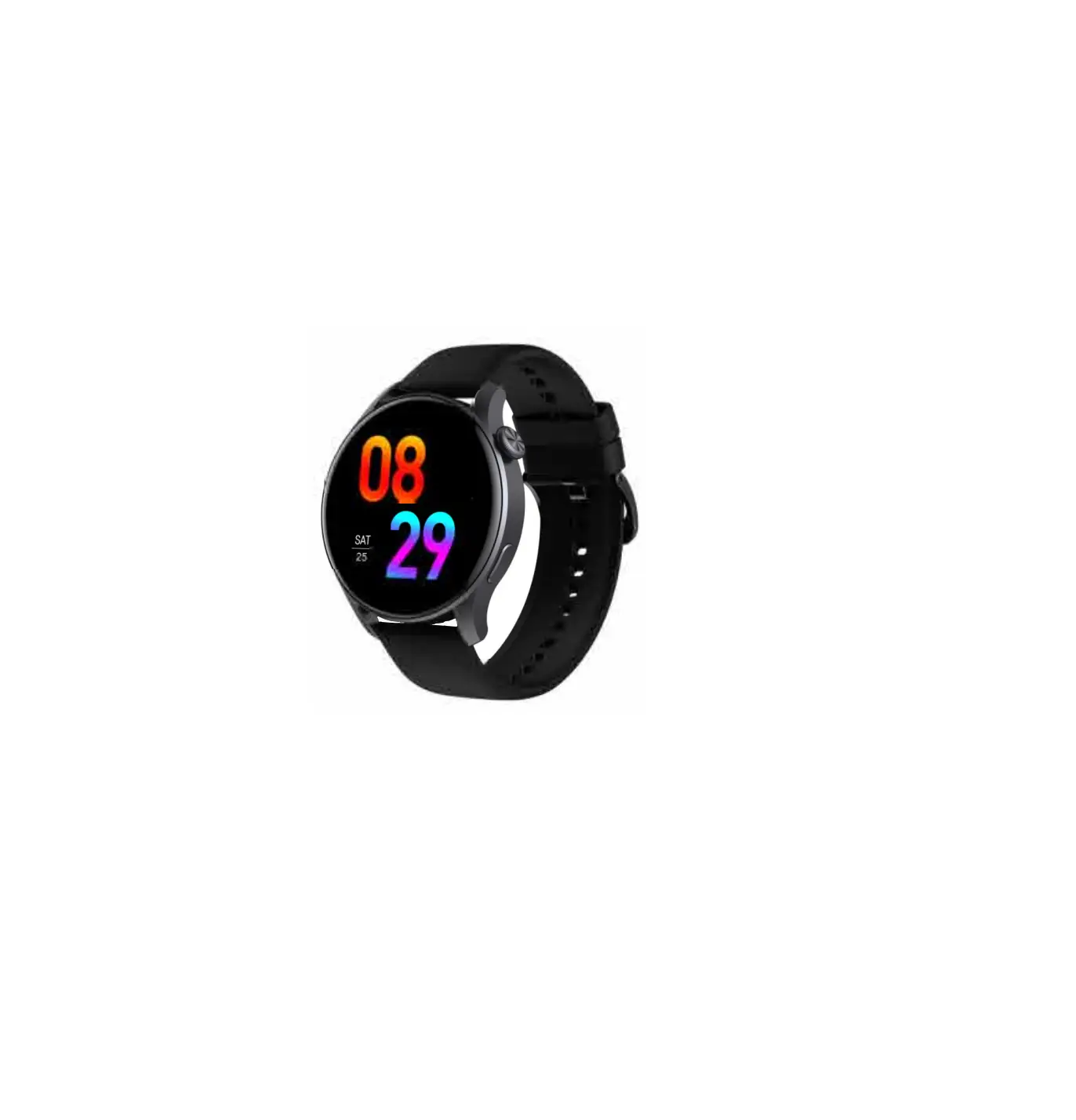
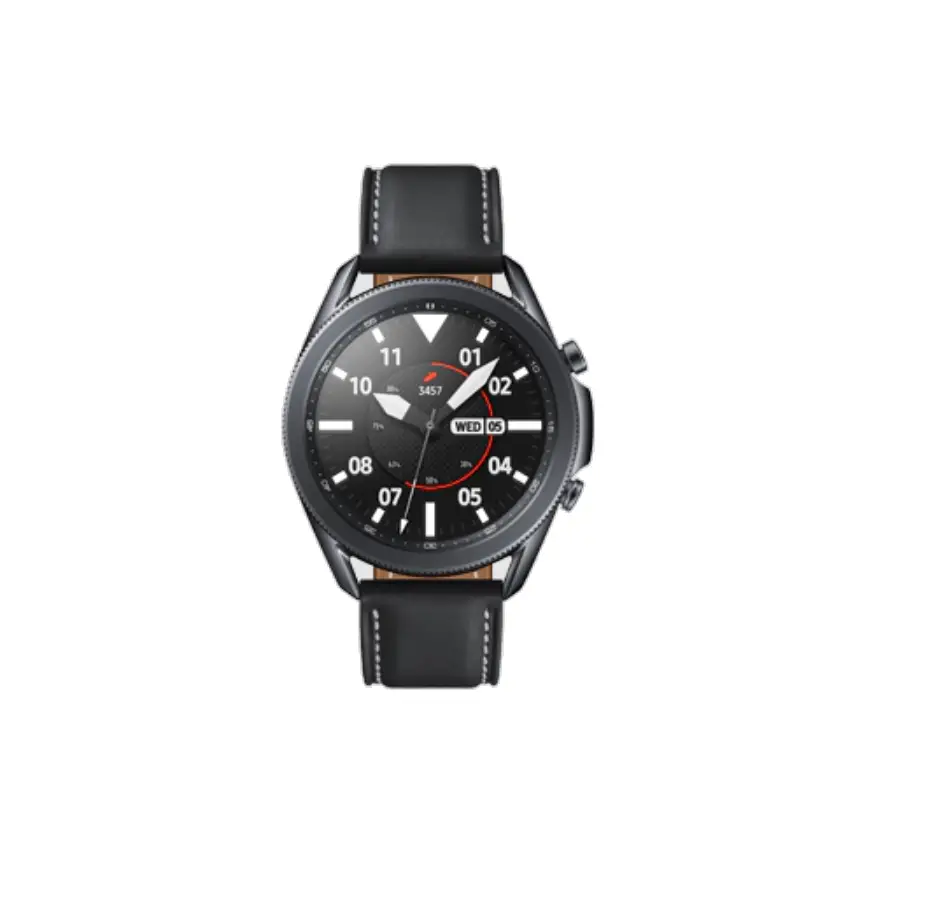
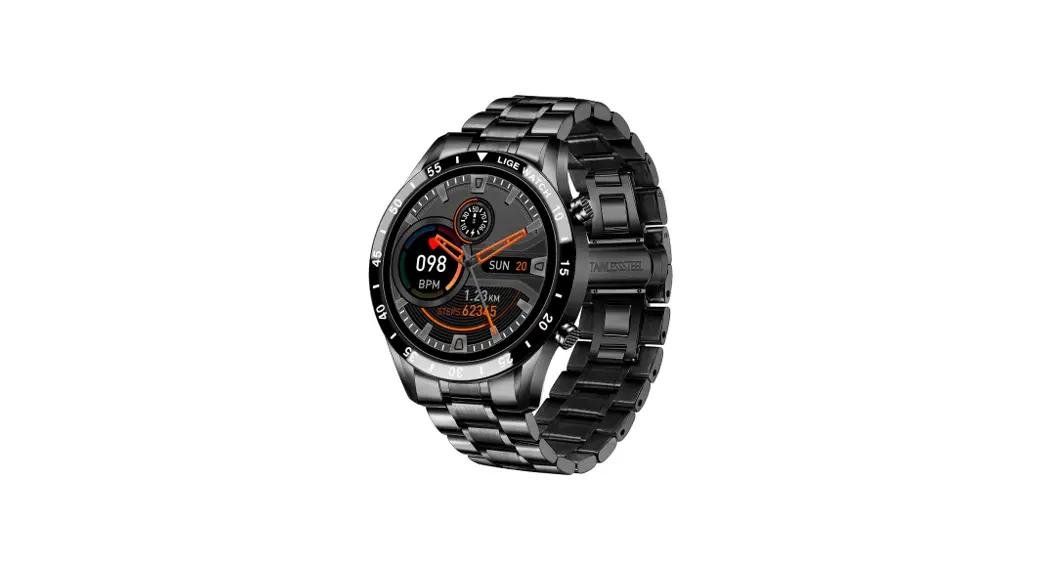
List of compatible Smartwatches
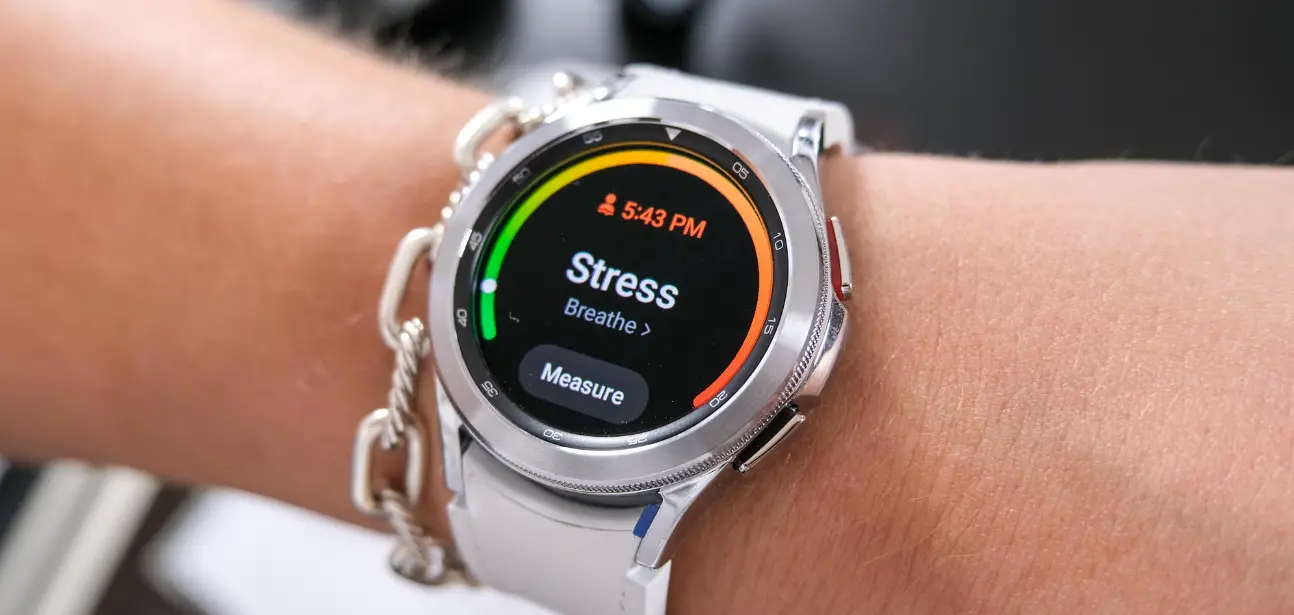
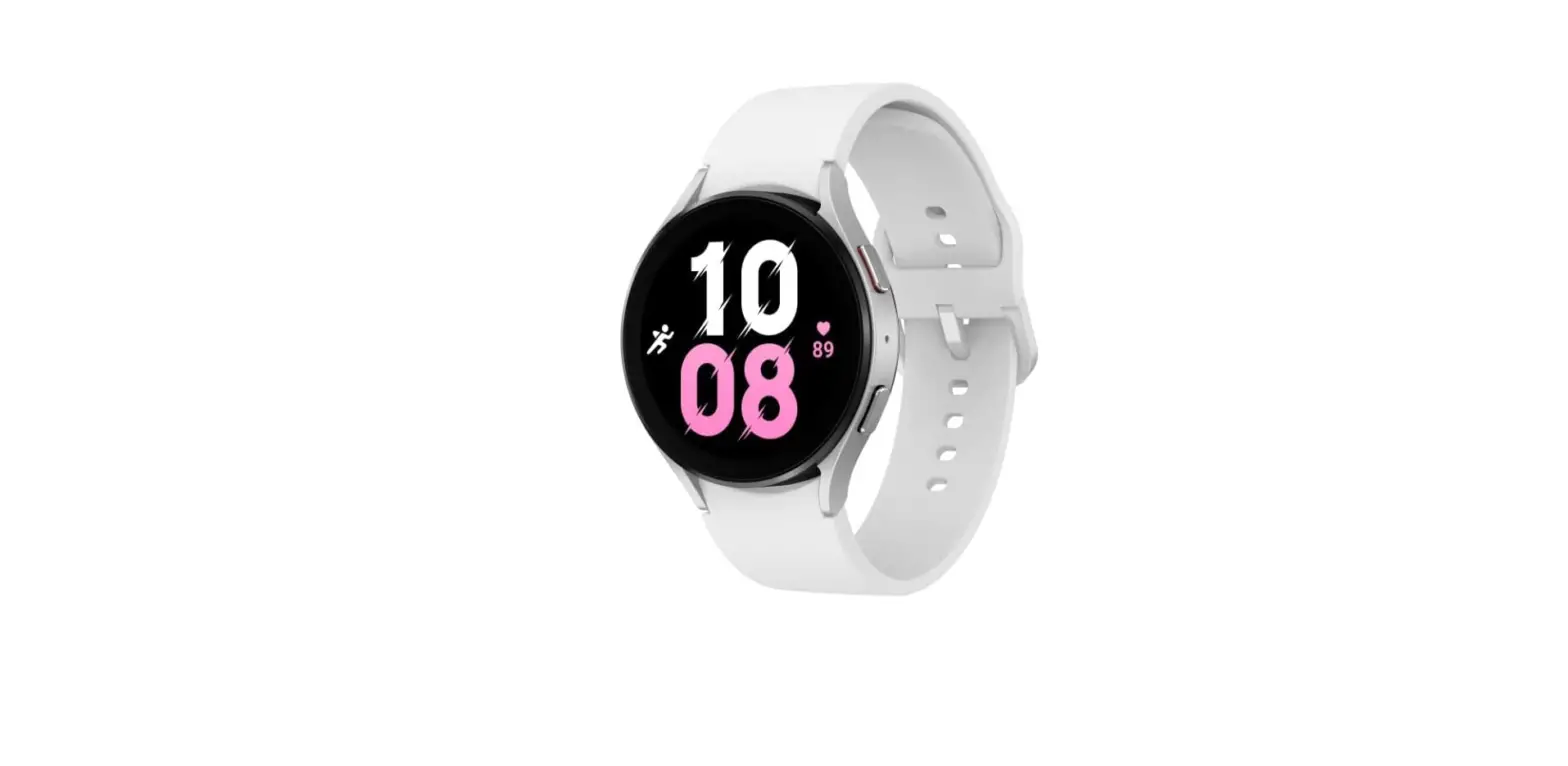
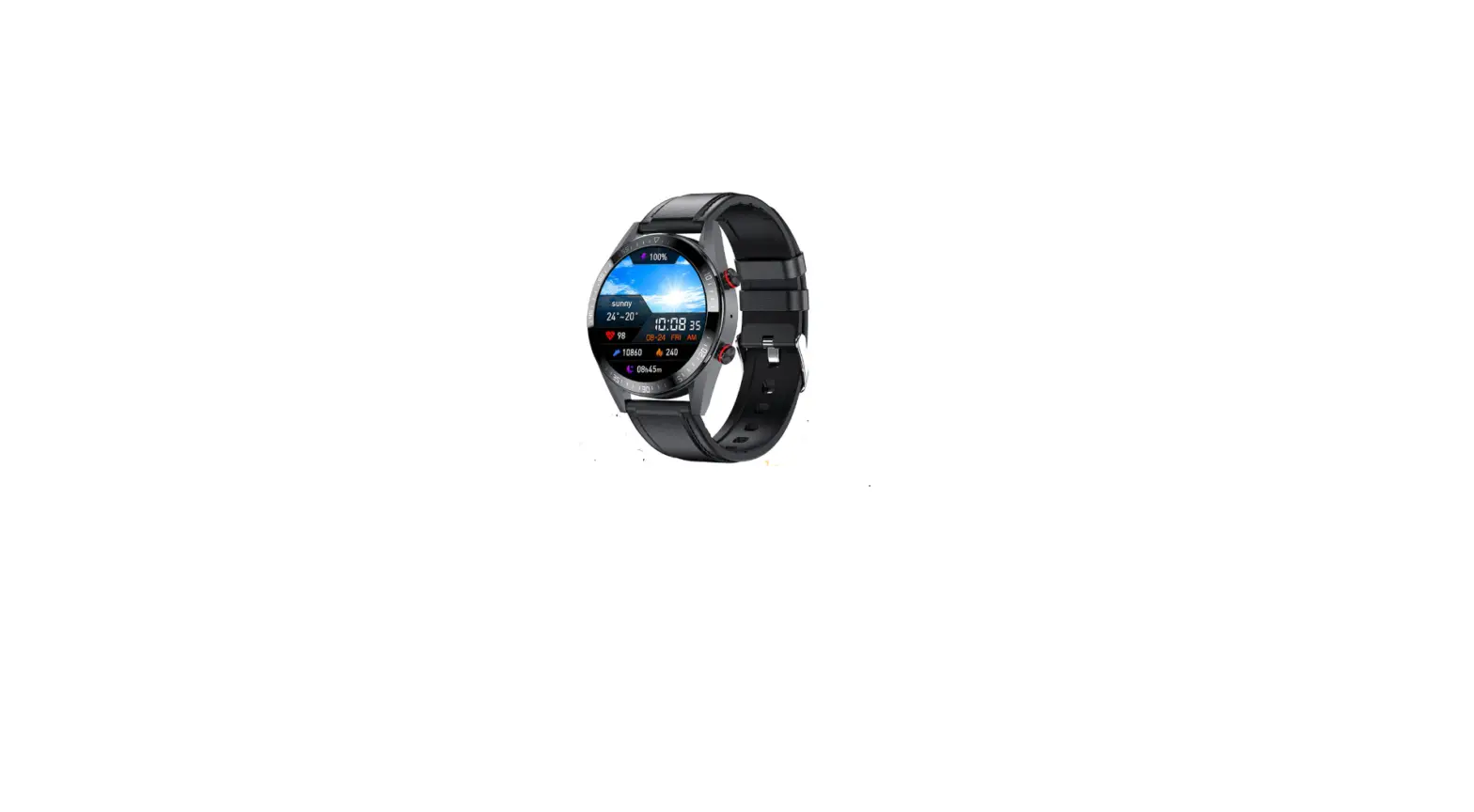
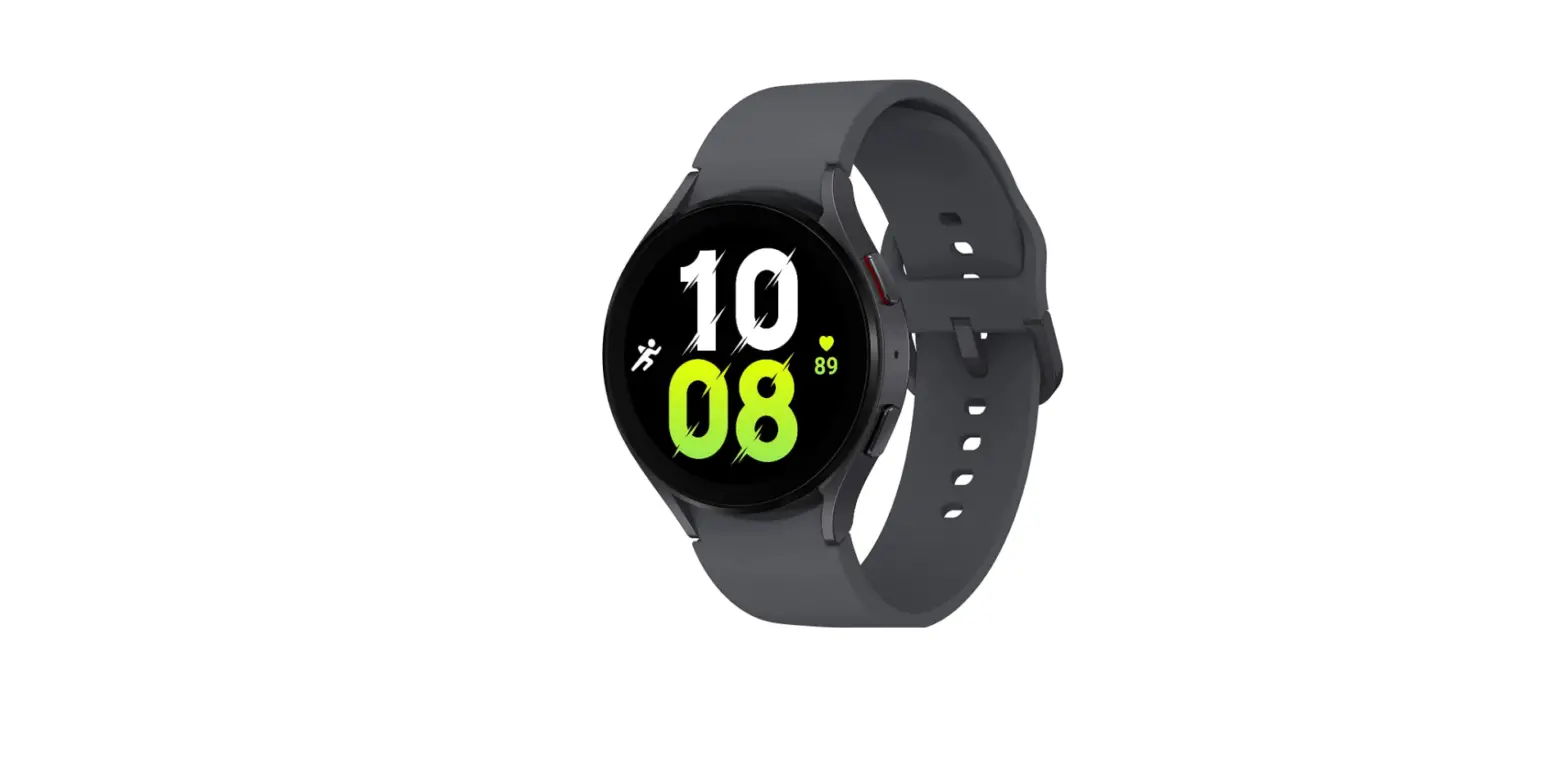
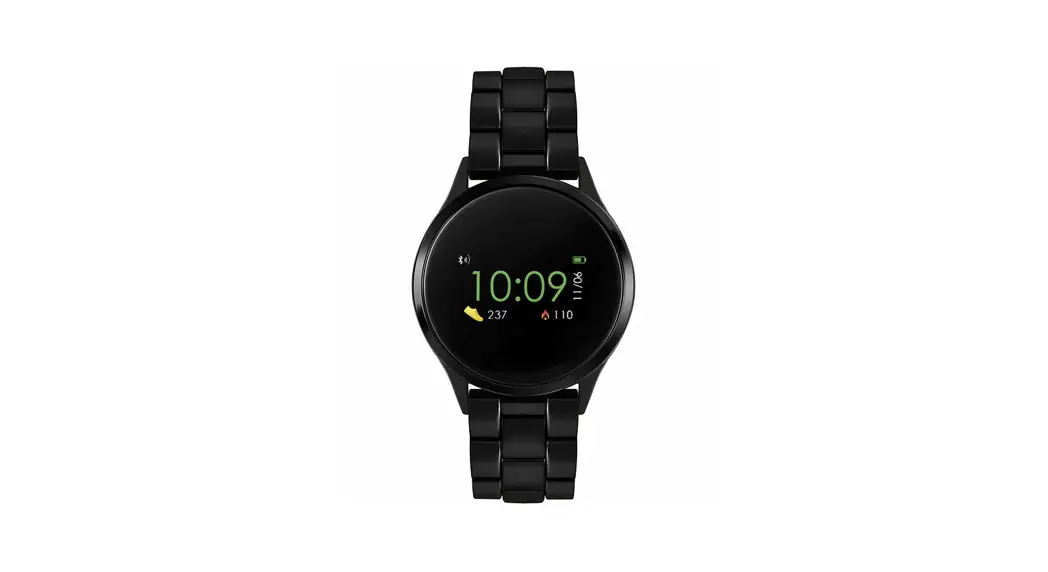
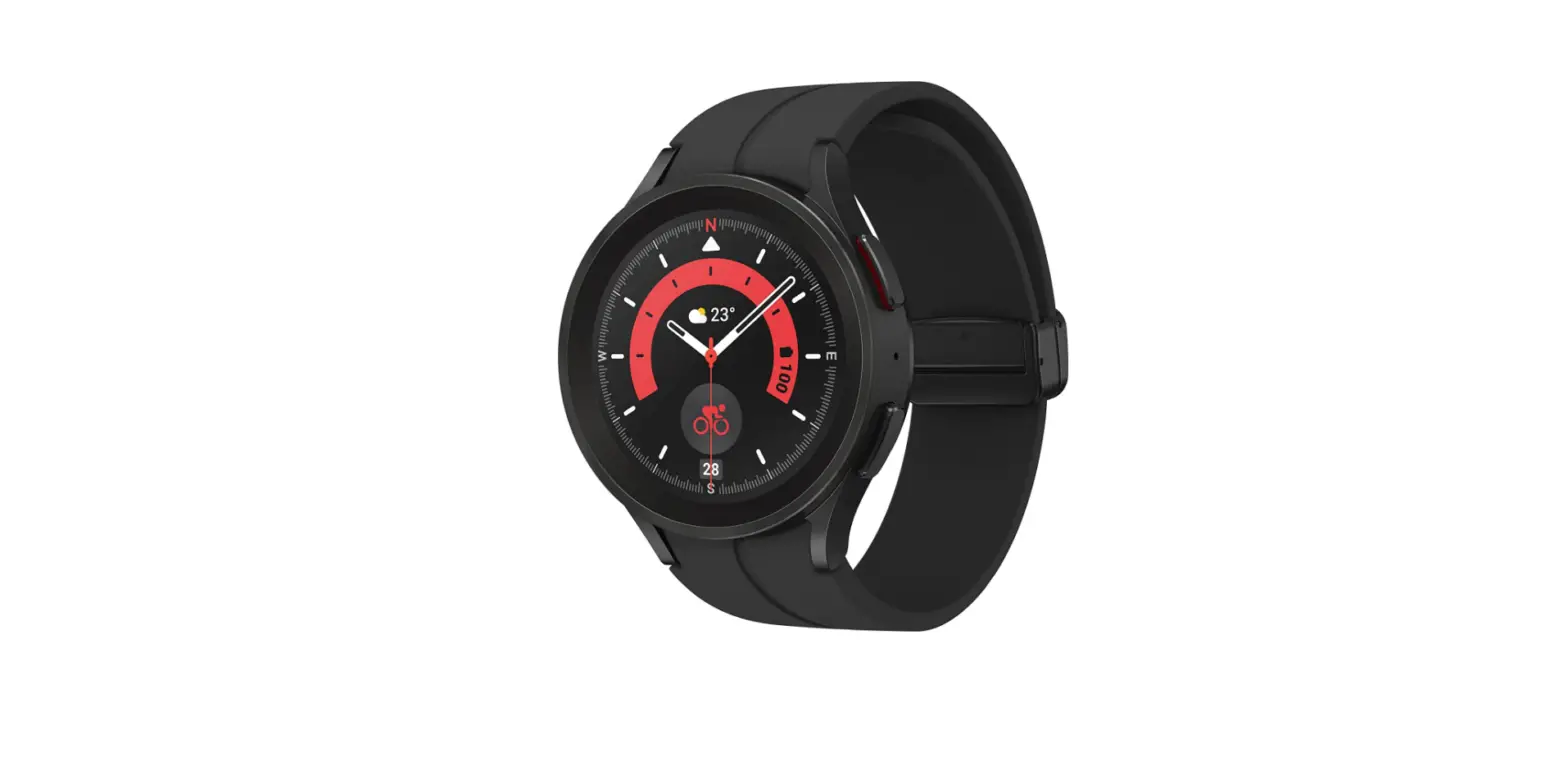
- Galaxy Watch
- Samsung Active 2
- Apple Watch 3
- Apple Watch 5
- Fossil Gen 5
- Misfit Vapor 2
- Skagen Falster 2
- Tic Watch Pro
- Armani Emporio Smartwatch 3
- PUMA Smartwatch
For more details, please consult your Hyundai Dealers.
Hyundai Motor India Ltd.
Plot C-11, City Center, Sector-29, Gurugram (Haryana) – 122 001
Visit us at www.hyundai.co.in or call us at 1800-11-4645 (Toll Free) 098-7356-4645.
For any assistance related to connected cars, email us: [email protected]
Terms & Conditions Apply
 Hyundai Car, Sedan, SUV, Hatchback, EV | Hyundai Motor India