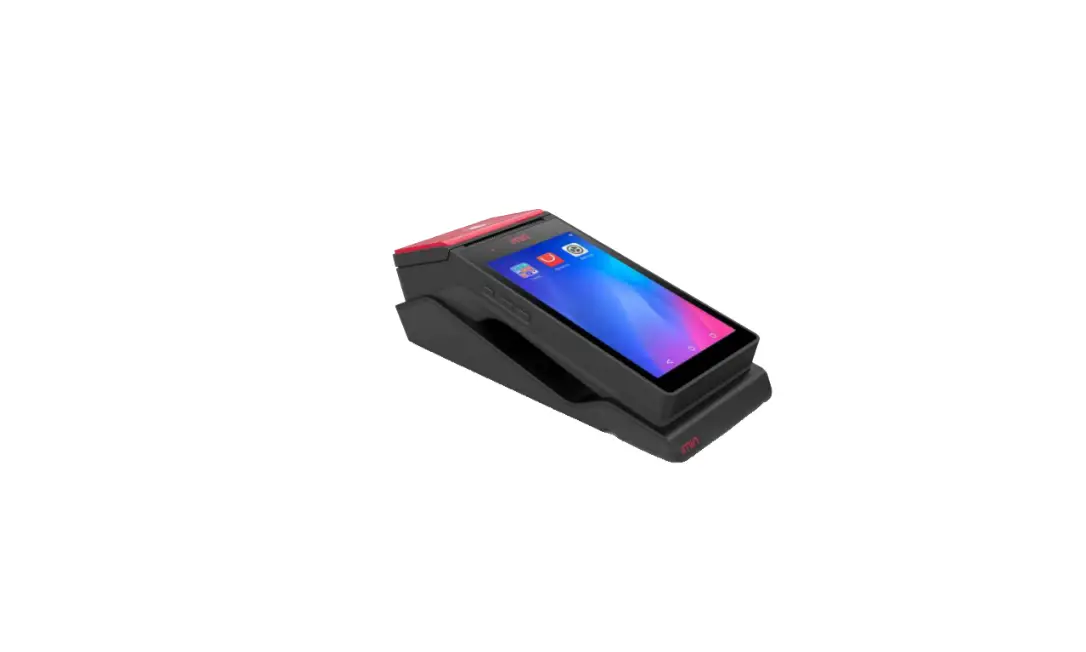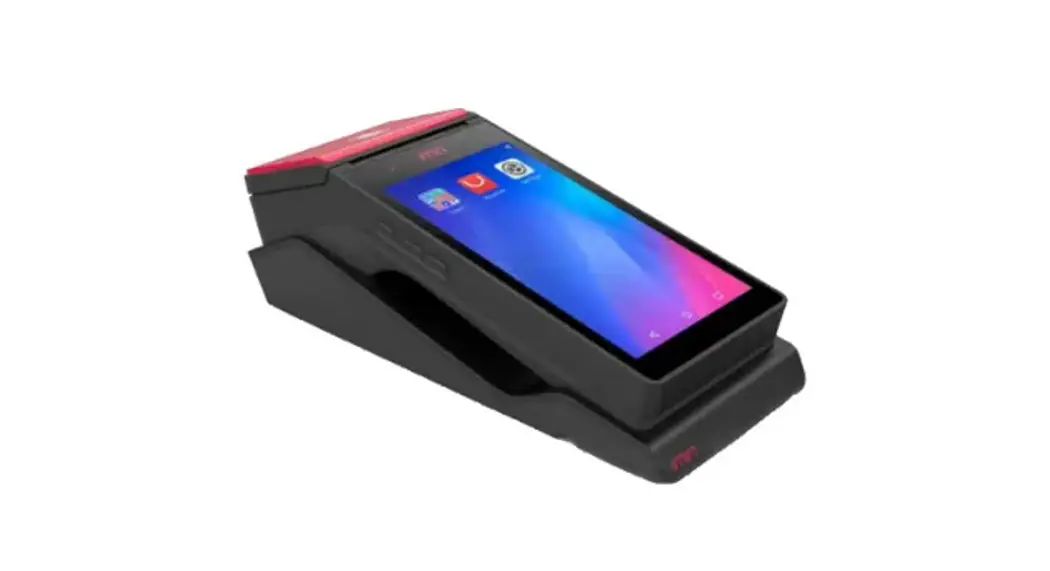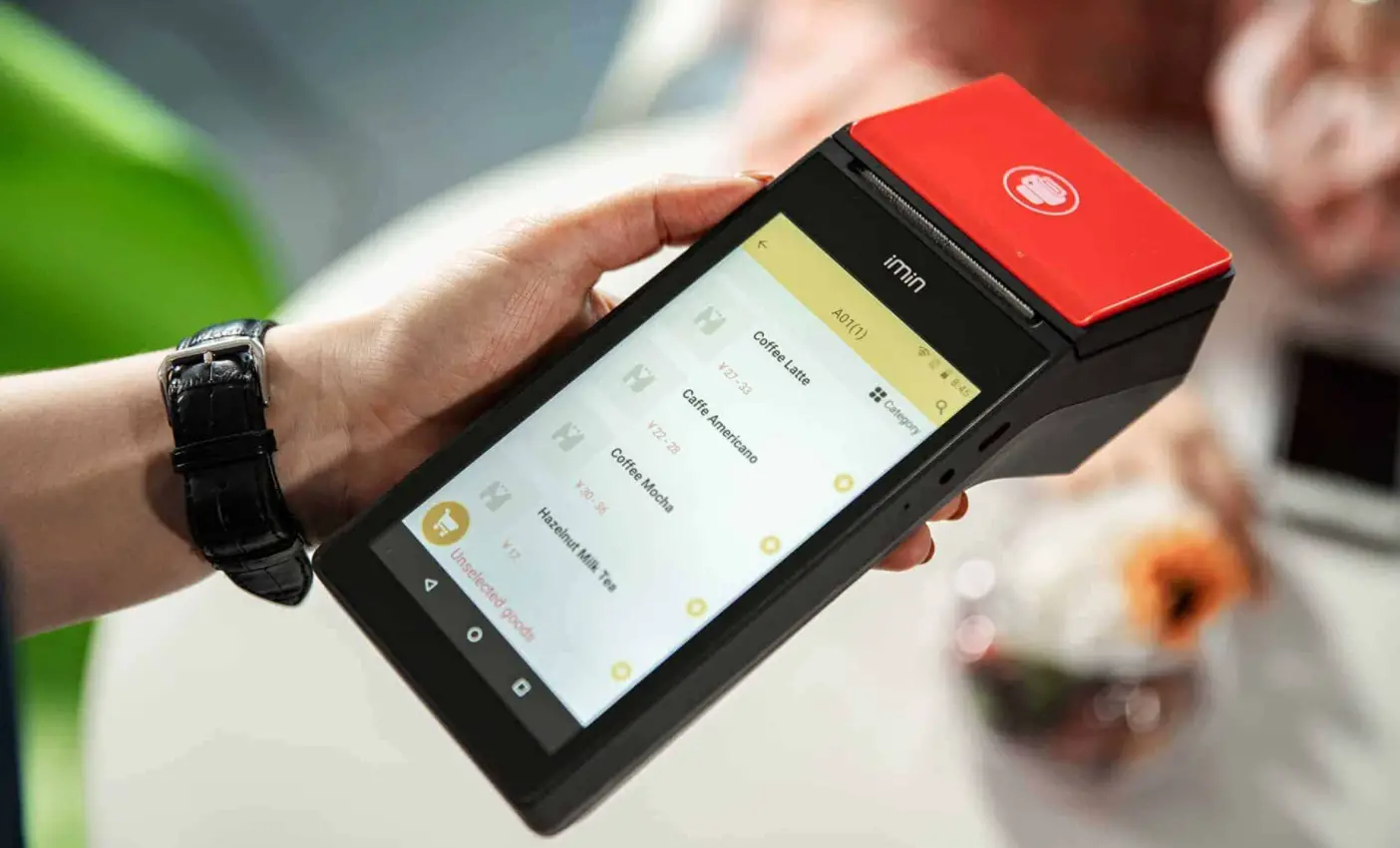

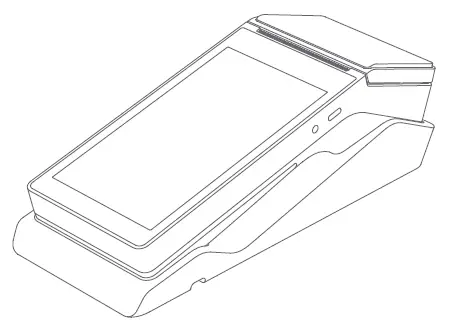
imin 121M01 Mobile POS
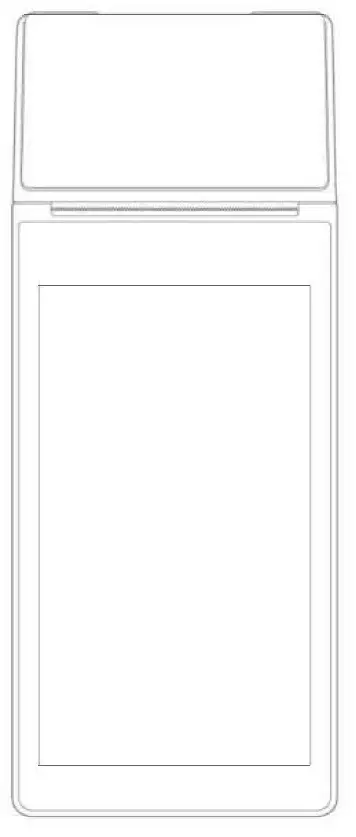
Minimal Setting
You only need the followlng steps to open the device:
- 2G/3G setting, In the off state, Insert the corresponding 2G (GSM} / JG (GSM) card, and then turn it on.
- Press and hold the [Power] button for 2-3 seconds, light up the saeen, enter the first boot interface, and follow the prompts.
- Wi FI settings
- Ciiek the [Settings] button. then turn on the WLAN,enter the WLAN search intertace, wait for its search shows the available WlAN hotspots;
- Click on the WlAN that you would like to connect. If you choose an encrypted network, you need to enter the access code
How to Download I Use Apps
Launch App II cation Store under onllne mode to browse, dawn load and complete installation for relevantApps.
List of Pre-lnstal led Apps and System Programs
Public WI-Fl· OTA· Calculator· Settings· Music· Download
To learn more: Choose ‘Setup’-> ‘Application’ and select the the application you wish to enquire about
To unload I uninstall a specific application: Choose ‘Setup’·> ‘Application’·> ‘Management Application’-> ‘Unloading’to uninstall application.
Altematively, long press on application icon and drag it to the trash can to uninstall.
If you need more help, please find the Help-APP from the device.
Introduction
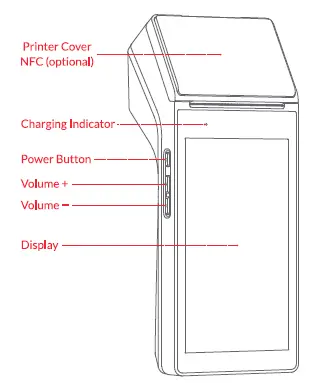
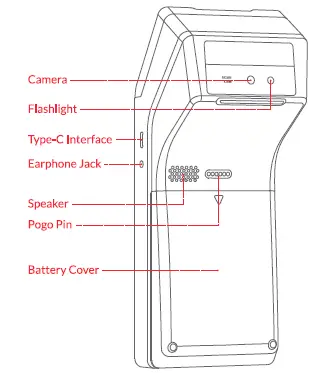
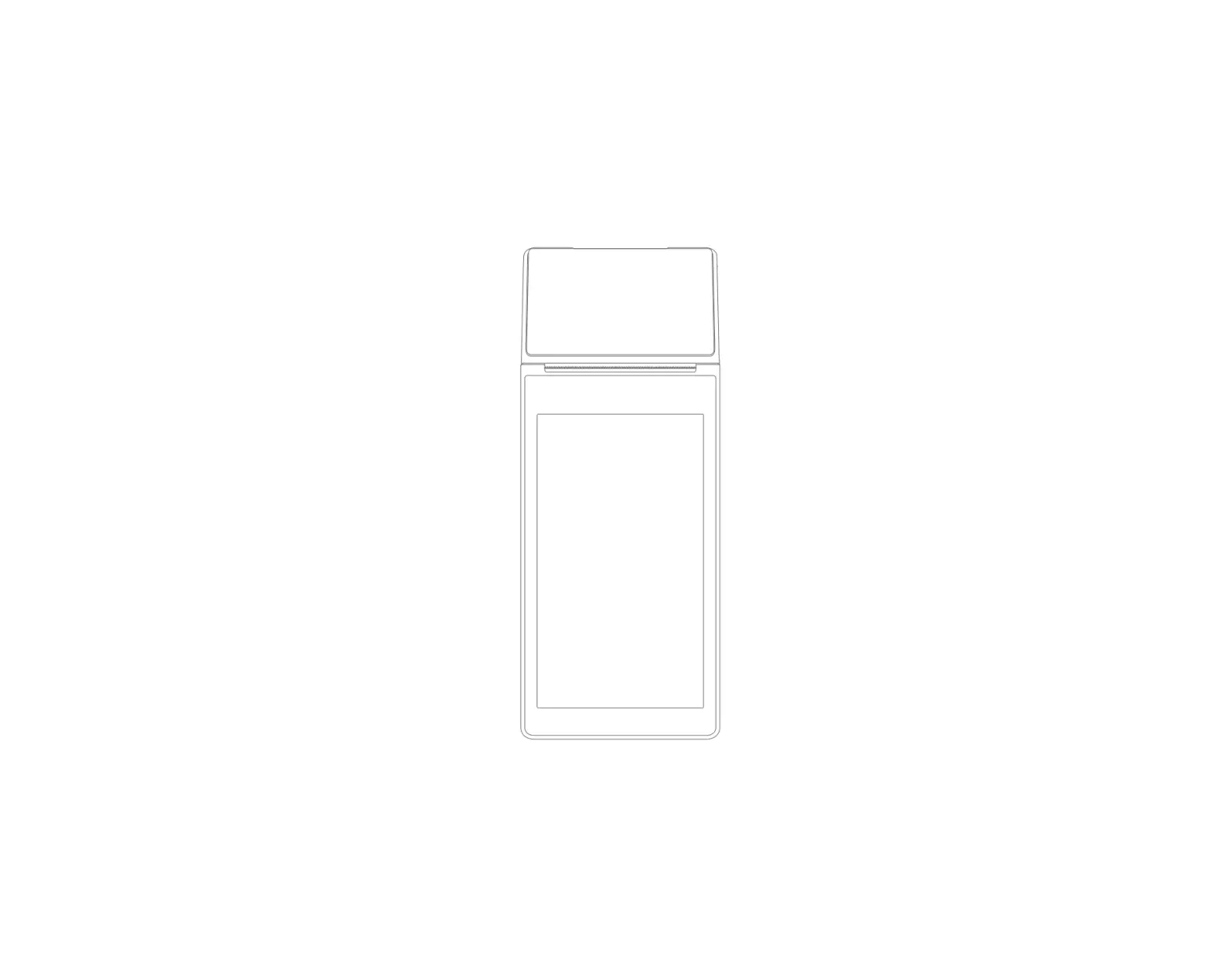
Power Button Press the power button to power on. Under pow,:r on conditions, press and hold the button for 2-3 seconds to select power off or reboot. In the standby status, press the control button for 8 sec. to power off.
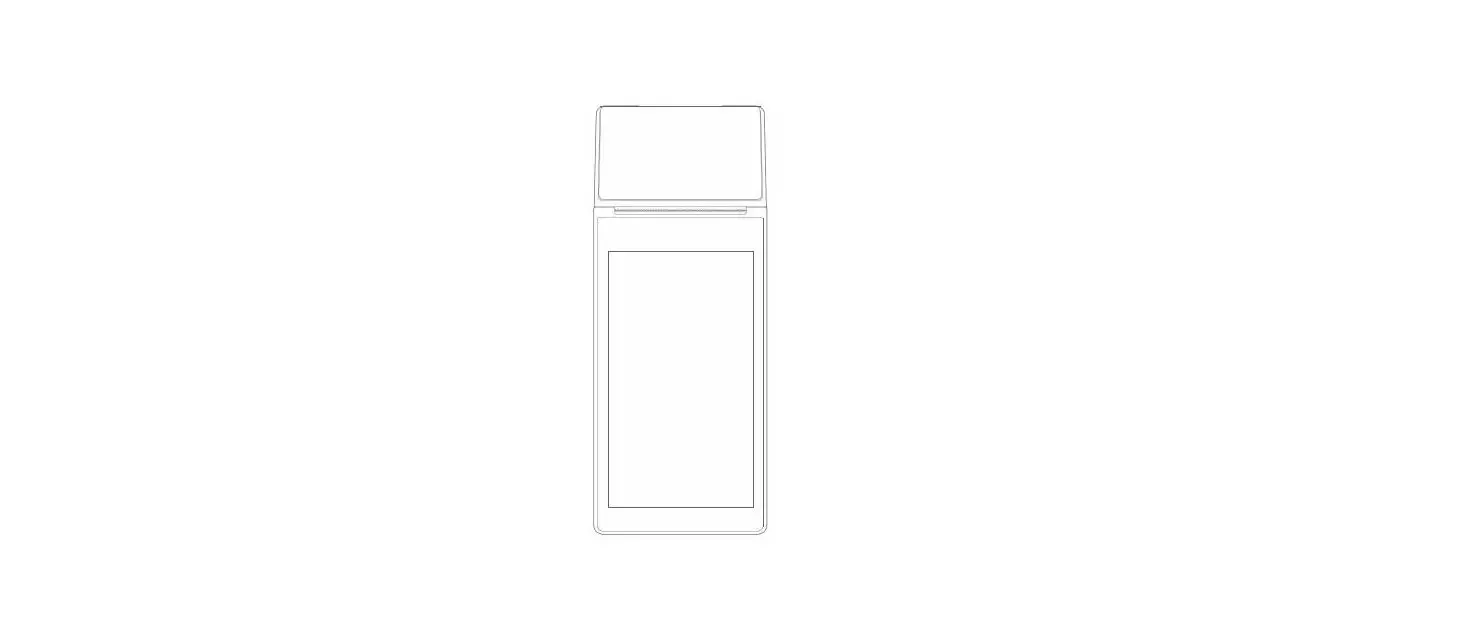
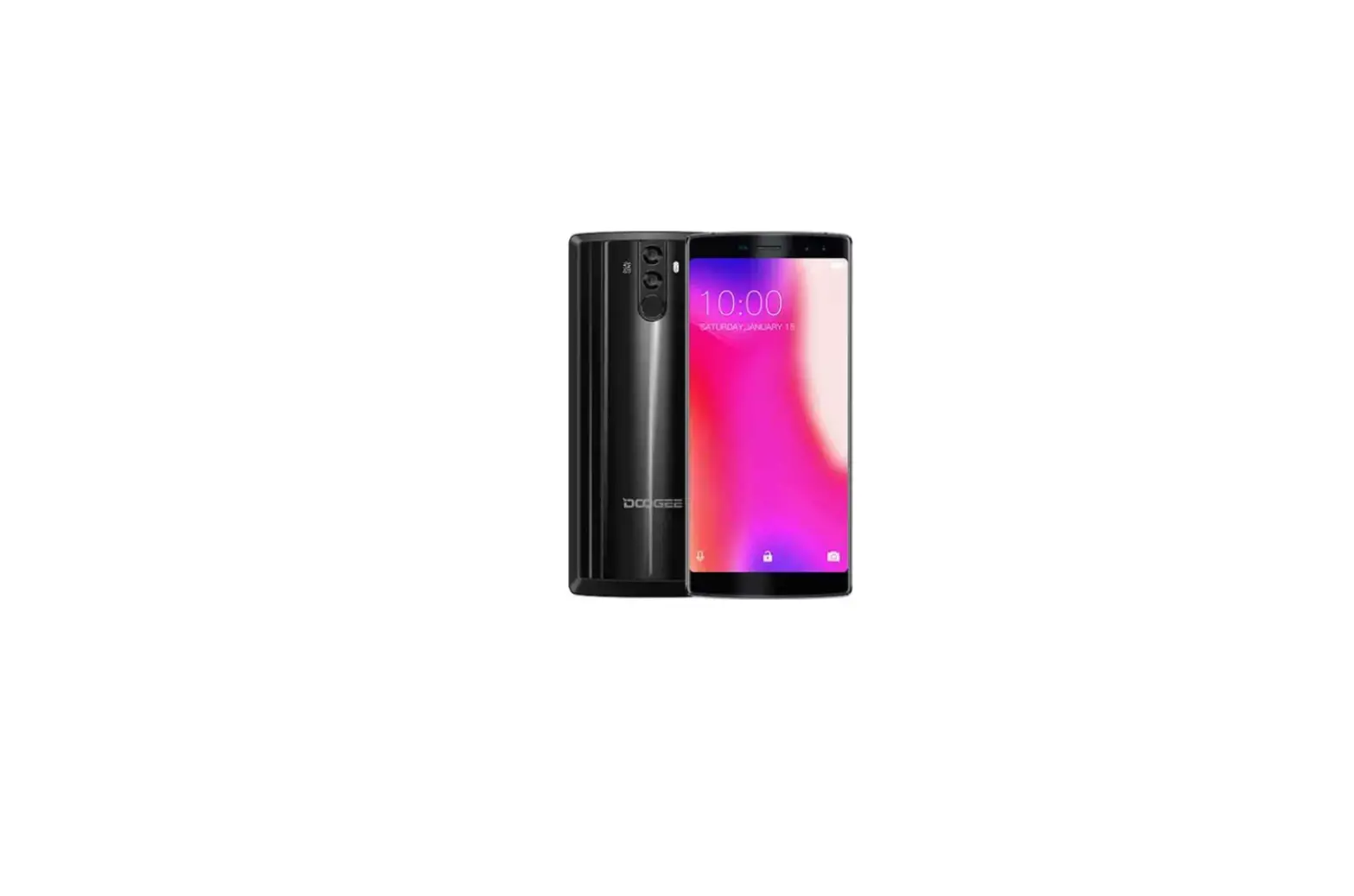
Display A touch screen for the operator.
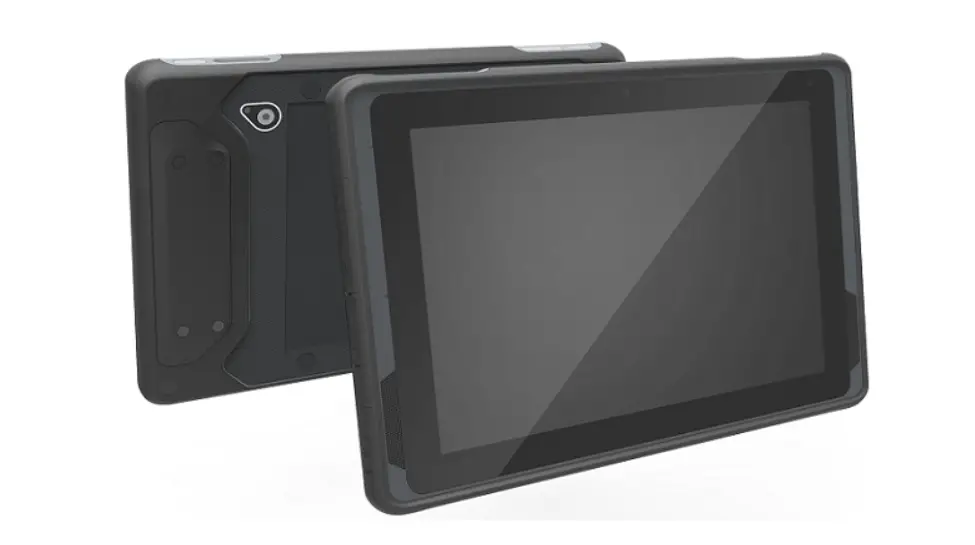
Camera To scan the QR code and shoot
Type-C lntertace WlththecharglngfunctlOI\ for external devices, such as U disk.
Pogo Pin Used to connect the charging base for charging (optional!.
Installation Guide
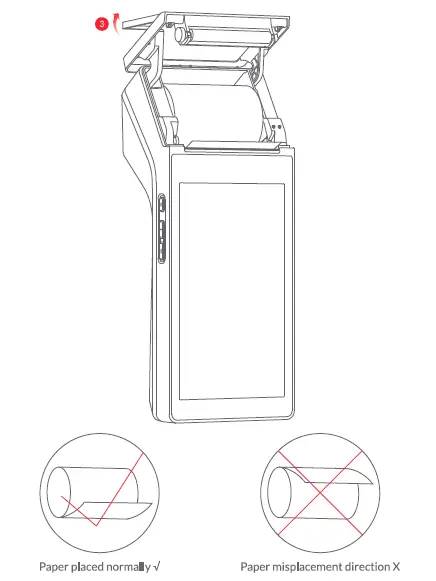
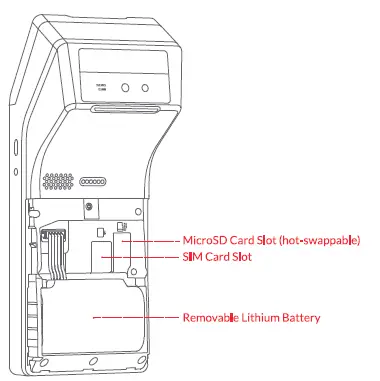
- 8open the battery cover;
- Insert the MicroSDCard,SIM Card as required;

- unscrew the printer cover and the paper compartment door pops open;
- insert the thermal paper and pull out part of it outside the paper exit of the printer, then close the paper compartment cover.
Charging Base Instructions (Optional)
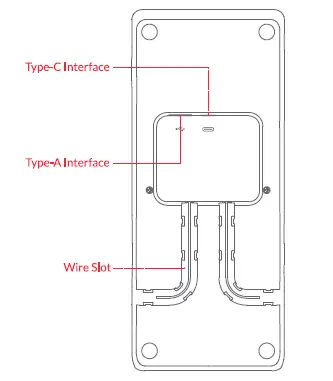
- use a data cable to insert a Type-A Interface (OTG device) ora Type-C interface (for charging only), then press the wire into the Wire Slot:

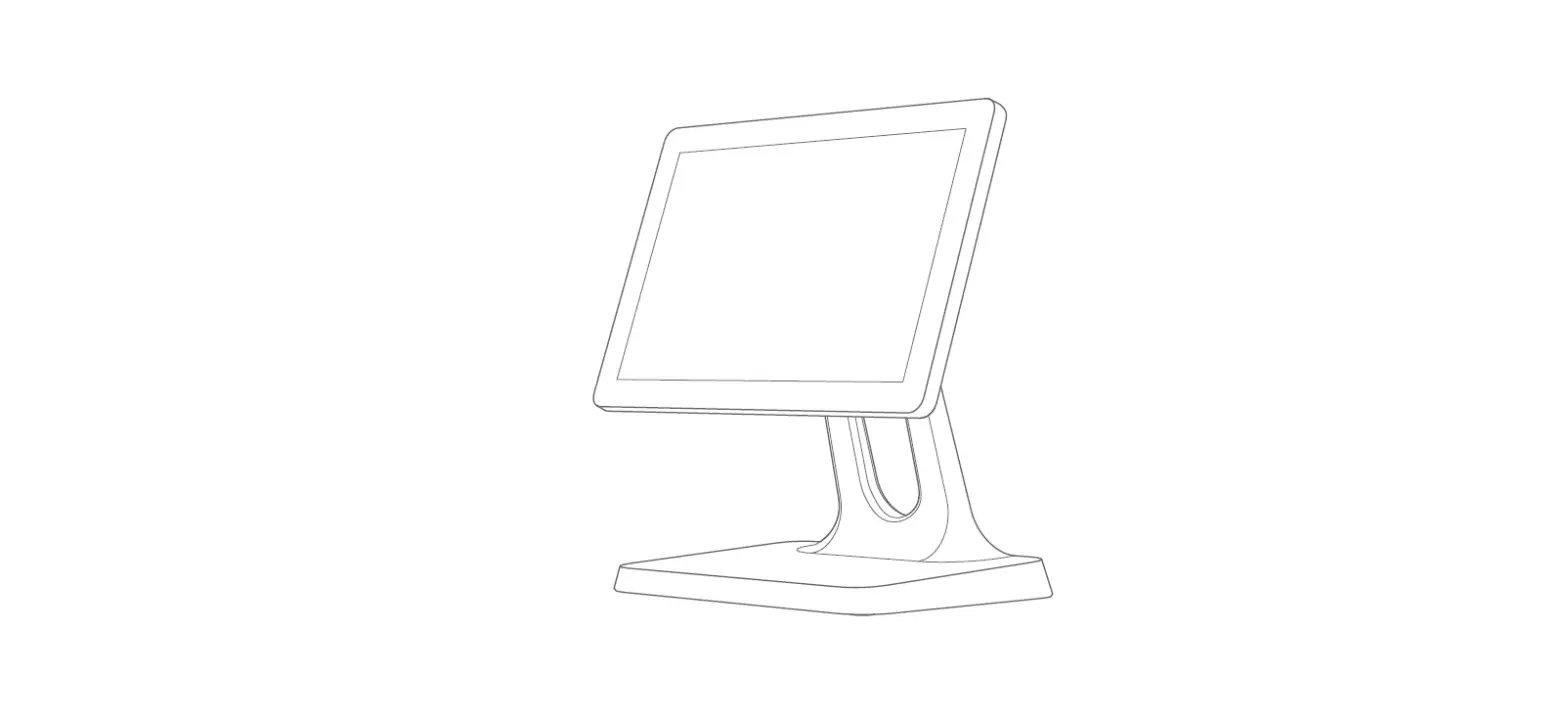
- Put the host on the charging base correctly, after the successfully connected, turn on the power to start charging.
| OS | Android 11 (Go edition) |
| CPU | 8-Core, 2 x A7S and 6 x ASS, 1.8GHz |
|
Screen | 5.5 inches, resolution: 720 x 1280
Multi-touch capacitive screen |
| Storage | 2GB RAM+ 16GB ROM |
| Camera | 5.0M AF, with flash light |
| NFC | Optional |
| Wi-Fi | 2.4/5 GHz, Support 802.lla/b/g/n/ac |
| Bluetooth | 2.1/3.0/4.0/5.0, Support BLE |
| Card Slot | lx SIM |
| Network | 2G/3G/4G |
| GPS | GPS/Galileo/Glonass/Beidou |
|
Printer | 58mm thermal printer, support the paper roll
with maximum 40mm diameter |
| Speaker | 1.SW |
|
External Interface | 1 x USB Type-C port (OTGsupport)
1 x Earphone jack |
| TF Card | Support MicroSD (TF) up to 64GB |
| Battery | Changeable, 7.4V/2600mAh |
| Power Adapter | SV/2A |
| Machine Size | 206mm x 82mm x 62.8mm |
| Operating Temperature | o·cto+so·c |
| Operation Humidity | 10% to 90% r.H. |
| Storage Temperature | -2o·cto +60°c |
| Limit Altitude | Max. 5000 meters |
| Extended Support | Charging Base (optional) |
Name and Content of Toxic and Harmful Substances in This Product
| Part Name | Toxic or harmful substances and elements |
| Plumbum Mercury Cadmium Chromium VII Polybrominated Polybrominated biphenyl diphenyl ethers | |
| Circuit Board | |
| Head of Printer | X 0 0 |
0: Means that the content of the toxic and harmful substances in all homogeneous materials of the component is below the limit specified in SJ/ tl13363-2006.
X: Means that the content of the toxic and hazardous substances at least in a homogenous material of the component exceeds the limit specified in SJ/ t113363-2006. However, the components marked with”X”in the above table are out of proportion because there is no mature alternative technology in the industry at present.