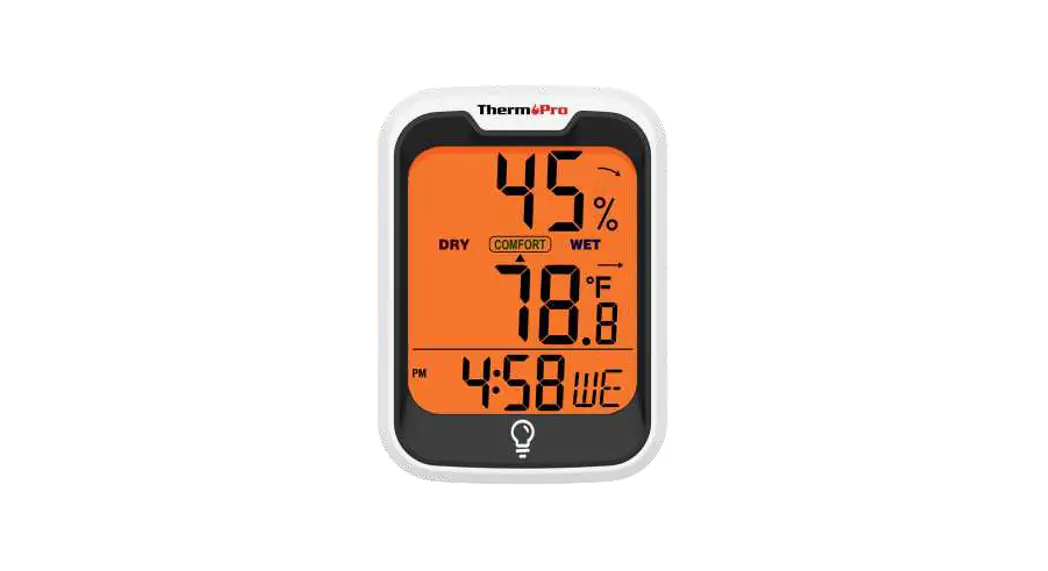

ThermoPro TP-90 Alexa-Enabled Thermometer and Hygrometer
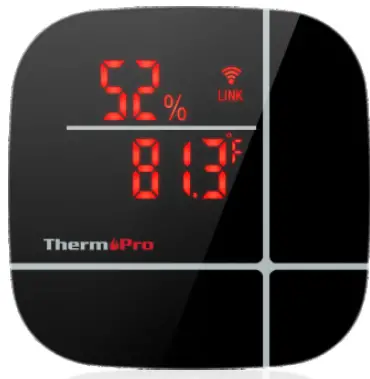
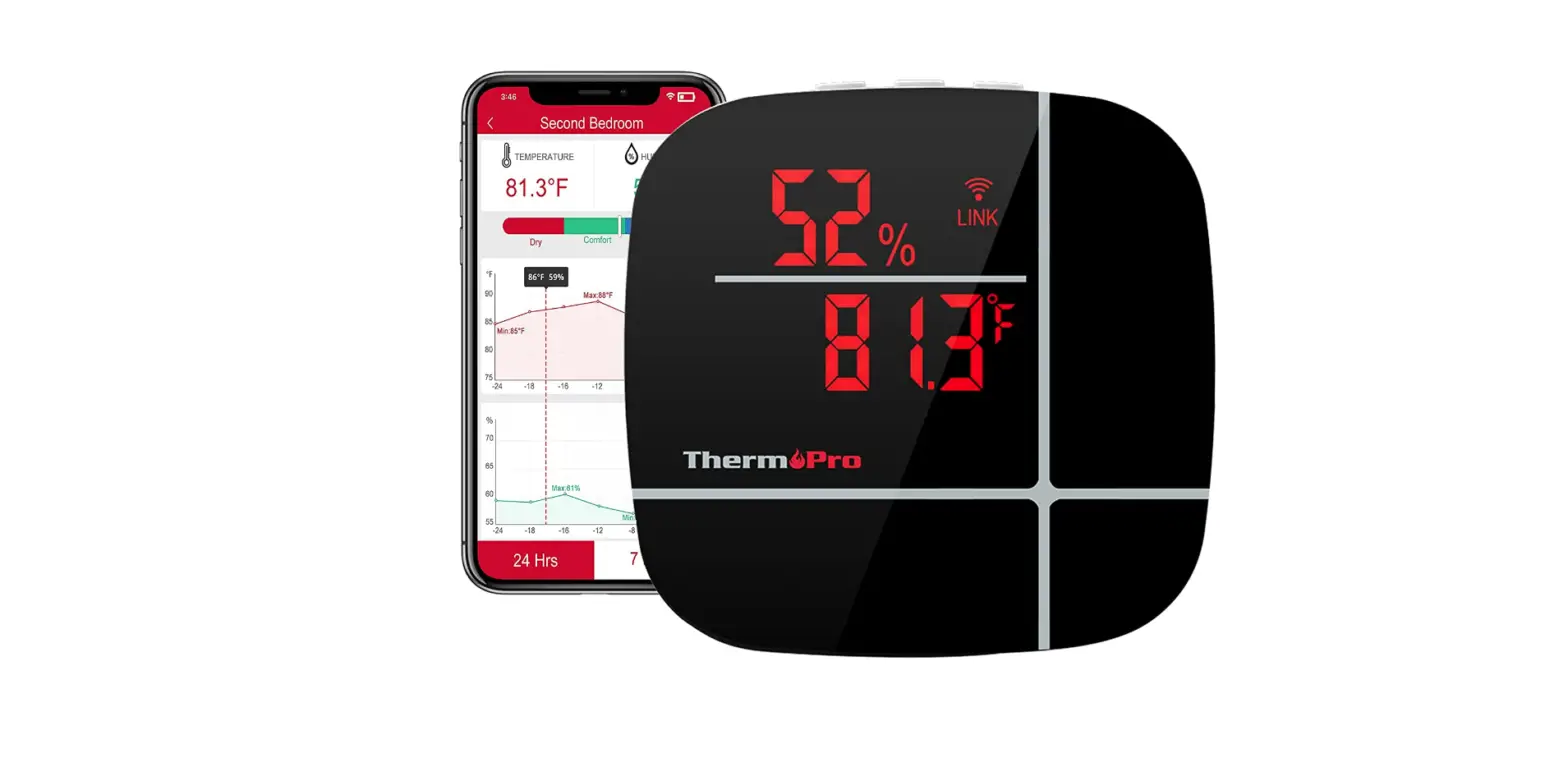
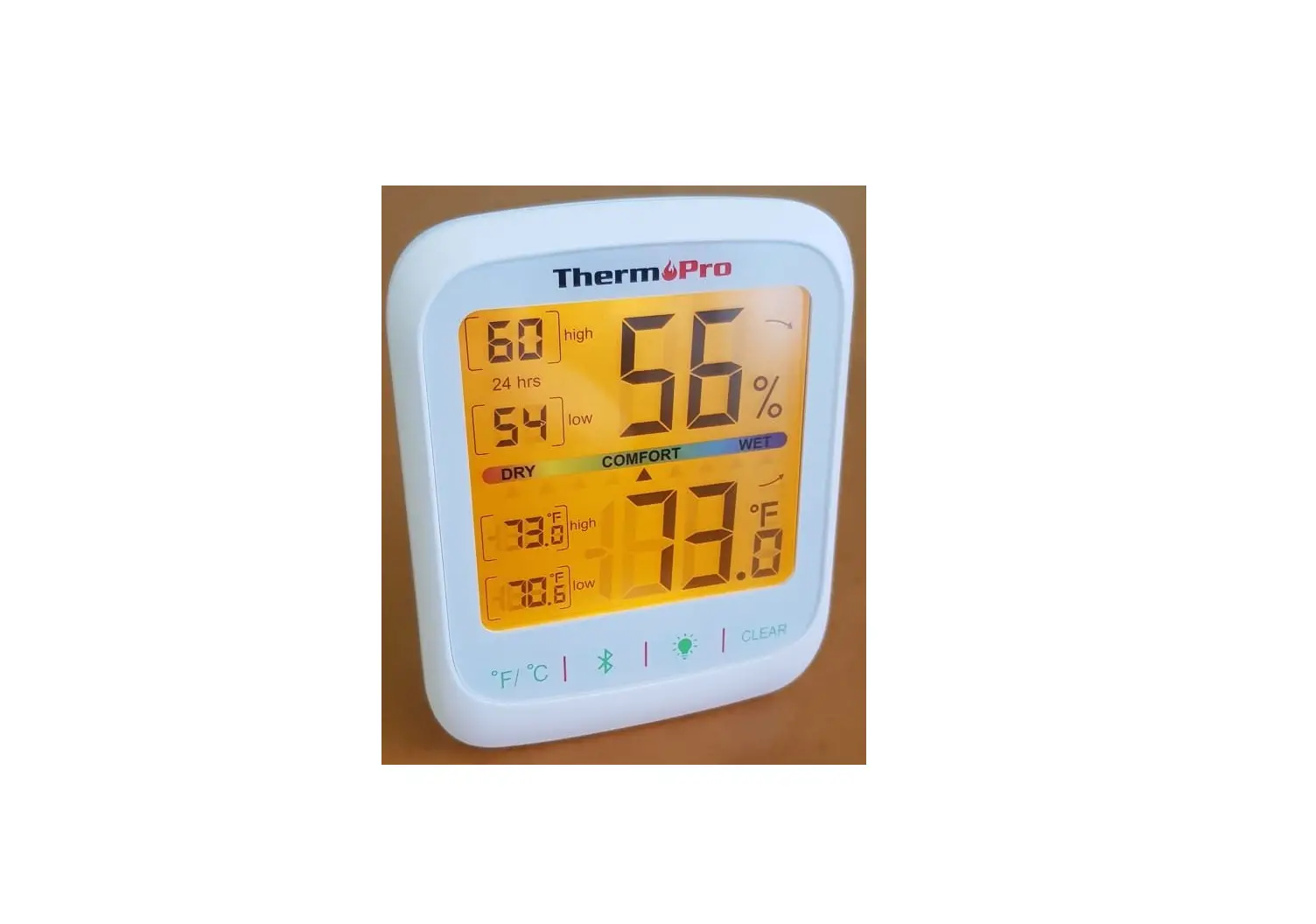
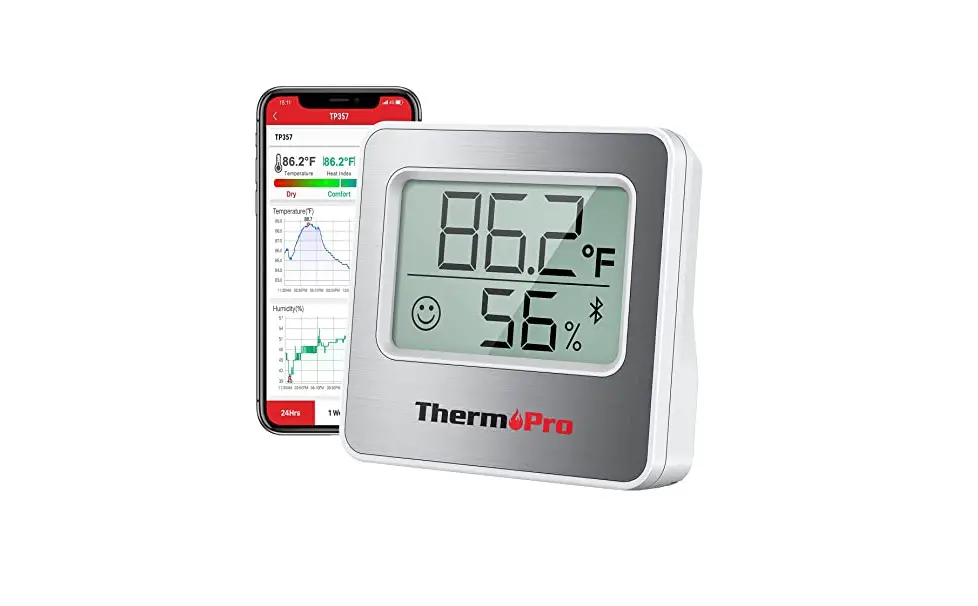
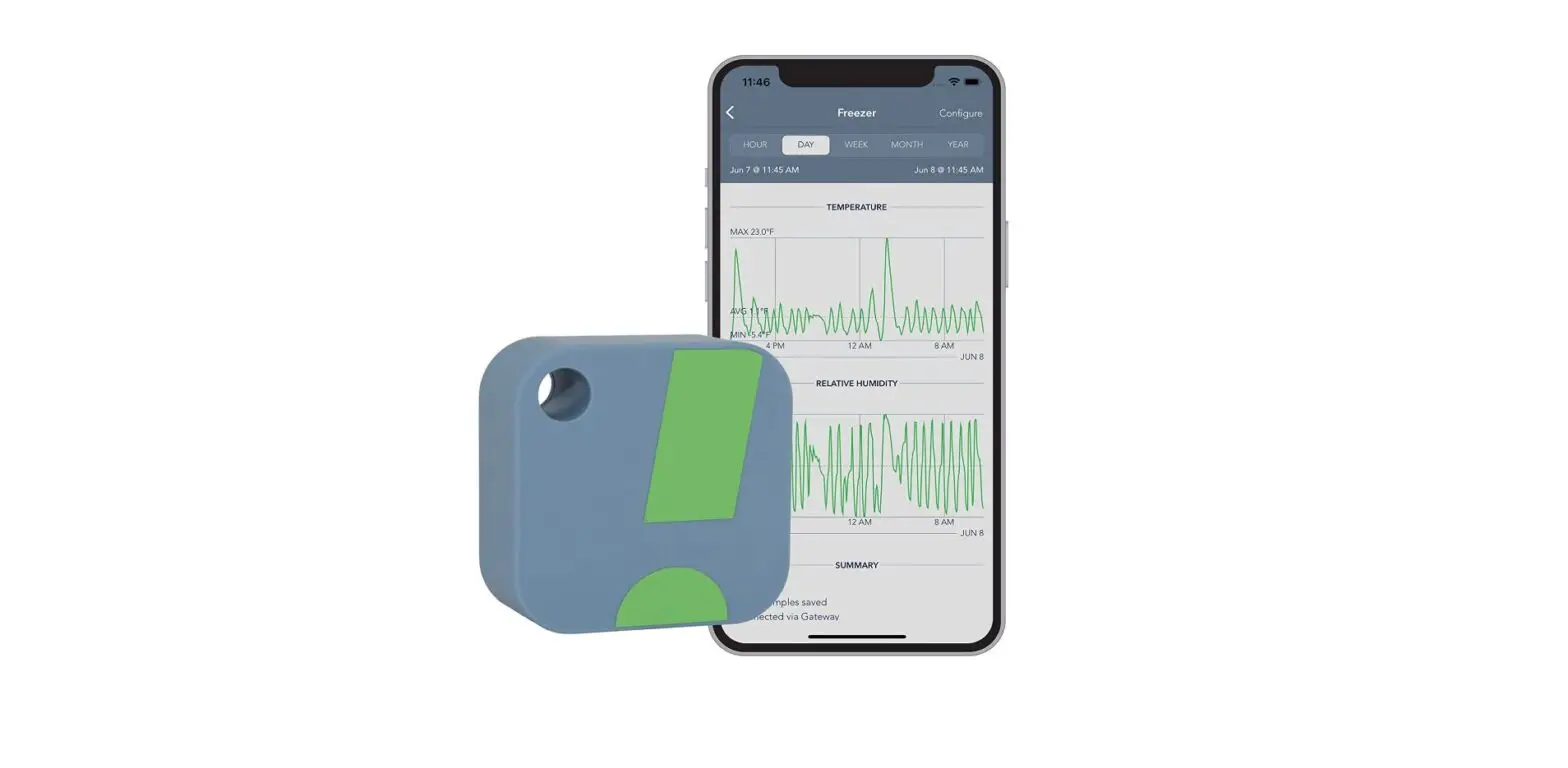
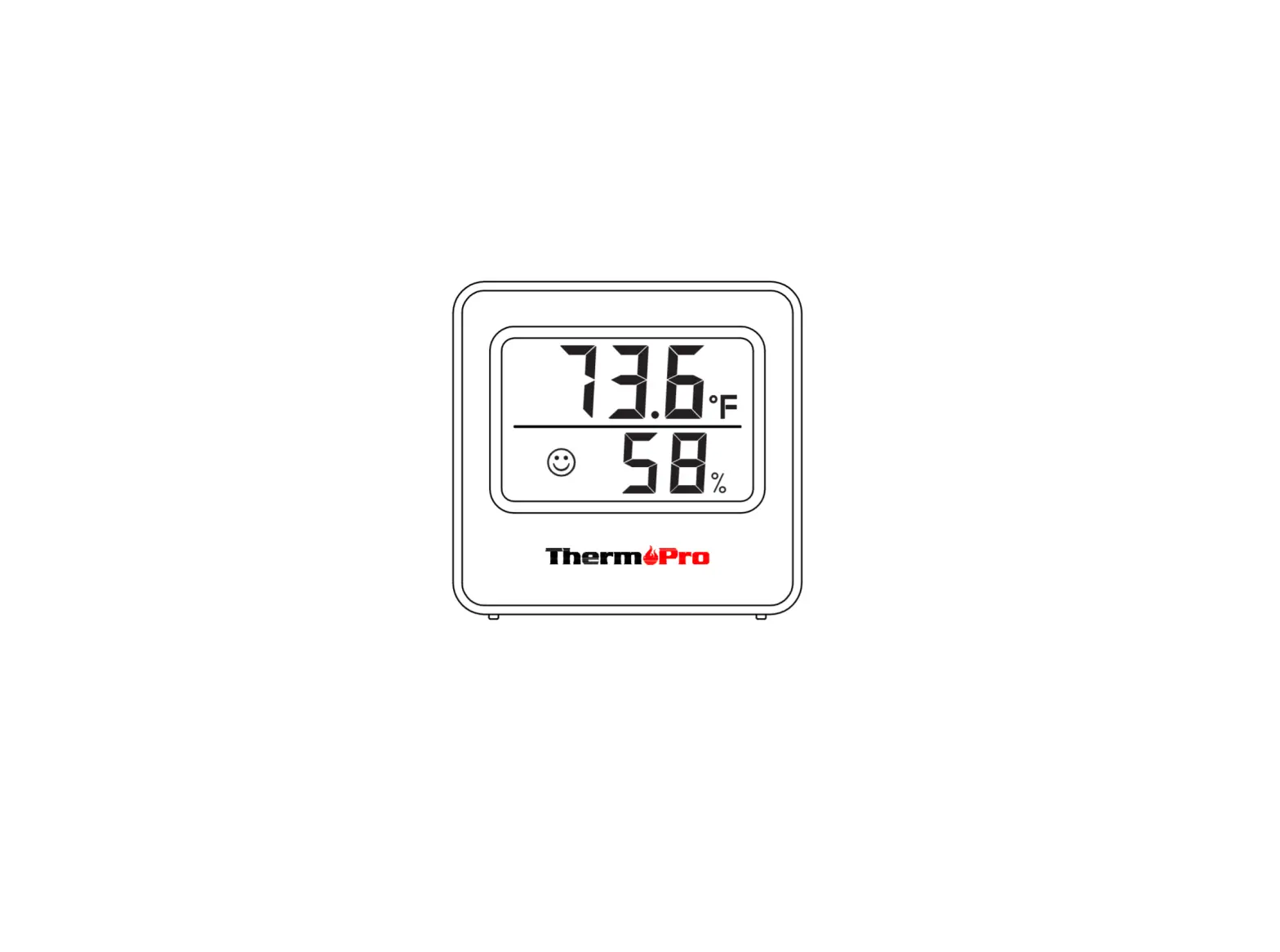
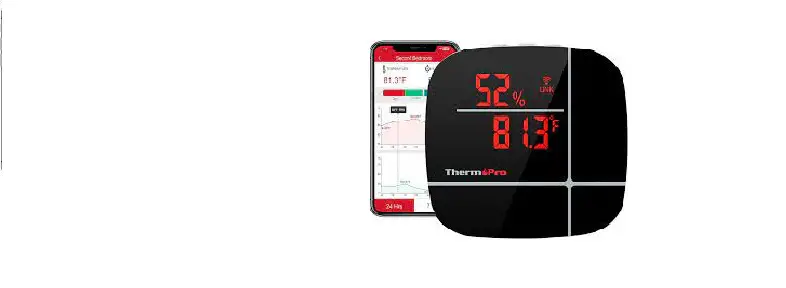
Congratulations on your purchase of a smart, wireless Alexa enabled indoor Thermometer/Hygrometer. This Alexa-enabled ThermoPro device not only quickly and accurately broadcasts the temperature and humidity of each room, it allows you to be able to conveniently look up historic temperature and humidity readings from any location via an APP installed on your cellphone. When you ask Alexa the temperature and humidity of a room, Alexa will respond you by announcing the current temperature and humidity retrieved from the device.
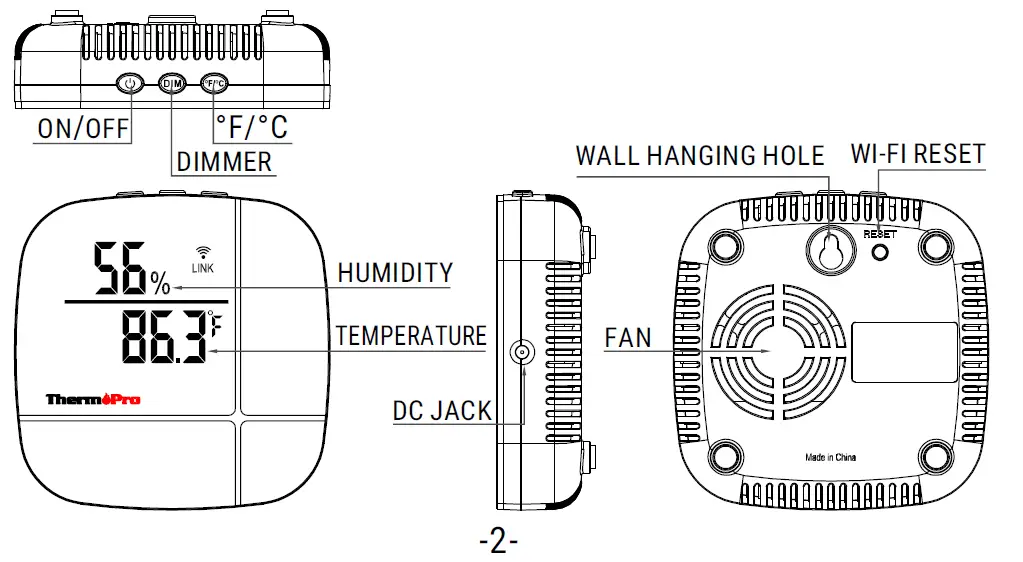
- Power: Press to turn on/off device.
- DIM: Press to adjust the brightness of the LED display.
°F/°C: Press to switch the temperature unit between Fahrenheit and Celsius. - RESET: Press and hold for 5 seconds to enter EZ or AP pairing modes.
Follow the simple steps below to set up your smart Alexa-Enabled Thermometer/Hygrometer. You need to install and setup both the ThermoPro Home APP and Amazon Alexa APP.
- Step 1: Search for “ThermoPro Home“ on the Apple Store for IOS devices or on the Google Play Store for Android devices. Download the App and install it on your smartphone.
- Step 2: Open the ThermoPro Home App, and you will be asked to register a ThermoPro account.
- Step 3: Once your account is setup, power on the ThermoPro thermometer/hygrometer device and follow the instructions in the APP to add the sensors
Please note:
- The device can be added via two pairing modes, EZ mode and AP You should try using EZ mode first to add the device. If you have trouble in adding devices using EZ mode, then switch to using AP mode to add the devices.
- Currently, these devices only support 2.4GHz Wi-Fi network. Do NOT select a 5Ghz Wi-Fi
- Step 4: You may add as many devices as you wish but ensure you name them different names. For example, you can place one device in the master bedroom and name that device, Master Bedroom. Another device in living room and name that device, Living Room.
- Step 5: Search the Google Play Store or Apple App Store for an APP called “Amazon Alexa” and install it onto your smartphone. If your smartphone already has Amazon Alexa APP installed, please skip this step.
- Step 6: Open the Amazon Alexa APP and search for the Skill called “ThermoPro” and ENABLE this Skill. After you press ENABLE, it will ask you to enter your ThermoPro Home APP account ID and password. If done successfully, “ThermoPro has been successfully linked” should appear. If you couldn’t successfully link the device, please go back to the ThermoPro Skill, press SETTINGS and then press Link Account and enter your ThermoPro Home APP account ID/password. Done! Test with the following command “Alexa, ask ThermoPro, (wait for Alexa’s response) what’s the temperature in the (device’s name)?”
The below is a list of Voice Commands you can ask Alexa:
| User Voice Command | Alexa Repsonds |
|
Help | You can ask ThermoPro to inform you about the temperature and humidity in your environment. If you have more devices placed in different locations, ThermoPro can tell you the temperature and humidity in each location. For example, you can say: Alexa, ask ThermoPro, (wait for Alexa’s response) what is the temperature and humidity? Or, Alexa, ask ThermoPro, (wait for Alexa’s response)what is the temperature? So, how can I help? |
| Exit, stop, cancel | Thank you for using ThermoPro! Goodbye. |
| Alexa, ask ThermoPro, (wait for Alexa’s response) what is the temperature and humidity in the (bedroom)? | The temperature is XXX ℃(℉) and the humidity is XXX % in the (bedroom). |
| Alexa, ask ThermoPro, (wait for Alexa’s response)what is the temperature in the (bedroom)? | The temperature is XXX ℃(℉) and the humidity is XXX % in the (bedroom). |
| Alexa, ask ThermoPro, (wait for Alexa’s response)what is the humidity in the (bedroom)? | The temperature is XXX ℃(℉) and the humidity is XXX % in the (bedroom). |
| Alexa, ask ThermoPro, (wait for Alexa’s response)how (cold, hot or warm) is it in the (bedroom)? | The temperature is XXX ℃(℉) and the humidity is XXX % in the (bedroom). |
| Alexa, ask ThermoPro, (wait for Alexa’s response)how humid is it in the (bedroom)? | The temperature is XXX ℃(℉) and the humidity is XXX % in the (bedroom). |
| Alexa, ask ThermoPro, (wait for Alexa’s response)what is the temperature and humidity in the (bedroom) and (bathroom)? | The temperature is XXX ℃(℉) and the humidity is XXX % in the (bedroom). The temperature is XXX ℃(℉) and the humidity is XXX % in the (bathroom). |
| Alexa, ask ThermoPro, (wait for Alexa’s response)what is the temperature in the (bedroom) and (bathroom)? | The temperature is XXX ℃(℉) and the humidity is XXX % in the (bedroom). The temperature is XXX ℃(℉) and the humidity is XXX % in the (bathroom). |
| Alexa, ask ThermoPro, (wait for Alexa’s response)what is the humidity in the (bedroom) and (bathroom)? | The temperature is XXX ℃(℉) and the humidity is XXX % in the (bedroom). The temperature is XXX ℃(℉) and the humidity is XXX % in the (bathroom). |
| Alexa, ask ThermoPro, (wait for Alexa’s response)how (cold, hot, or warm) is it in the (bedroom) and (bathroom)? | The temperature is XXX ℃(℉) and the humidity is XXX % in the (bedroom). The temperature is XXX ℃(℉) and the humidity is XXX % in the (bathroom). |
| Alexa, ask ThermoPro, (wait for Alexa’s response)how humid is it in the (bedroom) and (bathroom)? | The temperature is XXX ℃(℉) and the humidity is XXX % in the (bedroom). The temperature is XXX ℃(℉) and the humidity is XXX % in the (bathroom). |
| Alexa, ask ThermoPro, (wait for Alexa’s response)what is the temperature and humidity? | The temperature is XXX ℃(℉) and the humidity is XXX % in the (bedroom).Then reports temperature and humidity in all available rooms. |
| Alexa, ask ThermoPro, (wait for Alexa’s response)what is the temperature? | The temperature is XXX ℃(℉) and the humidity is XXX % in the (bedroom).Then reports temperature and humidity in all available rooms. |
| Alexa, ask ThermoPro, (wait for Alexa’s response)what is the humidity? | The temperature is XXX ℃(℉) and the humidity is XXX % in the (bedroom).Then reports temperature and humidity in all available rooms. |
| Alexa, ask ThermoPro, (wait for Alexa’s response)how (cold, hot, or warm) is it? | The temperature is XXX ℃(℉) and the humidity is XXX % in the (bedroom).Then reports temperature and humidity in all available rooms. |
| Alexa, ask ThermoPro, (wait for Alexa’s response)how humid is it? | The temperature is XXX ℃(℉) and the humidity is XXX % in the (bedroom).Then reports temperature and humidity in all available rooms. |
FCC Statement
- This device complies with Part 15 of the FCC Operation is subject to the following two conditions
- This device may not cause harmful interference,
- This device must accept any interference received, including interference that may cause undesired operation.
- Changes or modifications not expressly approved by the party responsible for compliance could void the user’s authority to operate the equipment
Declaration of Conformity
Hereby, the manufacturer declares that this product complies with the basic requirements and applicable regulations of the Radio Equipment Directive 2014/53/EU, the EMC Directive 2014/30/EU. The complete declaration of conformity can be found at:
https://itronicsmall.com/eu-declaration-of-conformity
Disposal
Meaning of the “Dustbin” Symbol
- Protect our environment: do not dispose of electrical equipment in the domestic waste.
- Please return any electrical equipment that you will no longer use to the collection points provided for their disposal.
- This helps avoid the potential effects of incorrect disposal on the environment and human health.
- This will contribute to the recycling and other forms of reutilisation of electrical and electronic equipment.
- Information concerning where the equipment can be disposed of can be obtained from your local authority.
CAUTION: Batteries/rechargeable batteries must not be disposed of with household waste!
Limited one-year warranty
ThermoPro warrants this product to be free of defects in parts, materials and workmanship for a period of one year, from date of purchase. Should any repairs or servicing under this warranty be required, contact Customer Service by phone or email for instructions on how to pack and ship the product to ThermoPro.
This warranty gives you specific legal rights and you may also have other rights which vary from state to state