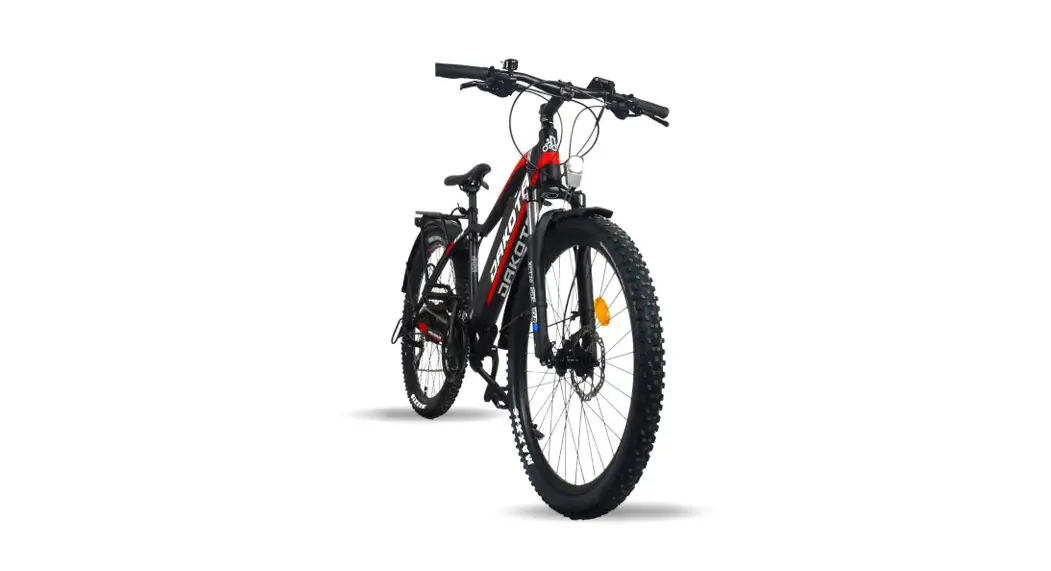
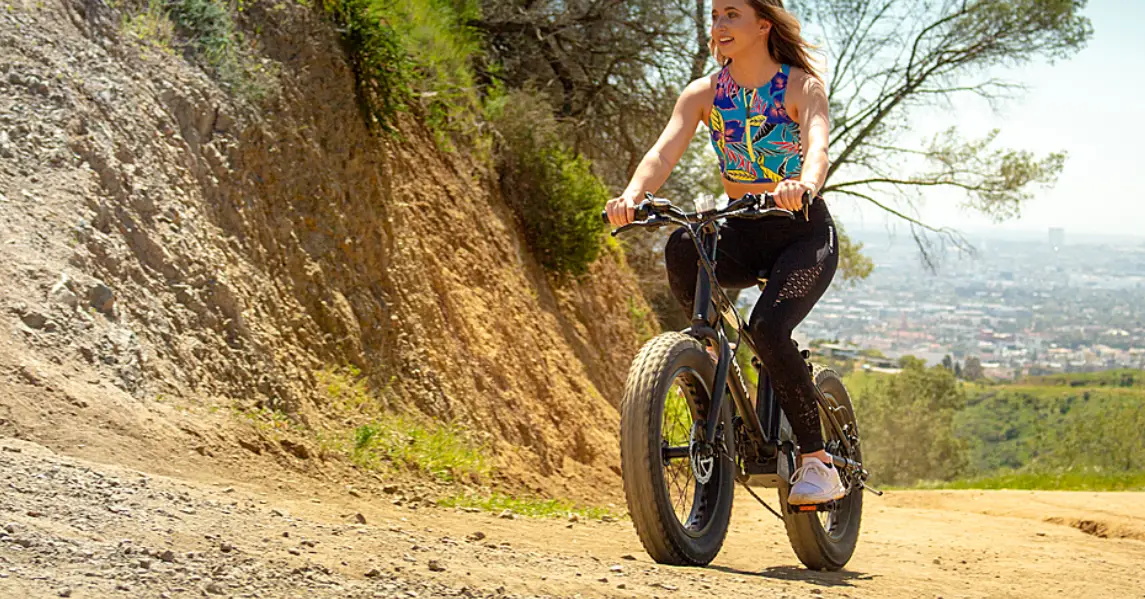
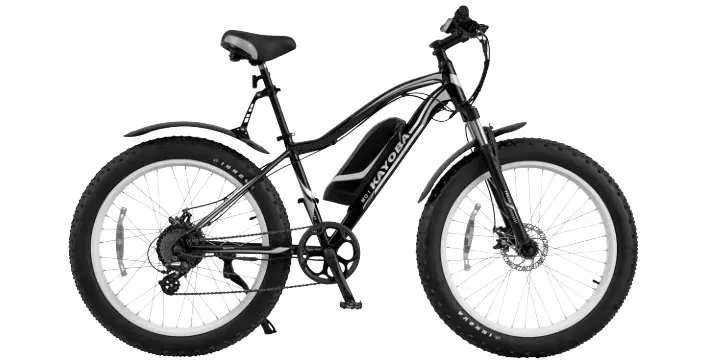
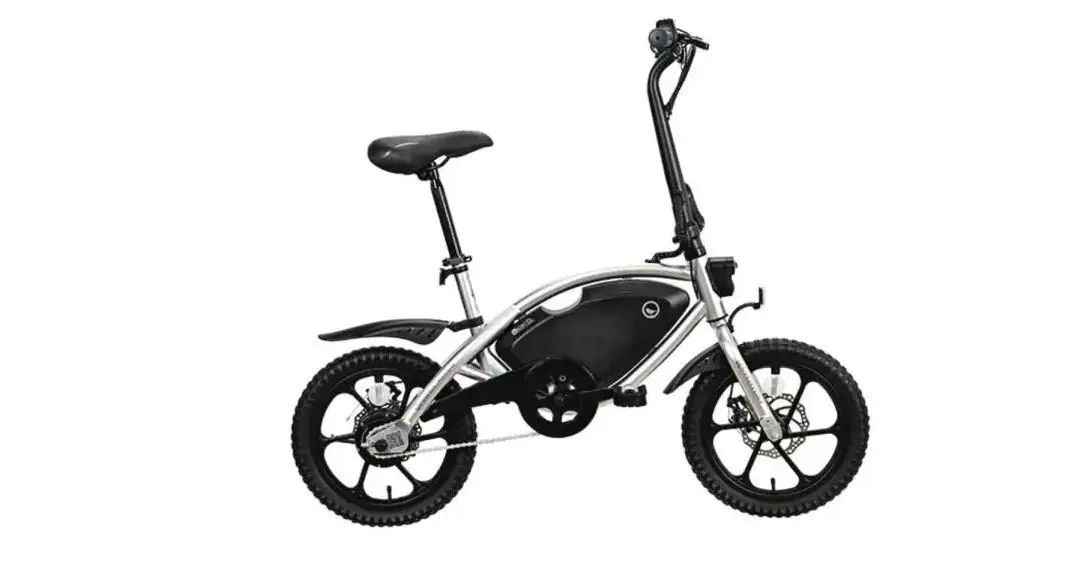
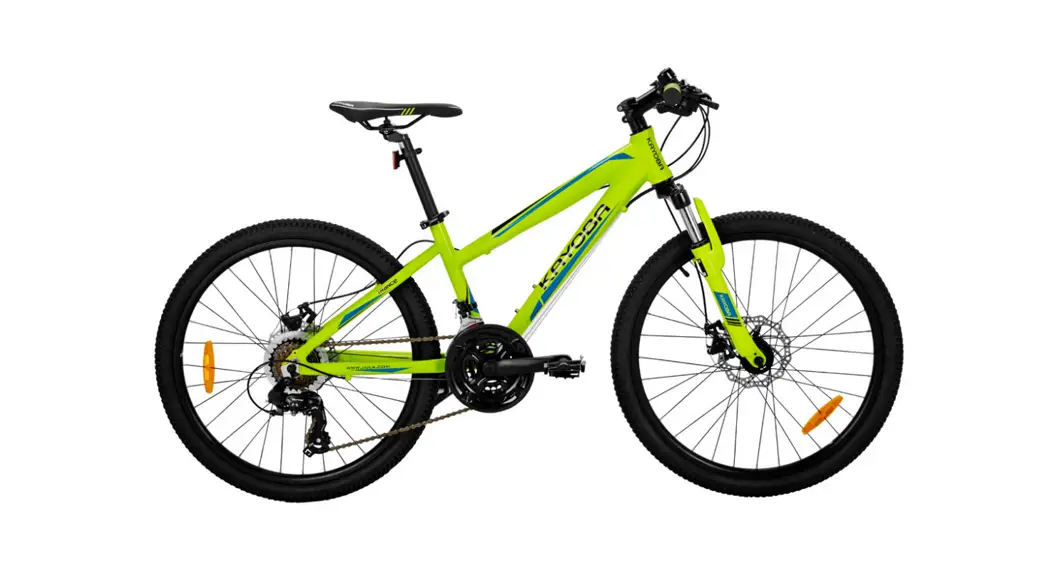
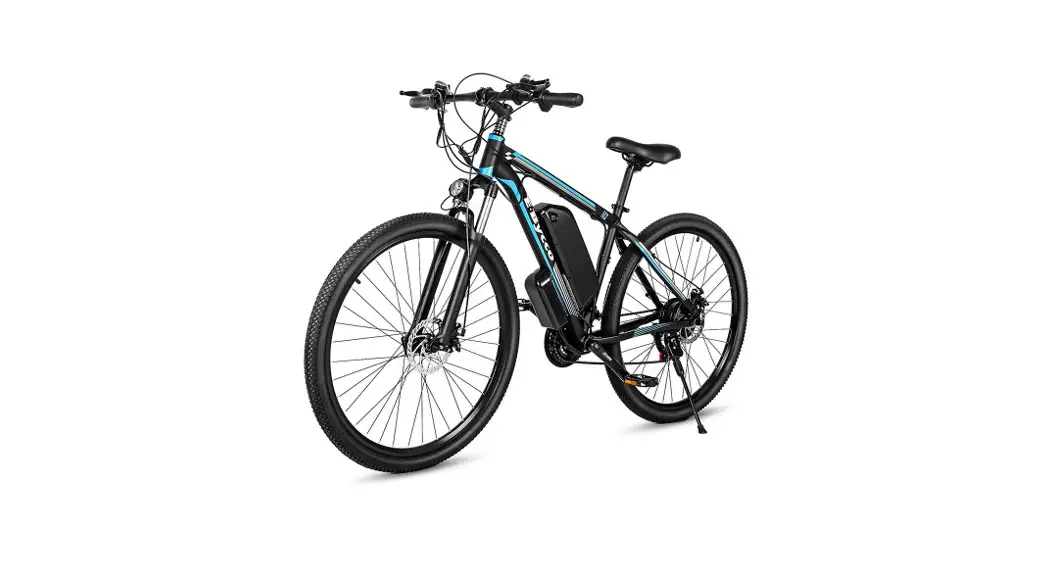
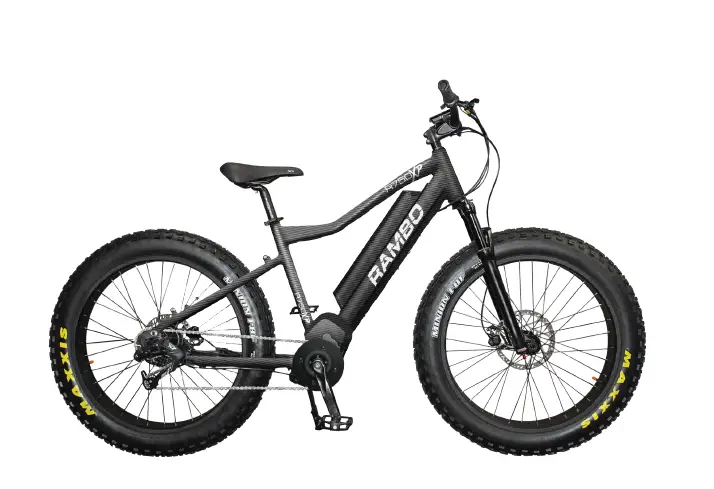
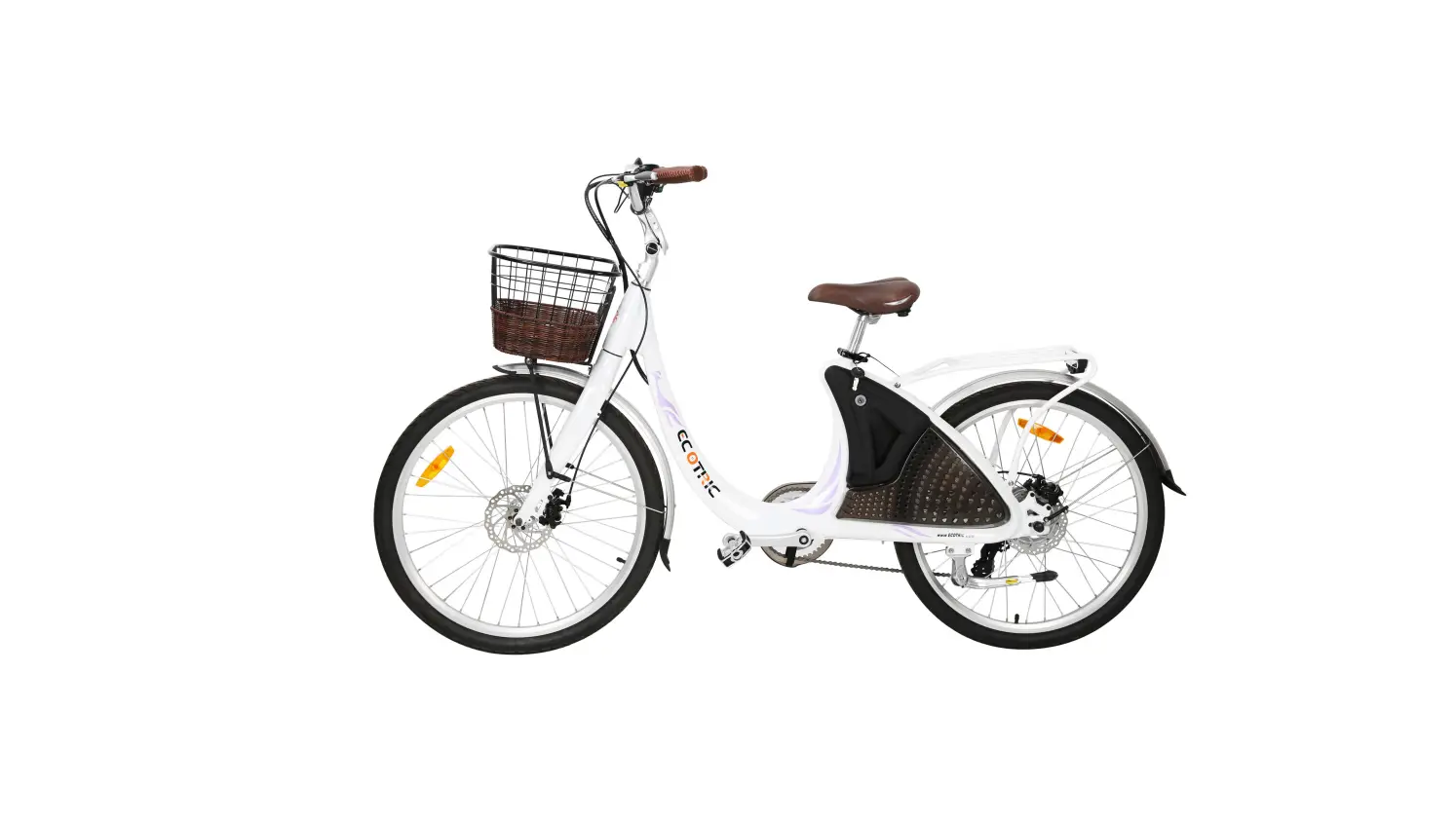
Mule Elite Electric Hunting Bike
Product Information:
The product is called the Bakcou Mule, also known as the Mule
Jager Bike. It is a bicycle designed for off-road riding and comes
with various features and components.
The package includes the following components:
- Pedals
- Headlight
- Battery charger
- Hardware
Tools required for assembly:
- Medium grade Loctite (recommended for bolts)
- Cutting Pliers (to cut box poly strapping and heavy bike
banding) - Scissors (to remove bubble wrap)
- Allen wrenches (4mm, 5mm, 6mm included in box)
- Wrenches (10mm, 15mm included in box)
Approximate Assembly Time: 20 – 30 minutes
Product Usage Instructions:
- Unboxing:
- Cut banding straps from exterior of the box and open it.
- Remove the Tool Kit box containing pedals, headlight, battery
charger, and hardware from the box. - Remove the bike from the box. If necessary, lay the box on its
side and slide out the bike or use two people to lift it out. - Cut banding straps to release the front tire from the frame of
the bike. Pay attention to brake, derailleur, and all other cables
on the bike while cutting the straps. - Cut banding straps to remove front and rear fenders from the
front tire. The rear fender may already be assembled on the
bike. - Cut banding straps to release handlebars from the frame of the
bike. Avoid letting handlebars hang for extended periods to prevent
stress on cables. Check cable connections to ensure they have not
pulled apart during this step or in shipping. - Remove remaining bubble wrap, foam, and shipping materials
needed to protect the bike during assembly. Make sure to remove
plastic (if present) from both sides of the motor to allow for
ventilation while operating.
- Handlebar Assembly:
- Using a 4mm Allen wrench, remove 4 screws from the bicycle
stem. - Display screen can easily be rotated by hand, moving forward or
backward, to accommodate the rider’s desired position.
- Using a 4mm Allen wrench, remove 4 screws from the bicycle
- Front Fender & Headlight Assembly:
- Attach the front fender and headlight to the front fork bracket
using a long bolt from the hardware package, a 5mm Allen wrench,
and a 10mm wrench. Attach the light cable to the loose cable in the
cable harness. Place the light bracket and fender bracket on the
backside of the fork bracket.
- Attach the front fender and headlight to the front fork bracket
- Putting on Front Tire:
- If present, remove the plastic spacer from the bottom of the
front fork. - Unthread the thru axle from the front fork (axle of the front
wheel). - If present, remove the plastic insert from between the front
brake pads. Do not squeeze brake levers after removing this plastic
insert before installing the front tire. - Position the front wheel in the front fork and place the front
brake rotor between the brake pads. Tighten and reinstall the thru
axle.
- If present, remove the plastic spacer from the bottom of the
- Putting on Pedals:
- Remove pedals from the Tool Kit box.
- Differentiate the right pedal from the left pedal by locating
the “R” and “L” markings on the pedals. - Attach the right pedal to the right-side crankarm by turning it
clockwise. Attach the left pedal to the left-side crankarm by
turning it counterclockwise. Use a 15mm wrench to securely tighten
the pedals.
- Pump up Tires:
- Using a schrader valve bike pump, inflate the tires to around
20 psi.
- Using a schrader valve bike pump, inflate the tires to around
- Install Battery:
- The key is not needed to install the battery. Simply place the
bottom of the battery into the lower slot and firmly push the top
of the battery into the upper slot. Make sure the battery is locked
firmly into place prior to riding, as a loose battery may cause
inadvertent loss of power or fall out of the chamber and become
damaged. After reinserting, check the battery attachment by pulling
out and up on the handle to ensure it is securely fastened.
- The key is not needed to install the battery. Simply place the
Mule / Mule Jager Bike Assembly
Terminology:
· Front Fork · Quick Release · Thru Axle · Handle Bars · Stem · Front Fender · Rear Fender · Pedal CR-L · Pedal CR-R
1.
For further assistance, go online for helpful instructional videos at bakcou.com
Bakcou Mule Assembly
Make certain to pay attention to all bold italicized text
REQUIRED TOOLS: We recommend using medium grade Loctite on any bolts that seem to loosen while riding Cutting Pliers (to cut box poly strapping and heavy bike banding) Scissors (to remove bubble wrap) Allen wrenches (4mm, 5mm, 6mm included in box) Wrenches (10mm, 15mm included in box) Approximate Assembly Time: 20 – 30 minutes
UNBOXING
1. Cut banding straps from exterior of box and open box.
2. Remove “Tool Kit” box containing pedals, headlight, battery charger, and hardware from box.
3. Remove bike from box. (If necessary, lay box on side and slide out, or use two people to lift out)
4. Cut banding straps to release the front tire from the frame of the bike. (Use caution in cutting banding straps, paying particular attention to brake, derailleur, and all other cables on bike)
5. Cut banding straps to remove front and rear fenders from the front tire. (Rear fender may already be assembled on bike)
6. Cut banding straps to release handle bars from the frame of the bike. (Avoid letting handlebars hang for extended periods and thus putting stress on cables. Make certain cable connections have not pulled apart during this step, or in shipping)
7. Remove remaining bubble wrap, foam, and shipping materials needed to protect the bike during assembly. Note: Make certain to remove plastic (if present) from both sides of the motor to allow for ventilation while operating.
BAKCOU.COM
HANDLEBAR ASSEMBLY
8. Using 4mm Allen wrench, remove 4 screws from bicycle stem
9. After removing the front plate of bicycle stem, insert center of handle bars into bicycle stem, then reattach the front plate and 4 screws to secure handlebars. (Make certain handlebars are positioned with the throttle to the left and the rapid-fire index shifting levers on the right. Slightly insert each of the 4 screws prior to tightening. Also prior to tightening, rotate handlebars forward or backwards to customize position of handlebars to rider). Note: Most often, brake levers should be angled approximately 45 degrees downward for optimal positioning.
10. Display screen can easily be rotated by hand, moving forward or backwards, to accommodate rider’s desired position.
3.
For further assistance, go online for helpful instructional videos at bakcou.com
FRONT FENDER & HEADLIGHT ASSEMBLY 11. Attach front fender and headlight to front fork bracket using
a long bolt from hardware package, 5mm Allen wrench, and 10mm wrench. Attach the light cable to the loose cable in the cable harness. (Note: Place light bracket and fender bracket on the backside of the fork bracket)
BAKCOU.COM
PUTTING ON FRONT TIRE
12. If present, remove plastic spacer from bottom of front fork.
13. Unthread thru axle from front fork (axle of front wheel).
14. If present, remove the plastic insert from between front brake pads. Do not squeeze brake levers after removing this plastic insert before installing the front tire.
15. Position front wheel in the front fork and the front brake rotor between the brake pads and tighten. Reinstall thru axle
5.
For further assistance, go online for helpful instructional videos at bakcou.com
PUTTING ON PEDALS 16. Remove pedals from “Tool Kit” box. 17. Differentiate the right pedal from the left pedal by locating the
small “CR-L” (for the left) and “CR-R” (for the right) inscribed on the bolt of the pedal. (See Picture) 18. Attach right pedal by screwing into right crank in a clockwise pattern using 15mm wrench. (Note: It is recommended that you use a medium grade Loctite to ensure bolt does not loosen) 19. Attach left pedal by screwing into left crank in counterclockwise pattern using 15mm wrench. (Note: It is recommended that you use a medium grade Loctite to ensure bolt does not loosen) 20. Make certain crank bolts are tightened using 10mm Allen wrench
BAKCOU.COM
7.
PUMP UP TIRES 21. Using a schrader valve bike pump, inflate the tires to
around 20 psi. INSTALL BATTERY 23. Key is not needed to install battery; Simply place the bottom
of the battery into lower slot and firmly push top of battery into upper slot. Make sure battery is locked firmly into place prior to riding, as a loose battery may cause inadvertent loss of power, or the battery may fall out of chamber and become damaged. After reinserting, check the battery attachment by pulling out and up on the handle to ensure it is securely fastened.
For further assistance, go online for helpful instructional videos at bakcou.com
READ BEFORE USE
24. Make sure to check all nuts and bolts to ensure they have not loosened during shipping.
25. Battery typically has a partial charge straight from the box. Riding the bike straight out of the box will not impact battery life or compromise the battery in any way.
26. Battery can be charged while on the bike or it can be removed and charged off of the bike.
27. Keys are only used to remove battery from bike. Simply insert key into lock and turn, while pulling out and up on battery handle to remove battery.
28. To re-insert battery, key is not needed: simply place bottom of battery into lower slot and firmly push top of battery into upper slot. (Note: make sure battery is locked firmly into place prior to riding as a loose battery may cause inadvertent loss of power, or battery may fall out of chamber and become damaged. After reinserting, check battery attachment by pulling out and up on handle to ensure it is securely fastened)
29. Assembly is now complete, however, minor adjustments are often necessary to precisely fit ebike to rider. These
adjustments can include rotating locking handle grips, moving/rotating brake levers, throttle, and shifters. These adjustments are easily performed. However, feel free to contact us via email or phone with any questions.
30. Note: A Suspension Adjustment video and Display Use video can each be viewed under “Support” on the Bakcou website. Note: Located at the bottom of some right front forks is a blue knob called a shock dampener. This knob is used to control the rebound speed of the fork. Knob can be twisted clockwise to close or counter-clockwise to open, thus allowing more or less air flow to increase/decrease rebound speed. Make certain to tighten the screw inside the dampener knob and we recommend using Loctite on the threads to keep screw in place. After tightening screw tighten (clockwise) the dampener knob and then back off 1 ½ turns. After getting used to your Mule’s suspension, adjust accordingly.
31. It may be necessary to adjust your derailleur prior to first use. Refer to our Troubleshooting Shifting Problems video on the Bakcou website for support adjusting your derailleur, or visit your local bike shop for assistance.
32. Two “green” rolls of puncture proof tire liners may be located in the bike box or in the tool kit box. The liner goes in between the tube and the tire. If the liners are not in the box or tool kit box then they were installed at the factory. Some riders prefer to use these liners as well as a tube sealant such as Flat Out for added protection from punctures. The liner will add some weight to the tire and does affect the flexibility of the rubber thus slightly changing how the tire rolls across some terrain. We strongly encourage using the puncture proof liner when riding in areas with heavy “goat heads” or other tube puncturing thorns. (Bakcou YouTube instructional video available online)
33. Regular and routine maintenance of your ebike is not only recommended, but highly essential to ensure proper function, safety, and longevity of your ebike. See owners manual for further instruction.
34. Always wear a helmet and other protective gear while riding.
35. Always know and observe traffic and trail laws and regulations.
BAKCOU.COM
TO POWER YOUR BIKE FOLLOW THE STEPS BELOW:
1. Power On Battery Press battery button.
2. Power On/Off Display Hold power button on control pad for 3 seconds.
3. Power Off Battery Hold battery button for 3 seconds.
ITEMS INCLUDED WITH YOUR BIKE
· Pedals · Charger · Headlight · Allen wrenches – 4mm, 5mm, 6mm · Wrenches – 10mm, 15mm · Hardware
9.
For further assistance, go online for helpful instructional videos at bakcou.com
BAKCOU.COM
 Bakcou