
Riley Hopkins Laser Guiding System
Product Information
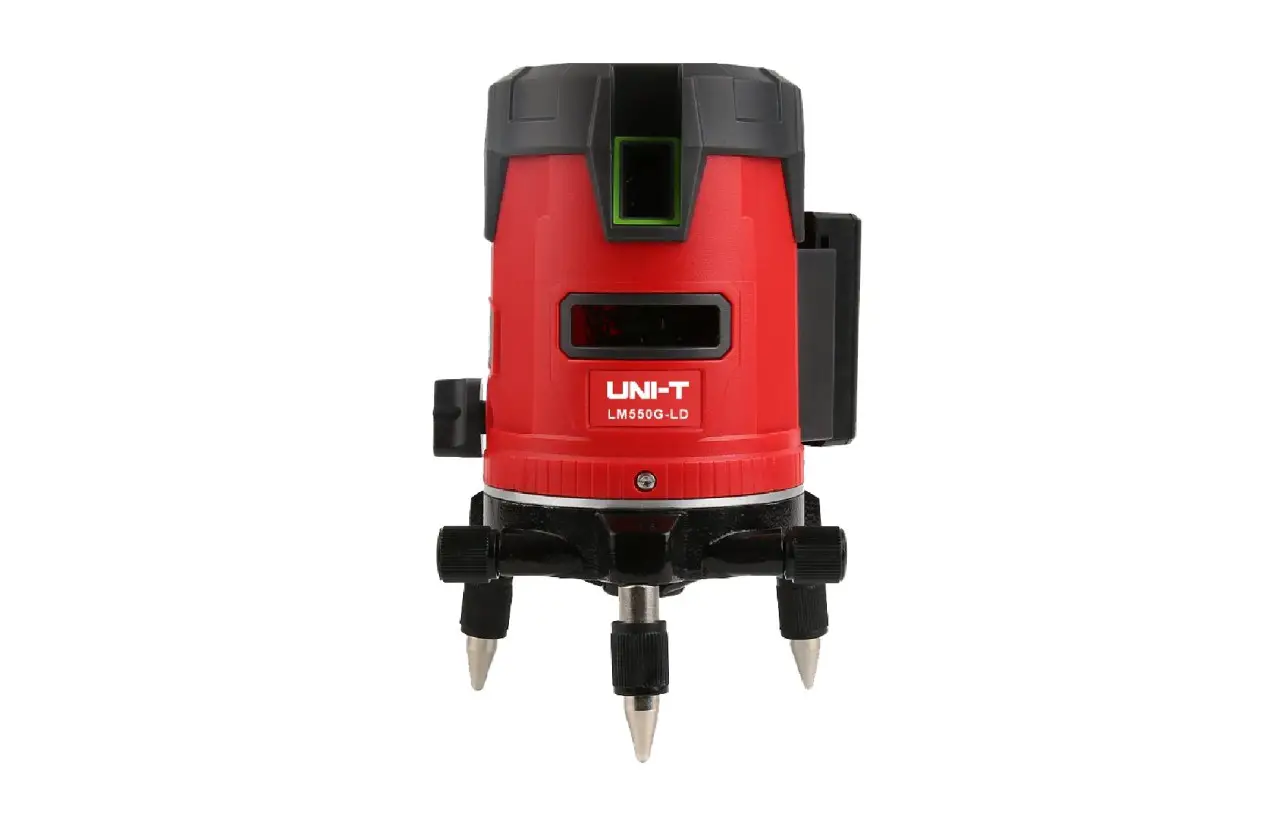
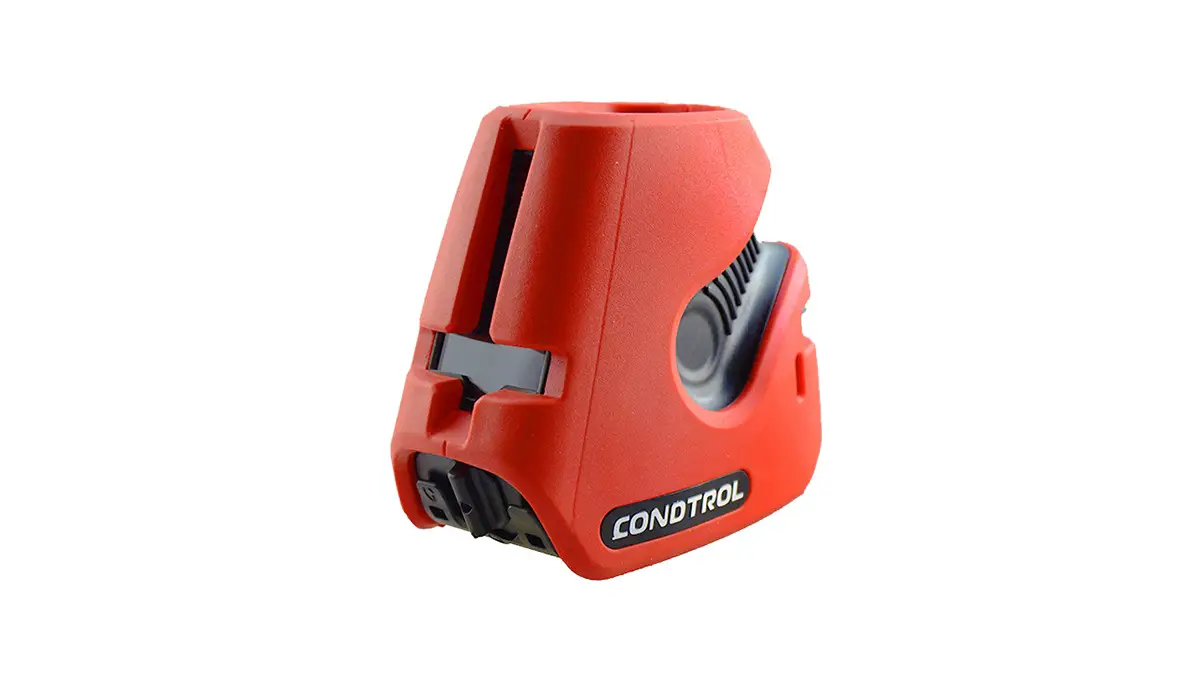
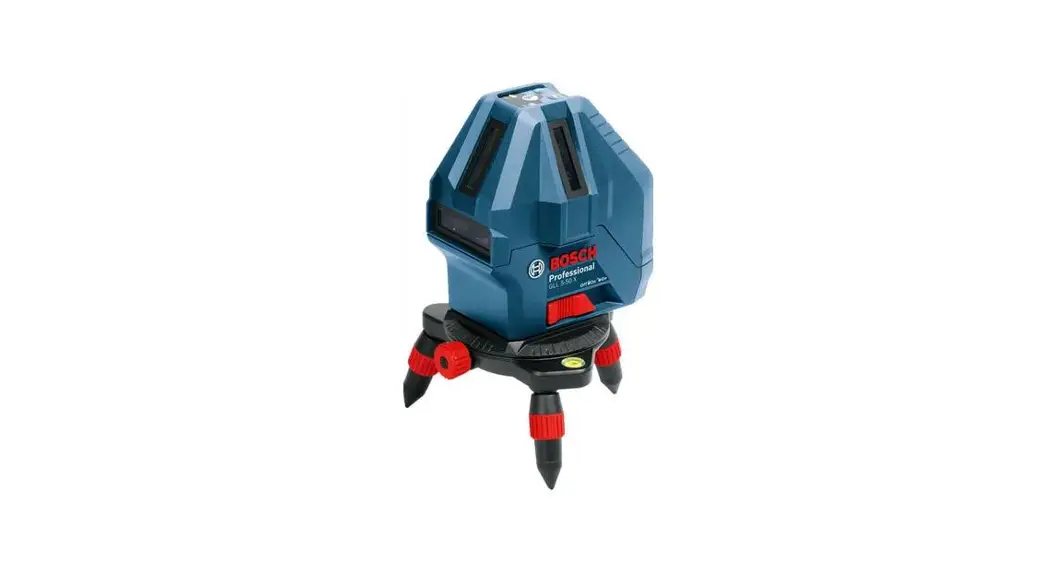
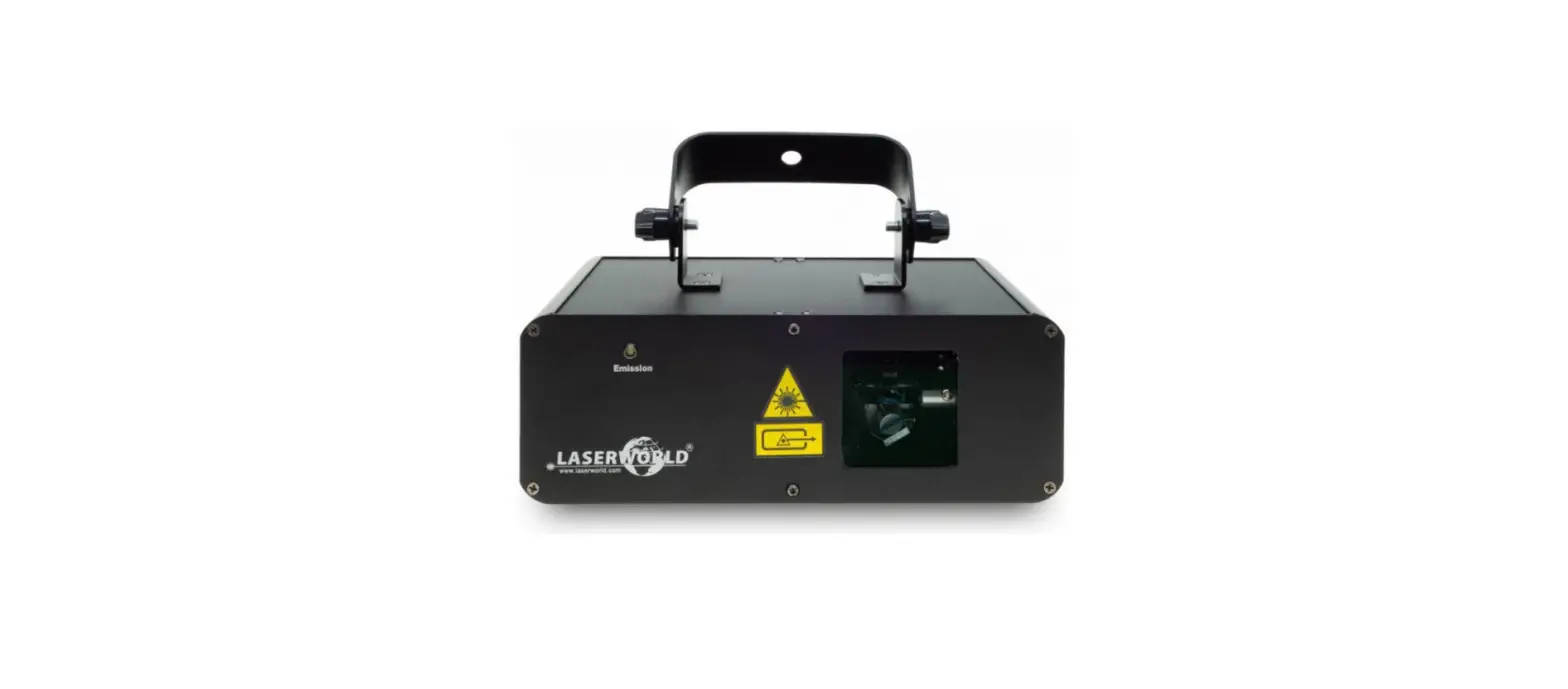
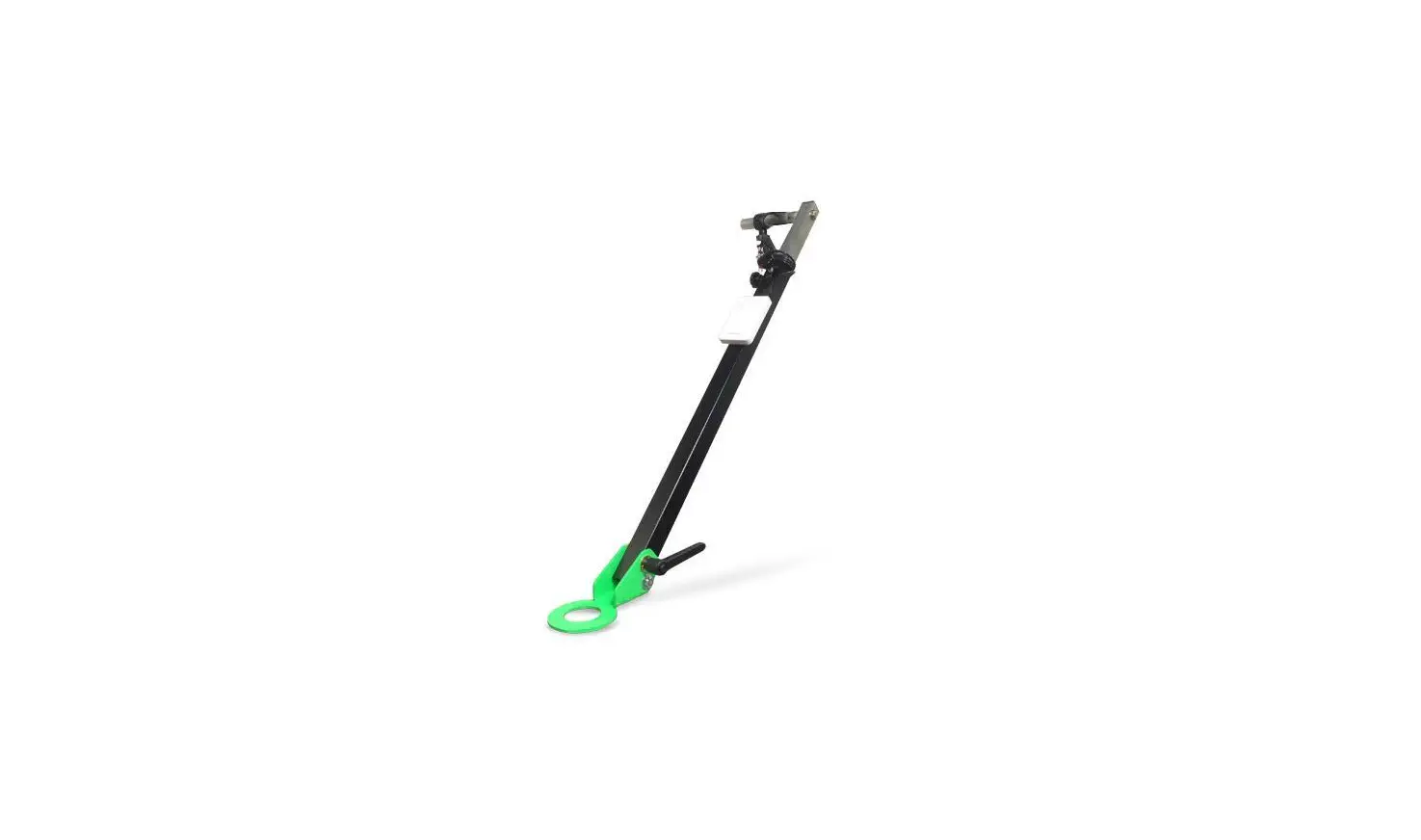
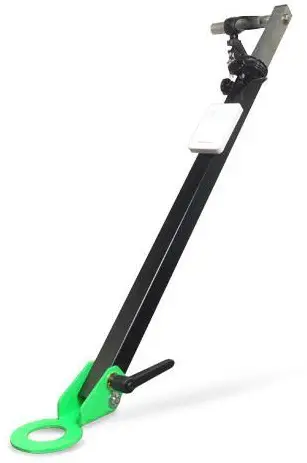
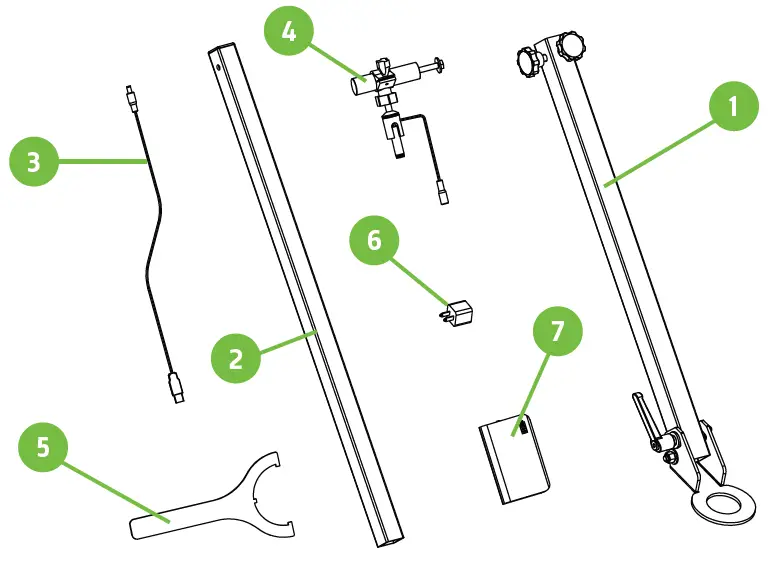
The Laser Alignment Attachment is a tool used for accurately aligning components such as pipes, beams, and other structures. It comes with a USB to DC power cord, a laser attachment, a lower pivoting tube assembly, an upper telescoping tube, a nut spanner wrench, a USB charging plug, and a power supply with a charging cable.
What’s in the box?
| ITEM | DESCRIPTION | Qty. |
|---|---|---|
| 1 | LOWER PIVOTING TUBE ASSEMBLY | 1 PER UNIT |
| 2 | UPPER TELESCOPING TUBE | 1 PER UNIT |
| 3 | USB TO DC POWER CORD | 1 PER UNIT |
| 4 | LASER ATTACHMENT | 1 PER UNIT |
| 5 | N10 NUT SPANNER WRENCH | 1 PER UNIT |
| 6 | USB CHARGING PLUG | 1 PER UNIT |
| 7 | POWER SUPPLY WITH CHARGING CABLE | 1 PER UNIT |
Product Usage Instructions
- Step 1:
Use the supplied spanner wrench to remove the top N10 nut. Remove the top washer once the N10 nut is removed. - Step 2:
Install the Lower pivoting assembly in place of the top washer removed from the previous step. Install the N10 nut by hand to start to ensure that threads do not get damaged. Finally, tighten the N10 nut with the supplied spanner wrench. - Step 3:
Install the Laser attachment with the supplied hardware to the upper telescoping tube. One 1/2 wrench is required for this step. - Step 4:
Loosen the lock-down knobs and insert the upper telescoping tube into the lower pivoting tube assembly. Once the tube is installed, hold in place with the lock-down knobs. - Step 5:
Install the power supply to the lower pivoting tube assembly with the supplied Velcro strip. This will allow you to remove the power supply to charge the unit. - Step 6:
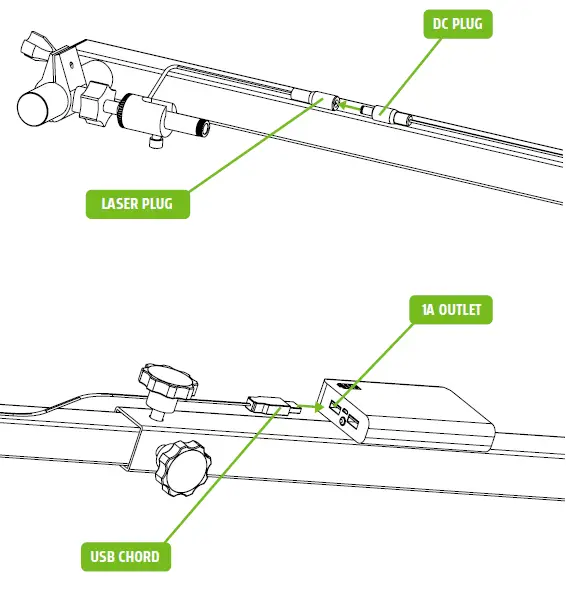
Insert the DC plug side of the power cord to the Laser plug. Next, insert the USB side of the power cord into the power supplies 1 A outlet. - Step 7:
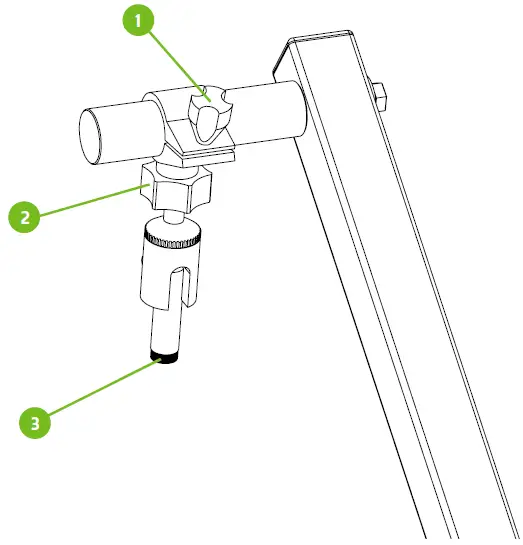
To adjust the clamp on the 1 post, loosen knob, move into desired location and re-tighten. To adjust the swivel of the laser holder, loosen knob, pivot into desired location and re-tighten. To adjust the focus of the laser cross hair, use the end of the laser to get a crisp line. - Step 8:
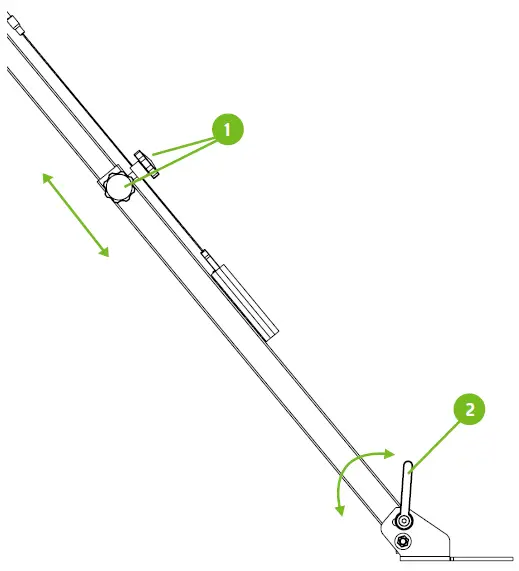
The upper tube is telescopic. To adjust the overall length of the assembly, loosen the knobs, adjust to the desired location and retighten. The lower tube assembly pivots up and down by loosening knob. Once it is at the desired angle, lock down the lever tightly.
Tools Required:
- One 1/2” wrench
What’s in the box
| Tag | ITEM | Qty. |
| 1 | LOWER PIVOTING TUBE ASSEMBLY | 1 PER UNIT |
| 2 | UPPER TELESCOPING TUBE | 1 PER UNIT |
| 3 | USB TO DC POWER CORD | 1 PER UNIT |
| 4 | LASER ATTACHMENT | 1 PER UNIT |
| 5 | N10 NUT SPANNER WRENCH | 1 PER UNIT |
| 6 | USB CHARGING PLUG | 1 PER UNIT |
| 7 | POWER SUPPLY WITH CHARGING CABLE | 1 PER UNIT |
Installation
Step 1
Use the supplied spanner wrench (1) to remove the top N10 nut (2). Remove the top washer (3) once the N10 nut is removed.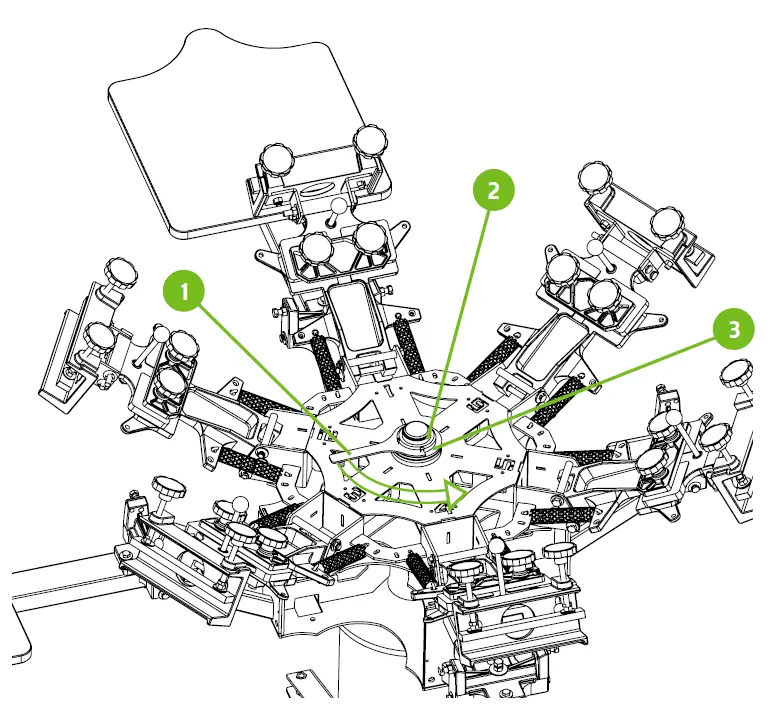
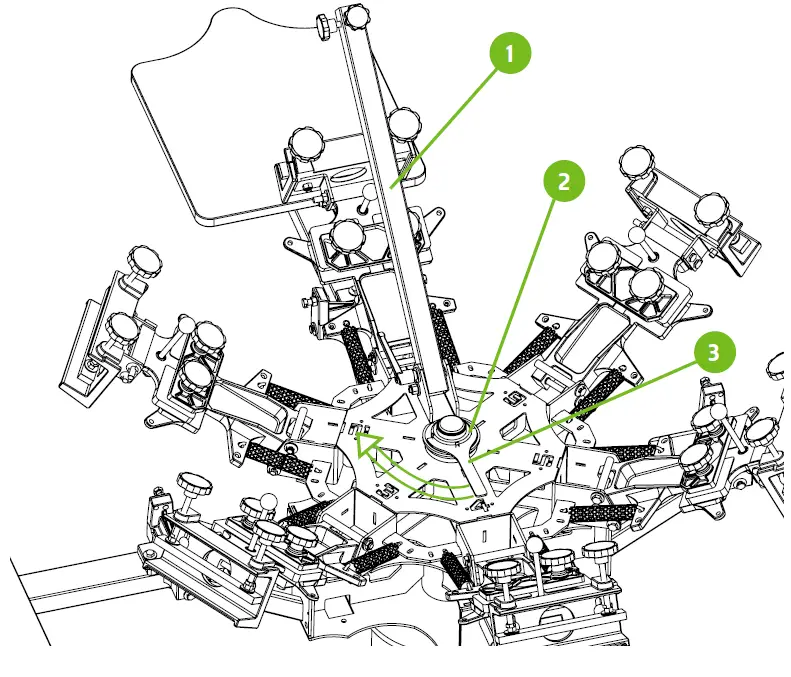
Step 2
Install the Lower pivoting assembly (1) in place of the top washer removed from the previous step. Install the N10 nut (2) by hand to start to ensure that threads do not get damaged. Finally tighten the N10 nut with the supplied spanner wrench (3).
Step 3
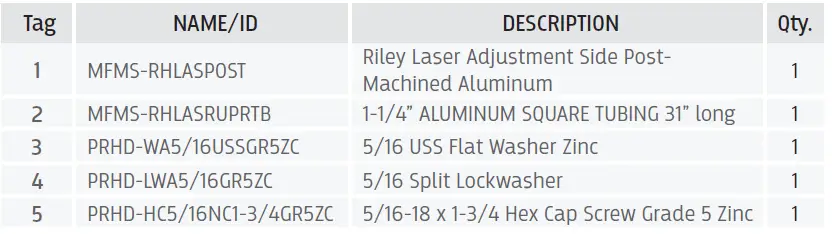
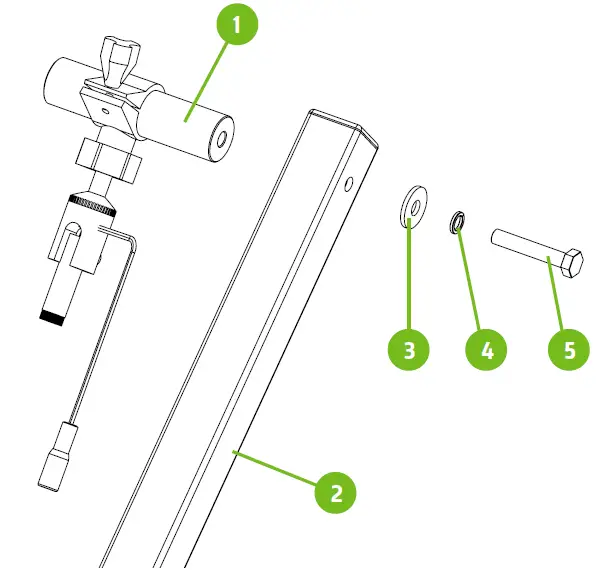
Install the Laser attachment with the supplied hardware to the upper telescoping tube. One 1/2” wrench is required for this step.
Step 4
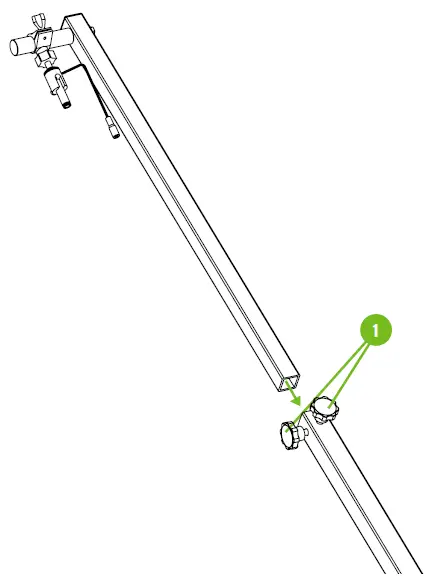
Loosen the lock-down knobs (1) and insert the upper telescoping tube into the lower pivoting tube assembly. Once the tube is installed, hold in place with the lock-down knobs.
Step 5
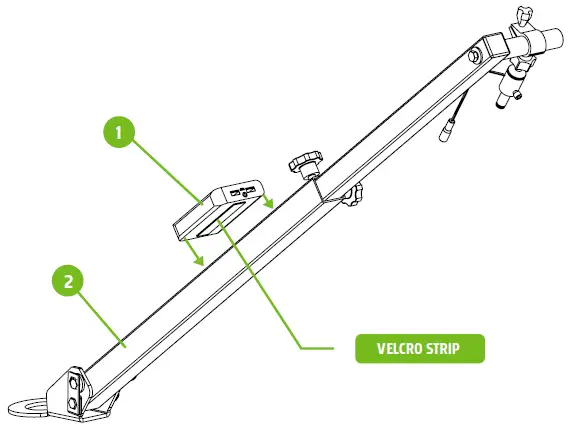
Install the power supply (1) to the lower pivoting tube assembly (2) with the supplied Velcro strip. This will allow you to remove the power supply to charge the unit.
Step 6
Insert the DC plug side of the power cord to the Laser plug. Next insert the USB side of the power cord into the power supplies 1 A outlet.
Step 7
To adjust the clamp on the 1” post loosen knob (1) , move into desired location and re-tighten. To adjust the swivel of the laser holder loosen knob (2) , pivot into desired location and re-tighten. To adjust the focus of the laser cross hair use the end of the laser to get crisp line.
Step 8
The upper tube is telescopic. To adjust the overall length of the assembly loosen the knobs (1) , adjust to the desired location and re-tighten. The lower tube assembly pivots up and down by loosening knob (2). Once it is at the desired angle, lock down the lever tightly.
Riley Hopkins® – 1-360-576-7188 – WWW.RILEYHOPKINS.COM.
 Riley Hopkins Screen Printing Equipment