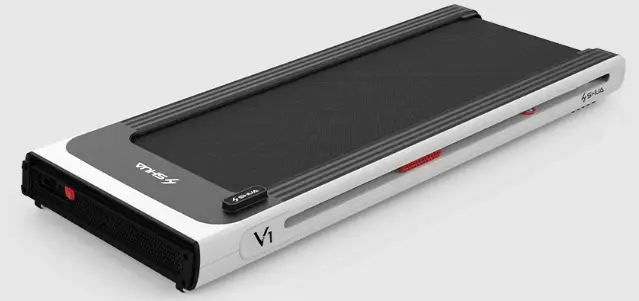
Remote Control for Treadmill
Product Information
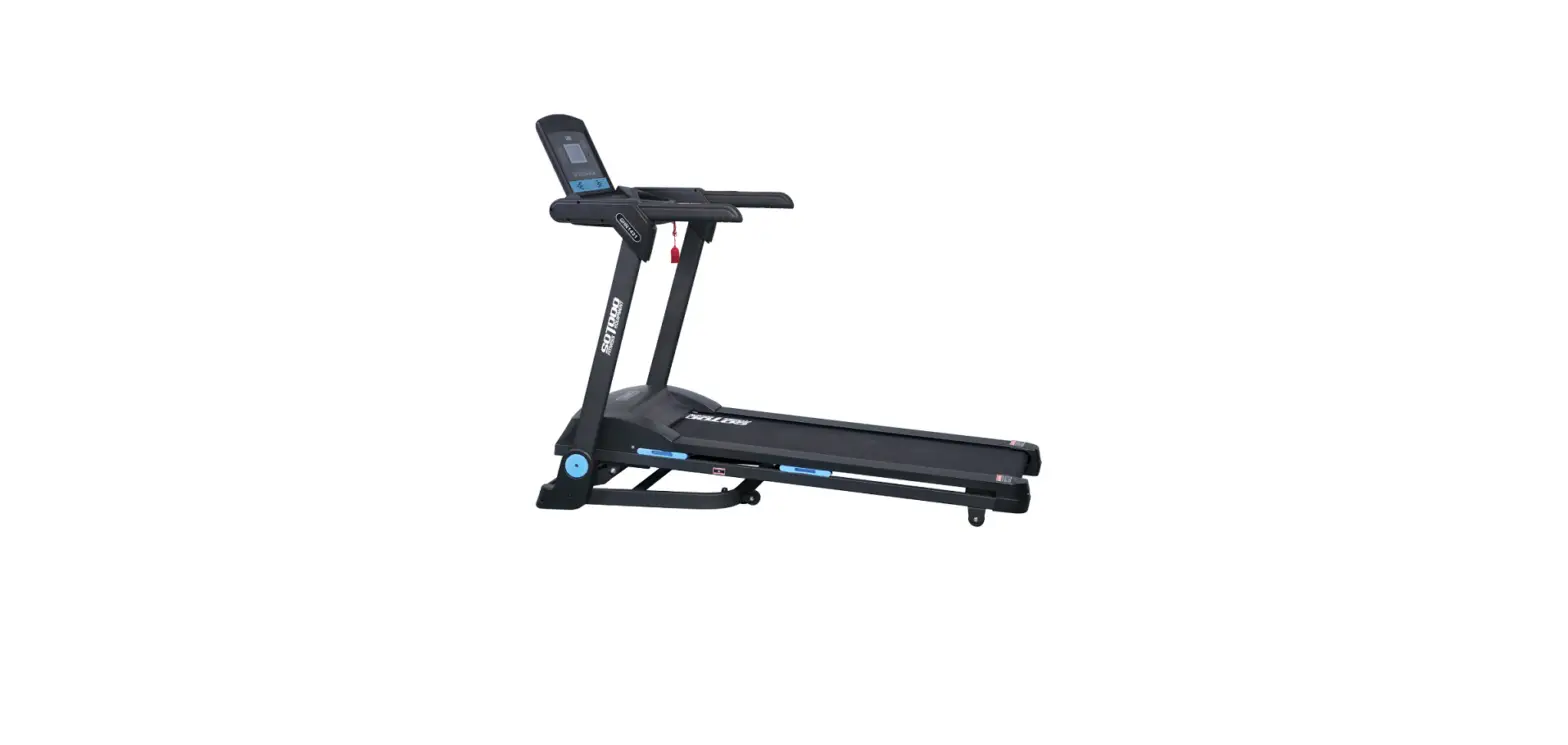
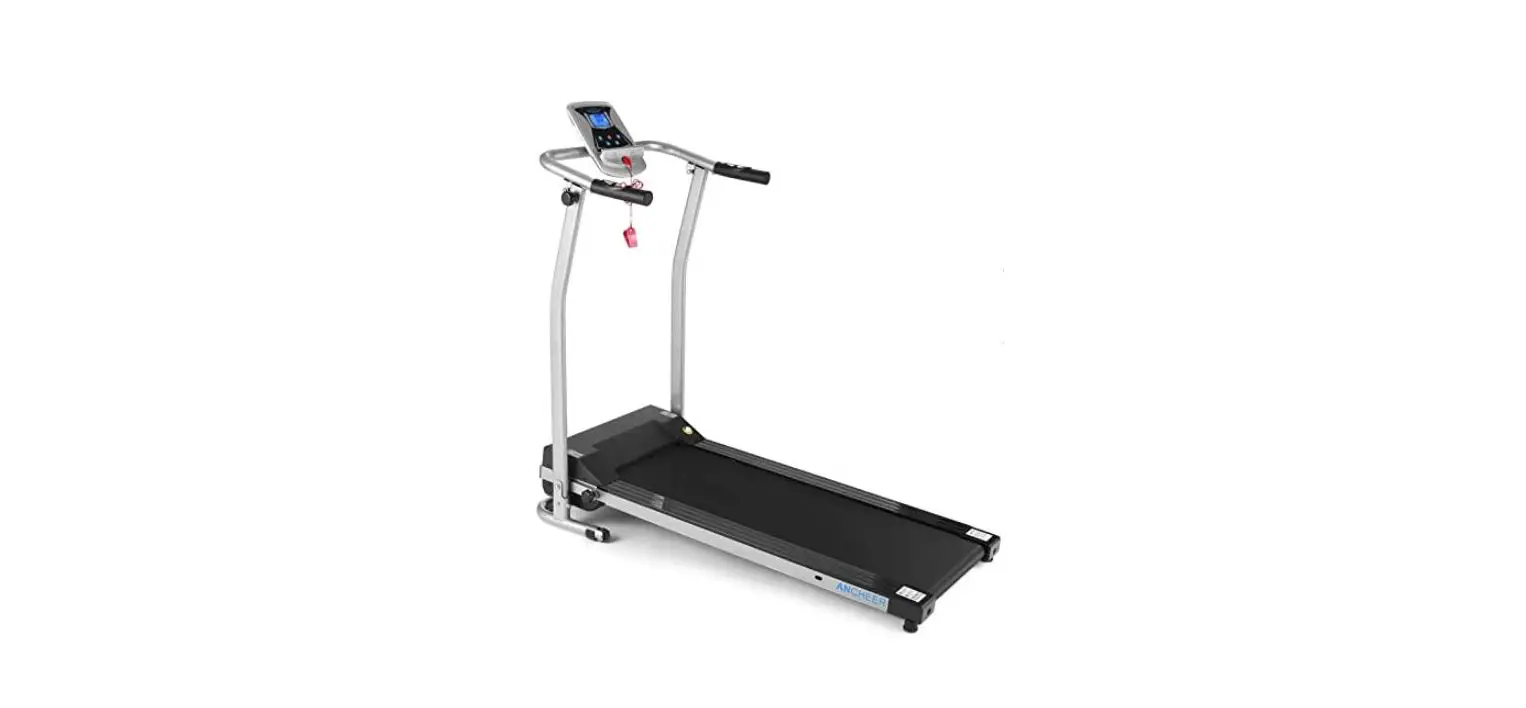
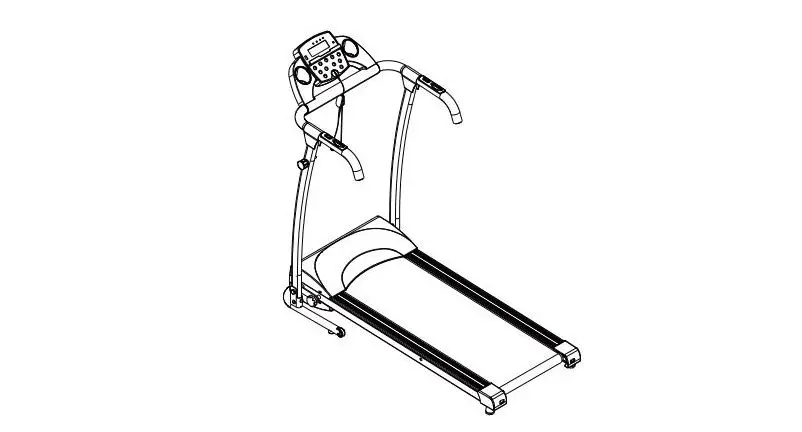
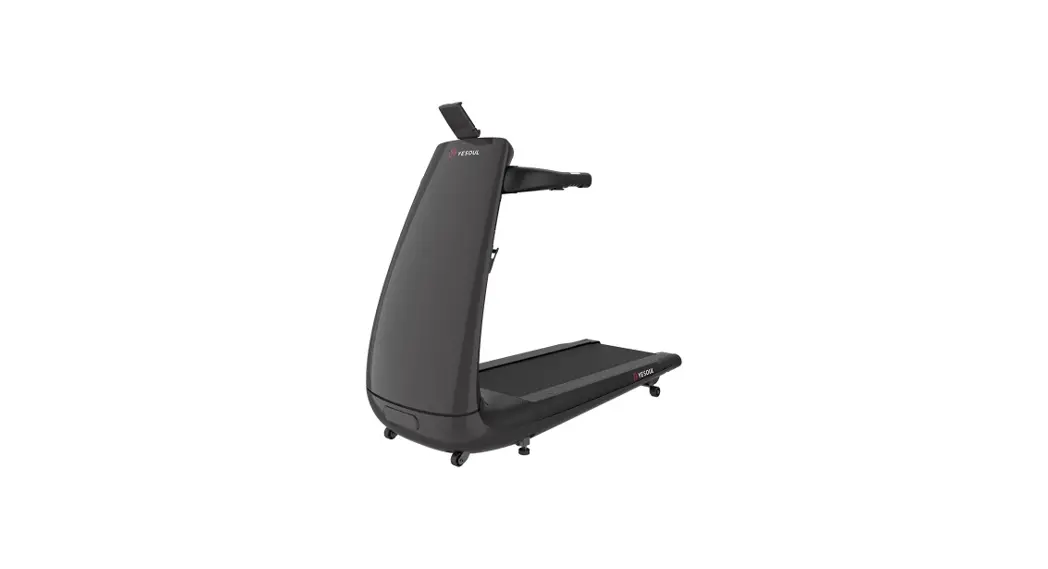
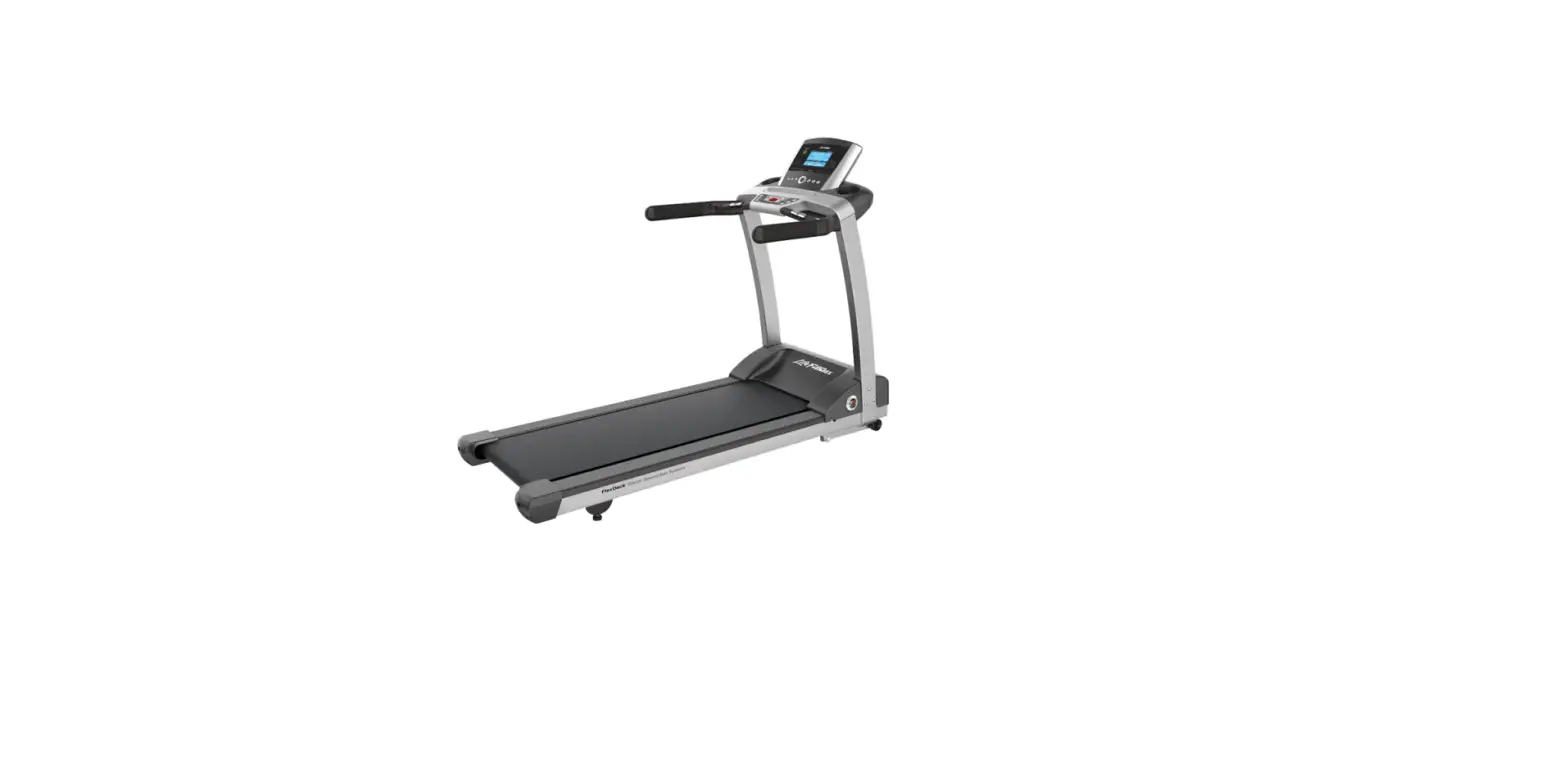
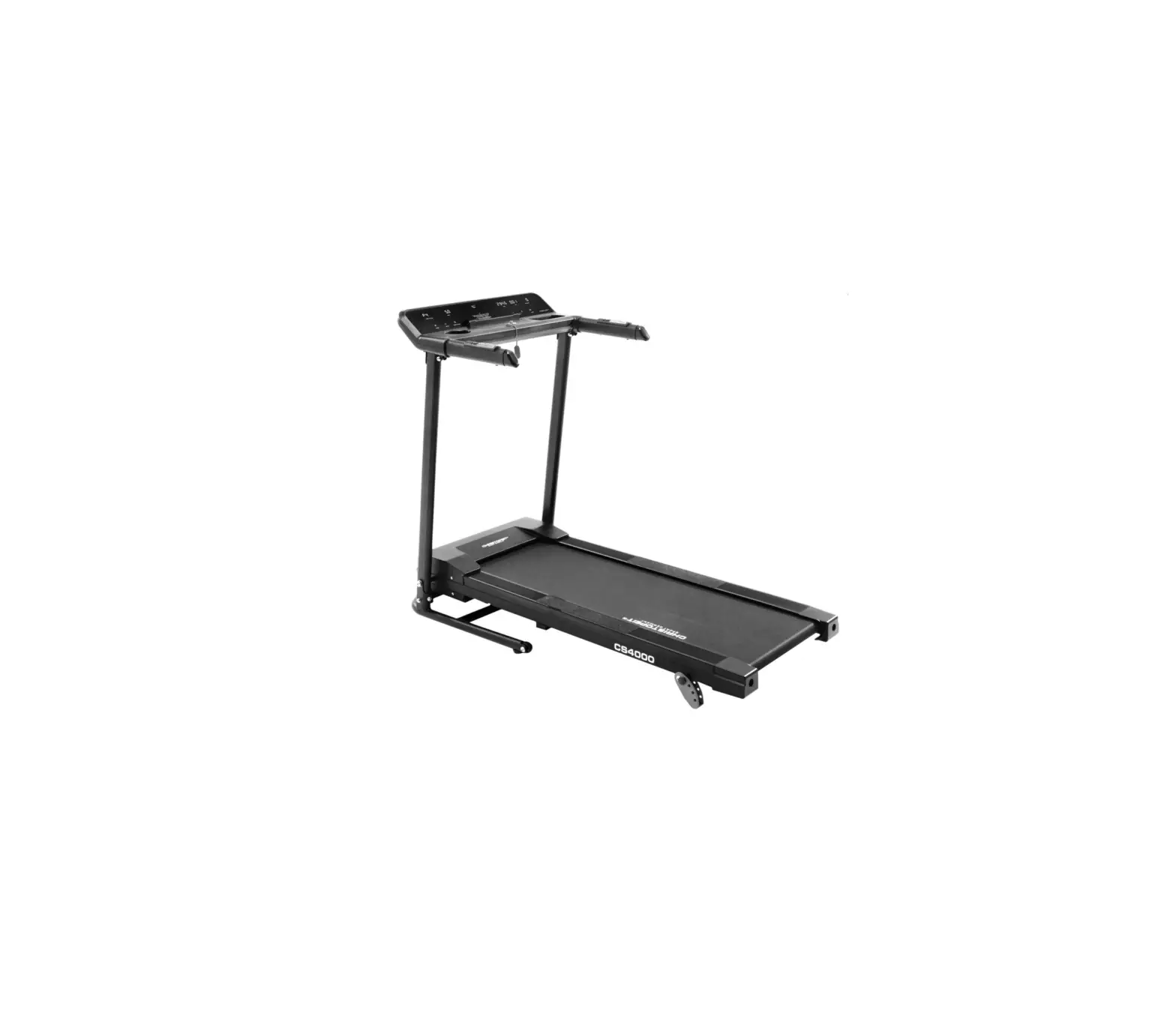
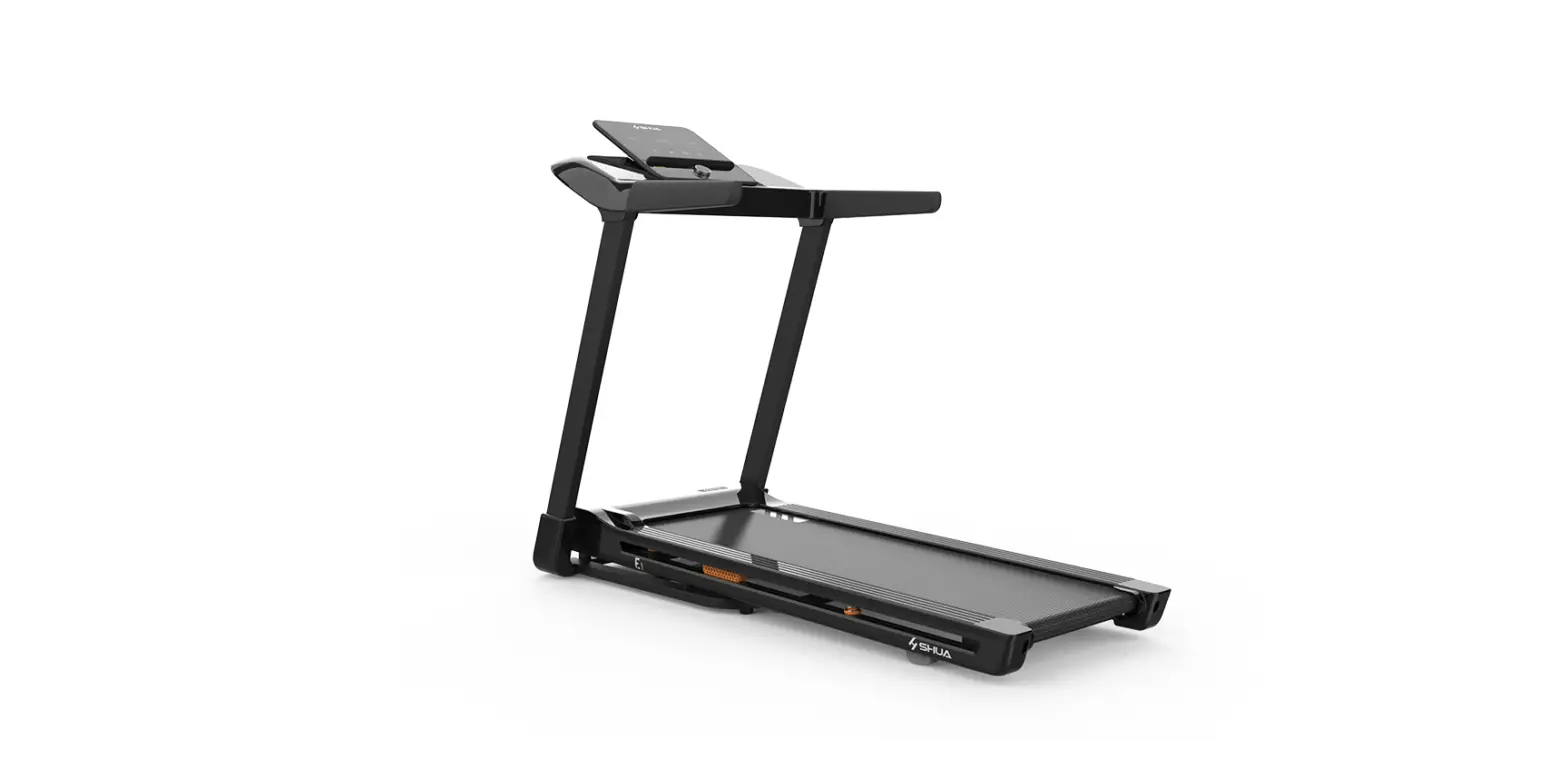
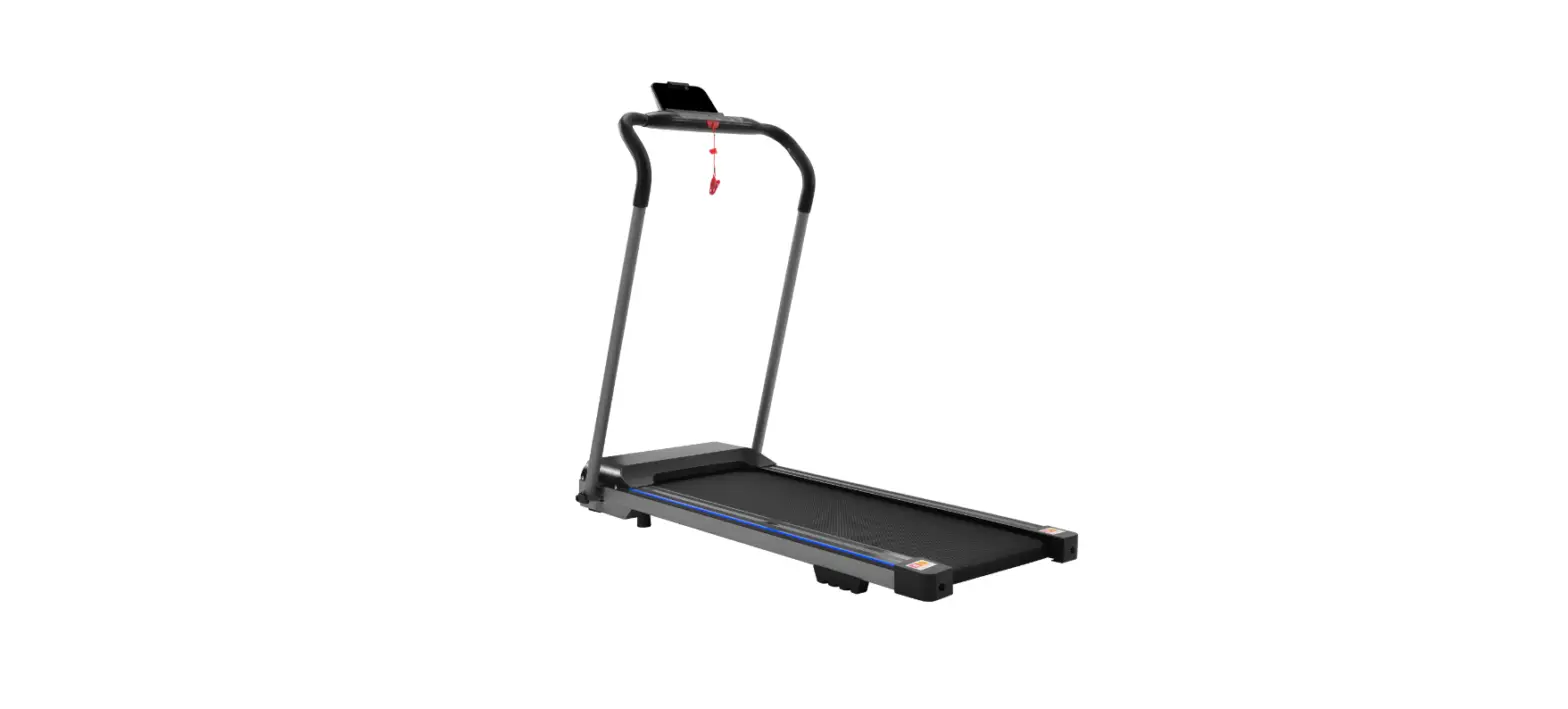
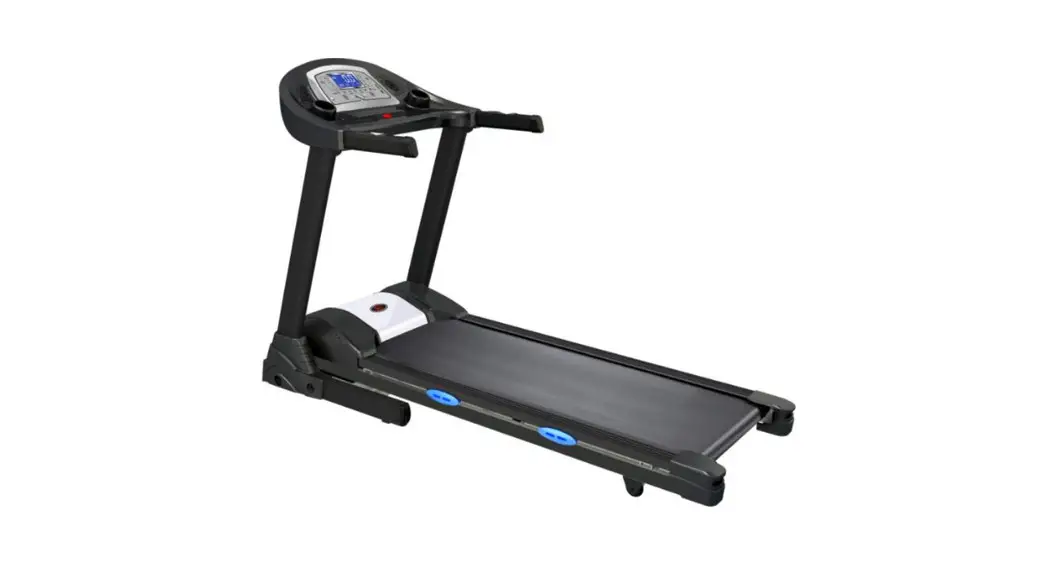
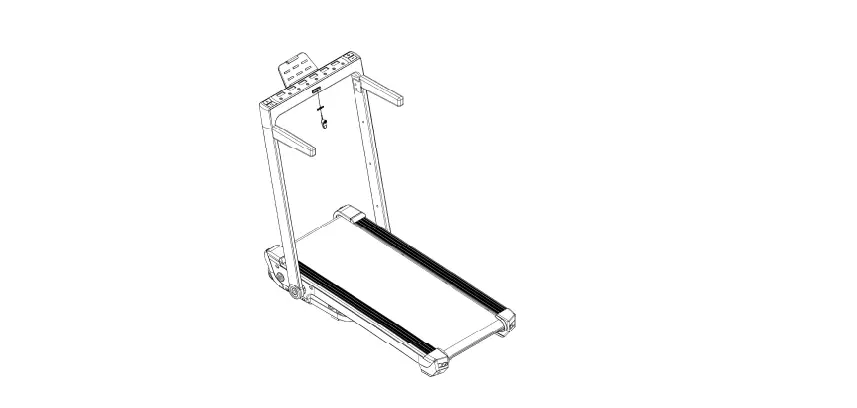
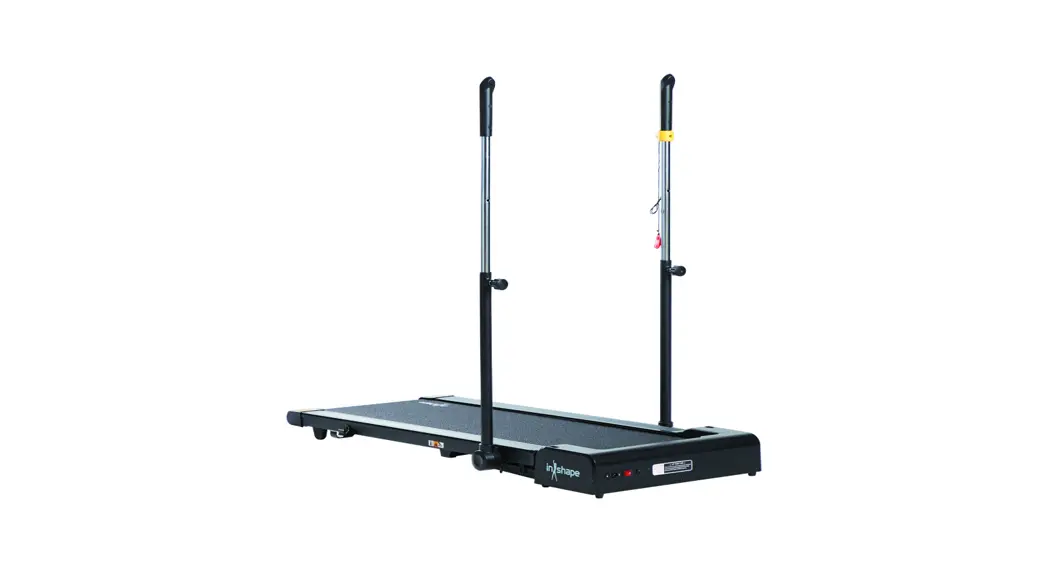
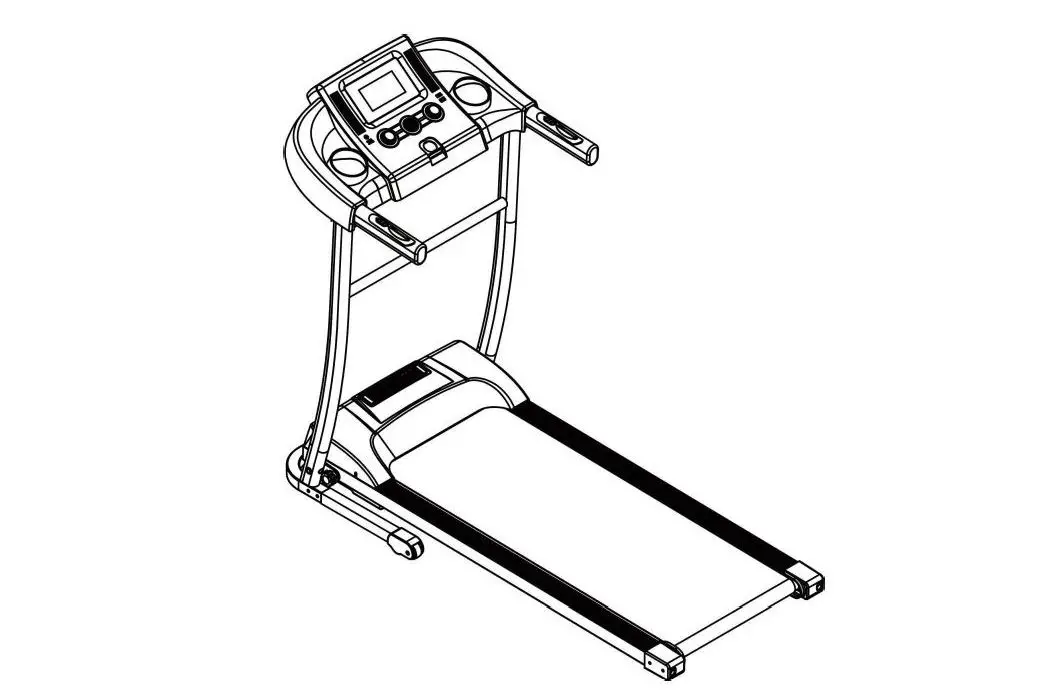
The product is a treadmill with a remote control interface for
easy operation. It has various modes and settings that can be
adjusted according to user preferences. The treadmill has a speed
adjustment feature and a pause button for temporary stoppage during
the workout. The device complies with Part 15 of the FCC Rules and
has radiation exposure limits set forth for an uncontrolled
environment.
Product Usage Instructions
- To start the treadmill, press the START button in standby or
pause mode. - To stop the treadmill, press the STOP button while it is
running. - The MODE switch has two functions:
- In standby mode, press the key to switch between different
modes: ready mode, time counter mode, range reversal mode, and
calorimeter mode. - In working condition, press the key to switch between different
parameters: time, distance, calorie, and speed.
- In standby mode, press the key to switch between different
- The SPEED UP and SPEED DOWN buttons have two functions:
- In standby mode, press the key to adjust the parameter
settings. Long press to adjust quickly. - In working condition, short press the key to adjust the speed
change. Long press to adjust quickly.
- In standby mode, press the key to adjust the parameter
- To pause running, press the PAUSE button. The speed will go to
zero, and the interface will display “PAUSE”. - Note that any changes or modifications not expressly approved
by the party responsible for compliance could void the user’s
authority to operate the equipment. Also, the equipment should be
installed and operated with a minimum distance of 20cm between the
radiator and your body.
Remote control interface START
SPEED UP MODE switch PAUSE
SPEED DOWN
START
STOP
1. START: Press the button in standby or pause modeStart running the treadmill. 2. STOP: Press the button while the treadmill is runningStop the treadmill. 3. MODE switch
A. Rest is displayed in standby mode,Press the key to switch cycle:redy modetime counter moderange reversal modeCalorimeter modeStandby mode.
B. In working condition ,Press the key to switch cycle:0.00time T:00:00distanceD:0.00calorieC:0000speedS:0.00
4. SPEED UP and SPEED DOWN :
A. Rest is displayed in standby mode, Press the key to adjust the parameter settings, Long press to adjust quickly B. In working condition, short press key to adjust the speed change, Long press to adjust quickly
5. PAUSE: In working condition, Press the key to pause runnning,
speed go to zero, interface display PAUSE
Please take attention that changes or modification not expressly approved by the party responsible for compliance could void the user’s authority to operate the equipment.
This device complies with Part 15 of the FCC Rules. Operation is subject to the following two conditions: (1) This device may not cause harmful interference, and (2) This device must accept any interference received, including interference that may cause undesired operation. This equipment complies with FCC radiation exposure limits set forth for an uncontrolled environment. This equipment should be installed and operated with minimum distance 20cm between the radiator & your body.