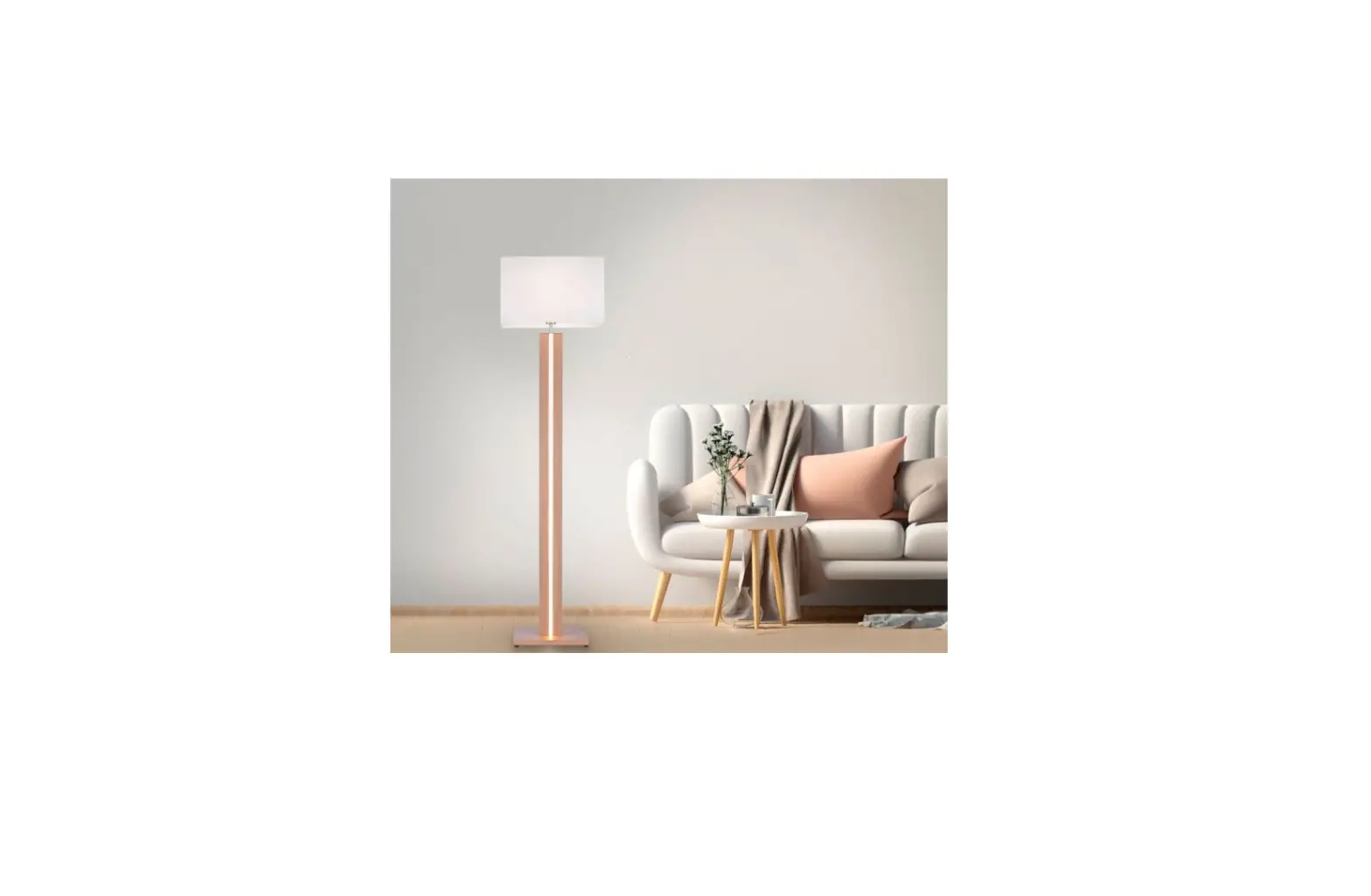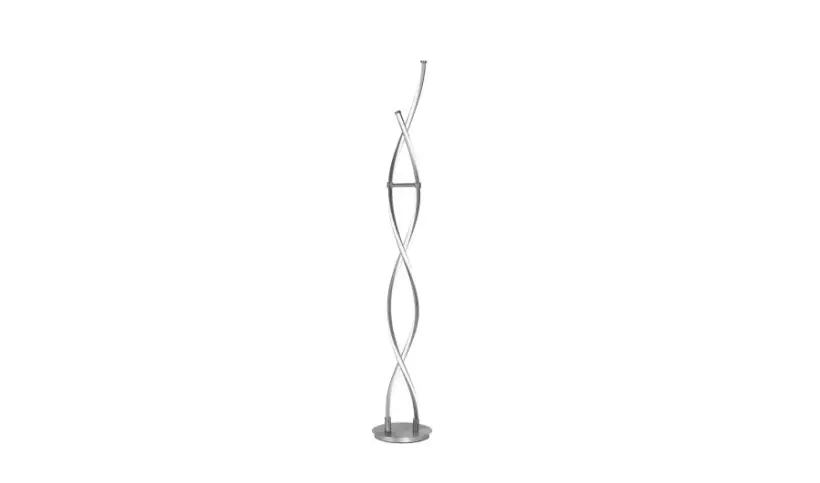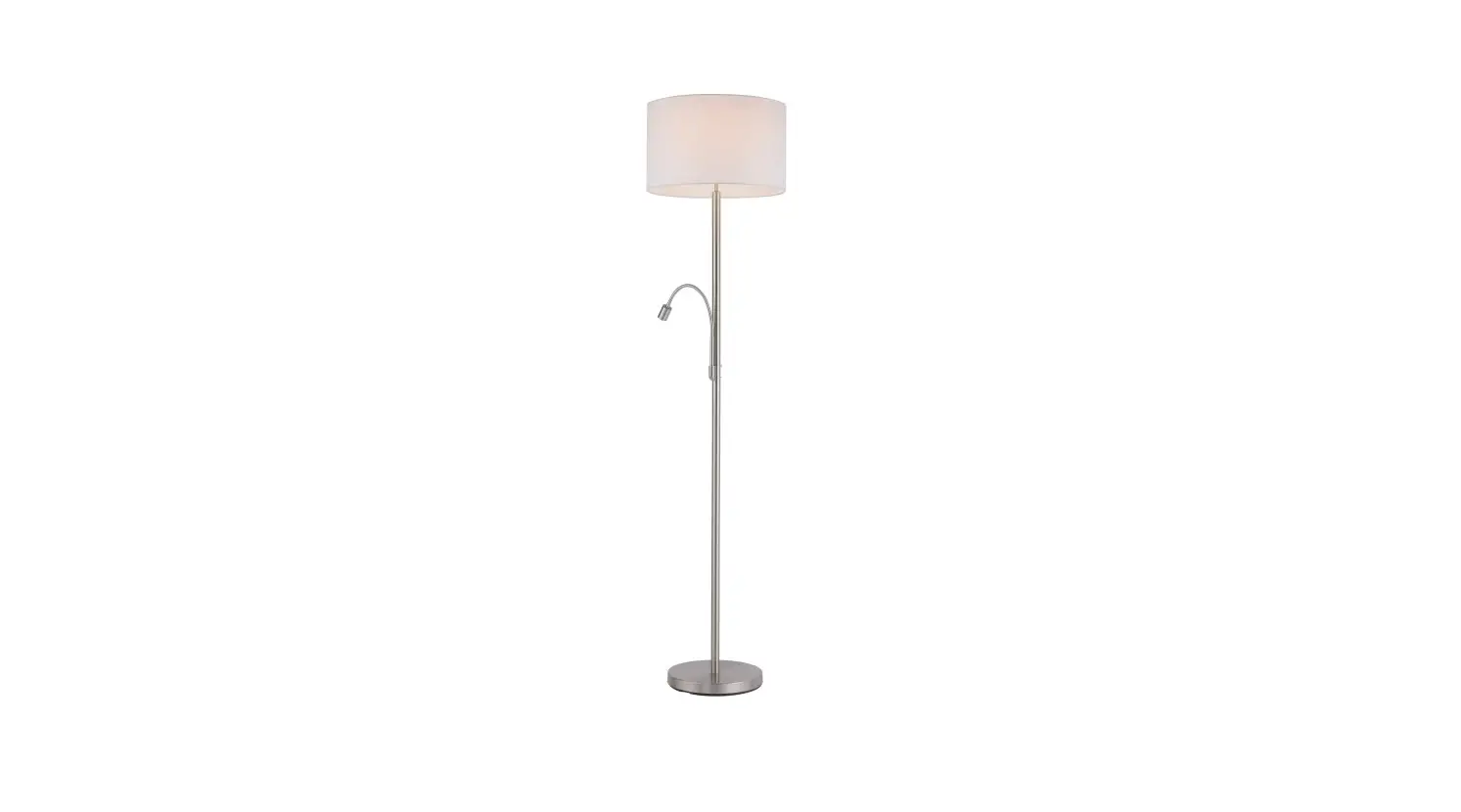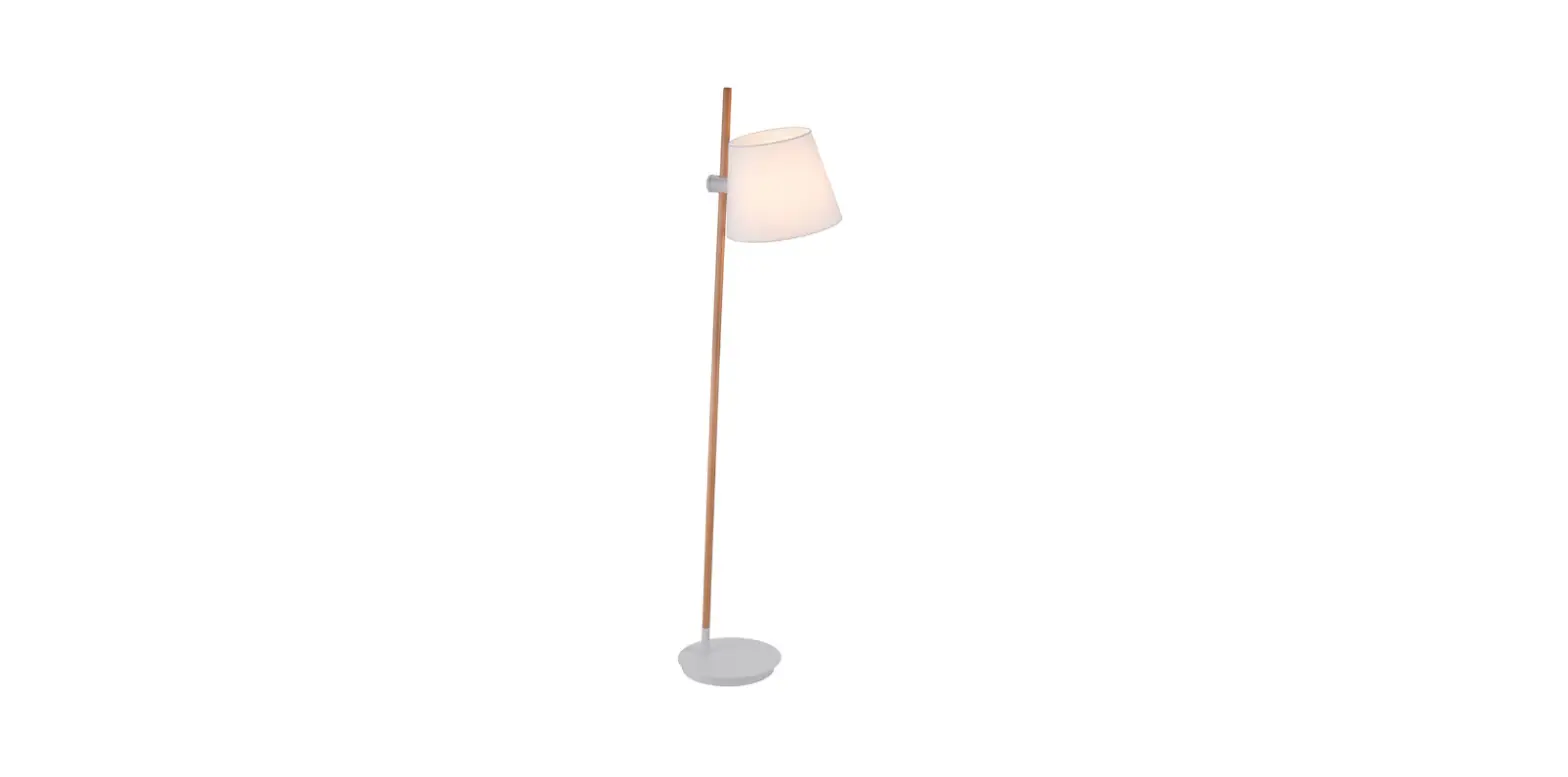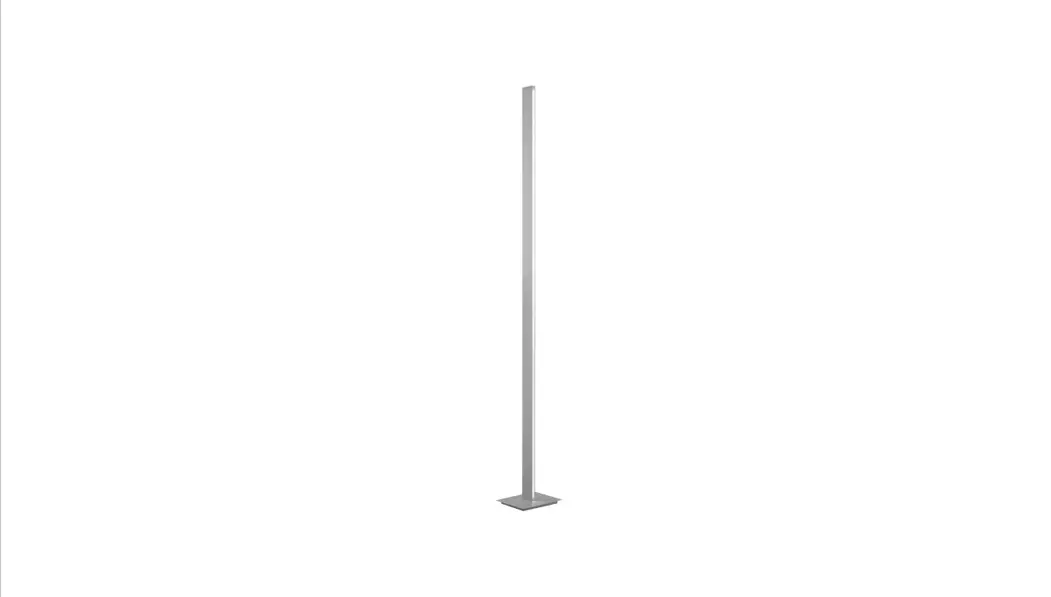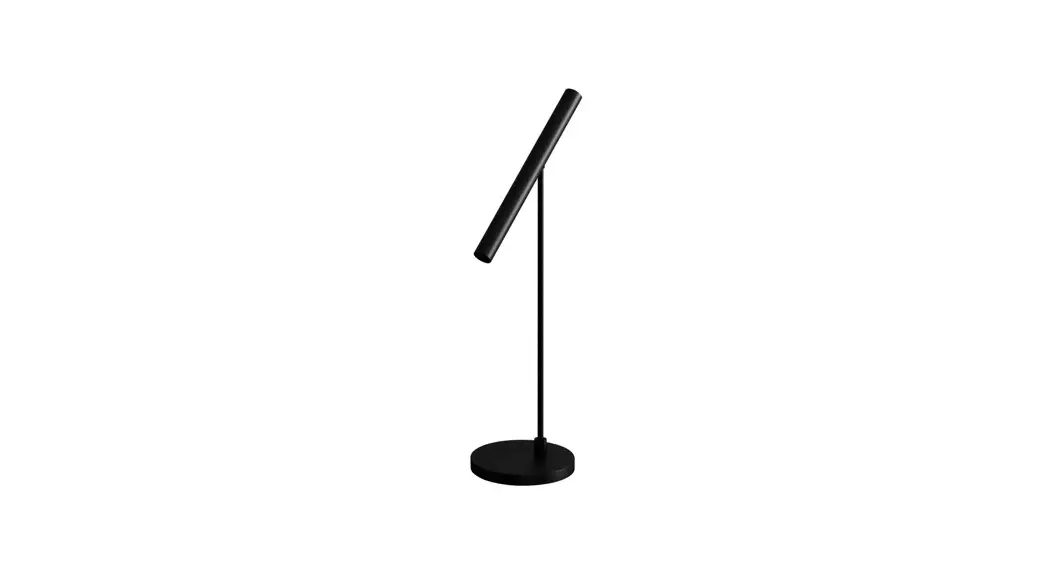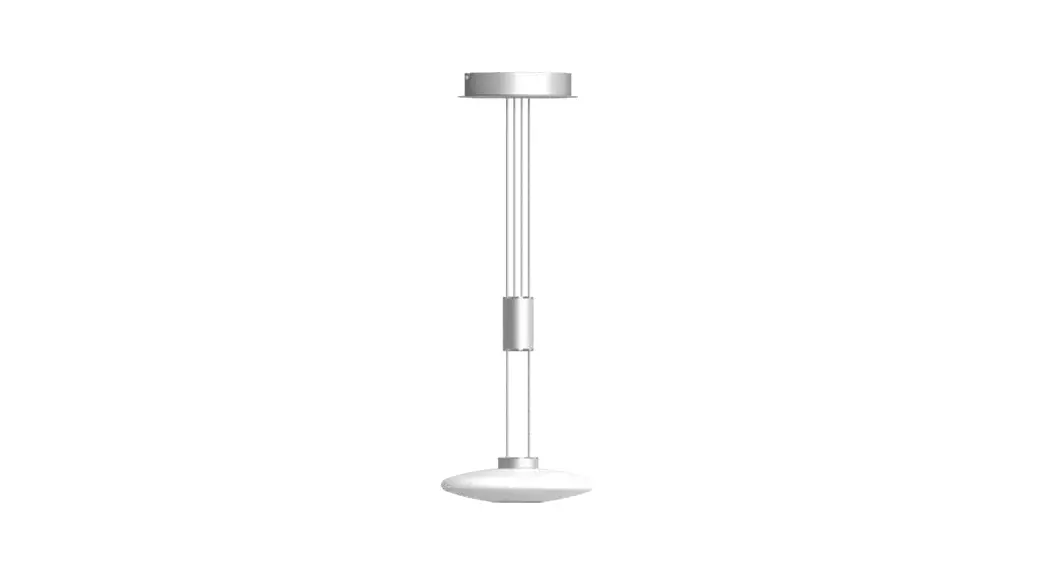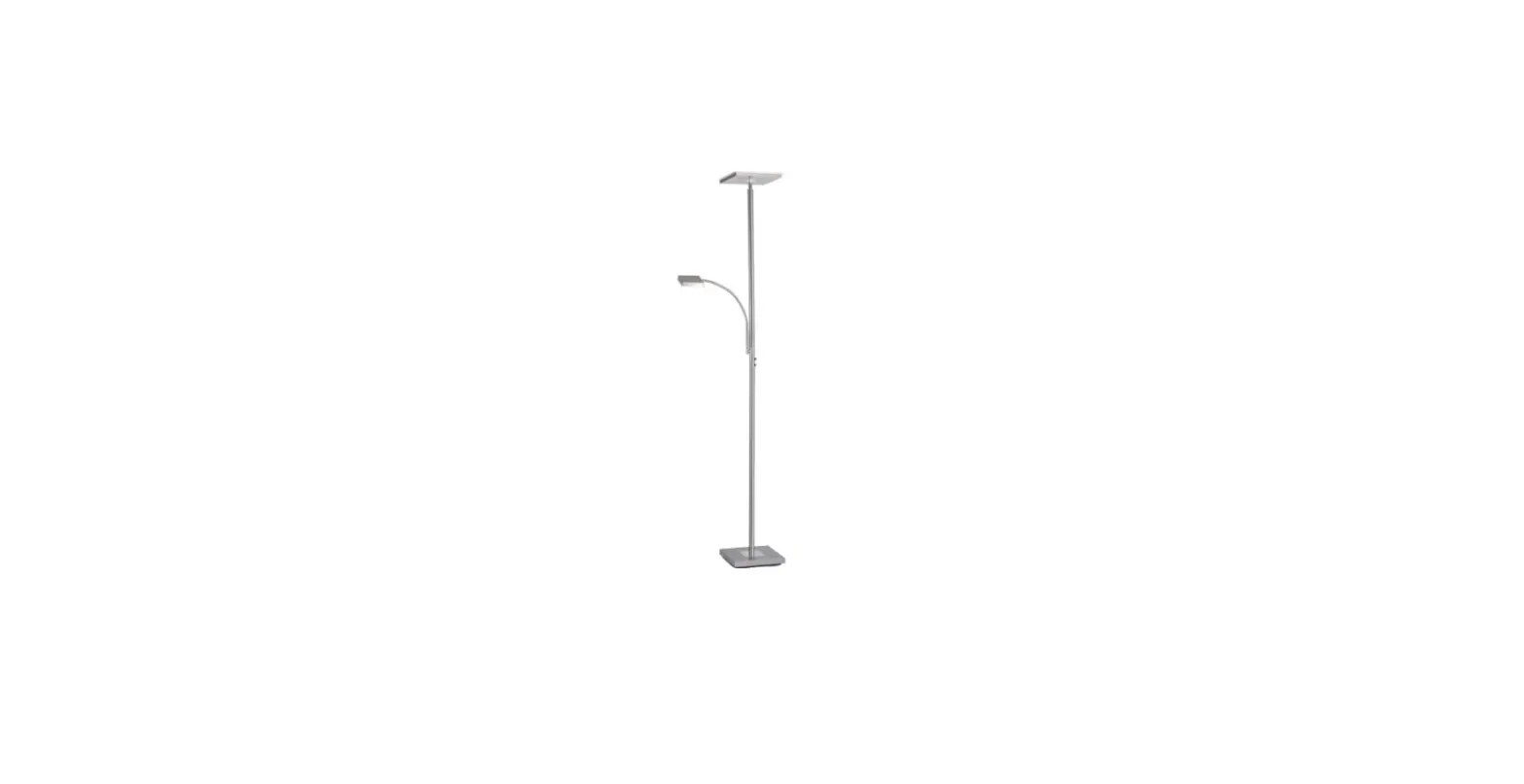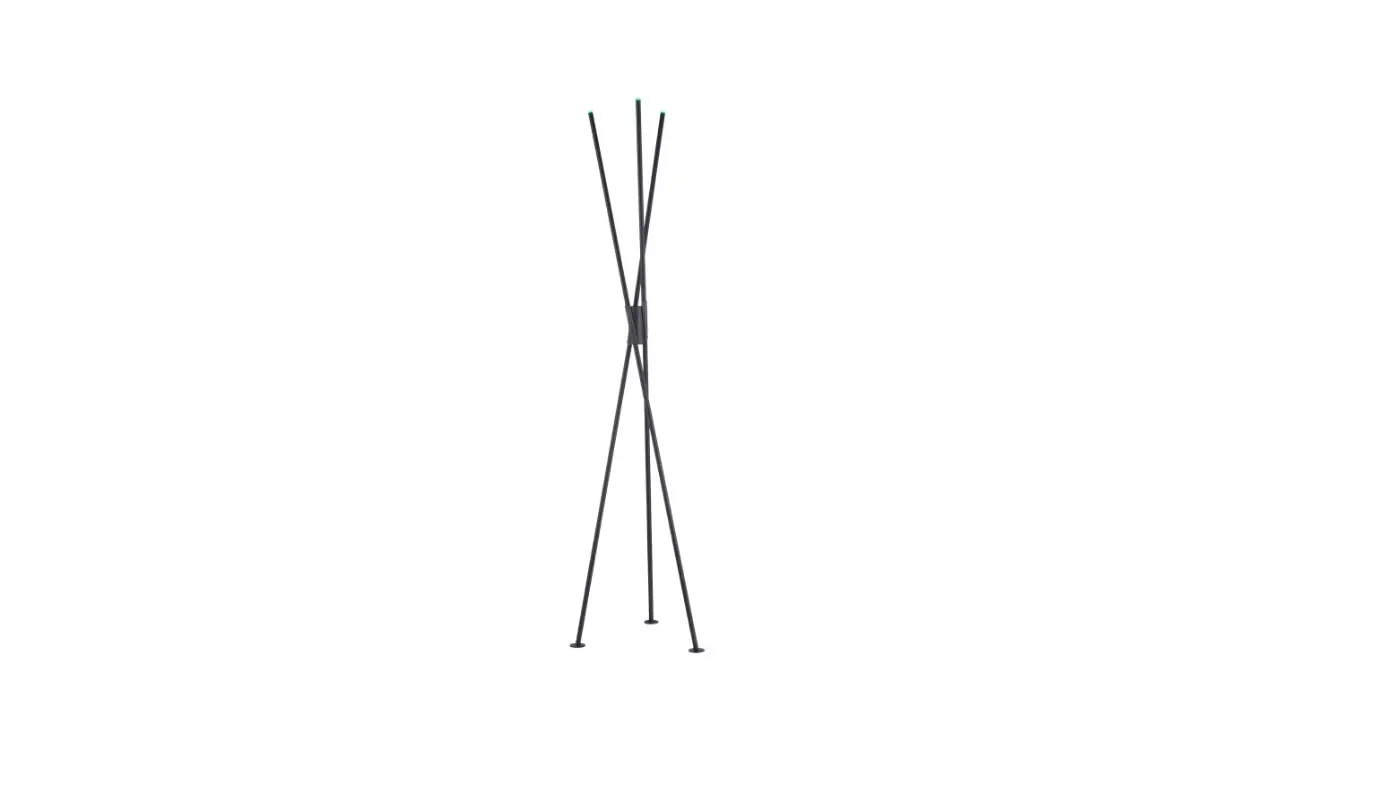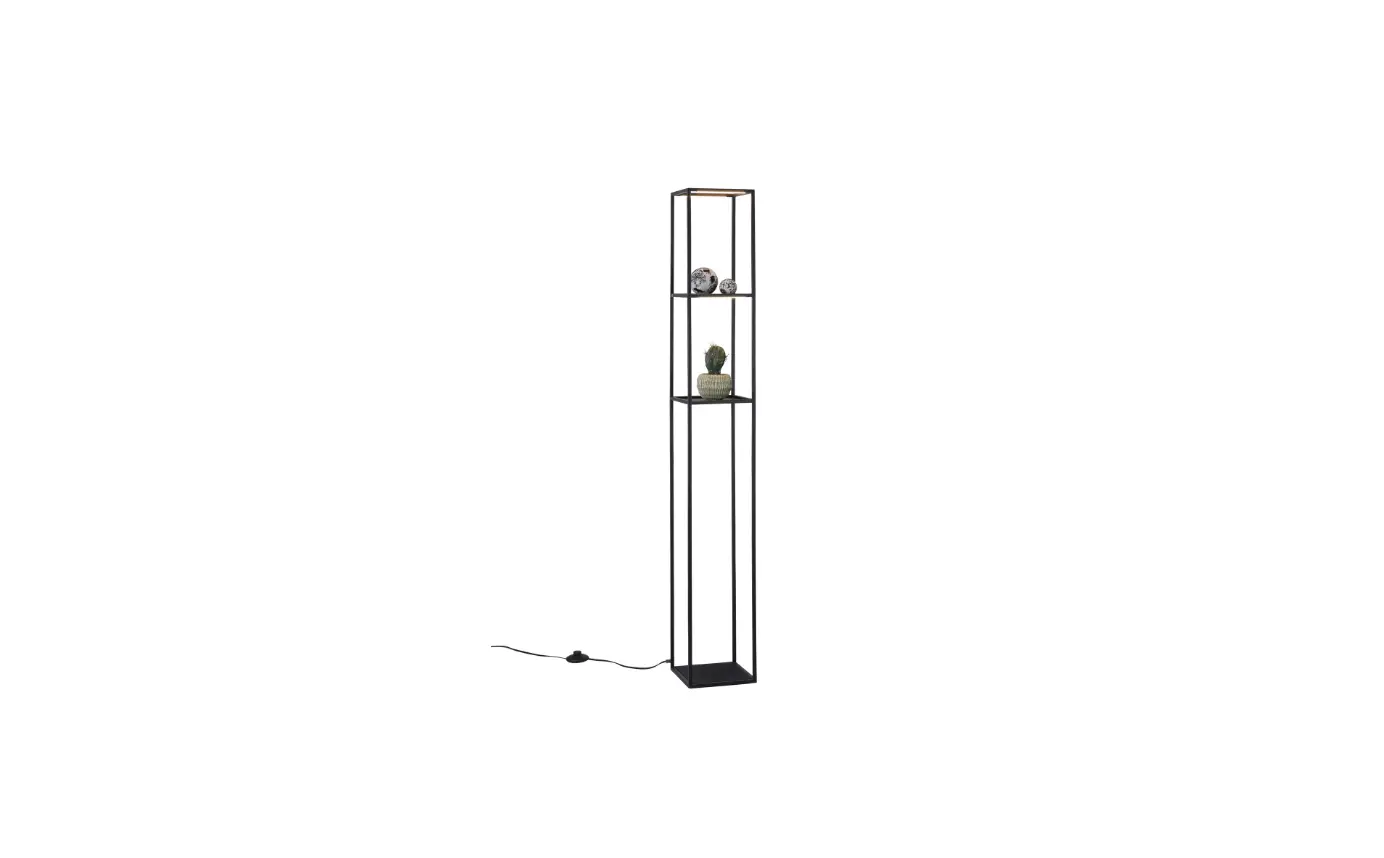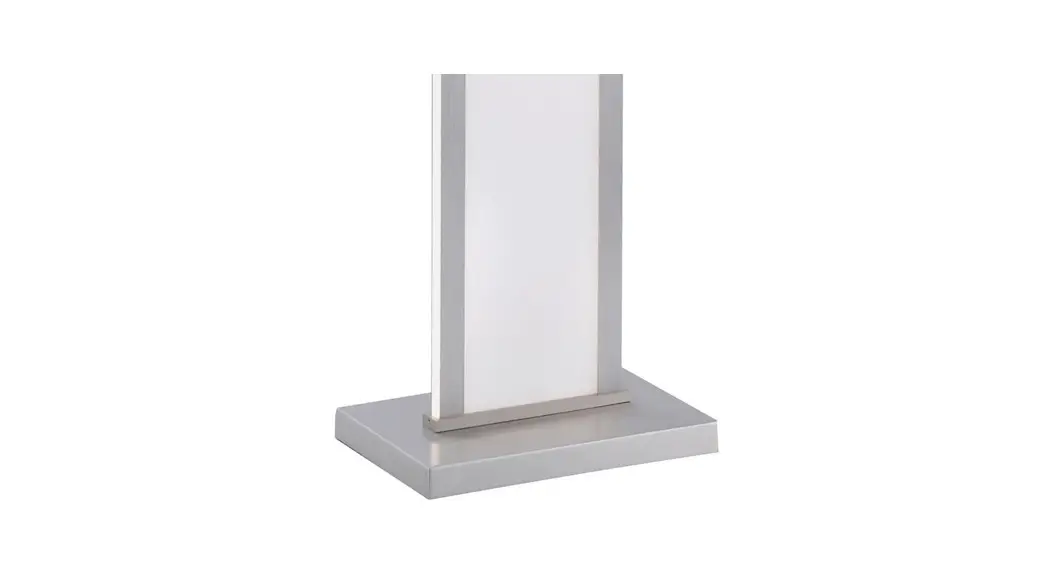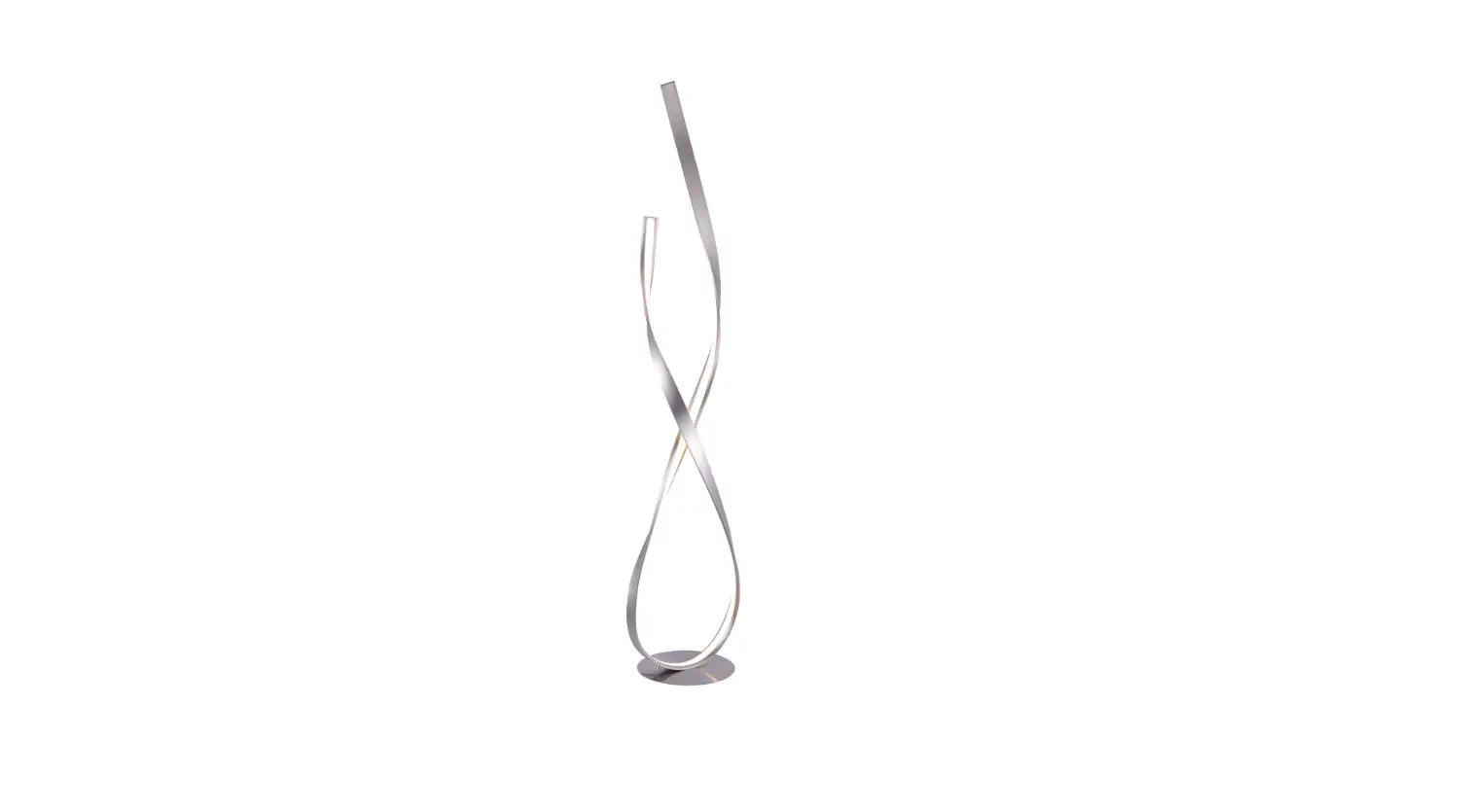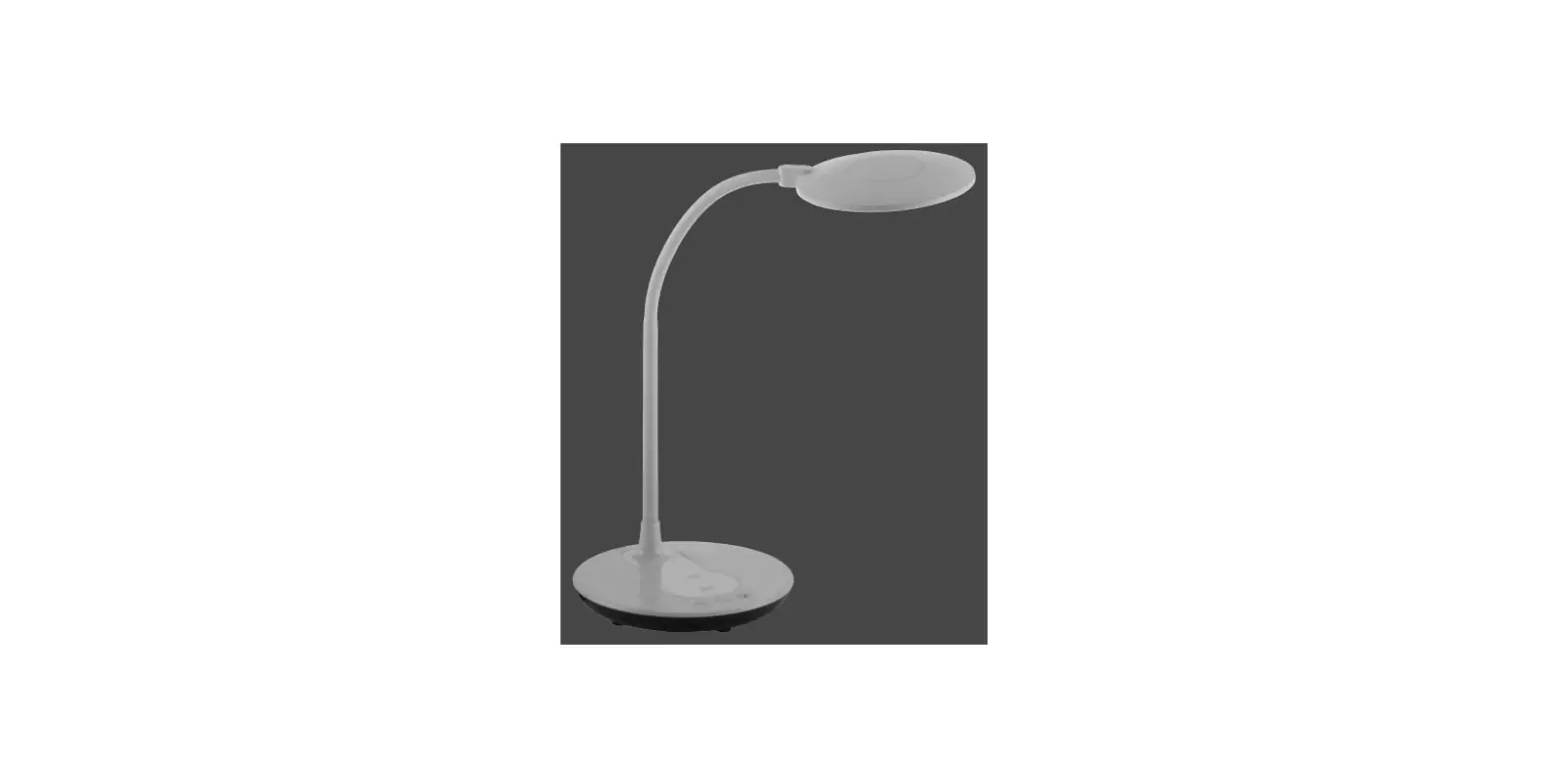

Paul Neuhaus 14416 Floor Lamp
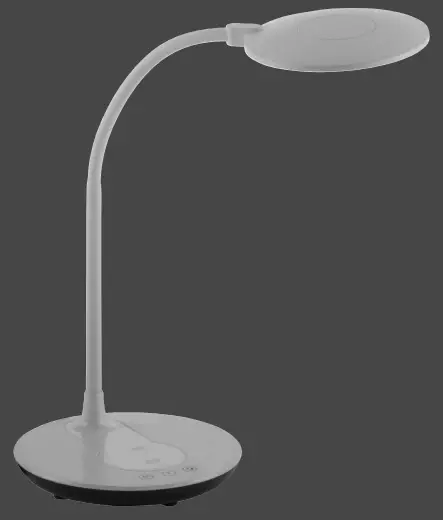
Product Information
- Product Name: ASTRID
- Product Model Numbers: 997326 / 997327
- Brightness Levels: 100%
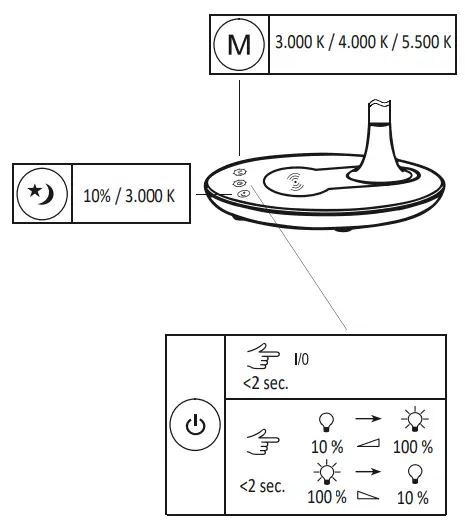
- Color Temperature Options: 3.000 K / 4.000 K / 5.500 K
- Dimming Options: 10% / 3.000 K
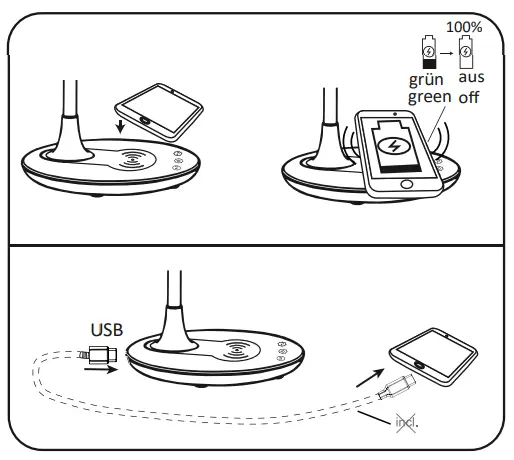
- Power Source: USB
Product Usage Instructions
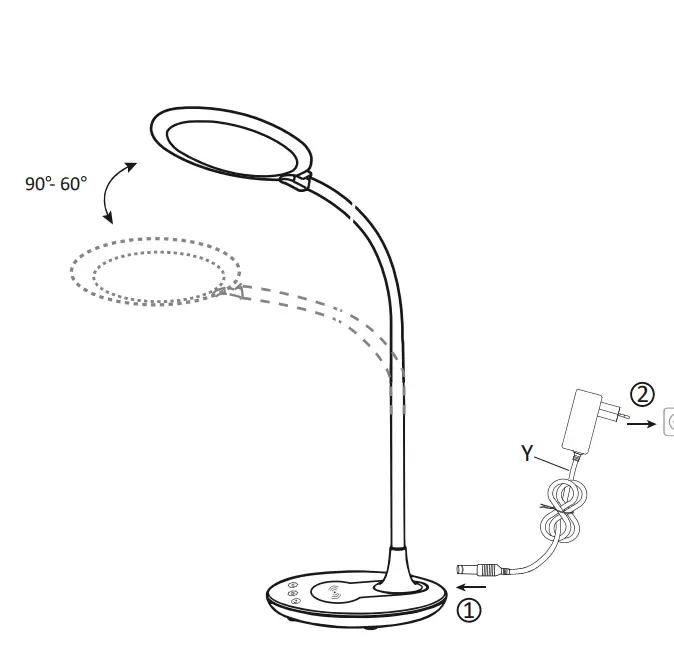
- Connect the ASTRID lamp to a USB power source.
- Press the power button to turn on the lamp.
- To adjust the brightness, press and hold the power button until the desired brightness level is reached.
- To change the color temperature, press the power button twice. The color temperature will cycle through the available options (3.000 K, 4.000 K, and 5.500 K).
- To dim the lamp, press the power button three times. The lamp will dim to 10% brightness or 3.000 K, depending on the previous setting.
This product contains a light source of energy efficiency class<E>.
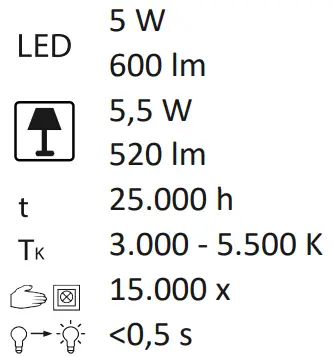
SPECIFICATION
USING INSTRUCTION
ABOUT COMPANY
- LeuchtenDirekt GmbH
- Olakenweg 36 · D-59457 Werl
- +49(0)2922 9721 9290
- [email protected]
- www.leuchtendirekt.de