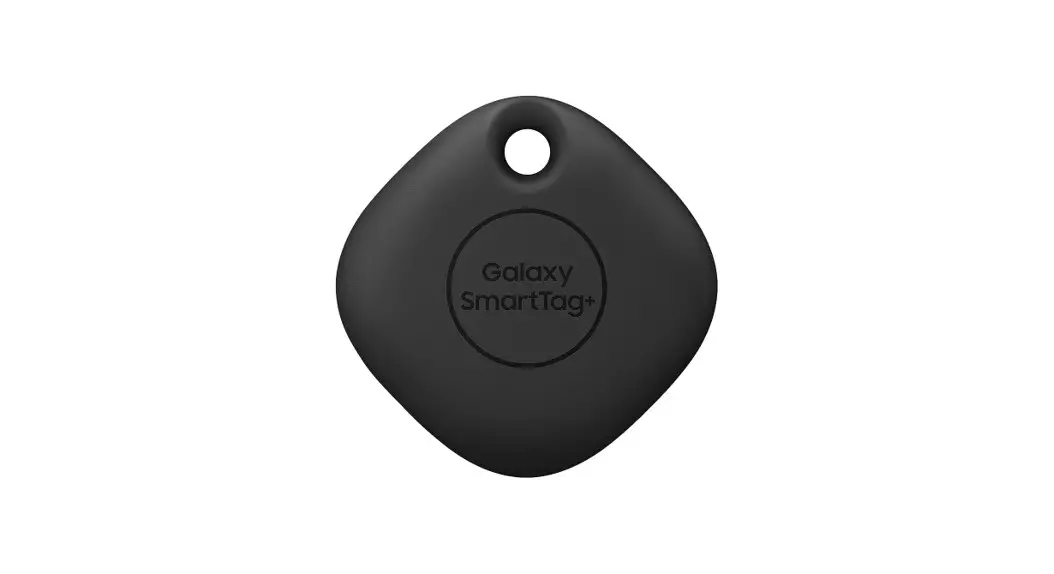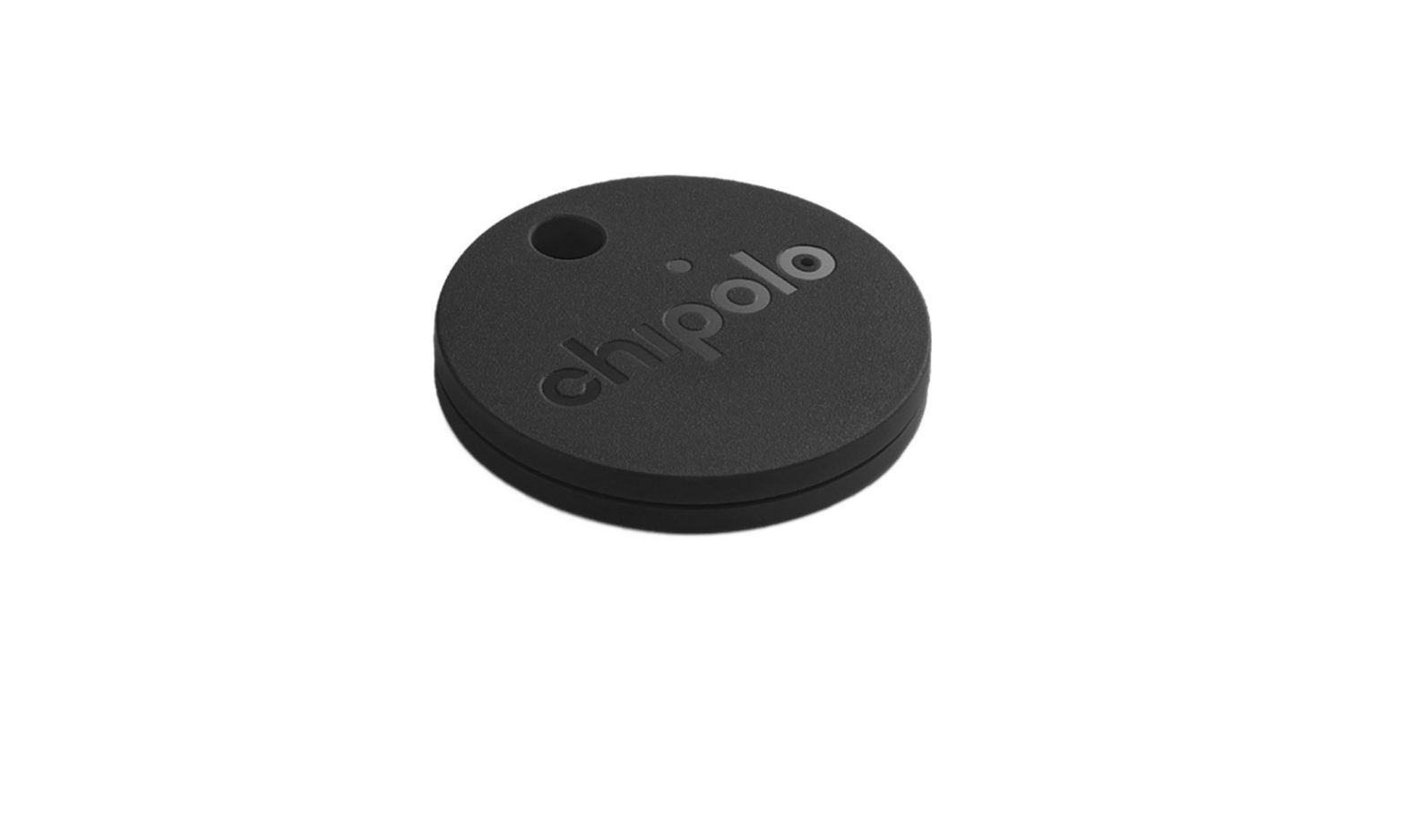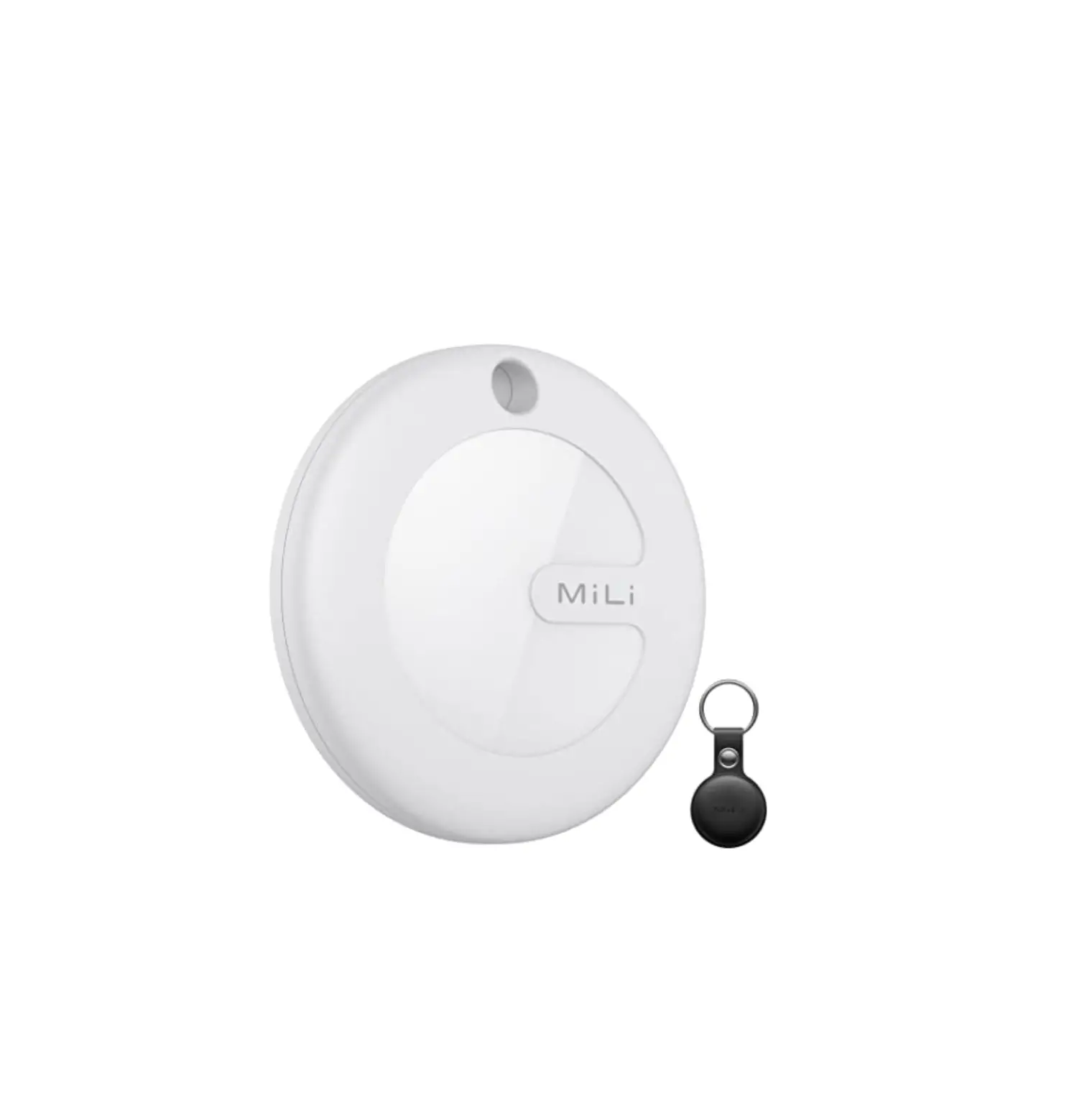
 Quickstart Guide
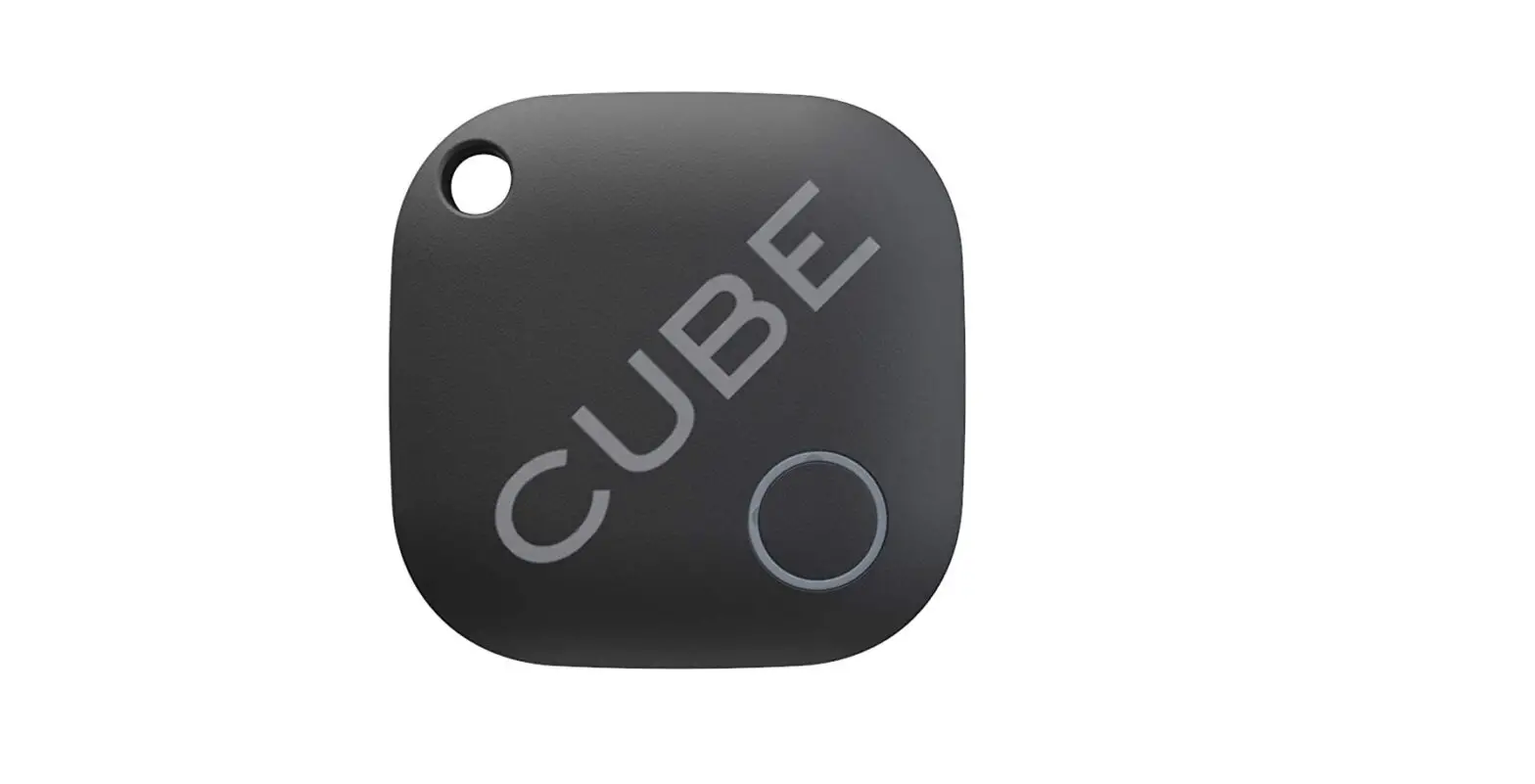
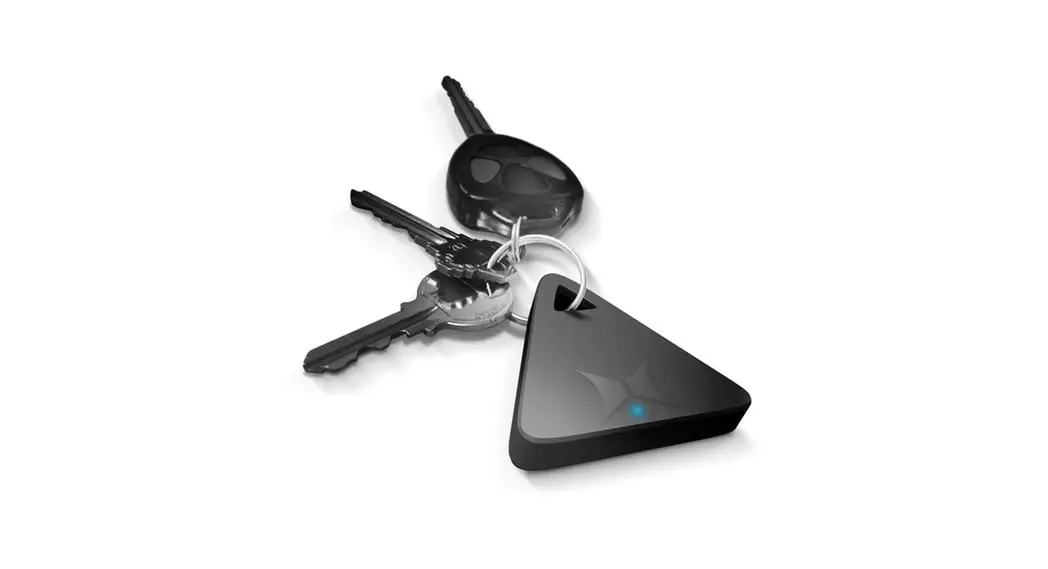
- Download the”Traxx it by Lenze Technology” app from the Google Play store or the Apple App Store.
- Open App
- Go to the Description icon at the bottom right (see reverse side)
- Follow the instruction given in the introduction
855-999-8041 www.xtremecables.com
Apple and the Apple logo are trademarks of Apple Inc., registered in the U.S. and other countries. Mac App Store is a service mark of Apple Inc. Google Play and the Google Play logo are trademarks of Google Inc.
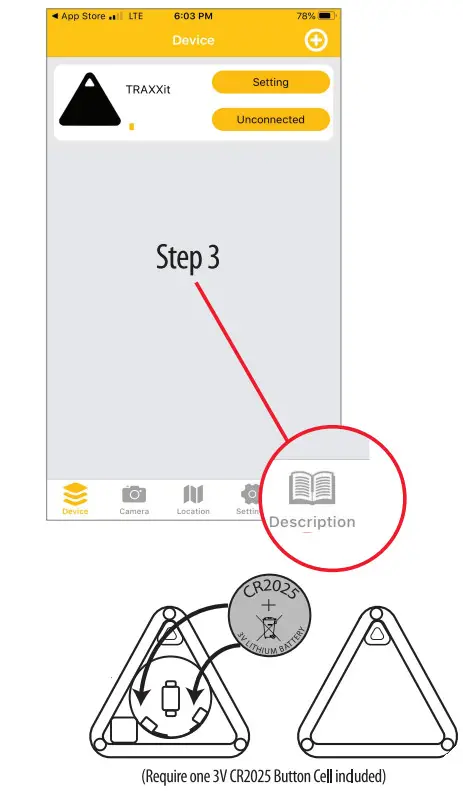
Replacing the battery
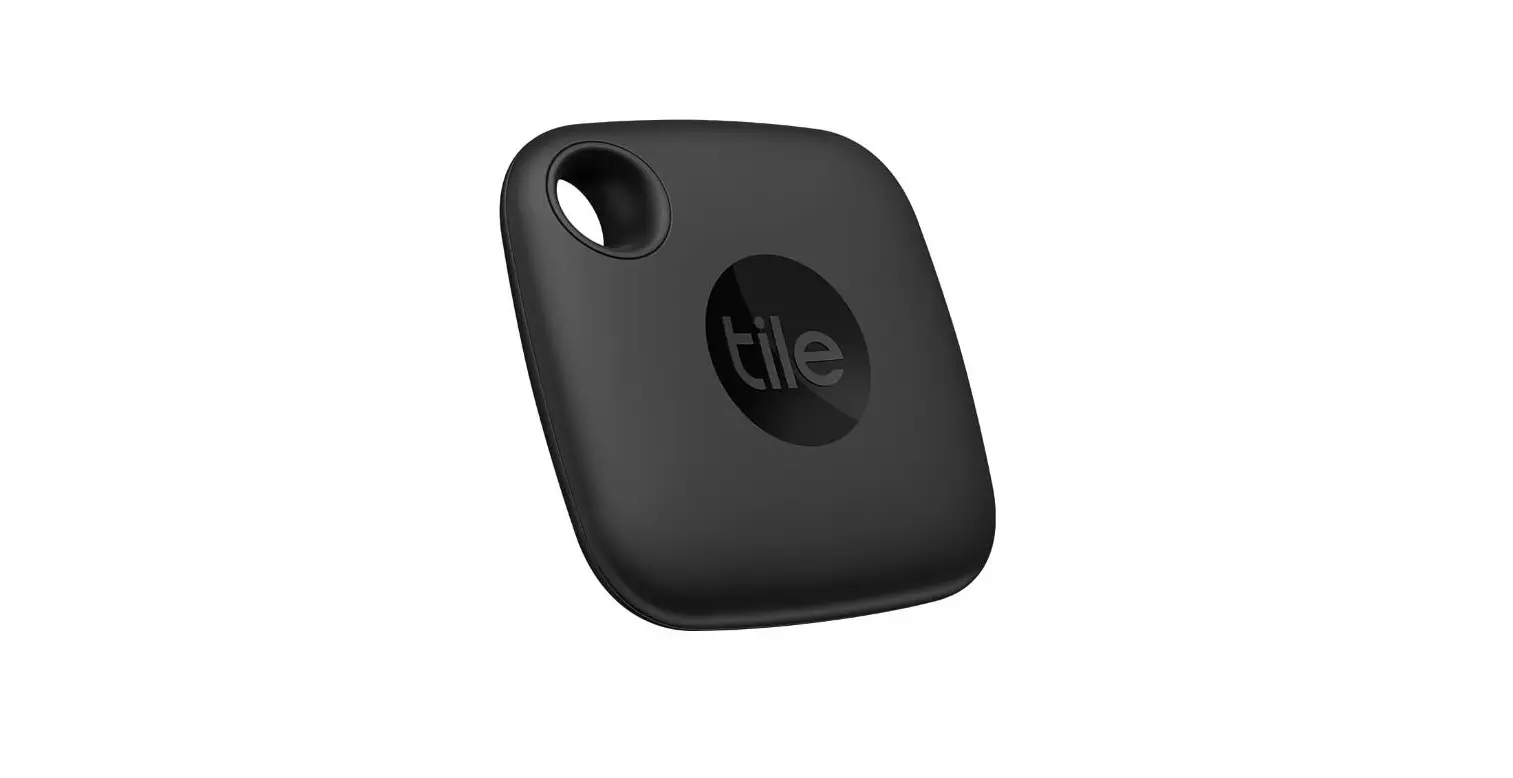
- Open Traxx it
- Place the new battery into the designated spot
- Close Traxx it