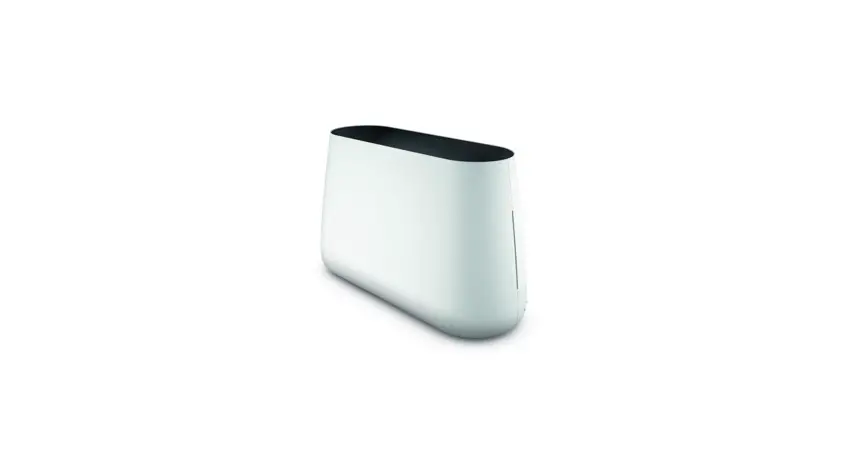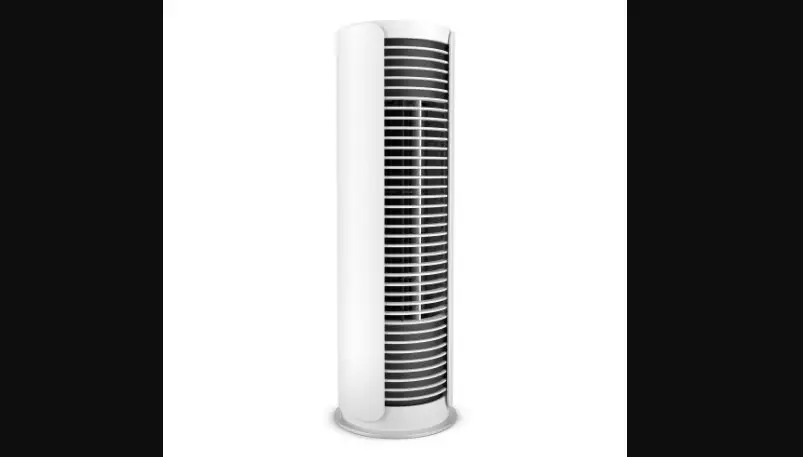
Roger & Roger big
WIFI - QUICK SETUP GUIDE
1
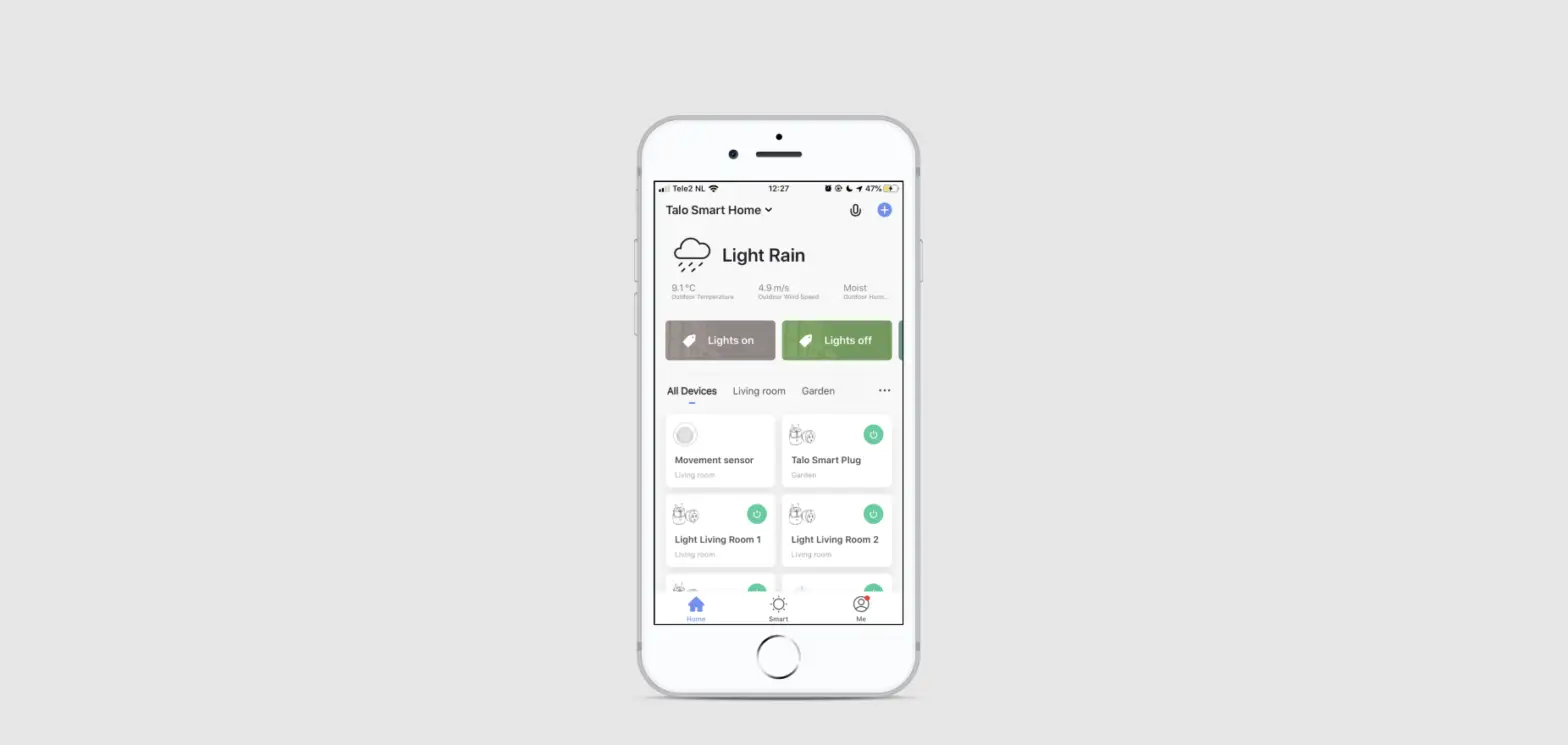
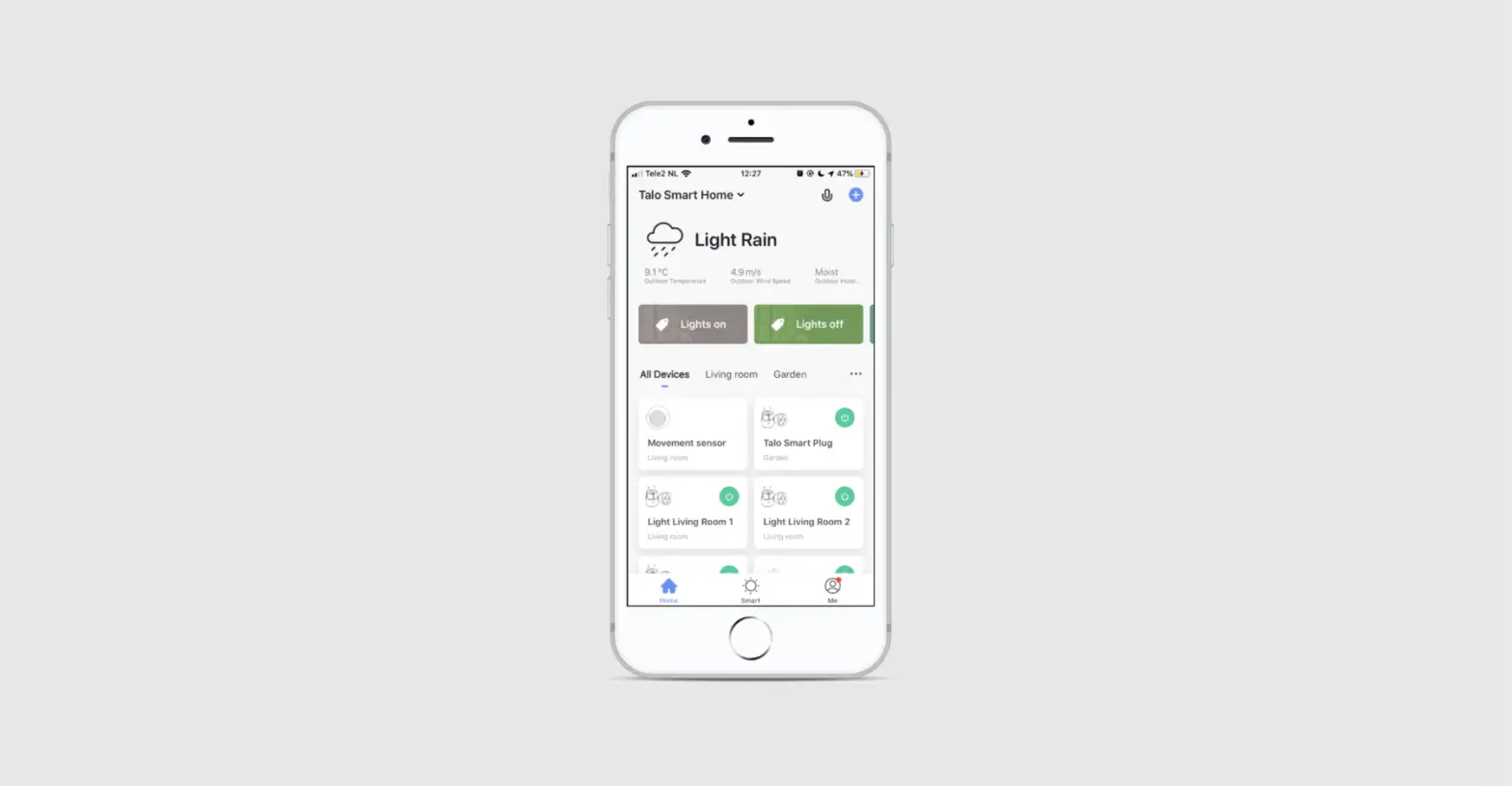
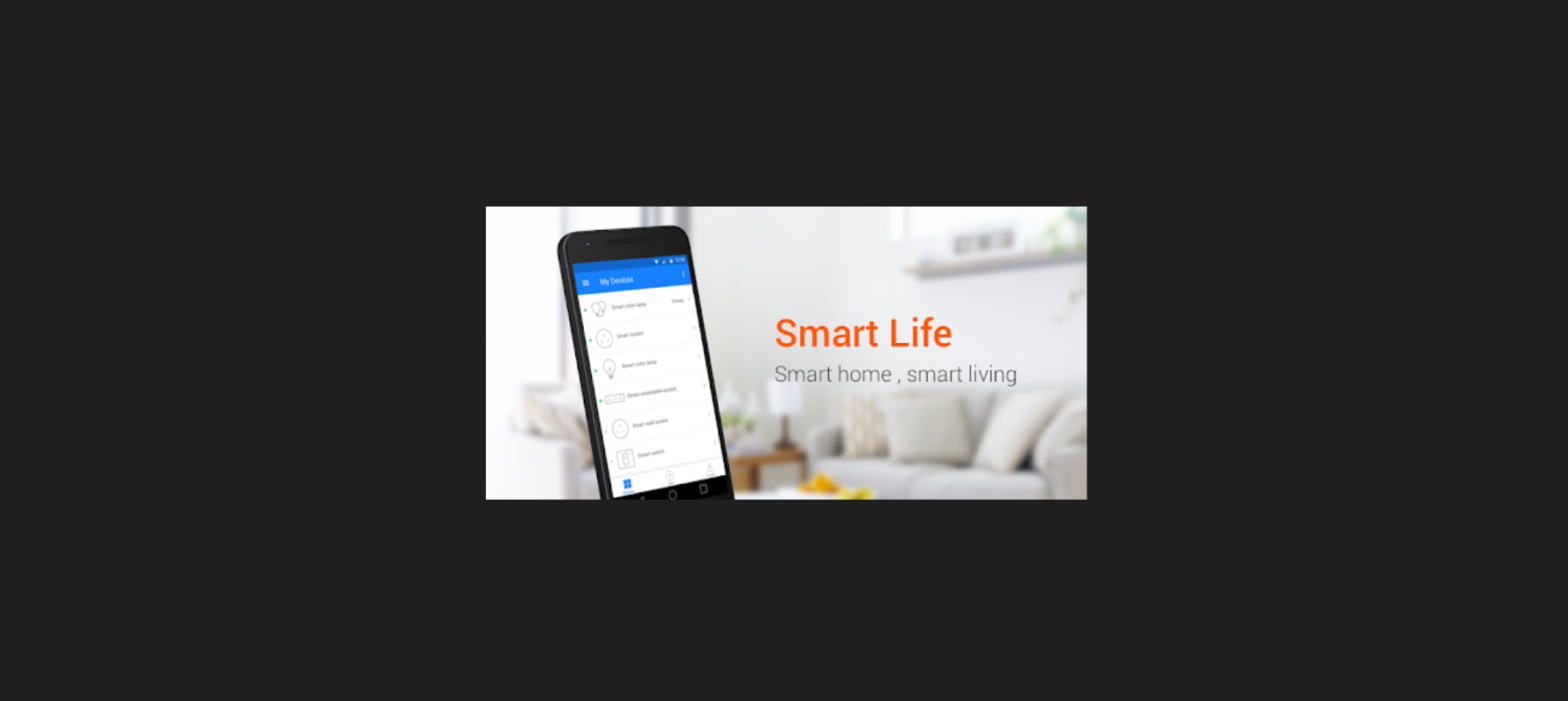
Install and open “Smart Life - Smart Living” app.
App Store Google Play

2
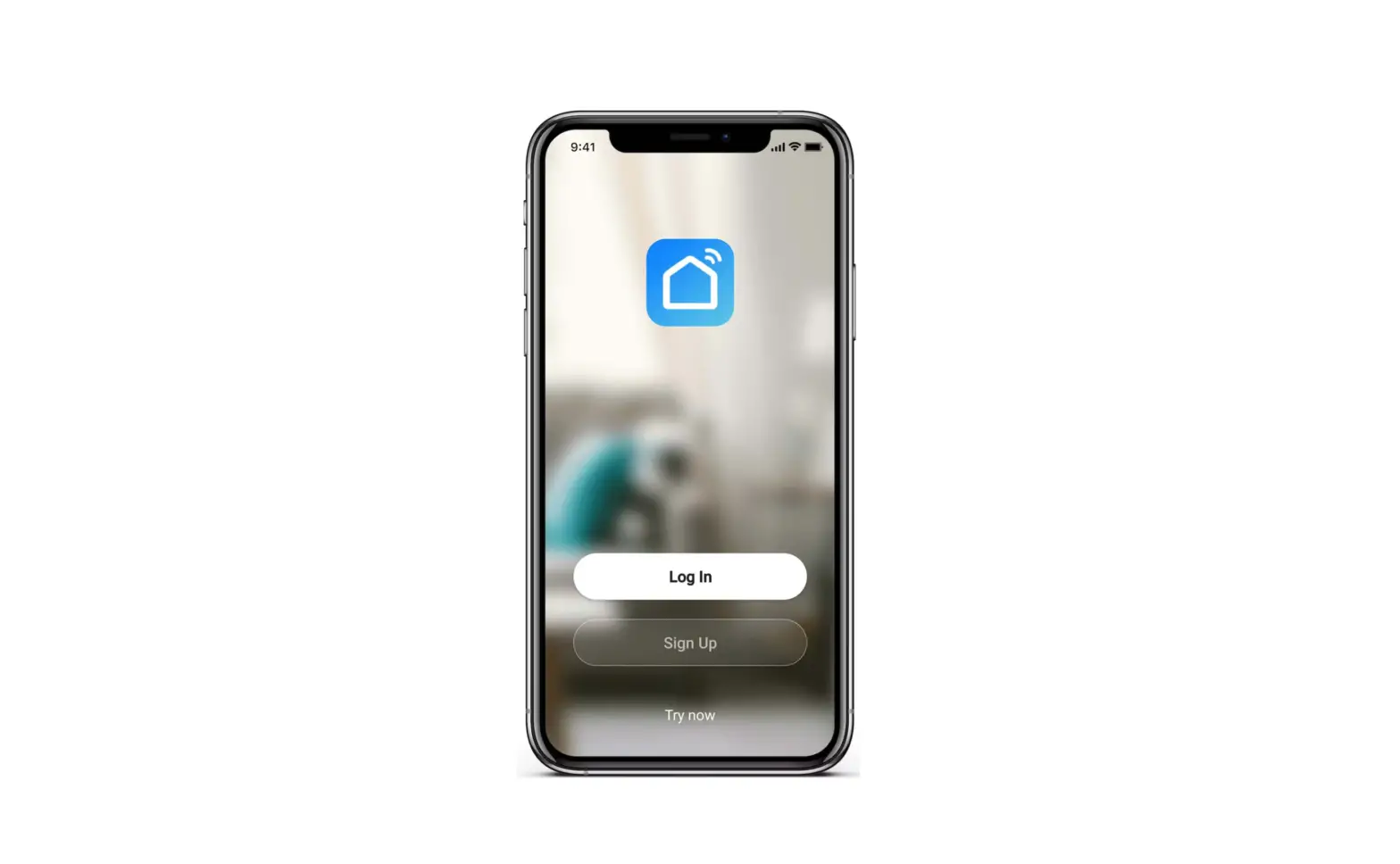
Create an account and log in.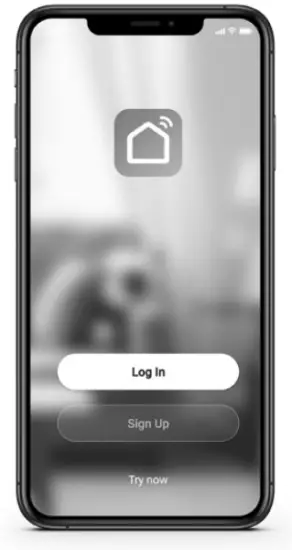
3
Make sure WiFi & Bluetooth are activated on your smartphone.
4
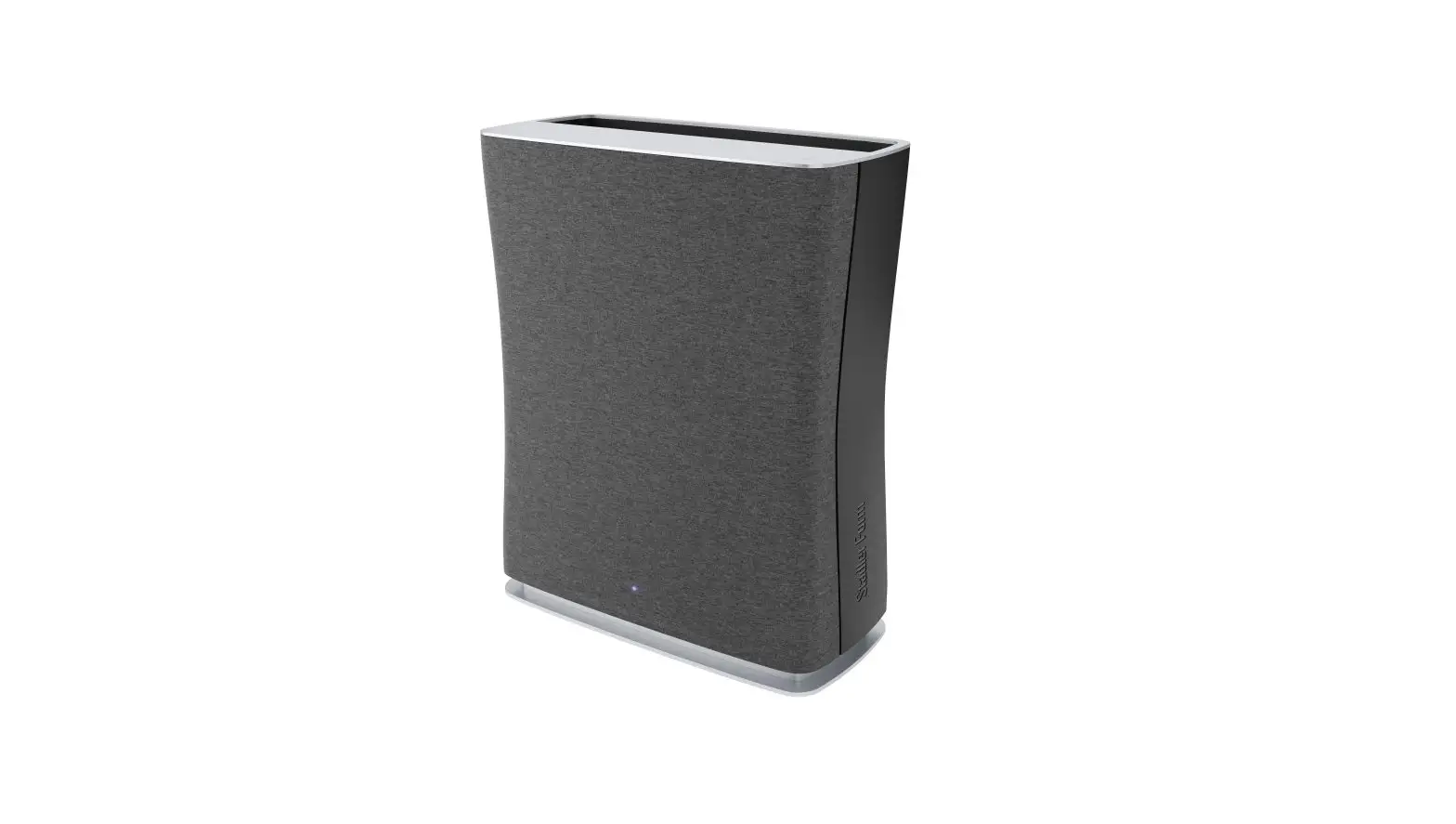
Plug in Roger / Roger big and switch him on.
5
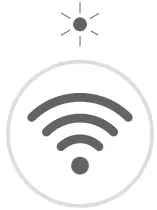
LED above WiFi button blinks quickly. If not: Press WiFi button for 3 seconds.
6a
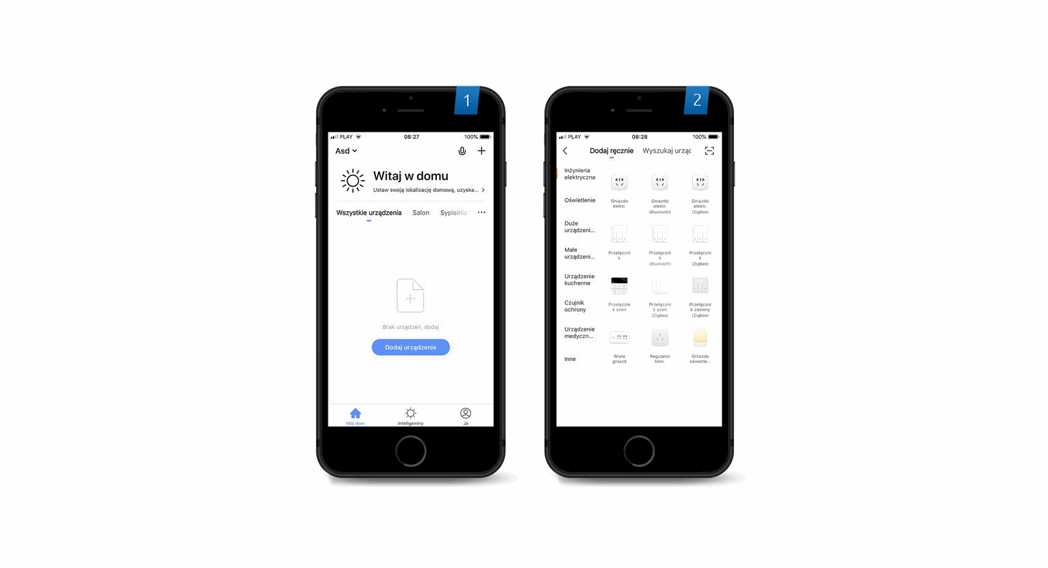
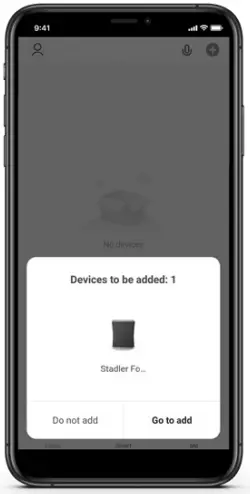
Device appears automatically in app →click to add. Device doesn’t appear →6b.
6b
Choose “+” →Small Home Appliances →Air Purifier. Please enter your WiFi and your password.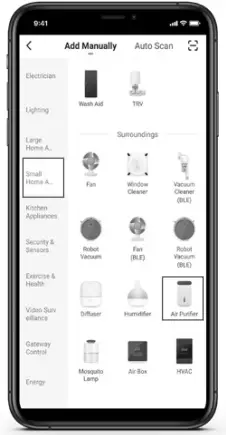
7
Bluetooth connects automatically. If not: Tick circle next to Roger / Roger big. Click on “+” next to Bluetooth.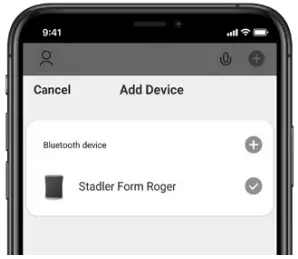
8
Enter your WiFi login and your password.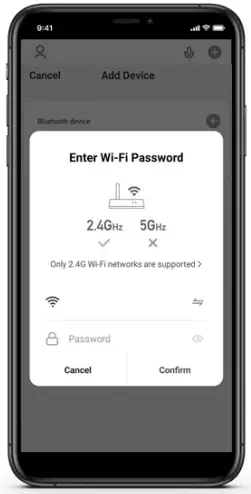
9
Select device to start monitoring air quality and controlling your device.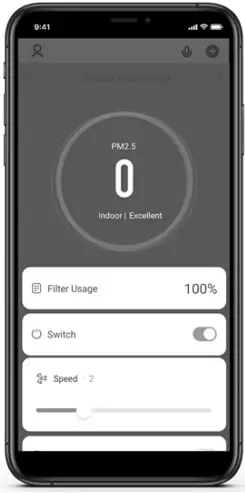
Note: For explanation of the air purifier’s functions, please check instruction manual.
If you need additional support in connecting your Roger / Roger big with your smartphone, please check the detailed instructions on our website: www.stadlerform.com/connect

Any questions?
[email protected]
+41 41 720 48 48
www.stadlerform.com/Newsletter
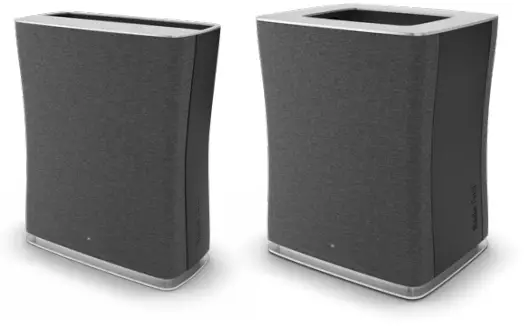




 Stadler Form ensures optimal indoor climate | Stadler Form